KiCad is the best free schematic drawing software for most engineers, free and open source with no board, layer or commercial limits and rated 4.5 out of 5 from 69 G2 reviews. Pick EasyEDA for browser-based design with one-click PCB ordering, or Tinkercad Circuits for learning with live simulation.
How we make this list: we compare pricing pages, product documentation and public user reviews, then re-check every price before each update. No product paid for a place. Disclosure.
KiCad is the only tool here that is fully free with no paid tier, no board limits and no commercial restrictions.
EasyEDA is the fastest free route from schematic to ordered boards, with Premium at $19.90 a month for 10 GB of storage and priority support.
CircuitMaker gives Altium-grade schematic and PCB tools free on Windows, with 16 signal and 16 plane layers.
DesignSpark PCB and DipTrace are the cheapest paid upgrades: Creator at $13.20 a month and DipTrace Starter at $75 once.
Tinkercad Circuits is the best free starting point for learning, while draw.io and Lucidchart suit general diagrams rather than PCB work.
What to look for in a free schematic tool
Free schematic tools now cover the full range, from classroom sketches to boards that ship in real products. The difference is workflow: some tools stop at the drawing, while others take you through simulation, PCB layout and ordering.
Decide first whether you need PCB layout. If you only need a clean diagram for a document or a lesson, a general drawing tool is enough. If the schematic must become a board, pick a tool with layout, design rule checks and Gerber export.
Component libraries matter as much as the editor. A tool lives or dies by whether the parts you use most are already there with correct symbols, so search the library for your five most-used parts before you commit.
If you share schematics as images on a site, keep the files sharp without slowing pages. Our guide on optimizing images for WordPress explains how to compress images while keeping fine lines readable.
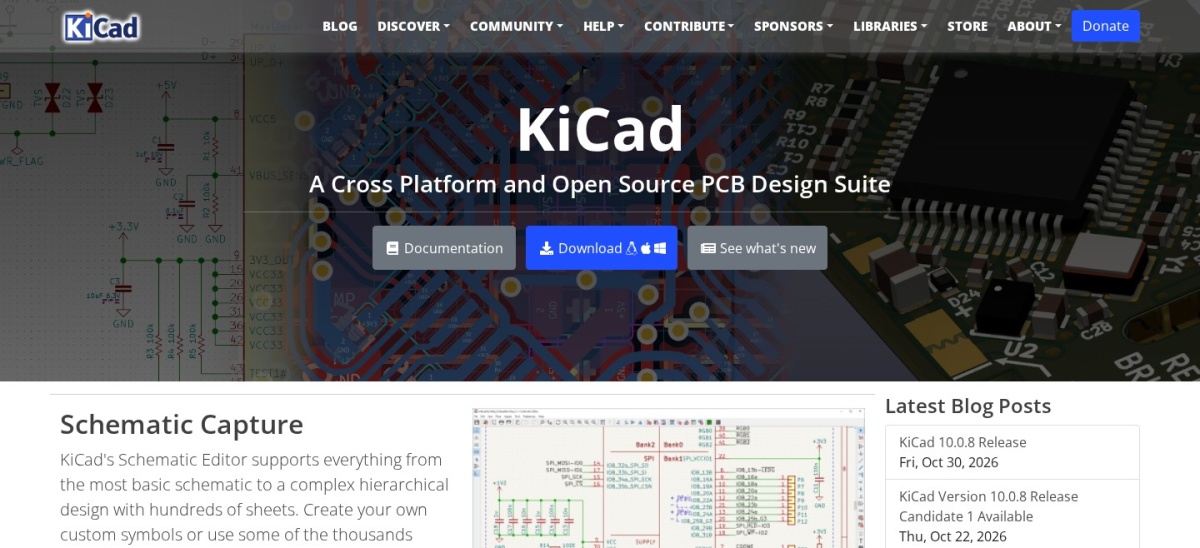
KiCad is a free and open-source electronic design suite with schematic capture, PCB layout, SPICE simulation and a 3D board viewer. The schematic editor supports hierarchical designs, and there are no limits on board size, layer count or commercial use.
The trade off is the learning curve. Library management and the workflow take study, and there is no built-in cloud workspace or vendor support contract at $0 a year. It suits engineers, students and startups who want full control over local files.
What we like
Completely free with no paid tier or commercial limits
Professional schematic, PCB, SPICE and 3D viewer
Runs on Windows, macOS and Linux with plain-text files
Watch out for
Learning curve is real for beginners
No built-in cloud team workspace or support contract
Free forever with no paid plan; donations support developmentVisit kicad.org
02
EasyEDA
4.4/5on G2 (20 reviews, checked Nov 2026)
Paid from$19.90/mo
Best for browser-based design and PCB ordering
Free planStandard, commercial use
Cloud storage0.5 GB free
Paid planPremium, $19.90/mo
EditorBrowser and desktop
easyeda.com
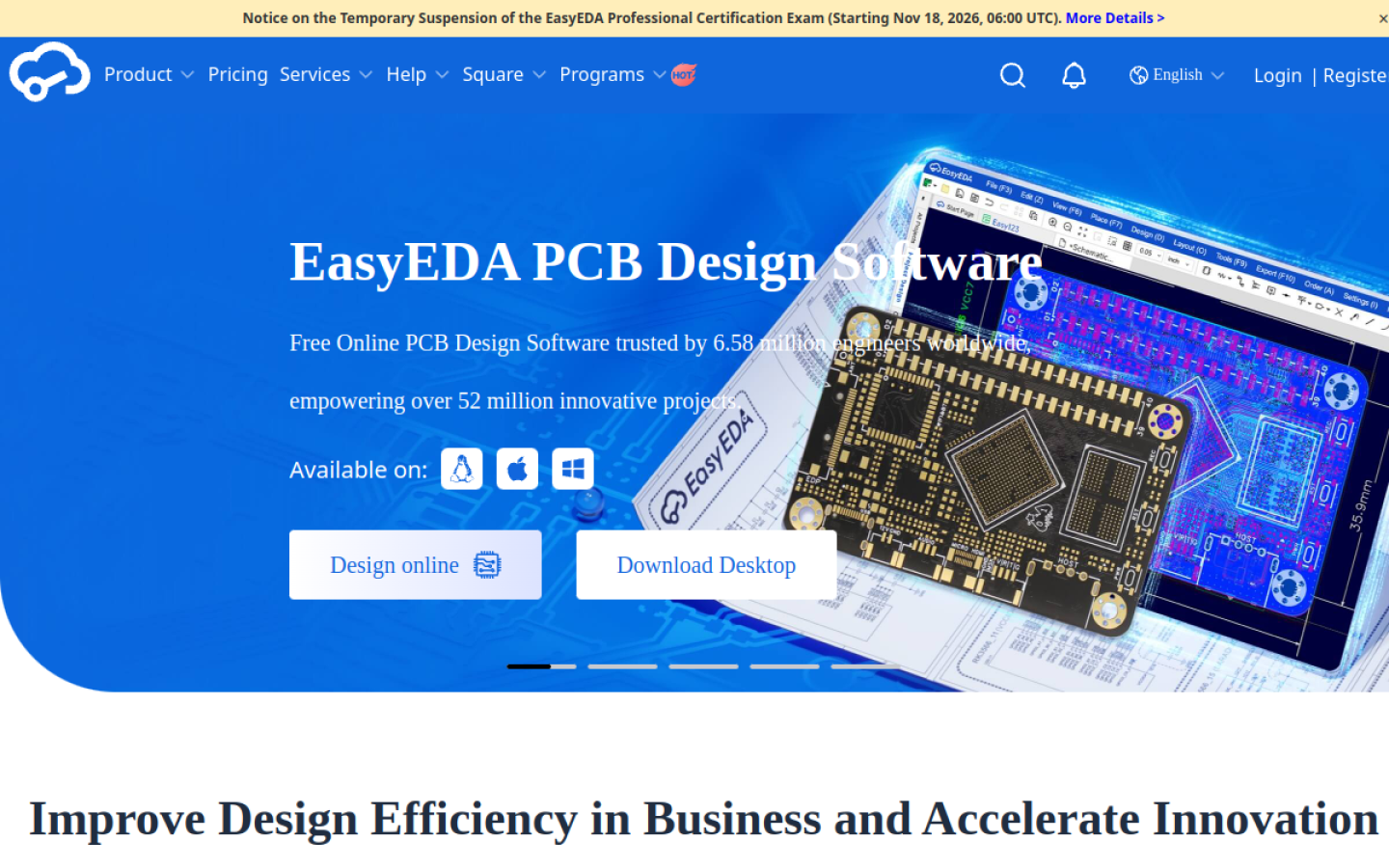
EasyEDA homepage, captured Nov 2026.
EasyEDA is a browser-based schematic and PCB tool with SPICE simulation and a searchable parts library tied to live stock. The free Standard plan allows commercial use with unlimited projects, and ordering manufactured boards from JLCPCB is built into the workflow.
The trade off is the cloud. You need an account and an internet connection, and the free plan includes 0.5 GB of cloud storage, while Premium costs $19.90 a month billed yearly and raises storage to 10 GB. It suits makers and beginners who want the fastest path from idea to a real board.
What we like
Runs in the browser with nothing to install
Free plan allows commercial use
One-click ordering of manufactured boards
Watch out for
Needs an account and an internet connection
Free storage is limited to 0.5 GB
Premium adds 10 GB of storage and priority support at $19.90 a monthVisit easyeda.com
03
CircuitMaker
4.3/5on G2 (110 reviews, checked Nov 2026)
PriceFree
Best free Altium-grade schematic tool
Free planFree, no paid tier
PlatformsWindows only
Layers16 signal, 16 plane
Paid planNone listed
circuitmaker.com
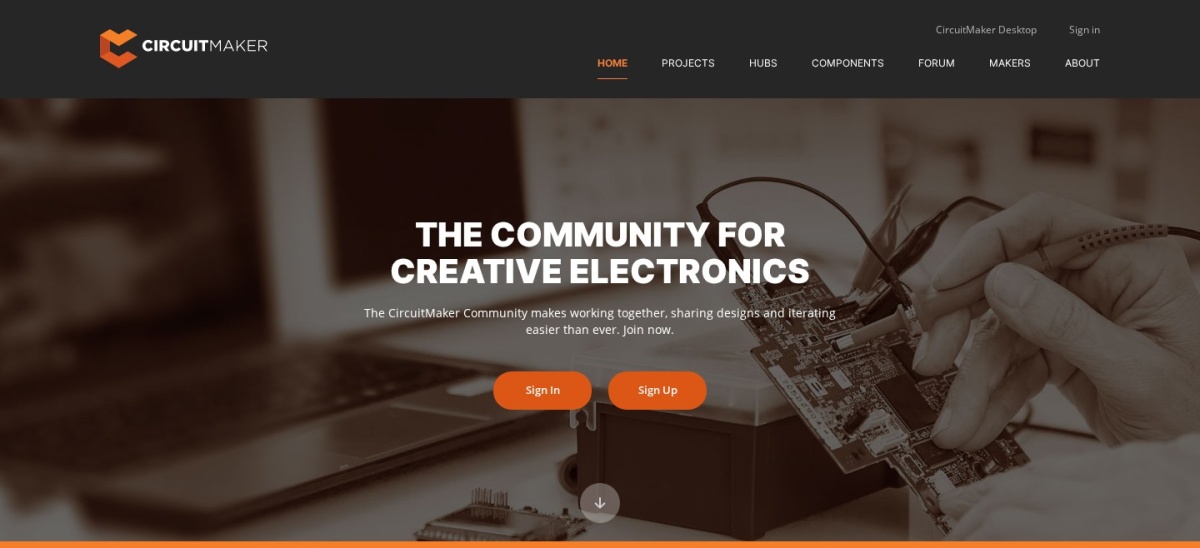
CircuitMaker homepage, captured Nov 2026.
CircuitMaker is Altium's free PCB design tool, built on Altium Designer technology with professional schematic capture, push-and-shove routing, a 3D board viewer and a large community component library. There is no non-commercial clause, so you can sell what you design.
The trade off is platform and privacy. It runs on Windows only, and projects are community-oriented through Altium 365, with a limited number of private projects. It suits Windows users who want pro-grade tools free.
DesignSpark PCB from RS is a free desktop tool with unlimited schematic sheets and layers, autorouting, 3D visualization and SPICE simulation links. The free Explorer tier covers commercial use, and the board size limit is 1 m by 1 m.
The trade off is that extra features now sit in paid tiers. Creator costs $13.20 a month and Engineer costs $19.80 a month, and the tool is Windows-focused. It suits engineers who want a traditional desktop EDA free.
What we like
Unlimited schematic sheets and layers on the free tier
Free for commercial use
Backed by distributor RS with a large parts library
Watch out for
Windows focused, with Linux users relying on Wine
Advanced features now sit in paid subscription tiers
Only 6 G2 reviews, so the rating rests on a small base
Creator adds hierarchical schematics and differential pairs at $13.20 a monthVisit designspark.com
05
DipTrace
4.3/5on G2 (46 reviews, checked Nov 2026)
Paid from$75/one-time
Best for a perpetual licence you buy once
Freeware300 pins, 2 layers
Paid planStarter, $75 once
PlatformsWindows, macOS, Linux
Top editionFull, $995 once
diptrace.com
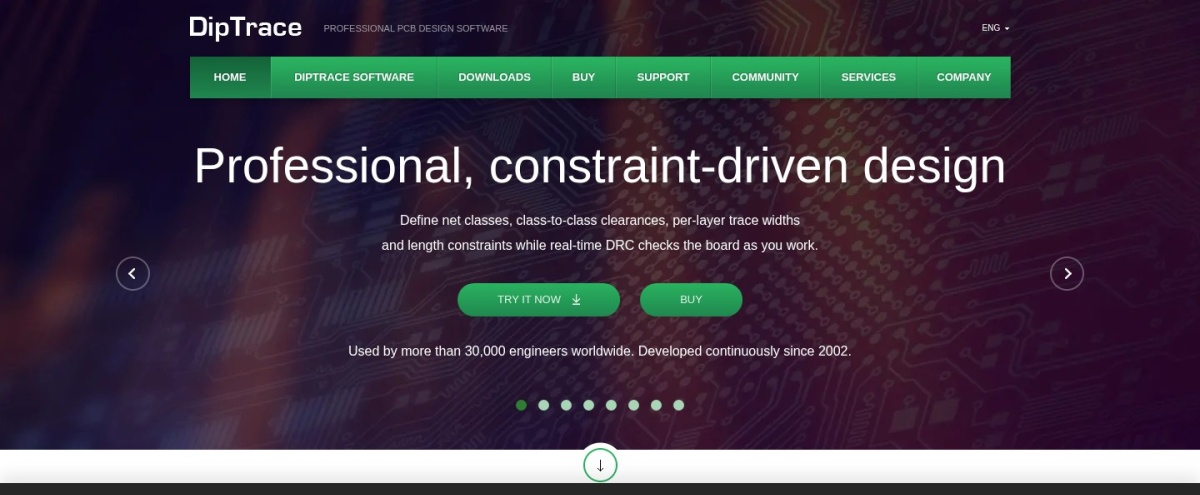
DipTrace homepage, captured Nov 2026.
DipTrace is a schematic and PCB layout tool with a 300-pin, two-signal-layer Freeware edition for non-profit use. Paid editions are perpetual licences priced by pin and layer count, from Starter at $75 once to Full at $995 once for unlimited pins and layers.
The trade off is the cap on the free edition. The 300-pin limit covers small boards, but larger commercial designs need a paid edition, and the freeware licence is for non-profit use. It suits engineers who prefer buying a licence once over a subscription.
What we like
Perpetual licences starting at $75 one-time
Runs on Windows, macOS and Linux
Used by more than 30,000 engineers worldwide
Watch out for
Freeware is limited to 300 pins and non-profit use
Tinkercad Circuits is a free browser tool from Autodesk where beginners drag components onto a virtual breadboard, wire them up and watch the circuit simulate live, including Arduino code running on a virtual board. It is built for classrooms and needs only an Autodesk account.
The trade off is that it is a learning tool, not a PCB tool. There is no board layout or Gerber output, and the parts library is smaller than a full EDA tool. It suits students and first-time builders who want to understand circuits before making a board.
What we like
Completely free with an Autodesk account
Drag-and-drop circuits with live simulation
Arduino code simulation included
Watch out for
No PCB layout or Gerber output
Too basic for real production boards
Free with no paid plan; start here, then move to KiCad or EasyEDAVisit tinkercad.com
07
draw.io
4.4/5on G2 (452 reviews, checked Nov 2026)
PriceFree
Best free general diagram tool for schematics
Free planFree, no account
Runs inBrowser and desktop
DocumentsUnlimited
Paid planAtlassian apps only
diagrams.net
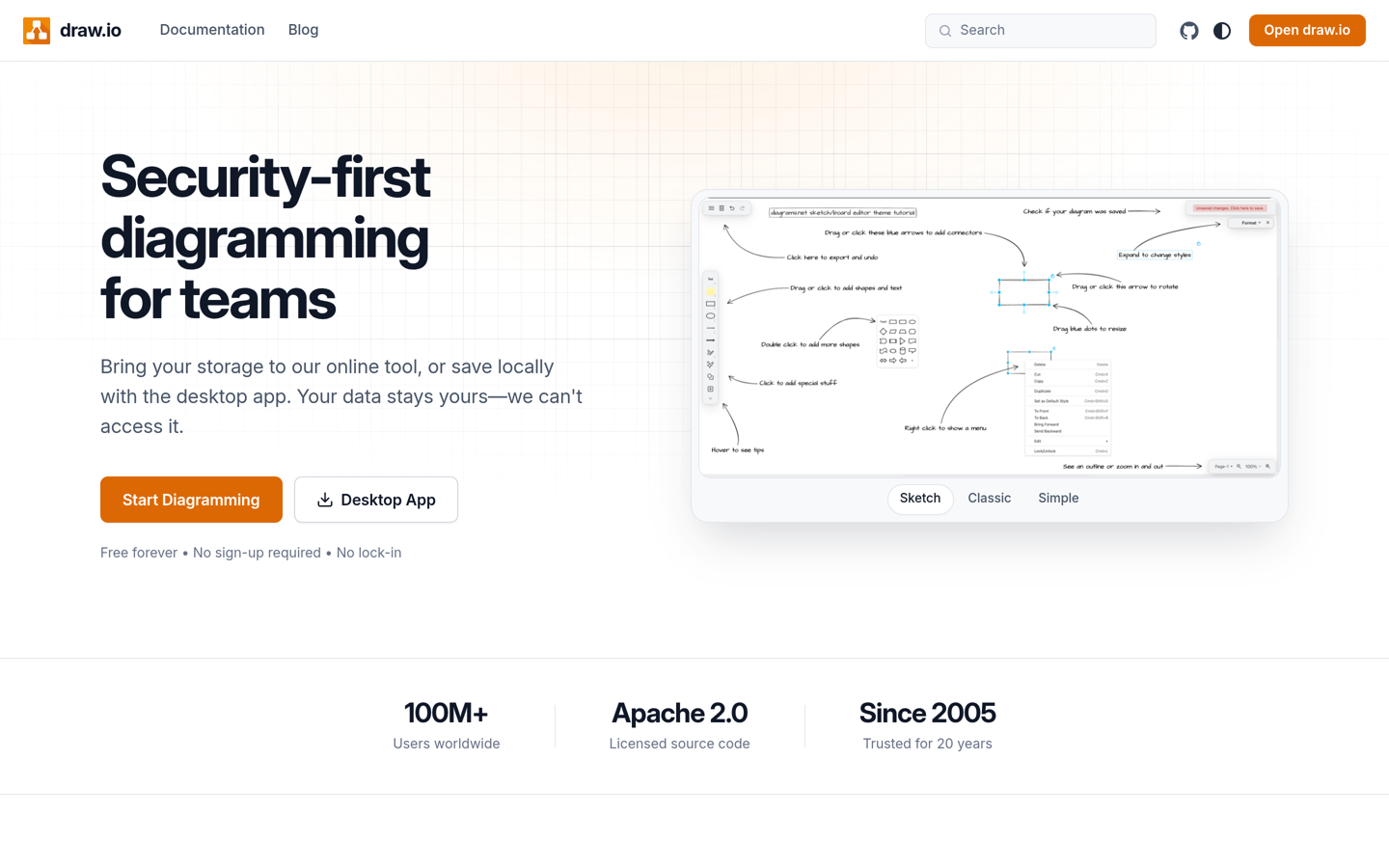
draw.io homepage, captured Nov 2026.
draw.io, hosted at diagrams.net, is a free diagram editor that runs in the browser or as a desktop app with no account and no document limits. You can draw schematics with its shape libraries, store files where you choose, and export to common image formats.
The trade off is that it is a general drawing tool, not an EDA tool. There are no component libraries with footprints, no simulation and no PCB output, so a drawing cannot become a board. It suits documentation, block diagrams and quick sketches.
What we like
Completely free with no document or shape limits
No account needed, files stay where you save them
Runs in the browser and as a desktop app
Watch out for
No electronics libraries, simulation or PCB output
No netlists or design rule checks
Web and desktop apps are free; paid apps exist only for Confluence and JiraVisit diagrams.net
08
Lucidchart
4.5/5on G2 (9,107 reviews, checked Nov 2026)
Paid from$9/mo
Best free diagram tool for polished team schematics
Free plan3 documents, 60 shapes
Paid planIndividual, $9/mo
Cloud storage1 GB on Individual
Visio filesImport and export
lucidchart.com
Lucidchart homepage, captured Nov 2026.
Lucidchart is a browser-based diagramming platform for clean, professional diagrams that teams can edit together. The free plan allows 3 editable documents with about 60 shapes each, and Individual costs $9 a month billed yearly for unlimited documents and shapes.
The trade off is the tight free plan. Three documents run out fast, and Lucidchart is a general diagram tool with no simulation or PCB output, so it cannot take a schematic to a board. It suits teams that need polished diagrams and comments in one place.
What we like
Clean, professional diagrams with team collaboration
Visio import and export on paid plans
Unlimited documents and shapes on Individual
Watch out for
Free plan is limited to 3 documents and about 60 shapes each
Autodesk Fusion combines schematic capture and PCB layout with 3D CAD, CAM and cloud collaboration in one platform, so you can check how a board fits inside its enclosure. A free personal-use tier covers qualifying non-commercial projects, and the paid subscription costs $680 a year.
The trade off is price and scope. Commercial work needs the $680 a year subscription, and the free personal tier is restricted to non-commercial use, so it is more tool than a schematic-only user needs. It suits product teams that design enclosures and boards together.
What we like
Combines PCB design with 3D mechanical CAD and CAM
Free personal-use tier for non-commercial projects
Cloud data management and team collaboration
Watch out for
Commercial subscription costs $680 a year
Free personal tier is restricted to non-commercial use
Paid subscriptions unlock commercial use and full CAD and CAM toolsVisit autodesk.com
Free vs paid: what you give up
Free plans cover drawing well. Most include the full schematic editor, and several add simulation or PCB layout without charging.
Paid plans mostly add storage, privacy and support. You get more cloud space, more private projects and faster help, rather than a better editor.
The clearest free limits are pin counts, document counts and commercial use. DipTrace caps freeware at 300 pins, Lucidchart caps the free plan at 3 documents, and Fusion limits its free tier to non-commercial work.
For a board you plan to sell, check the licence before you draw. KiCad, EasyEDA, CircuitMaker and DesignSpark PCB all allow commercial use free, while DipTrace freeware and the Fusion personal tier do not.
How we chose
We started from the free schematic tools most often recommended for electronics work, then kept the nine with a public G2 rating and a free plan or free tier.
Prices come from each vendor's pricing page, checked on 26 November 2026. Ratings and review counts come from G2 on the same day. Where a vendor shows a sale, the list shows the regular price.
We left out tools with no public G2 or Capterra rating, including LTspice, LibrePCB and Fritzing, so every rating here can be checked. No vendor paid for a place, and we do not claim to have used these tools ourselves.
How to choose a free schematic drawing tool
Start with what the schematic has to become, then pick the tool that covers that ending.
Decide whether you need a PCB. If the drawing must become a board, pick KiCad, EasyEDA, CircuitMaker, DesignSpark PCB or DipTrace. If it only needs to look clear, draw.io or Lucidchart is enough.
Check the free-plan limits first. Count pins, documents and private projects against the free tier. A limit you hit in week two costs more than a paid plan you chose on day one.
Search the library for your parts. Open the parts library and look for the five components you use most. If they are missing, budget time to draw them yourself.
Match the tool to the learner. Start beginners on Tinkercad Circuits for concepts and live simulation, then move them to EasyEDA or KiCad when they are ready to make a real board.
FAQ
What is the best free schematic drawing software?
KiCad is the best free option for most engineers. It is free and open source with no board, layer or commercial limits, and it is rated 4.5 out of 5 from 69 G2 reviews.
Is KiCad really free for commercial use?
Yes. KiCad is open source with no restrictions on commercial use, no board size limits and no layer limits. Companies ship real products designed in KiCad.
Can I draw a schematic in a browser for free?
Yes. EasyEDA, Tinkercad Circuits, draw.io and Lucidchart all run in the browser with a free plan. EasyEDA and Tinkercad add simulation, while draw.io and Lucidchart are general diagram tools.
Do I need to pay to turn a schematic into a PCB?
No. KiCad, EasyEDA, CircuitMaker and DesignSpark PCB all take a schematic to PCB layout free, and EasyEDA adds one-click ordering of manufactured boards. DipTrace freeware covers small boards up to 300 pins.
Which free tool is best for beginners?
Tinkercad Circuits is the easiest starting point. It runs in the browser, uses drag-and-drop parts and simulates the circuit live, including Arduino code. Move to EasyEDA or KiCad when you need PCB layout.
Can I simulate a circuit before building it?
Yes. Tinkercad Circuits simulates live in the browser, EasyEDA includes SPICE simulation, and KiCad includes ngspice simulation. Simulation shows how a circuit behaves before you spend money on parts or boards.
SaaS SEO and WordPress specialist with about 8 years of experience. Rakib compares WordPress plugins, themes, hosting and software using public pricing, documentation and user reviews. See how we rank.