Adobe Scan is the best scanner software for most people: its free app scans to PDF with OCR, edge detection and cloud sync, rated 4.9/5 from 1.6M App Store ratings. Pick ABBYY FineReader for desktop OCR accuracy and Genius Scan for the best free app with no watermark.
How we make this list: we compare pricing pages, product documentation and public user reviews, then re-check every price before each update. No product paid for a place. Disclosure.
Adobe Scan is the best free scanner: OCR, edge detection and cloud sync, rated 4.9 from 1.6M ratings.
ABBYY FineReader is the desktop accuracy pick, with OCR in 198 languages at $99 a year.
Genius Scan's free plan has unlimited scans and no watermark; OCR needs Ultra at $39.99 a year.
CamScanner packs in the most tools, but free exports carry a watermark and Premium is $49.99 a year.
TurboScan Pro is the only one-time purchase here at $12.99, and VueScan revives scanners makers abandoned.
What to look for in scanner software
Scanner software falls into two groups: phone apps that photograph pages, and desktop tools that drive a flatbed or document scanner. Phone apps suit receipts and the odd form; desktop tools suit batch scanning and searchable archives.
OCR is the feature that matters most. It turns a picture of a page into text you can search, copy and edit, and in this list it is free in Adobe Scan but paid in Genius Scan, Scanner Pro and PaperScan.
Check the free plan before you pay. Free tiers range from unlimited scans with no watermark in Genius Scan to watermarked exports and ads in CamScanner, and trials that stamp a watermark on every page in VueScan.
Scans usually end up as PDFs, and WordPress handles those well. Our guide on uploading and embedding a PDF in WordPress shows how to put a scanned document on a page once it is digitised.
4.9/5on App Store (1.6M reviews, checked Nov 2026)
Paid from$19.99/yr
Best scanner app overall
Free OCRUp to 5 pages
PlatformsiOS and Android
Scan modesDocuments, receipts, IDs
Paid planPlus, $19.99/yr
adobe.com
Adobe Scan homepage, captured Nov 2026.
Adobe Scan is a free phone scanner from Adobe that turns paper into PDF or JPEG files. It finds page edges, straightens pages, removes shadows and runs OCR so the text in a scan is searchable and editable, and scans save to Adobe Document Cloud for access on any device.
The trade off is that the paid tiers are confusing. Plus costs $19.99 a year, while Premium plans run from $3.99 a month to $69.99 a year, and the App Store lists several overlapping tiers, so check which one you are buying. It suits anyone who wants a free, capable phone scanner that hands scans straight to Acrobat.
ABBYY FineReader PDF is a desktop app for Windows and Mac built around ABBYY's OCR engine. It turns scans and photos of pages into searchable, editable PDFs and Word files, keeps the layout of the original page, and adds full PDF editing, conversion and signing in the same app.
The trade off is the subscription. Standard costs $99 a year for Windows, or $69 a year for Mac, and there is no free plan, only a 7-day trial, while comparison and Hot Folder batch conversion need Corporate at $165 a year. It suits offices and professionals who scan every week and need the text to come out right.
4.9/5on App Store (1.4M reviews, checked Nov 2026)
Paid from$39.99/yr
Best free scanner app
Free scansUnlimited, no watermark
OCRUltra only
PlatformsiOS and Android
Paid planUltra, $39.99/yr
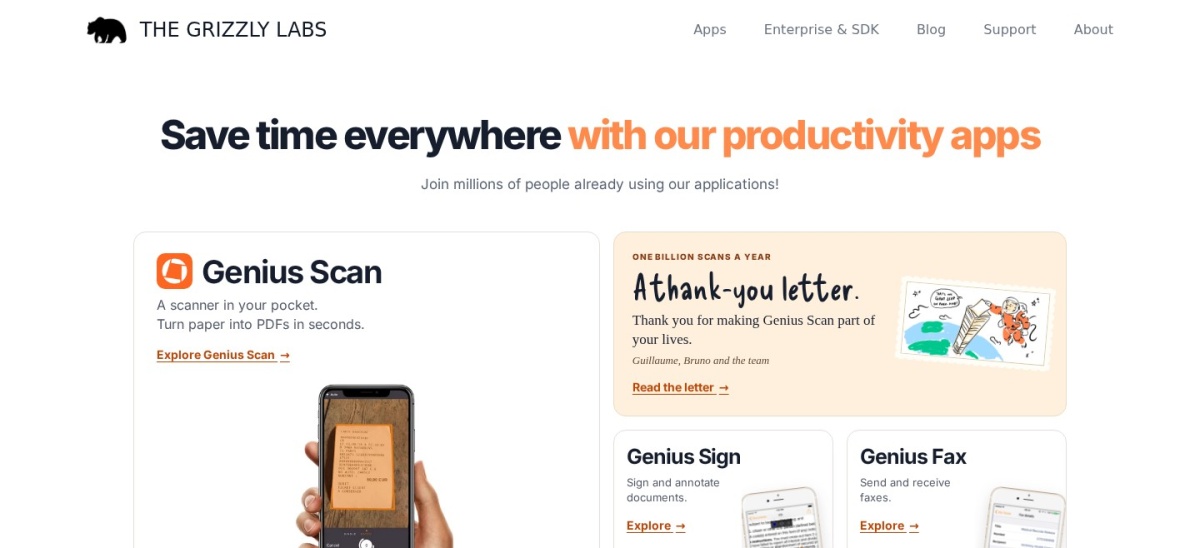
thegrizzlylabs.com
Genius Scan homepage, captured Nov 2026.
Genius Scan is a phone scanner from The Grizzly Labs that has been on the App Store since 2010. The free Basic plan scans without limits, adds no watermark and processes documents on the phone, with batch scanning, multi-page PDFs and email export included.
The trade off is that text recognition sits behind the paywall. On-device OCR, cloud export and Genius Cloud backup need Ultra at $39.99 a year, with no monthly option, and team licences run from $40 down to $20 per licence a year. It suits people who scan often and want a private, no-fuss free app.
What we like
Free plan has unlimited scans and no watermark
Scans stay on the phone unless you export them
Fast edge detection and clean black-and-white filter
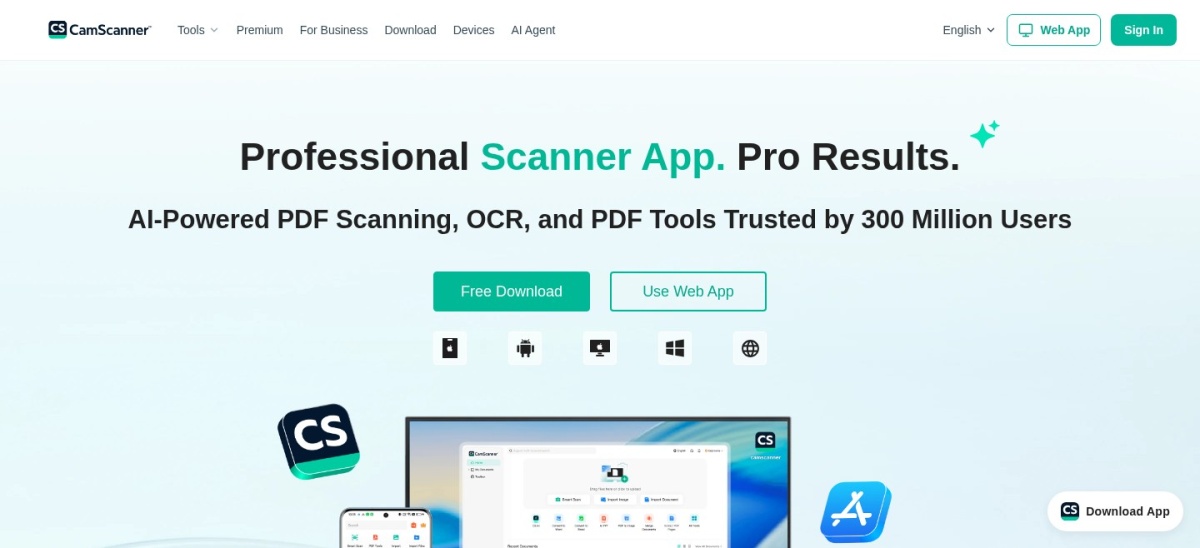
CamScanner is the most widely used phone scanner in this list, with about 2 million App Store ratings. The free app scans documents, receipts and IDs, adds OCR, annotation, signing and fax, and syncs files across phones, tablets and computers through a CamScanner account.
The trade off is price and clutter. Premium costs $49.99 a year after a $35.99 first year, the store lists annual Premium options up to $69.99, and free scans carry a watermark with ads in the app. It suits people who want one app for scanning, OCR, signing and fax.
What we like
Widest feature set: OCR, fax, signing, annotation
Works on phone, web and desktop
ID-card scan mode and batch processing
Rated 4.8 out of 5 from about 2M ratings
Watch out for
Free exports carry a watermark
Ads in the free app
Several Premium prices make the real cost unclear
Premium removes the watermark and ads and adds 1,000 OCR recognitions a monthVisit camscanner.com
05
Adobe Acrobat
4.5/5on G2 (5,825 reviews, checked Nov 2026)
Paid from$19.99/mo
Best for scan-to-PDF workflows
OCRPro only
Free planReader, view and sign
PlatformsWindows, Mac, web, mobile
Paid planPro, $19.99/mo
adobe.com
Adobe Acrobat homepage, captured Nov 2026.
Adobe Acrobat is the PDF editor most workplaces already use, and its mobile app scans paper straight into PDF. It turns scans into searchable text with OCR, edits text and images with reflow, combines files, and sends documents for signature with tracking.
The trade off is cost. OCR, redaction and comparison sit in Pro at $19.99 a month on the annual plan, while Standard at $14.99 a month leaves OCR out, and the desktop app can feel heavy on older machines. It suits professionals who edit, sign and share PDFs every day.
What we like
OCR turns scans into searchable, editable text
Full editing, redaction and comparison tools
E-signatures with tracking built in
Rated 4.5 out of 5 from 5,825 G2 reviews
Watch out for
OCR needs Pro at $19.99 a month
Subscription only, no one-time purchase
Desktop app can run slowly on older machines
Pro adds OCR, redaction, comparison and web formsVisit adobe.com
06
Scanner Pro
4.9/5on App Store (338K reviews, checked Nov 2026)
Paid from$19.99/yr
Best scanner for Apple users
PlatformsiPhone, iPad and Mac
OCRPlus only
Languages25+
Paid planPlus, $19.99/yr
apps.apple.com
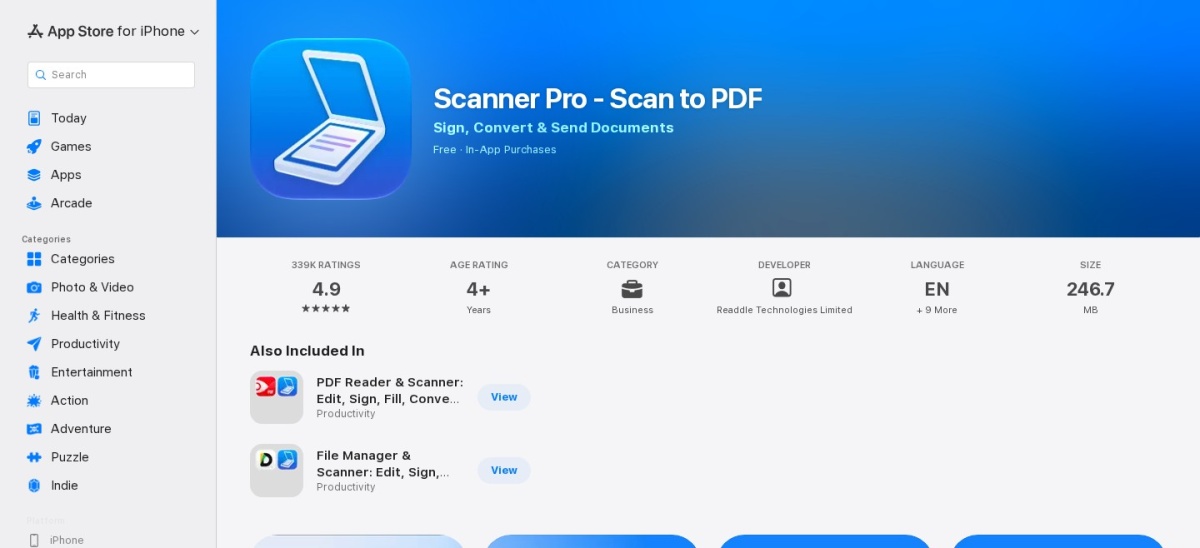
Scanner Pro homepage, captured Nov 2026.
Scanner Pro from Readdle turns an iPhone, iPad or Mac into a portable scanner for receipts, IDs and agreements. It finds page edges, straightens scans and saves multi-page PDFs, with signing, translation of PDFs into more than 20 languages and export to Word and PowerPoint on the Plus plan.
The trade off is the subscription maze. Plus sells monthly from $3.99 and yearly from $19.99, with annual options listed up to $59.99, and many tools, from text recognition to sync, need the subscription. It suits Apple users who scan every week and want the most polished app.
4.9/5on App Store (298K reviews, checked Nov 2026)
Starts at$12.99/once
Best one-time purchase
Price$12.99, one time
Free planNone, paid app
PlatformsiPhone and iPad
SureScan modeYes, for poor light
apps.apple.com
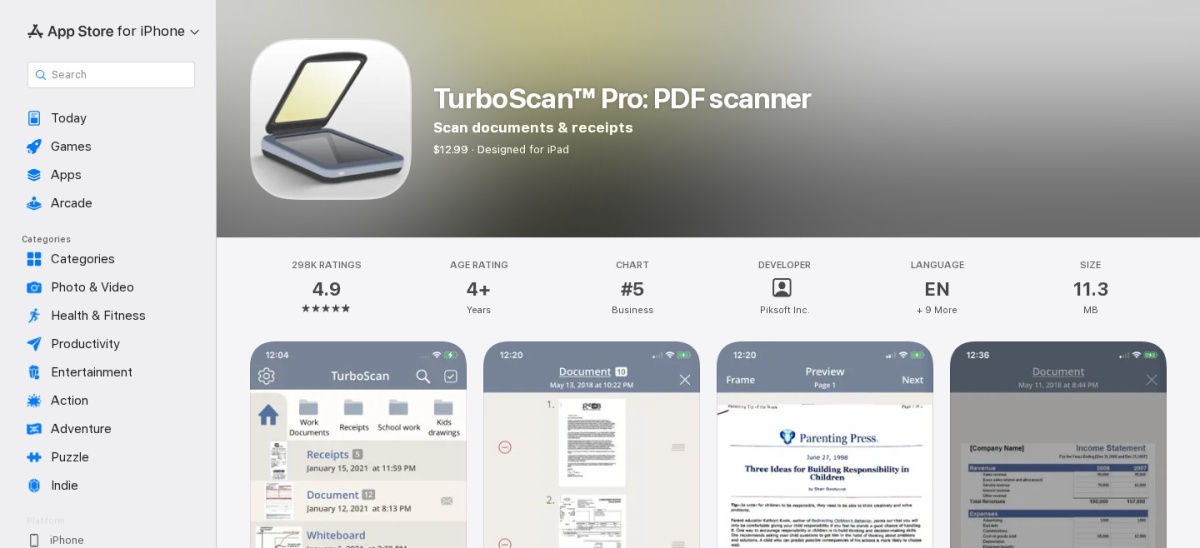
TurboScan Pro homepage, captured Nov 2026.
TurboScan Pro from Piksoft is a paid app with no subscription: $12.99 once, with no in-app purchases. It turns a phone into a scanner for documents, receipts, books, photos and whiteboards, builds multi-page PDFs and JPEGs, and sends finished scans straight to email or cloud storage.
The trade off is scope. There is no free version to try, and it has no sync or document-management tools of its own, so it is a focused scanner rather than a full system. It suits people who dislike subscriptions and want a simple scanner that just works.
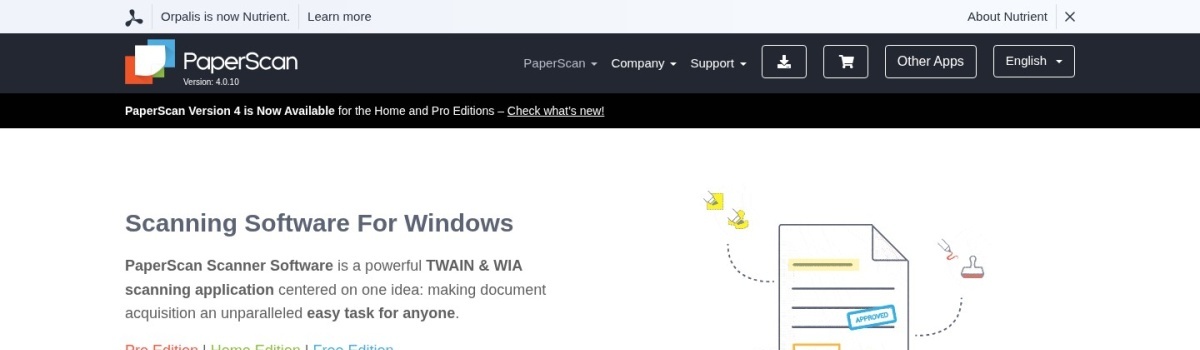
PaperScan from ORPALIS is a Windows desktop scanner that acquires pages through TWAIN and WIA, the drivers most office scanners use. The free edition covers basic scanning and image cleanup, while the paid editions add batch work, annotation and barcode reading, and Professional adds OCR for searchable PDFs.
The trade off is that the cheapest paid edition is light. Home costs $79 once but has no OCR and no annotations, so the full toolset needs Professional at $149 once, and the app runs on Windows only. It suits small offices that scan in batches on Windows and want a one-time licence.
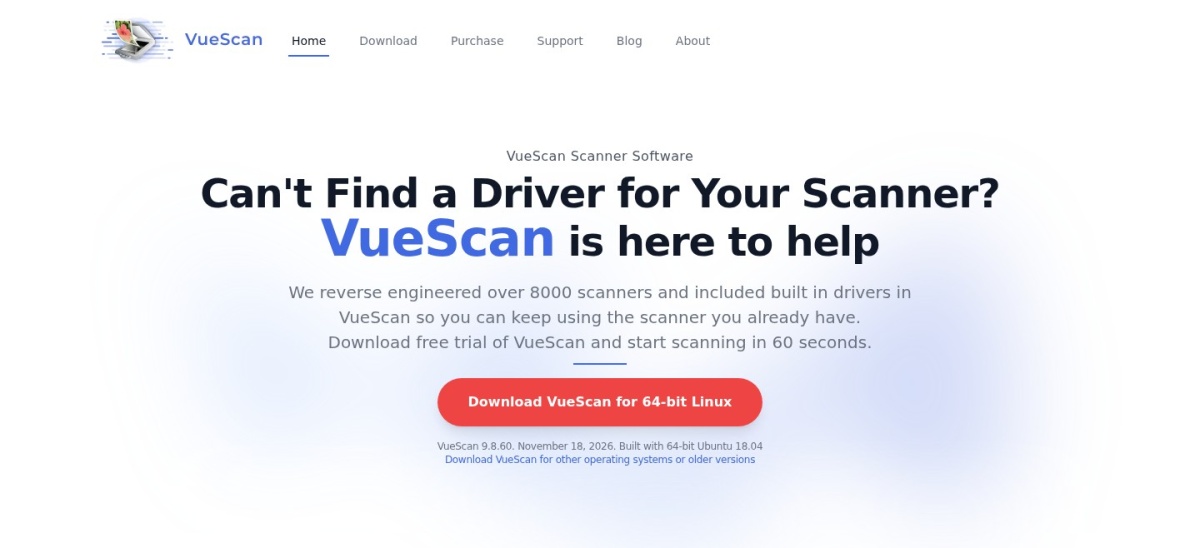
VueScan from Hamrick Software replaces the software that came with a scanner, with built-in drivers for more than 8,000 models from 42 manufacturers, including models makers no longer support. It scans documents and photos to JPG, PDF or TIFF, with OCR and multi-page PDFs, and Professional adds film and slide scanning.
The trade off is the dated interface and the small review base. Standard costs $39.95 a year, or $99.95 as a one-time purchase, and a Black Friday sale was running when this list was checked, so the price on the page may show a discount. It suits anyone whose scanner still works but whose maker's software does not.
Phone apps are the fastest way to scan a page you are holding. They find edges, fix perspective and save a PDF in seconds, and the best ones are free.
Desktop tools win for volume and accuracy. They drive the scanner directly, handle stacks through a feeder, and their OCR is usually stronger, which is why ABBYY FineReader leads on accuracy.
If you scan every day, use both: a phone app for pages on the go and a desktop tool for the archive. Microsoft Lens was retired in early 2026, so do not build a new workflow on it.
Whatever you pick, keep the original paper until you have checked the scan. A blurry page is easy to rescan and hard to fix later.
How we chose
We started from the scanner apps and desktop tools people actually use: phone scanners from the App Store charts, desktop OCR tools from G2, and long-running names such as VueScan and PaperScan.
Prices come from each vendor's pricing page or App Store listing, checked on 26 November 2026. Ratings and review counts come from G2 or the App Store on the same day. Where a vendor shows a sale, the list shows the regular price.
We left out Microsoft Lens, which Microsoft retired in early 2026, and tools with no public rating on G2, Capterra or the app stores, such as the free NAPS2. No vendor paid for a place, and we do not claim to have used these tools ourselves.
How to choose scanner software
Start with how you scan, then match the tool to the pile of paper, not the other way round.
Decide phone or desktop first. If you scan receipts and forms on the go, a phone app is enough. If you feed stacks through a scanner, you need a desktop tool with batch support.
Check whether OCR is free. Searchable text is the point of most scanning. Adobe Scan includes OCR free, while Genius Scan, Scanner Pro and PaperScan charge for it, so compare the paid price, not just the download.
Try the free plan on a real document. Scan a receipt and a dense letter, then check the edges, the text and the file size. A watermark on the free plan is a reason to pay, not a reason to keep the app.
Watch the subscription. Most phone scanners are yearly subscriptions with several overlapping prices, so check the annual cost before you subscribe. TurboScan Pro and PaperScan sell one-time licences if you would rather pay once.
FAQ
What is the best scanner software?
Adobe Scan is the best scanner software for most people. Its free app scans paper to PDF with OCR, automatic edge detection and cloud sync, and it is rated 4.9 out of 5 from 1.6 million App Store ratings. ABBYY FineReader is the better pick for desktop OCR.
Is there a free scanner app with no watermark?
Yes. Genius Scan's free Basic plan scans without limits and adds no watermark, and Adobe Scan's free app also exports clean PDFs. CamScanner's free exports carry a watermark, and VueScan's trial stamps one on every scan, so check the free plan before you commit.
Do I need OCR in scanner software?
You need it if you want to search, copy or edit the text in a scan. Without OCR a scan is only a picture of a page. Adobe Scan includes OCR free, while Genius Scan, Scanner Pro and PaperScan keep it on paid plans, so factor that price into your choice.
What happened to Microsoft Lens?
Microsoft retired Microsoft Lens in early 2026. New downloads ended in February 2026 and new scans stopped in March 2026, so the app can no longer scan. Adobe Scan and Genius Scan are the closest free replacements for everyday phone scanning.
Can scanner software replace a flatbed scanner?
A phone app replaces a flatbed for the odd receipt, form or page, and the best ones correct perspective and lighting well. For stacks of paper, old photos or film, a flatbed with desktop software such as VueScan or PaperScan is faster and more accurate.
Which scanner software is best for old scanners?
VueScan is the best pick for old scanners. It carries built-in drivers for more than 8,000 scanner models, including models makers no longer support, so a scanner abandoned after an operating system upgrade often works again. Standard costs $39.95 a year.
SaaS SEO and WordPress specialist with about 8 years of experience. Rakib compares WordPress plugins, themes, hosting and software using public pricing, documentation and user reviews. See how we rank.