Ignition is the best SCADA software for most plants, with a $3,280 one-time license covering unlimited tags, clients and connections and a 4.8 out of 5 G2 rating from 73 reviews. Choose Siemens WinCC for Siemens plants, or FactoryTalk View for Allen-Bradley lines.
How we make this list: we compare pricing pages, product documentation and public user reviews, then re-check every price before each update. No product paid for a place. Disclosure.
Ignition is the only tool here with a published price: $3,280 once for unlimited tags, clients and connections.
WinCC V8.2 is the pick for Siemens plants, with TIA Portal engineering and a 21-day trial.
AVEVA InTouch is the installed-base leader for HMI, rated 4.7 out of 5 on G2, but from only 3 reviews.
FactoryTalk View is the natural fit for Allen-Bradley PLCs, rated 4.5 out of 5 on Software Advice from 19 reviews.
Every other tool in this list is quote-only, so budget for the license plus annual support before you commit.
What to look for in SCADA software
SCADA software sits between your PLCs and your operators. It turns live signals into screens, alarms, trends and history that a control room can act on.
Licensing is the biggest difference between these tools. Some charge per tag, some per client, and Ignition charges one price for unlimited tags, clients and connections.
Check driver support before anything else. A platform is only useful if it talks to your PLCs, and most vendors list 100 or more drivers while smaller ones cover fewer protocols.
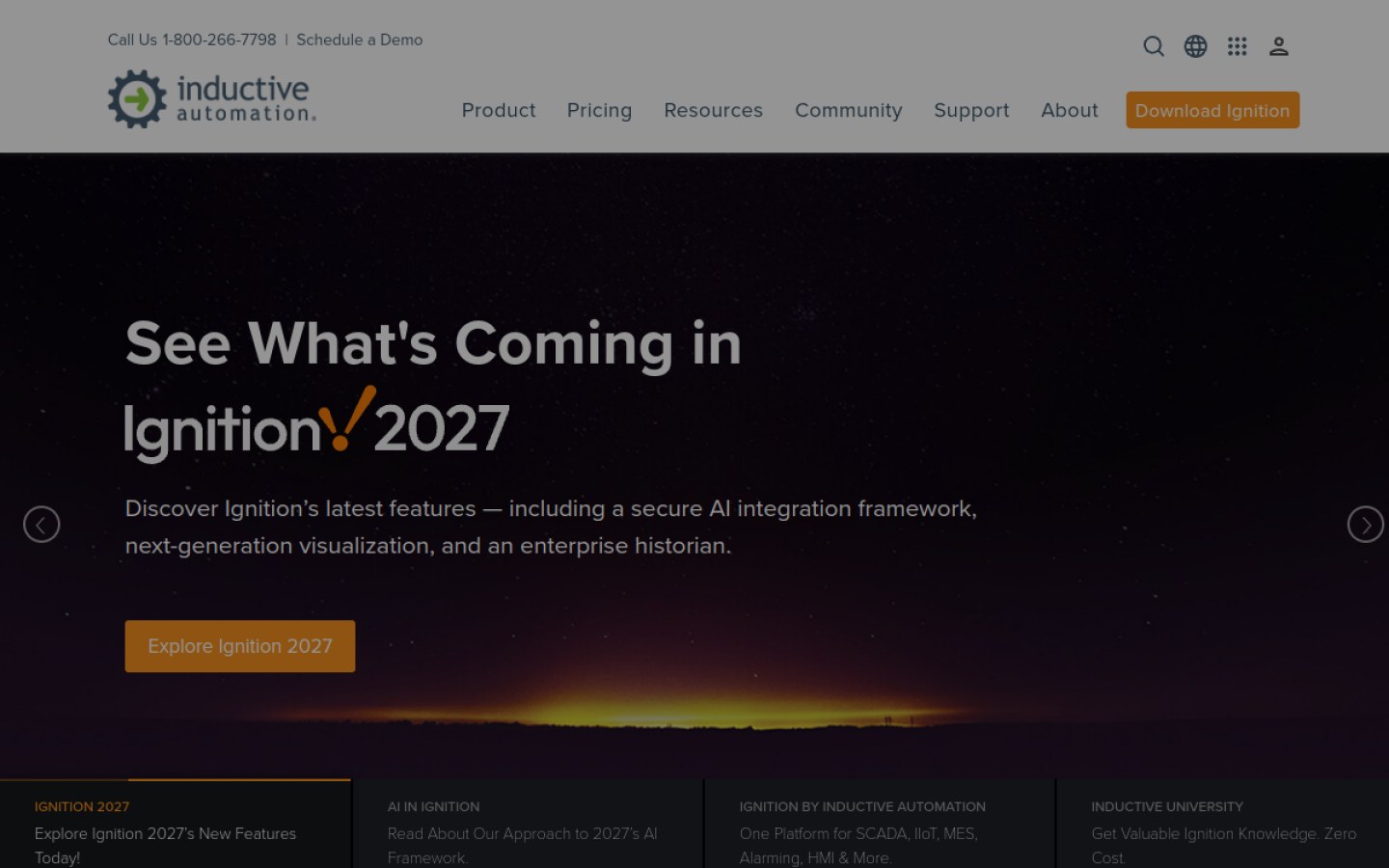
Ignition is a web-based SCADA platform from Inductive Automation built around one server license with unlimited tags, clients and connections. The Perspective module builds browser-based HMI screens, and built-in alarming, trending and SQL database tools cover the rest of a plant system. A free Maker Edition exists for personal, non-commercial use.
The trade off is that the low entry price is only the start. Support plans cost 16% to 24% of the license price each year, and the bigger Solution Suites reach $13,500. It suits plants that want to grow tag counts without renegotiating a license.
What we like
Unlimited tags, clients and connections
Free trial with full features
Free training through Inductive University
Modular: add historian, MES and reporting as needed
Watch out for
Support is a yearly extra at 16% or more
Very flexible, so simple projects need more setup
Per-server licensing means each gateway needs a license
SIMATIC WinCC is Siemens' SCADA system, now at version 8.2, for visualization, monitoring and control across industries. It engineers inside the TIA Portal beside STEP 7, so PLC logic and HMI screens share one project. Web clients, SQL-based archiving and redundant systems cover large plants, and a 21-day trial is available.
The trade off is price and lock-in. Siemens publishes no list price, and licensing is sized by PowerTag count, so quotes vary widely by project. It suits plants already running Siemens PLCs that want one engineering environment from controller to screen.
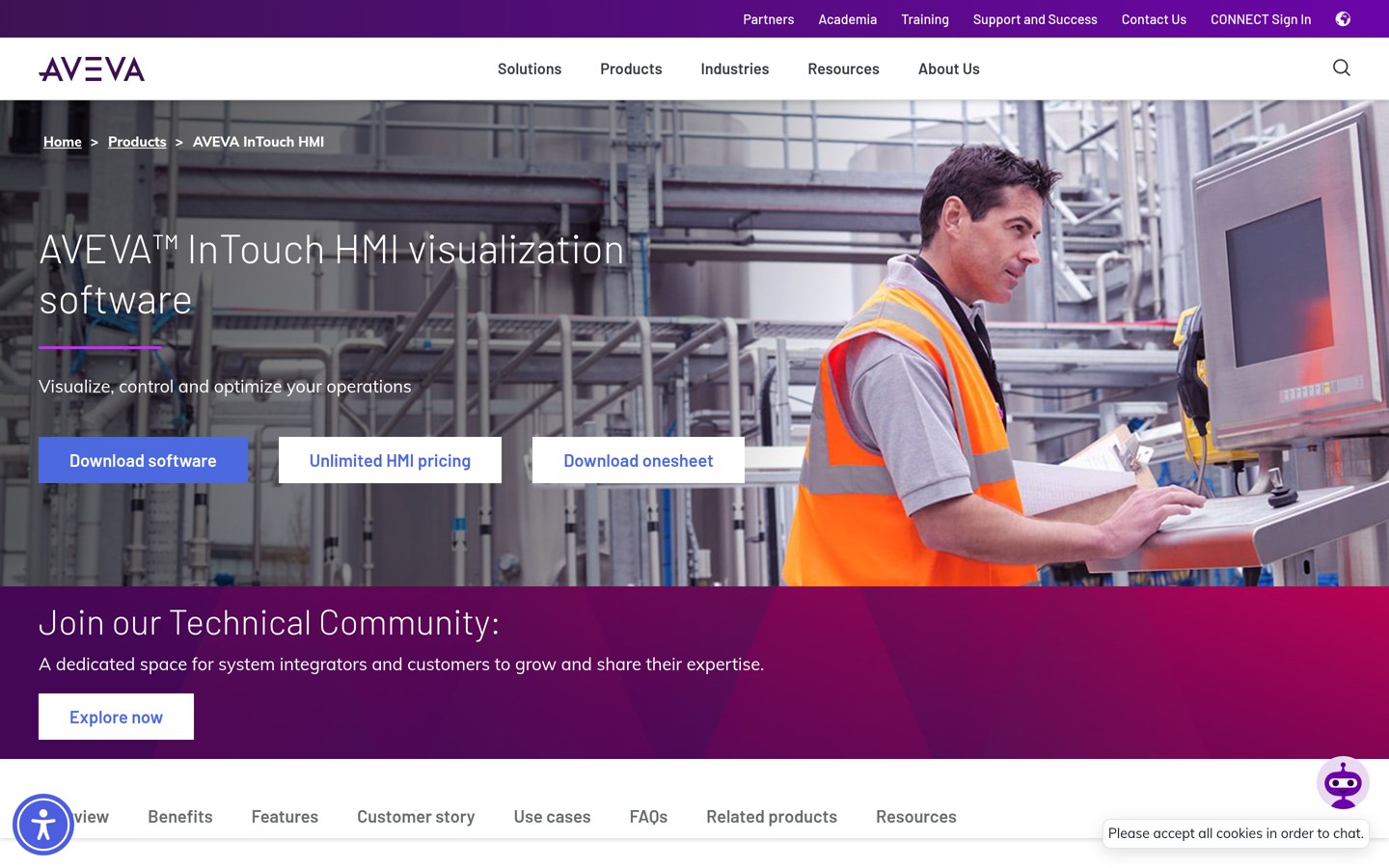
AVEVA InTouch HMI is the operator interface at the front of AVEVA's System Platform, used for visualization, control and optimization in process plants. It pairs with InTouch OMI for modern operator displays and ArchestrA graphics for reusable symbols. AVEVA sells it through AVEVA Flex credits, with an unlimited-HMI pricing option.
The trade off is evidence. Its G2 rating of 4.7 out of 5 rests on only 3 reviews, so there is little public user feedback to lean on. It suits plants already running AVEVA software that want a proven HMI with a huge installed base.
What we like
Long track record in process industries
Modern OMI displays beside classic InTouch
Reusable ArchestrA graphics and symbols
Unlimited-HMI pricing option
Watch out for
Only 3 G2 reviews behind its rating
Quote-only pricing through AVEVA Flex
Feels dated next to web-first rivals
AVEVA Flex subscription adds support and the wider AVEVA portfolioVisit aveva.com
04
FactoryTalk View
4.5/5on Software Advice (19 reviews, checked Nov 2026)
PricingCustom/quote
Best for Allen-Bradley PLC plants
EditionsSite Edition + Machine Edition
PLC fitAllen-Bradley Logix
Web accessViewPoint add-on
Compliance21 CFR Part 11
rockwellautomation.com
FactoryTalk View homepage, captured Nov 2026.
FactoryTalk View is Rockwell Automation's HMI software for Allen-Bradley plants, in Site Edition for distributed systems and Machine Edition for single machines. It shares tags with Logix controllers, so there is no second tag database to keep in sync. ViewPoint adds browser access, and the suite supports 21 CFR Part 11 validation.
The trade off is ecosystem fit. It is at its best on Allen-Bradley hardware and less attractive elsewhere, and Rockwell publishes no list price. It suits plants already standardized on ControlLogix or CompactLogix that want one vendor from PLC to screen.
What we like
No duplicate tag database with Logix controllers
Site Edition scales from one station to distributed systems
ViewPoint web access for remote screens
21 CFR Part 11 support for regulated plants
Watch out for
Quote-only pricing
Best value only inside the Rockwell ecosystem
Machine and Site Editions are separate products to license
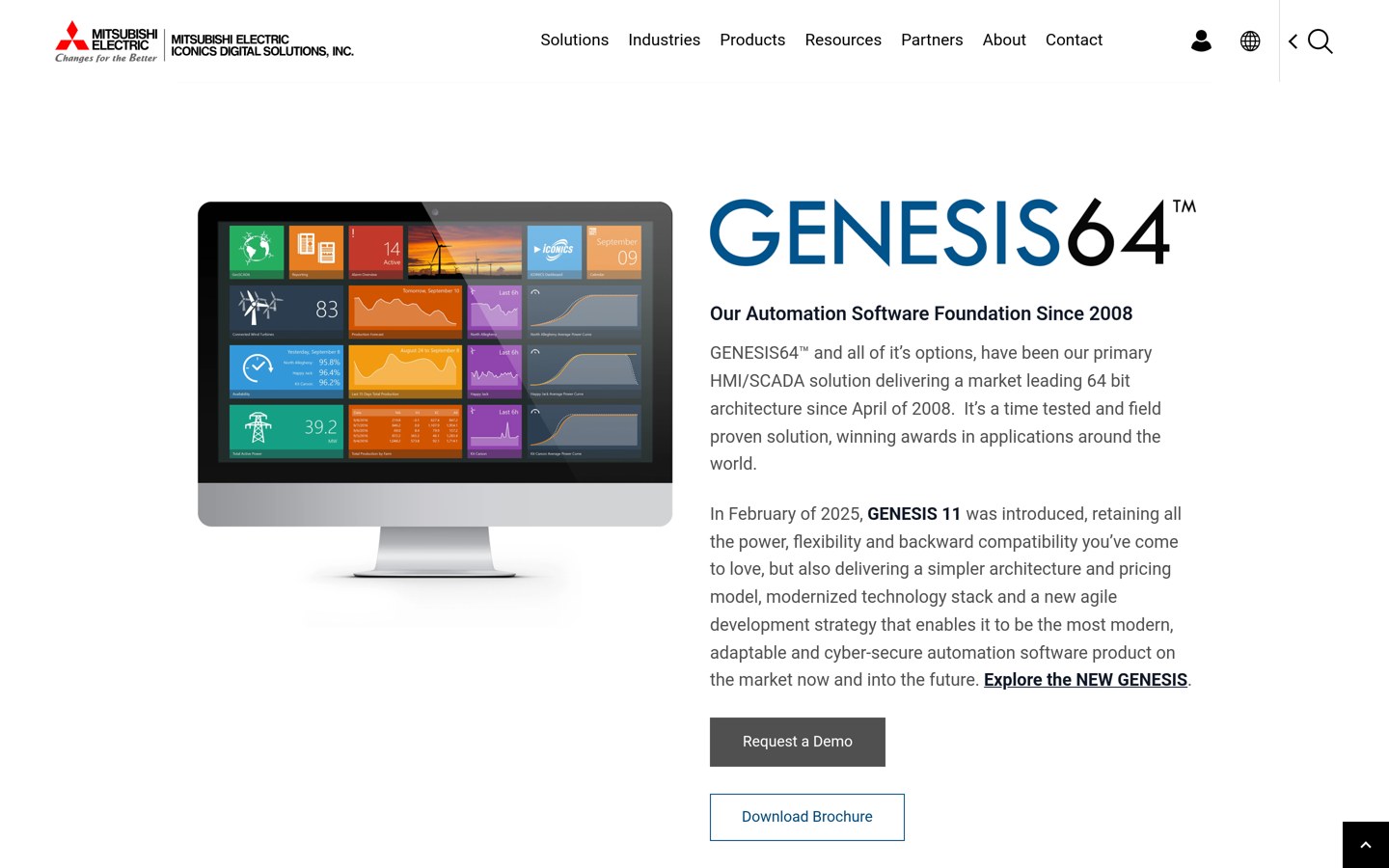
GENESIS64 is the 64-bit HMI and SCADA platform from Mitsubishi Electric ICONICS Digital Solutions, shipping since 2008. It covers visualization, alarming, trending and analytics, with Hyper Historian for high-speed data and Energy AnalytiX for energy use. GENESIS 11, released in February 2025, keeps the same features with a simpler architecture.
The trade off is that it is a Windows-centered platform with a smaller public review base than Ignition or WinCC. It suits manufacturing and facilities teams that want template-driven screens reused across many similar assets.
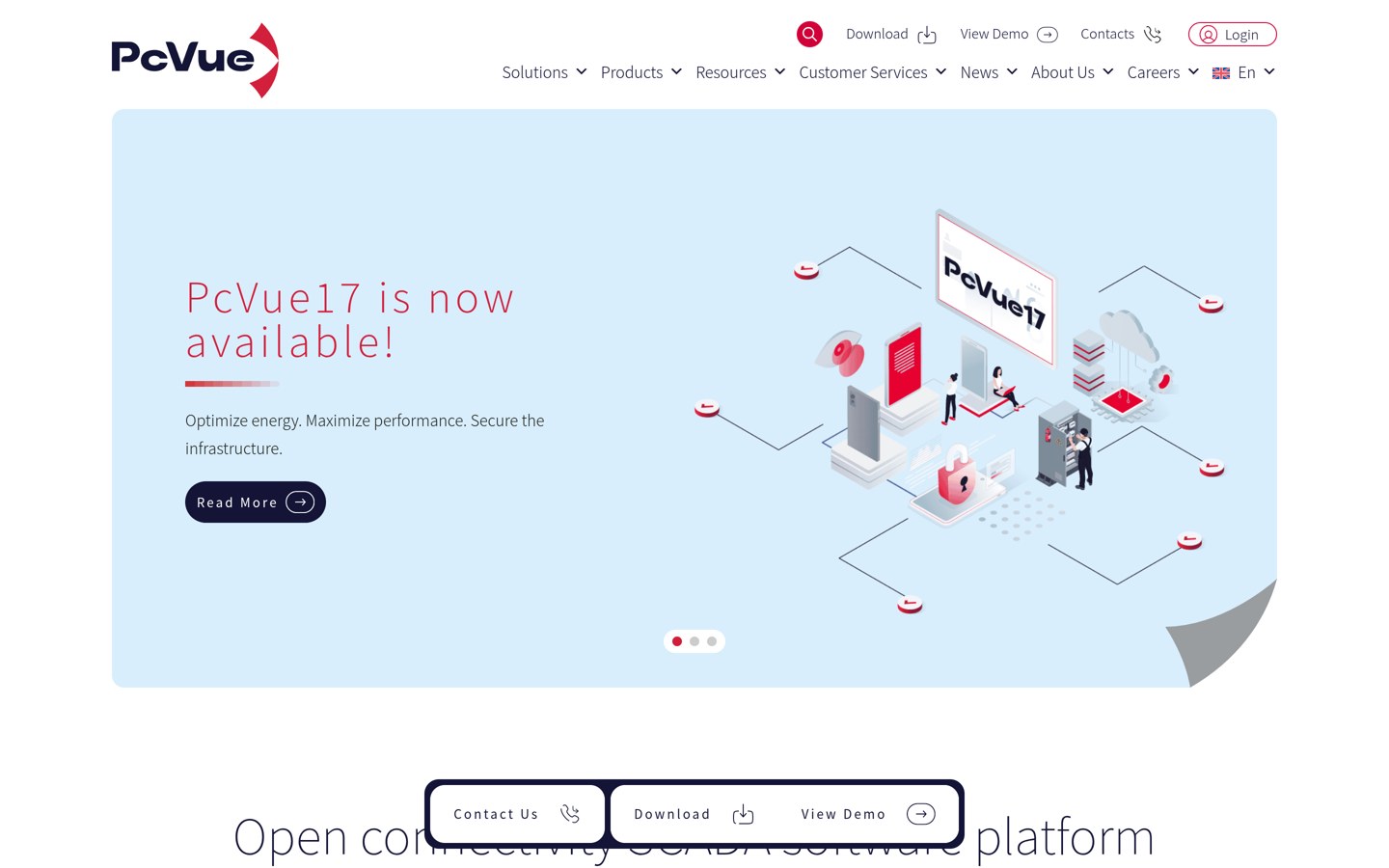
PcVue is a SCADA platform from ARC Informatique for infrastructure, energy and industrial supervision. It connects natively to power protocols such as IEC 61850 and DNP3, and covers HMI, alarms, trends and reporting in one install. Redundancy, web access and mobile clients are built in, and it scales from small HMIs to large utility systems.
The trade off is a small public footprint. Its G2 rating of 4.9 out of 5 rests on only 9 reviews, and pricing is quote-based by tag count. It suits utilities and infrastructure operators that need strong native protocol support.
What we like
Native IEC 61850 and DNP3 support
Highest G2 rating in this list at 4.9
Built-in redundancy and web clients
Scales from small HMI to utility-wide systems
Watch out for
Only 9 G2 reviews
Quote-only, per-tag pricing
Smaller community than the big vendors
Paid licenses scale by tag count; support is a yearly extraVisit pcvue.com
07
AVEVA Edge
4/5on G2 (45 reviews, checked Nov 2026)
PricingCustom/quote
Best for edge and machine-level HMI
Drivers250+ native drivers
ScriptingVBScript + Python
RuntimeWindows, Linux, Pi
Web accessHTML5 mobile access
aveva.com
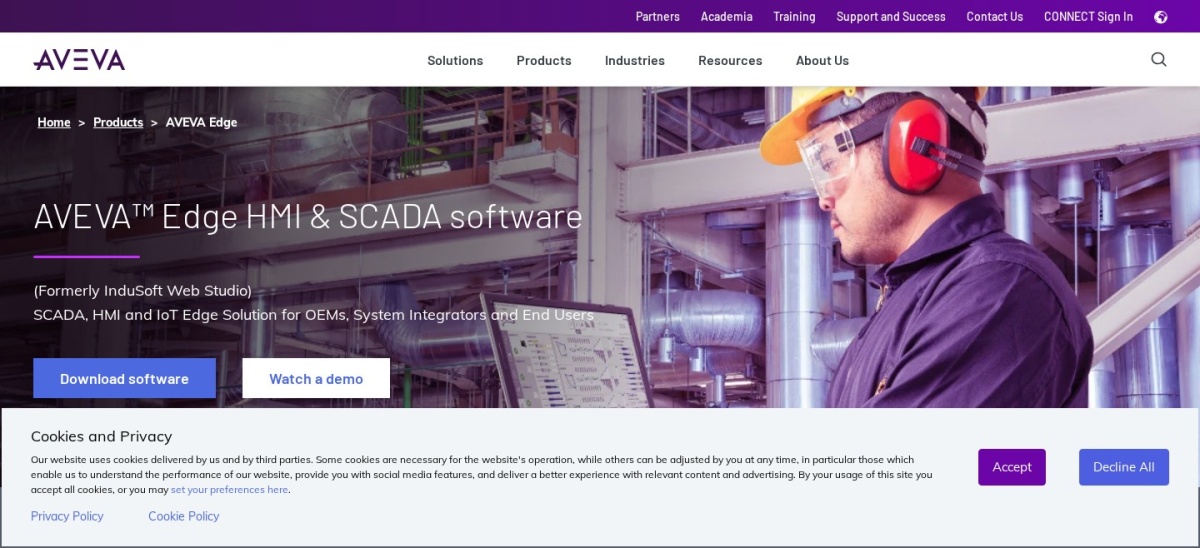
AVEVA Edge homepage, captured Nov 2026.
AVEVA Edge is a compact HMI and SCADA platform, formerly InduSoft Web Studio, for machines and edge devices as well as small plants. It ships with more than 250 native communication drivers, HTML5 web clients and scripting in VBScript and Python. Runtimes run on Windows, Linux and small devices such as Raspberry Pi.
The trade off is scope. It is built for edge and machine-level projects, not enterprise-wide SCADA, and AVEVA publishes no list price. It suits OEMs and small sites that need a light HMI with broad PLC connectivity.
What we like
250+ native PLC and device drivers
Runs on Windows, Linux and Raspberry Pi
HTML5 clients for phones and browsers
VBScript and Python scripting built in
Watch out for
Not built for enterprise-scale SCADA
No published price, quote only
Smaller feature set than System Platform
Paid licenses are sized by tag count, perpetual or subscriptionVisit aveva.com
08
Proficy CIMPLICITY
4/5on G2 (29 reviews, checked Nov 2026)
PricingCustom/quote
Best for enterprise-scale SCADA
ArchitectureClient/server
Scale500,000+ points
ConnectivityMQTT5, OPC UA
RedundancyHost + cluster
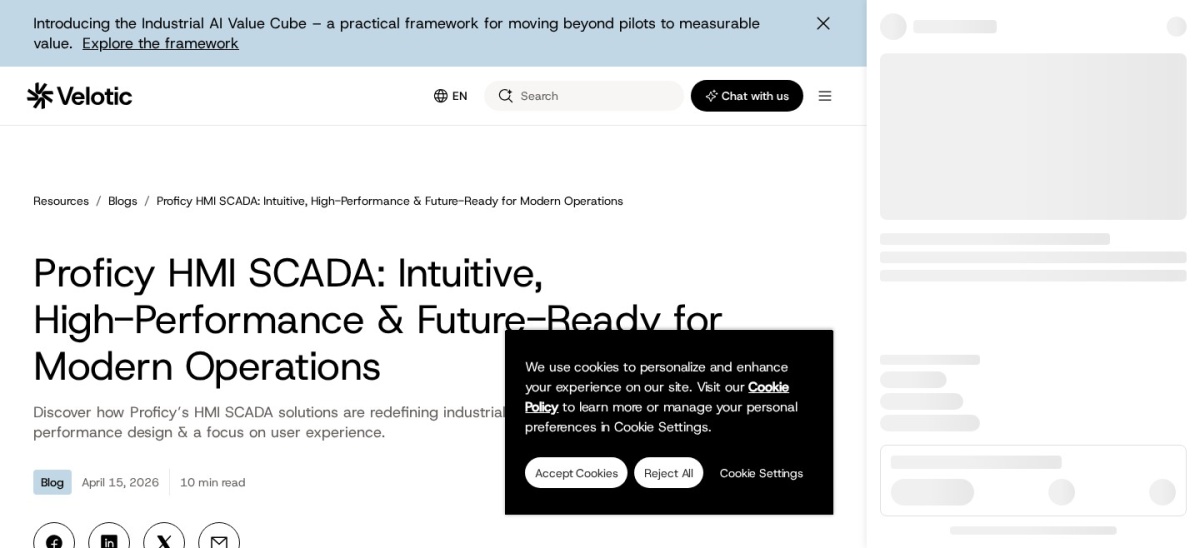
velotic.com
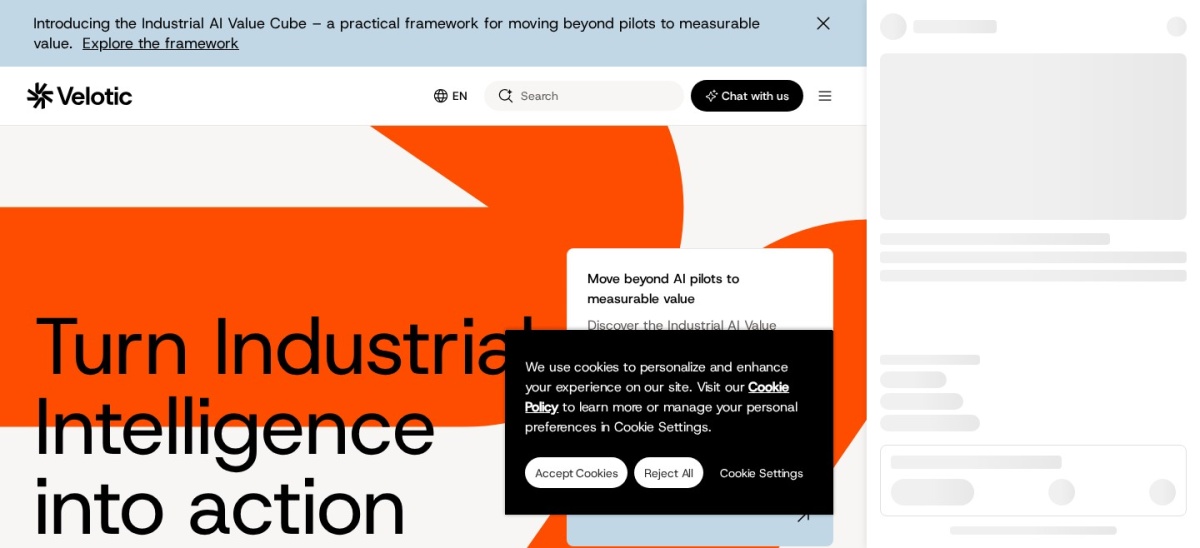
Proficy CIMPLICITY homepage, captured Nov 2026.
Proficy CIMPLICITY is the enterprise HMI and SCADA platform from Velotic, formerly GE Vernova's Proficy family. Its true client-server design scales past 500,000 points on one server, with native HTML5 screens, MQTT5 connectivity and OPC UA. Host redundancy and Windows cluster support keep it running around the clock.
The trade off is complexity and cost. Enterprise scale brings enterprise setup, and pricing is quote-only with no public starting point. It suits automotive, power and large manufacturing sites that need centralized, multi-user SCADA.
What we like
True client-server design for multi-user plants
Scales past 500,000 points per server
Native HTML5 and MQTT5 connectivity
Host redundancy and cluster support
Watch out for
Quote-only enterprise pricing
Heavy setup for small plants
Brand moved from GE Vernova to Velotic in 2026
Companion products add Historian, Operations Hub and analyticsVisit velotic.com
09
Proficy iFIX
4.1/5on G2 (14 reviews, checked Nov 2026)
PricingCustom/quote
Best for mid-size process plants
Scale60,000 tags/server
HMINative HTML5
ConnectivityMQTT bridge
DeploymentCentralized
velotic.com
Proficy iFIX homepage, captured Nov 2026.
Proficy iFIX is Velotic's SCADA platform for process plants, water utilities and food and beverage lines, also from the former GE Vernova Proficy family. It supports about 60,000 tags per server, with native HTML5 graphics, model-based navigation and an MQTT bridge for smart sensors. Centralized deployment keeps projects consistent across sites.
The trade off is age and evidence. iFIX is a long-established product with a dated feel in places, and its G2 rating rests on 14 reviews. It suits mid-size process plants that want a proven SCADA system with strong alarming.
What we like
Proven in water, food and process plants
Native HTML5 graphics and MQTT bridge
Centralized deployment across sites
Strong alarming with shelving and model-based screens
Watch out for
Only 14 G2 reviews
Interface feels dated beside web-first rivals
Quote-only pricing
Paid adds Proficy Historian, Webspace clients and Operations HubVisit velotic.com
Quote-only pricing: how to budget
Eight of the nine tools in this list publish no price. Expect a quote based on tag count, clients and redundancy, and ask for the full first-year cost in writing.
Ignition is the exception, with a $3,280 one-time Platform license on its pricing page. Annual support then costs 16% to 24% of the license price, so include it in any comparison.
Ask every vendor what the license leaves out. Historians, redundancy, web clients and support are often separate line items, and they change the total more than the base license does.
How we chose
We started from the SCADA platforms with the most public user reviews on G2 and Software Advice, then kept the nine with a verifiable rating and an established vendor behind them.
Prices come from each vendor's pricing page, checked on 26 November 2026. Ratings and review counts come from G2 and Software Advice on the same day. Where a vendor publishes no price, the list shows Custom instead of a guess.
We left out open-source tools with no public rating, such as Rapid SCADA and FUXA, and VTScada, whose only public rating rests on a single review. No vendor paid for a place, and we do not claim to have used these tools ourselves.
How to choose SCADA software
Start with your PLCs and your tag count, then shortlist on licensing.
List your PLCs and protocols first. A platform that lacks your PLC's driver is a non-starter, however good its screens look. Confirm every driver you need before you compare prices.
Count tags, clients and sites. Most quotes scale on tag count and client numbers, so a rough count stops the price changing late in the process. Include future lines, not just today's.
Ask for the full first-year cost. Get the license, support, historian, redundancy and training on one quote. Ignition's support alone adds 16% or more a year.
Run the trial on a real project. Ignition offers a free full-feature trial and WinCC a 21-day trial. Build one real screen and one alarm before you sign.
FAQ
What is the best SCADA software?
Ignition is the best SCADA software for most plants. Its one-time $3,280 license covers unlimited tags, clients and connections, it runs on Windows, macOS and Linux, and it is rated 4.8 out of 5 on G2 from 73 reviews.
How much does SCADA software cost?
Most SCADA vendors quote per project, so there is no standard price. Ignition publishes a $3,280 one-time Platform license, while Siemens, AVEVA, Rockwell and the rest quote by tag count, clients and redundancy. Always ask for support costs too.
What is the difference between SCADA and HMI?
HMI is the operator screen: the graphics, buttons and alarms a person uses. SCADA is the full system behind it, including tag databases, historians, alarming and communication with PLCs. Most products in this list do both.
Is there free SCADA software?
Yes, but with limits. Ignition Maker Edition is free for personal, non-commercial use, and open-source options such as Rapid SCADA cost nothing. For commercial plants, expect a paid license, though most vendors offer a free trial.
Which SCADA software works with Siemens PLCs?
SIMATIC WinCC is the natural match, since it engineers inside the TIA Portal beside STEP 7. Ignition, AVEVA Edge and GENESIS64 also connect to Siemens PLCs through native drivers or OPC UA, so mixed plants have options.
Do I need a historian with SCADA?
Most plants do. A historian stores years of process data for trends, reports and root-cause analysis, while live SCADA screens only show the present. Ignition, GENESIS64 and CIMPLICITY include or offer historian options.
SaaS SEO and WordPress specialist with about 8 years of experience. Rakib compares WordPress plugins, themes, hosting and software using public pricing, documentation and user reviews. See how we rank.