Snyk is the best SCA tool for most teams: its free plan covers 200 dependency scans a month, it is rated 4.5 out of 5 on G2, and Team costs $25 per developer a month. Pick GitHub Advanced Security if your code already lives on GitHub, or FOSSA for license compliance on a small budget.
How we make this list: we compare pricing pages, product documentation and public user reviews, then re-check every price before each update. No product paid for a place. Disclosure.
Snyk leads with a free plan, 4.5 out of 5 on G2 from 135 reviews, and Team at $25 per developer a month.
GitHub Advanced Security is the cheapest add-on for teams already on GitHub, at $30 per active committer a month.
FOSSA has the lowest published paid price at $20 per project a month, with a free tier for 5 projects.
Black Duck, Checkmarx and Sonatype Lifecycle are quote-only enterprise tools with no published price.
SBOM export is standard across all 9 tools, so choose on price, workflow and policy features instead.
What to look for in an SCA tool
Software composition analysis, or SCA, scans the open-source packages your code depends on and flags known vulnerabilities and license risks.
A good SCA tool checks direct and transitive dependencies, ranks findings by whether the vulnerable code is actually reachable, and exports an SBOM you can hand to customers or auditors.
Pricing splits the market. Developer tools publish per-developer or per-project prices, while enterprise platforms sell annual contracts by quote. Our guide on checking a plugin for known vulnerabilities shows the same idea applied to WordPress plugins.
License compliance matters as much as vulnerabilities. A tool should tell you which licenses your dependencies use and block the ones your policy forbids.
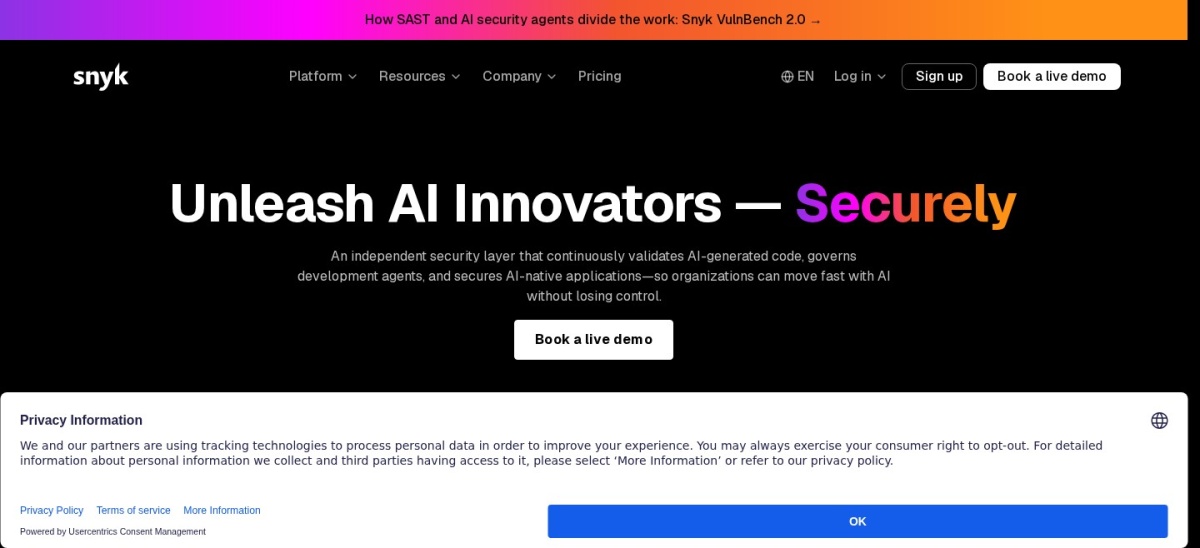
Snyk is a developer-first security platform that scans open-source dependencies for known vulnerabilities and suggests fixes inside pull requests. The free plan includes 200 open-source tests a month, 100 code tests and IDE plugins, with no limit on developers.
The trade off is team size. Team costs $25 per contributing developer a month, needs at least 5 developers and caps at 10, so a 5-developer team pays $1,375 a year. It suits small teams that want SCA feedback where developers already work.
What we like
Free plan covers 200 dependency scans a month
Automated fix pull requests save triage time
Scans code, dependencies, containers and IaC in one platform
Watch out for
Team plan caps at 10 developers
Costs rise fast as the team grows
Enterprise pricing is credit-based and quote-only
Enterprise adds credit-based access to every Snyk productVisit snyk.io
02
GitHub Advanced Security
4.7/5on G2 (2,437 reviews, checked Nov 2026)
Paid from$30/committer/mo
Best for teams already on GitHub
Free planYes, public repos
Cheapest paid planCode Security, $30/committer/mo
SBOM exportYes
DependabotAlerts and auto updates
github.com
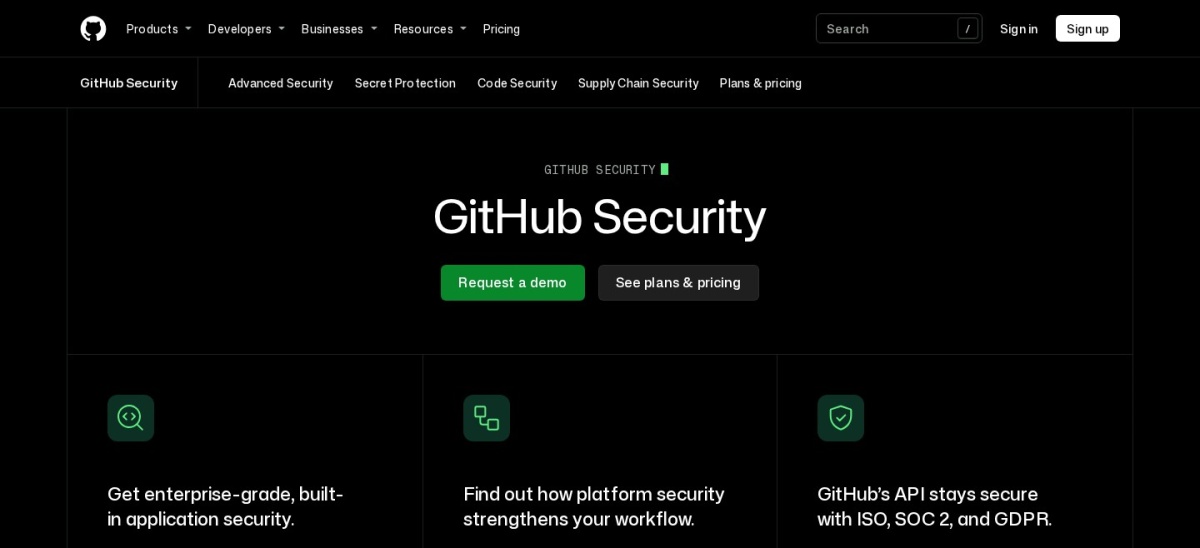
GitHub Advanced Security homepage, captured Nov 2026.
GitHub Advanced Security brings dependency scanning into the repository through Dependabot, which alerts on vulnerable packages and opens update pull requests. Public repositories get code scanning, secret scanning and dependency review free, with SBOM export included.
The trade off is that private repositories need a paid license. Code Security costs $30 per active committer a month, on top of a Team seat at $4 or Enterprise at $21, and Secret Protection adds $19. It suits teams whose code already lives on GitHub.
What we like
Highest G2 rating in this list at 4.7 out of 5
Dependabot opens fix pull requests automatically
Free for every public repository
Watch out for
Private repos need a paid license per committer
Only useful if your code lives on GitHub
Secret Protection is a separate $19 add-on
Secret Protection adds secret scanning for $19 per committer a monthVisit github.com
03
Aikido Security
4.5/5on G2 (272 reviews, checked Nov 2026)
Paid from$350/mo
Best all-in-one value for small teams
Free planYes, 2 users
Cheapest paid planBasic, $350/mo
Auto-triageYes, AI triage
AutofixYes, one-click fixes
aikido.dev
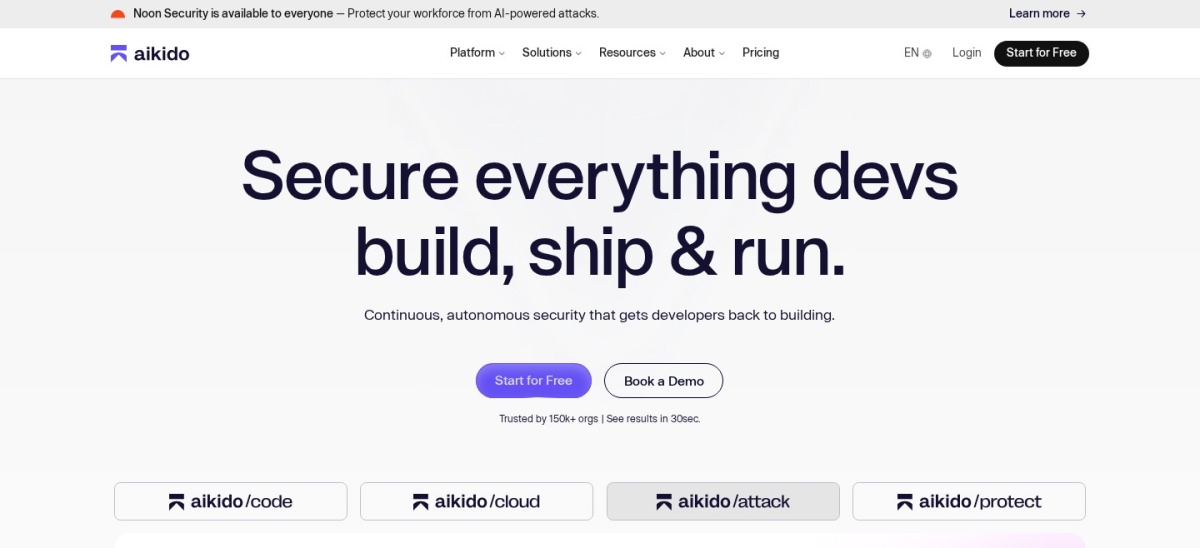
Aikido Security homepage, captured Nov 2026.
Aikido Security is an all-in-one platform that covers dependency scanning, static code analysis, secrets detection and cloud checks in one place. The free Developer tier covers 2 users with dependency scanning, SAST and secrets detection included.
The trade off is the flat price. Basic starts at $350 a month for 10 users, so a two-person team pays for seats it does not use, and the breadth means less SCA depth than a specialist. It suits small teams that want one security tool instead of four.
What we like
One tool for SCA, SAST, secrets and cloud checks
Free Developer tier for 2 users
Flat monthly price is easy to budget
Watch out for
Basic starts at $350 a month for 10 users
Less SCA depth than a dedicated specialist
Paid plans start at 10 users
Pro adds virtual machine scanning and malware detection for $700 a monthVisit aikido.dev
04
Mend.io
4.3/5on G2 (123 reviews, checked Nov 2026)
Starts at$1,000/dev/yr
Best for automated remediation at scale
Free planRenovate CLI only
Cheapest paid planAppSec, up to $1,000/dev/yr
Reachability analysisYes
License complianceYes
mend.io
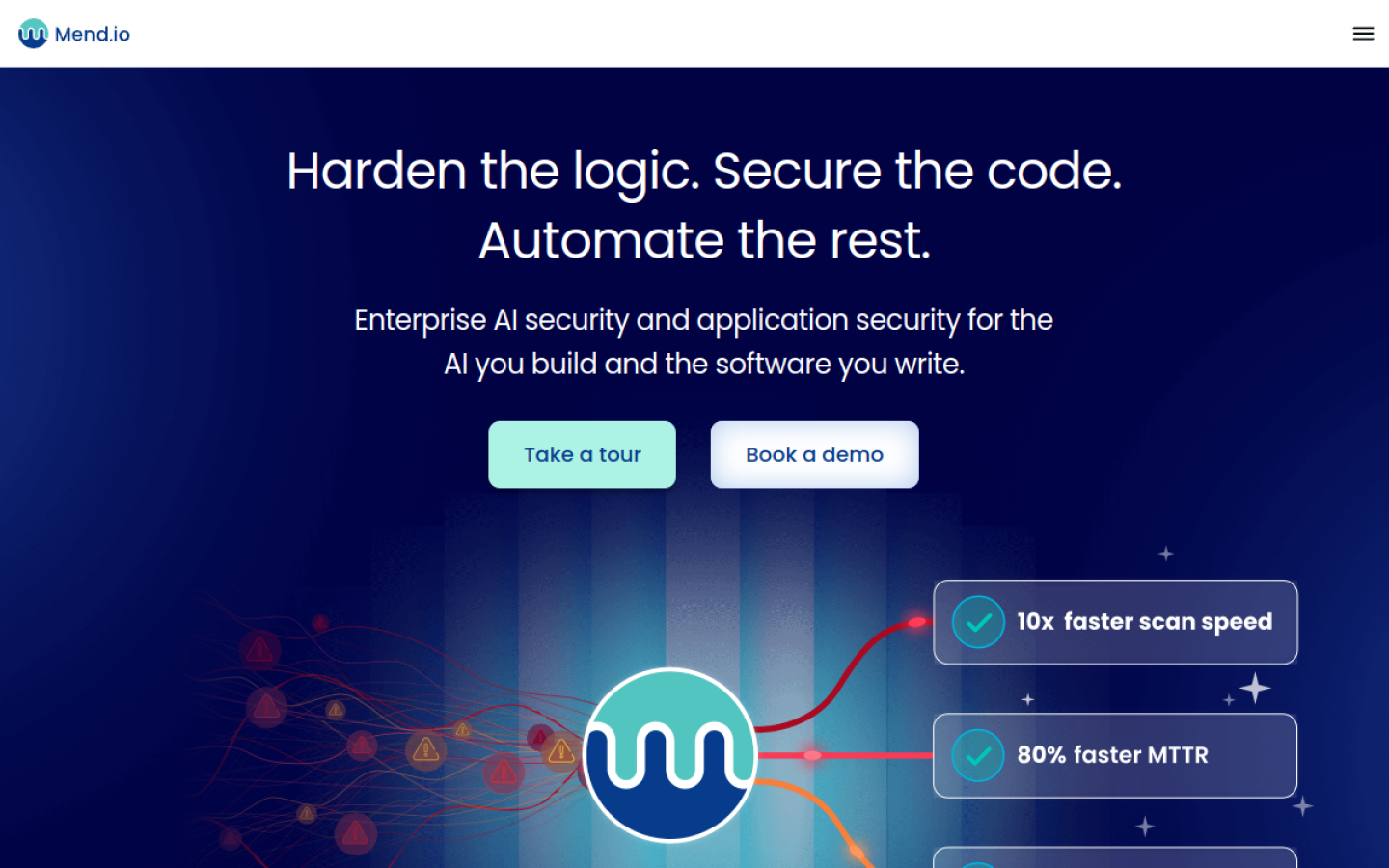
Mend.io homepage, captured Nov 2026.
Mend.io, formerly WhiteSource, scans open-source dependencies and ranks findings by reachability, so teams fix the vulnerabilities attackers can actually exploit first. Mend AppSec lists at up to $1,000 per contributing developer a year and adds SAST, container scanning and automated dependency updates.
The trade off is that there is no free tier for the platform itself, only the free Renovate CLI, and the published price is a ceiling with final quotes from sales. It suits enterprises that want fix automation and license governance across many repositories.
What we like
Reachability analysis cuts false alarms
Automated remediation and dependency updates
Strong license compliance and SBOM support
Watch out for
No free tier for the platform
Published price is a ceiling, not a fixed rate
Interface feels dated next to newer tools
Mend AI adds AI component inventory for up to $300 per developer a yearVisit mend.io
05
Black Duck
4.2/5on G2 (104 reviews, checked Nov 2026)
PricingCustom/yr
Best for enterprise license compliance
Free planNo, free trial
Paid planQuote only
SBOMYes, SPDX/CycloneDX
Binary analysisYes, add-on
blackduck.com
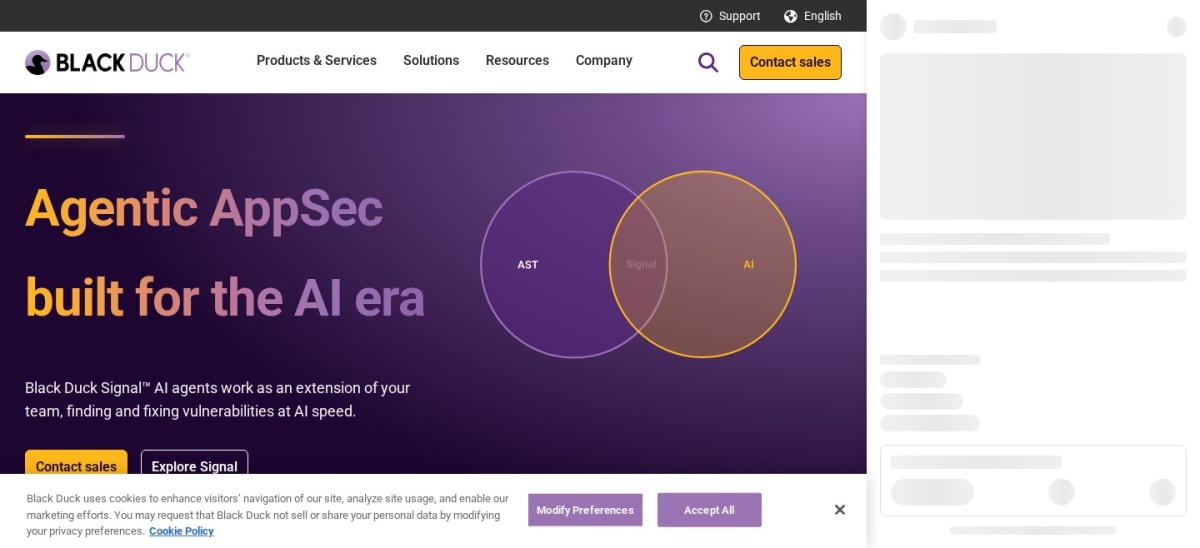
Black Duck homepage, captured Nov 2026.
Black Duck is the enterprise standard for software composition analysis, built on one of the largest curated open-source knowledge bases in the industry. It tracks vulnerabilities and license risk across source, binaries and containers, and exports SBOMs in SPDX and CycloneDX formats.
The trade off is price and process. Contracts are quote-only annual deals priced by seats and code-base capacity, and reviewers call it expensive for smaller teams. It suits large enterprises with strict compliance and audit requirements.
What we like
Largest curated open-source knowledge base
Strong license and compliance reporting
Covers source, binaries and containers
Watch out for
Quote-only pricing with no published rate
Expensive for smaller teams
Implementation typically takes months
Binary analysis and secure container scanning are paid add-onsVisit blackduck.com
06
FOSSA
4.2/5on G2 (15 reviews, checked Nov 2026)
Paid from$20/project/mo
Best for license compliance on a budget
Free planYes, 5 projects
Cheapest paid planBusiness, $20/project/mo
SBOMYes, import/export
License policiesYes, custom rules
fossa.com
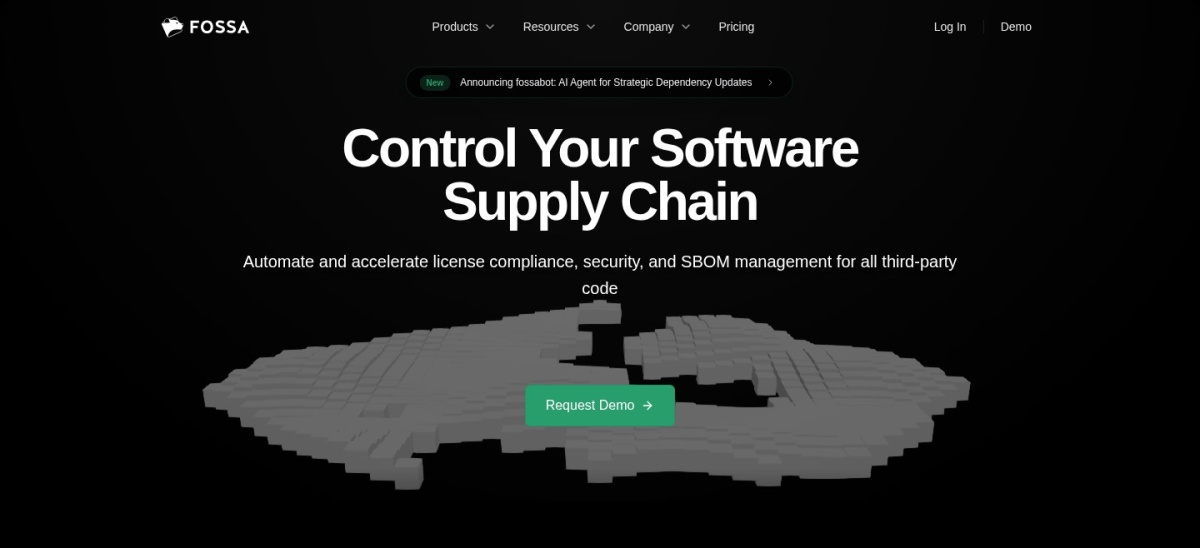
FOSSA homepage, captured Nov 2026.
FOSSA builds an SBOM for each project, scans the components for known vulnerabilities and checks every license against a policy the team defines. The free tier covers 5 projects and 10 contributing developers, and Business costs $20 per project a month billed yearly.
The trade off is per-project billing. A team with many small repositories sees the bill grow with each one, and snippet and binary scanning are quote-only add-ons. It suits teams whose main problem is license compliance rather than deep vulnerability triage.
What we like
Lowest published paid price in this list
Free tier covers 5 projects and 10 developers
Strong license policy engine and SBOM support
Watch out for
Per-project billing grows with repository count
Only 15 G2 reviews, so the rating is thin
Weaker on remediation than Snyk or Mend
Enterprise adds SSO, advanced reporting and on-prem deploymentVisit fossa.com
07
Checkmarx
4.2/5on G2 (51 reviews, checked Nov 2026)
PricingCustom/yr
Best unified AppSec platform
Free planNo, 14-day trial
Paid planQuote only
SCACheckmarx SCA
SAST includedYes, same platform
checkmarx.com
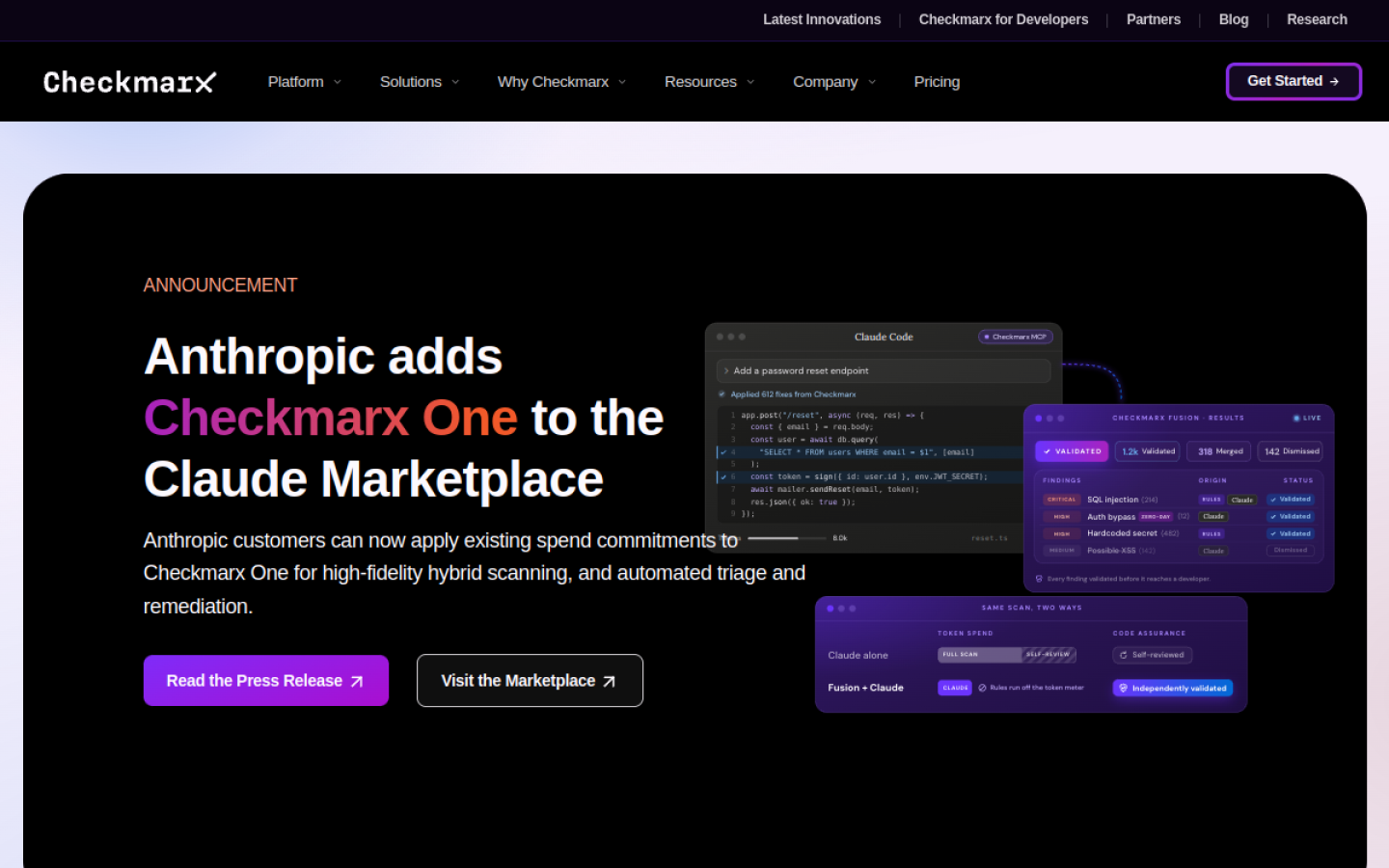
Checkmarx homepage, captured Nov 2026.
Checkmarx One combines SCA with static analysis, dynamic testing and API security in a single platform. Its SCA scans open-source packages in CI pipelines and shares findings with the same triage workflow as its code scanning.
The trade off is enterprise pricing. Plans are quote-only with no published rate, and reviewers report false positives that need manual triage. It suits enterprises consolidating several AppSec tools into one vendor.
What we like
SCA, SAST and DAST in one platform
Strong CI/CD integration across major tools
AI triage help prioritises exploitable findings
Watch out for
Quote-only pricing with no published rate
False positives need manual triage
No free plan, only a 14-day trial
Higher tiers add container security and malicious package protectionVisit checkmarx.com
08
Sonatype Lifecycle
4.2/5on G2 (4 reviews, checked Nov 2026)
PricingCustom/yr
Best policy enforcement for supply chains
Free planNo, quote only
Paid planQuote only
Policy engineYes, quarantine
Repository FirewallSeparate product
sonatype.com
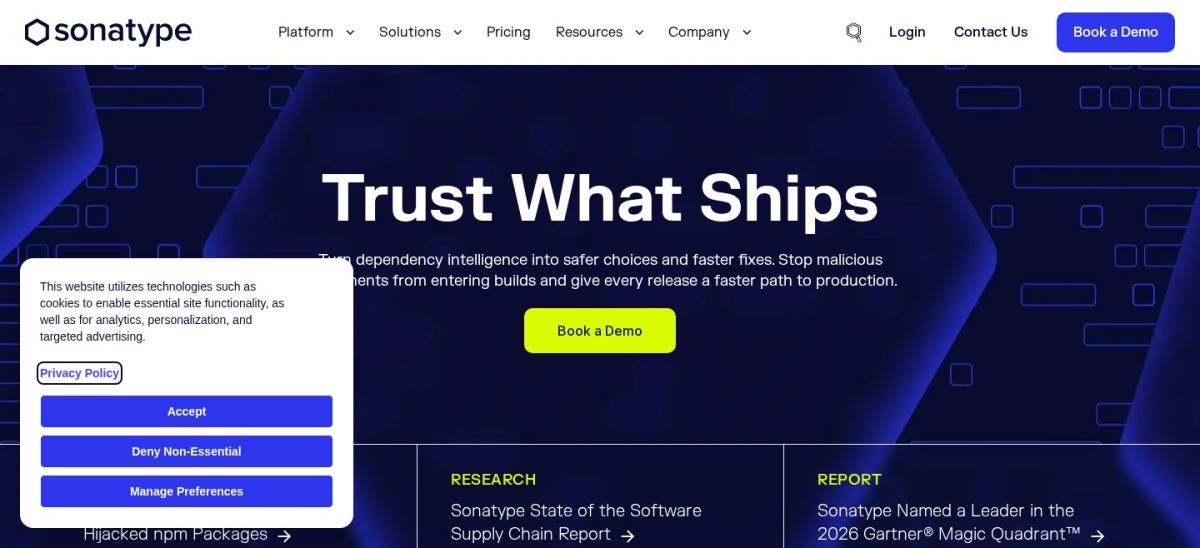
Sonatype Lifecycle homepage, captured Nov 2026.
Sonatype Lifecycle is the policy-driven SCA tool, built to stop vulnerable or non-compliant components from ever entering a build. It pairs precise component identification with SBOM governance and automatic policy enforcement across the development lifecycle.
The trade off is sales-led pricing and a heavier setup than developer-first tools. Its G2 page carries only 4 reviews, so the 4.2 rating is thin evidence. It suits large Java and .NET shops with strict governance needs.
What we like
Strongest policy engine in this list
Blocks bad components before they ship
Precise identification for Java and .NET
Watch out for
Quote-only pricing with no published rate
Only 4 G2 reviews, so the rating is thin
Heavier setup than developer-first tools
Repository Firewall blocks risky packages at the registry levelVisit sonatype.com
09
JFrog Xray
4.2/5on G2 (185 reviews, checked Nov 2026)
Starts at$950/mo
Best SCA for Artifactory users
Free planNo, free trial
Cheapest tierEnterprise X, $950/mo
Package types25+
SBOMYes, SPDX/CycloneDX
jfrog.com
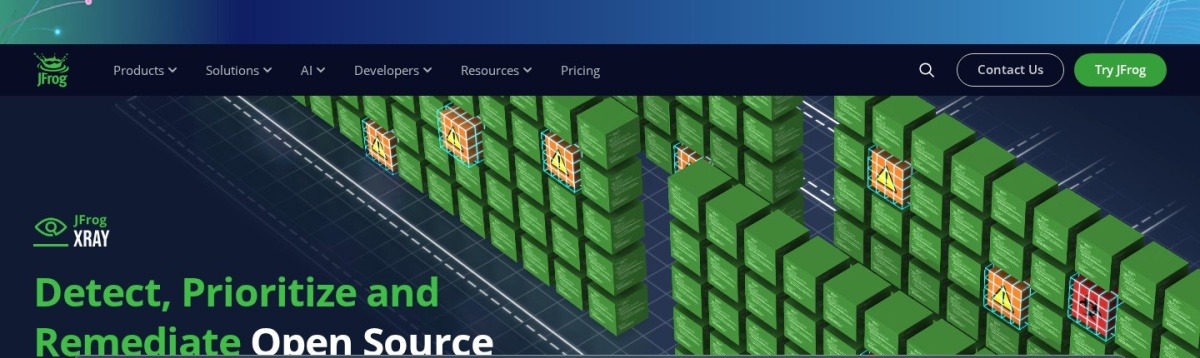
JFrog Xray homepage, captured Nov 2026.
JFrog Xray scans the packages, builds and container images stored in Artifactory for known vulnerabilities, license issues and malicious components. It recursively checks every layer, exports SBOMs and can block downloads that break policy at the registry.
The trade off is scope and price. Xray only sees what flows through Artifactory, and it starts with Enterprise X at $950 a month, or Pro X at $27,000 a year self-hosted. It suits teams already running Artifactory as their artifact store.
What we like
Deep recursive scans of artifacts and images
Policy blocking at the registry, before download
Covers 25+ package types with SBOM export
Watch out for
Only scans what flows through Artifactory
Starts at $950 a month for the SaaS tier
Setup is complex in hybrid environments
Advanced Security adds secrets detection and SAST as a paid add-onVisit jfrog.com
Free vs paid: what you give up
Free plans cover scanning well. Snyk, GitHub and FOSSA all scan dependencies for free, and GitHub adds SBOM export on public repositories.
Paid plans add policy gates, reachability analysis and fix automation. Mend and Black Duck rank findings by exploitability so teams fix fewer false alarms.
Enterprise plans add license governance and audit reports. Our WordPress security audit guide shows the same checklist thinking for a single site.
If you only need to know what is vulnerable, a free plan is enough. Pay when you need to block risky components before they reach production.
How we chose
We started from the SCA tools with the largest review base on G2, then kept those with a published price or a clear enterprise role.
Prices come from each vendor's pricing page, checked on 25 November 2026. Ratings and review counts come from G2 on the same day. Where a vendor shows a sale, the list shows the regular price.
We left out open-source scanners with no review base and tools that only scan containers. No vendor paid for a place, and we do not claim to have used these tools ourselves.
How to choose an SCA tool
Start with where your code already lives, then match the tool to your budget.
Check what your platform already includes. GitHub users get Dependabot alerts free on public repos, and Artifactory users can add Xray to a tier they already pay for.
Count the developers who will use it. Per-developer prices like Snyk at $25 a month and Mend at up to $1,000 a year scale very differently from flat fees like Aikido at $350 a month.
Decide whether licenses matter. If legal needs license reports and SBOMs, shortlist FOSSA, Black Duck and Sonatype Lifecycle. See what a supply chain attack on WordPress plugins looks like.
Run a trial on one repository. Scan a single project first and compare the findings with a second tool before you buy an annual contract.
FAQ
What is the best SCA tool?
Snyk is the best SCA tool for most teams. Its free plan covers 200 dependency scans a month, it is rated 4.5 out of 5 on G2 from 135 reviews, and Team costs $25 per developer a month with automated fix pull requests.
What is software composition analysis?
Software composition analysis, or SCA, inventories the open-source and third-party components in your code and checks them against vulnerability and license databases. It tells you which dependencies are risky and which version fixes each issue.
Is there a free SCA tool?
Yes. Snyk has a free plan with 200 dependency scans a month, FOSSA is free for 5 projects and 10 developers, and GitHub Advanced Security is free for public repositories. Paid plans add policy gates, reachability analysis and fix automation.
Do SCA tools replace SAST tools?
No. SCA checks the third-party dependencies your code uses, while SAST checks the code your own team writes. Most teams run both, and several tools in this list, including Snyk, Aikido and Checkmarx, bundle the two together.
What is an SBOM?
An SBOM, or software bill of materials, is a list of every component in a piece of software, with versions and licenses. Customers and auditors increasingly ask for one, and every tool in this list can export an SBOM.
How much does an SCA tool cost?
Published prices run from $20 per project a month for FOSSA to $950 a month for JFrog Xray. Snyk Team is $25 per developer a month, GitHub Code Security is $30 per active committer a month, and Black Duck, Checkmarx and Sonatype Lifecycle are quote-only.
SaaS SEO and WordPress specialist with about 8 years of experience. Rakib compares WordPress plugins, themes, hosting and software using public pricing, documentation and user reviews. See how we rank.