Snyk is the best SBOM tool for most teams, building SPDX and CycloneDX SBOMs from dependency, container and code scans, rated 4.5/5 on G2 from 135 reviews with a free plan. Pick FOSSA for license-heavy teams at $20 a project a month, or Black Duck for enterprise compliance work.
How we make this list: we compare pricing pages, product documentation and public user reviews, then re-check every price before each update. No product paid for a place. Disclosure.
Snyk is the top pick: 4.5/5 on G2 from 135 reviews, with a free plan and Team at $25 per developer a month.
Black Duck is the enterprise choice, rated 4.2/5 from 104 reviews, but pricing is quote-only and setup takes months.
FOSSA is the best value for license-heavy teams, with a free tier and Business at $20 a project a month.
Three of the nine tools have a free plan or free tier: Snyk, FOSSA and GitHub.
Five tools are quote-only, Black Duck, Aqua, Anchore, Sonatype and JFrog Xray, so budget for a sales conversation before you commit.
GitHub is the cheapest paid start at $4 a user a month, but it only tracks repository dependencies, not compiled artifacts.
What an SBOM tool should do
An SBOM, or software bill of materials, lists every open-source component in a piece of software, including the libraries those libraries depend on. Customers, auditors and regulators now ask for one before they buy or approve software.
A good SBOM tool does more than list packages. It should export in SPDX or CycloneDX formats, flag known vulnerabilities in each component, and keep watching after release, since new flaws appear in old code.
License checks matter too. A single component with a banned license can hold up a sale, so the stronger tools in this list let legal teams approve or block licenses before code ships. Our guide on checking a plugin for vulnerabilities shows the same habit applied to WordPress plugins.
Prices in this list are the regular prices from vendor pricing pages or vendor-supplied listings, checked on 25 November 2026. Five tools are quote-only, so their entry cost is not public.
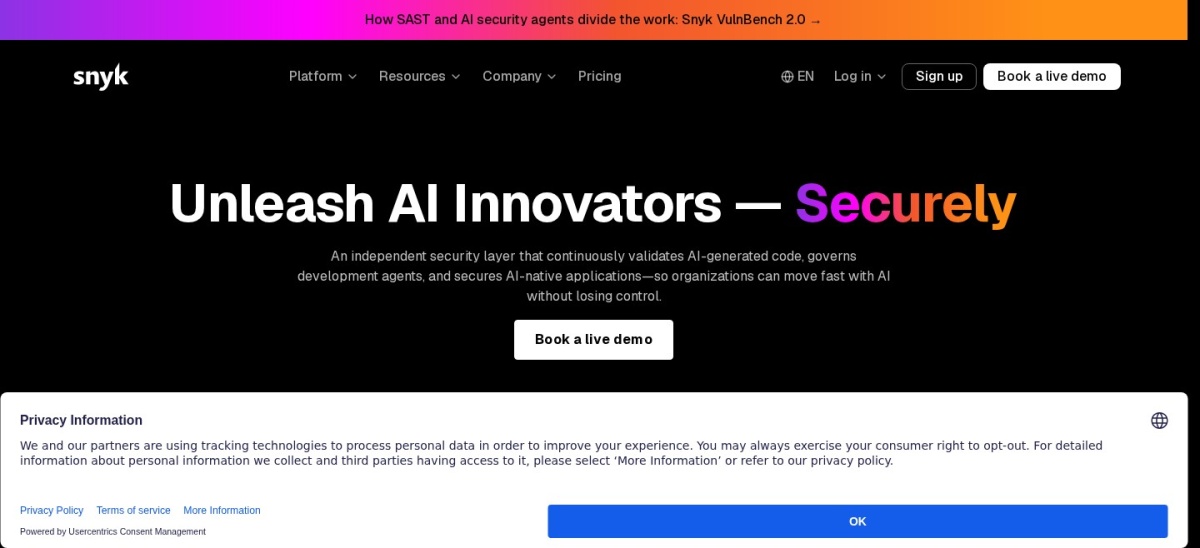
Snyk is a developer-first security platform that scans open-source dependencies, containers, code and infrastructure as code, and builds an SBOM from each scan. The free plan covers unlimited developers with 200 open-source tests, 100 code tests and 100 container tests a month. It exports SBOMs in SPDX and CycloneDX formats for audits and customer requests.
The trade off is the per-developer price. Team costs $25 per contributing developer a month, with a minimum of five developers, so a small team pays $1,375 a year before volume discounts. It suits teams that want developers to fix dependency issues in pull requests rather than in a separate security queue.
What we like
SBOMs from dependencies, containers, code and IaC
Free plan covers unlimited developers
Fix suggestions land in pull requests
Watch out for
Five-developer minimum on Team adds up fast
Enterprise features need a sales conversation
Team adds unlimited tests, license compliance and JiraVisit snyk.io
02
Black Duck
4.2/5on G2 (104 reviews, checked Nov 2026)
PricingCustom/quote
Best SBOM tool for enterprises
SBOM formatsSPDX, CycloneDX
Free planTrial only
Audit reportsYes
Paid planQuote-only
blackduck.com
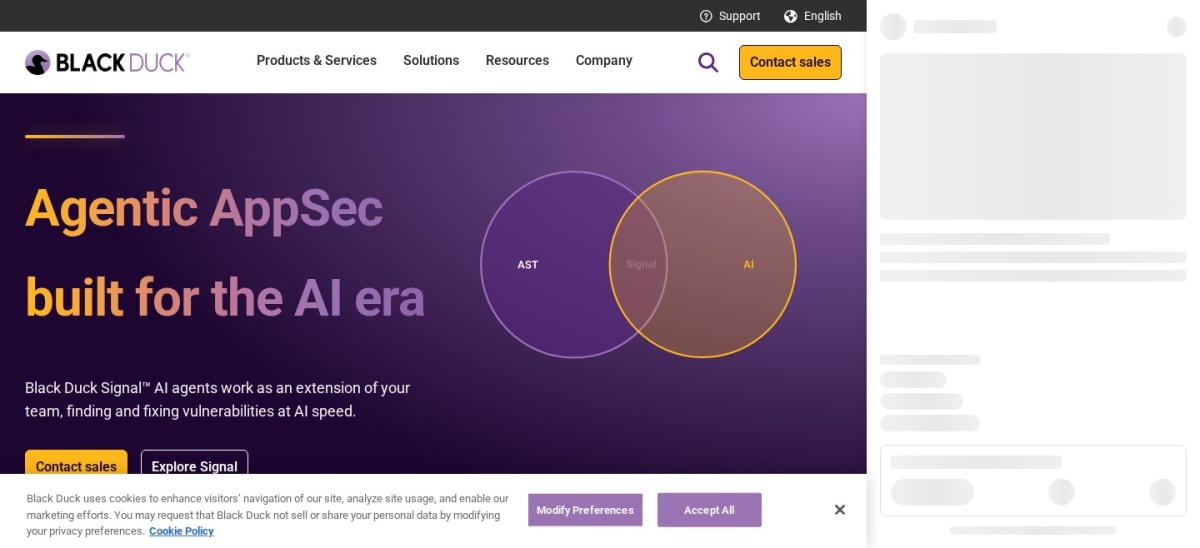
Black Duck homepage, captured Nov 2026.
Black Duck is the enterprise standard for software composition analysis, with SBOM generation, vulnerability tracking and license compliance in one platform. It identifies open-source components, including transitive dependencies, and maps each one to known vulnerabilities with remediation guidance. Its audit reports are built for legal review and customer security questionnaires.
The trade off is cost and setup. Pricing is quote-only and reviewers describe it as expensive for smaller teams, with implementation taking months at large sites. It suits regulated enterprises that must produce defensible SBOMs for customers, auditors and procurement teams.
FOSSA is a supply-chain platform focused on SBOM generation, license compliance and vulnerability management. Its free tier covers five projects and ten contributing developers, with SBOM imports and dependency-depth limits. Paid plans add policy enforcement, so legal teams can approve or block licenses before code ships.
The trade off is scale pricing. Business costs $20 per project a month billed annually, so the bill grows with every project, and snippet and binary scanning are separate add-ons. It suits teams where license compliance matters as much as vulnerabilities, such as companies selling to large customers.
What we like
Strongest license policy engine for legal teams
Free tier covers small teams
SBOM imports from other tools
Watch out for
Per-project pricing grows with every repo
Snippet and binary scanning cost extra
Business adds unlimited projects and policy enforcementVisit fossa.com
04
Mend
4.3/5on G2 (123 reviews, checked Nov 2026)
Starts at$1,000/dev/yr
Best SBOM tool for license policy depth
Free planRenovate only
License policiesGranular, build-blocking
SBOM generationYes
Paid planAppSec, up to $1,000/dev/yr
mend.io
Mend homepage, captured Nov 2026.
Mend, formerly WhiteSource, combines software composition analysis with SBOM generation and deep license policy controls. It scans dependencies for vulnerabilities and license risk, then enforces rules that can block a build when a banned license appears. Its Renovate tool, free and open source, keeps dependencies updated automatically.
The trade off is per-developer pricing. Mend AppSec lists at up to $1,000 per contributing developer a year, so costs rise with every contributor, and there is no permanent free plan for AppSec itself. It suits large teams that need granular license rules plus automated dependency updates.
What we like
Deepest license policy controls in this list
Renovate automates dependency updates
Scans are fast and integrate with CI/CD
Watch out for
Per-developer price grows with the team
No permanent free plan for AppSec
AppSec adds full scanning; Renovate stays freeVisit mend.io
05
Aqua Security
4.2/5on G2 (50+ reviews, checked Nov 2026)
PricingCustom/quote
Best SBOM tool for cloud-native teams
SBOM formatsSPDX, CycloneDX
Free planTrivy OSS free
Container scanYes
Paid planQuote-only
aquasec.com
Aqua Security homepage, captured Nov 2026.
Aqua Security is a cloud-native security platform that builds SBOMs from container images, code repositories and cloud workloads, using the open-source Trivy scanner at its core. It scans images for vulnerabilities and misconfigurations, then tracks each component across registries and running workloads. Trivy itself is free and open source, and generates SBOMs from the command line.
The trade off is that Aqua's platform pricing is quote-only, so the full product needs a sales conversation, and the platform is built for teams running containers at scale. It suits cloud-native teams that want Trivy's SBOM output plus runtime protection and policy controls in one place.
Anchore is an SBOM-first platform for container images and software artifacts, built on the open-source Syft SBOM generator and Grype vulnerability scanner. It scans images in registries and CI pipelines, builds SBOMs in SPDX and CycloneDX formats, and enforces policy checks before deployment. Syft and Grype are free to use on their own.
The trade off is setup effort. Anchore Enterprise is quote-only, and reviewers note the first deployment needs dedicated admin work and SBOM screens can load slowly at scale. It suits DevOps teams that ship containers and need policy gates tied to SBOM data.
Sonatype Lifecycle is an enterprise composition analysis platform that generates SBOMs and applies security, license, quality and architecture policies to every component. Reviewers praise its accurate component identification for Java and .NET, with few false positives in those ecosystems. It watches dependencies continuously, so new vulnerabilities surface after release, not only at build time.
The trade off is that pricing is quote-only and the product is built for large teams, with annual commitments and a sales-led process. It suits enterprises with big Java or .NET estates that need strict policy enforcement across many applications.
What we like
Accurate component identification for Java and .NET
Continuous monitoring after release
Policy enforcement across security and license rules
JFrog Xray scans artifacts stored in JFrog Artifactory for vulnerabilities and license issues, and builds SBOMs from the components in each release. It watches binaries continuously, so a new vulnerability in an old release triggers an alert and can block distribution. It covers more than 30 package types in one repository.
The trade off is that Xray only makes sense inside Artifactory. Pricing is quote-only, and the free Artifactory tier does not include Xray scanning, so small teams pay for the platform to get the scanner. It suits teams already storing artifacts in Artifactory that want security checks on every release.
What we like
Watches stored binaries continuously, not only at build
Covers more than 30 package types
Deep integration with Artifactory and CI/CD
Watch out for
Useless without Artifactory
Free tier excludes Xray scanning
Paid platform plans add Xray scanning and policiesVisit jfrog.com
09
GitHub
4.7/5on G2 (2,399 reviews, checked Nov 2026)
Paid from$4/mo
Best SBOM tool if you already use GitHub
SBOM exportSPDX
Free planYes, public repos
DependabotYes
Paid planTeam, $4/user/mo
github.com
GitHub homepage, captured Nov 2026.
GitHub builds an SBOM from its dependency graph, which maps the open-source packages in a repository and exports the list in SPDX format. Dependency review blocks pull requests that add vulnerable packages, and Dependabot opens pull requests to update them. The dependency graph is free for public repositories and included on paid plans.
The trade off is scope. GitHub tracks dependencies, not compiled artifacts or containers, so teams shipping binaries need a dedicated SBOM tool beside it. Team costs $4 per user a month, and Advanced Security features need Enterprise at $21. It suits teams already on GitHub that want a no-extra-cost SBOM for each repository.
SPDX and CycloneDX are the two standard SBOM formats, and every tool in this list exports at least one of them. Most export both.
CycloneDX fits security pipelines, since it was built for vulnerability tracking and pairs with tools such as Dependency-Track. SPDX fits license work, since it records license text and copyright details per component.
If a customer names a format, use that one. If nobody names one, export both and keep the files with each release.
How we chose
We started from the SBOM and software composition tools most often named in buyer guides and G2 comparisons, then kept nine established products with public reviews.
Prices come from each vendor's pricing page or vendor-supplied listings, checked on 25 November 2026. Ratings and review counts come from G2 on the same day. Where a vendor shows a sale, the list shows the regular price.
We also left out SOOS, which shut down in 2026, and open-source-only generators with no public review record, such as OWASP Dependency-Track and Syft on its own, because the checker needs a public rating for every tool. No vendor paid for a place, and we do not claim to have used these tools ourselves.
How to choose an SBOM tool
Start with who will read the SBOM, then match the tool to what you ship.
Ask who will read the SBOM. A customer audit needs SPDX or CycloneDX exports and clear reports, while an internal team may only need a vulnerability list.
Match the tool to what you ship. Container teams need image scanning like Anchore, while GitHub teams can start with the dependency graph and add a scanner later.
Check the free tier limits first. Test caps, project limits and export formats decide whether the free plan lasts a month or a year.
Get a quote before you promise a date. Five tools in this list are quote-only, so start the sales conversation early if a customer deadline depends on the SBOM.
FAQ
What is an SBOM tool?
An SBOM tool lists every software component in an application, including open-source libraries and their dependencies. It exports that list in a standard format such as SPDX or CycloneDX, then checks each component for known vulnerabilities and license problems.
Which SBOM format should I use, SPDX or CycloneDX?
Both are widely accepted, and most tools in this list export both. CycloneDX is common in application security pipelines, while SPDX is common in license compliance and Linux work. Ask your customer or auditor which format they expect before you choose.
What is the best free SBOM tool?
Snyk has the strongest free plan in this list, with 200 open-source tests a month for unlimited developers. FOSSA's free tier also generates SBOMs, GitHub's dependency graph is free for public repositories, and Aqua's Trivy scanner is free and open source.
Do I need a paid SBOM tool?
It depends on who asks for the SBOM. A free tool covers a small team shipping to its own users, while enterprise customers often want audit reports, policy enforcement and support, which sit on paid plans. Start free, then pay when a customer or audit requires it.
How much does an SBOM tool cost?
Paid plans in this list start at $4 a user a month for GitHub Team and $25 a developer a month for Snyk Team. FOSSA starts at $20 a project a month, and five enterprise tools are quote-only.
Can an SBOM tool find vulnerabilities too?
Yes, most SBOM tools match each listed component against vulnerability databases and alert you when a new flaw appears. Snyk, Black Duck, Mend and JFrog Xray all watch components continuously after release, not only at build time.
SaaS SEO and WordPress specialist with about 8 years of experience. Rakib compares WordPress plugins, themes, hosting and software using public pricing, documentation and user reviews. See how we rank.