Silhouette is the best rotoscoping software for film work, with deep spline tools and tracking rated 4.3 out of 5 on G2. Pick Mocha Pro if you roto inside After Effects or Nuke, and DaVinci Resolve or Blender if you want capable roto for free.
How we make this list: we compare pricing pages, product documentation and public user reviews, then re-check every price before each update. No product paid for a place. Disclosure.
Silhouette is the dedicated roto standard for film work, with the deepest spline and tracking toolset.
Mocha Pro costs $325 a year and turns tracked surfaces into roto shapes inside After Effects, Nuke, and more.
After Effects covers roto with Roto Brush and the pen tool at $22.99 a month, and suits motion designers best.
Nuke Indie costs $499 a year for solo artists under a $100,000 revenue cap; a standard seat is $3,839 a year.
DaVinci Resolve and Blender give capable roto tools for free, with Studio a one-time $295 upgrade for Resolve.
Runway masks simple shots in minutes with AI, but hair and fine edges still need manual spline work.
What to look for in a rotoscoping tool
Rotoscoping means drawing mattes around moving subjects frame by frame: isolating actors, removing rigs, and building garbage mattes. The tools split into dedicated roto applications, planar trackers that automate the tedious parts, and compositors where roto happens inside the shot.
The first question is how often you roto. Daily roto work on film or high-end television justifies a dedicated tool, while occasional masks are better done inside the editor or compositor you already use.
Tracking quality matters more than the number of features. A tracker that holds through blur and partial occlusion saves hours of keyframes, so test each candidate on your hardest footage, not your easiest.
Price models vary widely. Subscriptions suit steady professional use, Resolve Studio is a one-time purchase, and Blender and the free version of Resolve cost nothing but time. When the shot is done, our guide on embedding a video in WordPress shows how to share the finished clip on a site.
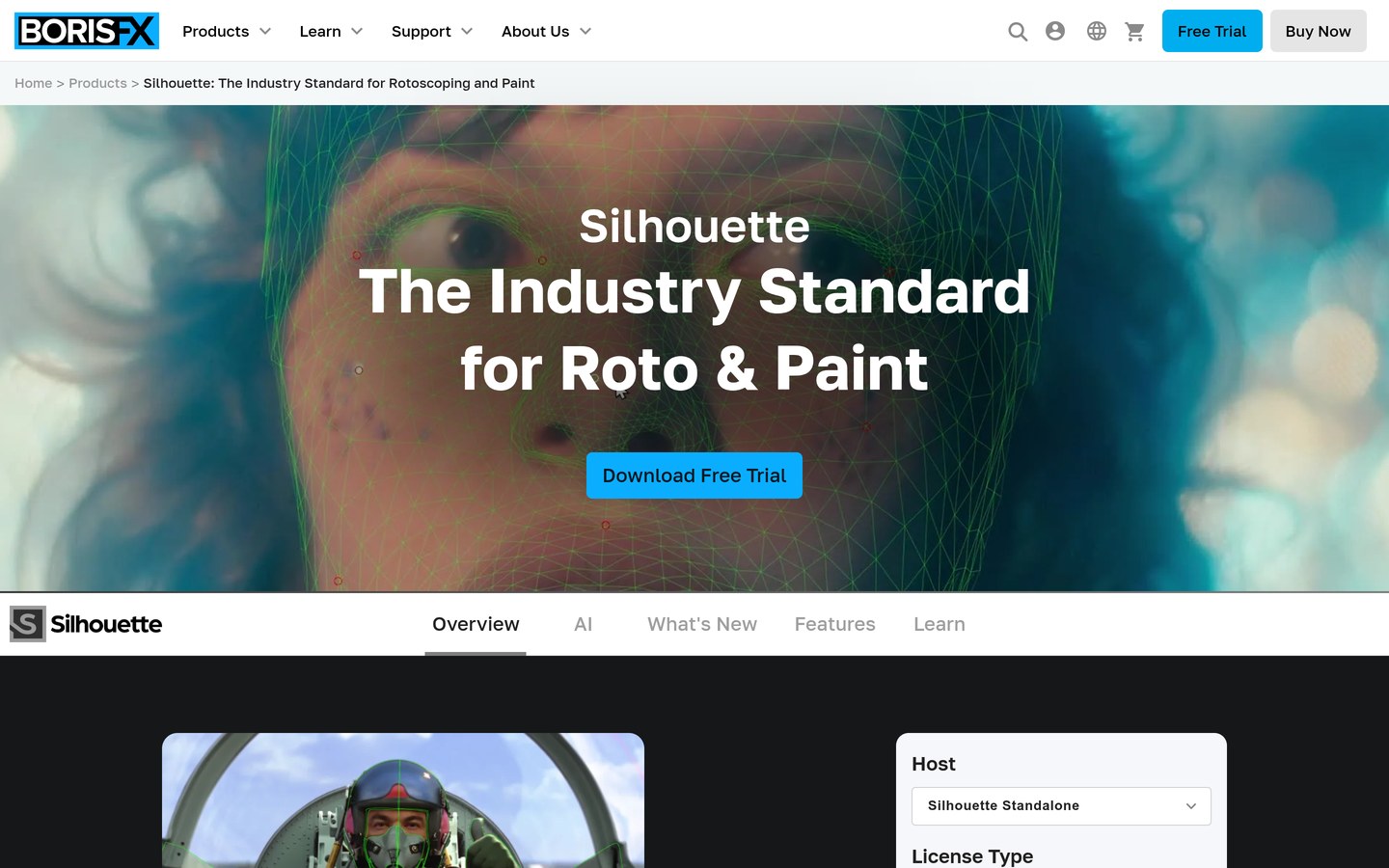
Silhouette is a dedicated rotoscoping and paint application from Boris FX, built for film and television finishing. Its spline tools include magnetic edges that snap to contrast, inverse kinematics for articulated shapes, and morphing between keyframes, with more than 400 VFX nodes in the same app.
The trade off is price. Subscriptions start at $545 a year for the plugins, and the standalone app with plugins costs $875 a year, so it is a serious purchase for a solo artist. It suits roto artists whose daily work is masks, paint, and cleanup on demanding shots.
What we like
Deepest spline and shape toolset for roto
Mature tracking and paint in one app
Proven on major film productions
AI-assisted matting speeds rough passes
Watch out for
Annual cost is high for solo artists
Not a full compositor, so most users pair it with Nuke or After Effects
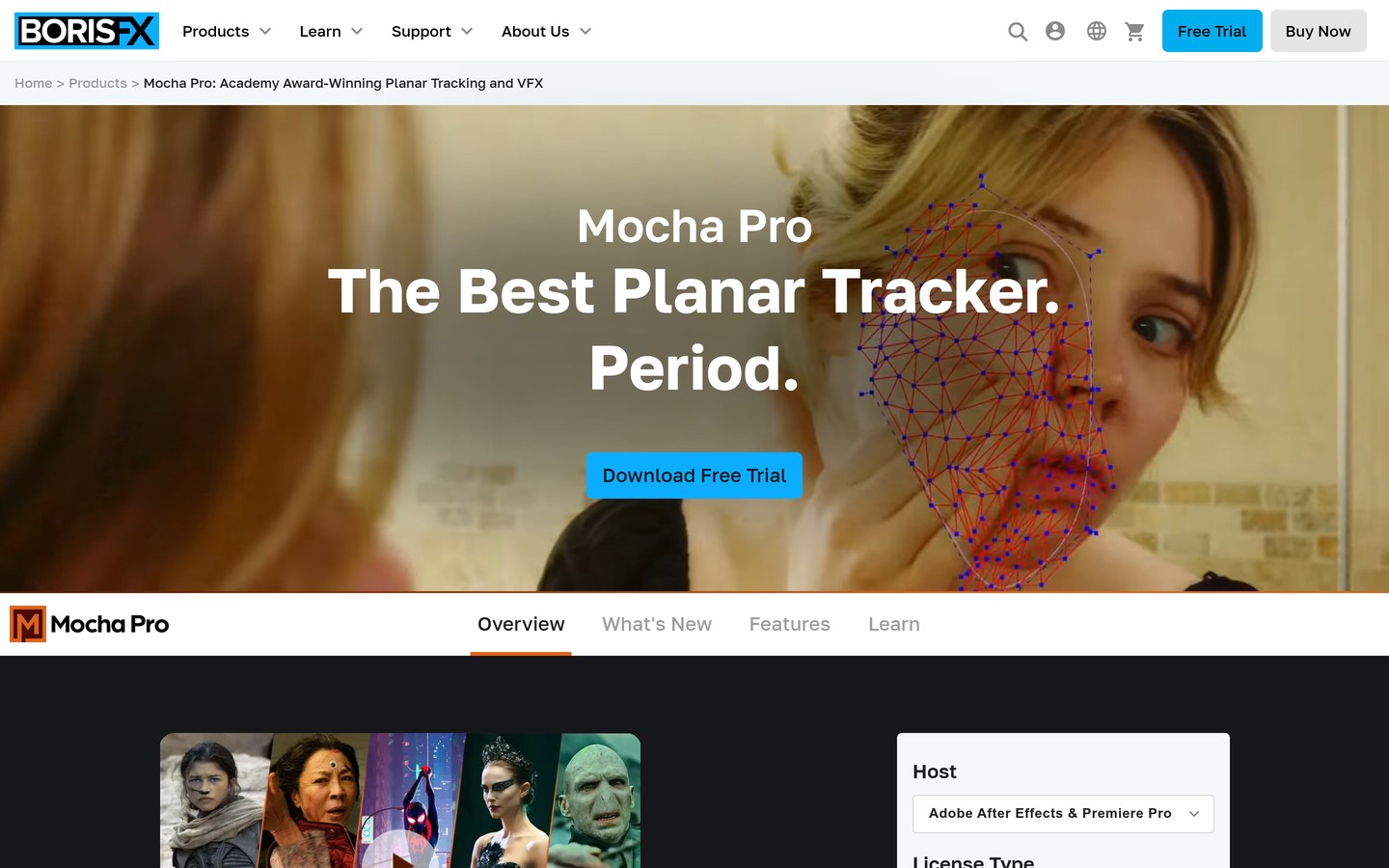
Mocha Pro is a planar tracking and rotoscoping tool from Boris FX that runs as a plugin inside After Effects, Premiere Pro, Nuke, Fusion, and Avid, and as a standalone application. Instead of tracking points, it tracks whole surfaces, so a mask follows a moving object through partial occlusion and blur, and its PowerMesh engine extends that to warped surfaces such as faces and cloth.
The trade off is the subscription. A single-host plugin costs $48 a month or $325 a year, and the price climbs for multi-host and standalone licences. It suits artists who roto inside a host app rather than in a separate station.
What we like
Planar tracking cuts manual keyframes sharply
Works as a plugin in After Effects, Nuke, Fusion, and more
Adobe After Effects is a motion graphics and compositing app with two ways to roto: the classic pen tool for manual masks, and Roto Brush, which propagates a rough selection across frames. Masks can be tracked, feathered, and refined frame by frame, and the same timeline handles titles, motion graphics, and compositing.
The trade off is depth. Manual pen tool work is slow on difficult shots, and After Effects lacks the tracking depth of Mocha Pro or Silhouette. The single-app plan costs $22.99 a month on an annual plan billed monthly. It suits motion designers who roto occasionally and already live in Adobe tools.
What we like
Roto Brush speeds simple and mid-level jobs
Huge tutorial and template ecosystem
Pairs with Premiere Pro and Photoshop
One app covers motion graphics and finishing
Watch out for
Pen tool roto is manual and slow on hard shots
Subscription only, with no one-time purchase
Large projects can feel sluggish
Creative Cloud Pro adds 20+ apps at $69.99 a monthVisit adobe.com
04
Nuke
4.5/5on G2 (63 reviews, checked Nov 2026)
Starts at$499/yr
Best roto inside high-end compositing
Roto nodesRoto and RotoPaint
Node graphYes, 200+ nodes
Free versionNon-commercial
PlatformsWindows, macOS, Linux
foundry.com
Nuke homepage, captured Nov 2026.
Nuke is the node-based compositing standard for feature film and episodic television, and its Roto and RotoPaint nodes are part of that package. Shapes, feathering, motion blur, and tracking live inside the node graph, so a matte feeds straight into the composite without round tripping.
The trade off is cost and scope. A standard Nuke seat costs $3,839 a year, while Nuke Indie costs $499 a year for solo artists earning under $100,000 a year, and the learning curve is steep for artists who only need masks. It suits compositors already working in Nuke.
What we like
Roto nodes live inside a full node-based compositor
DaVinci Resolve is a free editing, color, and finishing app from Blackmagic Design, and its Fusion page brings node-based compositing, masking, and tracking into the same timeline. The free version covers a large share of the toolset, including Magic Mask for AI-assisted selections, so a creator can cut, grade, and roto without buying anything.
The trade off is depth and hardware. The Fusion page is close to Fusion Studio but not identical, and the paid Studio version adds stereoscopic tools and higher-end effects for a one-time $295. It suits editors who roto as part of a wider job and want one app for the whole finish.
Blender is free and open source, and its movie clip editor includes masking, planar tracking, and a node compositor. An independent artist can track a shot, draw masks, and composite the result without paying for software, and the large community keeps tutorials easy to find.
The trade off is depth. Shape management, edge control, and tracking refinement are more basic than in Silhouette or Mocha Pro, and long, hard shots take more manual work. It suits beginners, students, and small studios on a zero budget.
Runway is a browser-based AI video tool that masks subjects, removes objects, and cleans plates with no install and little manual drawing. For a simple shot with a clear subject, it can produce a usable matte in minutes, which suits fast social content, pitches, and client drafts.
The trade off is edge quality. AI edges smear on hair, fur, and fine detail, and complex occlusion still needs manual repair. The Standard plan costs $12 a month billed annually and includes 625 credits a month. It suits quick jobs, not film-grade final mattes.
AI masking tools such as Runway and the Magic Mask in DaVinci Resolve build a matte from a rough selection, which is fast on simple shots with clear subjects.
Manual spline work in Silhouette or Mocha Pro is slower, but the artist controls every edge, which is what film-grade shots with hair, motion blur, and overlapping actors need.
A practical workflow is to let AI draft the matte, then refine the edges by hand. That keeps the speed of AI for the bulk of the shot and the control of splines where it matters.
How we chose
We started from the established roto tools used in film, television, and online video: dedicated roto apps, planar trackers, full compositors, and AI masking tools.
Prices come from each vendor's pricing page, checked on 26 November 2026. Ratings and review counts come from G2 on the same day. Where a vendor shows a sale, the list shows the regular price.
We left out tools with no public rating and tools that only do animation rather than roto. No vendor paid for a place, and we do not claim to have used these tools ourselves.
How to choose a rotoscoping tool
Start with the job, not the tool, then match the tool to the shot.
Name the job first. Daily film roto points to Silhouette or Mocha Pro; occasional masks point to the app you already use.
Test tracking on your hardest footage. Hair, motion blur, and occlusion separate good tools from average ones. Run the same shot through two candidates.
Check the cost model. Subscriptions suit steady work, one-time licences suit artists who dislike recurring fees, and free tools cost nothing but time.
Try before you buy. Every paid tool here has a free trial or a free version. Measure hours saved on a real shot before paying.
FAQ
What is the best rotoscoping software?
Silhouette is the best pick for dedicated film roto work, with the deepest spline and tracking toolset. Mocha Pro is the best choice if you roto inside After Effects, Nuke, or another host app, and DaVinci Resolve is the best free route.
Can AI tools replace manual rotoscoping?
Not on hard shots. AI masking is fast on simple subjects, but hair, fur, and fine edges still need manual spline work for film-grade results. Use AI for drafts and simple jobs, and manual roto for final quality.
Is Blender good enough for rotoscoping?
Blender is good enough for learning, short projects, and simple shots, and it is free. For long, difficult shots, dedicated tools like Silhouette or Mocha Pro save enough time to justify their price.
How much does professional rotoscoping software cost?
Mocha Pro costs $325 a year, and Silhouette subscriptions start at $545 a year. Nuke Indie costs $499 a year for solo artists, while a standard Nuke seat is $3,839 a year. Blender and DaVinci Resolve are free to start.
Do I need a separate roto tool if I use After Effects?
Often not. After Effects covers roto with Roto Brush and the pen tool, which is enough for motion graphics and occasional masks. A separate tool pays off when roto is daily work or the shots are hard.
What is the cheapest way to start rotoscoping?
Blender is free and covers masking, tracking, and compositing, so it costs nothing to start. DaVinci Resolve is also free and adds Magic Mask. Both teach skills that transfer to paid tools later.
SaaS SEO and WordPress specialist with about 8 years of experience. Rakib compares WordPress plugins, themes, hosting and software using public pricing, documentation and user reviews. See how we rank.