UiPath is the best robotic automation software for most teams, with full desktop RPA, AI agents and document processing, rated 4.6 out of 5 from 7,735 G2 reviews. Pick Automation Anywhere for cloud-native back-office RPA, or Microsoft Power Automate at $15 a user a month if your team already runs on Microsoft 365.
How we make this list: we compare pricing pages, product documentation and public user reviews, then re-check every price before each update. No product paid for a place. Disclosure.
UiPath holds 7,735 G2 reviews at 4.6/5 and starts at $25/mo on Basic after a free Community tier.
Automation Anywhere is cloud-native RPA rated 4.5/5, but its only public price is the $750/mo Starter Pack and larger deals are quoted.
Power Automate Premium costs $15/user/mo and covers attended desktop RPA, while unattended bots jump to $150/bot/mo.
Make, Zapier, n8n and Activepieces start at $9-$20/mo for cloud workflows, but none drives desktop apps the way UiPath or Power Automate do.
Robomotion is the cheapest true desktop bot at $49/mo Solo, with 3 application robots and unlimited local run time.
What to look for in robotic automation software
Robotic automation splits into two camps: desktop bots that click through legacy apps with no API, and cloud workflow engines that pass data between modern SaaS apps.
Desktop RPA suits back-office work inside Windows apps, ERP screens and remote desktops. Cloud tools suit marketing, sales and ops work that already lives in web apps.
Pricing meters vary sharply. Desktop platforms charge per user seat or per robot, while cloud tools meter by task, credit or full workflow run. AI agent steps often cost extra, so check what each run actually consumes before you commit.
AI agents are now bundled into most of these platforms. Our guide on connecting WordPress to AI agents with MCP shows how agent tools plug into apps, and the same idea applies here: agents work best when they can read and write your real systems.
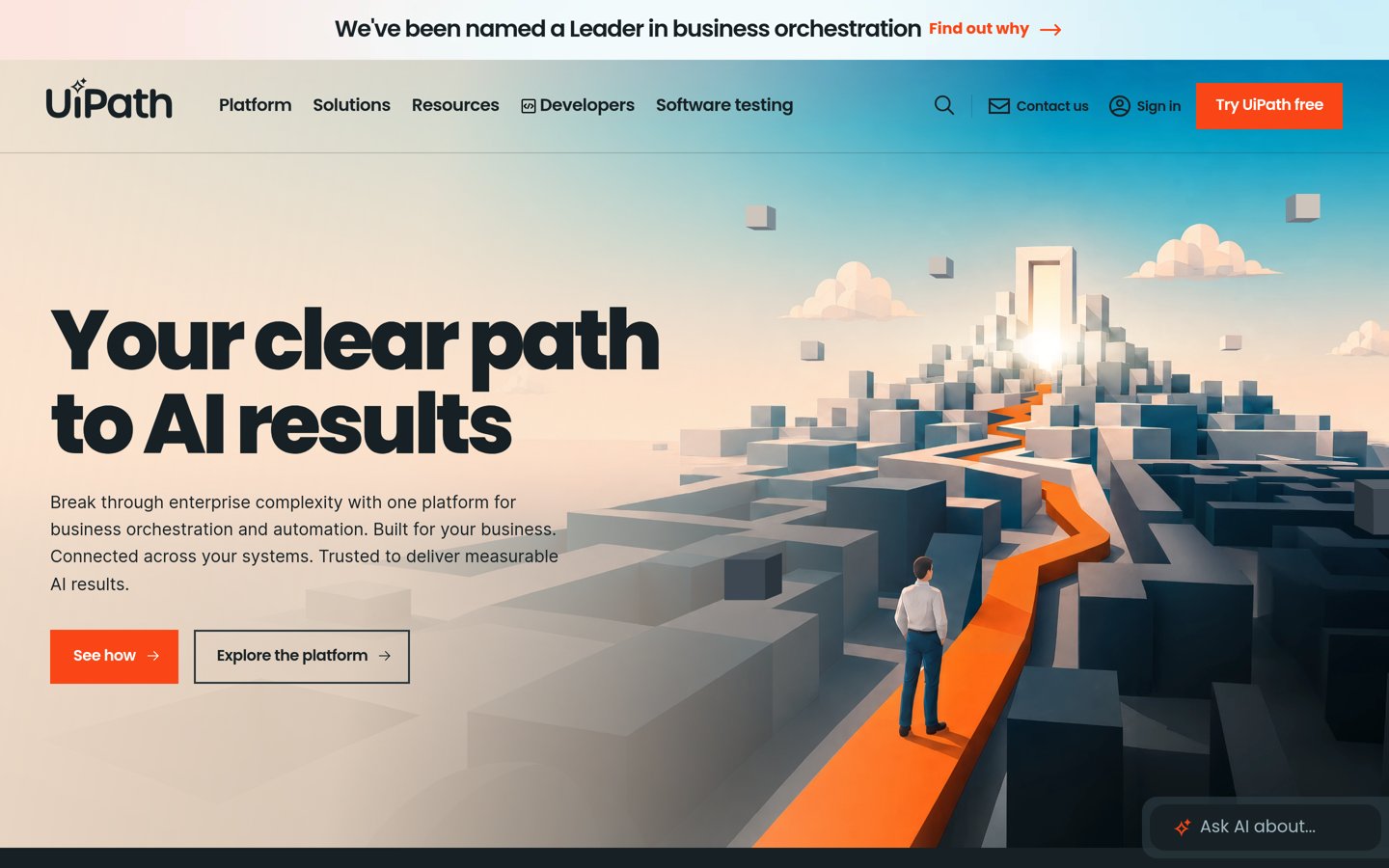
UiPath is an enterprise automation platform built around software robots, with Studio for building, Orchestrator for running bots and Maestro for orchestrating robots, AI agents and people. The free Community plan covers Studio and attended automation, and Basic starts at $25 a user a month.
The trade off is price and complexity. Basic caps an organisation at 11 users and 2 robots with Europe-only hosting, and Standard and Enterprise are quote-only, so a real deployment needs a sales conversation. It suits large teams with a dedicated automation group and legacy apps to drive.
What we like
Deepest RPA tooling, from Studio to Orchestrator
AI agents and document processing on one platform
Largest review base in this list, at 7,735 G2 reviews
Watch out for
Standard and Enterprise pricing is quote-only
Basic plan is capped and Europe-hosted only
Licensing mixes users, robots and usage units
Standard and Enterprise add scale, SSO and governance by quoteVisit uipath.com
02
Automation Anywhere
4.5/5on G2 (5,732 reviews, checked Nov 2026)
Paid from$750/mo
Best for cloud-native back-office RPA
Free planCommunity Edition
Cheapest paidStarter Pack, $750/mo
DeploymentCloud-native
AI agentsYes, APA system
automationanywhere.com
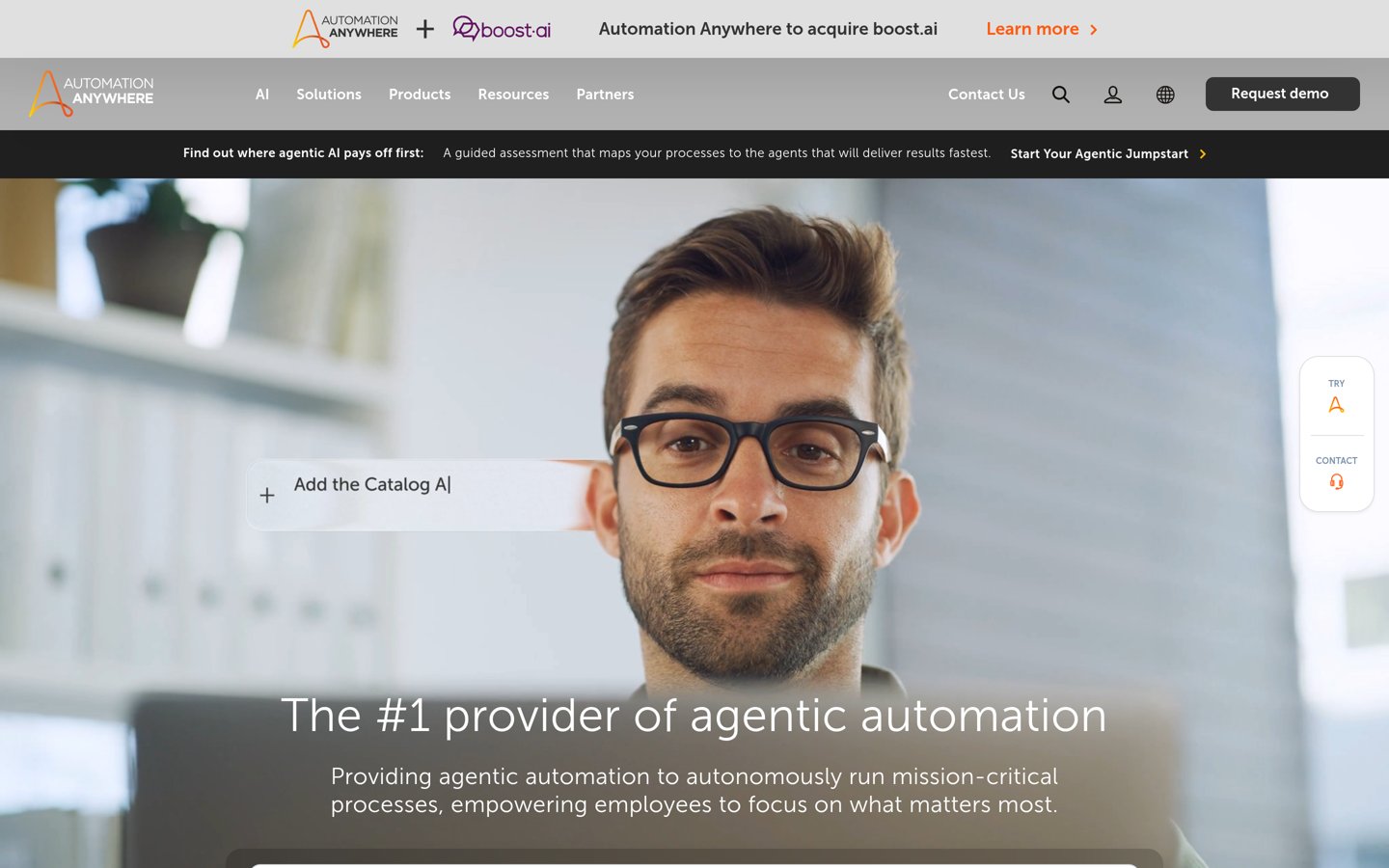
Automation Anywhere homepage, captured Nov 2026.
Automation Anywhere is a cloud-native RPA platform that runs bots, AI agents and document automation from its Automation 360 control room, with the AARI digital assistant for attended work. A free Community Edition is available for learning and small use.
The trade off is pricing transparency. The vendor publishes no price list; the only public figure is the Cloud Starter Pack at $750 a month, and larger deployments are quoted by sales. It suits back-office teams moving a legacy RPA estate to the cloud.
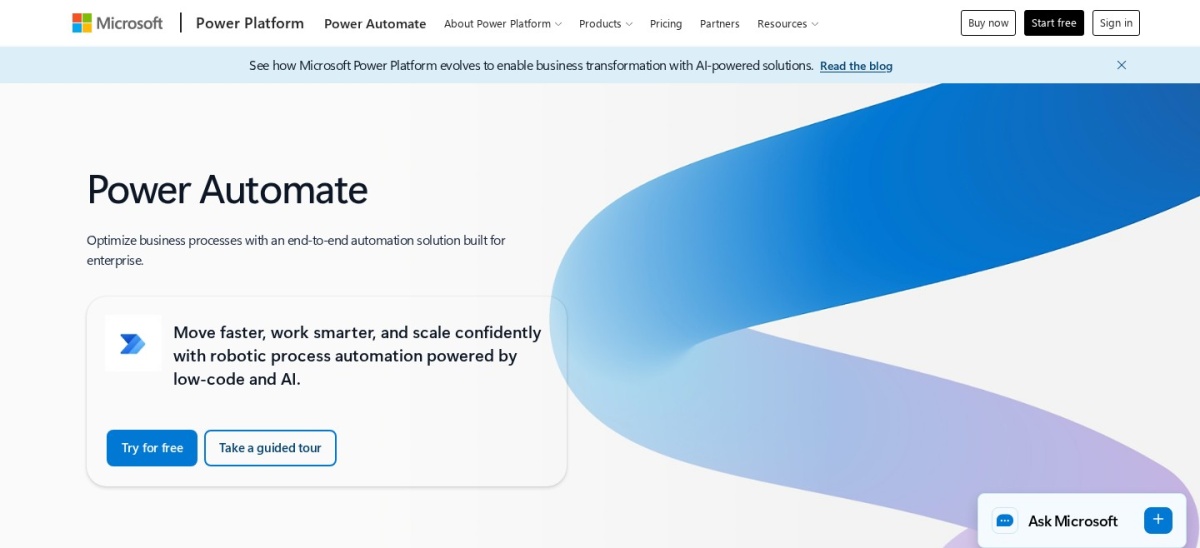
Microsoft Power Automate homepage, captured Nov 2026.
Microsoft Power Automate is the automation service inside Microsoft 365 and the Power Platform, covering cloud flows between apps and desktop flows that drive Windows apps. Premium costs $15 a user a month and adds premium connectors, attended RPA and process mining.
The trade off is the Microsoft tie-in. It works best inside a Microsoft 365 tenant, and unattended bots cost $150 a bot a month on top of Premium. It suits organisations that already run on Microsoft 365 and want approvals, alerts and desktop automation under one licence.
What we like
Cheapest paid entry in this list at $15 a user a month
Make is a visual automation platform that connects over 3,000 apps on a drag-and-drop canvas with routers, filters and data aggregators. Its free plan includes 1,000 credits a month and 2 active scenarios, while Core starts at $9 a month billed yearly for 10,000 monthly credits.
The trade off is that Make focuses on cloud APIs rather than local Windows UI recording, and every module action, including polling checks, consumes credits. Monthly billing costs $10.59 a month for the same Core plan. It suits operations and marketing teams building multi-branch cloud automations at a low monthly cost.
What we like
Visual canvas makes complex branching easy to inspect
Routers and error-handler modules consume zero credits
10,000 monthly credits on Core cost less than half of Zapier's entry tier
Watch out for
No native desktop GUI recorder for legacy Windows apps
Polling triggers spend credits even when no new records exist
Higher learning curve for beginners than linear step builders
Core ($9/mo yearly) adds the Make API and 1-minute schedulingVisit make.com
05
Zapier
4.5/5on G2 (2,171 reviews, checked Nov 2026)
Paid from$19.99/mo
Best for the widest SaaS app catalog
Free plan100 tasks/mo
Cheapest paidProfessional, $19.99/mo
Included volume750 tasks/mo
App catalog9,000+ integrations
zapier.com
Zapier homepage, captured Nov 2026.
Zapier is a no-code workflow automation platform that links over 9,000 web apps alongside built-in Tables, Forms and AI steps. Its free plan provides 100 tasks a month with two-step Zaps, while Professional starts at $19.99 a month billed yearly for 750 monthly tasks.
The trade off is per-task billing, which scales up quickly when multi-step workflows run thousands of times a month, and it lacks native desktop screen automation. Monthly billing is $29.99 a month for the same plan. It suits non-technical teams that want fast setup across niche SaaS tools.
What we like
Broadest SaaS integration directory with 9,000+ apps
Triggers, filters and paths do not count toward task limits
Includes native Tables, Forms and Zapier Copilot on all plans
Watch out for
750 tasks on the entry paid plan runs out fast on multi-step flows
Free plan restricts workflows to two steps and 15-minute polling
Cloud-only execution without local desktop UI automation
Professional ($19.99/mo yearly) unlocks multi-step Zaps and webhooksVisit zapier.com
06
n8n
4.7/5on G2 (327 reviews, checked Nov 2026)
Paid from$22/mo
Best for technical teams and self-hosting
Free planSelf-hosted, free
Cheapest paidStarter, €20/mo yearly
Billing metric2,500 executions/mo
StepsUnlimited steps per run
n8n.io
n8n homepage, captured Nov 2026.
n8n is a source-available workflow and AI agent automation tool built for technical operators who want visual nodes plus custom JavaScript or Python. You can self-host the Community Edition for free, or choose n8n Cloud Starter at €20 a month billed annually (about $22) for 2,500 full workflow executions.
The trade off is that Starter caps runs at 5 minutes with 5 concurrent executions and forum-only support, while the self-hosted Business tier jumps to €667 a month billed annually. It suits developers building multi-step API and AI pipelines where per-step pricing is too expensive.
What we like
Bills per full workflow run regardless of how many nodes are inside
Unlimited active workflows and unlimited user seats on every cloud tier
Free self-hosted Community Edition with full source access
Watch out for
Frequent schedule triggers burn execution quotas even on empty runs
Starter limits single executions to 5 minutes and offers forum support only
No desktop GUI recorder for legacy Windows software
Cloud Starter (€20/mo yearly) includes managed hosting and 2,500 executions a monthVisit n8n.io
07
Appian
4.5/5on G2 (528 reviews, checked Nov 2026)
Paid from$75/mo
Best for low-code process apps
Free editionCommunity, free
Cheapest paidStandard, $75/user/mo
Low-code appsYes
Data fabricYes, unified
appian.com
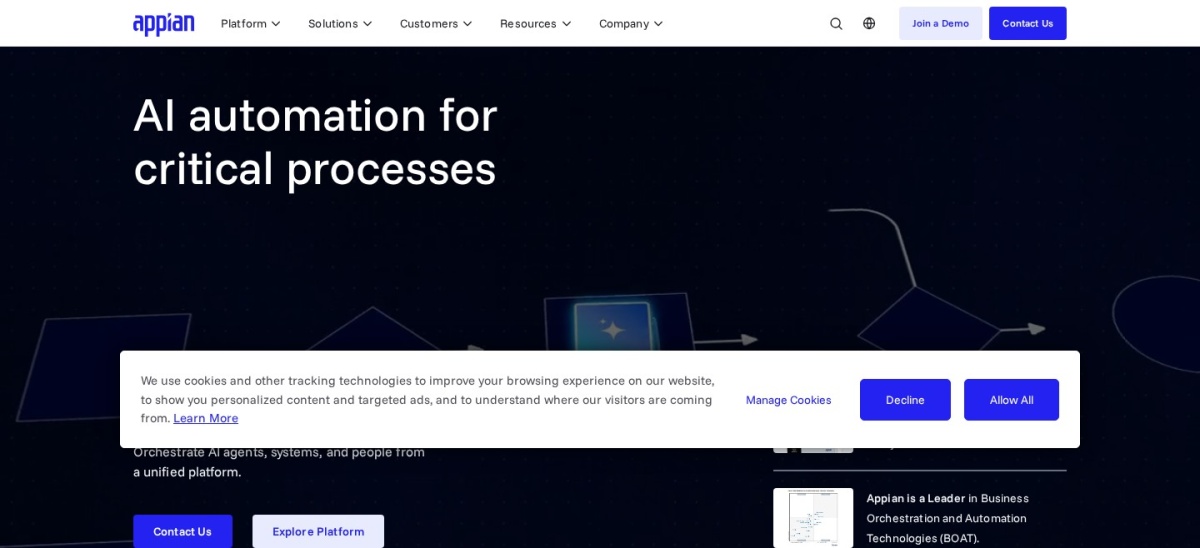
Appian homepage, captured Nov 2026.
Appian is a low-code platform that combines process automation with a unified data fabric, so teams build case and approval apps without a separate database layer. A free Community Edition is available, and the Standard user licence is listed at $75 a user a month.
The trade off is cost structure. Appian publishes no figures itself, and list prices point to a platform base fee on top of per-user charges. It suits regulated industries that need audited, end-to-end processes built as apps.
What we like
Low-code apps plus process automation in one place
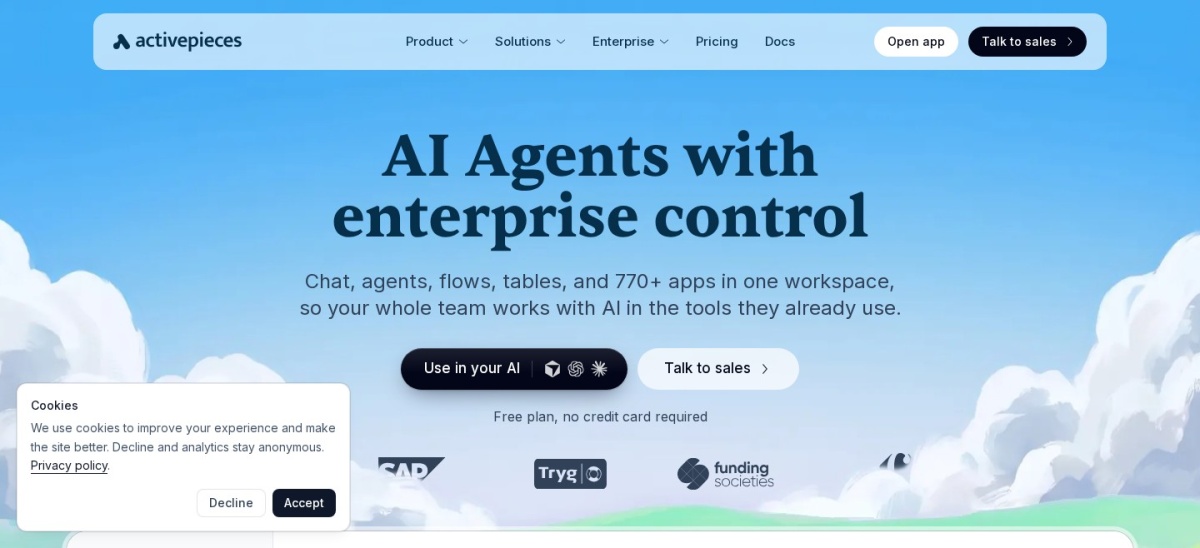
Activepieces is an open-ecosystem workflow and AI agent builder combining flows, tables, chat interfaces and 770+ app integrations. Its free plan includes 1,000 credits a month and up to 5 users, while the Plus plan costs a flat $20 a month for 10,000 monthly credits.
The trade off is that its native app catalog is smaller than Zapier's, and SSO requires upgrading to the $200 a month Team tier. It suits small teams wanting predictable flat pricing and the option to bring their own AI provider keys.
What we like
1 credit covers an entire multi-step run unless using hosted AI models
Plus plan allows bringing your own AI API keys to keep AI steps at 1 credit
MIT-licensed open-source core available for self-hosting
Watch out for
Smaller library of native app connectors than Zapier or Make
SSO and unlimited projects require jumping to the $200/mo Team plan
Focused on web APIs and agents rather than desktop UI automation
Plus ($20/mo) raises monthly credits to 10,000 and enables BYO AI keysVisit activepieces.com
09
Robomotion
4.4/5on G2 (28 reviews, checked Nov 2026)
Paid from$49/mo
Best for affordable desktop and browser bots
Free planFree, 50 daily credits
Cheapest paidSolo, $49/mo
Application robots3 on Solo
Local runsUnlimited local time
robomotion.io
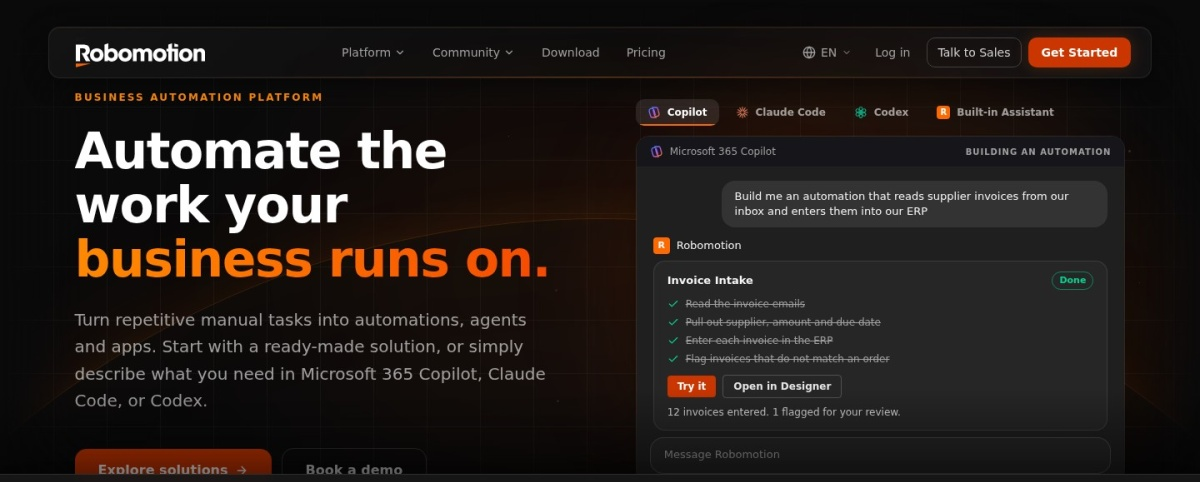
Robomotion homepage, captured Nov 2026.
Robomotion is a low-code RPA platform for desktop and browser bots that runs on Windows, Mac and Linux. Its free plan covers 50 daily credits, and Solo costs $49 a month for 1 user, 3 application robots and 2,500 AI credits a month.
The trade off is that Solo has no production robot, so scheduled unattended runs need Pro at $129 a month, and cloud run hours are metered on top. It suits solo builders and small teams automating desktop apps that have no API.
What we like
Cross-platform desktop and browser bots in one builder
Unlimited local execution time on every paid plan
Transparent published pricing with a free plan
Watch out for
Solo includes no production robot for scheduled runs
Desktop bots vs cloud workflows: which fits your work
Pick desktop RPA when the work lives in an app with no API: a legacy ERP, a Windows-only tool or a remote desktop. Bots drive the screen the way a person would, so nothing needs to change in the old system.
Pick cloud automation when the work already moves between web apps. Zapier, Make, n8n and Activepieces connect APIs directly, run in the cloud and cost far less per month than a bot licence.
Many teams end up with both. A cloud workflow can trigger a desktop bot for the one legacy step, then carry the result back into the CRM. Start with the tool that covers most of your volume, not the one with the longest feature list.
How we chose
We started from the established robotic automation and RPA platforms with public G2 ratings, then kept those with a published entry price or a widely listed public figure.
Prices come from each vendor's pricing page, checked on 26 November 2026. Ratings and review counts come from G2 on the same day. Where a vendor shows a sale, the list shows the regular price.
We left out industrial robotics hardware and tools with no public rating, and Blue Prism, which publishes no price at all. No vendor paid for a place, and we do not claim to have used these tools ourselves.
How to choose a robotic automation tool
Start with the app you need to automate, then match the tool to how that app works.
List the apps your process touches. If any step runs in a legacy desktop app with no API, you need desktop RPA. If everything is a web app, a cloud workflow tool costs less.
Count how the vendor charges. Per-seat, per-bot, per-task and per-execution pricing punish different volumes. Model a busy month, including polling triggers, before you pick a plan.
Try the free plan on one real process. Build the single most repetitive task first. If the free tier cannot finish it, the paid tier probably cannot either.
Check governance before you scale. Audit logs, role controls and SSO matter once bots touch finance or customer data. Enterprise tiers add these, so budget for them early.
FAQ
What is the best robotic automation software?
UiPath is the best pick for most teams. It covers attended and unattended desktop RPA, AI agents and document processing in one platform, and it holds a 4.6 out of 5 G2 rating from 7,735 reviews, the largest review base in this list.
What is the difference between RPA and workflow automation?
RPA uses bots that drive desktop apps by clicking and typing, which works even when an app has no API. Workflow automation connects web apps through APIs instead. Pick RPA for legacy screens and workflow tools for work that already lives in SaaS apps.
How much does robotic automation software cost?
Entry prices in this list run from $9 a month for Make to $750 a month for Automation Anywhere's Starter Pack. Most small teams start between $15 and $25 a month, while unattended enterprise bots usually need a quoted deal.
Is there a free robotic automation tool?
Yes. UiPath, Automation Anywhere, Make, Zapier, n8n, Activepieces and Robomotion all offer a free plan or edition. Free tiers cap robots, runs or credits, so they fit learning and small pilots rather than full production use.
Do I need coding skills to use RPA?
Not for the basics. UiPath, Power Automate, Zapier and Make all offer visual builders that non-developers can use for simple flows. Coding helps with complex logic, error handling and custom integrations, and n8n expects it more than the others.
Which robotic automation tool is best for small business?
Microsoft Power Automate at $15 a user a month is the best value if you already use Microsoft 365. Otherwise Make at $9 a month or Activepieces at $20 a month cover most cloud automation, while Robomotion at $49 a month is the cheapest true desktop bot.
SaaS SEO and WordPress specialist with about 8 years of experience. Rakib compares WordPress plugins, themes, hosting and software using public pricing, documentation and user reviews. See how we rank.