DVDFab DVD Ripper is the best rip software for most people, with 1,000+ output formats and strong protected-disc support at $59.99 a year. Pick WinX DVD Ripper Platinum for fast DVD-to-MP4 conversion, and HandBrake for free ripping of discs without copy protection.
How we make this list: we compare pricing pages, product documentation and public user reviews, then re-check every price before each update. No product paid for a place. Disclosure.
DVDFab DVD Ripper leads on range: 1,000+ formats and 245 device presets for $59.99 a year.
Leawo DVD Ripper is the cheapest paid pick at $29.95 a year, with 180+ formats and a 5-minute trial cap.
HandBrake and VLC are free and rated 4.7 out of 5 on G2, but neither decrypts protected discs on its own.
VideoByte is the only tool here that lists Cinavia removal, at $69.95 a year.
MakeMKV makes exact lossless copies, but its Trustpilot score is 3.2 out of 5 from only 6 reviews.
Paid tools cost $29.95 to $69.95 a year; lifetime licences run $39.95 to $84.95.
What rip software should handle
Rip software copies a DVD or Blu-ray disc to files you can play without the disc. The best tools handle scratched discs, multi-title layouts and region codes, then save to MP4, MKV or a lossless copy.
Copy protection is the main split. Free tools such as HandBrake and VLC convert discs without protection well, but they cannot open a protected shop-bought disc on their own. Paid tools add decryption for CSS, region codes and newer schemes.
Speed and output choice matter next. GPU acceleration shortens a full-disc rip, and a wide format list means the file plays on a phone, TV or media server without a second conversion. Our guide on embedding videos in WordPress covers what to do with video files once they are on your computer.
Only rip discs you own, for personal use. Ripping a rental disc or a disc you plan to share breaks the terms most of these tools ship with.
Prices below are regular prices checked on 26 November 2026. Several vendors run Black Friday sales at the moment, so the price on the checkout page may be lower.
4.4/5on Trustpilot (732 reviews, checked Nov 2026)
Starts at$59.99/yr
Best DVD ripper overall
Output formats1,000+
Device presets245
Free trial30 days
PlatformsWindows, Mac
dvdfab.cn
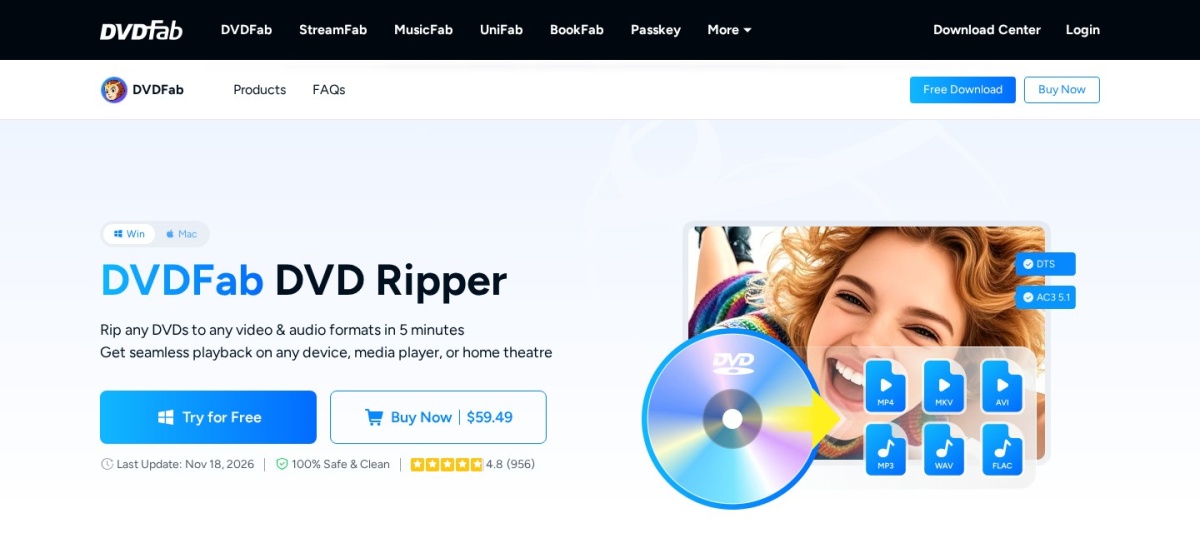
DVDFab DVD Ripper homepage, captured Nov 2026.
DVDFab DVD Ripper is a paid Windows and Mac tool that converts DVDs, ISO files and DVD folders to more than 1,000 video and audio formats. It handles protected discs, offers 245 device presets, MKV passthrough for copies without re-encoding, and a built-in editor for cropping, trimming and watermarking.
The trade off is the modular price. DVD Ripper alone lists at $59.99 for a one-year licence, and Blu-ray and UHD tools are sold as separate modules, so the total climbs fast for mixed collections. It suits collectors with large DVD shelves who want one tool for protected discs.
What we like
Widest format and preset range in this list
Handles protected and multi-title discs
30-day trial before paying
Watch out for
Blu-ray and UHD cost extra as separate modules
Lifetime licence lists at $84.99
Paid licence adds full protected-disc support and updatesVisit dvdfab.cn
02
WinX DVD Ripper Platinum
3.9/5on Trustpilot (419 reviews, checked Nov 2026)
Starts at$39.95/yr
Best for fast DVD to MP4
Device presets450+
GPU accelerationLevel 3
Trial limitFirst 5 minutes
PlatformsWindows, Mac
winxdvd.com
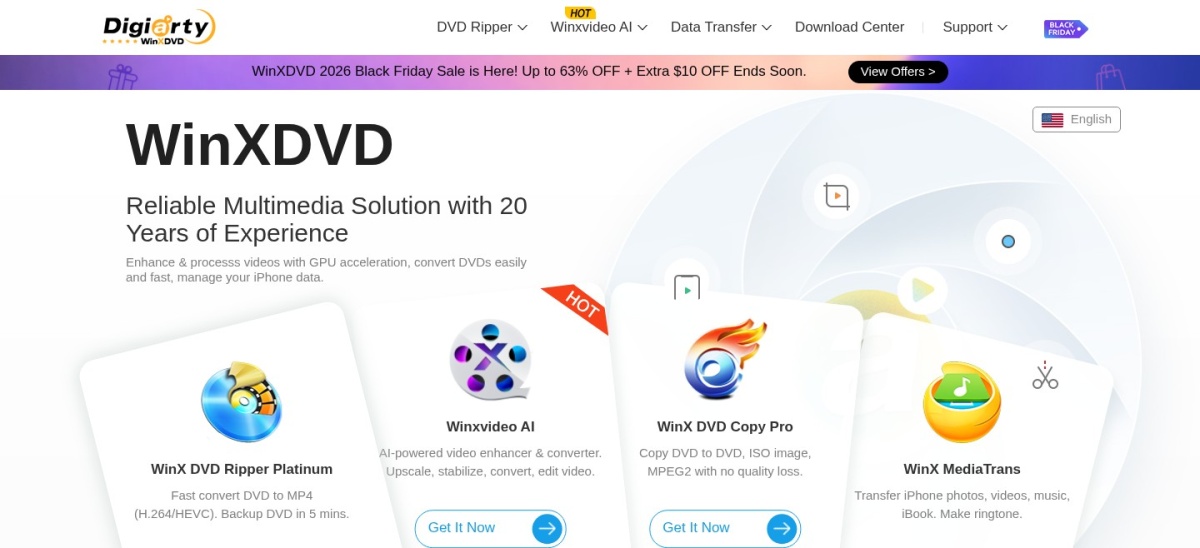
WinX DVD Ripper Platinum homepage, captured Nov 2026.
WinX DVD Ripper Platinum is a paid DVD ripper from Digiarty for Windows and Mac. It converts DVDs, ISO files and folders to MP4, HEVC, MKV and AVI, handles 99-title discs and region codes, and uses Level 3 GPU acceleration to finish a full disc in minutes.
The trade off is scope. It does not rip Blu-ray discs, and the free trial converts only the first five minutes of each title, so a full-disc check needs the paid licence at $39.95 a year. It suits owners of large DVD collections who want quick MP4 files.
4.4/5on Trustpilot (159 reviews, checked Nov 2026)
Starts at$29.95/yr
Best low-cost paid ripper
Output formats180+
Trial limitFirst 5 minutes
PlatformsWindows, Mac
Paid plan1 PC licence
leawo.org
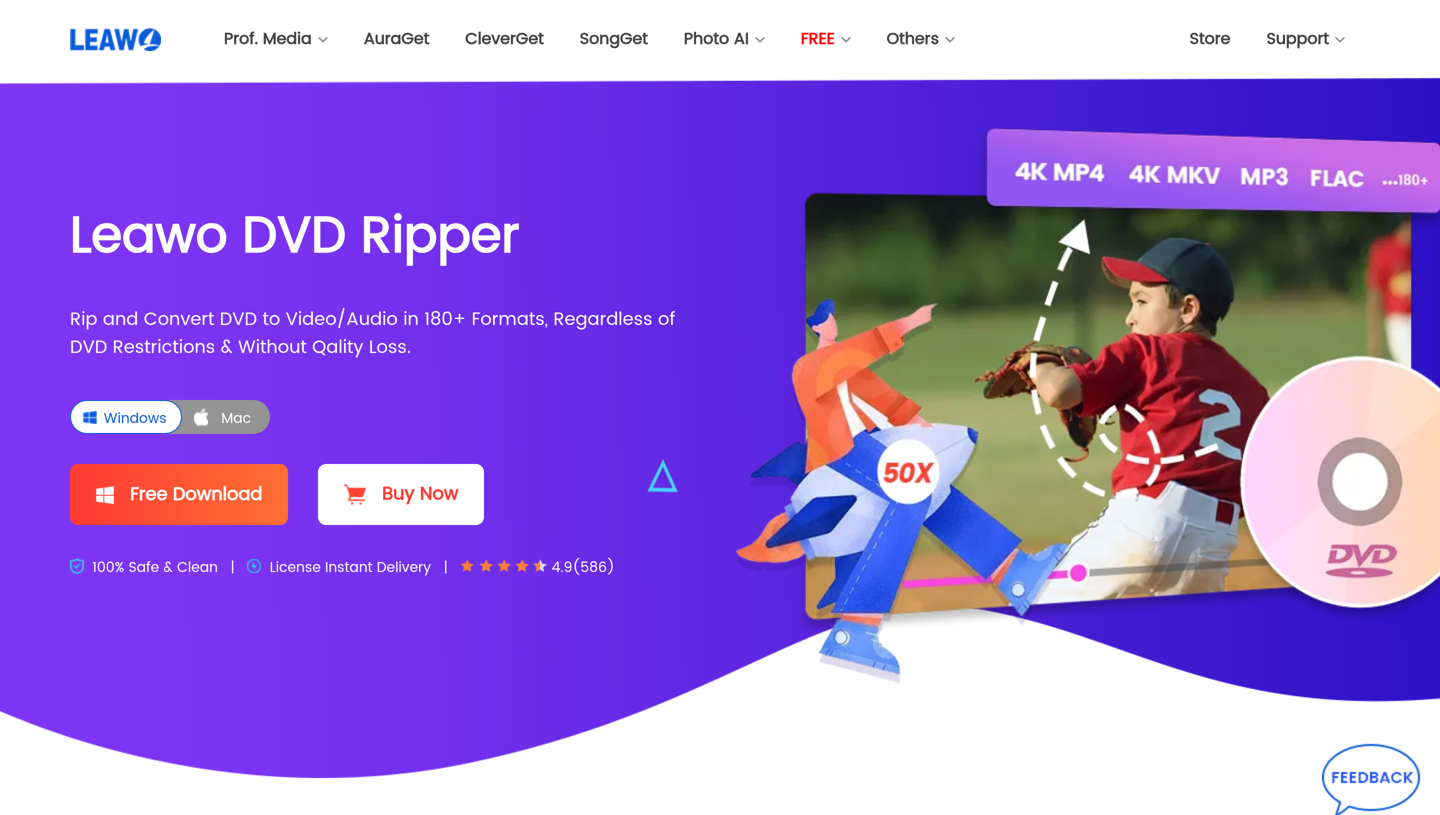
Leawo DVD Ripper homepage, captured Nov 2026.
Leawo DVD Ripper is a paid Windows and Mac tool that converts DVD discs, folders and ISO images to more than 180 formats, including MP4, MKV, AVI and audio-only MP3 or FLAC. It offers batch conversion, a choice of subtitle and audio tracks, and a built-in editor for trimming and cropping.
The trade off is the bundle. DVD Ripper now ships inside the larger Leawo Prof. Media suite, so you install the full suite and activate the parts you paid for. A one-year licence lists at $29.95, the lowest paid price here. It suits buyers who want a cheap lifetime option at $39.95.
What we like
Lowest paid price in this list
180+ formats with batch conversion
Audio-only output for music DVDs
Watch out for
Installs as part of a larger suite
Trial converts only the first five minutes
Paid licence adds full-length rips and free upgradesVisit leawo.org
04
HandBrake
4.7/5on G2 (156 reviews, checked Nov 2026)
PriceFree
Best free ripper for unprotected discs
PriceFree
PlatformsWindows, Mac, Linux
Protected discsNeeds extra setup
Latest version1.11.2
handbrake.fr
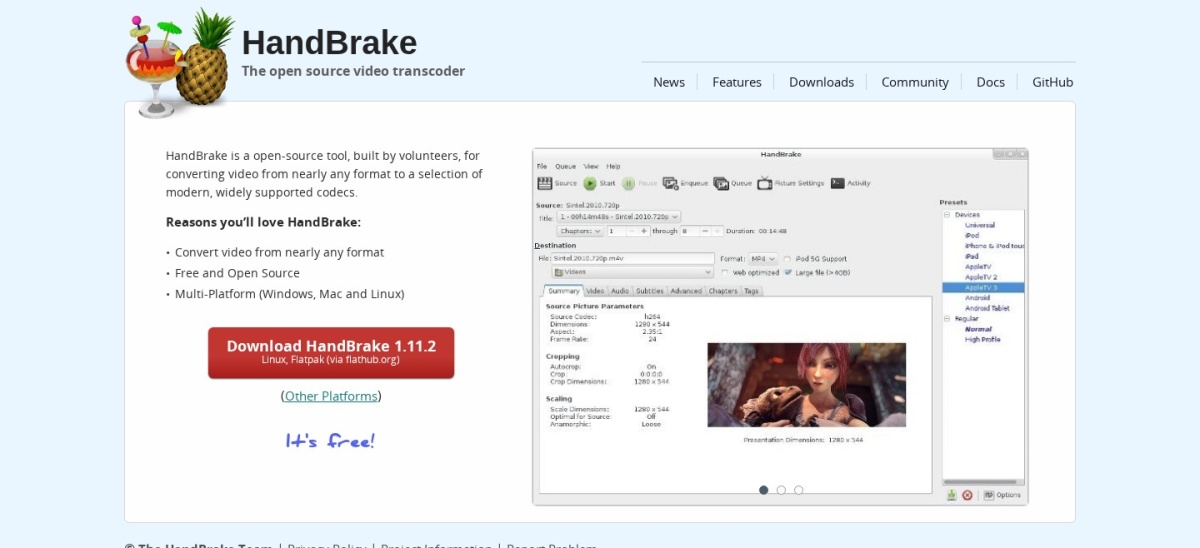
HandBrake homepage, captured Nov 2026.
HandBrake is a free, open-source video transcoder for Windows, Mac and Linux. It converts unprotected DVD and Blu-ray sources to modern formats such as MP4 and MKV, with presets for phones, tablets and TVs, and it costs nothing with no trial limits.
The trade off is decryption. HandBrake cannot open a protected shop-bought disc on its own, and its settings can overwhelm a first-time user. It suits people with home-made discs, or anyone who pairs it with a separate decryption step.
4.5/5on Trustpilot (335 reviews, checked Nov 2026)
Starts at$69.95/yr
Best for Blu-ray and DVD in one tool
Output formats300+
GPU speed6x
Trial30 days
PlatformsWindows, Mac
videobyte.org
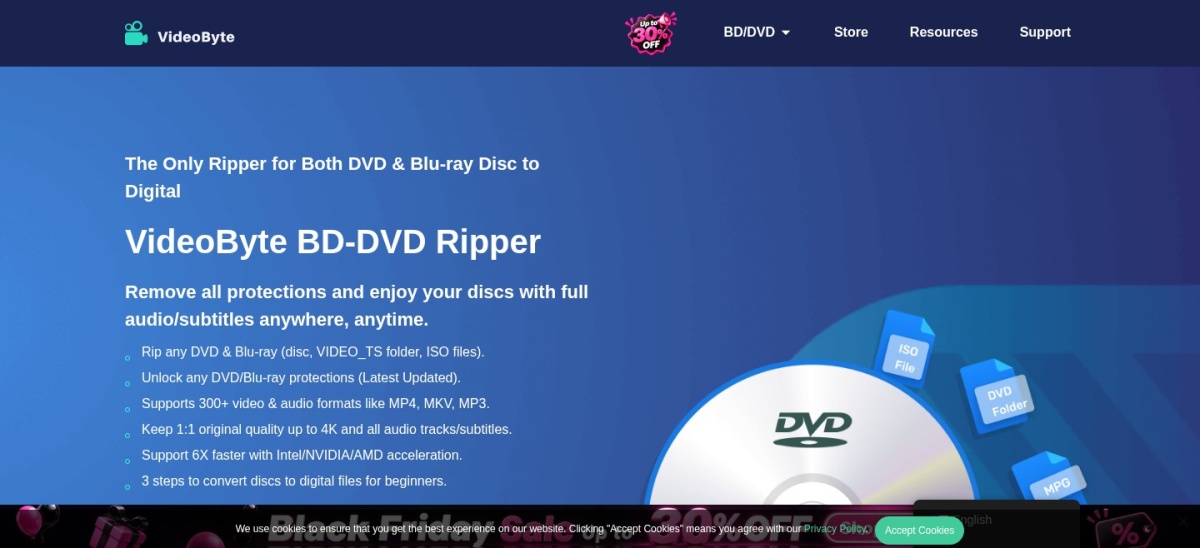
VideoByte BD-DVD Ripper homepage, captured Nov 2026.
VideoByte BD-DVD Ripper is a paid Windows and Mac tool that rips Blu-ray and DVD discs, ISO files and folders to more than 300 formats. It lists support for AACS, BD+, CSS and Cinavia, keeps lossless 1:1 copies, and runs conversions with 6x GPU speed.
The trade off is price and scope. At $69.95 a year it is the dearest yearly licence here, and it does not handle 4K UHD discs, which use stricter AACS 2.0 protection. It suits mixed Blu-ray and DVD collections that do not include 4K UHD discs.
4.2/5on Trustpilot (239 reviews, checked Nov 2026)
Starts at$54.96/once
Best for quick protected-disc rips
Output formats500+
GPU speed50x
Money-back30 days
PlatformsWindows, Mac
anymp4.com
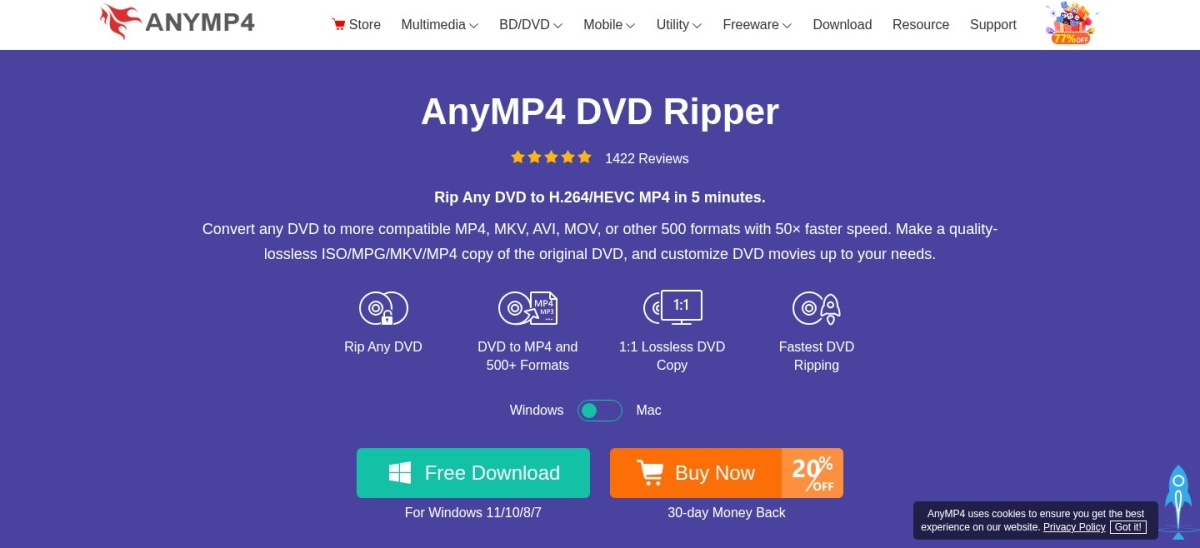
AnyMP4 DVD Ripper homepage, captured Nov 2026.
AnyMP4 DVD Ripper is a paid Windows and Mac tool that converts DVD discs, folders and ISO images to more than 500 formats, including MP4, MKV and MOV. It handles CSS, region codes and 99-title discs, offers 1:1 lossless copies, and uses GPU acceleration for faster conversions.
The trade off is pricing clarity. G2 lists a 1-month licence at $24.96 and a lifetime licence at $54.96, while older guides quote a 1-year plan that no longer appears on the vendor page. It suits buyers who want a one-off lifetime licence rather than a yearly plan.
4.6/5on Trustpilot (100 reviews, checked Nov 2026)
Starts at$29.95/yr
Best budget Blu-ray and DVD ripper
Output formats500+
Device presets200+
Trial limit3 minutes per file
PlatformsWindows, Mac
easefab.com
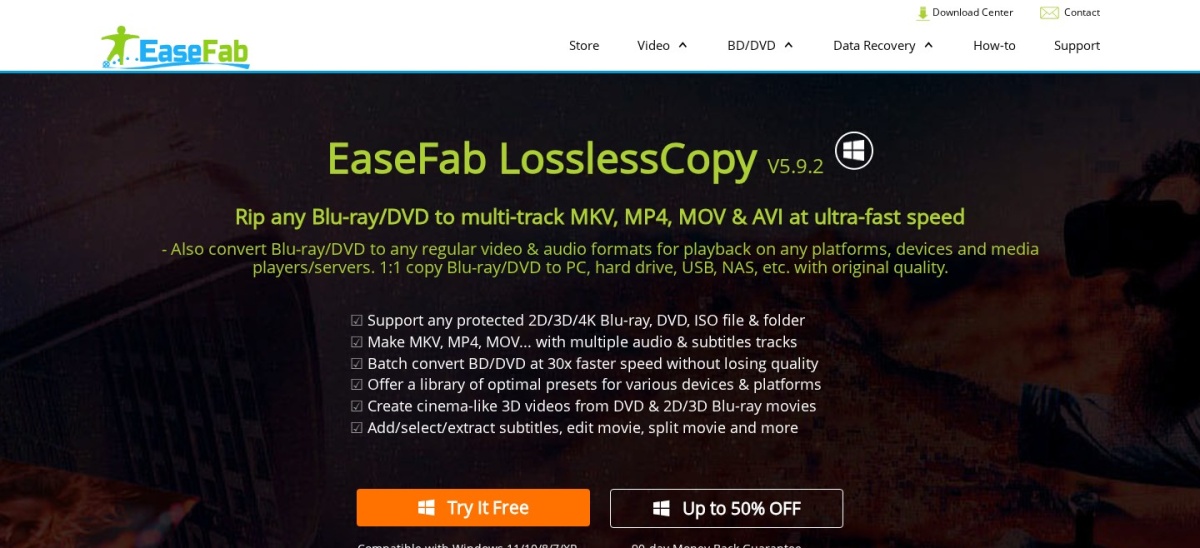
EaseFab LosslessCopy homepage, captured Nov 2026.
EaseFab LosslessCopy is a paid Windows and Mac tool that rips Blu-ray and DVD discs to multi-track MKV, MP4 and MOV files. It covers 500+ formats and 200+ device presets, keeps 2D, 3D and UHD output, and lists a 1-year licence at $29.95.
The trade off is the trial. Each conversion in the trial stops after three minutes, so a full film needs the paid licence, and the vendor is smaller than DVDFab or Digiarty. It suits buyers who want lossless multi-track copies at a low yearly price.
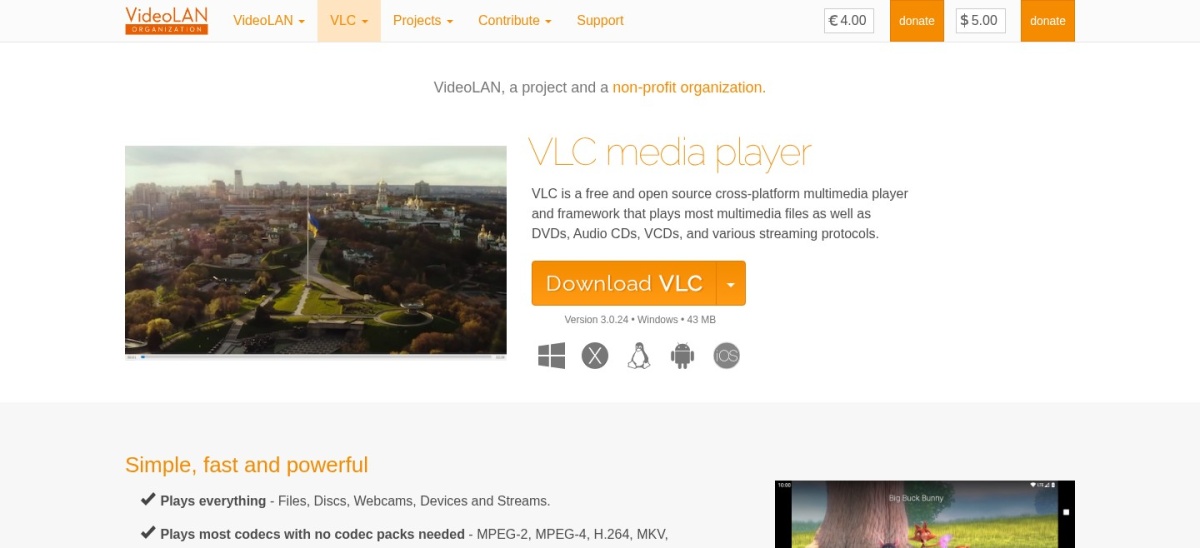
VLC media player is a free, open-source player from VideoLAN for Windows, Mac, Linux, iOS and Android. It can convert unprotected DVDs to common video files through its built-in conversion menu, with no ads, no trial and no account.
The trade off is that ripping is a side job for VLC. Protected Blu-ray discs need manual libaacs setup, and there is no disc-aware workflow with title detection or batch queues. It suits people who already use VLC and only rip the odd unprotected disc.
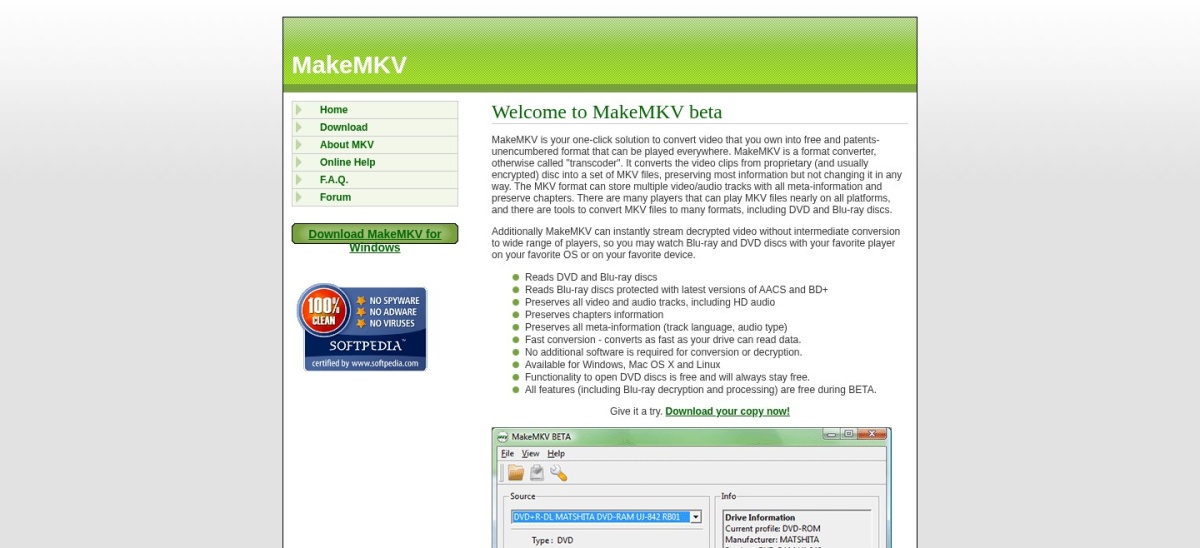
MakeMKV is a disc ripper for Windows, Mac and Linux that copies DVDs and Blu-ray discs to MKV files without re-encoding. It keeps every audio track, including HD audio, plus chapters and meta-information, so the copy matches the disc exactly.
The trade off is polish and payment. The interface is plain, files run large at 25 to 50 GB per Blu-ray, and forum reports from November 2026 say the $60 registration page is not accepting payments. It suits archivists who want exact copies and accept the beta key routine.
Free tools cover unprotected discs well. HandBrake, VLC and MakeMKV all convert discs you made yourself, or shop discs without protection, at no cost.
Paid tools mostly add decryption and speed. They open protected discs, detect the main title on complex layouts, and use GPU acceleration to finish faster.
If your shelf is mostly shop-bought films, a paid tool saves the extra steps free tools need. For home-made discs, a free tool is enough.
Check the trial limit before you pay. Most paid trials stop after three to five minutes, which shows the interface but not a full rip.
How we chose
We started from the disc ripping tools that appear most often in current roundups and on vendor sites, then kept nine that rip real DVDs or Blu-ray discs to common formats.
Prices come from each vendor's pricing or checkout page, checked on 26 November 2026. Ratings come from Trustpilot or G2 on the same day. Where a vendor shows a sale, the list shows the regular price.
We left out CD-only rippers whose ratings could not be verified on Trustpilot, G2 or Capterra, and tools with no public price. No vendor paid for a place, and we do not claim to have used these tools ourselves.
How to choose rip software
Start with the discs you own, then match the tool to the protection on them.
Check whether your discs are protected. Shop-bought films usually are. If they are, you need a paid tool with decryption, not a free converter.
Pick DVD-only or Blu-ray too. A DVD-only tool costs less, but a mixed shelf needs a tool that handles both formats in one licence.
Test the trial on a short title. Trials stop after a few minutes, so use them to check the interface and whether your disc is read at all.
Check the licence length. Yearly licences renew, while lifetime licences cost more up front. Match the licence to how many discs you have.
FAQ
What is the best rip software?
DVDFab DVD Ripper is the best paid pick for most people. It converts DVDs to more than 1,000 formats, handles protected and multi-title discs, and costs $59.99 a year, with a 30-day trial to check your discs first.
Is there free rip software?
Yes. HandBrake and VLC are free and rated 4.7 out of 5 on G2, and MakeMKV rips DVDs free forever. Free tools work well on discs without copy protection, but they cannot open a protected shop-bought disc on their own.
Can rip software copy protected DVDs?
Paid tools can. DVDFab, WinX, Leawo, VideoByte, AnyMP4 and EaseFab all list support for CSS, region codes and other DVD protection. Free tools cannot do this built in, and ripping only applies to discs you own for personal use.
What is the cheapest paid rip software?
Leawo DVD Ripper and EaseFab LosslessCopy both list a one-year licence at $29.95. Leawo covers DVD only, while EaseFab adds Blu-ray, so EaseFab is the cheaper route if your shelf mixes both formats.
Does rip software work on Mac?
Most tools here run on Windows and Mac, including DVDFab, WinX, Leawo, VideoByte, AnyMP4 and EaseFab. HandBrake, VLC and MakeMKV also run on Linux. Check the vendor download page for your exact macOS version before buying.
How long does it take to rip a DVD?
A full DVD usually takes five to fifteen minutes with GPU acceleration, depending on the disc and the output settings. Lossless copies take longer to write because the files are larger, and scratched discs can slow any tool down.
SaaS SEO and WordPress specialist with about 8 years of experience. Rakib compares WordPress plugins, themes, hosting and software using public pricing, documentation and user reviews. See how we rank.