Mintlify is the best-reviewed software to auto-generate docs, rated 4.6 out of 5 on G2, with an AI-native platform that writes and updates documentation from your code. Pick GitBook for polished team docs, ReadMe for API hubs with usage metrics, or Apidog when docs must stay in step with API design and testing.
How we make this list: we compare pricing pages, product documentation and public user reviews, then re-check every price before each update. No product paid for a place. Disclosure.
Mintlify leads: its AI writes and refreshes docs from code, rated 4.6/5 on G2, with Pro at $450 a month.
GitBook is the best-rated pick in the top three at 4.7/5 from 208 G2 reviews, but its new pricing starts at $65 per site plus $12 per user a month.
ReadMe, SwaggerHub, Stoplight, Apidog and Postman all generate reference docs straight from an OpenAPI spec or collection.
Apidog is the cheapest paid plan in the list at $9 a user a month, with a free plan for up to 4 users.
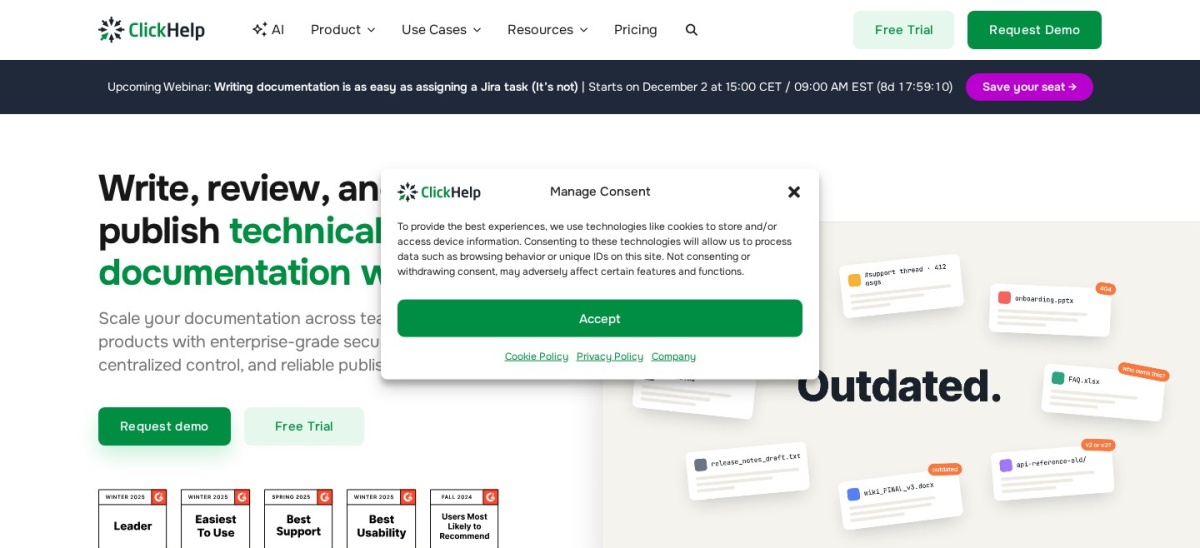
ClickHelp is the highest-rated tool at 4.8/5, but also the priciest entry plan at $194 a month with no free plan.
What auto-generated docs actually means
The keyword behind this list is oddly worded, but the job is clear: software that turns code, API specs or existing content into published documentation with as little hand-writing as possible. Some tools generate a full reference from an OpenAPI file; others use AI to draft, update and answer questions from your docs.
The strongest tools in this list do both. Mintlify and GitBook add AI writing and maintenance on top of a hosted docs site, while ReadMe, SwaggerHub, Stoplight, Apidog and Postman build the reference automatically from the API definition itself.
Ratings here come from G2, checked on 26 November 2026, and prices are the cheapest paid plan from each vendor's own pricing page. Our guide on what the WordPress REST API is explains the API format most of these tools generate docs from.
Watch the pricing model, not just the headline number. Some tools charge per site, some per user and some per project, so the cheapest plan for a solo writer is rarely the cheapest for a team of five.
The 9 best reviewed software to auto generate docs
01
Mintlify
4.6/5on G2 (20 reviews, checked Nov 2026)
Paid from$450/mo
Best AI-native docs that update themselves
Free planStarter, 5 editors
Cheapest paidPro, $450/mo
AI credits10,000/mo on Pro
Docs sourceGit sync, OpenAPI
mintlify.com
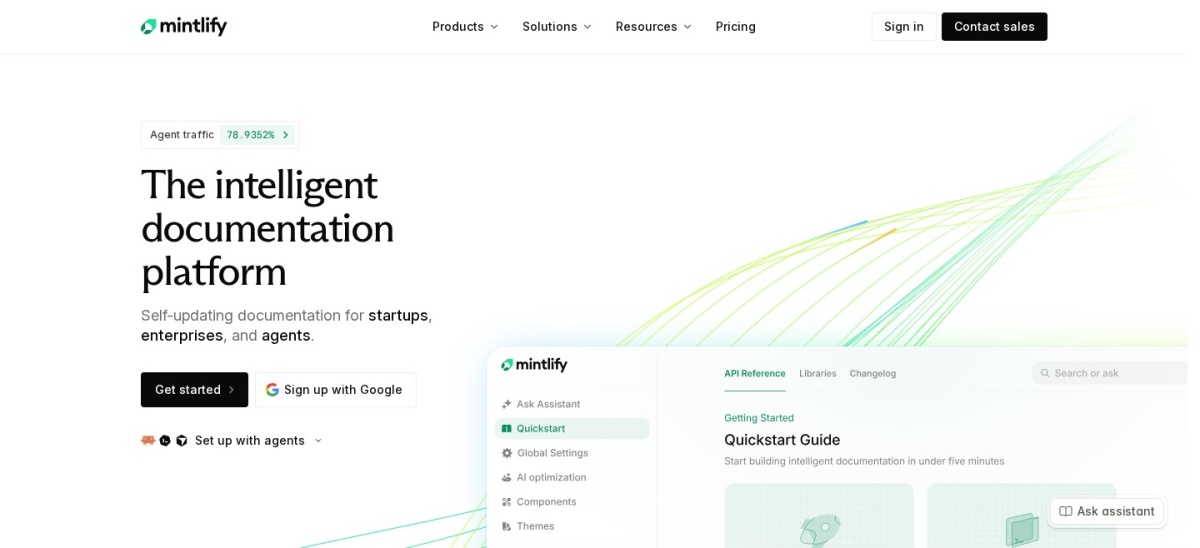
Mintlify homepage, captured Nov 2026.
Mintlify is an AI-native documentation platform that writes and refreshes docs from your code and API specs, so pages stay current without a rewrite each release. The free Starter plan covers 5 editors with a custom domain, Git sync, search, an API playground and an MCP server for AI readers.
The trade off is the price step. AI features such as the assistant, writing agent and autopilot updates need Pro at $450 a month billed yearly, which includes 10,000 AI credits a month. It suits developer teams that want docs to maintain themselves and can justify the jump from free.
What we like
AI writes and updates docs from code and specs
Free plan covers 5 editors with a custom domain
Git-backed workflow with preview deployments
Docs include llms.txt and an MCP server for AI agents
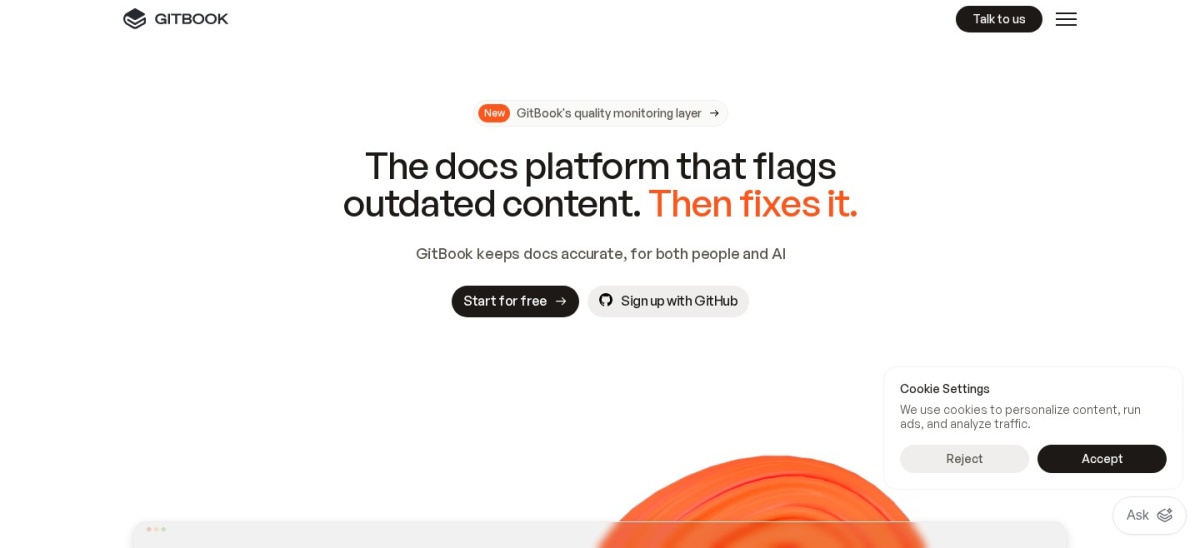
GitBook is a documentation platform for teams that want clean, branded docs with a visual editor and Git sync. The free plan covers one user with unlimited page views, an API playground, llms.txt files and an MCP server, so AI tools can read every published page.
The trade off is the new pricing model. Essential costs $65 per site a month plus $12 per user a month billed yearly, so one site with one editor is $77 a month. It suits small teams that publish one public docs site and want AI answers built in.
What we like
Highest G2 rating in the top three at 4.7/5
Clean editor with Git sync and versioning
Every plan publishes llms.txt and an MCP server
Unlimited page views on all plans
Watch out for
Per-site plus per-user pricing adds up fast
Private sites need the top tier at $249 a site
Free plan is limited to a single user
Essential adds a custom domain, branding and AI answersVisit gitbook.com
03
ReadMe
4.5/5on G2 (46 reviews, checked Nov 2026)
Paid from$250/mo
Best API hub with usage metrics
Free planStarter, 1 project
Cheapest paidPro, $250/mo
Try-it consoleYes, with real keys
API metricsYes, per endpoint
readme.com
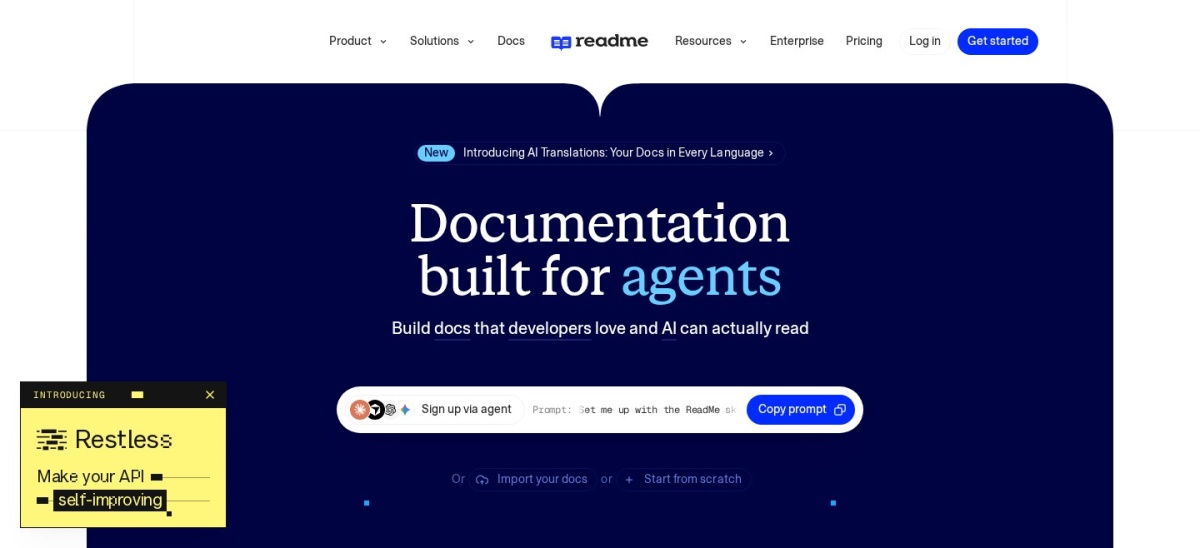
ReadMe homepage, captured Nov 2026.
ReadMe is a hosted developer hub that turns an OpenAPI file into a full documentation site with guides, an interactive reference and a changelog. The free Starter plan covers one project and one admin, and still includes a custom domain, bi-directional Git sync, an MCP server and an llms.txt file.
The trade off is the price jump to Pro at $250 a month billed yearly, which is steep for a small team, and each plan covers only one project. It suits API-first companies that want a polished public hub and can see which endpoints developers actually use.
What we like
Free Starter plan with a custom domain and Git sync
Interactive API reference with real API calls
API Metrics show which endpoints get used and fail
Non-developers can edit guides without code
Watch out for
Pro costs $250 a month, a big step from free
One project per plan; a second API needs Enterprise
Reader AI costs $150 a month extra
Pro adds teammates, branching and unlimited versionsVisit readme.com
04
Apidog
4.8/5on G2 (236 reviews, checked Nov 2026)
Paid from$9/mo
Best value for API docs plus testing
Free planUp to 4 users
Cheapest paidBasic, $9/user/mo
Auto-generated docsYes, from the API design
Mock serversYes, included
apidog.com
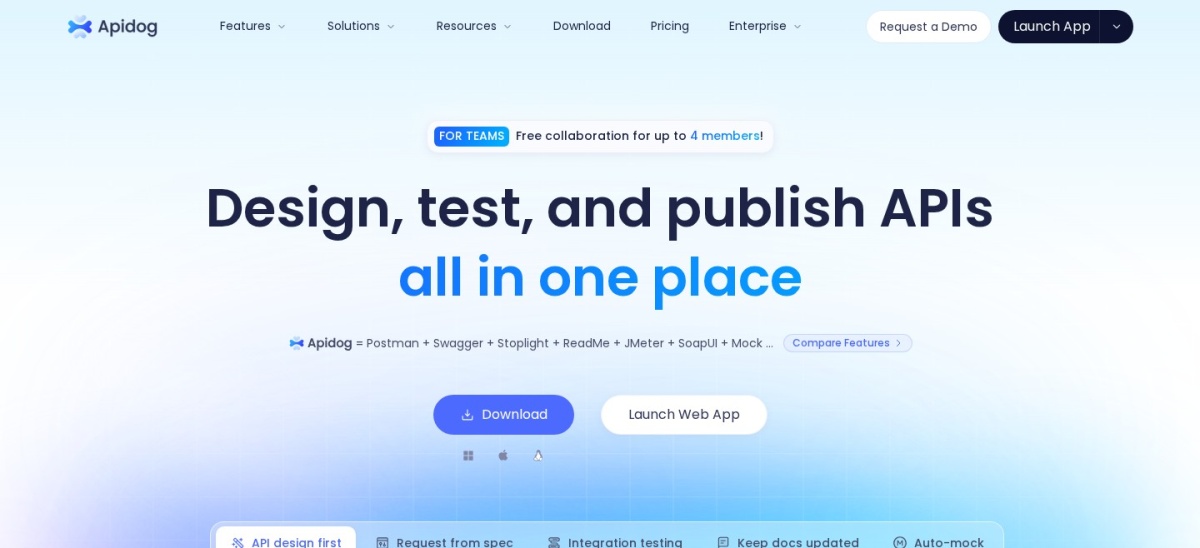
Apidog homepage, captured Nov 2026.
Apidog is an all-in-one API platform that designs, tests and documents APIs in one workspace, generating interactive docs from the API design as you work. The free plan covers up to 4 users, and the docs stay in step with the spec, so a changed endpoint updates the published reference.
The trade off is scope. Apidog is an API tool first, so long-form guides and non-API docs are weaker than on a dedicated docs platform. At $9 a user a month for Basic, it suits small API teams that want design, docs, mocks and testing without paying for four tools.
What we like
Cheapest paid plan in this list at $9 a user
Docs generate from the API design automatically
Free plan covers 4 users with mock servers
Testing, mocks and docs in one workspace
Watch out for
API-first, so long-form guides are weaker
Fewer publishing and branding options than GitBook
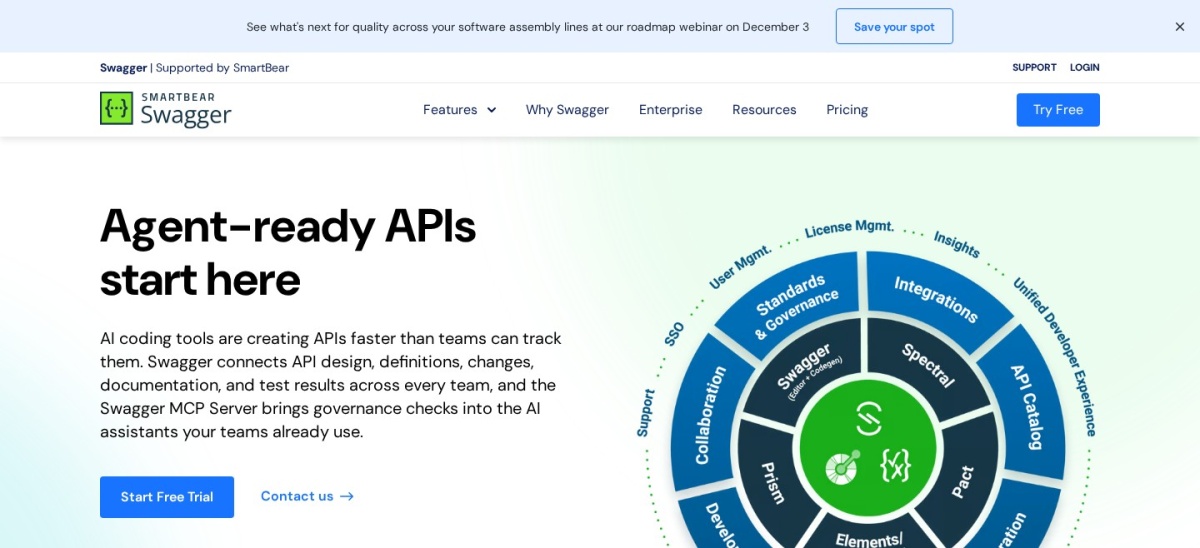
SwaggerHub is SmartBear's hosted platform for designing APIs in OpenAPI and publishing governed documentation from the same spec. The Individual plan at $22.80 a user a month billed yearly covers 10 APIs with a visual editor, code generation and a Portal product for published docs.
The trade off is that there is no free plan, only a trial, and the branded portal costs extra: Portal Pro is a $28.80 per user a month add-on. It suits larger API programs that need shared style rules, versioning and a catalog of every API in one place.
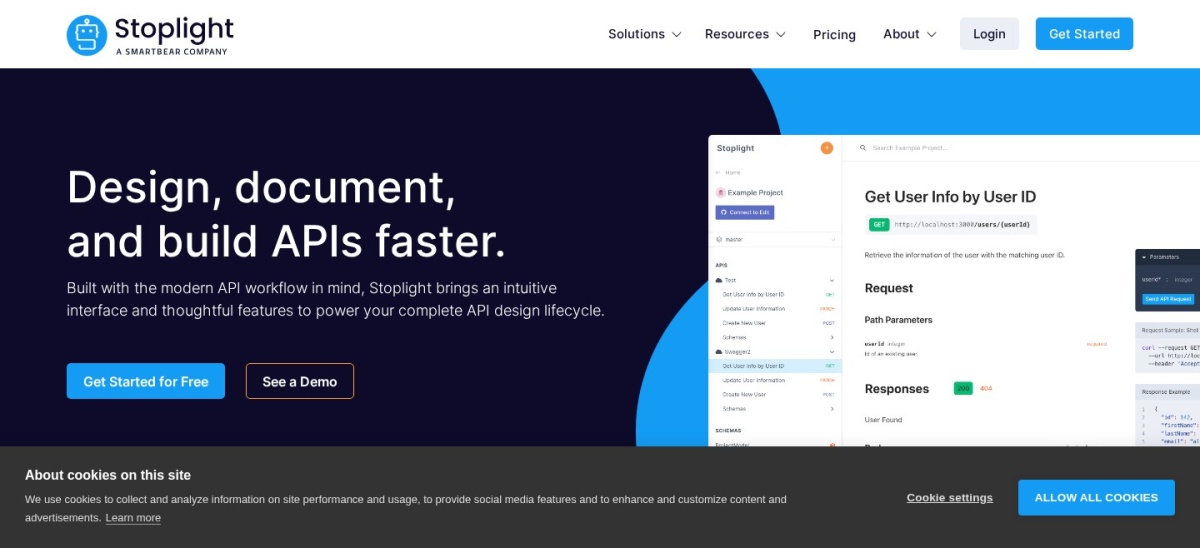
Stoplight is a design-first API platform that turns an OpenAPI definition into interactive documentation and a mock server before the backend exists. The free plan covers one project and one user, and Basic at $44 a month billed yearly adds unlimited projects for the first 3 users.
The trade off is momentum. SmartBear acquired Stoplight in 2023 and reviewers note occasional bugs and a less certain roadmap, while the free plan is limited to a single project. It suits teams that design APIs visually and want docs, linting and mocks from one definition.
Archbee is a documentation platform for product and API knowledge portals that readers can search and ask questions of. The Growing plan at $49 a month includes unlimited readers and spaces, a custom domain, GitHub integration and API documentation, with a 14-day trial and no credit card.
The trade off is the add-on model. AI answers, analytics and PDF export are separate add-ons at $49 a month each on Growing, and there is no free plan. It suits SaaS teams that want a branded portal where customers get instant answers instead of opening tickets.
ClickHelp is a cloud authoring tool for structured technical documentation, user manuals and knowledge bases with review workflows built in. The Starter plan at $194 a month covers one documentation site with 2 contributors, 500 topics, workflow and review tools and unlimited reader accounts.
The trade off is price. At $194 a month it is the priciest entry plan in this list, and extras such as single sign-on and the AI Suite cost $132 and $300 a month on top. It suits technical writing teams that publish large manuals and need versioning, permissions and translation tools.
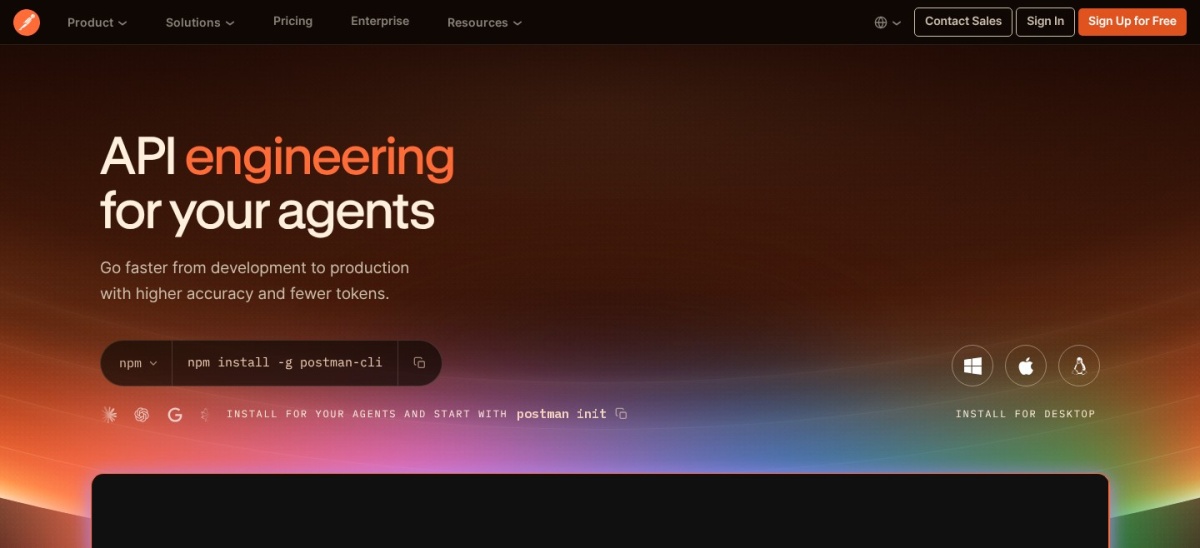
Postman is the API platform most developers already use, and it generates documentation automatically from collections, with sample code and request details included. The free plan covers 3 collaborators, and Basic at $14 a user a month billed yearly adds team workspaces, a custom domain and version control.
The trade off is focus. Documentation is one feature inside a large testing and collaboration platform, so long-form guides and branding trail dedicated docs tools. It suits teams already living in Postman that want public docs beside their testing without adopting another platform.
Free plans in this list cover the core job well. Mintlify, GitBook, ReadMe, Apidog, Stoplight and Postman all publish real documentation without paying, and Apidog's free plan even covers 4 users.
Paid plans mostly add people, projects and AI. Extra editors, a second project, private docs, custom domains and AI writing or answers are what move you off the free tier.
Two tools have no free plan at all. SwaggerHub and ClickHelp offer trials only, and Archbee gives a 14-day trial, so budget for the first paid month before you commit to them.
If your docs serve an API, start with the tool that already holds your spec. Paying for a separate docs platform on top of an API tool you already use is the most common wasted spend in this category.
How we chose
We started from the documentation tools that generate pages from code or API specs, then kept the nine with a published user rating and a published paid price.
Ratings come from G2, checked on 26 November 2026. Prices are the cheapest paid plan from each vendor's pricing page on the same day, at regular annual-billing rates; where a vendor shows a sale, the list shows the regular price.
We left out tools with no public rating, such as Docusaurus and Slate, and Document360, which no longer publishes prices. No vendor paid for a place, and we do not claim to have used these tools ourselves.
How to choose software to auto-generate docs
Start with where your API definition or code already lives, then match the tool to that source.
Check what already holds your spec. If your API lives in Postman collections or an OpenAPI file, the tool that reads that source directly will generate the most accurate docs.
Decide who writes and who reads. Developer-only docs suit Mintlify, ReadMe or Stoplight. Docs for customers and support teams suit GitBook, Archbee or ClickHelp.
Price the team, not the headline. Per-user plans such as Postman and Apidog stay cheap for small teams, while per-site plans such as GitBook and per-project plans such as ReadMe change the maths fast.
Test the free plan with a real spec. Import one API definition or a small docs set and publish it. If the generated reference needs heavy hand-editing, the tool is not saving you time.
FAQ
What is the best software to auto-generate docs?
Mintlify is the best pick for most teams. It is rated 4.6 out of 5 on G2, its AI writes and refreshes documentation from your code, and the free plan covers 5 editors. GitBook is the best alternative for polished team docs, and ReadMe leads for public API hubs.
Can documentation really generate itself from code?
Partly. Tools such as ReadMe, SwaggerHub and Stoplight build a full API reference from an OpenAPI file with no hand-writing, and Postman does the same from collections. Guides, tutorials and explanations still need a writer, and AI tools such as Mintlify draft those from your code.
Which auto-generate docs tool is free?
Mintlify, GitBook, ReadMe, Apidog, Stoplight and Postman all have free plans. Apidog's is the most generous, covering 4 users, while Mintlify's covers 5 editors. SwaggerHub, Archbee and ClickHelp offer free trials only, with no permanent free plan.
What is the cheapest paid plan for auto-generated docs?
Apidog Basic at $9 a user a month, or $108 a year, is the cheapest paid plan in this list. Postman Basic follows at $14 a user a month. Both keep the free plan usable, so pay only when you need team workspaces, version control or a custom domain.
Do I still need a technical writer with these tools?
Yes, for anything beyond the API reference. Generated docs cover endpoints, parameters and sample code well, but guides, tutorials and troubleshooting still need a person who understands the product. The tools remove the repetitive reference work, not the writing itself.
Which tool is best for API documentation specifically?
ReadMe is the best API hub, with an interactive reference, real API calls from the docs and usage metrics per endpoint. SwaggerHub and Stoplight suit governed API programs, Apidog suits teams that also test their APIs, and Postman suits teams already using collections.
SaaS SEO and WordPress specialist with about 8 years of experience. Rakib compares WordPress plugins, themes, hosting and software using public pricing, documentation and user reviews. See how we rank.