Google Lens is the best reverse image search tool for most people: it is free, works from a photo or upload, and searches Google's huge index. Pick TinEye to trace exact and edited copies of an image, and Pixsy if you are a photographer who wants monitoring and takedowns.
How we make this list: we compare pricing pages, product documentation and public user reviews, then re-check every price before each update. No product paid for a place. Disclosure.
Google Lens is free and searches the largest index, so it is the first tool to try for identifying objects, products and places.
TinEye searches 86.9 billion images and sorts matches by first appearance, which makes it the best choice for tracing an image's origin.
Pixsy monitors 500 images free and adds takedowns and case recovery, but it takes a 50% fee on money it recovers.
Lenso.ai sorts matches into People, Places and Duplicates, but source links need Starter at $19.99 a month.
Face search is a paid extra almost everywhere: PimEyes unblurs results at $29.99 a month, and free tiers hide source links.
What a reverse image search tool should cover
A reverse image search starts with a picture instead of words. Upload a photo, paste an image link, or point your camera at something, and the tool returns pages where that image, or one like it, appears.
People use these tools for different jobs. Some want to find where a photo was first published, some want to check whether their work is being reused, and some want to identify a product, plant or place in a photo.
The free tools cover the common jobs well. Google Lens and TinEye cost nothing for everyday searches, and most paid plans only add monitoring, alerts, or commercial use. If you publish photos, our guide on optimizing images for SEO explains how to keep them findable.
Watch the limits before you pay. Free tiers often hide source links, cap daily searches, or limit use to non-commercial searches, and face search tools usually blur results until you subscribe.
4/5on Google Play (29,582,143 reviews, checked Nov 2026)
PriceFree
Best reverse image search overall
Free planYes
Identify objectsYes
Translate text100+ languages
Paid planNone, free
lens.google.com
Google Lens homepage, captured Nov 2026.
Google Lens is the visual search built into the Google app and the web at lens.google.com. Point your camera at an object, plant, product or sign, or upload a photo, and Lens identifies it, translates text in more than 100 languages, and finds similar images and shopping links. Its reverse image search finds the source, similar photos and related information for any image.
The trade off is that Lens watches nothing for you. There is no monitoring, no alerts when a new copy appears, and no way to track your own images over time. It suits everyday identification: finding a product, naming a plant, or checking where a picture came from.
4.5/5on Chrome Web Store (1,800 reviews, checked Nov 2026)
Paid from$200/mo
Best for finding exact and edited copies
Free web searchYes, non-commercial
Index size86.9 billion images
Sort resultsBy first, biggest, most changed
Paid planMatchEngine, $200/mo
tineye.com
TinEye homepage, captured Nov 2026.
TinEye is a dedicated reverse image search engine that searches more than 86.9 billion images. Upload a photo, paste an image link, or use its browser extension, and it finds where the image appears online, including cropped, resized and recolored copies. Results can be sorted by first appearance, biggest image or most changed version, and TinEye says it never saves your search images.
The trade off is price. The web search is free for non-commercial use, but commercial searches need prepaid API bundles from $200, and MatchEngine for private collections starts at $200 a month. It suits photographers, journalists and researchers who need to prove where an image first appeared.
What we like
Finds exact and edited copies
Sorts by first appearance online
Search images are never saved
Free browser extension for Chrome, Firefox and Edge
Watch out for
Free search is for non-commercial use only
Smaller index than Google Lens
Paid plans start at $200 a month
Paid plans add commercial use, API access and monitoringVisit tineye.com
03
Pixsy
4.3/5on Trustpilot (323 reviews, checked Nov 2026)
Paid from$19/mo
Best for photographers protecting work
Free images monitored500
Takedown notices20/mo on Personal
Recovery fee50% of recovery
Paid planPersonal, $19/mo
pixsy.com
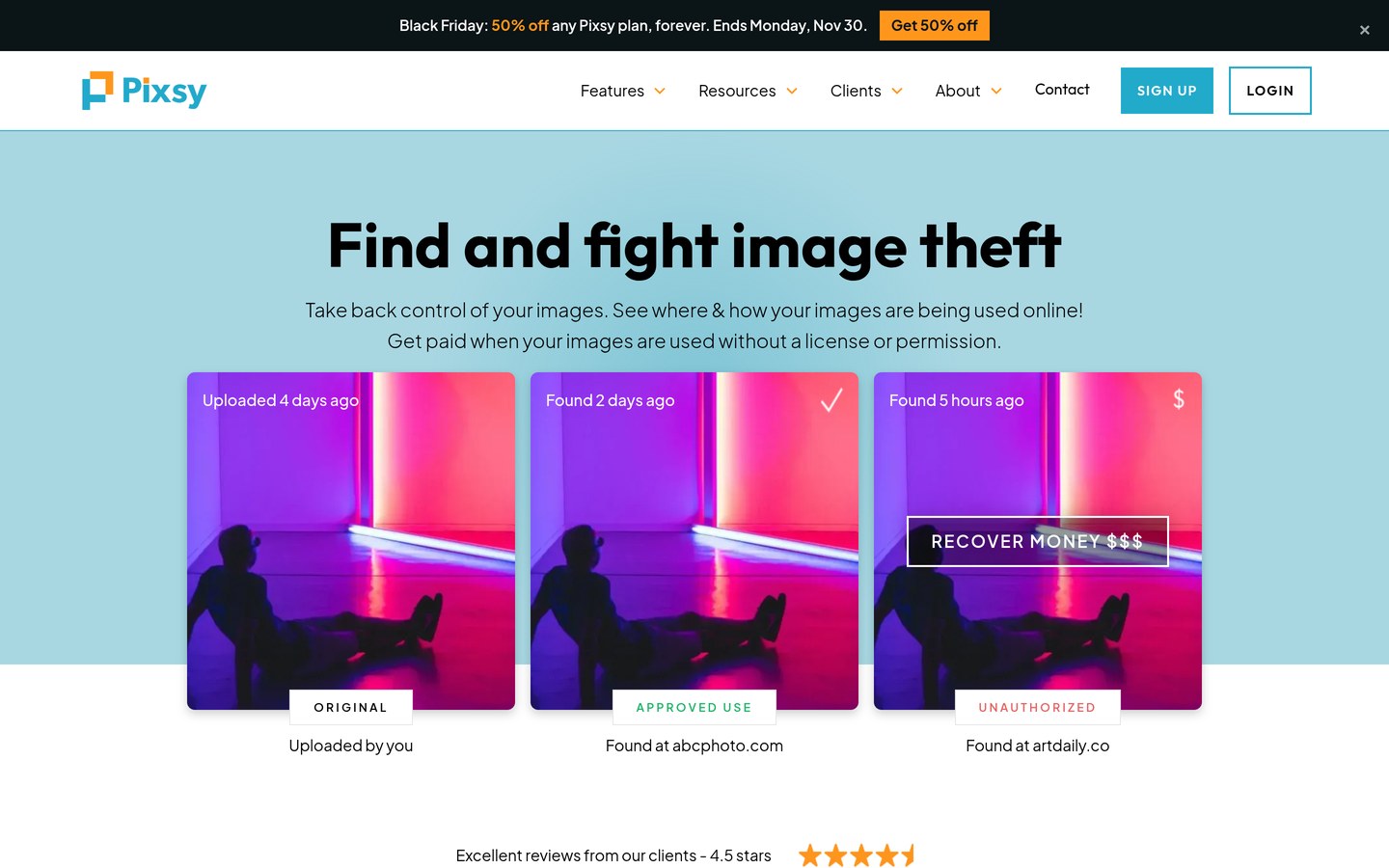
Pixsy homepage, captured Nov 2026.
Pixsy is a monitoring service for photographers, designers and agencies that finds where their images appear online. The free plan monitors 500 images, and Pixsy says more than 150,000 customers in over 120 countries use it. When it finds an unauthorized use, you can send a takedown notice or submit the case for Pixsy to pursue compensation.
The trade off is the recovery fee. Submitting a case is free, but Pixsy takes 50% of any money it recovers, and the cheapest paid plan covers only 2,000 images at $19 a month. It suits working photographers whose images earn licensing income and get reused without permission.
What we like
Monitoring, takedowns and recovery in one place
Free plan monitors 500 images
Used by 150,000 customers in 120+ countries
Watch out for
50% fee on recovered money
Personal plan covers only 2,000 images
Built for image owners, not general searching
Personal adds 2,000 images and 20 takedowns a monthVisit pixsy.com
04
Lenso.ai
4.4/5on Trustpilot (173 reviews, checked Nov 2026)
Paid from$19.99/mo
Best AI search with sorted results
Result categoriesPeople, Places, Duplicates, more
Free searchWatermarked, sources locked
Alerts10 on Starter
Paid planStarter, $19.99/mo
lenso.ai
Lenso.ai homepage, captured Nov 2026.
Lenso.ai is an AI reverse image and face search engine that sorts matches into People, Places, Duplicates, Related and Similar. Upload a photo and it shows matching images from across the public web, with filters and alerts on paid plans. The free search shows that matches exist but locks most source links behind a watermark.
The trade off is the paywall. Seeing source links needs Starter at $19.99 a month, which covers 50 unlocks and 10 alerts, and prices load at checkout rather than on the pricing page. It suits people checking where their own photos appear online.
What we like
Matches sorted into clear categories
Face search included
Alerts when new matches appear
Research Mode digs deeper on Professional
Watch out for
Free results hide most source links
Starter covers only 50 unlocks a month
Prices are not printed on the pricing page
Starter unlocks 50 sources and 10 alerts a monthVisit lenso.ai
05
Pinterest Lens
4.2/5on Google Play (11,734,582 reviews, checked Nov 2026)
PriceFree
Best for shopping and visual ideas
Free planYes
Shop similar productsYes
Save to boardsYes
Paid planNone, free
pinterest.com
Pinterest Lens homepage, captured Nov 2026.
Pinterest Lens is the camera search inside Pinterest, the app with more than 1 billion downloads. Point your camera at an outfit, a room or a product and Lens finds similar Pins, close matches and things to buy. Matches can be saved to boards, so it works as a visual bookmark for ideas as well as a search tool.
The trade off is scope. Results stay inside Pinterest's world of Pins, shopping links and ideas, so Lens cannot trace an image's original source or check copyright. It suits shoppers, home decorators and anyone collecting visual ideas.
3.5/5on Trustpilot (154 reviews, checked Nov 2026)
Paid from$29.99/mo
Best for finding your own face online
Free tierBlurred results, sources hidden
Daily searches75 on Open Plus
Alerts10 on Open Plus
Paid planOpen Plus, $29.99/mo
pimeyes.com
PimEyes homepage, captured Nov 2026.
PimEyes is a face search engine that finds public web images containing the face in an uploaded photo. The free tier shows blurred thumbnails with no source links, so you can see that matches exist without seeing where they are. Open Plus unblurs results, adds source links and up to 75 searches a day.
The trade off is cost and trust. Open Plus costs $29.99 a month, subscriptions renew automatically, and Trustpilot reviews flag billing problems and repeated CAPTCHAs. It suits people tracking their own photos across the open web.
DupliChecker is a bundle of free web tools that includes a reverse image search. Upload an image or paste its link and the tool returns matching images from the web, with no account or install needed. The same site offers plagiarism, paraphrasing and grammar checks alongside it.
The trade off is reputation. DupliChecker scores 2.1 out of 5 on Trustpilot from 36 reviews, with complaints about billing and cancelling, and the cheapest paid plan is $5 a week. It suits a one-off free check, not ongoing or paid use.
SmallSEOTools is a collection of about 110 free web tools, and reverse image search is one of them. Upload an image or paste its link to find matching images, with no account needed. The same site covers plagiarism checks, paraphrasing, image-to-text and domain checks.
The trade off is that image search is a small part of a large bundle. Its Trustpilot score is 2.9 out of 5 from 15 reviews, and the $9.99-a-month All in One plan buys higher limits across all tools, not image search alone. It suits occasional free checks alongside SEO work.
Free plans answer single questions well. Upload one image, see where it appears, and move on.
Paid plans mostly add watching and acting. You get alerts when new copies appear, takedown notices, and the right to use the search commercially.
Face search is where the paywall bites hardest. PimEyes and Lenso.ai both show that matches exist for free, then charge to unblur them and reveal the source pages.
AI-generated images add a new wrinkle: a picture made by a tool may match nothing, because it was never published before. Our guide on generating images with AI covers what these tools can and cannot do.
How we chose
We started from the reverse image search tools people actually name when they need to trace a photo: Google Lens, TinEye, Pixsy, Lenso.ai, Pinterest Lens and PimEyes, plus two free multi-tool sites that offer the same check.
Prices come from each vendor's pricing page, checked on 26 November 2026. Ratings and review counts come from Trustpilot, Google Play and the Chrome Web Store on the same day. Where a vendor shows a sale, the list shows the regular price.
We left out Yandex Images and Bing Visual Search because neither has a public user rating to compare, and Berify because we could not verify a rating or a public review score for it. No vendor paid for a place, and we do not claim to have used these tools ourselves.
How to choose a reverse image search tool
Start with the job, not the tool, then match the tool to it.
Name the job first. Tracing an image's origin, watching for reuse, identifying an object and finding a face are different jobs, and no one tool leads at all four.
Try the free tools before paying. Run the same image through Google Lens and TinEye first. If both miss it, a paid index such as Lenso.ai or Pixsy may still find it.
Check what the free tier hides. Many tools show that matches exist but lock the source links, blur faces, or cap daily searches until you subscribe.
Read the use rules for commercial work. Free searches are often limited to non-commercial use, so check the terms before using results in a client project or a published article.
FAQ
What is the best reverse image search tool?
Google Lens is the best reverse image search tool for most people. It is free, works from a camera photo or an upload, and searches Google's index, which is the largest here. TinEye is the better pick when you need to trace exact or edited copies of one image.
Is reverse image search free?
Mostly, yes. Google Lens, TinEye, Pinterest Lens and the free tiers of Pixsy, Lenso.ai and PimEyes cost nothing for basic searches. Paid plans add monitoring, alerts, source links and commercial use, and start at $9.99 a month in this list.
Can reverse image search find the original source of a photo?
Often, but not always. TinEye sorts matches by first appearance, which helps, and Google Lens finds similar images across the web. If the image was cropped, recolored or only shared privately, the original may not appear in any index.
Which reverse image search tool is best for photographers?
Pixsy is the best pick for photographers. Its free plan monitors 500 images and flags new uses, and paid plans add takedown notices and case recovery. The catch is the 50% fee Pixsy takes from money it recovers for you.
Can I search for a face with reverse image search?
Yes, with a face search tool. PimEyes and Lenso.ai both match faces across public web images. Google Lens does not identify people, and both face tools blur results and hide source links until you pay.
Is it safe to upload my photo to a reverse image search tool?
The established tools say they do not save your search images, and TinEye states this on its homepage. Still, avoid uploading private photos of yourself or others, and read the privacy page before using a tool you have not used before.
SaaS SEO and WordPress specialist with about 8 years of experience. Rakib compares WordPress plugins, themes, hosting and software using public pricing, documentation and user reviews. See how we rank.