JobTread is the best residential construction estimating software for most builders, with one $199-a-month plan covering estimating, budgets and job costing, rated 4.9 out of 5 on G2. Pick Clear Estimates for fast remodel bids from $59 a month, or Buildxact for live dealer pricing from $169 a month.
How we make this list: we compare pricing pages, product documentation and public user reviews, then re-check every price before each update. No product paid for a place. Disclosure.
JobTread is the top pick for residential builders: one $199-a-month plan with every feature, rated 4.9 out of 5 on G2.
Clear Estimates is the cheapest paid start at $59 a month billed annually, with local labor and material prices for remodelers.
Buildxact pairs digital takeoff with live dealer pricing from $169 a month billed annually, and has a free Go plan.
Buildertrend publishes no price and quotes by construction volume, so get the quote in writing before you compare it.
Only Buildxact, Houzz Pro and STACK offer a free plan; the rest start with a trial, a guarantee or a demo.
What residential estimating software should do
A residential estimate decides whether a house or a remodel makes money. The software should turn measurements or repeat templates into a priced proposal fast, with labor and material costs you can defend to a homeowner.
Look for takeoff first if your bids start from plans, and for a cost library if they start from repeat rooms or trade templates. Either way, the estimate should flow into a budget you can track once the job starts.
Price is the hardest part to compare. One tool here publishes no price at all, and per-user pricing adds up fast on a bigger team. Start with the cheapest plan that covers takeoff and proposals, then check what the next tier adds.
A written proposal matters as much as the number. Keep the scope, the allowances and the payment terms in the same document as the price, and read our guide to budgeting for a WordPress website for the same discipline applied to project budgets.
The 9 best residential construction estimating software tools
01
JobTread
4.9/5on G2 (118 reviews, checked Nov 2026)
Starts at$199/mo
Best all-in-one for residential builders
Entry plan$199/mo, 1 user
Extra users$20/mo each
Free trialNo, 30-day guarantee
Job costingYes, built in
jobtread.com
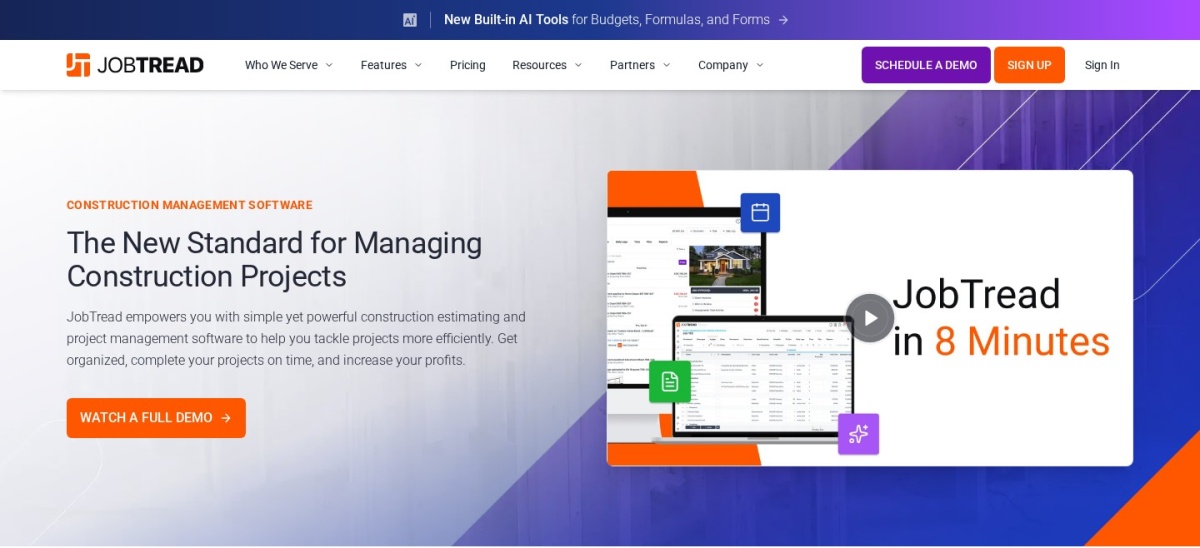
JobTread homepage, captured Nov 2026.
JobTread is an all-in-one platform for residential builders and remodelers that turns an estimate into a budget, a schedule and a job cost report. The single plan costs $199 a month and includes one internal user, all features, unlimited jobs and documents, and free customer and vendor portals.
The trade off is the lack of a free plan or free trial. You get a 30-day money-back guarantee instead, and each extra internal user adds $20 a month. It suits builders who want one price for estimating, budgets and job costing without buying add-ons.
What we like
Highest G2 rating in this list at 4.9 out of 5
One price covers every feature
Estimate flows into budget and job costing
30-day money-back guarantee
Watch out for
No free plan or free trial
Extra users add $20 a month each
No native mobile app, it runs as a web app
The paid plan is the only plan, and it includes everythingVisit jobtread.com
02
Clear Estimates
4.5/5on Capterra (118 reviews, checked Nov 2026)
Starts at$59/mo
Best for fast remodel bids
Entry plan$59/mo annual
Cost database12,000+ items
Local prices400+ areas, quarterly
Free trial30 days
clearestimates.com
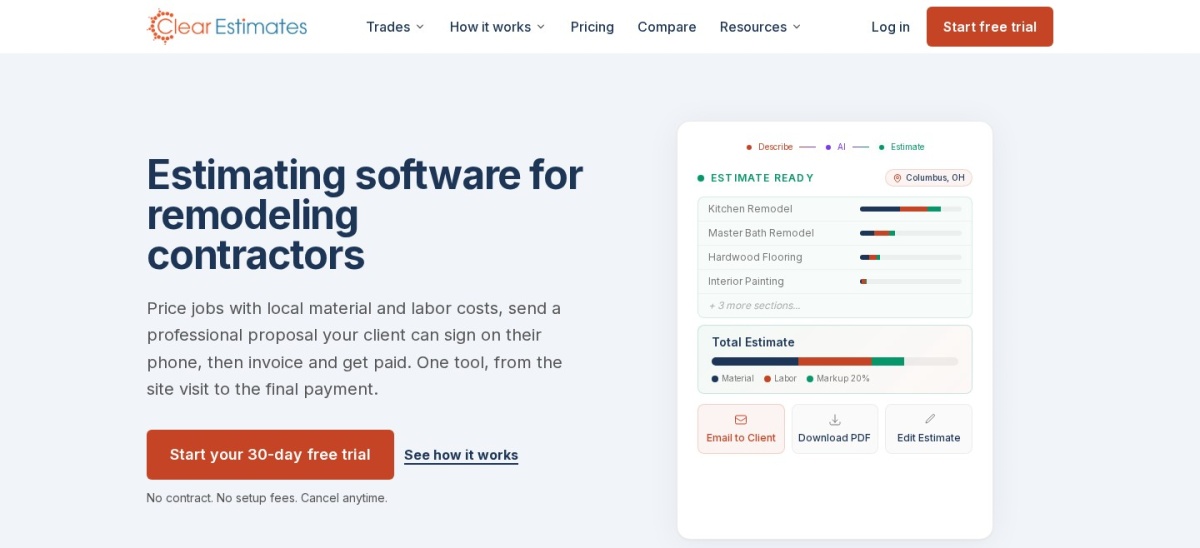
Clear Estimates homepage, captured Nov 2026.
Clear Estimates is estimating software for remodelers and residential contractors built around templates and a part library. The library holds more than 12,000 items with local labor and material prices updated quarterly. Standard costs $59 a month billed annually, or $79 a month billed monthly.
The trade off is the older interface, which reviewers note, and the library prices still need adjusting for a specific job or site. There is no free plan, only a 30-day trial. It suits remodelers who want a professional bid fast without building a cost database.
Buildxact is cloud estimating and job management software for residential builders and remodelers. It combines digital takeoff, live dealer material pricing and quotes that become the job cost baseline. Foundation costs $169 a month billed annually, or $199 a month billed monthly, and Buildxact says more than 7,000 companies use it.
The trade off is scope. Scheduling and job management wait for Pro at $399 a month, and the tool is built for residential work rather than large commercial jobs. It suits small residential builders who want dealer prices inside the quote.
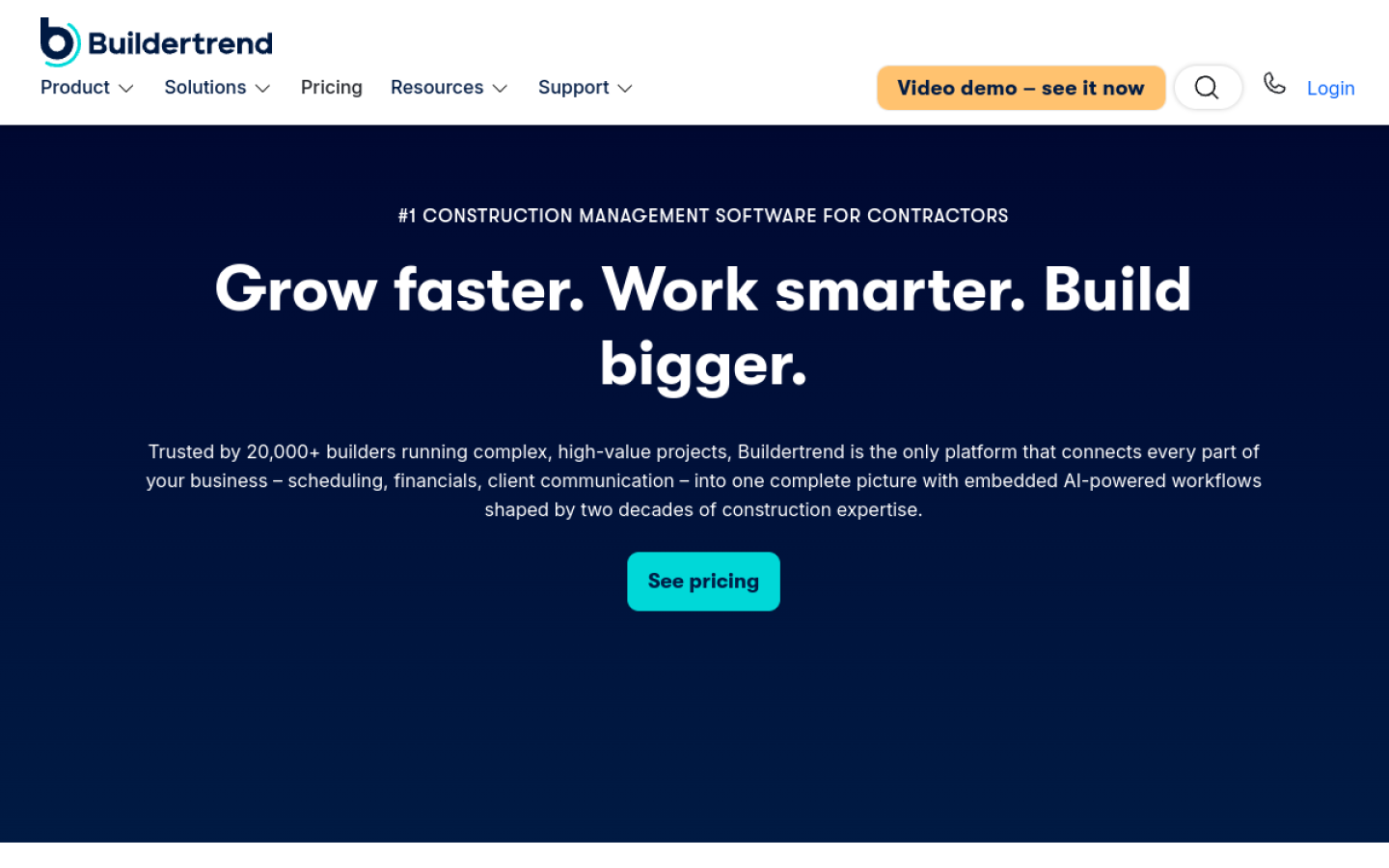
Buildertrend is an all-in-one platform for custom home builders and remodelers that ties estimating to selections, schedules, change orders and a client portal. Estimates become budgets, and clients approve selections and payments in one place. Capterra reviewers rate it 4.5 out of 5 from more than 2,400 reviews.
The trade off is pricing. Buildertrend publishes no price and quotes by annual construction volume, and reviewers report sharp increases at renewal. It suits home builders running several projects at once who will use the full platform.
4.3/5on Capterra (1,088 reviews, checked Nov 2026)
Paid from$99/mo
Best for design-build firms that sell visually
Entry plan$99/mo, 1 user
Free planYes, estimates
3D floor plannerYes, free plan
Extra users$50/mo each
houzz.com
Houzz Pro homepage, captured Nov 2026.
Houzz Pro is business software for remodelers and design-build firms that pairs estimates with 3D floor plans, mood boards and a client dashboard. The free plan covers the 3D floor planner, estimates and invoicing. Design costs $99 a month for one user, and Pro adds takeoffs at $199 a month.
The trade off is that takeoffs, contracts and schedules wait for Pro, and each extra user costs $50 a month. Advertising is a separate package from $499 a month. It suits design-led firms that sell kitchens, bathrooms and additions visually.
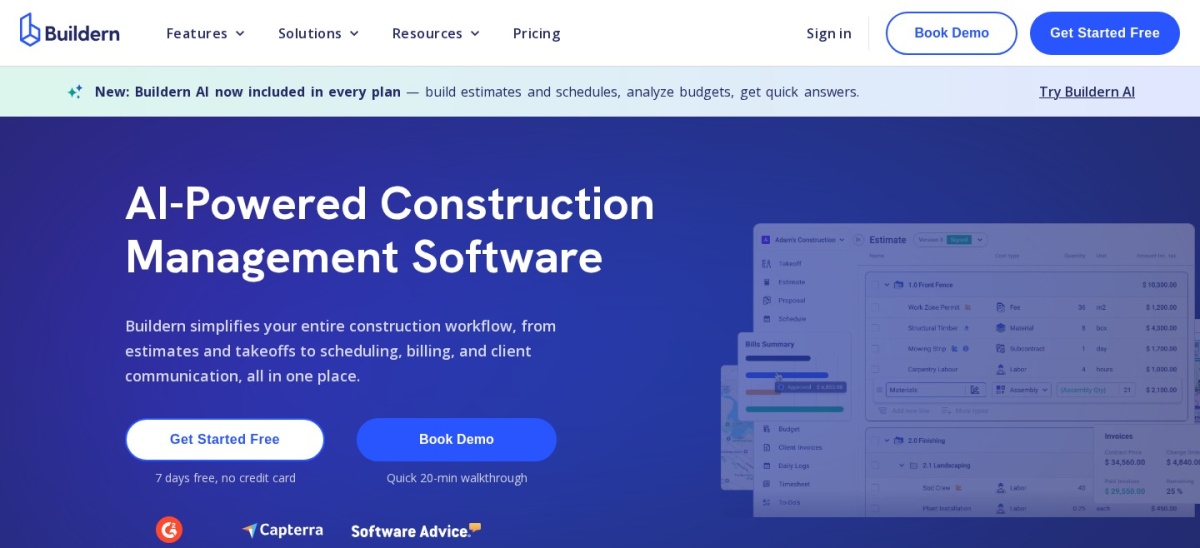
Buildern is an all-in-one platform for residential and commercial builders that covers estimates, budgets, schedules, selections and invoices in one place. Starter costs $225 a month billed annually for two office seats, with extra seats at $81 a month, while field workers, clients and vendors are free.
The trade off is the small review base. G2 shows 4.9 out of 5 from only 23 reviews, so the score says less than the larger bases in this list. It suits small builders who want estimating beside scheduling and invoicing without a long setup.
4.5/5on Capterra (1,401 reviews, checked Nov 2026)
Paid from$299/mo
Best for bids that start from plans
Entry plan$299/user/mo
Free planYes, 1 project/mo
TakeoffDigital, from PDFs
Cost libraryItems and assemblies
stackct.com
STACK homepage, captured Nov 2026.
STACK is a cloud takeoff and estimating tool for contractors who bid from plans. Upload PDF drawings, measure quantities in the browser, and build estimates from a pre-built item and assembly library. Takeoff and Estimate starts at $299 a user a month, and a free version covers one project a month.
The trade off is price. At $299 a user a month, with a 12-month commitment on paid plans, it costs more than the cheapest tools here, and field management is a separate $49-a-user module. It suits residential teams that measure from plans every week.
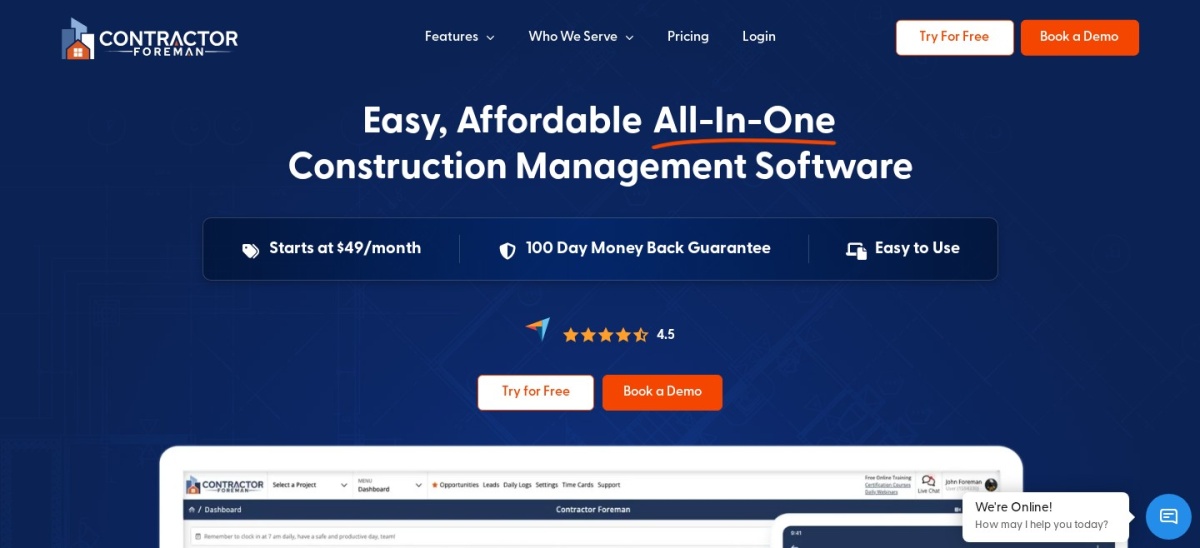
Contractor Foreman is construction management software for small and mid-size residential contractors that covers estimates, scheduling, daily logs, change orders and invoices in one app. Basic costs $49 a month billed annually for one user, with a 30-day trial and a 100-day money-back guarantee on annual plans.
The trade off is breadth over depth. Takeoff tools are shallower than in dedicated takeoff products, and priced local material data waits for Plus at $166 a month. It suits small crews that want estimating and job costing at the lowest entry price here.
Knowify is cloud software for trade contractors that covers estimates, proposals, contracts, scheduling, time tracking and AIA billing. It syncs two-way with QuickBooks and tracks job costs against the estimate. Core costs $99 a user a month and includes one user.
The trade off is depth. Reviewers say estimating is lighter than in dedicated takeoff tools, and service dispatch needs the separate Service Pro add-on. It suits electrical, plumbing, HVAC and painting contractors who bill fixed-price and AIA jobs.
What we like
AIA billing and job costing in one plan
Two-way QuickBooks sync
Rated 4.5 out of 5 on G2
Free trial available
Watch out for
Estimating is lighter than dedicated takeoff tools
Buildertrend is the only tool here that sells by quote. It prices by annual construction volume, so two builders can pay different amounts for the same plan.
That makes the first quote a starting point, not a list price. Ask for the same scope in writing from every vendor: modules, users, implementation and renewal terms.
Published prices are easier to compare. JobTread, Clear Estimates, Buildxact, Houzz Pro, Buildern, STACK, Contractor Foreman and Knowify all list a starting price on their own sites or on G2.
If a quote comes back far above the published tools here, ask what it includes that the others charge extra for.
How we chose
We started from the estimating tools residential builders name most often in 2026 round-ups, then kept nine established products with public ratings on G2 or Capterra and a clear estimating workflow.
Prices come from vendor pricing pages and vendor-provided listings on G2, checked on 26 November 2026. Ratings come from G2 or Capterra on the same day. Where a vendor shows no price, the list says so instead of repeating a directory estimate.
We left out tools with no published price and no public review base, and tools built mainly for commercial estimating teams. No vendor paid for a place, and we do not claim to have used these tools ourselves.
How to choose residential construction estimating software
Start with how your bids begin, then match the tool to that workflow.
Work out where your bids start. If they start from plans, put takeoff first. If they start from repeat templates, put the cost library first.
Count the users who will estimate. Per-user pricing at $299 a month hurts a five-person team far more than a flat $199 a month. Check the extra-user price before you shortlist.
Try the free plan or trial on a real job. Buildxact, Houzz Pro and STACK have free plans. Use one live bid to see if the takeoff and the proposal output fit your jobs.
Get quote-only prices in writing. For Buildertrend, ask for modules, users, implementation and renewal terms in the same quote so you can compare it with published prices.
FAQ
What is the best residential construction estimating software?
JobTread is the best pick for most residential builders. Its single $199-a-month plan covers estimating, budgets, schedules and job costing, and it is rated 4.9 out of 5 on G2 from 118 reviews.
How much does residential construction estimating software cost?
Published starting prices here run from $49 a month for Contractor Foreman to $299 a user a month for STACK, with Clear Estimates at $59 a month. Buildertrend sells by quote, so ask for a written price before comparing.
Is there free residential construction estimating software?
Yes. Buildxact, Houzz Pro and STACK all offer a free plan. Buildxact's Go plan covers AI estimating with five credits, Houzz Pro's free plan covers estimates and 3D floor plans, and STACK's free version covers one project a month.
Do I need takeoff software as well as estimating software?
It depends on how you bid. If your bids start from drawings, a takeoff tool such as STACK or Buildxact measures quantities straight from the plans. If you bid from templates, Clear Estimates or JobTread may be enough.
What is the difference between JobTread and Buildertrend?
JobTread charges one published price of $199 a month for every feature, while Buildertrend quotes by construction volume and publishes no price. JobTread suits builders who want one flat price; Buildertrend suits builders who will use its selections and client portal heavily.
Can estimating software replace a spreadsheet?
For most residential builders, yes. These tools keep the cost library, the takeoff and the proposal in one place, and the estimate becomes the job budget. A spreadsheet still works for one-off jobs with few line items.
SaaS SEO and WordPress specialist with about 8 years of experience. Rakib compares WordPress plugins, themes, hosting and software using public pricing, documentation and user reviews. See how we rank.