Databox is the best reporting automation tool for most teams, with scheduled reports, goals and alerts across more than 100 sources from $79 a month. Power BI is the best value at $14 per user a month for Microsoft teams, and Looker Studio is the best free option for Google-based reporting.
How we make this list: we compare pricing pages, product documentation and public user reviews, then re-check every price before each update. No product paid for a place. Disclosure.
Databox leads for automated KPI reporting, with scheduled reports, goals and alerts from $79 a month on its Agency plan.
Power BI Pro costs $14 per user a month and is the cheapest full BI option here for teams already on Microsoft 365.
Looker Studio is free for creators and viewers, and Pro costs $9 per user per project a month.
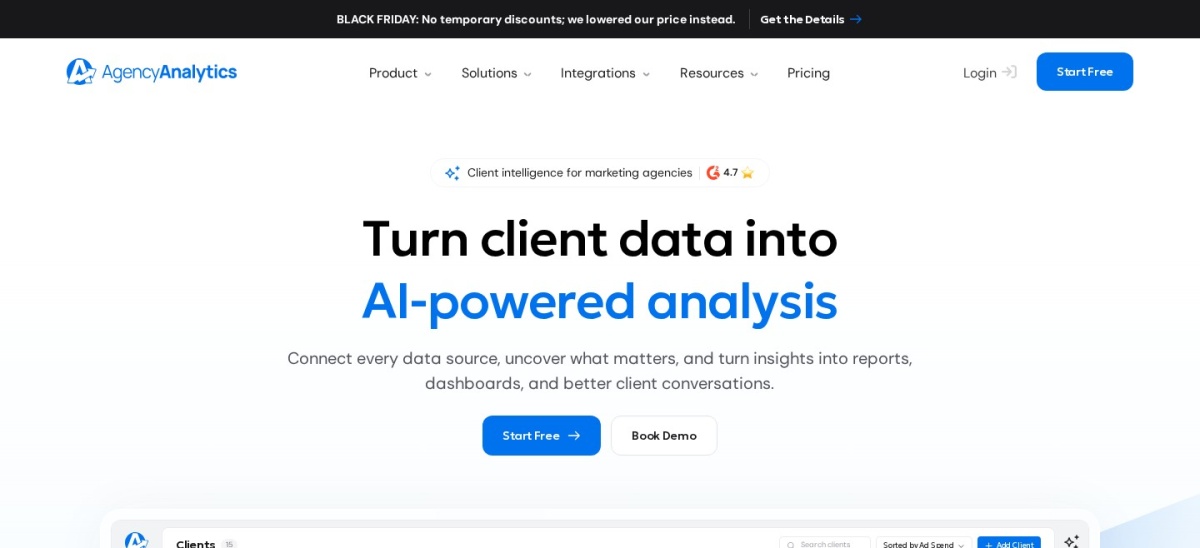
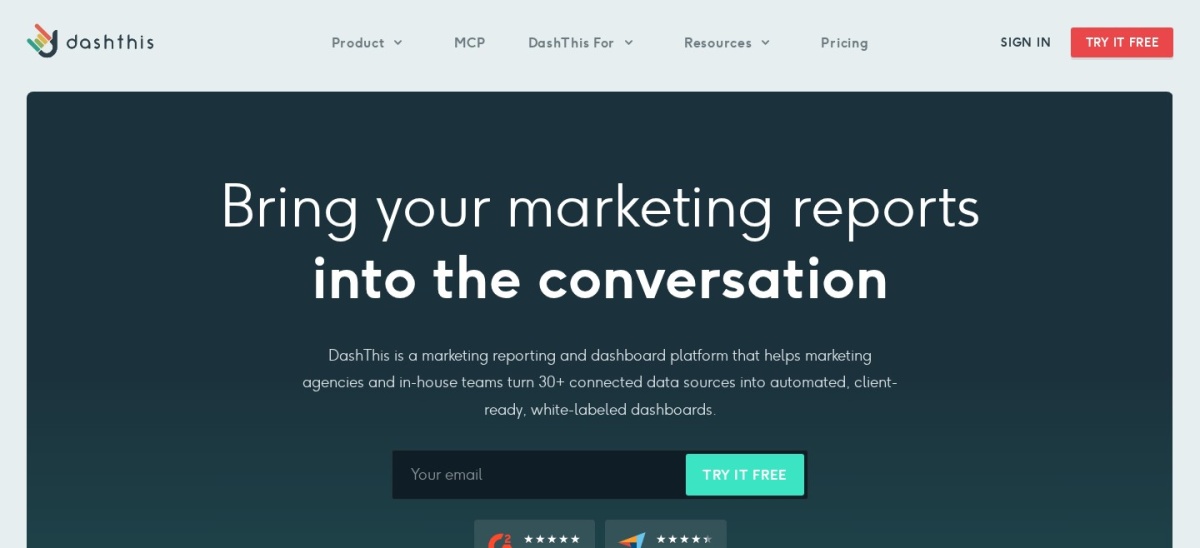
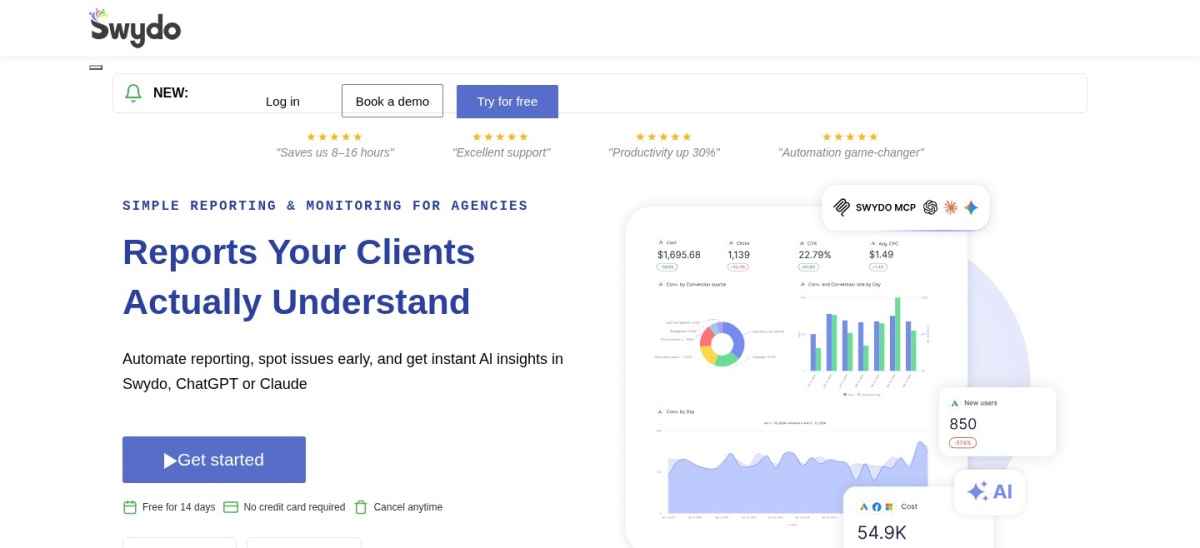
AgencyAnalytics, DashThis and Swydo are built for agencies, with white-label client reports from $20 per client, $42 and $69 a month.
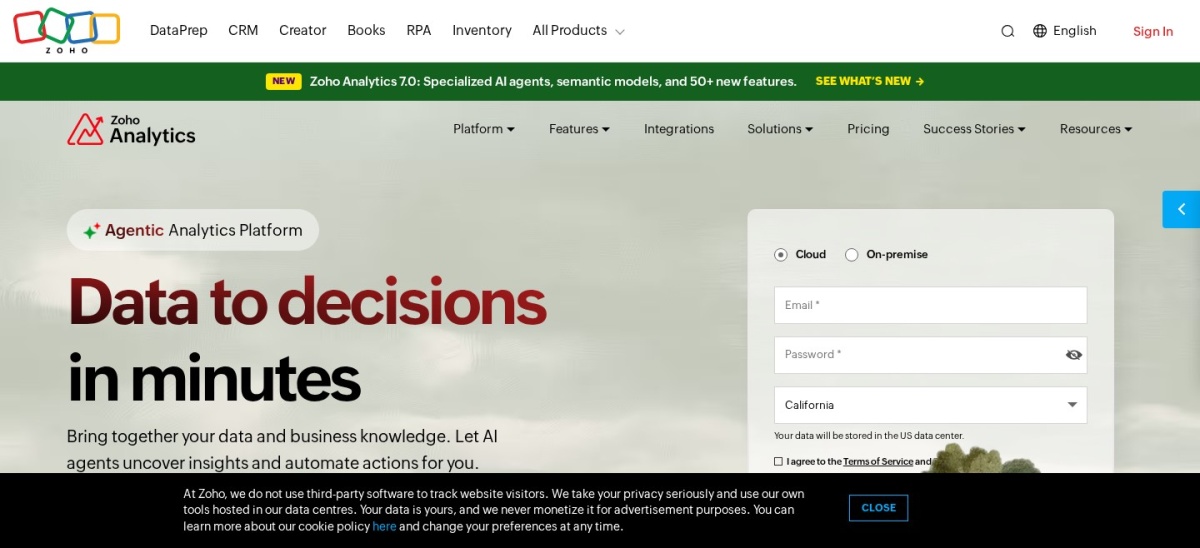
Zoho Analytics Basic costs $24 a month for 2 users, and Metabase is the only open-source option, free to self-host.
What reporting automation should do
Reporting automation means the report builds and sends itself. You connect a data source once, set a schedule, and the same report lands in an inbox or a Slack channel each week without anyone rebuilding it.
The tools in this list split into two groups. Agency tools such as Databox, AgencyAnalytics, DashThis and Swydo are built around client reports, while BI tools such as Power BI, Looker Studio, Zoho Analytics, Qlik Sense and Metabase are built around dashboards that can also send scheduled reports.
Check how the price scales before you pick. Some tools charge per user, some per client and some per data source, so the cheapest plan on paper can cost the most once your client list grows. Our guide on adding Google Analytics 4 to WordPress shows the kind of source most of these tools connect to first.
Scheduled delivery, refresh frequency and white-label branding are the three features that matter most. A report that arrives late, shows stale numbers or carries another company's logo will not get read, however good the charts look.
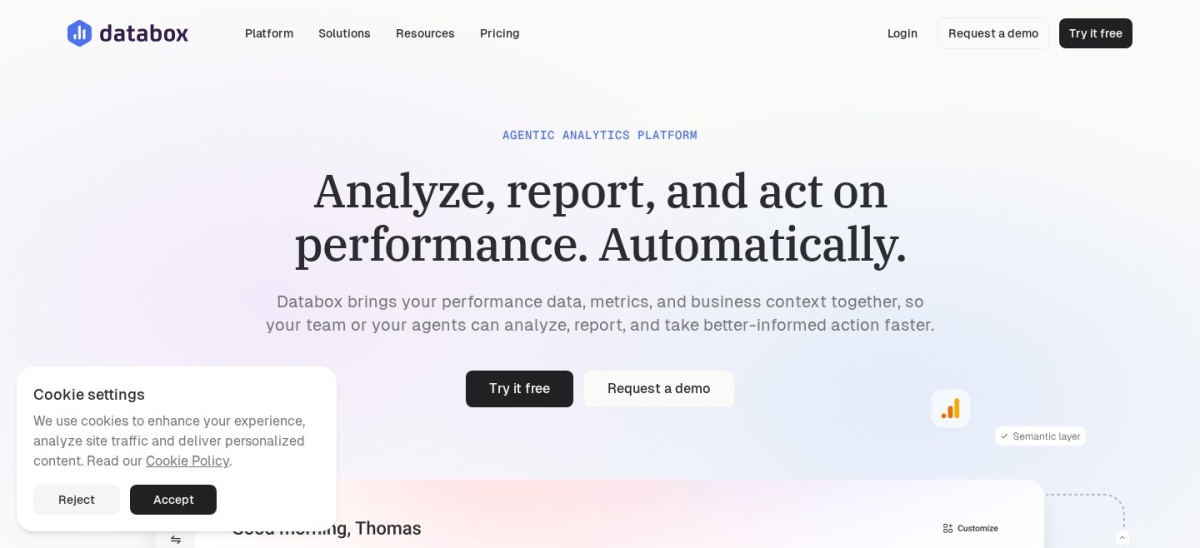
Databox is an analytics platform built around automated reporting, with dashboards, scheduled reports, goals and alerts in one place. It connects to more than 100 data sources, including Google Analytics, Google Ads, HubSpot and social platforms, and sends reports by email or Slack on a schedule you set.
The trade off is price and the end of its free plan. Databox dropped its free plan in November 2026, so every account starts with a 14-day trial, and the cheapest paid plan is Agency at $79 a month billed yearly. It suits agencies and marketing teams that send regular client reports and want goals and alerts included.
What we like
Scheduled reports by email and Slack
Goals and alerts included on paid plans
AI analyst explains changes in plain language
Watch out for
No free plan since November 2026
Business plan costs $399 a month, a large jump from Agency
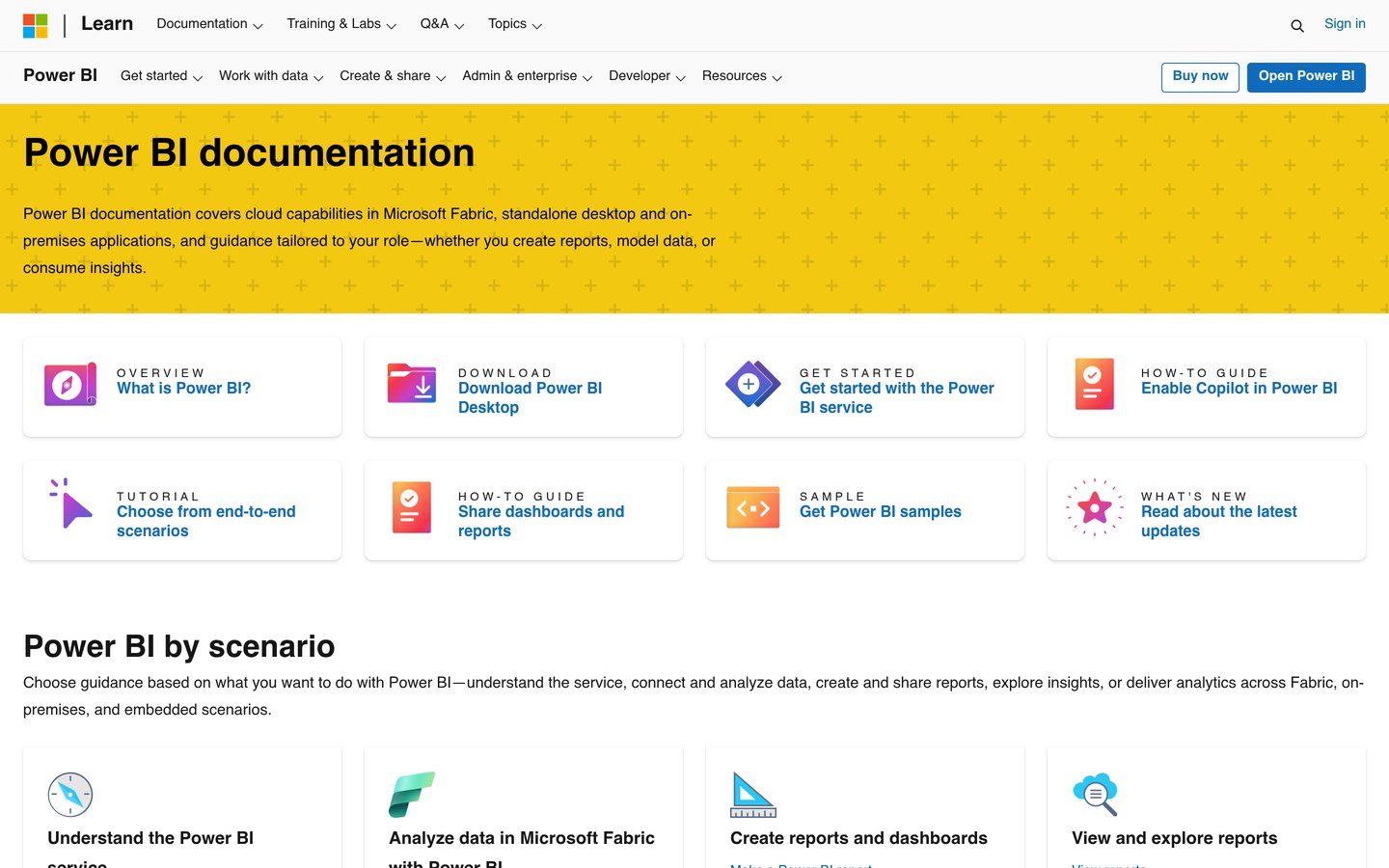
Power BI is Microsoft's business intelligence platform, with a free Desktop app for building reports and a Pro licence for sharing them. Pro costs $14 per user a month billed yearly and adds publishing, sharing, scheduled refresh and collaboration across a team.
The trade off is that everyone who views a shared report needs a licence too. Pro allows up to 8 scheduled refreshes a day and datasets up to 1 GB, so large models need Premium Per User at $24 a month. It suits teams already on Microsoft 365 that want low-cost, shared reporting.
What we like
Lowest per-user price of any full BI tool here
Deep Microsoft 365 and Excel integration
Largest review base in this list, 4.5 out of 5 on G2
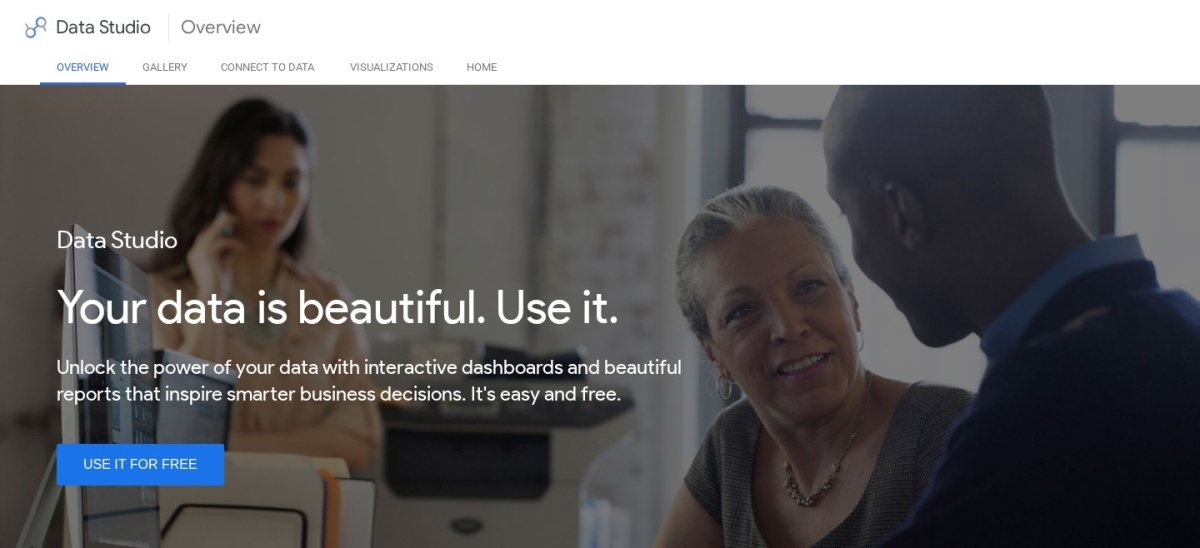
Looker Studio is Google's free report builder, now called Data Studio, for turning Google Analytics, Google Ads, Sheets and BigQuery data into dashboards and reports. Creators and viewers both use it free, and Pro costs $9 per user per project a month for team workspaces and more schedules.
The trade off is the per-project price. Each Google Cloud project needs its own Pro subscription, so an agency with one project per client pays $9 per editor in every project. It suits small teams and freelancers who report on Google data and want to pay nothing to start.
What we like
Free for creators and viewers
More than 1,400 data sources through Google connectors
Viewers need no licence, even on Pro
Watch out for
Pro is priced per project, not per account
Needs a Google Workspace or Cloud Identity account for Pro
AgencyAnalytics is a reporting platform built for marketing agencies, with dashboards, scheduled client reports and a white-label client portal. Its Core plan costs $20 per client a month billed yearly and includes 90+ marketing integrations, unlimited reports and unlimited staff accounts.
The trade off is that the bill grows with every client. Five clients cost $100 a month, and add-ons such as Rank Tracker cost extra, so a large client list needs the volume pricing for 25 or more clients. It suits agencies that send branded SEO, PPC and social reports every month.
What we like
White-label client portal included
90+ marketing integrations
Automated scheduling with goals and anomaly alerts
Zoho Analytics is a self-service BI tool with dashboards, scheduled reports and an AI assistant called Zia. The free plan covers 2 users and 10,000 rows, and Basic costs $24 a month billed yearly for 2 users and 500,000 rows.
The trade off is refresh speed and row limits. Basic refreshes data once a day, and viewers beyond the included users cost extra in packs of 25. It suits small teams already using Zoho CRM, Books or other Zoho apps that want low-cost reporting in the same system.
DashThis is a marketing reporting tool that turns connected ad, analytics and social accounts into client-ready dashboards and scheduled reports. The Individual plan costs $42 a month billed yearly and covers 3 dashboards with unlimited users and unlimited data sources.
The trade off is the dashboard limit. Three dashboards suit a freelancer with a few clients, but a growing agency pays $149 a month for 10 dashboards on Professional. It suits small agencies that want simple, flat pricing and fast setup.
Swydo is an agency reporting tool with dashboards, scheduled reports, goals and a client portal, all on one plan. It costs $69 a month and includes 10 data sources, white-label branding, a custom domain and AI report summaries.
The trade off is breadth and per-source pricing. Swydo covers about 35 integrations, fewer than Databox or AgencyAnalytics, and each extra source past the first 10 costs $4.50 a month. It suits PPC and paid-media agencies whose clients use only a few platforms each.
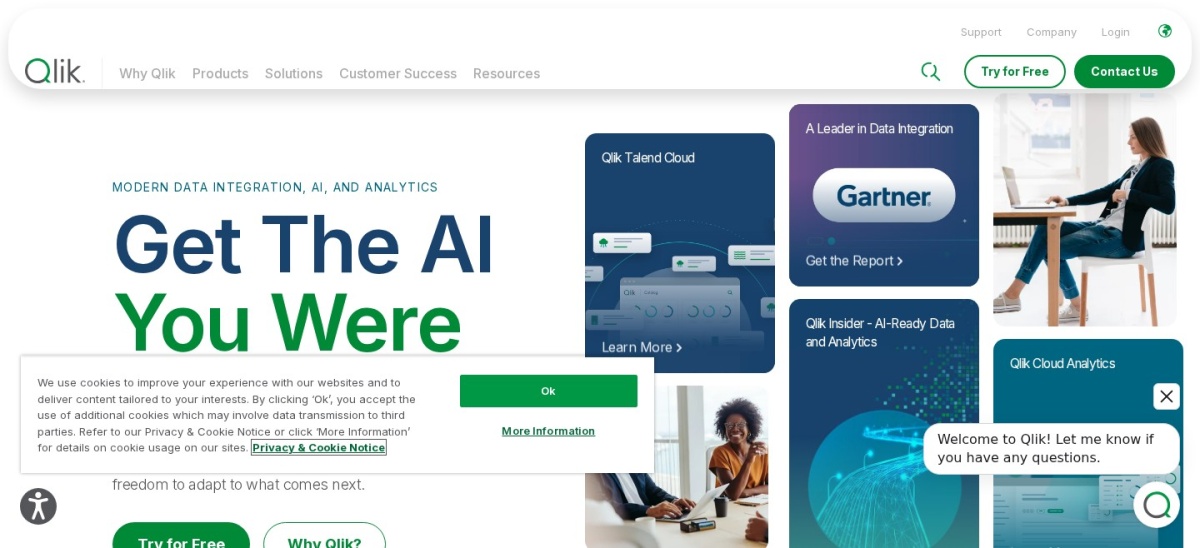
Qlik Sense is a business intelligence platform with an associative engine for exploring data from many sources. Qlik Sense Business costs $30 per user a month billed yearly, with a 5-user minimum, and includes dashboards, subscriptions and data alerts.
The trade off is cost and the learning curve. Five users cost $150 a month before anyone builds a report, and Qlik is now sold as Qlik Cloud Analytics, so the Sense name is changing. It suits data teams that value free-form exploration over ready-made report templates.
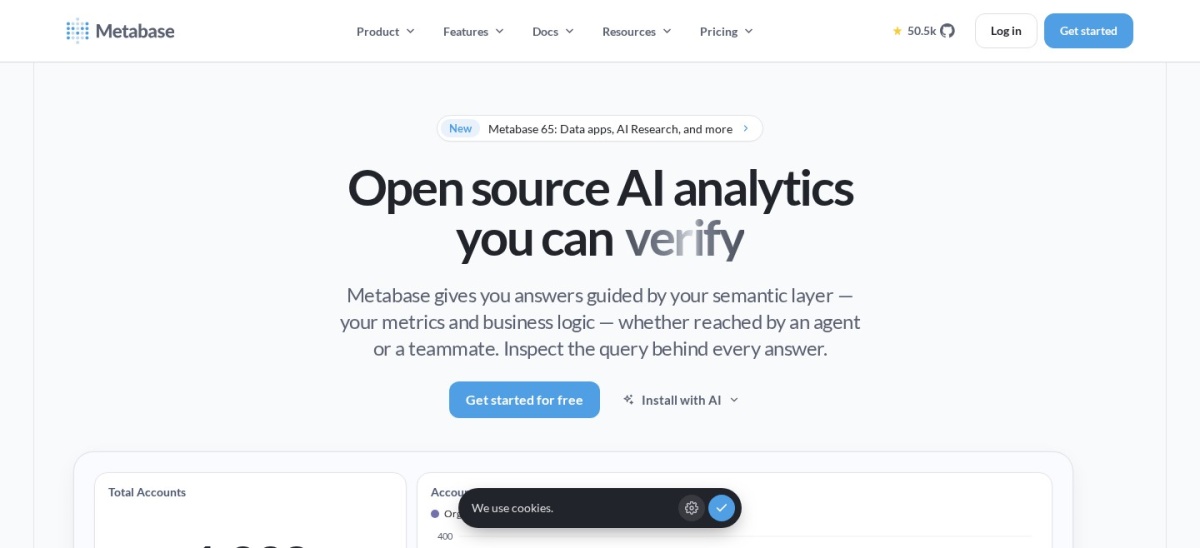
Metabase is an open-source analytics tool that lets teams ask questions of a database with a visual builder or SQL. The open-source edition is free to self-host, and Cloud Starter costs $90 a month billed yearly for 5 users, with scheduled reports and alerts.
The trade off is that governance costs extra. Row-level security, SSO and interactive embedding need the Pro plan at $575 a month, and heavy data preparation belongs in another tool. It suits engineering-led teams that want simple dashboards without a long setup.
A scheduled report is a snapshot sent on a timetable, usually as a PDF or an email. A live dashboard is a page that updates when the data changes and that anyone with a link can open at any time.
Most teams need both. The scheduled report keeps clients and managers informed without them logging in, while the dashboard is there when someone wants to check a number between reports.
Watch the refresh limits on cheaper plans. Some tools refresh data once a day on their entry plan, so a weekly report can show numbers that are already days old.
How we chose
We started from the reporting tools most often named in agency and BI comparisons, then kept the nine with published prices, public review scores and scheduled reporting.
Prices come from each vendor's pricing page, checked on 26 November 2026. Ratings and review counts come from G2 on the same day. Where a vendor shows a sale price, the list shows the regular price.
We left out tools with quote-only pricing, including Domo and Sisense, and tools whose price is listed in euros rather than dollars. No vendor paid for a place, and we do not claim to have used these tools ourselves.
How to choose a reporting automation tool
List the reports you send every month, then match the tool to that list before you compare prices.
Count who receives reports. A tool priced per client suits an agency with 20 clients, while a tool priced per user suits an internal team of five.
Check the sources you actually use. Make sure the tool connects to your ad platforms, analytics and CRM without a paid add-on. See how to track WooCommerce sales in GA4 for the kind of source data these reports carry.
Ask how often data refreshes. Daily refresh is enough for a weekly client report, but a sales dashboard needs hourly refreshes, which some entry plans do not include.
Send one real report on the trial. Build the report you send most often and send it to one client or colleague. If it takes more than an hour to set up, try the next tool.
FAQ
What is the best reporting automation tool?
Databox is the best pick for most teams. It combines dashboards, scheduled reports, goals and alerts across more than 100 data sources, and its Agency plan starts at $79 a month billed yearly with unlimited users.
What is the cheapest reporting automation tool?
Looker Studio is the cheapest way to start, because it is free for creators and viewers. Its Pro plan costs $9 per user per project a month, while Power BI Pro costs $14 per user a month billed yearly.
Can I automate reports for clients?
Yes. AgencyAnalytics, DashThis, Swydo and Databox are built for client reporting, with white-label branding and scheduled delivery by email or PDF. Each client usually gets their own dashboard or report.
Do these tools replace spreadsheets?
Mostly. They pull live data, build the charts and send the report on a schedule, which removes the manual copy and paste. You may still need a spreadsheet for one-off analysis or data the tool cannot connect to.
How often do automated reports refresh?
It depends on the plan. Zoho Analytics Basic refreshes once a day, Power BI Pro refreshes up to 8 times a day, and Looker Studio Pro can deliver reports hourly. Check the refresh limit before you buy.
Is Looker Studio really free?
Yes, for report creators and viewers. Google renamed it Data Studio in April 2026, and the free version still costs nothing. Pro costs $9 per user per project a month and adds team workspaces and more delivery schedules.
SaaS SEO and WordPress specialist with about 8 years of experience. Rakib compares WordPress plugins, themes, hosting and software using public pricing, documentation and user reviews. See how we rank.