Descript is the best tool for removing retakes for most creators. Its text-based editor and Remove Filler Words tool cut bad takes by deleting words, and Hobbyist costs $16 a month billed yearly. Pick Gling for a cheaper take-removal specialist and Riverside if you record remote interviews.
How we make this list: we compare pricing pages, product documentation and public user reviews, then re-check every price before each update. No product paid for a place. Disclosure.
Descript is the top pick: delete words in the transcript and the video cuts itself, from $16 a month billed yearly.
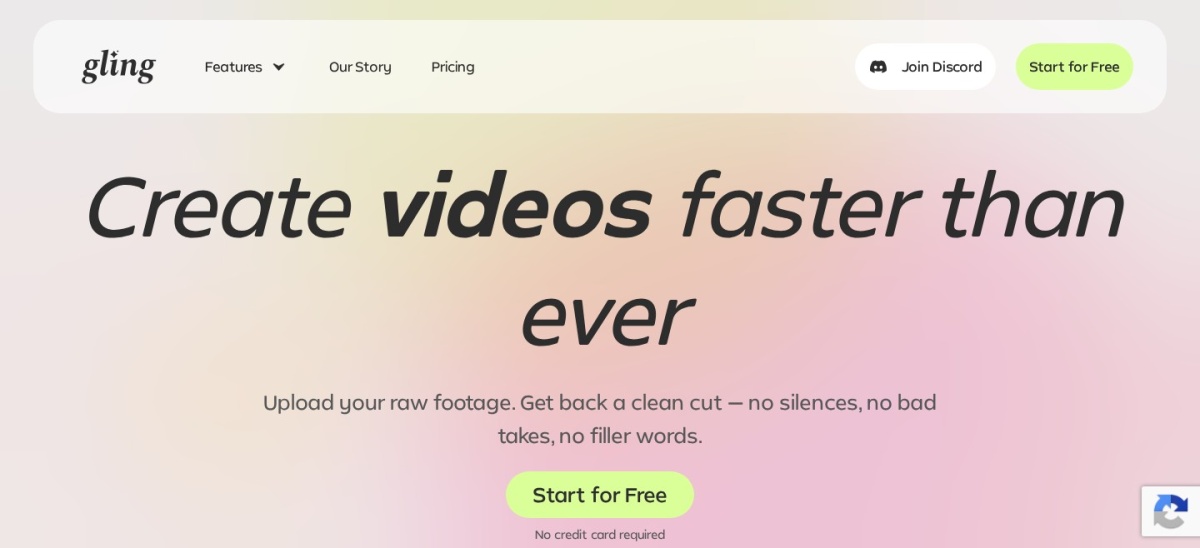
Gling is the most focused take-removal tool, cutting bad takes, silences and filler words from $10 a month billed yearly.
Riverside is the highest rated here at 4.8 out of 5 on G2, and records each guest locally in separate tracks.
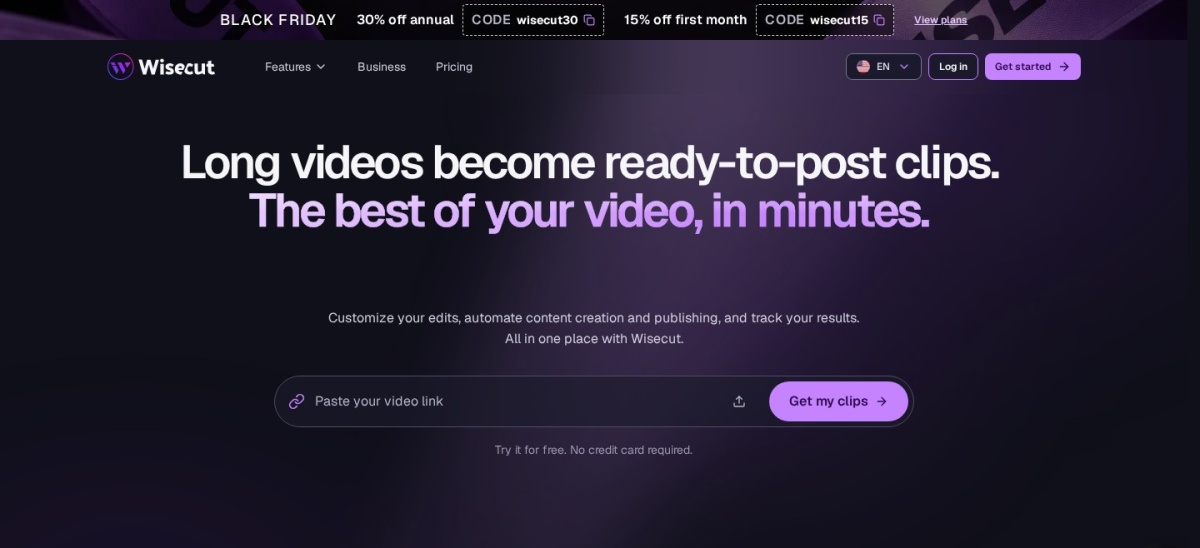
Wisecut is the priciest at $29 a month, and its editing time is metered in credits.
DaVinci Resolve Studio is the only one-time purchase at $295, and its free version is a full professional editor.
All 9 tools have a free plan or free version, but most watermark exports until you pay.
What retake removal actually does
A retake is any part of a recording you would cut by hand: a flubbed line, a long pause, a repeated sentence or a filler word. Retake-removal tools find those parts from the transcript or the audio and cut them for you.
The best tools work from a transcript. You read what was said, delete the bad lines and the video follows. Tools that only cut silences are faster but leave the flubbed lines in.
Free plans are useful for a first test, but watch the limits. Most cap the minutes you can process each month and watermark exports, so a weekly show outgrows the free plan fast. Our guide on hosting a podcast with WordPress covers the publishing side once the edit is done.
Price is not the whole story. A $10 tool that only cleans up takes can cost less in time than a free editor that needs every cut made by hand.
Descript is a text-based video editor: you delete words in the transcript and the video cuts itself. The free plan includes text-based editing, and Hobbyist adds 10 media hours a month, 400 AI credits and the Remove Filler Words tool, with watermark-free 1080p export.
The trade off is the credit system. AI tools run on monthly AI credits, so heavy use of Underlord and the other AI features can run out before the month ends. It suits creators who record talking-head video and want the fastest route from a rough take to a clean cut.
Gling is built for one job: turning raw footage into a clean cut. Upload a video and it removes bad takes, silences and filler words, then adds captions and can export an XML timeline to Premiere, Final Cut Pro or Resolve. The free plan covers 1 hour of AI-edited media a month with a watermark.
The trade off is scope. Gling is a clean-up tool, not a full editor, so titles, effects and fine timeline work still need another app. It suits YouTubers and course creators who record long takes and want the boring cuts done before they open their editor.
Riverside is a recording studio that also edits. It records each guest locally in separate tracks, then its text-based editor and Magic Clips turn long recordings into clean cuts and short clips. The free plan includes 2 hours of multi-track recording at 720p with a watermark.
The trade off is price. The $24 a month Pro plan is the cheapest way to remove the watermark and record in 4K, which costs more than most tools here. It suits podcasters and interview shows that record remote guests and publish both long episodes and clips.
Wisecut is an AI editor that cuts silences and jump-cuts long videos into ready-to-post clips. It adds automatic captions and background music, and its Autopilot mode can turn a long video into clips with little input. The free plan covers 30 minutes a month at 480p.
The trade off is the credit system and the price. Starter+ costs $29 a month billed monthly, and editing time is metered in credits, so long videos use the allowance fast. It suits creators who publish clips every day and want the cutting done for them.
VEED is a browser-based editor that transcribes your video so you can cut retakes by deleting words in the transcript. It also includes Clean Audio for background noise, automatic subtitles and one-click resizing for social formats. The free plan covers basic editing with a watermark.
The trade off is that VEED runs in the browser. Long or high-resolution projects need a stable connection and can feel slower than a desktop editor. It suits social teams and solo creators who want to edit anywhere without installing software.
What we like
Runs in the browser, nothing to install
Transcript editing cuts retakes fast
Clean Audio removes background noise
Watch out for
Needs a stable connection for long projects
Cheapest paid plan is $20 a month
Credit system changes often, per G2 reviews
Paid plans add watermark-free exports and AI creditsVisit veed.io
06
DaVinci Resolve
4.7/5on G2 (223 reviews, checked Nov 2026)
Paid from$295/yr
Best free professional editor
Text-based editingStudio only
Free versionFull editor
Max resolution4K+ in Studio
Paid planStudio, $295 once
blackmagicdesign.com
DaVinci Resolve homepage, captured Nov 2026.
DaVinci Resolve is a professional editor with a free version that covers editing, color, effects and audio in one app. The free version handles Ultra HD footage, while Studio adds text-based editing, the AI Neural Engine and Magic Mask for $295 as a one-time license.
The trade off is the learning curve and the hardware. Resolve is a deep professional tool that needs a strong computer, and its automatic retake removal is thinner than the AI-first tools here. It suits editors who want a full pro toolkit and are happy to cut retakes by hand.
What we like
Free version is a full pro editor
Studio is a one-time $295 license
Best color and audio tools here
Watch out for
Steep learning curve for beginners
Needs a strong computer
No automatic bad-takes removal in the free version
OpusClip turns long videos into short clips, and its speech cleanup removes pauses, filler words and bad takes. It scores each clip for virality, adds animated captions and can publish to social platforms. The free plan covers 60 minutes of processing a month.
The trade off is that bad-takes removal needs the Pro plan at $29 a month; Starter only removes pauses and filler words. It suits creators who turn podcasts and long videos into short clips every week.
Filmora is a desktop editor with a Silence Detection tool that finds quiet gaps and cuts them out of the timeline. It also has speech-to-text in 27 languages, AI captions and a large library of effects and templates. The free version includes the basic editor with a watermark on exports.
The trade off is that the cheapest plan is a yearly subscription. Basic lists at $59.99 a year, currently $49.99 in a sale, and the free version watermarks every export. It suits beginners who want a simple desktop editor with automatic silence removal.
Kapwing is a browser editor whose Smart Cut tool removes silences from videos automatically. It also includes auto-subtitling, Clean Audio and resizing for social formats, all without installing anything. The free plan includes 10 credits, watermarked exports and videos up to 4 minutes long.
The trade off is the credit limit and the rating. The free plan runs out fast, and Kapwing scores 3.9 out of 5 on G2, the lowest here, with reviewers reporting slow support. It suits casual creators who need a quick silence cut in the browser.
Every tool in this list has a free plan or a free version. Most cap the minutes you can process each month, watermark exports or cap quality at 720p or lower.
Paid plans mostly buy minutes and quality. You get more processing time each month, higher export resolution and no watermark.
The cheapest paid plan here is Filmora Basic at $59.99 a year, and the priciest is Wisecut Starter+ at $29 a month. A one-time license like DaVinci Resolve Studio can cost less over two years than a mid-priced subscription.
How we chose
We started from tools that advertise removing retakes, bad takes, silences or filler words, then kept the nine with a public rating and a published price.
Prices come from each vendor's pricing page, checked on 26 November 2026. Ratings come from G2, Capterra or Trustpilot on the same day. Where a vendor shows a sale, the list shows the regular price.
We left out Timebolt, which fits this keyword but has no public rating on G2, Capterra or Trustpilot. No vendor paid for a place, and we do not claim to have used these tools ourselves.
How to choose a retake-removal video editor
Start with a short recording you already have, and run it through the free plan before you pay.
Count your minutes. Add up the raw footage you record each month, then check it against the free plan's monthly limit. A weekly show outgrows most free plans fast.
Pick transcript editing if you cut words. If your retakes are flubbed lines and repeated sentences, a transcript editor saves more time than a silence cutter.
Check what the paid plan unlocks. Bad-takes removal is sometimes a higher tier, as with OpusClip, where it needs the Pro plan. Read the plan table before you pay.
Export one finished video first. Use the free plan to cut and export a real video, then check the quality and the watermark before you commit to a year.
FAQ
What is the best software for removing retakes from video?
Descript is the best pick for most creators. Its text-based editor lets you delete bad takes by deleting words in the transcript, and its Remove Filler Words tool cuts ums and repeated words. Hobbyist costs $16 a month billed yearly.
Can AI remove bad takes automatically?
Yes, within limits. Tools like Gling and OpusClip detect bad takes, silences and filler words and cut them without you marking each one. You still need to watch the result, because the tool can cut a pause you wanted to keep or miss a flubbed line.
Is there a free tool that removes retakes?
Yes. All nine tools in this list have a free plan or a free version, and Gling's free plan removes bad takes, silences and filler words from 1 hour of media a month. Free exports usually carry a watermark and cap the minutes you can process.
What is the cheapest tool for removing retakes?
Filmora Basic is the cheapest paid plan here at $59.99 a year, and its Silence Detection tool cuts quiet gaps from the timeline. Gling Plus is the cheapest monthly option at $10 a month billed yearly, and it removes bad takes as well as silences.
Do I still need a full video editor?
It depends on the tool. Gling and OpusClip are clean-up tools, so titles, effects and fine cuts still need another editor. Descript, DaVinci Resolve and Filmora are full editors, so you can finish the video without leaving the app.
Which tool is best for podcast video?
Riverside is the best fit for podcast video. It records each guest locally in separate tracks, then its text-based editor and Magic Clips turn the recording into a clean episode and short clips. It is rated 4.8 out of 5 on G2 from 1,760 reviews.
SaaS SEO and WordPress specialist with about 8 years of experience. Rakib compares WordPress plugins, themes, hosting and software using public pricing, documentation and user reviews. See how we rank.