Riverside is the best remote podcast recording software for most shows, recording each guest locally in up to 4K video and 48 kHz WAV audio, rated 4.8/5 on G2. Pick Zencastr for free 4K recording with separate tracks, or Podcastle at $11.99 a month if you want recording and AI cleanup in one budget plan.
How we make this list: we compare pricing pages, product documentation and public user reviews, then re-check every price before each update. No product paid for a place. Disclosure.
Riverside is the top pick: local 4K video and 48 kHz WAV per guest, rated 4.8/5 on G2 from 1,746 reviews.
Zencastr's free plan is the most generous: 4K video, unlimited separate tracks and transcription for up to 6 participants, at $0.
Every tool here has a free plan, and paid plans start at $11.99 a month for Podcastle and $14.16 a month for Zoom Pro.
Local recording matters most: Riverside, Zencastr, SquadCast and StreamYard record on each guest's device, while Cleanfeed and Zoom record the live call.
Watch the caps: Riverside Pro limits separate-track downloads to 15 hours a month, and Podcastle Essentials allows 2 hours of remote recording a month.
What to look for in remote podcast recording software
Remote podcast recording means each guest records on their own device, or at least on a separate track, instead of everyone sharing one compressed call recording. That is what keeps a guest's audio clean when their connection stutters.
The feature that matters most is local recording, often called double-ender recording. Each person's audio and video are captured on their device and uploaded, so a bad connection affects what you hear live, not the final files.
Separate tracks come next. With one track per guest you can fix levels, cut crosstalk and remove a cough without touching the other voices. Our guide on adding a podcast to WordPress covers what happens after recording, from hosting to publishing.
Price is mostly about hours and resolution. Free plans cover short shows well, but paid plans buy 4K video, more recording hours and longer separate-track downloads.
Riverside is a browser-based remote recording studio that records each guest locally in up to 4K video and 48 kHz WAV audio. The free plan gives 2 hours of multi-track recording at 720p with a watermark, plus unlimited single-track recording. Guests join from a link with no account.
The trade off is the download cap. Pro costs $24 a month billed yearly and limits separate-track downloads to 15 hours a month, so heavy weekly shows may need the Grow plan. It suits video podcasts that want clean per-person files with editing and hosting in the same plan.
What we like
Local 4K video and WAV audio per guest
Guests join from a link, no account needed
Editing, clips and hosting in the same plan
Watch out for
Free multi-track recording is a one-off 2 hours
Separate-track downloads capped at 15 hours a month on Pro
Trustpilot reviews run lower than G2, mostly about billing and support
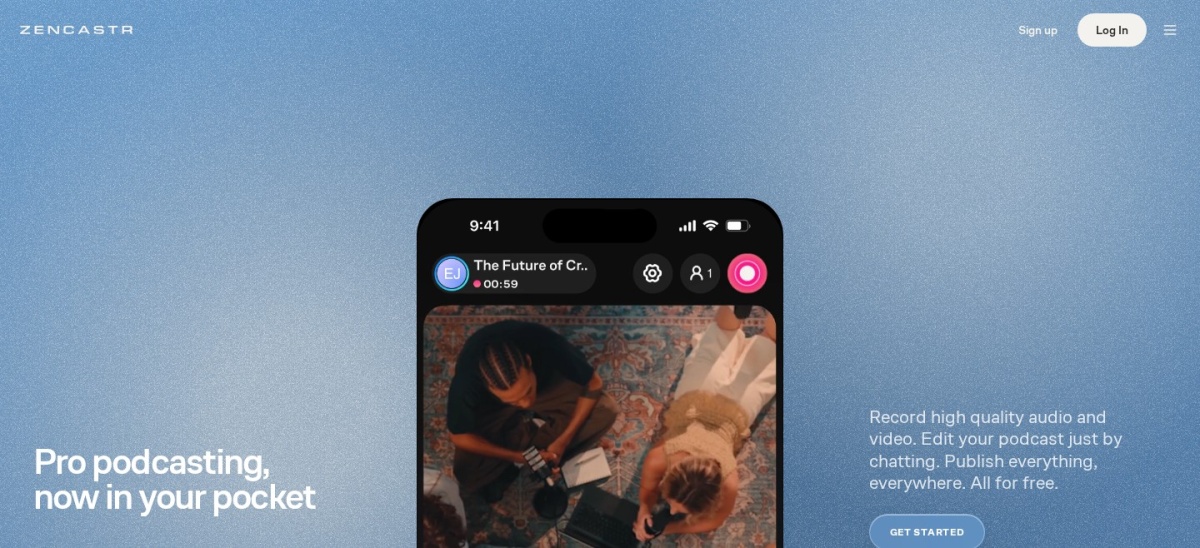
Zencastr is a browser-based recorder that captures each guest locally in up to 4K video and 48 kHz WAV audio, with a separate track per person. The free Vibecastr plan includes unlimited separate tracks, unlimited transcription hours, hosting and distribution for up to 5 shows.
The trade off is the missing middle. Since an October 2026 overhaul there is no self-serve paid plan, only Enterprise by quote, so growing shows have no upgrade path to buy. It suits new shows that want full-quality separate tracks for free.
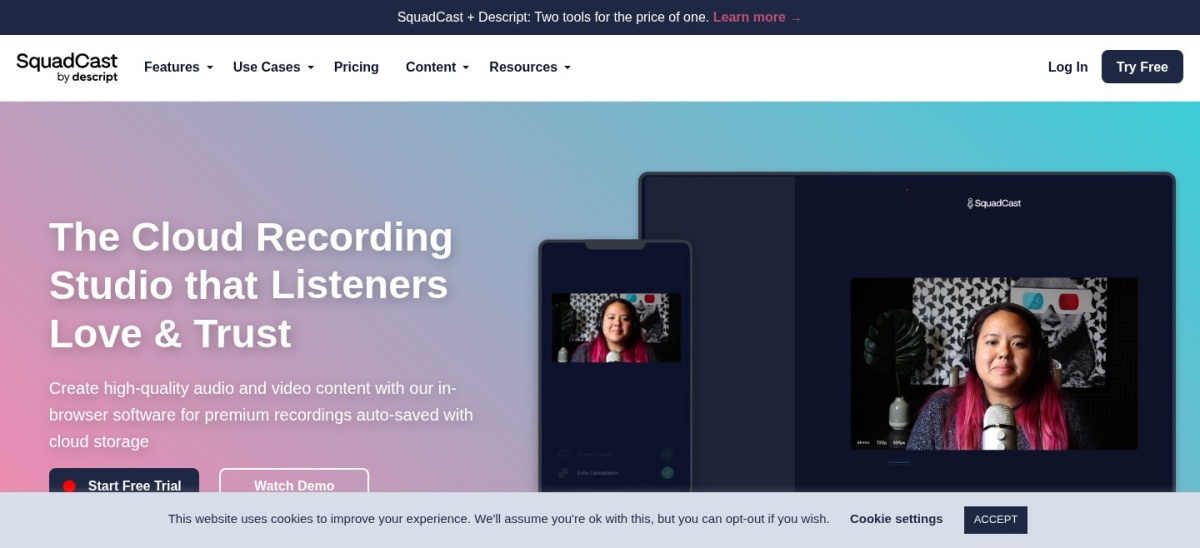
SquadCast (Descript Rooms) homepage, captured Nov 2026.
SquadCast (Descript Rooms) is Descript's remote recorder, and every session lands in a Descript project already transcribed. It records separate tracks from each guest's device in up to 4K video, and guests join from a link with no account. The free plan includes 2 hours of Rooms recording a month.
The trade off is transition. Descript says Rooms will eventually replace SquadCast, with no sunset date set, and Rooms does not work on mobile. Hobbyist costs $16 a month billed yearly. It suits podcasters who already edit in Descript and want recording and editing in one place.
What we like
Sessions arrive transcribed in Descript
Up to 4K video with a lossless WAV option
Guests join from a link, no account needed
Watch out for
Rooms has no mobile support
SquadCast's future is unclear as Rooms takes over
G2 sample is only 12 reviews
Hobbyist adds more media hours and watermark-free 1080p exportVisit descript.com
04
StreamYard
4.5/5on Capterra (110 reviews, checked Nov 2026)
Paid from$35.99/mo
Best for live shows you also record
Local recordingYes, 1080p on Core
Separate tracksWAV audio per guest
Participants10 on Core
Paid planCore, $35.99/mo
streamyard.com
StreamYard homepage, captured Nov 2026.
StreamYard is a browser live studio that streams to YouTube, Facebook and other platforms while recording each guest locally. Local recording saves a separate audio and video file per participant, with per-person audio as WAV. The free plan includes 2 hours of local recording a month and 6 on-screen participants.
The trade off is price. Unlimited local recording starts with Core at $35.99 a month billed yearly, and 4K local recording needs Advanced at $68.99 a month billed yearly. Local recording must also be switched on before the session. It suits shows that go live and want clean per-person files of the same session.
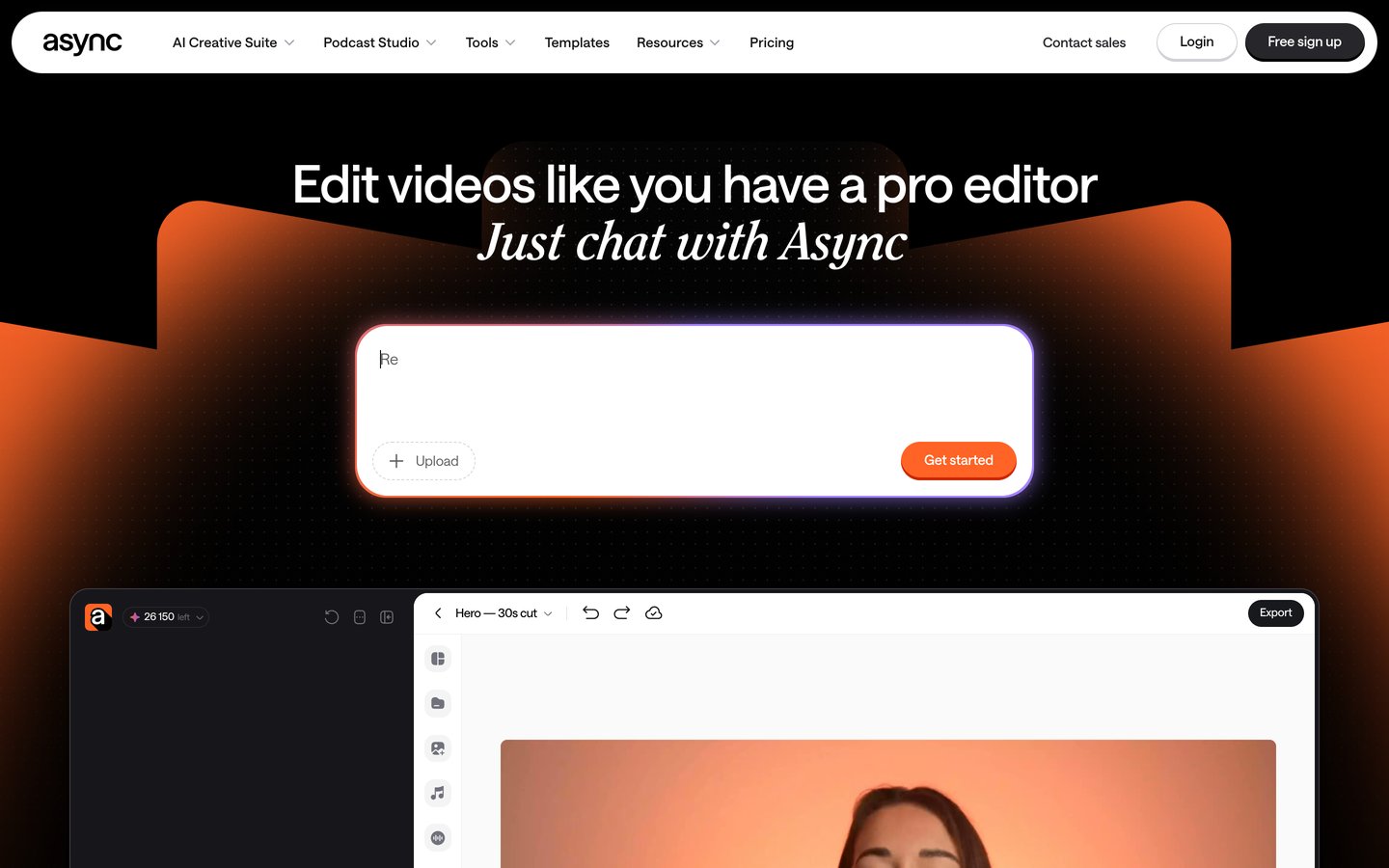
Podcastle is a browser-based podcast studio, now also branded Async, that records remote guests on separate tracks and cleans up the audio with its Magic Dust tool. The free plan includes 1 hour of remote recording and 10 lifetime AI credits. Essentials costs $11.99 a month billed yearly.
The trade off is the recording allowance. Essentials includes only 2 hours of remote multitrack recording a month, and 4K export needs Pro at $23.99 a month billed yearly. It suits budget shows that want recording, cleanup and editing in one browser tab.
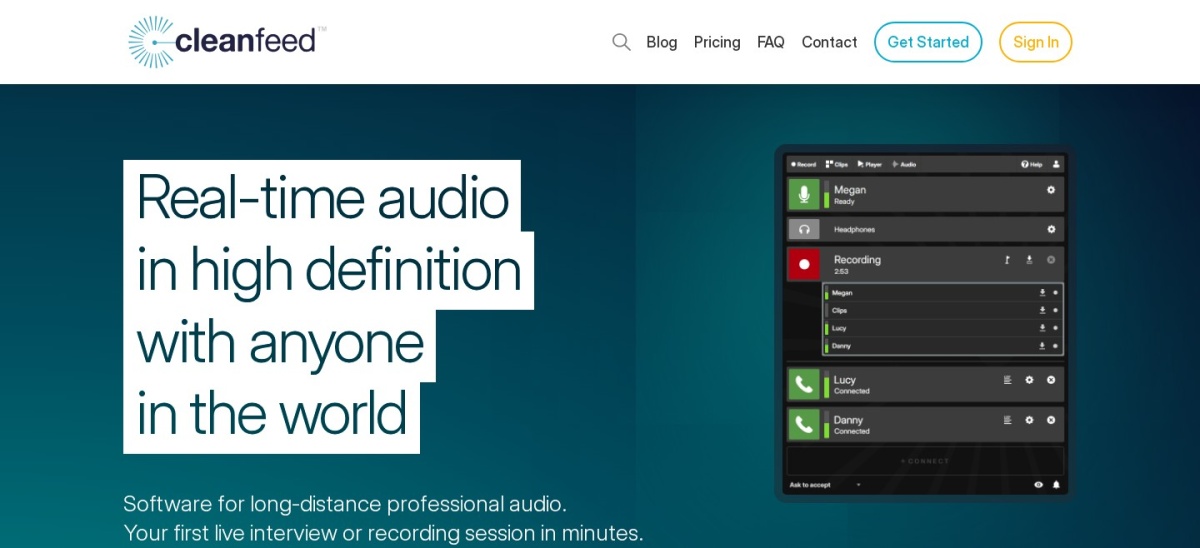
Cleanfeed is a browser tool for live, broadcast-style remote audio that records each guest to a separate high-quality WAV file on Pro. Guests join from a link with no sign-up, and recording time is unlimited on every plan, including the free Lite plan.
The trade off is that Cleanfeed records on the host's side from the live connection, not locally on each guest's device, so a guest's dropouts can reach the recording. Separate tracks need Pro at $36 a month for businesses, with a subsidised $23 rate for personal, charity and education use. It suits audio-only shows and radio-style interviews that value live sound.
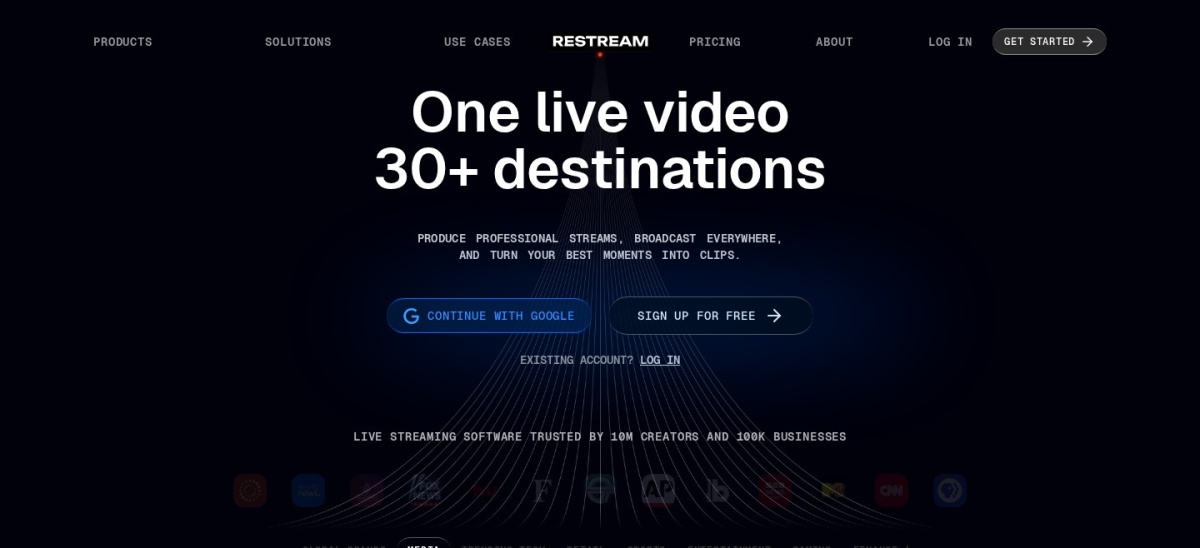
Restream is a browser live studio that sends one show to many platforms at once and records the session in the cloud. The free plan streams to 2 channels with Restream branding, and Standard at $16 a month billed yearly raises that to 3 channels without branding.
The trade off is resolution. Standard caps video at 720p, and 1080p needs Professional at $49 a month, so it is a distribution tool first and a recorder second. It suits shows whose audience is split across YouTube, Facebook and other platforms.
4.6/5on Capterra (14,687 reviews, checked Nov 2026)
Paid from$14.16/mo
Best baseline everyone already has
Separate audioYes, per participant
Meeting limit40 min on Basic
Participants100 on Basic
Paid planPro, $14.16/user/mo
zoom.us
Zoom homepage, captured Nov 2026.
Zoom is the video meeting tool most guests already have, and its computer recording can save a separate audio file for each participant. Local recording works on the free Basic plan, which allows 40-minute meetings with up to 100 participants.
The trade off is quality. Zoom records the call as the host sees it, in one video file, and the audio is compressed call audio rather than a clean file from each guest's device. Pro costs $14.16 per user a month billed yearly and lifts meetings to 30 hours. It suits quick guest interviews where convenience matters more than studio sound.
What we like
Every guest already knows how to use it
Separate audio files per person
Local recording on the free plan
Watch out for
One shared video file, no per-guest video
Compressed call audio, not local files
Free meetings stop at 40 minutes
Pro adds 30-hour meetings and 10 GB cloud recordingVisit zoom.us
Local recording vs cloud recording
Local recording saves each guest's audio and video on their device, then uploads the files. Riverside, Zencastr, SquadCast and StreamYard work this way when local recording is switched on.
Cloud recording captures the live call on a server. Cleanfeed and Zoom record this way, which is simpler but means a guest's connection problems can reach the final file.
For interview shows, local recording is worth paying for. For a quick chat or a live show, cloud recording is usually good enough.
How we chose
We started from the remote recorders podcasters most often weigh up — Riverside, Zencastr, SquadCast, StreamYard, Cleanfeed, Podcastle, Restream and Zoom — and kept those with a working free plan or a clear recording feature.
Prices come from each vendor's pricing page, checked on 26 November 2026. Ratings and review counts come from G2 or Capterra on the same day. Where a vendor shows a sale, the list shows the regular price.
We left out tools with no public rating and tools that only edit audio without recording remote guests. No vendor paid for a place, and we do not claim to have used these tools ourselves.
How to choose remote podcast recording software
Start with how your show is recorded, then match the tool to your guests and your budget.
Decide video or audio only. Video podcasts need a tool with local 4K recording such as Riverside or Zencastr. Audio-only shows can use Cleanfeed and save money.
Count your guests and your hours. Check the participant limit and the monthly recording or download cap. A weekly show can outgrow a 2-hour free allowance fast.
Check what your guests must do. The best tools let guests join from a link with no account or install. See how to add a podcast to WordPress for the publishing step after recording.
Use the free plan for one full episode. Record, download the separate tracks and edit them before paying. That shows whether the files and the workflow fit your show.
FAQ
What is the best remote podcast recording software?
Riverside is the best pick for most shows. It records each guest locally in up to 4K video and 48 kHz WAV audio, with separate tracks, editing and hosting in one plan, and it is rated 4.8 out of 5 on G2 from 1,746 reviews.
Is there a free remote podcast recording tool?
Yes. Zencastr's free plan records up to 6 participants in 4K with unlimited separate tracks and transcription. Riverside, StreamYard, Podcastle, Cleanfeed, Restream and Zoom also have free plans, though most limit recording hours or resolution.
What is local recording, and why does it matter?
Local recording saves each guest's audio and video on their own device, then uploads the files. A shaky connection affects what you hear live but not the final tracks. Riverside, Zencastr, SquadCast and StreamYard record this way.
Do my guests need an account to join a recording?
Not for Riverside, Zencastr, SquadCast, Cleanfeed or Podcastle: guests join from an invite link with no sign-up. Zoom guests need the Zoom app or a browser, but no paid account. StreamYard guests can join from a phone.
Can I record a podcast on Zoom?
You can. Zoom's computer recording can save a separate audio file per participant, and local recording works on the free plan. But it records the call as the host sees it, in one video file, and free meetings stop at 40 minutes.
How much should I pay for remote podcast recording?
For a new show, $0 is enough: Zencastr records in 4K for free. Paid plans start at $11.99 a month for Podcastle Essentials and $14.16 a month for Zoom Pro, while Riverside Pro costs $24 a month billed yearly.
SaaS SEO and WordPress specialist with about 8 years of experience. Rakib compares WordPress plugins, themes, hosting and software using public pricing, documentation and user reviews. See how we rank.