Splashtop is the best remote desktop software for personal use: its free Personal plan covers 2 home computers, and the $23.99-a-year Anywhere Access Pack adds access from anywhere. Pick AnyDesk for a fast free app on slow connections, or Chrome Remote Desktop if you want a tool that is free with nothing to pay.
How we make this list: we compare pricing pages, product documentation and public user reviews, then re-check every price before each update. No product paid for a place. Disclosure.
Splashtop Personal is free on your home Wi-Fi for 2 computers, and $23.99 a year adds access from anywhere.
RemotePC costs $29.50 a year for always-on access to 1 computer, with no free plan and a 7-day trial.
RealVNC Connect has a free Lite plan for 5 devices, and Essentials costs $8.25 a month billed annually.
TeamViewer and AnyDesk are both free for personal use, but paid plans start at $24.90 and $28.90 a month.
Chrome Remote Desktop is the only tool here with no paid plan at all, and it needs a Google account and the Chrome browser.
HelpWire is free and shares the highest G2 rating in this list at 4.8 out of 5 from 32 reviews.
What to look for in remote access for personal use
Personal remote access means reaching your own computers from elsewhere: a home PC from a laptop on a trip, or a parent's computer when they need help.
Start with the free tier. Most tools here offer one, but the limits differ: some cap the number of computers, some work only on your home network, and some cap session length.
Security matters more than speed for personal use. Look for two-factor authentication on your account and encryption on every session. Our guide on what two-factor authentication is explains the habit before you set it up.
Paid plans add unattended access, file transfer and more computers. If you only reach one or two home computers, the cheapest paid options here cost under $30 a year.
The 9 best remote desktop software for personal use
01
Splashtop
4.8/5on G2 (554 reviews, checked Nov 2026)
Paid from$23.99/yr
Best remote desktop for personal use overall
Free planYes, home Wi-Fi only
Computers on free plan2
Internet accessAnywhere Access Pack
Paid planSolo, $6/mo
splashtop.com
Splashtop homepage, captured Nov 2026.
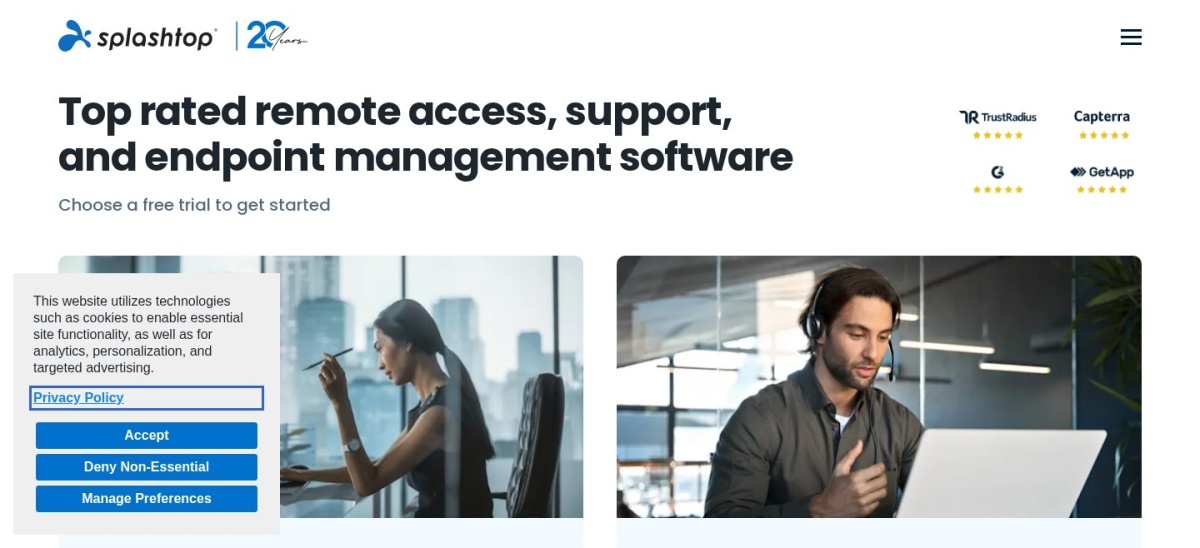
Splashtop is a remote access tool for reaching your own computers from a phone, tablet or another computer. The free Personal plan covers 2 home computers on your home Wi-Fi, and the $23.99-a-year Anywhere Access Pack adds access from anywhere over the internet.
The trade off is the Wi-Fi limit on the free plan. Reaching your home computers from outside needs the Anywhere Access Pack, and work use needs Solo at $6 a month billed annually. It suits people who mainly want their home PC from the couch or from a trip.
What we like
Cheapest paid route for personal use at $23.99 a year
AnyDesk is a lightweight remote desktop tool known for fast connections on slow networks. It is free for personal use and runs on Windows, Mac, Linux, Android, iOS and more, with file transfer, remote printing and remote restart.
The trade off is price. Solo costs $28.90 a month billed annually, and the page shows 20% off the first year, so the list shows the regular price. It suits people who want a small, fast app for occasional help and personal access.
What we like
Small download that runs well on slow connections
Free for personal use
Covers desktop and mobile platforms
Watch out for
Solo is the priciest monthly plan in this list
First-year discount hides the regular renewal price
TeamViewer is the best-known remote access tool, free for personal, non-commercial use. The free plan covers up to 3 managed devices and includes file transfer, remote printing and wake-on-LAN, with apps for Windows, Mac, Linux, iOS and Android.
The trade off is price. Paid use starts with Remote Access at $24.90 a month billed annually, and accounts the company suspects are used for work can be flagged. It suits people who want the most widely used tool and may one day need help from someone else.
What we like
Free for personal use
Widest platform support in this list
Largest review base at 4,230 G2 reviews
Watch out for
Paid plans cost far more than budget rivals
Accounts flagged for suspected work use can be limited
RemotePC is a remote access service built for reaching your own computers at any time. The Consumer plan costs $29.50 a year for 1 computer and includes always-on access, file transfer, remote printing, session recording and multi-monitor support.
The trade off is that there is no free plan, only a 7-day trial. First-year discounts appear on the site, so the list shows the regular $29.50 a year. It suits one person who wants a single home or office computer available around the clock.
What we like
Low fixed yearly price with no monthly billing
File transfer, remote print and session recording included
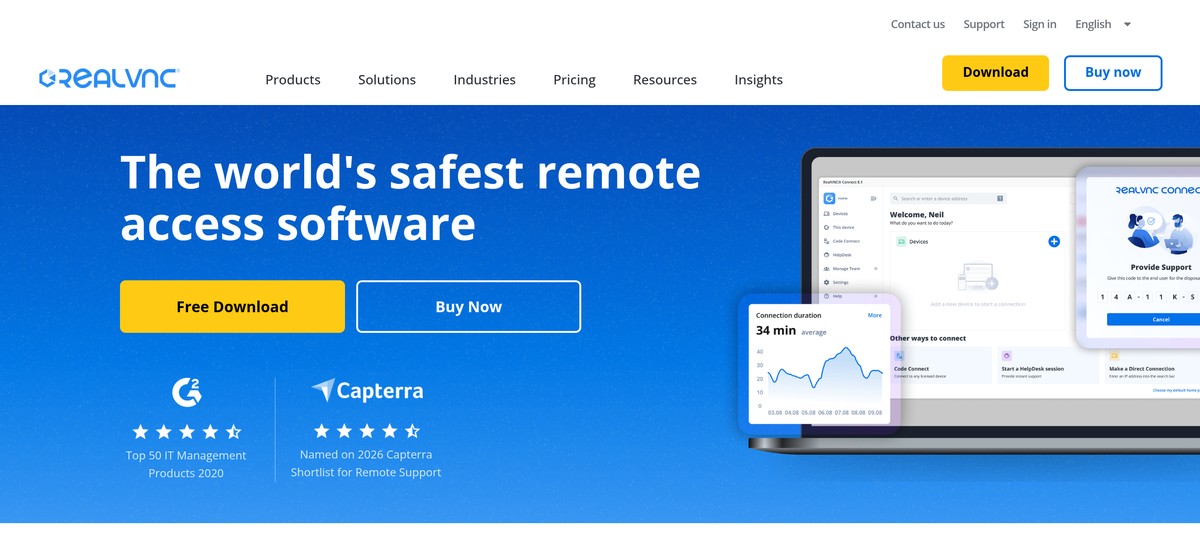
RealVNC Connect is a remote access tool built on the VNC protocol, with cloud connections and direct connections between devices. The free Lite plan covers non-commercial use on up to 5 devices, and Essentials adds cloud access, file transfer and remote printing.
The trade off is that the old free Home plan ended in 2024, so free use is now the limited Lite option. Essentials costs $8.25 a month billed annually for 1 concurrent session and 3 devices. It suits people who like a direct connection without routing everything through a vendor cloud.
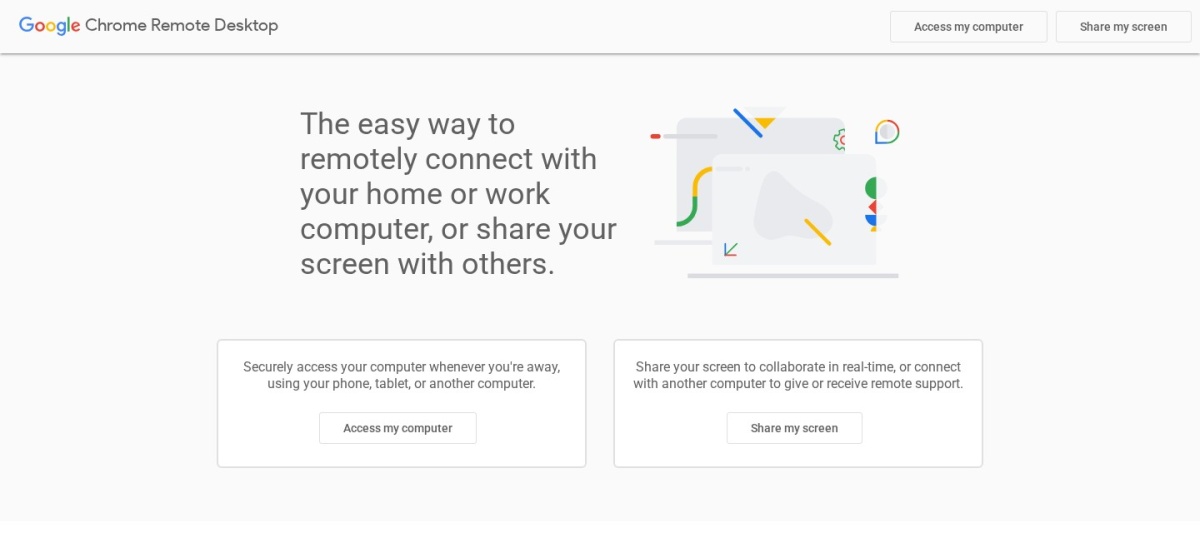
Chrome Remote Desktop homepage, captured Nov 2026.
Chrome Remote Desktop is Google's free remote access tool, with no paid plan at all. You set it up from the Chrome browser, link computers to your Google account, and reach them from any device with the app or a browser.
The trade off is features. It has no session recording or remote printing, and everything runs through your Google account. It suits people who want the simplest free way to reach one or two of their own computers.
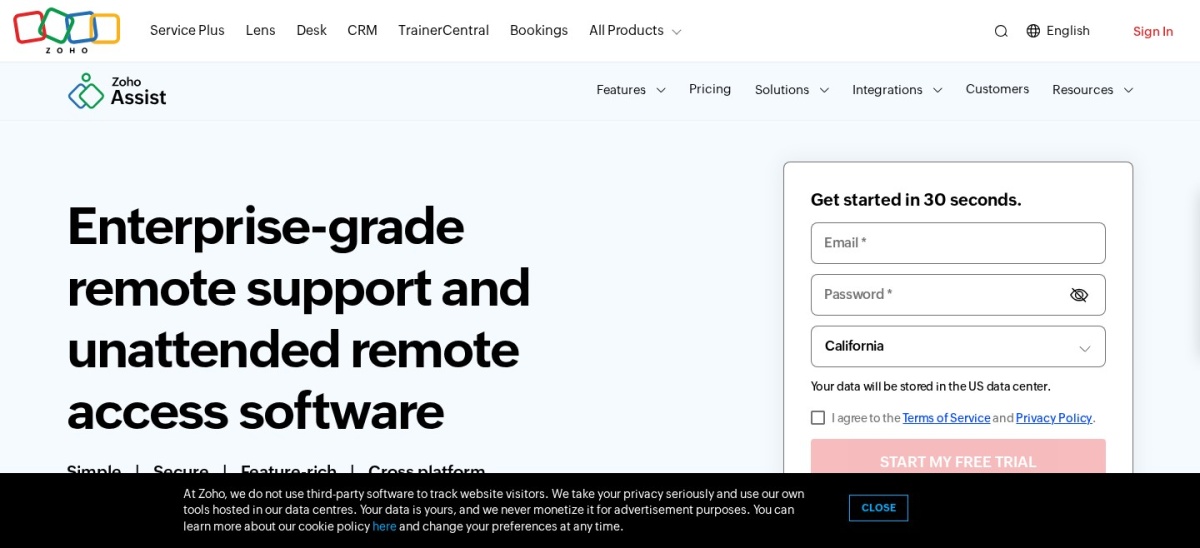
Zoho Assist is a cloud remote support tool from Zoho. The free edition covers 1 technician and 5 unattended computers, with on-demand sessions and unattended access, so one person can look after family computers at no cost.
The trade off is that the free edition is built for support, not just reaching your own PC. File transfer, session recording and reboot-and-reconnect need Standard at $10 a month billed annually. It suits anyone who regularly helps family or friends with their computers.
What we like
Most generous free tier in this list
Unattended access on the free plan
Supports Windows, Mac, Linux, ChromeOS, iOS and Android
Watch out for
Built for support sessions, not just personal access
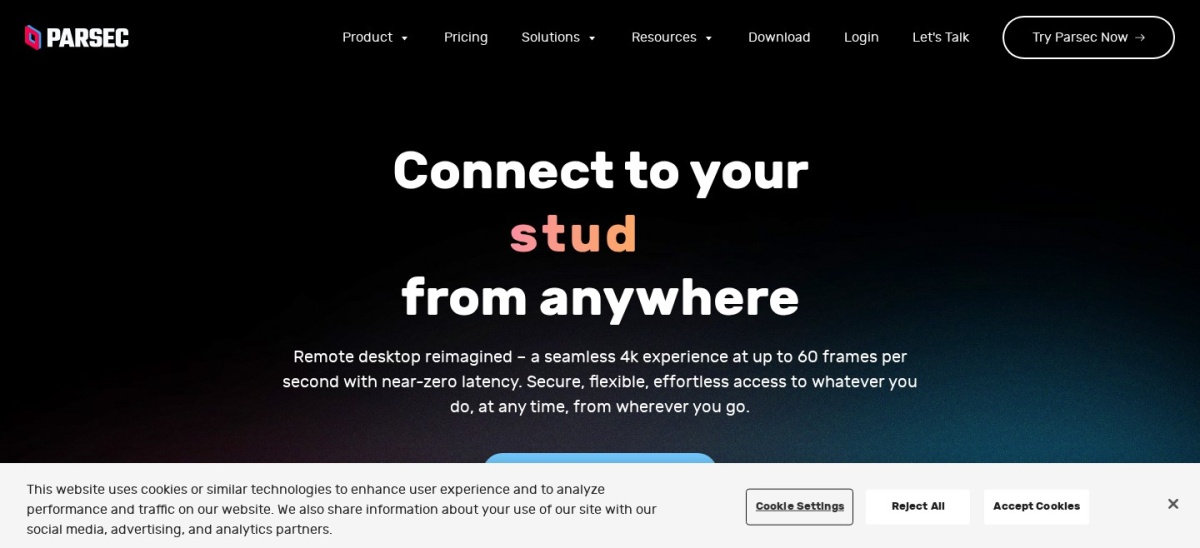
Parsec is a remote desktop tool built for low-latency streaming, so it suits gaming and creative work from another computer. The free Personal Use plan covers gaming and other non-commercial use, and Warp adds multi-monitor displays, 4:4:4 colour and privacy mode.
The trade off is that only Windows and Mac computers can be hosts, and Warp costs $9.99 a month. The page shows $8.33 a month billed annually, so the list shows the regular monthly price. It suits gamers and designers reaching a home PC.
What we like
Low-latency streaming up to 4K and 240 fps
Free plan for gaming and personal use
Multi-monitor and 4:4:4 colour on Warp
Watch out for
Hosts must run Windows or Mac
Work use needs Teams, not Warp
Warp adds multi-monitor, 4:4:4 colour and privacy modeVisit parsec.app
09
HelpWire
4.8/5on G2 (32 reviews, checked Nov 2026)
Paid from$10/mo
Best free tool for remote support
Free planYes, full features
Paid planSolo, $10/mo
Unattended accessYes
PlatformsWindows, Mac, Linux
helpwire.app
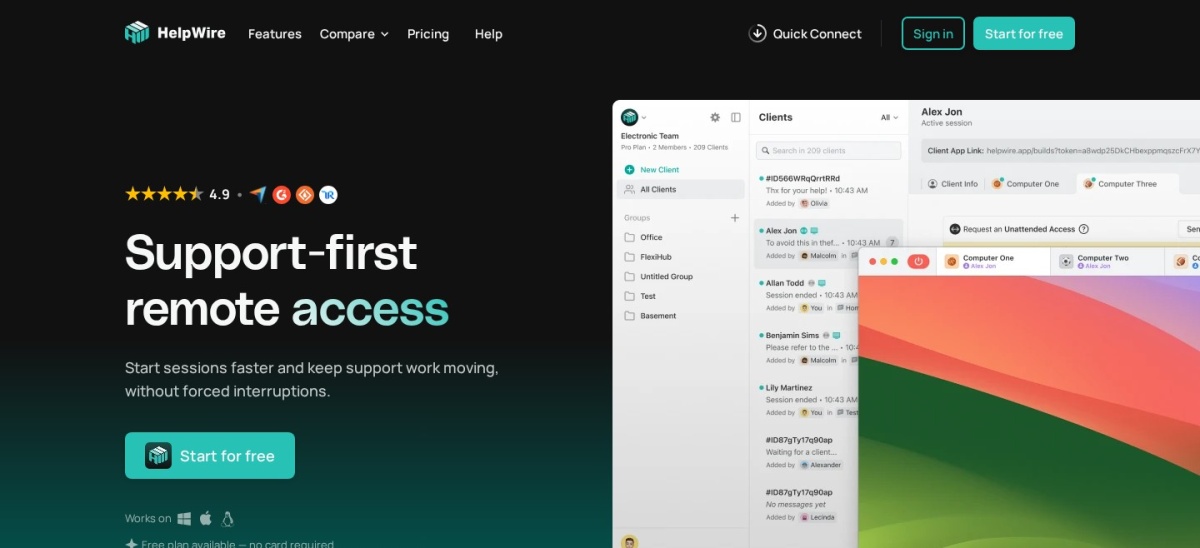
HelpWire homepage, captured Nov 2026.
HelpWire is a free remote access tool for Windows, Mac and Linux, built for support sessions and unattended access. The free plan covers remote desktop access, file transfer, client management, built-in chat, multi-monitor support and unattended access.
The trade off is maturity. HelpWire has far fewer reviews than TeamViewer or AnyDesk, and paid Solo starts at $10 a month for extra capacity. It suits people who want a free tool without upgrade prompts or commercial-use warnings.
Free plans cover the basics well. Most include unattended access to your own computers and file transfer.
Paid plans mostly add more computers and support. You get more managed devices, session recording and help when something breaks.
If you only reach one or two home computers, a free plan is often enough. Chrome Remote Desktop stays free with no paid tier at all.
Watch the fine print on free plans. Splashtop Personal works only on your home Wi-Fi until you add the $23.99-a-year pack, and TeamViewer can flag accounts it thinks are used for work.
How we chose
We started from the remote access tools with the most G2 reviews and a plan suited to personal use, then kept the 9 with a free plan or a personal-priced plan.
Prices come from each vendor's pricing page, checked on 26 November 2026. Ratings and review counts come from G2 on the same day. Where a vendor shows a sale, the list shows the regular price.
We left out tools with no public rating and tools built only for large IT teams. No vendor paid for a place, and we do not claim to have used these tools ourselves.
How to choose remote desktop software for personal use
Start with how many computers you need to reach, then check what the free plan allows.
Count the computers you will reach. One or two home computers fit most free plans. More than that usually needs a paid plan.
Check whether the free plan works away from home. Splashtop Personal is free only on your home Wi-Fi, while Chrome Remote Desktop and TeamViewer work from anywhere at no cost.
Turn on two-factor authentication. Your remote access account guards every computer behind it. See what two-factor authentication is before you set it up.
Try the free plan before paying. Set up unattended access on one computer first and check that the connection is stable from another network before you pay.
FAQ
What is the best remote desktop software for personal use?
Splashtop is the best pick for most people. Its free Personal plan covers 2 home computers on your Wi-Fi, the $23.99-a-year Anywhere Access Pack adds access from anywhere, and it holds a 4.8 out of 5 rating from 554 G2 reviews.
Is TeamViewer really free for personal use?
Yes, TeamViewer is free for personal, non-commercial use, with up to 3 managed devices. Paid use starts with Remote Access at $24.90 a month billed annually. Accounts the company suspects are used for work can be flagged and limited.
Is Chrome Remote Desktop safe?
Yes, sessions are encrypted and run through your Google account, and there is no paid tier to upsell you. It lacks session recording, remote printing and multi-monitor controls, so it suits simple personal access rather than heavy daily use.
Can I use these tools to help family members?
Yes, most free personal plans allow it. TeamViewer and AnyDesk are free for personal use, and Zoho Assist has a free tier for 1 technician and 5 unattended computers. Always ask before connecting, and set up unattended access only on computers you own or manage.
Do I need a paid plan for unattended access?
Usually not. Most free plans here include unattended access to your own computers. The exceptions are RemotePC, which has no free plan, and Splashtop Personal, which needs the $23.99-a-year pack for access away from home.
What is the cheapest paid remote desktop for personal use?
Splashtop is cheapest at $23.99 a year for the Anywhere Access Pack, which adds internet access to the free Personal plan. RemotePC is next at $29.50 a year for a full always-on plan with no free tier.
Is AnyDesk free?
AnyDesk is free for personal use. Paid use starts with Solo at $28.90 a month billed annually, with 20% off the first year, so the list shows the regular price.
SaaS SEO and WordPress specialist with about 8 years of experience. Rakib compares WordPress plugins, themes, hosting and software using public pricing, documentation and user reviews. See how we rank.