TeamViewer is the best remote desktop software for multiple monitors for most people, showing every remote screen at once from $24.90 a month billed annually, and rated 4.5 out of 5 from 4,230 G2 reviews. Pick Splashtop Pro for the cheapest true multi-to-multi view at $99 a user a year, or Parsec for low-latency creative work.
How we make this list: we compare pricing pages, product documentation and public user reviews, then re-check every price before each update. No product paid for a place. Disclosure.
TeamViewer is the best overall pick: multi-monitor support on every plan, from $24.90 a month billed annually.
Splashtop Pro is the cheapest true multi-to-multi view, at $99 a user a year; Solo at $72 shows one remote monitor at a time.
AnyDesk's regular Solo price is now $28.90 a month billed annually after its late-2025 licensing change; the $23.12 headline is a first-year discount.
RemotePC is the cheapest paid plan at $29.50 a year, priced per computer with unlimited users.
Parsec is the pick for creative work, streaming up to three monitors at 4K and 60 fps, but its free plan shows one monitor only.
Ratings run from 4.3 to 4.8 on G2, with TeamViewer holding the most reviews at 4,230.
What multi-monitor support actually means
A multi-monitor setup is only useful remotely if the tool shows all of the screens. Some tools show one remote monitor at a time and make you switch, while others show every screen at once or map each remote monitor to one of your own.
Check which mode you get before you pay. Splashtop Solo and Parsec's free plan show a single monitor, and the multi-monitor view sits on a paid tier. TeamViewer, AnyDesk and RealVNC include it from their entry plans.
Pricing models differ as much as the features. TeamViewer and AnyDesk charge per user, RemotePC charges per computer, and RealVNC charges per concurrent session, so the same team can pay very different amounts.
Security matters as much as the display. Remote access opens a door into a machine, so use strong passwords and turn on two-factor login wherever the tool offers it. Our guide on adding two-factor authentication to WordPress shows the same habit applied to a site login.
The 9 best remote desktop software tools for multiple monitors
01
TeamViewer
4.5/5on G2 (4,230 reviews, checked Nov 2026)
Paid from$24.90/mo
Best remote desktop software for multiple monitors overall
Multi-monitorYes, all plans
Managed devices3 on Remote Access
Unattended accessYes
Paid planRemote Access, $24.90/mo
teamviewer.com
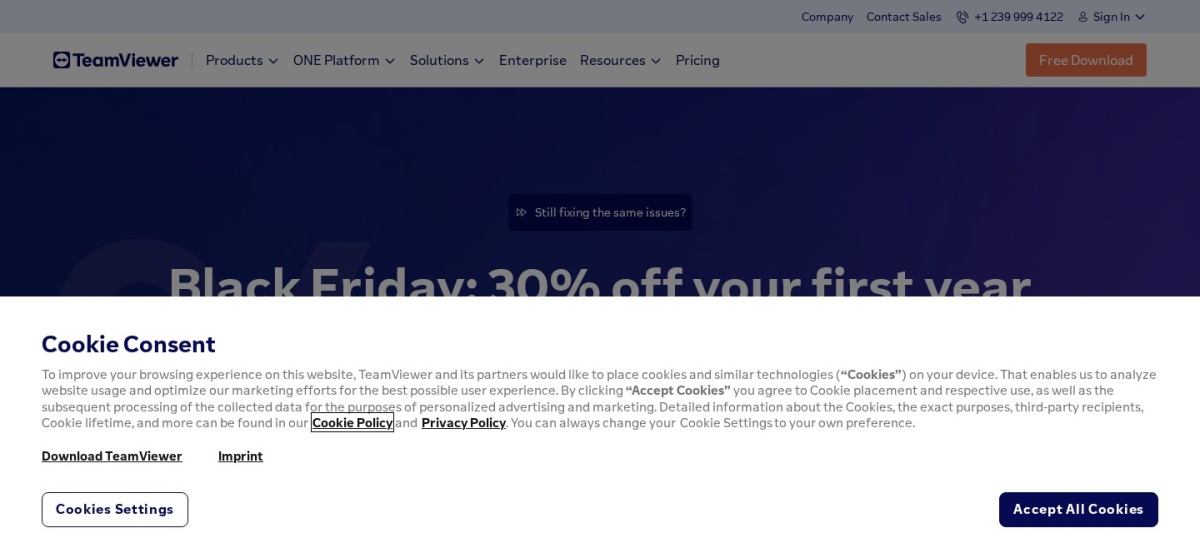
TeamViewer homepage, captured Nov 2026.
TeamViewer is the best-known remote desktop tool, and it handles multiple monitors on every plan, including the free personal tier. Remote Access costs $24.90 a month billed annually and covers one user, three managed devices, unattended access, file transfer and session recording across Windows, Mac, Linux, Android, iOS and Raspberry Pi.
The trade off is price. Business, the plan most support teams need, costs $50.90 a month billed annually, and the free tier flags suspected commercial use, which can end a session. It suits people who want the most recognised tool and multi-monitor support without paying for a higher tier.
What we like
Multi-monitor support on every plan, including free personal use
Most end users already know and trust the brand
Unattended access and file transfer from the entry plan
Rated 4.5 out of 5 from 4,230 G2 reviews
Watch out for
Business plan costs twice the entry plan
Free tier can flag commercial use and end sessions
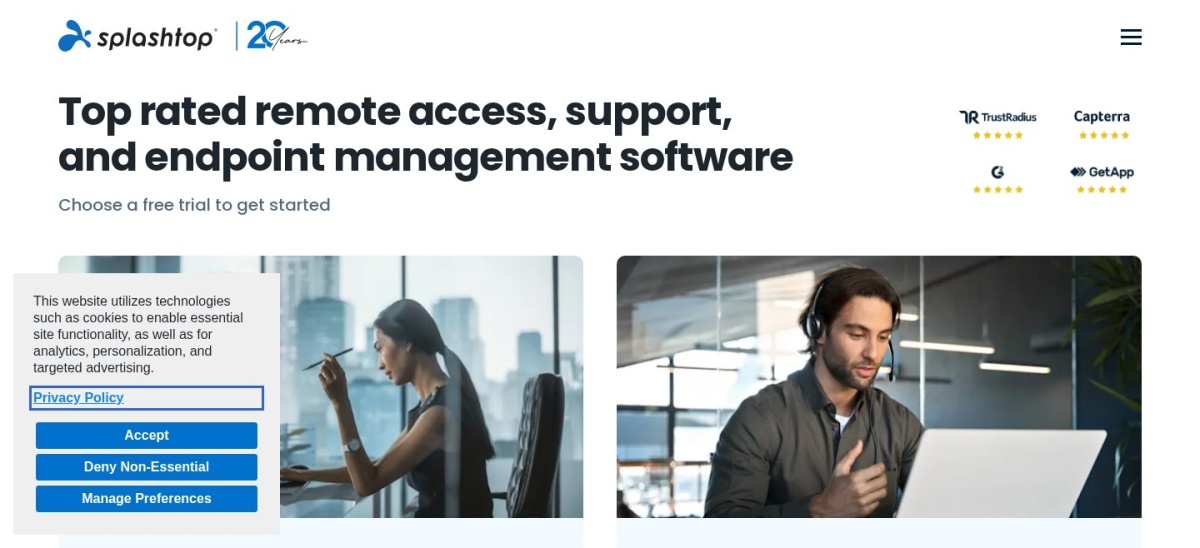
Splashtop is a fast remote access tool, and its Pro plan adds true multi-monitor support that shows several remote screens at once, each on its own local monitor. Solo costs $72 a year for one user and two computers, while Pro costs $99 a user a year for 10 computers per licence, session recording and user roles.
The trade off is the plan split. Solo only shows one remote monitor at a time, so you must pay for Pro to see several screens together. It suits home workers and small teams who want a cheap way to reach a multi-monitor office PC.
What we like
Pro shows several remote monitors at once
Cheapest true multi-monitor view in this list
Session recording and user roles from Pro
Rated 4.8 out of 5 from 546 G2 reviews
Watch out for
Solo shows only one remote monitor at a time
All business plans bill annually, with no monthly option
AnyDesk is a lightweight remote desktop tool built around its DeskRT codec, which keeps sessions fast on poor connections. Solo costs $28.90 a month billed annually for one user, 100 managed devices, unattended access, file transfer and remote printing, with a free tier for personal use.
The trade off is the new licensing. AnyDesk moved to connection-based licences in late 2025, and the first year shows a 20% discount at $23.12 a month, so the regular price is higher than the headline. It suits people who connect over weak networks and want a tiny client that runs without an install.
What we like
Fast sessions on poor connections
Tiny client that runs without an install
Multi-monitor display with each screen in its own window
Rated 4.5 out of 5 from 1,104 G2 reviews
Watch out for
Regular Solo price is $28.90 a month, above the promo headline
Connection-based licensing confuses some buyers
Solo covers one user and one concurrent connection
RemotePC is a remote access tool from the IDrive team that prices by computer, not by user, which keeps costs flat for teams. The Consumer plan costs $29.50 a year and includes unattended access, file transfer, remote printing, session recording, 1TB of cloud storage and multi-monitor display support.
The trade off is depth. RemotePC is a remote access tool with chat, whiteboarding and recording, not a full monitoring platform, and there is no free plan, only a 7-day trial. It suits small offices where several people share a few multi-monitor PCs.
Zoho Assist is a browser-based remote support tool with multi-monitor navigation, file transfer, remote reboot and session recording. Standard costs $10 a technician a month billed annually, with unlimited ad-hoc sessions, and the free plan covers one technician and five unattended computers.
The trade off is the plan split. Remote Support and Unattended Access are sold as separate plans, so a team that wants both pays twice, and the monthly-billed rate is $12 a technician. It suits small teams already using Zoho tools who want cheap multi-monitor support.
What we like
Cheapest per-technician price in this list
Multi-monitor navigation from the Standard plan
Free plan for one technician
Rated 4.7 out of 5 from 767 G2 reviews
Watch out for
Support and unattended access are separate paid plans
Monthly billing costs $12 instead of $10
Interface feels dated in places
Professional adds more sessions for $15 a technician a monthVisit zoho.com
06
ConnectWise ScreenConnect
4.7/5on G2 (521 reviews, checked Nov 2026)
Paid from$30/mo
Best for MSPs and self-hosting
Multi-monitorYes
Sessions1 on One
Unattended agents10 on One
Paid planOne, $30/mo
screenconnect.com
ConnectWise ScreenConnect homepage, captured Nov 2026.
ConnectWise ScreenConnect is a remote support tool for IT teams and MSPs, with attended sessions, unattended agents and multi-monitor support. The One plan costs $30 a month billed annually for one technician, one session and 10 unattended agents, and a free licence covers a single technician.
The trade off is cost per technician. Standard costs $47 a month billed annually per concurrent technician, and Premium is $57, so a team pays for every technician working at once. It suits MSPs that want a self-hosted option and deep control over sessions.
What we like
Self-hosted option keeps data on your own server
Free licence for a single technician
Concurrent licensing, so part-time techs can share seats
Rated 4.7 out of 5 from 521 G2 reviews
Watch out for
One plan allows only one session at a time
Standard and Premium charge per concurrent technician
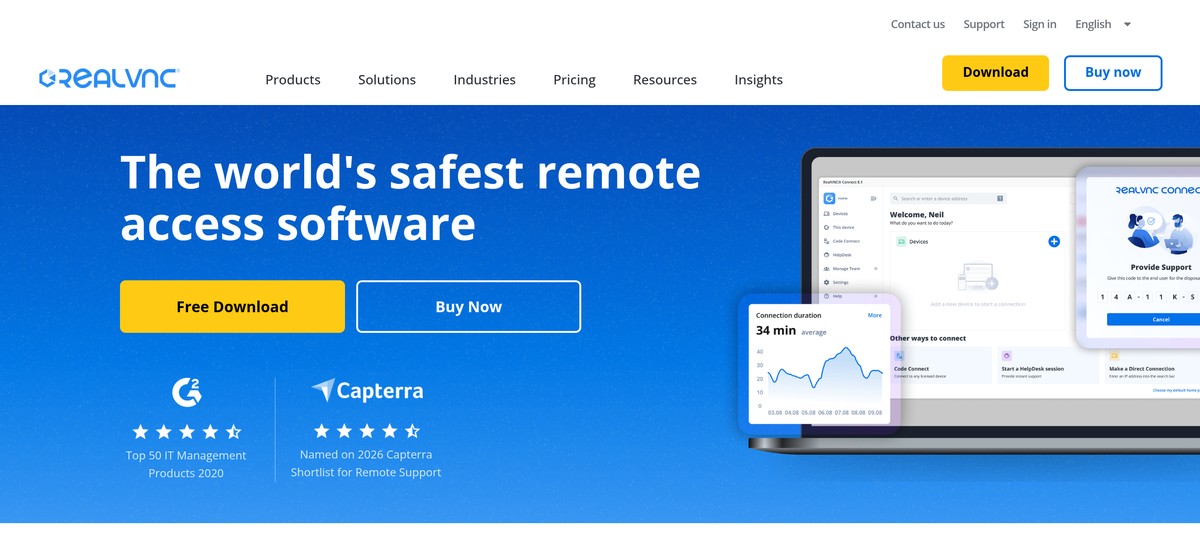
RealVNC Connect is remote access software built on the VNC protocol, with cloud and direct connections across Windows, Mac, Linux, Raspberry Pi, iOS and Android. Essentials costs $8.25 a month billed annually for one concurrent session and three devices, and each remote monitor opens in its own window.
The trade off is the device cap. Essentials covers only three managed devices and one user, so larger setups need Plus at $16.50 a month or Premium at $29.75. It suits technical users who want VNC access to a small set of multi-monitor machines.
What we like
Breaks each remote monitor into its own window
Works across desktop, mobile and Raspberry Pi
Cloud or direct connections with no port forwarding
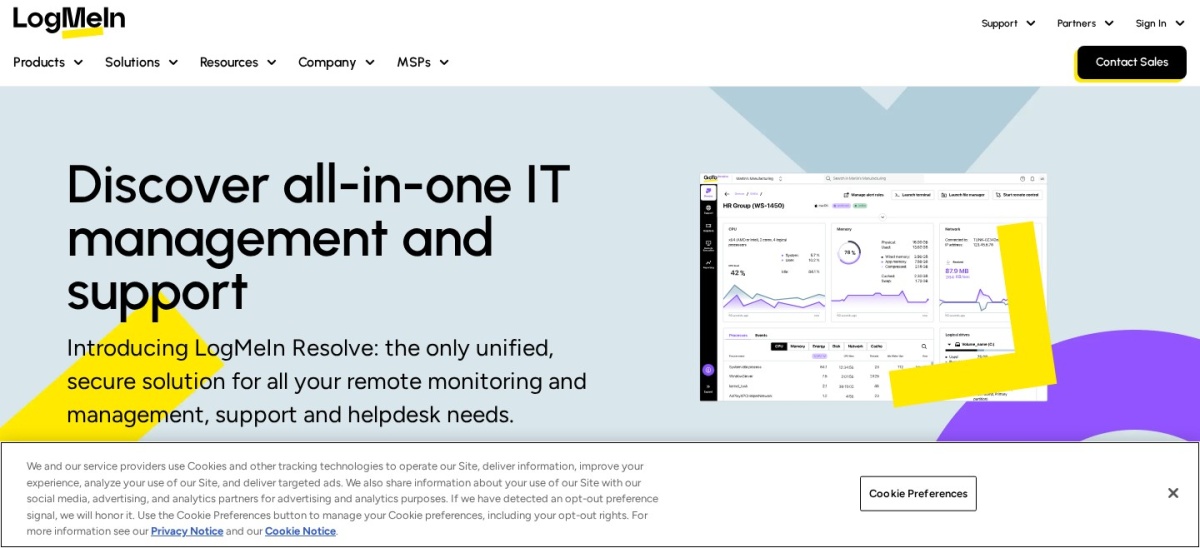
LogMeIn Resolve, from GoTo, pairs remote support with ticketing, so a technician can take a request and connect to the machine in one place. Starter costs $29 a month for 25 endpoints and unlimited agents, with unattended access, file transfer and multi-monitor support.
The trade off is price for the basics. Starter is $29 a month before ticketing extras, and higher tiers climb to $94 a month, which is steep for simple remote access. It suits small IT teams that want support and ticketing in one subscription.
What we like
Remote support and ticketing in one tool
Unlimited agents on every plan
Unattended access from the Starter plan
Rated 4.3 out of 5 from 474 G2 reviews
Watch out for
Lowest G2 rating in this list at 4.3
Starter is pricey for simple remote access
Higher tiers climb to $94 a month
Growth adds service management for $55 a monthVisit goto.com
09
Parsec
4.7/5on G2 (26 reviews, checked Nov 2026)
Paid from$9.99/mo
Best for low-latency creative work
Multi-monitorUp to 3 monitors
Streaming4K at 60 fps
HostsWindows and Mac
Paid planIndividuals, $9.99/mo
parsec.app
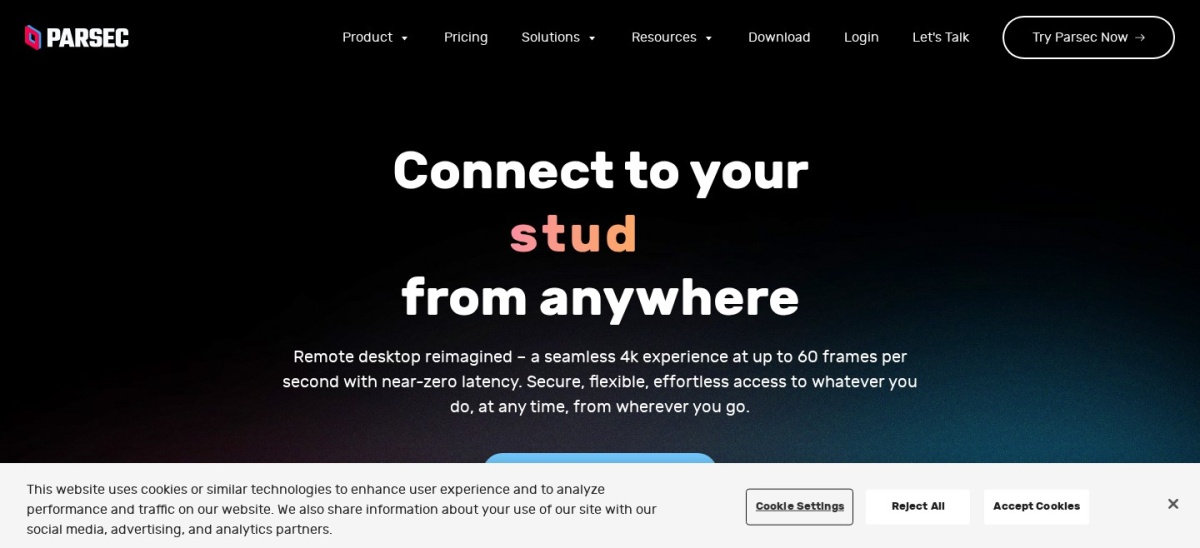
Parsec homepage, captured Nov 2026.
Parsec is a remote desktop tool built for low-latency streaming, and its paid plans stream up to three monitors at 4K and 60 frames per second. Individuals costs $9.99 a user a month, or $8.33 a month billed annually, and adds multi-monitor displays, 4:4:4 colour, virtual monitors and Wacom tablet support.
The trade off is the free plan. Personal Use is free but shows one monitor only, and work use needs a paid plan, with Teams at $35 a user a month. It suits designers, video editors and animators who work on a multi-monitor workstation from elsewhere.
What we like
Streams up to three monitors at 4K and 60 fps
Near-zero latency for creative work
Wacom pressure and tilt support on paid plans
Rated 4.7 out of 5 from 26 G2 reviews
Watch out for
Free plan shows one monitor only
Work use needs Teams at $35 a user a month
Only Windows and Mac computers can host
Teams adds admin controls and SSO for $35 a user a monthVisit parsec.app
Multi-monitor modes, explained
One at a time is the simplest mode. You see a single remote monitor and switch between screens from a menu, which works fine for checking on one machine.
All at once shows every remote screen in one window or in separate windows. RealVNC opens each remote monitor in its own window, so you can arrange them like a local desk.
Multi-to-multi maps each remote monitor to one of your local monitors. Splashtop Pro and Parsec do this, and it feels closest to sitting at the machine, but it needs a paid plan on both.
Match the mode to the work. Support calls suit one-at-a-time viewing, while design, trading and editing work suits multi-to-multi.
How we chose
We started from the remote desktop tools with published multi-monitor support and a public review rating, then kept nine that cover personal access, small teams, MSPs and creative work.
Prices come from each vendor's pricing page or G2 pricing data, checked on 26 November 2026. Ratings and review counts come from G2 on the same day. Where a vendor shows a sale, the list shows the regular price.
We left out Chrome Remote Desktop and RustDesk, which have no public G2 rating to compare. No vendor paid for a place, and we do not claim to have used these tools ourselves.
How to choose remote desktop software for multiple monitors
Start with how many screens you need to see at once, then check the plan that includes that view.
Count the monitors on both ends. Note how many screens the remote machine has and how many you sit in front of. A tool that shows one screen at a time wastes a three-monitor desk.
Check which plan includes multi-monitor. Some tools include it everywhere, while Splashtop and Parsec keep it on paid tiers. Confirm the mode before you buy, not after.
Match the billing unit to your team. Per-user pricing suits small teams, per-computer pricing suits shared machines, and per-session pricing suits support desks with shifting staff.
Turn on two-factor login. Remote access is a target for stolen passwords. Use the tool's two-factor option and a strong, unique password for the account.
FAQ
What is the best remote desktop software for multiple monitors?
TeamViewer is the best pick for most people. It shows every remote screen at once on all plans, including the free personal tier, and it is rated 4.5 out of 5 from 4,230 G2 reviews. Remote Access costs $24.90 a month billed annually.
Which remote desktop tool is cheapest for multi-monitor use?
Splashtop Pro is the cheapest true multi-to-multi view at $99 a user a year. RemotePC is cheaper overall at $29.50 a year, and RealVNC Essentials costs $99 a year, but check the device caps on both before choosing.
Does AnyDesk support multiple monitors?
Yes. AnyDesk shows each remote monitor in its own window, and multi-monitor display is included from the Solo plan. Solo lists at $28.90 a month billed annually, with a first-year discount that brings it to $23.12 a month.
Can I use remote desktop software for free with two monitors?
TeamViewer and AnyDesk include multi-monitor support on their free personal tiers. Parsec's free plan shows one monitor only, and Splashtop Solo shows one remote monitor at a time, so free multi-monitor viewing depends on the tool.
What is the difference between multi-monitor and multi-to-multi?
Multi-monitor means the tool can show more than one remote screen. Multi-to-multi maps each remote screen to one of your own monitors, so three remote screens fill three local screens. Splashtop Pro and Parsec offer multi-to-multi on paid plans.
Is Parsec good for remote desktop work?
Parsec suits creative work well, streaming up to three monitors at 4K and 60 frames per second with near-zero latency. The catch is licensing: personal use is free, but work use needs Teams at $35 a user a month, and only Windows and Mac computers can host.
SaaS SEO and WordPress specialist with about 8 years of experience. Rakib compares WordPress plugins, themes, hosting and software using public pricing, documentation and user reviews. See how we rank.