TeamViewer is the best remote control computer software for most people, rated 4.5 out of 5 on G2 from 4,230 reviews. Pick Splashtop from $6 a month for cheap personal access, or Chrome Remote Desktop for a free basic option.
How we make this list: we compare pricing pages, product documentation and public user reviews, then re-check every price before each update. No product paid for a place. Disclosure.
TeamViewer is the best-known pick, rated 4.5 out of 5 on G2 from 4,230 reviews, with paid plans from $24.90 a month.
Splashtop has the highest G2 rating here at 4.8 out of 5 and the lowest paid start at $6 a month billed yearly.
RemotePC is the cheapest yearly plan at $29.50 a year for one computer, and Zoho Assist is the cheapest per technician at $10 a month.
Chrome Remote Desktop is completely free, but it has no file transfer, chat or session recording.
GoTo Resolve is the priciest entry plan at $44 a month, so it only fits teams that also want patching and asset tracking.
What remote control software should cover
Remote control software lets you see and control another computer from anywhere, for support calls, unattended access to your own machines or helping family.
The basics matter most: unattended access, file transfer, multi-monitor support and a connection that stays stable on a slow link.
Security is not optional. Look for 256-bit AES encryption, two-factor login and session logs, and turn on 2FA wherever the tool offers it. Our guide on adding two-factor authentication to WordPress explains the same habit for your site logins.
Pricing is hard to compare at a glance. Some tools charge per user, some per technician and some per computer, so check what one licence actually covers before you buy.
TeamViewer is the best-known remote control tool, and the one most people on the other end already recognise. The free version covers personal, non-commercial use, and the paid Remote Access plan costs $24.90 a month billed annually, with unattended access, file transfer and multi-monitor support across Windows, Mac, Linux, Android and iOS.
The trade off is price and the free tier. Paid plans cost more than most rivals here, and the free version flags suspected commercial use, which can end a session. It suits teams and helpers who want the widest recognition and the broadest platform cover.
What we like
Most recognised brand, so end users trust it
Unattended access, file transfer and multi-monitor support
Works across Windows, Mac, Linux, Android and iOS
Watch out for
Free tier can flag commercial use and end sessions
Splashtop is a remote access service for reaching your own computers from anywhere, with 256-bit AES encryption, TLS, two-factor login and device approval. The Solo plan costs $6 a month billed yearly for one user and two unattended computers, with file transfer, remote printing and multi-monitor support.
The trade off is choice. Splashtop sells several products with similar names, so check whether you need Remote Access, Remote Support or Enterprise before you buy. It suits individuals and small teams that want fast, low-cost access to their own machines.
AnyDesk is a fast, lightweight remote desktop tool built around its DeskRT codec for low-latency control on poor connections. The Solo plan costs $28.90 a month billed annually for one licensed user, one concurrent connection and 100 managed devices, with unattended access, file transfer and Wake-on-LAN.
The trade off is price. Solo costs far more than Splashtop or RemotePC, and the free version for personal use leaves out the address book, session recording and support. It suits IT staff who work over weak links and need a small, quick install.
What we like
Fast connections with low latency on poor links
Small, lightweight install on every platform
Free for personal use
Watch out for
Solo at $28.90 a month costs more than rivals
Free version lacks address book and session recording
RemotePC is a low-cost remote access service from the iDrive team for reaching your own computers from anywhere. The Consumer plan costs $29.50 a year for one computer, with always-on access, file transfer, remote printing, session recording and multi-monitor support.
The trade off is scale and renewals. The price is per computer, so a fleet adds up fast, and reviewers note renewal prices rise after the first year. It suits home users and small teams with a few computers who want always-on access at a low yearly price.
Zoho Assist is a browser-based remote support tool for helping users without installing software on their side. The free plan covers one technician and 5 unattended computers, and Standard costs $10 a month billed annually per technician, adding file transfer, multi-monitor navigation, reboot and reconnect.
The trade off is speed on weak links. Some reviewers report lag and freezes on low-bandwidth connections, and session recording needs the Professional plan at $15 a month. It suits small support teams that want a free start and the cheapest per-technician paid plan here.
What we like
Free plan for one technician and 5 computers
Cheapest per-technician paid plan at $10 a month
Browser-based, no install needed for the user
Watch out for
Some reviewers report lag on slow connections
Session recording needs the Professional plan
Professional adds session recording and mobile support at $15 a monthVisit zoho.com
06
ConnectWise ScreenConnect
4.7/5on G2 (521 reviews, checked Nov 2026)
Paid from$30/mo
Best for IT teams that want self-hosting
Concurrent technicians1 on One
Unattended agents10 on One
Self-hostingCloud and on-premises
Paid planOne, $30/mo
connectwise.com
ConnectWise ScreenConnect homepage, captured Nov 2026.
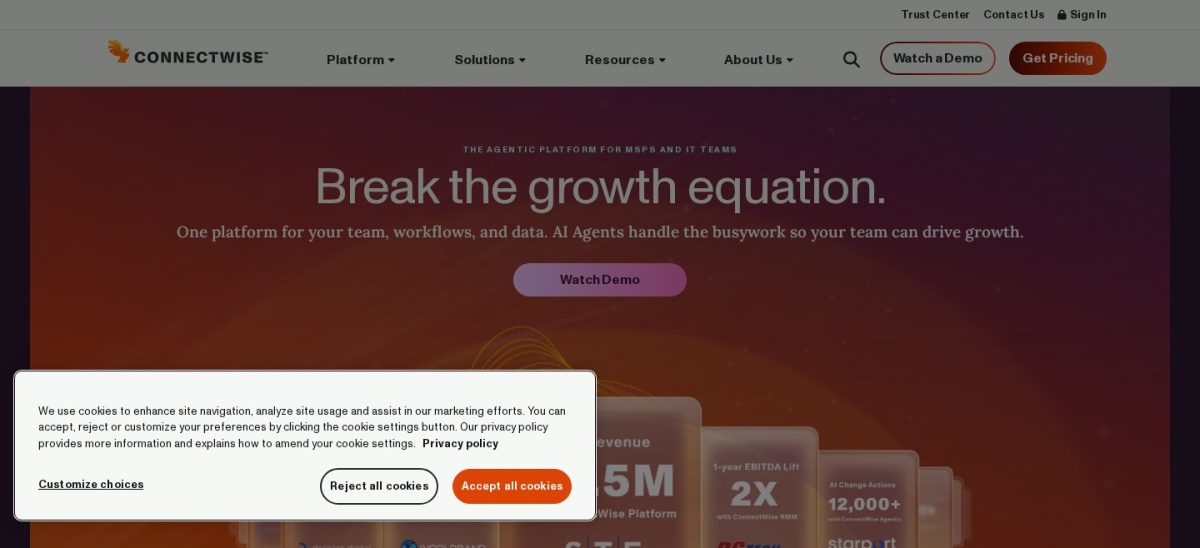
ConnectWise ScreenConnect is a remote access and support tool built for IT teams and managed service providers. The One plan costs $30 a month billed annually per concurrent technician, with one session, 10 unattended access agents, file transfer, remote printing and mobile technician support.
The trade off is per-technician pricing. Costs climb as more technicians work at once, and the on-premises version needs regular patching after the server security fixes of 2024 and 2025. It suits IT teams that want self-hosting and deep unattended access.
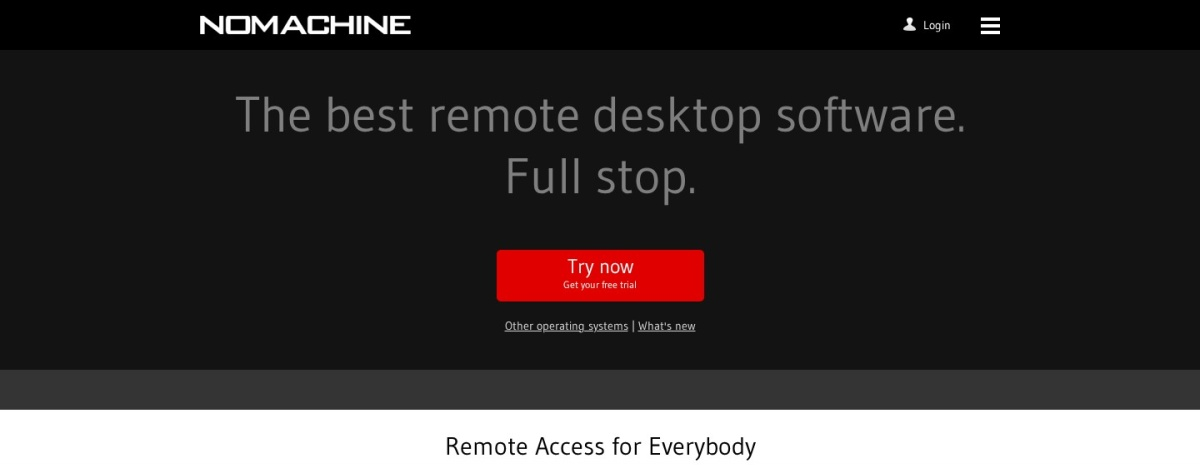
NoMachine is a self-hosted remote desktop tool for reaching your own computers without routing through a vendor cloud. The free version covers personal use, and Personal Edition costs $24.50 a year for one incoming desktop connection plus four terminal sessions, with browser access and file transfer.
The trade off is setup. Self-hosting needs more network know-how than a cloud tool, and the G2 review base is small at 10 reviews. It suits technical users and Linux shops that want to keep remote access on their own infrastructure.
What we like
Self-hosted, no vendor cloud in the middle
Free version for personal use
Fast on Linux with browser access
Watch out for
Setup needs more network know-how than cloud tools
Only 10 G2 reviews, a small base
Paid tiers are priced per host, so fleets add up
Enterprise Desktop adds unlimited connections at $44.50 a yearVisit nomachine.com
08
GoTo Resolve
4.4/5on G2 (430 reviews, checked Nov 2026)
Starts at$44/mo
Best for remote control plus endpoint management
Managed devices100 on entry plan
Unattended accessYes
Patch managementStandard plan
Paid planRemote Access, $44/mo
goto.com
GoTo Resolve homepage, captured Nov 2026.
GoTo Resolve, formerly GoToAssist, is an IT support platform with remote control, file transfer, session recording and unattended access. The Remote Access and Support plan costs $44 a month billed annually for 100 devices, with remote diagnostics and a helpdesk-friendly console.
The trade off is price. It has the highest entry price in this list, and patch management and asset tracking cost more on the Standard plan at $57 a month. It suits IT teams that want remote control and endpoint management in one tool.
What we like
Remote control plus patching and asset tracking
Session recording and remote diagnostics included
100 devices covered on the entry plan
Watch out for
Highest entry price in this list at $44 a month
Installation can need extra troubleshooting
Some reviewers note limited support availability
Standard adds endpoint management at $57 a monthVisit goto.com
09
Chrome Remote Desktop
4.2/5on G2 (53 reviews, checked Nov 2026)
PriceFree
Best free basic remote access
CostFree
NeedsGoogle account and Chrome
File transferNo
Paid planNone, free
remotedesktop.google.com
Chrome Remote Desktop homepage, captured Nov 2026.
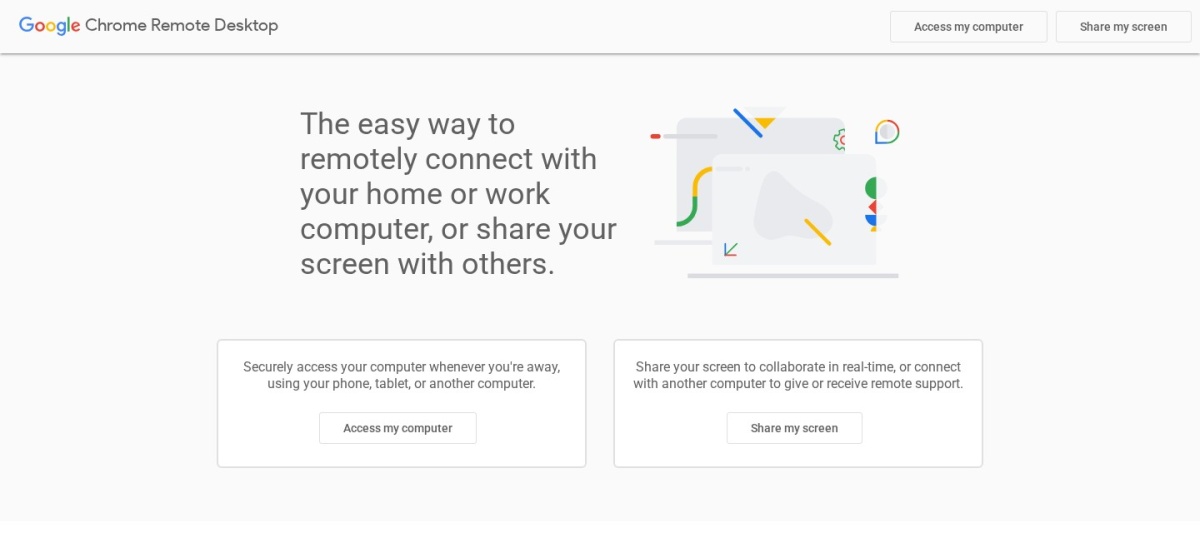
Chrome Remote Desktop is Google's free remote access tool, and it runs inside Chrome with no paid plan at all. Set it up with a Google account, then reach your computers from any device with a browser, with no software licence to buy or renew.
The trade off is features. There is no chat, no file transfer and no remote printing, and no session recording or multi-user tools. It suits anyone who needs simple, free access to their own computer and nothing more.
Free plans cover basic access well. TeamViewer, AnyDesk, Zoho Assist, NoMachine and Chrome Remote Desktop all let you control a computer without paying.
Paid plans mostly add unattended access, session recording and more devices. Splashtop Solo at $6 a month is the cheapest way to get unattended access here.
Free tiers also carry limits that bite later. TeamViewer flags suspected commercial use, and AnyDesk leaves out the address book and session recording.
If you support other people for work, a paid plan is worth it. One interrupted session during a support call costs more than a month of Splashtop or RemotePC.
How we chose
We started from the best-known remote control tools on G2 with published ratings, then kept those with a useful free plan or a low paid start.
Prices come from each vendor's pricing page or vendor-supplied G2 pricing, checked on 26 November 2026. Ratings and review counts come from G2 pages on the same day. Where a vendor shows a sale, the list shows the regular price.
We left out tools with no public price and no public rating. No vendor paid for a place, and we do not claim to have used these tools ourselves.
How to choose remote control computer software
Start with who you support and how many computers are involved, then match the pricing model to that.
Count the computers and the helpers. Per-computer plans like RemotePC suit a few machines, while per-technician plans like Zoho Assist suit support teams.
Check whether you need unattended access. Chrome Remote Desktop and free tiers often need someone at the far end. Paid plans add always-on access.
Pick one main tool and test the free tier first. Two remote tools on one machine can fight over the screen. Try the free plan or trial before you pay.
Turn on two-factor login and session logs. Remote access is a target for attackers, so enable 2FA and check who connected and when.
FAQ
What is the best remote control computer software?
TeamViewer is the best overall pick for most people, rated 4.5 out of 5 on G2 from 4,230 reviews. It is the best-known tool, works on every major platform and offers unattended access, file transfer and multi-monitor support.
What is the cheapest remote control software?
Chrome Remote Desktop is free with no paid plan, but it has no file transfer or chat. The cheapest paid option is Splashtop Solo at $6 a month billed yearly, or RemotePC at $29.50 a year for one computer.
Is TeamViewer free?
TeamViewer is free for personal, non-commercial use. Paid use starts with the Remote Access plan at $24.90 a month billed annually. The free version can flag suspected commercial use and end a session.
Can I control a computer without anyone at the other end?
Yes, with unattended access. TeamViewer, Splashtop, AnyDesk, RemotePC, Zoho Assist, ScreenConnect, NoMachine and GoTo Resolve all offer it on paid or free plans. Chrome Remote Desktop needs the far computer set up in advance too.
Is remote control software safe?
It is safe when set up well. Use strong passwords, turn on two-factor login, keep the software updated and check session logs. Only share access codes with people you trust, and end sessions when the work is done.
What is the difference between remote control and remote support software?
Remote control software focuses on taking over a computer screen, often your own. Remote support software adds helpdesk features such as ticketing, session recording and multi-technician queues for supporting other people at scale.
SaaS SEO and WordPress specialist with about 8 years of experience. Rakib compares WordPress plugins, themes, hosting and software using public pricing, documentation and user reviews. See how we rank.