Splashtop is the best remote computer software for most people, with a Solo plan at $6 a month covering two unattended computers and the highest rating here at 4.8 out of 5 on G2. Pick TeamViewer for the widest recognition, or RemotePC if you only need one computer for $29.50 a year.
How we make this list: we compare pricing pages, product documentation and public user reviews, then re-check every price before each update. No product paid for a place. Disclosure.
Splashtop Solo is $6 a month for one user and two computers, the best value in this list.
TeamViewer Remote Access starts at $24.90 a month, while Business costs $50.90 a month.
RemotePC is the cheapest yearly price at $29.50 a year for one computer.
Zoho Assist Standard is $10 a technician a month, with a free plan for one technician.
Six of the nine tools have a free plan or free tier, but TeamViewer and AnyDesk are free for personal use only.
What remote computer software should do
Remote computer software lets you see and control another computer from anywhere, whether it is your office PC or a machine you support for someone else. The best tools pair on-demand sessions with unattended access, so you can connect even when nobody is at the other end.
Pricing is mostly per user, per technician or per computer. TeamViewer charges per licensed user, Splashtop bills per user or per concurrent technician, and RemotePC charges per computer, so the same setup can cost very different amounts on different tools.
Lock down the login. Remote access is only as safe as its password, so turn on two-factor login wherever the tool offers it, as our guide on adding two-factor authentication to WordPress shows.
Ratings here run from 4.3 to 4.8 on G2 and Capterra. The differences are in fit: price, low-bandwidth speed, MSP controls, or support-team features.
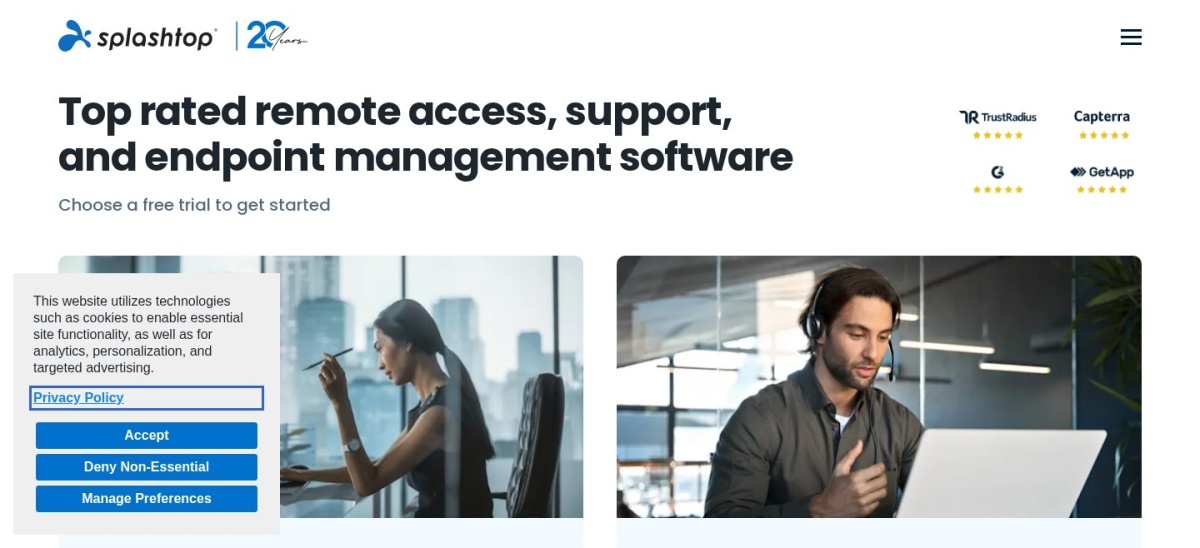
Splashtop is the best-value remote access tool here, with fast sessions and a Solo plan at $6 a month billed annually. Solo covers one user and two unattended computers, with file transfer, remote printing and access from any device, plus 256-bit AES encryption and two-factor login.
The trade off is the plan split. Multi-monitor support, chat and session recording need Pro at $8.25 a user a month, and attended support sessions need SOS from $259 a year. It suits individuals and small teams who want cheap, fast access to their own machines.
What we like
Solo is $6 a month, the cheapest per-user start here
Fast, stable sessions with file transfer and remote printing
TeamViewer is the remote access tool most people already know, which makes it easy to explain to anyone you support. Remote Access costs $24.90 a month billed annually for one user and three managed devices, with unattended access, file transfer, multi-monitor support and session recording across Windows, Mac, Linux and mobile.
The trade off is price. Business, the plan most support teams need, costs $50.90 a month, and the free tier for personal use can flag suspected commercial use and lock a session. It suits anyone who wants the most recognized tool with the widest platform coverage.
AnyDesk is the fast, lightweight remote desktop tool, built around its DeskRT codec for low-latency sessions on weak connections. Solo costs $28.90 a month billed annually for one user with 100 managed devices, unlimited interactive connections, unattended access, file transfer and remote printing.
The trade off is the first-year discount. The pricing page shows a lower first-year rate, so the regular $28.90 a month applies from renewal, and Solo covers one user only. It suits freelancers and technicians who work over slow or mobile connections.
What we like
DeskRT codec stays smooth on slow connections
Tiny client, runs without an install
100 managed devices on the Solo plan
Free for personal use
Watch out for
Solo covers one user and one connection
Session recovery after a dropped connection is a common complaint
Support can be slow to reach
Standard adds shared address books and central managementVisit anydesk.com
04
RemotePC
4.7/5on G2 (719 reviews, checked Nov 2026)
Starts at$29.50/yr
Cheapest always-on access
Cheapest planConsumer, $29.50/yr
Computers1 on Consumer
Free planTrial only
PlatformsWindows, Mac, Linux, mobile
remotepc.com
RemotePC homepage, captured Nov 2026.
RemotePC is the cheapest always-on remote access in this list, charging per computer instead of per user. The Consumer plan costs $29.50 a year for one computer, with unlimited remote access, file transfer, remote printing, multi-monitor support and session recording.
The trade off is the first-year price. The site advertises $22.12 for the first year, so the regular $29.50 a year applies from renewal, and the Consumer plan covers one computer only. It suits people who mainly need to reach one office or home computer.
What we like
Consumer is $29.50 a year, the lowest price here
Simple per-computer pricing with unlimited users on team plans
Zoho Assist is the cheapest paid remote support tool here, and it suits teams already using Zoho products. Standard costs $10 a technician a month billed annually, with unlimited ad-hoc sessions, file transfer, multi-monitor navigation, remote reboot and a browser-based technician console.
The trade off is the plan split. Remote Support and Unattended Access are sold as separate plans, so a team that wants both pays twice, and the monthly-billed rate is $12 a technician rather than $10. It suits small teams that want a low monthly cost with a real free plan.
What we like
Standard is $10 a technician a month
Free plan for one technician and five computers
Rated 4.6 from 775 G2 reviews
Browser-based console, no install to start a session
Watch out for
Remote Support and Unattended Access are separate plans
Mobile control can lag behind desktop
Interface feels dated in places
Professional adds mobile support and recording for $15 a monthVisit zoho.com
06
ScreenConnect
4.7/5on G2 (521 reviews, checked Nov 2026)
Paid from$30/mo
Best for MSPs and self-hosting
Cheapest planOne, $30/mo
Free planOne technician
DeploymentCloud or self-hosted
PlatformsWindows, Mac, Linux, mobile
connectwise.com
ScreenConnect homepage, captured Nov 2026.
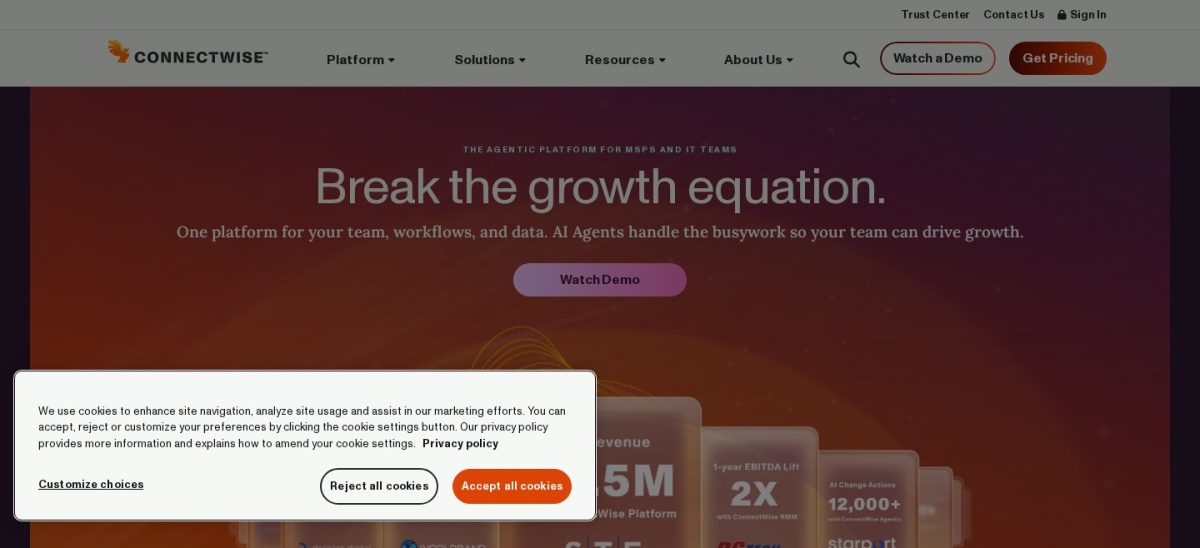
ScreenConnect, now ConnectWise ScreenConnect, is the MSP favorite for fast, controllable remote access. One costs $30 a month for a single technician, with unattended access, file transfer, session recording and Backstage, which runs commands in the background without interrupting the user.
The trade off is the learning curve. The interface is packed with options and takes time to master, and reviewers report repeated price rises on annual contracts. It suits IT teams and MSPs who want self-hosting and deep control.
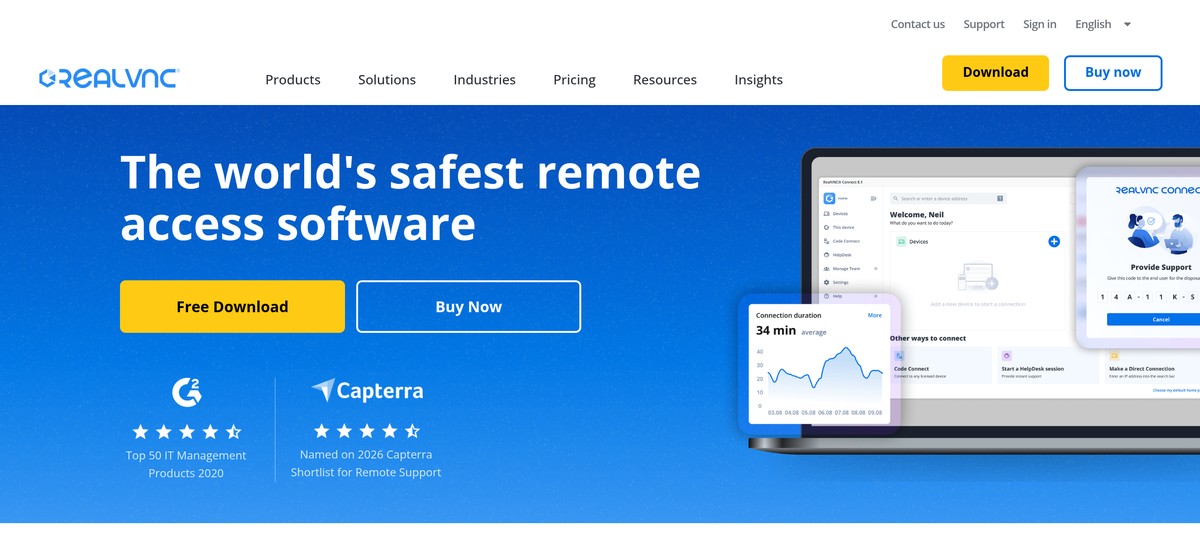
RealVNC Connect is the veteran VNC tool, from the team that created the VNC protocol. Essentials costs $8.25 a month billed annually for one user and one concurrent session, with 256-bit AES encryption, file transfer and access across Windows, Mac, Linux and Raspberry Pi.
The trade off is the per-connection pricing. Essentials covers one session at a time, so teams pay more per connection, and the free Lite plan is for personal use only. It suits mixed-OS setups and Raspberry Pi fleets.
What we like
Lite covers five devices free for personal use
Per-device pricing suits shared workstations
Rated 4.7 from 441 G2 reviews
Strong on Raspberry Pi and Linux
Watch out for
Essentials covers one concurrent session only
Free Lite plan has no technical support
Per-connection pricing gets costly for teams
Plus adds recording and more devices from $16.50 a monthVisit realvnc.com
08
LogMeIn Rescue
4.5/5on G2 (257 reviews, checked Nov 2026)
Starts at$108.25/mo
Best for high-volume helpdesks
Cheapest plan$108.25/technician/mo
Free planTrial only
Mobile controlAdd-on, $37.50/mo
ComplianceHIPAA BAA available
logmein.com
LogMeIn Rescue homepage, captured Nov 2026.
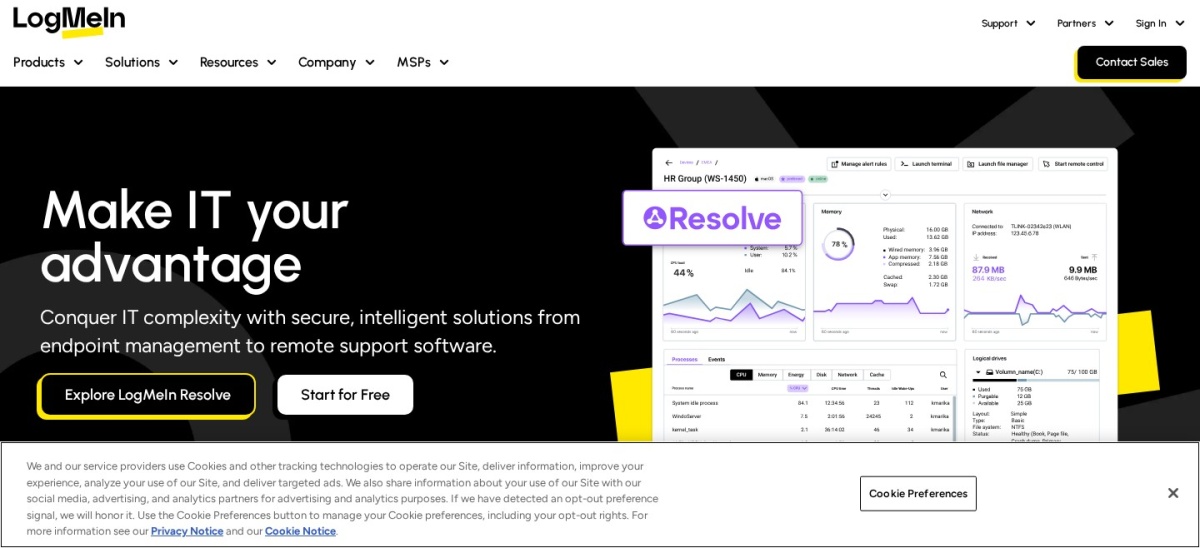
LogMeIn Rescue is the enterprise remote support platform for helpdesks that handle a high volume of requests. It costs $108.25 a technician a month billed annually, with attended sessions, unattended access, session recording, branding and technician management across Windows, Mac and mobile.
The trade off is cost and mobile pricing. At $108.25 a technician a month, Rescue is the most expensive per-technician tool here, and remote control of iOS and Android needs the Mobile Support add-on at $37.50 more a month. It suits large helpdesks that need a HIPAA BAA.
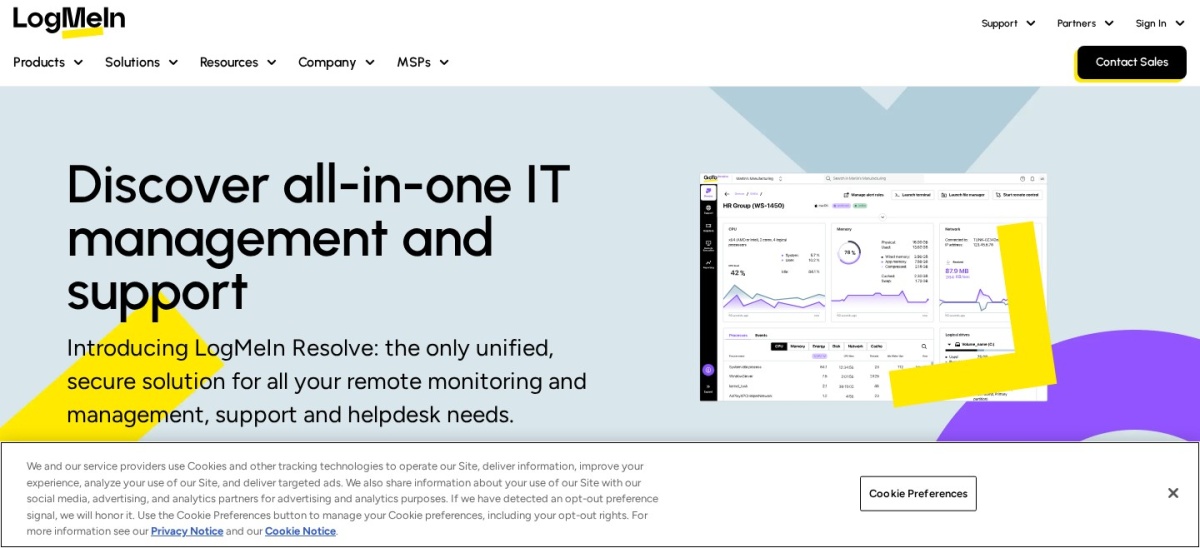
LogMeIn Resolve, formerly GoTo Resolve, is the all-in-one pick: remote support, ticketing, endpoint management and automation in one platform. Paid plans start at $29 a month, with remote control, file transfer, session recording and a ticketing system built for IT teams.
The trade off is the pricing shape. Paid plans start at 25 endpoints with unlimited agents, so very small teams may pay for capacity they do not use, and third-party reads of the price range from $23.75 to $40 a month. It suits IT teams that want support and device management together.
What we like
Remote support, ticketing and endpoint tools in one
Free tiers cover the basics well. Most include one technician or a few computers, with unattended access and file transfer.
Paid plans mostly add scale and control. You get more computers, more concurrent sessions, session recording and admin controls.
If you support other people for a living, a free tier will run out fast. One paid seat on Zoho Assist costs $120 a year, while a single computer on RemotePC costs $29.50 a year.
For personal use, start free. TeamViewer and AnyDesk are free for personal use, and RealVNC Lite covers five devices, so try before you pay.
How we chose
We started from the remote access tools IT teams and remote workers mention most, then kept the nine with a public rating on G2 or Capterra and a published price.
Prices come from each vendor's pricing page or a vendor comparison page, checked on 26 November 2026. Ratings and review counts come from G2 and Capterra pages opened the same day. Where a vendor shows a sale, the list shows the regular price.
We left out tools with quote-only pricing and tools whose public rating rests on a handful of reviews. No vendor paid for a place, and we do not claim to have used these tools ourselves.
How to choose remote computer software
Start with who needs access and how many computers are involved.
Count the computers first. Per-computer pricing like RemotePC suits one or two machines, while per-user tools like TeamViewer suit technicians who support many machines.
Decide attended, unattended, or both. On-demand support needs only a session code. Unattended access needs an agent on every machine, so check the managed-device limits.
Check the platform list. Every tool here covers Windows and Mac, but Linux, Raspberry Pi and mobile control vary. Test a session on the weakest device you plan to support.
Turn on two-factor login and lockouts. Remote access is a target for password guessing, so enable two-factor login and lockouts. Our guide on limiting login attempts in WordPress shows how lockouts block most brute-force traffic.
FAQ
What is the best remote computer software?
Splashtop is the best pick for most people. Its Solo plan costs $6 a month billed annually, covers two unattended computers, and it holds the highest rating in this list at 4.8 out of 5 on G2, with file transfer and remote printing included.
Is there free remote computer software?
Yes, for limited use. TeamViewer and AnyDesk are free for personal use only, Zoho Assist has a free plan for one technician, ScreenConnect has a free single-technician license, and RealVNC Lite covers five devices for personal use.
What is the cheapest remote computer software?
RemotePC is the cheapest yearly price at $29.50 a year for one computer. Splashtop Solo is the cheapest monthly start at $6 a month, and Zoho Assist Standard is $10 a technician a month billed annually.
How much does TeamViewer cost?
TeamViewer Remote Access starts at $24.90 a month billed annually for one user and three managed devices. Business, the plan most support teams need, costs $50.90 a month, and the free tier is for personal use only.
Do I need unattended access?
You do if you connect when nobody is at the other computer, such as reaching your office PC from home. Every tool in this list offers unattended access on paid plans, but free tiers often limit how many computers you can leave connected.
Is remote computer software safe?
It is safe when set up well. Use a strong password plus two-factor login, keep the software updated, and only grant access to people you trust. All nine tools here encrypt sessions, and most offer two-factor login and session logs.
SaaS SEO and WordPress specialist with about 8 years of experience. Rakib compares WordPress plugins, themes, hosting and software using public pricing, documentation and user reviews. See how we rank.