Zoho Assist is the best remote admin software for most teams: its free plan covers 1 technician and 5 unattended computers, and paid plans start at $10 per technician a month. Pick Splashtop for low-cost attended support at scale, or TeamViewer when you need the widest device coverage.
How we make this list: we compare pricing pages, product documentation and public user reviews, then re-check every price before each update. No product paid for a place. Disclosure.
Zoho Assist is the only tool here with a usable free plan: 1 technician and 5 unattended computers, with paid plans from $120 a year.
RemotePC is the cheapest paid plan at $29.50 a year for one computer, and Splashtop Solo starts at $72 a year.
Splashtop SOS charges $259 a year per concurrent technician, so a small help desk pays for simultaneous sessions, not headcount.
TeamViewer Business costs $610.80 a year for one technician, the highest entry price among the dedicated remote tools here.
Atera starts at $129 per technician a month, but that covers monitoring, ticketing and patching as well as remote access.
What remote admin software should cover
Remote admin software lets a technician see and control another computer, with or without someone sitting at it. The same tool usually covers attended sessions, where a user shares a code, and unattended access to servers and office machines.
Pricing follows three models: per technician, per concurrent session, or per managed device. A per-technician price looks simple until headcount grows, while concurrent pricing suits teams whose technicians rarely work at the same time.
Security matters more here than in most software categories, because a remote session is full control of a machine. Turn on two-factor authentication everywhere it is offered; our guide on what two-factor authentication is explains the options in plain terms.
Free plans differ sharply. Some allow commercial use, while others, such as TeamViewer and AnyDesk, restrict free use to personal sessions and flag business use.
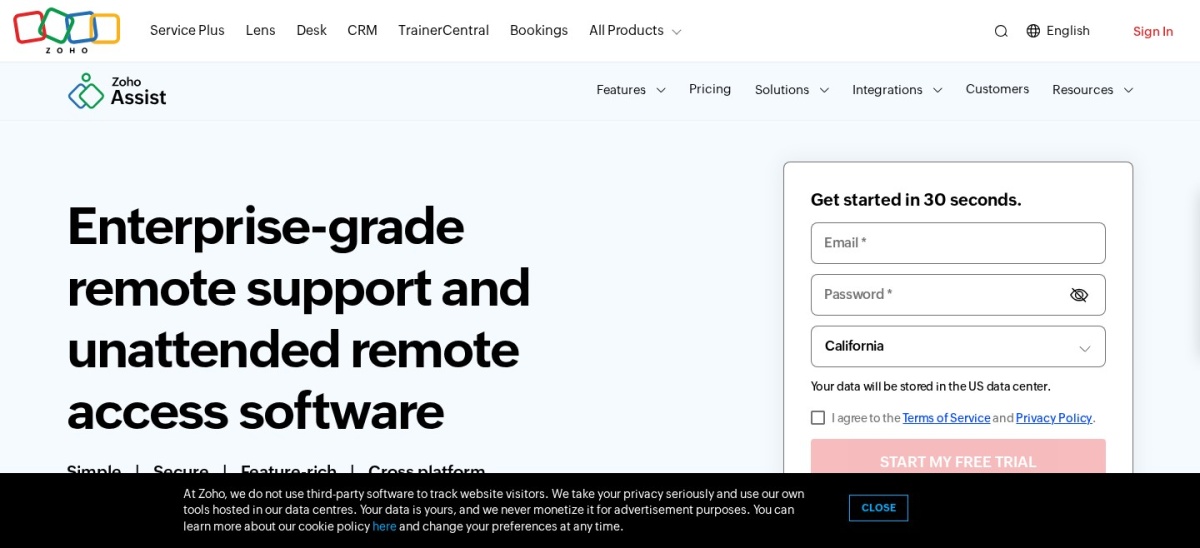
Zoho Assist is a cloud remote support tool for IT technicians and small help desks. Its free plan covers one technician, one concurrent session and up to five unattended computers, while Standard starts at $10 per technician a month billed annually.
The trade off is that the free plan leaves out file transfer, reboot-and-reconnect and custom branding. Paid costs rise per technician, so a growing team pays more as headcount grows. It suits solo technicians and small help desks that want predictable pricing.
What we like
Free plan covers 1 technician and 5 unattended PCs
Paid plans start at $10 per technician a month
Runs on Windows, macOS, Linux, ChromeOS, iOS and Android
Unattended access and session recording on paid plans
Watch out for
Free plan has no file transfer or reboot-and-reconnect
Per-technician pricing adds up as the team grows
Standard adds file transfer, recording and brandingVisit zoho.com
02
Splashtop
4.7/5on G2 (287 reviews, checked Nov 2026)
Starts at$72/yr
Best value for support desks
Cheapest paidSolo, $72/yr
Support tierSOS from $259/yr
Unattended access10 or 300 managed PCs
Attended sessionsSession code, unlimited
splashtop.com
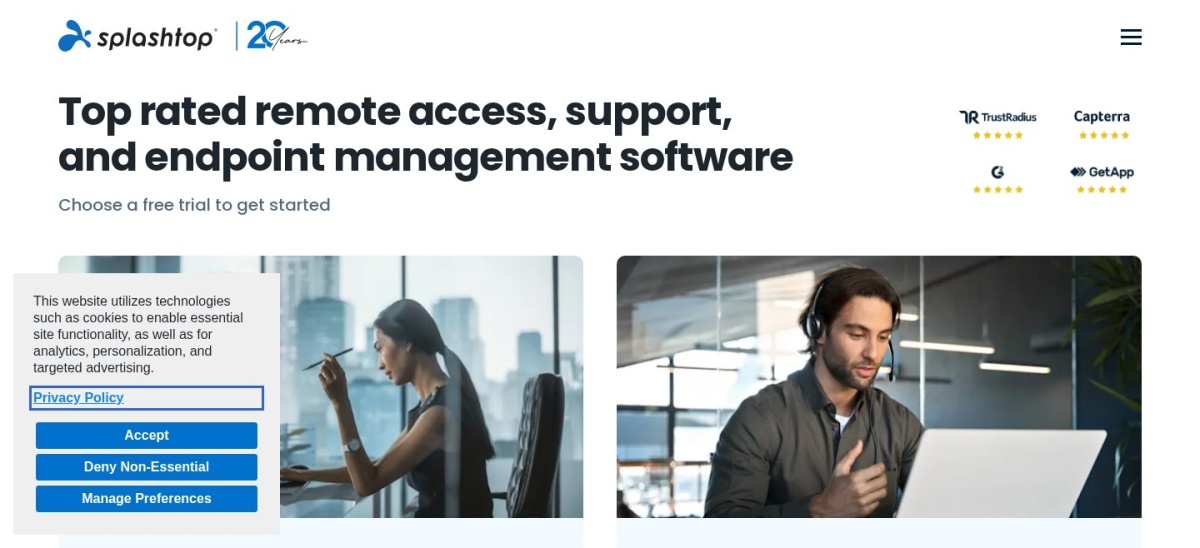
Splashtop homepage, captured Nov 2026.
Splashtop is a remote access and remote support platform built for fast connections across computers and mobile devices. Its Solo plan costs $6 a month billed annually at $72 a year for individual unattended access, file transfer and remote printing.
The trade off is that Solo covers one person reaching their own machines, not client support. The help-desk tier, Remote Support SOS, starts at $259 a year per concurrent technician. It suits IT teams that want low-latency sessions and per-technician pricing.
What we like
Low entry price at $72 a year billed annually
SOS prices by concurrent technician, not headcount
Fast, responsive sessions across desktop and mobile
Unattended access to 10 or 300 managed computers
Watch out for
No permanent free plan
Solo lacks multi-monitor support and session recording
Patching and monitoring need the separate AEM product
TeamViewer is a widely deployed remote connectivity platform for unattended access, remote support and device management. It is free for personal, non-commercial use, while commercial Remote Access starts at $24.90 a month billed annually ($298.80 a year).
The trade off is price and licensing. Business costs $50.90 a month for one technician and one concurrent channel, and free accounts flagged for commercial use get locked. It suits organisations that need broad device coverage and established support workflows.
What we like
Runs on Windows, macOS, Linux, iOS, Android and ChromeOS
Free for personal, non-commercial use
Session recording, Wake-on-LAN and remote reboot
Largest review footprint in this list
Watch out for
Highest entry price among the dedicated tools here
AnyDesk is a lightweight remote desktop tool known for small installer sizes and responsive connections across desktop and mobile systems. It offers a free plan for personal use, while paid Solo lists at $28.90 a month billed annually ($346.80 a year).
The trade off is the first-year discount. The pricing page advertises Solo at $23.12 a month for the first year, so renewals cost more than the first invoice. It suits solo technicians who want a light client and 100 managed devices.
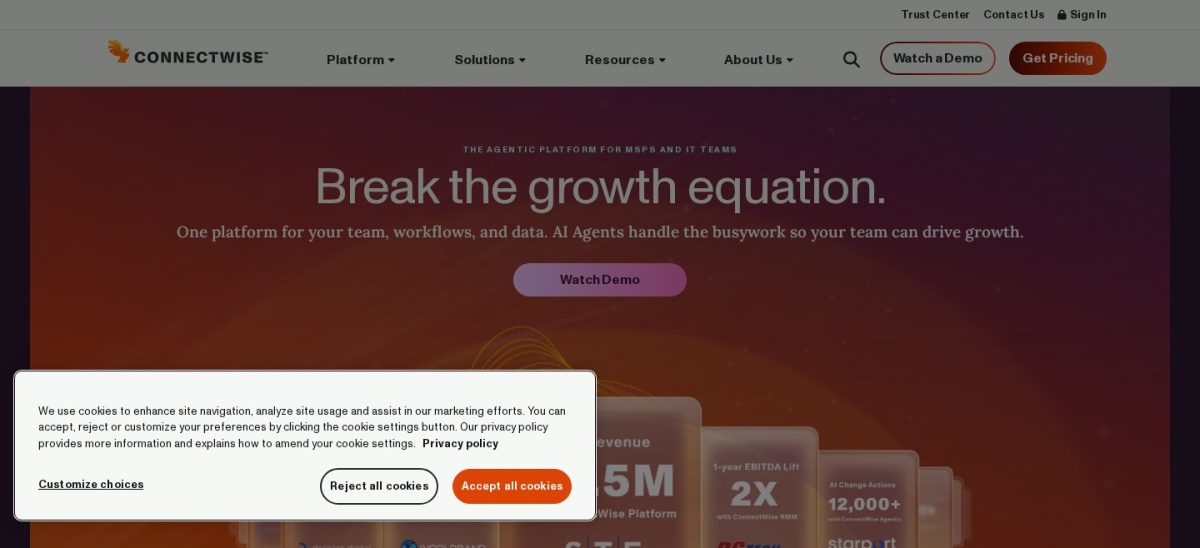
ConnectWise ScreenConnect homepage, captured Nov 2026.
ConnectWise ScreenConnect is a remote support and access tool widely used by managed service providers and IT teams. Its One plan starts at $30 a month billed annually ($360 a year) for a single technician, one session and 10 unattended agents.
The trade off is cost as teams grow. Standard costs $47 a month per concurrent technician and Premium $57, and the console has a steeper learning curve than consumer tools. It suits support teams that need granular session controls and background administration.
What we like
Fast, stable sessions that hold up on poor connections
Backstage background access without disturbing the user
Unlimited unattended agents on Standard and Premium
Concurrent licensing suits teams with bursty loads
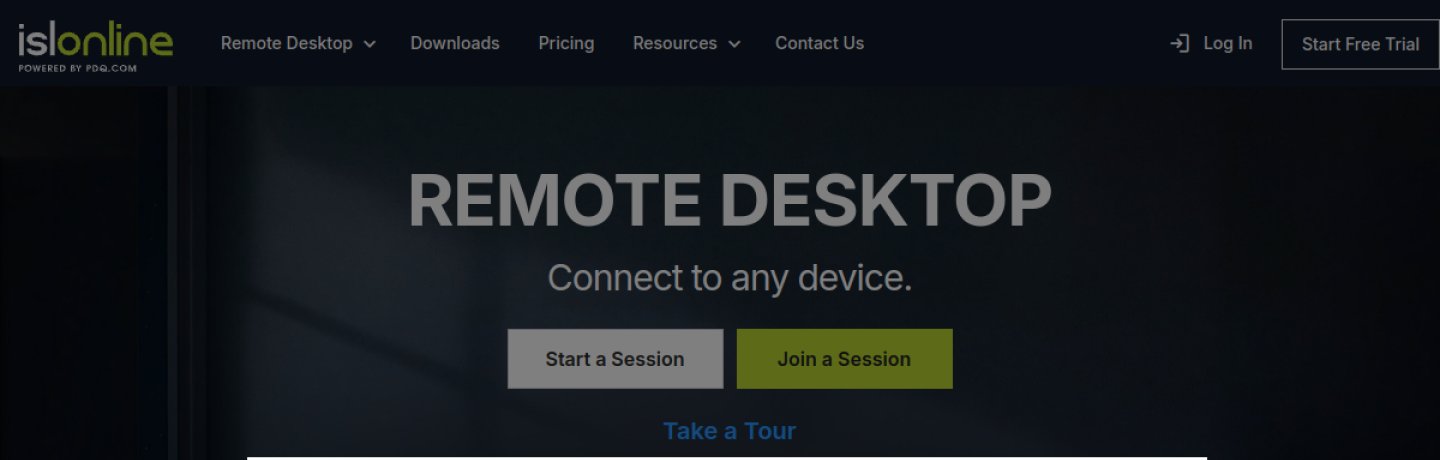
ISL Online is a remote support platform built for attended sessions by code and unattended access to managed machines. Its Starter plan costs $16.90 a month billed annually ($202.80 a year) for one licensed user and 10 managed devices.
The trade off is scale. Starter covers a single technician, and larger fleets move to Standard at $34.90 a month or Premium at $54.90. It suits small teams that want concurrent-technician pricing and a self-hosted option.
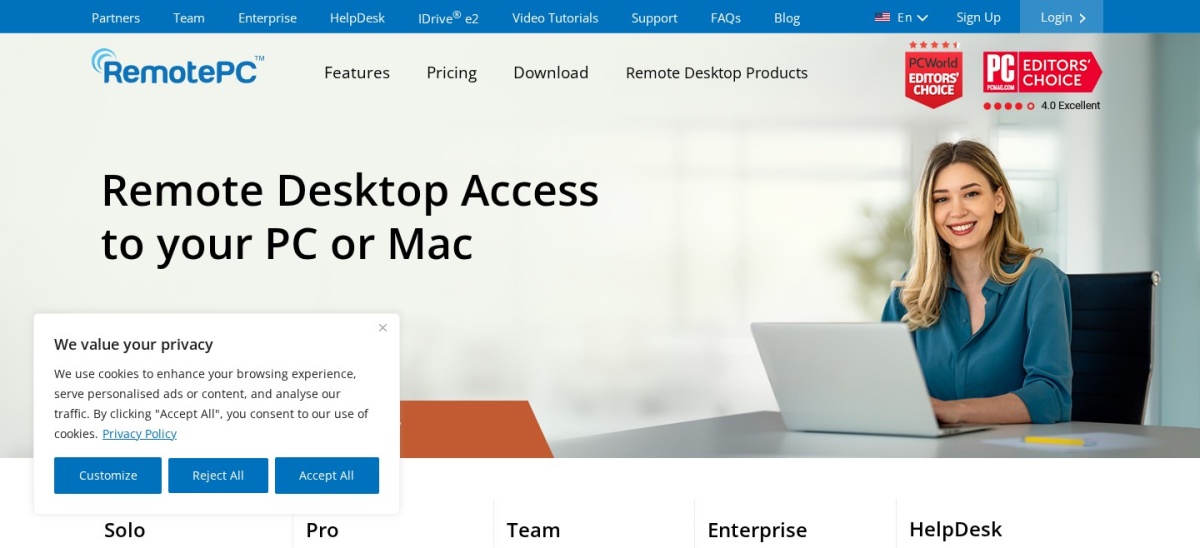
RemotePC is a remote desktop service focused on always-on access to computers from desktop or mobile devices and web browsers. Its entry plan lists at $29.50 a year for one computer, and higher tiers scale to 10 or 50 computers.
The trade off is that there is no permanent free edition, and some reviewers report occasional connection drops or display scaling quirks. It suits budget-minded users and small offices that want inexpensive unattended access to several machines.
Atera is an all-in-one IT management platform that combines monitoring, ticketing, patching and remote access in one console. Its MSP Pro plan starts at $129 per technician a month, with unlimited managed devices and Splashtop remote access included.
The trade off is price and scope. At $1,548 a year per technician it costs far more than a standalone remote tool, and remote access rides on Splashtop or AnyDesk integrations. It suits MSPs and IT departments that want one platform instead of several tools.
What we like
One platform for RMM, PSA, patching and remote access
Per-technician pricing with unlimited devices
Splashtop remote access included
AI Copilot and session summaries included
Watch out for
Highest price in this list by a wide margin
Remote access depends on Splashtop or AnyDesk
More platform than a team needing only remote control
Free plans work for a solo technician helping a handful of machines. Zoho Assist covers 1 technician and 5 unattended computers at no cost, which is enough for a very small setup.
Paid plans add the pieces a working help desk needs: file transfer, session recording, reboot-and-reconnect, and more unattended machines. Most paid plans in this list start between $29.50 and $360 a year.
Watch the renewal terms. Several vendors show a first-year discount next to a higher regular price, and some require cancellation at least 28 or 30 days before renewal. See how to limit login attempts in WordPress for one cheap way to harden any admin login.
How we chose
We started from the remote access and remote support tools with the largest review counts on G2, then kept the eight that publish a price and cover both attended sessions and unattended access.
Prices come from each vendor's pricing page or a pricing review checked in November 2026, and we show the regular price where a first-year discount is advertised. Ratings and review counts come from G2 on the same day.
We left out tools that only sell by quote and tools whose public rating rests on fewer than 50 reviews. No vendor paid for a place, and we do not claim to have used these tools ourselves.
How to choose remote admin software
Count sessions and machines first, then match the licence model to how your team actually works.
Count concurrent sessions, not technicians. If three technicians never work at once, one concurrent licence covers them. Splashtop and ScreenConnect price this way.
Decide how many machines need unattended access. RemotePC charges per computer, while Zoho Assist's free plan covers five. Count servers and kiosks before you compare prices.
Check the free plan's commercial terms. TeamViewer and AnyDesk restrict free use to personal sessions. A free plan that forbids business use is not a free business plan.
Turn on 2FA and session logging before the first session. Every tool here offers two-factor sign-in. Pair it with session recording so you can review who connected to what.
FAQ
What is the best remote admin software?
Zoho Assist is the best pick for most teams. Its free plan covers one technician and five unattended computers, paid plans start at $10 per technician a month, and it holds a 4.7 out of 5 rating on G2 from 766 reviews.
What is the cheapest remote admin software?
RemotePC is the cheapest paid plan in this list at $29.50 a year for one computer. Zoho Assist costs nothing for one technician and five unattended computers, and Splashtop Solo starts at $72 a year for individual access.
Is TeamViewer free for business use?
No. TeamViewer is free only for personal, non-commercial use, and its systems flag accounts that show business-use patterns. Commercial use starts with Remote Access at $24.90 a month billed annually, or Business at $50.90 a month.
What is the difference between attended and unattended access?
Attended access needs someone at the remote computer to share a session code, which suits one-off support calls. Unattended access uses an installed agent, so a technician can reach servers and office machines at any hour without anyone present.
Do I need a paid plan for unattended access?
Usually yes, though Zoho Assist includes five unattended computers on its free plan. Most vendors put unattended access, file transfer and session recording on paid plans, with prices in this list starting at $29.50 a year.
Which remote admin tool is best for an MSP?
ScreenConnect and Splashtop fit MSPs best, because both price by concurrent technician and include unlimited unattended agents on their team plans. Atera suits MSPs that also want monitoring, ticketing and patching in the same platform.
SaaS SEO and WordPress specialist with about 8 years of experience. Rakib compares WordPress plugins, themes, hosting and software using public pricing, documentation and user reviews. See how we rank.