GitLab is the best release management tool for most teams, covering planning, CI/CD and releases in one place, rated 4.5 out of 5 from 901 G2 reviews, with Premium at $29 per user a month. Pick Harness for governed enterprise releases and Octopus Deploy for deployment-heavy releases across many environments.
How we make this list: we compare pricing pages, product documentation and public user reviews, then re-check every price before each update. No product paid for a place. Disclosure.
GitLab is the top pick: planning, CI/CD and releases in one tool, rated 4.5 out of 5 from 901 G2 reviews.
Harness is the strongest dedicated release platform, with auto-rollback and approvals, but paid prices are quote-only.
Octopus Deploy models releases across environments best; paid plans start at $2,080 a year for Server.
LaunchDarkly and Argo CD cover the two cheapest paths: flags from $10 a month and free GitOps for Kubernetes.
Eight of the nine tools have a free plan or free tier, and Jenkins and Argo CD cost nothing at all.
What release management actually covers
A release is more than a deploy. It covers the decision to ship, the rollout, the checks after it lands and the rollback if it fails.
Good release tools make each step visible. You should see which version is in each environment, who approved it and what changed since the last release.
The tools here split into three kinds: all-in-one platforms such as GitLab, dedicated release tools such as Harness and Octopus Deploy, and rollout controls such as LaunchDarkly and Argo CD.
WordPress teams face the same question on a smaller scale. Our guide on what a WordPress release cycle is explains how core releases move from planning to rollout.
GitLab is an all-in-one DevSecOps platform that covers planning, code, CI/CD and releases in one place. The free tier covers 5 users per top-level group with 400 compute minutes a month, and Premium adds 10,000 minutes a month plus release approvals and security scanning.
The trade off is price. Premium costs $29 per user a month billed yearly, so a 10-person team pays $3,480 a year before any add-ons. It suits teams that want one tool for the whole path from merge request to production release.
What we like
Planning, code, CI/CD and releases in one tool
Free tier covers small teams
Release approvals and security scanning on Premium
Rated 4.5 out of 5 from 901 G2 reviews
Watch out for
Premium is pricey per seat for large teams
Wide feature set takes time to learn
Premium adds approvals, more minutes and security scansVisit gitlab.com
02
Harness
4.6/5on G2 (335 reviews, checked Nov 2026)
PricingCustom/yr
Best dedicated release orchestration
Free planYes, 2,000 credits/mo
Auto-rollbackYes
Feature flagsYes, FME module
Paid planEssentials, by quote
harness.io
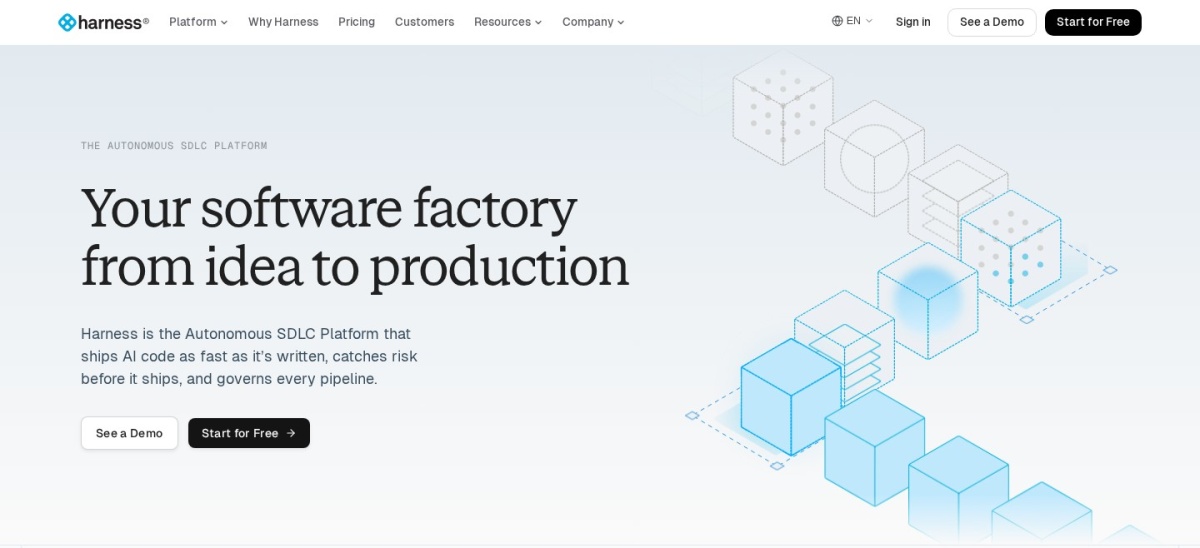
Harness homepage, captured Nov 2026.
Harness is a delivery platform built around continuous delivery, GitOps and release orchestration. The free tier includes 2,000 Harness Cloud credits a month, and paid modules add deployment verification, policy controls and feature management for staged rollouts.
The trade off is pricing. Essentials and Enterprise plans are sold by quote, so there is no public price to budget against without a sales call. It suits larger teams that need governed releases with approvals, audit trails and automatic rollback.
What we like
Purpose-built release orchestration and verification
Automatic rollback when a release fails checks
Policy and approval controls for regulated teams
Free tier for small teams
Watch out for
No public paid prices
Many modules can feel like more platform than small teams need
Octopus Deploy is a continuous delivery platform that models releases as versioned packages promoted through environments. The free tier covers 10 projects, 10 targets and 10 users, and paid plans add runbook automation, multi-tenant deployments and GitOps with Argo CD.
The trade off is cost at scale. Professional Server starts at $2,080 a year, and Cloud adds a platform fee from $2,250 a year on top of the licence. It suits teams that ship one product to many servers, tenants or customers and need repeatable, audited releases.
What we like
Clear model for promoting releases between environments
Runbooks automate routine operations
Strong fit for multi-tenant and on-premises releases
Watch out for
Paid plans are expensive for small teams
Pricing is per project, so costs grow with project count
LaunchDarkly is a feature management platform that puts releases behind flags, so code can ship while the feature stays off. The free Developer plan covers 1 project and 3 environments, and Foundation adds targeting rules, percentage rollouts, approvals and audit logs.
The trade off is usage billing. Foundation starts at $10 per service connection a month, with client-side users metered on top, so the bill grows with traffic. It suits teams that release often and need to switch a feature off in seconds when something goes wrong.
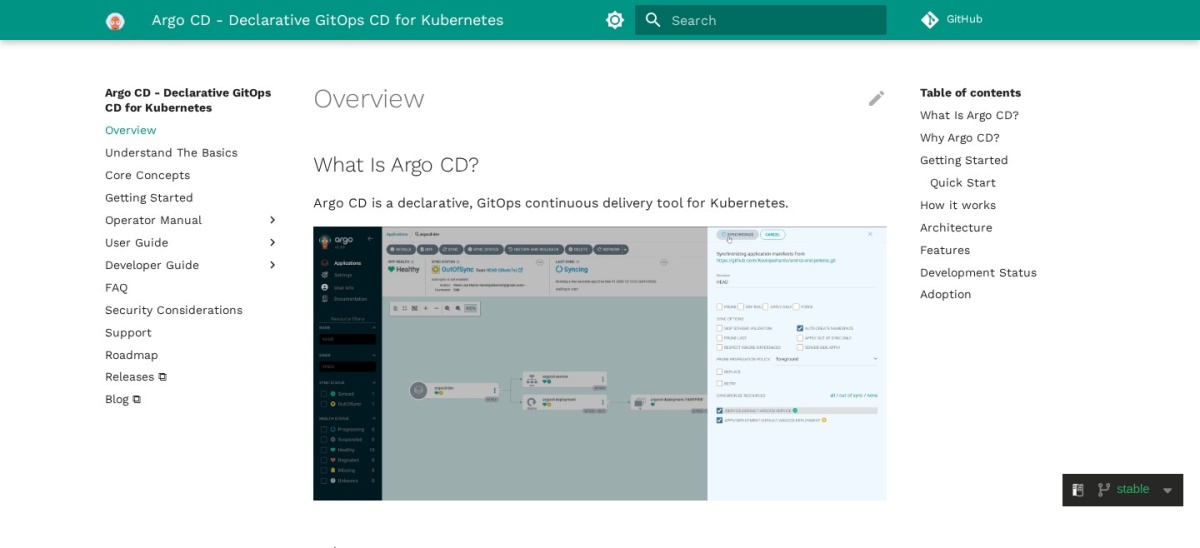
Argo CD is an open-source GitOps tool that keeps Kubernetes applications in sync with the state declared in Git. It is free to run, with a web UI, drift detection, automated sync and rollback to any earlier Git commit.
The trade off is scope. Argo CD only covers Kubernetes, and running it well needs cluster skills plus your own hosting. It suits teams already on Kubernetes that want every release to be a Git change with a clear audit trail.
What we like
Free and open source with no licence fees
Drift detection shows when live state differs from Git
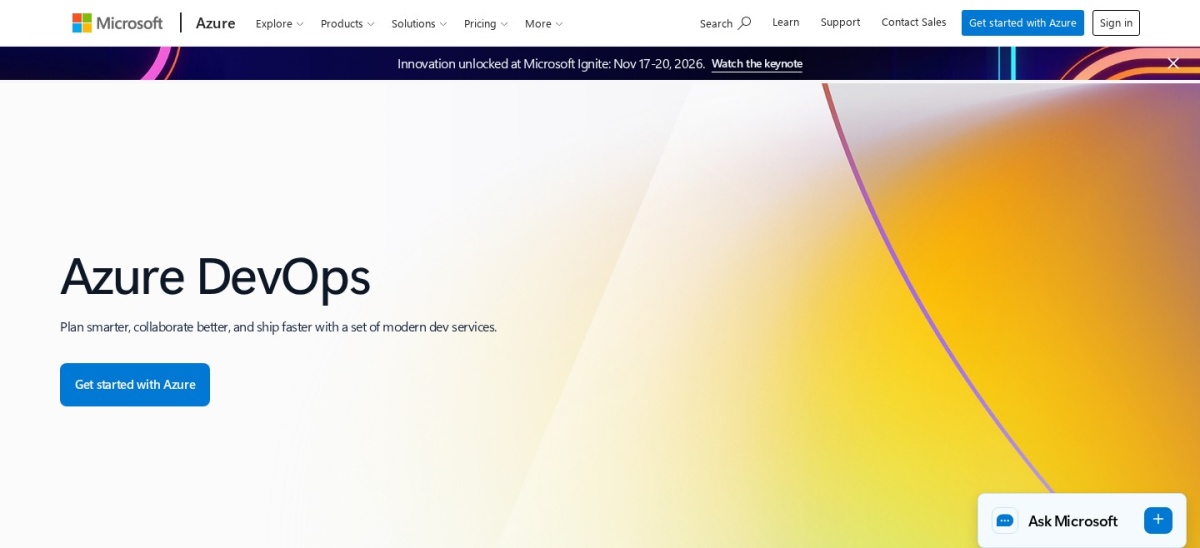
Azure DevOps is Microsoft's suite of Boards, Repos, Pipelines and Artifacts for planning, building and shipping software. The first 5 Basic users are free, with 1,800 hosted pipeline minutes a month, and extra users cost $6 each a month.
The trade off is the Microsoft tie-in. It works best for teams already on Azure or .NET, and Test Plans users cost $52 a month each. It suits .NET and Azure shops that want repos, boards and release pipelines on one bill.
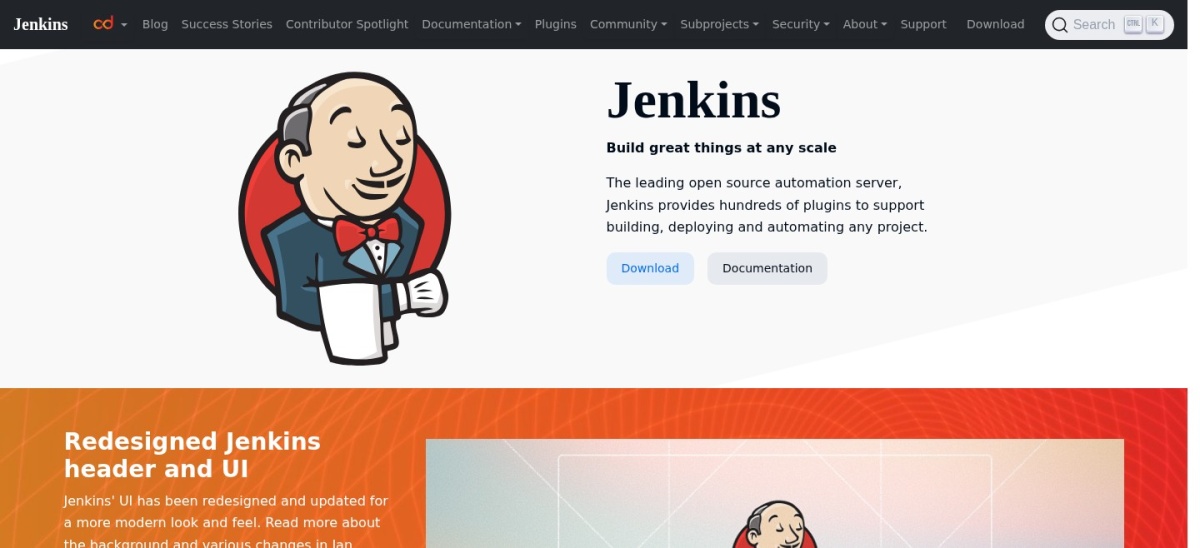
Jenkins is the leading open-source automation server, and teams use it to build, test and deploy software. It is free under the MIT licence, with hundreds of plugins that cover pipelines, credentials, notifications and release steps.
The trade off is upkeep. You install, upgrade, patch and secure Jenkins yourself, and plugin quality varies. It suits teams with the skills to run their own server and a release process too specific for a fixed product.
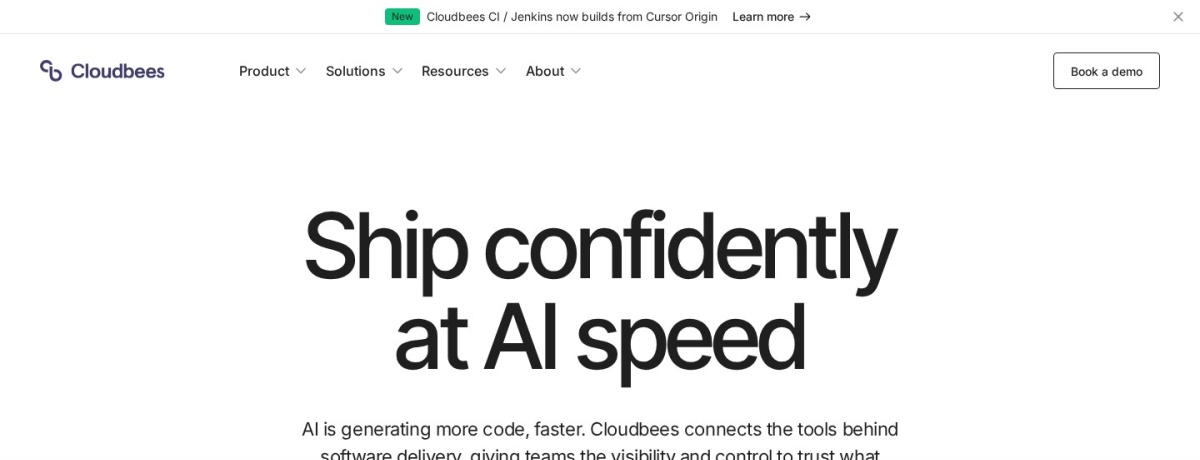
CloudBees is an enterprise CI/CD platform built on Jenkins, with central management, security controls and release orchestration. A free edition includes 2,000 execution minutes a month, and paid plans add compliance features, analytics and support.
The trade off is price transparency. Paid plans are sold by quote, so budgeting needs a sales conversation first. It suits large organisations that already run Jenkins at scale and need central control over many teams and pipelines.
Bamboo is Atlassian's continuous integration and delivery server, built to work with Jira and Bitbucket. Small teams start at $10 a month for 10 jobs, and it links builds and deployments to Jira issues so a release shows its tickets.
The trade off is its future. Atlassian stopped selling new Server licences and Data Center support ends on 28 March 2029, so new teams should weigh the migration path. It suits Atlassian shops that want release status visible inside Jira.
What we like
Tight Jira and Bitbucket integration
Simple setup for Java and Atlassian teams
Low entry price for small teams
Watch out for
No free plan, trial only
Server licences discontinued; Data Center ends in 2029
Free tiers cover small teams well. GitLab, Harness, Octopus Deploy, LaunchDarkly, Argo CD, Azure DevOps, Jenkins and CloudBees all have a free plan or free edition.
Paid plans mostly add governance and scale. You get approvals, audit logs, policy controls, more minutes and support.
Test the free tier with a real release before paying. Our staging site guide shows how to practise a release safely before it reaches production.
How we chose
We started from the established release management tools with a public G2 rating, then kept those with a clear release focus, from all-in-one platforms to GitOps and feature flags.
Prices come from each vendor's pricing page or its G2 pricing listing, checked on 26 November 2026. Ratings and review counts come from G2 on the same day. Where a vendor shows a sale, the list shows the regular price.
We left out tools with no public rating and pure CI tools with no release features. No vendor paid for a place, and we do not claim to have used these tools ourselves.
How to choose a release management tool
Start with where your code runs, then match the tool to your release risk.
Map your targets first. Kubernetes-only teams can use Argo CD for free, while teams shipping to servers, tenants and clouds need Octopus Deploy or Harness.
Decide how much control a release needs. Regulated teams need approvals, audit logs and policy checks; small teams can move faster with Jenkins or GitLab.
Check the free tier against a real release. Run one full release through it, including a rollback, before you commit to a paid plan.
Price the whole year, not the first month. Per-seat, per-project and usage billing scale very differently, so model your team size and release volume for 12 months.
FAQ
What is the best release management tool?
GitLab is the best pick for most teams. It covers planning, code, CI/CD and releases in one platform, is rated 4.5 out of 5 from 901 G2 reviews, and Premium costs $29 per user a month billed yearly.
What is the difference between release management and CI/CD?
CI/CD builds and deploys code automatically. Release management adds the decisions around that deploy: approvals, rollout order, checks after release and rollback. A team can have CI/CD without release management, but not controlled releases without it.
Which release management tool is free?
Argo CD and Jenkins are completely free and open source. GitLab, Harness, Octopus Deploy, LaunchDarkly, Azure DevOps and CloudBees all have free tiers, but their paid plans add approvals, scale and support.
Do I need feature flags for release management?
Not always, but flags make releases safer. LaunchDarkly lets you ship code with a feature off, roll it out to a small share of users first, and switch it off in seconds if errors rise. Teams that release weekly or faster get the most from flags.
What is GitOps release management?
GitOps treats Git as the source of truth for what should run. Argo CD watches a Git repo and syncs your Kubernetes clusters to match it, so every release is a Git change with a history. Rollback means reverting a commit.
How much does release management software cost?
Free tools cost nothing, and paid plans in this list start at $6 per user a month for Azure DevOps and $10 a month for LaunchDarkly and Bamboo. Enterprise platforms such as Harness and CloudBees are priced by quote, and Octopus Deploy starts at $2,080 a year.
SaaS SEO and WordPress specialist with about 8 years of experience. Rakib compares WordPress plugins, themes, hosting and software using public pricing, documentation and user reviews. See how we rank.