Bluebeam Revu is the best redlining software for most teams, with drawing markup, measurement and live Studio sessions for $260 per user per year. Pick Litera Compare for contract redlines and Adobe Acrobat Pro for everyday PDF markup.
How we make this list: we compare pricing pages, product documentation and public user reviews, then re-check every price before each update. No product paid for a place. Disclosure.
Bluebeam Revu is the pick for drawing markup: clouds, callouts, measurements and Studio sessions from $260 a year.
Litera Compare is the legal standard for contract redlines, but it is priced by quote and built for firms.
Draftable covers the same document comparison job for $129 a year, with a free online version for quick checks.
Word and Acrobat Pro are the base layer most teams already own; the dedicated tools earn their price on accuracy and volume.
PDF-XChange Editor costs $62 once, the only one-time licence in this list, but it runs on Windows only.
What redlining software should cover
Redlining means marking up a document or drawing with proposed changes, comments and tracked edits during review. It has nothing to do with the housing practice of the same name.
The work splits two ways. Legal and commercial teams redline contracts, where the test is comparison accuracy: every insertion, deletion and moved clause must show. Construction teams redline drawings, where the test is markup on plans: clouds, callouts, measurements and assigned corrections.
Most teams already own half the answer. Word handles tracked changes and Acrobat handles PDF comments, and our guide on adding a PDF to WordPress covers sharing marked-up files on a site. The dedicated tools earn their price when volume or accuracy makes the generalists slow.
Prices in this list are the regular rates from each vendor's pricing page, checked on 26 November 2026. Where a vendor shows a sale, the list still shows the regular price.
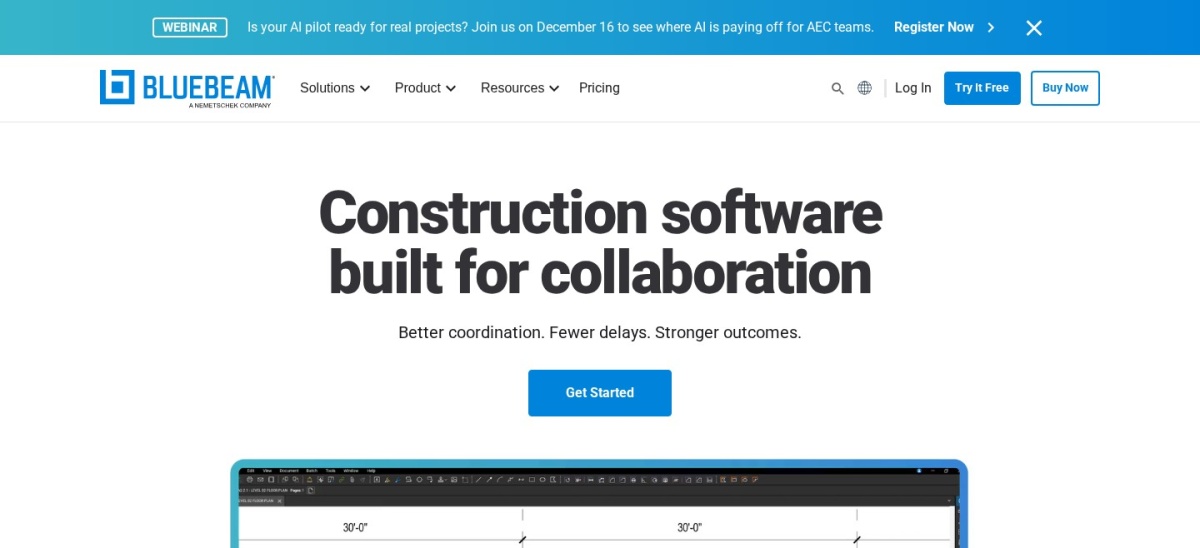
Bluebeam Revu is the construction industry standard for redlining drawings. Reviewers mark plans with revision clouds, callouts and calibrated measurements, and Studio sessions let the whole project team mark the same sheet at once. The Basics plan starts at $260 per user per year.
The trade off is that Revu is built for drawings, not contracts. It will not compare two versions of a Word agreement the way a legal tool does, and it runs best on Windows. It suits contractors, architects and engineers whose redlines live on plans, submittals and shop drawings.
What we like
Markup tools designed for drawings, including clouds and measurements
Studio sessions for live team markup
Overlay comparison flags changes between drawing revisions
Industry standard, so files move easily between firms
Watch out for
No contract version comparison
Windows-first; Mac users rely on the web and iPad apps
Best tools sit in the higher Core and Complete tiers
Litera Compare is what most law firms mean by redlining software. Drop in two versions of an agreement and it produces a marked document showing every change, grouped so a partner can review insertions only or print a summary for the client. It also handles scanned PDFs and changes buried in tables.
The trade off is specialisation against price and scope. It is sold to firms and priced by quote, and it is focused on documents rather than drawings. It suits law firms and in-house legal teams where redline accuracy is the work product and a missed change is a professional risk.
What we like
Compares Word, PDF and other formats with change-by-change accuracy
Change categories let reviewers filter by type
Integrates with document management systems
Renders a clean redline in seconds
Watch out for
Enterprise pricing by quote
Built for legal workflows first
Overkill for occasional comparisons
Paid plans are quoted per firm; ask Litera for pricingVisit litera.com
03
Adobe Acrobat Pro
4.6/5on Capterra (4,268 reviews, checked Nov 2026)
Starts at$19.99/mo
Best PDF markup for any team
Cheapest planPro, $19.99/mo
Compare filesYes, built in
Shared reviewCollects comments in one file
PlatformsWindows, Mac, web, mobile
adobe.com
Adobe Acrobat Pro homepage, captured Nov 2026.
Adobe Acrobat Pro is the generalist: annotate any PDF, share it for comment, and use its compare files tool for a first pass at what changed between versions. At $19.99 a month billed yearly, it is already on many desks, which is its real advantage. E-signatures come in the same subscription.
The trade off is familiarity against rigour. The comparison misses changes that legal tools catch, and comment threads on a heavily negotiated document become hard to govern. It suits mixed teams whose redlining is mostly review comments on PDFs rather than clause-level negotiation.
What we like
Everyone knows it, so counterparties need no training
Comment, highlight and compare files tools included
Works on any PDF from any source
E-signature in the same subscription
Watch out for
Compare feature is basic next to Litera
Comment management gets messy on long negotiations
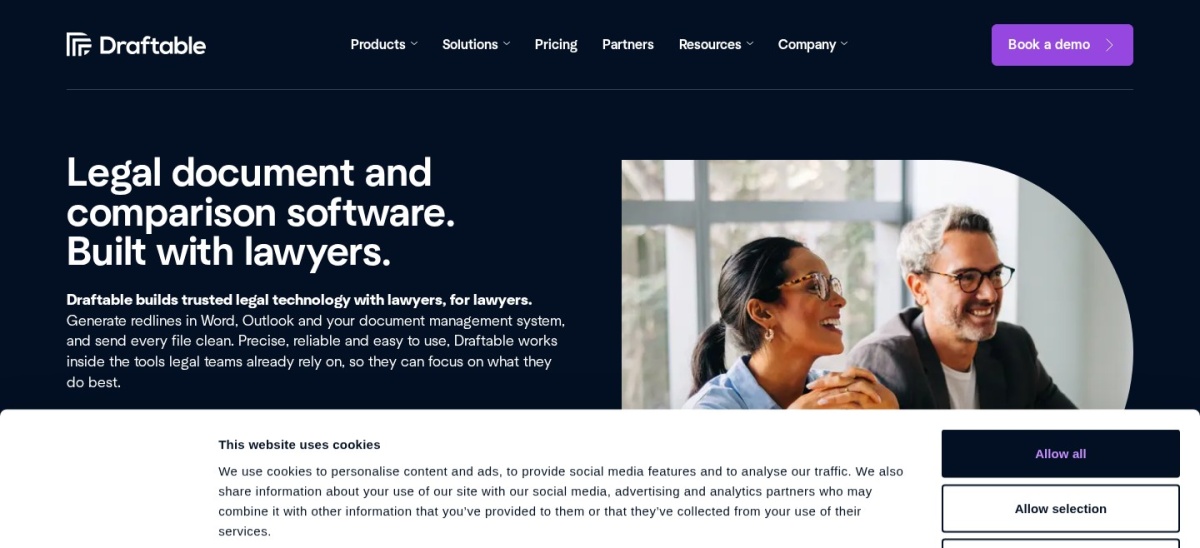
Draftable is a document comparison tool that does the core job: compare two documents and show what changed, with a side-by-side view many reviewers prefer to a single marked copy. A free online version handles quick checks, and the desktop version keeps files off the web for confidential work. The Basic plan costs $129 per user per year.
The trade off is simplicity against depth. There is less machinery for managing a negotiation across dozens of turns, and the legal plan costs $261 per user per year. It suits small legal teams, commercial staff and anyone who redlines a few contracts a month and wants the comparison without an enterprise contract.
What we like
Side-by-side comparison that is easy to read
Works in the browser with a free tier
Desktop version for sensitive files
Covers Word, PDF and text formats
Watch out for
Fewer legal workflow integrations than Litera
Change management is lighter
Only 6 Capterra reviews, so the rating rests on few voices
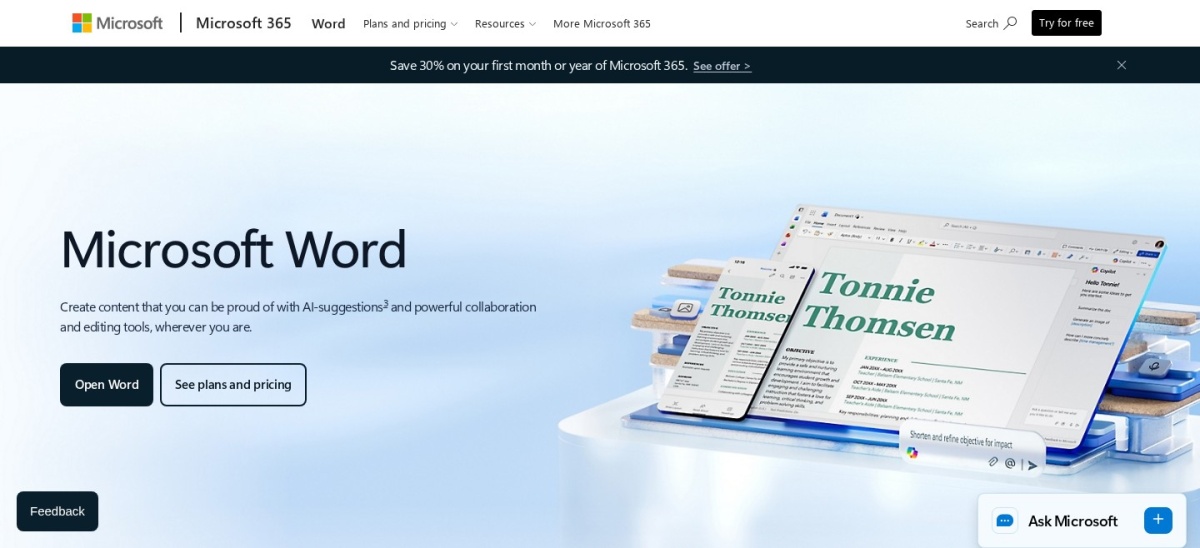
Microsoft Word is where most contracts are actually negotiated. Track Changes shows every insertion and deletion, the other side accepts or rejects each one, and the built-in compare turns two documents into a third marked copy. Word arrives with Microsoft 365 Business Basic at $7 per user per month billed yearly.
The trade off is ubiquity against precision. Word's compare is weaker than Litera's on complex documents, and the Basic plan covers web and mobile apps only, with no desktop install. It suits every team as the base layer; the question is only whether your volume justifies a dedicated comparison tool beside it.
What we like
Track Changes is the negotiation format counterparties expect
Compare documents feature built in
Included in Microsoft 365 plans from $7 a month
Real-time co-authoring
Watch out for
Comparison misses formatting and moved-text subtleties
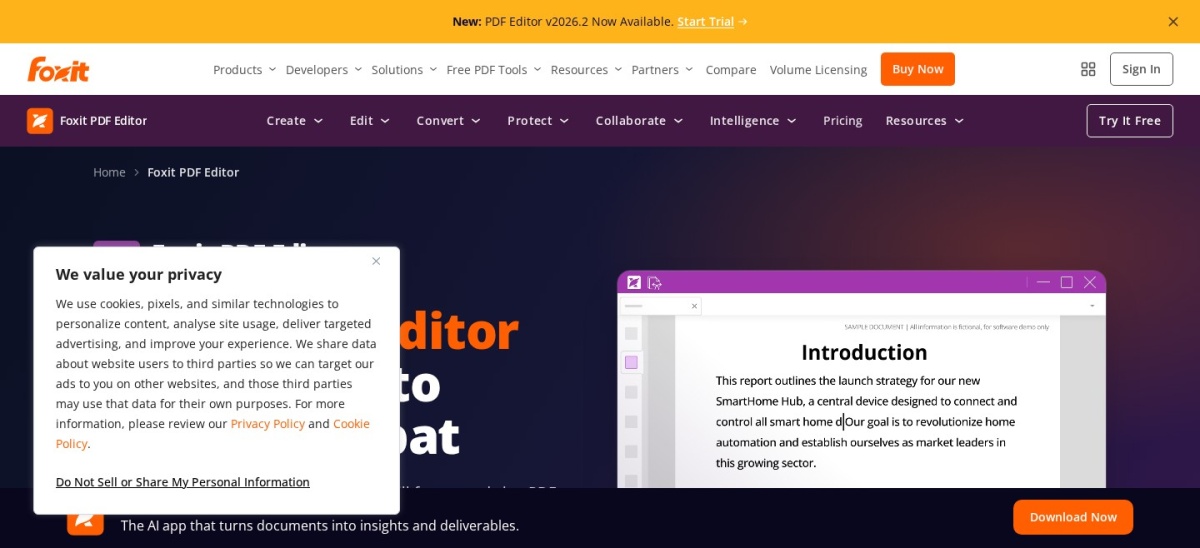
Foxit PDF Editor is the pragmatic Acrobat alternative: commenting, markup, editing, forms and signatures at a lower price, with a familiar ribbon interface. The Editor plan costs $129.99 a year and includes OCR, conversion to Office formats and an AI Assistant allowance.
The trade off is polish against price. Reviewers praise the value but note that licence management can be confusing and some features sit deep in menus. It suits teams that want Acrobat-style markup on PDFs without the Acrobat bill, and it handles some damaged files Acrobat will not open.
What we like
Half the price of Acrobat Pro for similar markup
Familiar Office-style ribbon
OCR and conversion included
Perpetual licence option for buyers who dislike subscriptions
Watch out for
Licence and subscription management draws complaints
Nitro PDF Pro is a PDF toolkit that brings creation, editing, review and signing into one platform. The Standard plan costs $15 per user per month billed yearly and includes annotation tools, OCR, conversion and e-signatures, plus an admin portal for managing seats.
The trade off is cost against depth. It is cheaper than Acrobat but reviewers report slowdowns on very large files, and some long-time users dislike the move from one-time licences to subscriptions. It suits small teams that mark up PDFs every day and want one vendor for editing and signing.
What we like
Cheaper than Acrobat Pro per seat
Admin portal for managing users and licences
E-signatures included in the Standard plan
One-time Classic licence still offered for Windows
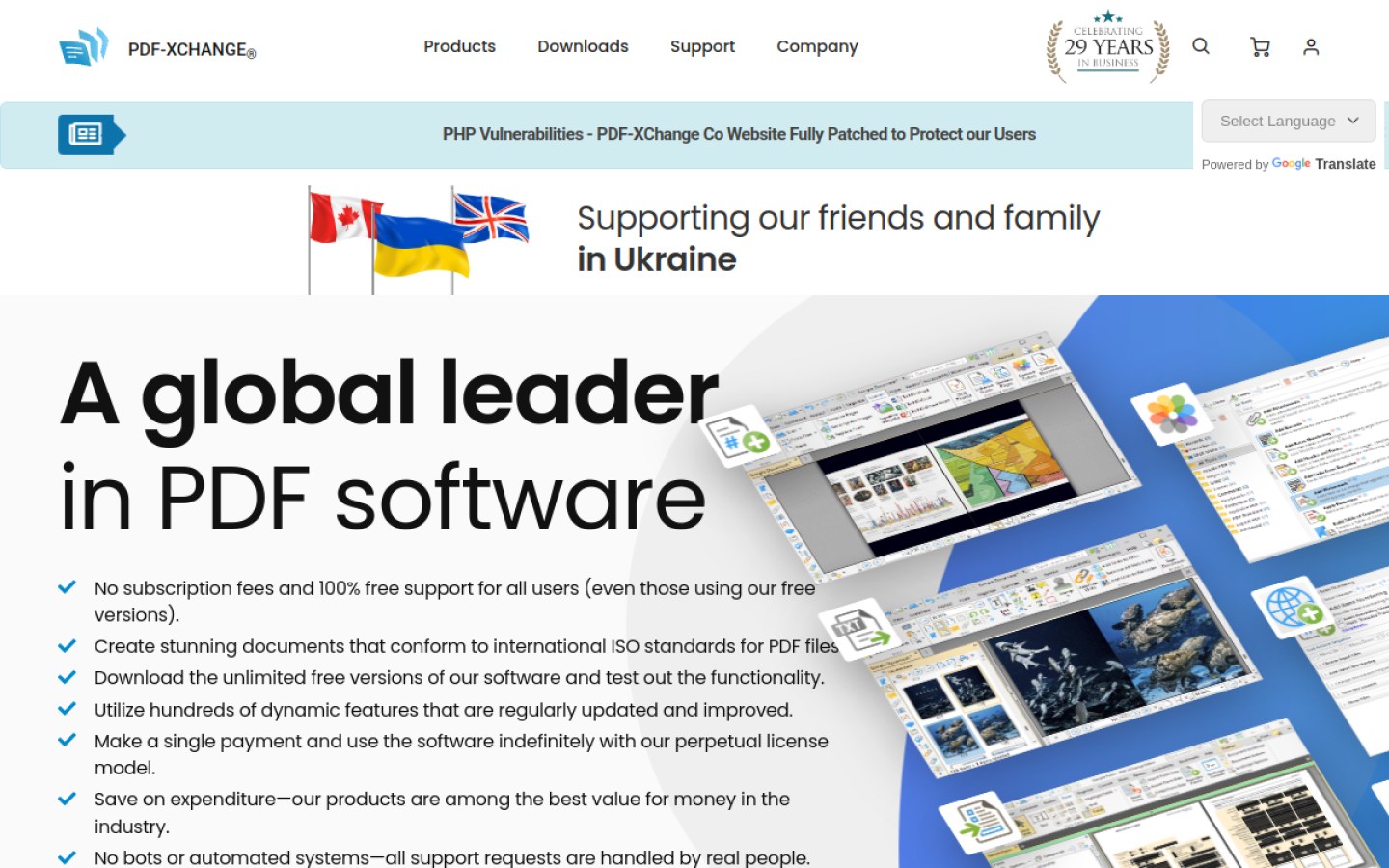
PDF-XChange Editor is the lightweight Windows favourite for fast annotation. The free version covers commenting and markup, and the paid licence costs $62 once, with no subscription. Reviewers praise its speed on large technical drawings and its measurement tools.
The trade off is that the $62 is a one-time licence, not a yearly price, and the editor runs on Windows only. It suits engineers and estimators who mark up drawings all day on a PC and would rather pay once than rent software every year.
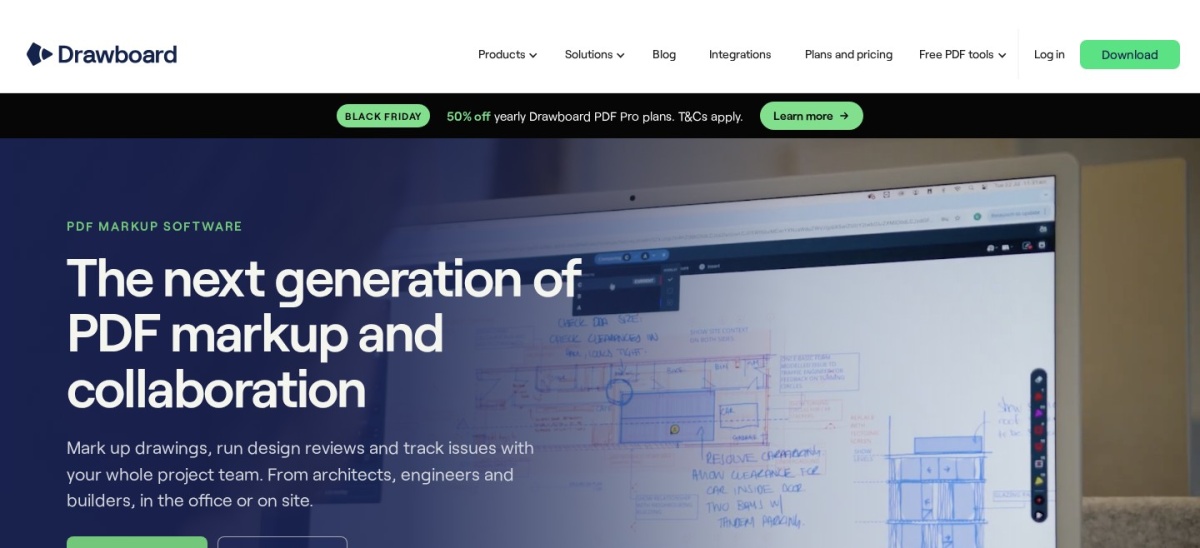
Drawboard PDF is a markup app built around pen and ink, aimed at architects, engineers and students. The free version covers the basic markup tools, and Pro Lite costs $4.19 a month billed yearly, adding live sync and hyperlink editing. It also links to Revit, Procore and Autodesk Forma.
The trade off is that it is a markup app, not a full editor. Editing the text of a PDF is not what it is for, and the higher Pro plans climb to $159.99 a year. It suits reviewers who mark drawings with a stylus on a tablet and want those notes synced to the office.
What we like
Pressure-sensitive ink feels close to paper
Runs on Windows, Mac, iOS, Android and web
Free plan covers the basic markup tools
Integrates with Revit and Procore
Watch out for
Not a PDF text editor
Paid plans are all subscriptions
Only 38 G2 reviews, so the rating is thin
Pro Plus adds OCR, redaction and measurement at $6.99 a monthVisit drawboard.com
Document redlines and drawing markups are different jobs
A contract redline is a comparison: two versions of the same text, with every change shown. Litera Compare, Draftable and Word live here.
A drawing redline is a markup: notes, clouds and measurements pinned to a plan. Bluebeam Revu, Drawboard PDF and PDF-XChange Editor live here.
Buying the wrong kind wastes the budget. A legal team gains nothing from measurement tools, and a contractor gains nothing from clause comparison.
If your work spans both, pair one tool from each side rather than forcing one product to do both jobs.
How we chose
We started from the tools named most often for redlining work: legal comparison tools, construction markup tools and the general PDF editors most teams already own. We kept only tools with a published price or a clear quote-only model, and a public rating on G2 or Capterra.
Prices come from each vendor's pricing page or a pricing summary, checked on 26 November 2026. Ratings and review counts come from G2 or Capterra on the same day. Where a vendor shows a sale, the list shows the regular price.
We left out general project platforms whose markup is a side feature, and tools with no public rating at all. No vendor paid for a place, and we do not claim to have used these tools ourselves.
How to choose redlining software
Start by naming which redline you mean, then run your own hardest file through the shortlist.
Decide whether you redline contracts or drawings. Contract teams need comparison accuracy; drawing teams need markup, measurement and field access. The two jobs point at different tools.
Run your hardest past file through the trial. Use a contract with tables and moved clauses, or a drawing set with revisions, and count what each tool misses.
Check how versions are handled. Most redline pain is really version pain: two people marking different drafts. See how to limit post revisions in WordPress for one way teams keep a single current copy.
Confirm where files live during review. Contracts and drawings are confidential, so a desktop or private-cloud comparison matters for sensitive matters. Then check the per-seat price at your team size.
FAQ
What is the best redlining software?
Bluebeam Revu is the best pick for most teams, with drawing markup, measurement and live Studio sessions at $260 per user per year. For contract redlines, Litera Compare is the legal standard, and Adobe Acrobat Pro covers everyday PDF markup.
What does redlining mean in this context?
Marking up a document or drawing with proposed changes for review and negotiation: insertions, deletions, comments and drawing markups. The word comes from the red ink once used on paper drafts. It is unrelated to the housing practice of the same name.
Can Microsoft Word handle redlining on its own?
For many teams, yes. Track Changes and the built-in compare cover everyday contract negotiation. High-volume legal teams outgrow it when comparison accuracy on complex documents becomes the risk, which is where Litera Compare earns its price.
How much does redlining software cost?
Entry prices run from $4.19 a month for Drawboard PDF Pro Lite to $260 a year for Bluebeam Revu Basics, with Acrobat Pro at $19.99 a month. Litera Compare and other enterprise tools are priced by quote, and PDF-XChange Editor costs $62 once.
Is there a free redlining tool?
Yes, with limits. Draftable has a free online comparison tool, Drawboard PDF has a free basic plan, and PDF-XChange Editor has a free version. Word and Acrobat have no free plan, though Word comes with a Microsoft 365 subscription.
What is the difference between legal and construction redlining?
Legal redlining compares text versions of contracts and tracks clause changes through negotiation. Construction redlining marks drawings and plans with revision clouds, notes and assigned corrections. The software, file types and buying tests are different, which is why this guide covers both.
SaaS SEO and WordPress specialist with about 8 years of experience. Rakib compares WordPress plugins, themes, hosting and software using public pricing, documentation and user reviews. See how we rank.