Bluebeam Revu is the best redline software for construction teams, with drawing markup, measurements and live Studio sessions, rated 4.6 out of 5 on G2. Pick Draftable for comparing contract versions at $129 a year, and Adobe Acrobat Pro for PDF markup across any team.
How we make this list: we compare pricing pages, product documentation and public user reviews, then re-check every price before each update. No product paid for a place. Disclosure.
Bluebeam Revu leads for drawings: markup, measurements and live Studio sessions for $260 a user a year.
Draftable is the only dedicated comparison tool here, with a free online version and a $129 desktop app.
Word's Track Changes is still the default redline for contracts, at $12.50 a user a month with Microsoft 365 Business Standard.
Acrobat Pro, Foxit and Nitro all compare PDF versions; Acrobat costs the most at $239.88 a year.
ABBYY is the pick for scanned originals: its Corporate plan compares a scan against a Word draft for $165 a year.
Draftable, Smallpdf and Word all have free options; the rest start with a trial.
What redline software has to do
Redlining means marking up a document or drawing with proposed changes, comments and tracked edits during review. It is the same job whether the file is a contract, a drawing set or a PDF proof.
Two kinds of tool do it. Comparison tools take two versions of a file and show every change, while markup tools let reviewers draw, comment and stamp on the file itself. Most teams need one of each, not two of the same.
The cheapest way in is often software you already pay for. Word's Track Changes and Acrobat Reader's comments cover basic redlines, and dedicated tools earn their price on comparison accuracy and volume.
Free tools cover occasional redlines well. Paid plans earn their price on volume: batch comparison, version history and team seats for groups that redline every day. If the file is a PDF, start by adding it to WordPress so reviewers can reach it from one link.
Prices below are the regular list prices checked on 26 November 2026. Where a vendor shows a sale, the list shows the regular price.
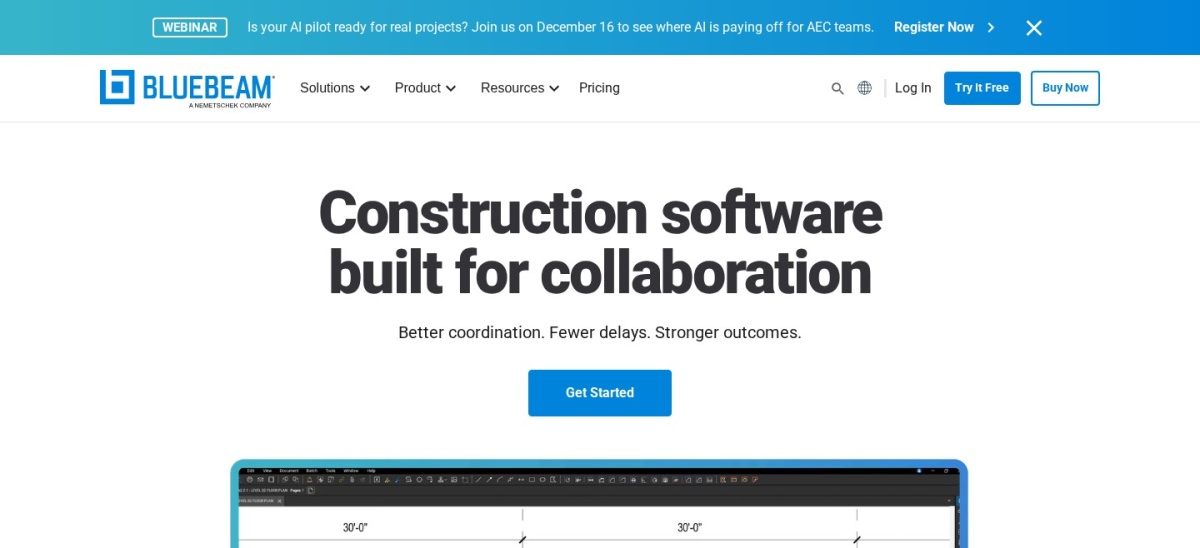
Bluebeam Revu is the markup tool construction teams reach for first. Basics costs $260 per user a year and covers revision clouds, callouts, stamps and measurements on drawings, with Studio sessions that put the whole project team on the same sheet at once.
The trade off is price and platform. There is no free plan, and the desktop app runs on Windows, with web and mobile apps for reviewers. It suits estimators, engineers and reviewers who mark up drawing sets every day.
What we like
Revision clouds, callouts and measurements on drawings
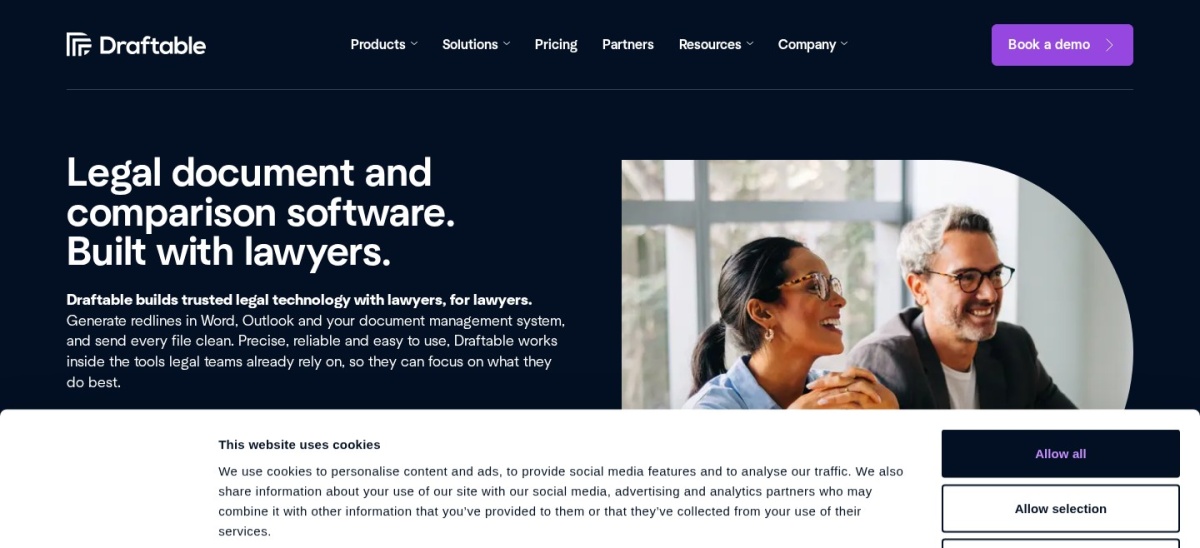
Draftable compares two versions of a document and shows every change, side by side or as tracked changes in Word. The free online tool handles Word, PDF, Excel and PowerPoint files, and Capterra lists it as used by more than 1,300 law firms and legal teams.
The trade off is depth of public reviews. Its Capterra rating of 4.8 out of 5 rests on only 6 ratings, and the Legal plan is priced by quote. It suits small legal teams and editors who redline a few contracts a month and want the comparison without an enterprise contract.
What we like
Free online comparison with no install
Side-by-side view with a change list
Works inside Word, Outlook and document systems
Watch out for
Only 6 Capterra ratings behind its 4.8 score
Legal plan is priced by quote
Paid desktop app adds offline comparison and metadata cleaningVisit draftable.com
03
Adobe Acrobat Pro
4.5/5on G2 (5,332 reviews, checked Nov 2026)
Starts at$19.99/mo
Best PDF markup for any team
Free planNo, Reader is free
Cheapest plan with comparePro, $19.99/mo
Compare filesYes, PDF and Word
PlatformsWindows, Mac, web, mobile
adobe.com
Adobe Acrobat Pro homepage, captured Nov 2026.
Adobe Acrobat Pro is the default PDF markup tool for most teams. Pro costs $19.99 a month on the annual plan and adds document comparison, OCR, redaction and e-signatures to the free Reader's comments, highlights and stamps.
The trade off is price. At $239.88 a year it costs more than Foxit or Nitro, and the AI Assistant is a $4.99 a month add-on. It suits teams that already live in PDFs and want one app for markup, comparison and signing.
Cheapest plan with desktop appBusiness Standard, $12.50/mo
Tracked changesYes, with comments
Compare documentsYes, built in
microsoft.com
Microsoft Word homepage, captured Nov 2026.
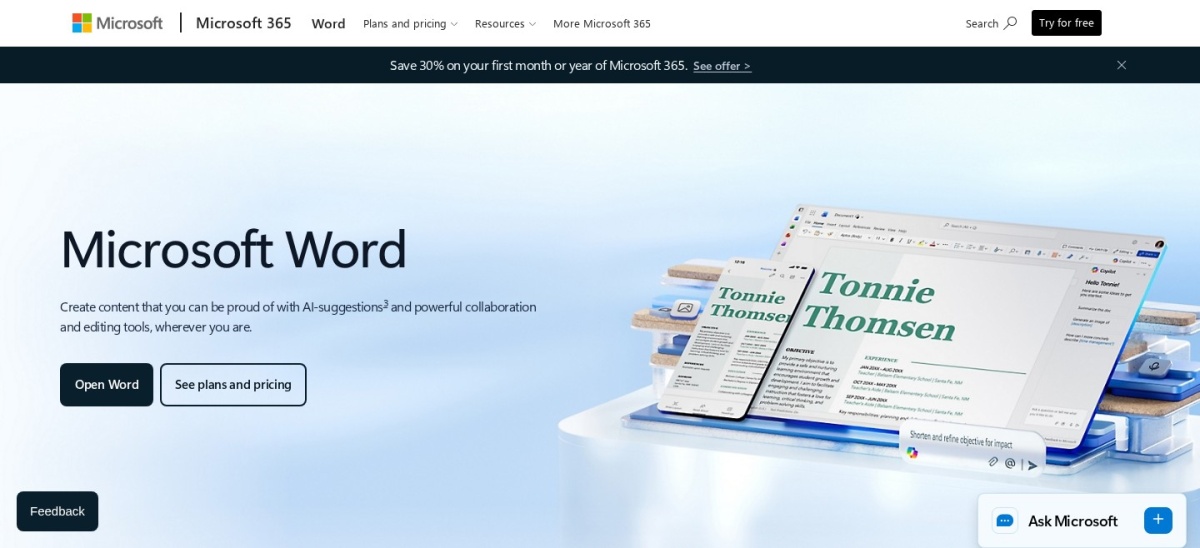
Microsoft Word is where most contract redlines already happen. Track Changes records every insertion and deletion, comments carry the discussion, and the built-in Compare tool shows what changed between two drafts. It is rated 4.7 out of 5 on G2 from 2,065 reviews.
The trade off is workflow. Redlines live inside the document, so there is no approval trail or version dashboard, and the desktop app needs Microsoft 365 Business Standard at $12.50 a user a month. It suits any team whose reviewers already work in Word.
What we like
Track Changes is the format every reviewer knows
Compare tool built in, no add-on needed
Highest G2 rating here at 4.7 out of 5
Watch out for
No approval trail or version dashboard
Desktop app needs the $12.50 a month Standard plan
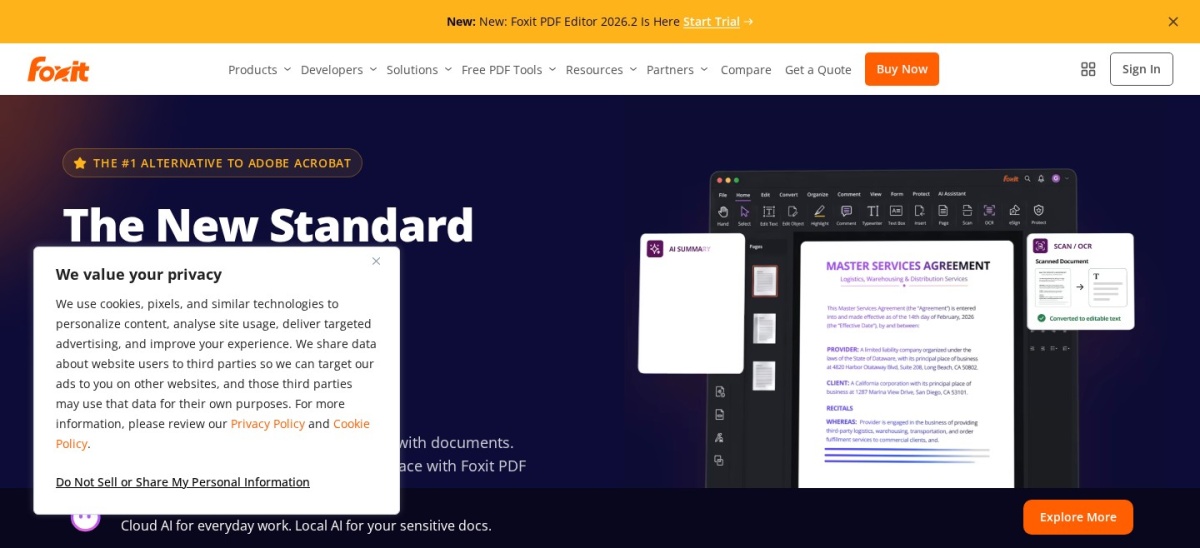
Foxit PDF Editor is the closest Acrobat alternative for PDF redlines. The Editor plan costs $129.99 a year and includes document comparison, markup, OCR, forms and signatures, with a 14-day trial and no card required.
The trade off is upselling. Editor+ at $159.99 a year adds eSign and Smart Redact, and the AI Assistant runs on credits beyond the monthly allowance. It suits teams that want Acrobat-style PDF tools for about half the price.
What we like
Compare, OCR, forms and signatures in one app
About half the price of Acrobat Pro
14-day trial with no card
Watch out for
Editor+ upsell for eSign and Smart Redact
AI beyond the monthly credits costs extra
Editor+ at $159.99 a year adds eSign and Smart RedactVisit foxit.com
06
Nitro PDF Pro
4.4/5on G2 (432 reviews, checked Nov 2026)
Starts at$15/mo
Best for teams switching from Acrobat
Free planNo, 14-day trial
Cheapest planStandard, $15/mo
Compare documentsYes
PlatformsWindows, Mac, iOS
gonitro.com
Nitro PDF Pro homepage, captured Nov 2026.
Nitro PDF Pro covers the same ground as Acrobat: editing, conversion, OCR, comparison and markup on Windows, Mac and iOS. Standard costs $15 per user a month billed annually, or $180 a year, after a 14-day free trial.
The trade off is signatures. Sending documents for e-signature needs Nitro Sign, a separate plan at $10 per user a month, and the one-time Classic licence covers Windows only for three years. It suits teams switching from Acrobat that do not need built-in signing.
PDFelement is a desktop PDF editor from Wondershare with document comparison, OCR in 26 languages, forms and Bates numbering. The Annual Plan lists at $129 a year for one platform, and a $129.99 perpetual licence is available for buyers who avoid subscriptions.
The trade off is the sale price. The store page shows $79.99 against a struck-through $129, so the list shows the regular price, and AI beyond 50 uses is a $3.99 a month add-on. It suits individuals who want a full PDF editor at the lowest annual price here.
What we like
Compare and OCR at the lowest annual price here
Perpetual licence option at $129.99
Runs on Windows, Mac, iOS and Android
Watch out for
Store price is a sale: $79.99 against $129 regular
Smallpdf is a browser-first toolkit with a Compare PDF tool, so redlines need no install. The free plan covers a small number of tasks, and Pro costs $10 a month billed annually, or $120 a year, with batch work, OCR and desktop and mobile apps.
The trade off is price variance. Independent reads of the pricing page show $108 to $120 a year depending on locale, and monthly billing is $15 a month. It suits occasional redlines and teams that already use Smallpdf for other PDF jobs.
ABBYY FineReader PDF is the pick for scanned originals. Its Corporate plan compares two versions of a document in 40 languages, even when one is a scan and the other a Word draft, then saves the result as a marked-up PDF or a Word file with tracked changes.
The trade off is the plan split. Document comparison needs Corporate at $165 a year, while Standard at $99 a year lacks it, and the Mac edition has fewer features. It suits legal teams checking that nobody altered a contract between drafts.
What we like
Compares a scan against a Word draft
Best OCR in this list, 198 languages
Saves results as a marked-up PDF or tracked Word file
Drawings vs contracts: pick the right kind of redline
Construction redlining happens on drawings: clouds, callouts, measurements and stamps on a sheet, with the whole team marking the same set at once. Bluebeam Revu is built for that job, and nothing else here measures a drawing.
Contract redlining happens in text: insertions, deletions and comments tied to a clause, with a record of who accepted each change. Draftable and Word do that work, while PDF markup tools sit in between.
If your redlines are on design files rather than documents, look for a proofing tool with version comparison and approvals instead of a PDF editor.
How we chose
We started from the tools named in redlining guides and review directories, then kept the nine with a public price, a public rating and a real redline feature: document comparison, tracked changes or PDF markup.
Prices come from each vendor's pricing page, checked on 26 November 2026. Ratings come from G2 or Capterra on the same day. Where a vendor shows a sale, the list shows the regular price.
We left out tools with no public price, including Litera Compare and Juro, and proofing tools already covered in our online proofing list. No vendor paid for a place, and we do not claim to have used these tools ourselves.
How to choose redline software
Start with the file you redline most, then match the tool to it.
Name the file type first. Contracts need comparison and tracked changes; drawings need markup and measurement; PDFs need comments and compare. The file decides the shortlist.
Check the free option before you pay. Draftable compares files free online, Word for the web tracks changes free, and Smallpdf compares PDFs on its free plan. See how to add a document to WordPress to share the file with reviewers.
Count the reviewers, not the editors. Flat-rate tools suit large review groups, while per-user prices multiply fast. Make sure reviewers can comment without a paid seat.
Keep one round of redlines at a time. Collect every comment on one version, then accept or reject changes before the next round starts. Parallel versions are where changes get lost.
FAQ
What is the best redline software?
Bluebeam Revu is the best redline software for construction teams, with drawing markup, measurements and live Studio sessions for $260 a user a year. For contracts, Draftable compares versions for $129 a year, and Adobe Acrobat Pro covers PDF markup for any team.
What is redlining in Microsoft Word?
Redlining in Word means turning on Track Changes, which records every insertion and deletion in colour, with comments in the margin. Reviewers accept or reject each change, and the built-in Compare tool shows what changed between two drafts of the same document.
Can I redline a PDF for free?
Yes. Draftable compares Word and PDF files free online, Smallpdf compares PDFs on its free plan, and Acrobat Reader adds comments and highlights free. Paid plans add document comparison inside the editor, OCR and batch work for teams that redline often.
What is the difference between redlining and proofing?
Redlining marks proposed changes on a document or drawing: insertions, deletions, comments and stamps. Proofing routes creative files such as designs and video through review stages and approvals. Redline tools compare versions; proofing tools manage the review workflow around them.
Which redline tool is best for legal contracts?
Draftable is the best fit for most legal teams: it compares Word and PDF versions side by side, shows redlines in Word, and costs $129 a user a year, with a free online version. Word itself is the fallback, since every lawyer already has it.
Do I need Bluebeam Revu for construction redlines?
Only if you mark up drawings often. Revu is the standard for drawing sets, with measurements and live Studio sessions. For occasional drawing markups, Acrobat Pro or Foxit cover comments and stamps on PDFs for less, though neither measures a drawing.
How much does redline software cost?
Paid plans in this list run from $120 to $260 a year per user: Smallpdf Pro is cheapest at $120 a year, Draftable and Foxit sit near $130, and Bluebeam Revu Basics is dearest at $260. Word costs $150 a year through Microsoft 365 Business Standard.
SaaS SEO and WordPress specialist with about 8 years of experience. Rakib compares WordPress plugins, themes, hosting and software using public pricing, documentation and user reviews. See how we rank.