Redactable is the best redaction software for most teams. Its Starter plan costs $19 a month, covers 15 documents, and auto-detects personal data with OCR and audit logs, rated 4.7 out of 5 on G2. Pick Adobe Acrobat Pro if you already pay for Adobe, and Foxit PDF Editor+ for the lowest-priced AI redaction in a full PDF editor.
How we make this list: we compare pricing pages, product documentation and public user reviews, then re-check every price before each update. No product paid for a place. Disclosure.
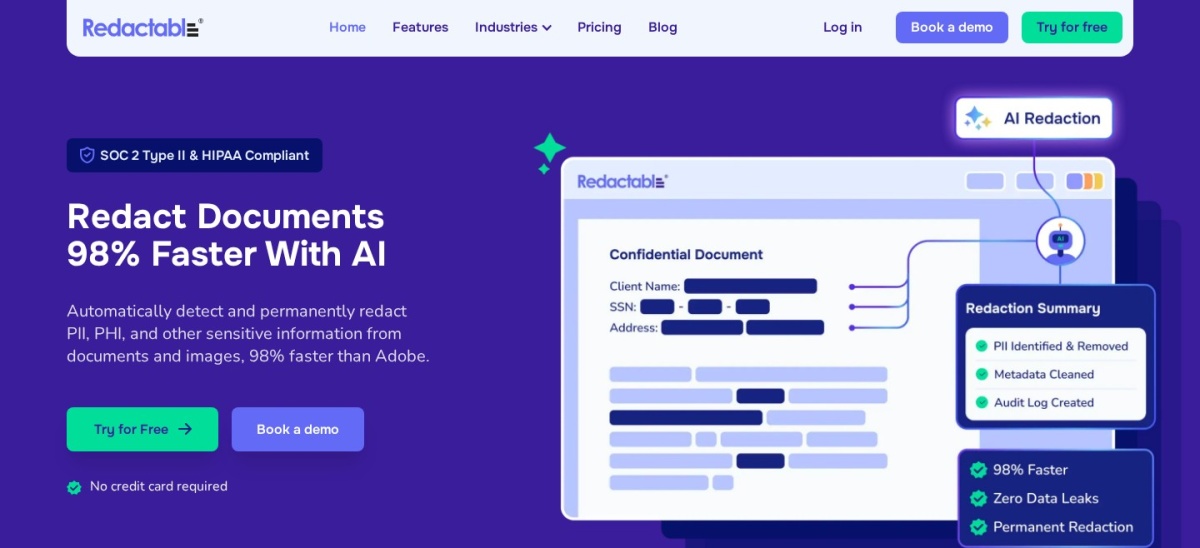
Redactable is the only dedicated tool with a free plan here, and its $19 Starter covers 15 documents a month with AI detection and audit logs.
Adobe Acrobat Pro has no AI auto-detection, so redaction is manual marking plus pattern search, at $19.99 a month.
Foxit PDF Editor+ adds Smart Redact for $159.99 a year, the lowest price for AI-assisted redaction in a full PDF editor.
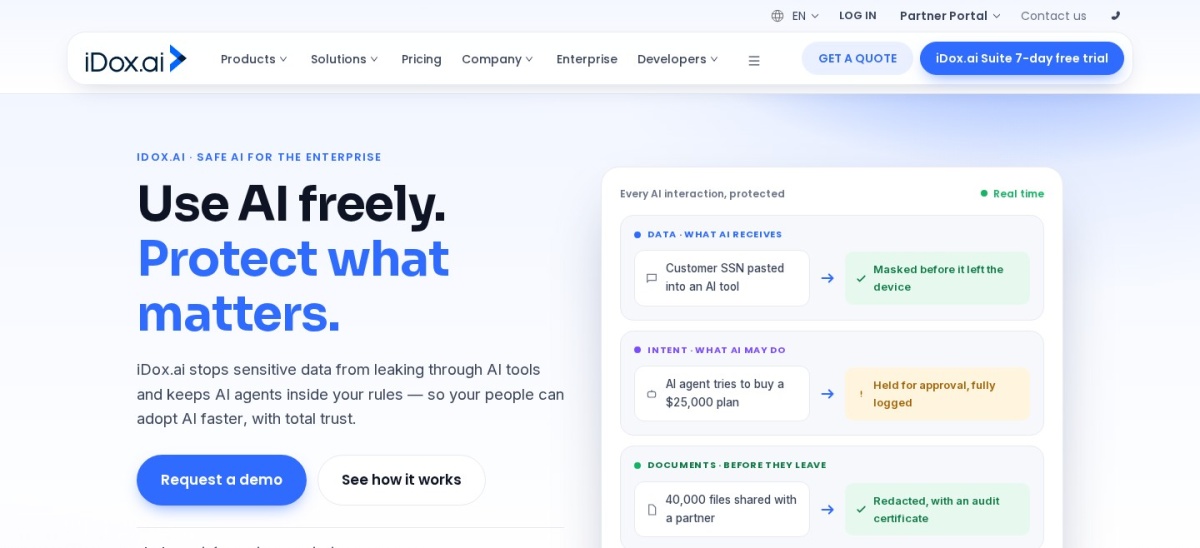
iDox.ai is the widest platform here, with masking and AI-use monitoring, but its $39 Starter is page-limited.
Tungsten Power PDF Advanced is the only one-time licence in the list at $179, with redaction and Bates stamping included.
Only Redactable and iDox.ai have free plans; the rest offer trials of 7 to 15 days.
What good redaction software should do
Redaction means permanently removing text and images from a file, not drawing black boxes over them. A covered word that stays in the file can still be copied out, which has caused court sanctions.
The tools in this list split into two groups. Dedicated redaction tools find personal data for you and keep an audit log; general PDF editors add redaction to a wider set of editing tools.
If your work touches health, legal or government records, look for OCR for scanned pages, metadata removal and an audit trail. Our guide on GDPR compliance for WordPress explains the same record-keeping habit for websites.
Price is usually per user per month, per document or per page. Count a real month of files before you pick a plan, because the cheapest headline price is not always the cheapest for your volume.
Redactable is a cloud redaction tool built for one job: finding and permanently removing personal data from documents. The free plan covers 3 documents, and Starter at $19 a month covers 15 documents with AI detection, OCR for scans, metadata removal, templates and audit logs.
The trade off is the document count. A busy month of short files can push you to Pro Plus at $99 a month for 150 documents, and Word files must be saved as PDF first. It suits legal, government and healthcare teams that need audit certificates for every file.
Adobe Acrobat Pro is the PDF editor most offices already use, and redaction sits inside it as a Pro feature. Mark for Redaction lets you black out text, images and areas, Find Text & Redact searches for patterns such as phone numbers and email addresses, and Apply Redactions removes the marked content for good.
The trade off is that there is no AI auto-detection. You must know what to remove or search for it, and a missed Apply step leaves the text in the file. It suits teams that already pay for Acrobat and redact a few known items a month.
What we like
Already installed in most offices
Permanent removal when redactions are applied
Desktop app, so files stay on your machine
Largest review base in this list
Watch out for
No AI auto-detection of names and personal data
No batch review workflow across many files
No audit log of what was redacted
AI Assistant Plus adds conversational AI for $4.99 a monthVisit adobe.com
03
Foxit PDF Editor+
4.6/5on G2 (3,784 reviews, checked Nov 2026)
Starts at$159.99/yr
Best value PDF editor with AI redaction
AI PII detectionSmart Redact
OCR for scansYes
Free planNo, 14-day trial
Paid planEditor+, $159.99/yr
foxit.com
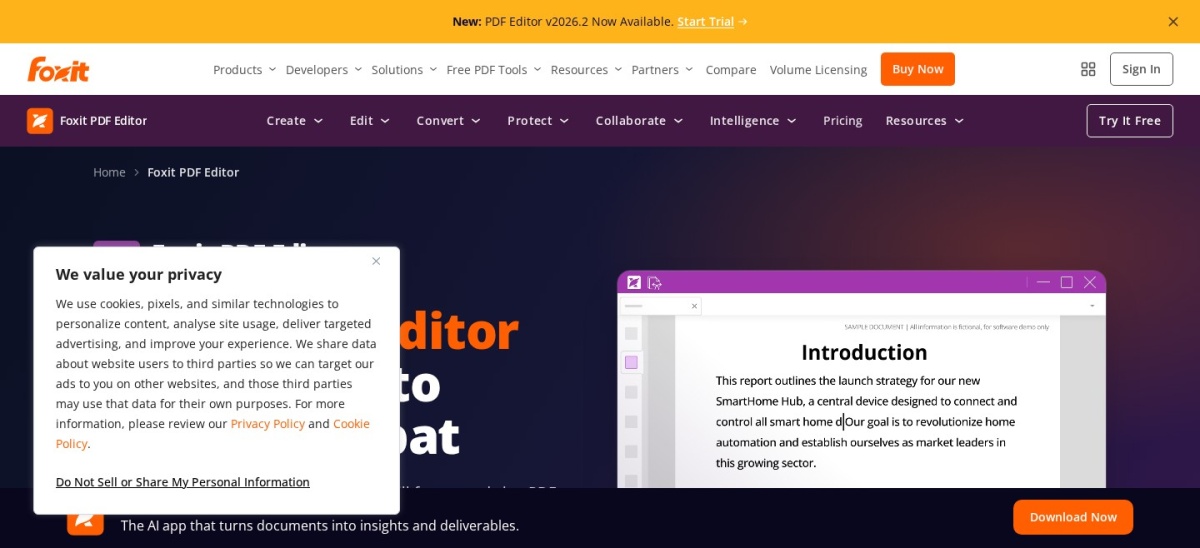
Foxit PDF Editor+ homepage, captured Nov 2026.
Foxit PDF Editor+ is a full PDF editor with Smart Redact, an AI feature that finds Social Security numbers, card numbers and other personal data for review. The Editor+ plan costs $159.99 a year and adds batch redaction, OCR, mobile apps and 150 GB of cloud storage.
The trade off is detection depth. Smart Redact handles structured patterns well but names in running text need more manual review, and the base $10.99 plan has manual redaction only. It suits small firms that want one editor for PDF work and redaction together.
What we like
Cheapest AI-assisted redaction in this list
Batch redaction across multiple files
Full PDF editor with forms and eSignatures
Highest G2 review count among the editors here
Watch out for
Smart Redact needs the Editor+ plan, not the base plan
No audit trail or FOIA features
AI assistant credits are limited
Editor+ adds Smart Redact, mobile apps and eSign envelopesVisit foxit.com
04
iDox.ai
4.1/5on G2 (8 reviews, checked Nov 2026)
Paid from$39/mo
Best for government and enterprise privacy
AI PII detectionYes
OCR for scansYes
Free planYes
Paid planStarter, $39/mo
idox.ai
iDox.ai homepage, captured Nov 2026.
iDox.ai is a cloud privacy platform that pairs document redaction with data masking, anonymisation and a Guardrail that watches what staff paste into AI tools. Starter costs $39 a month, covers 5,000 pages a year, and the platform holds SOC 2 and ISO 27001 certification.
The trade off is page-based pricing. Long files eat the allowance fast, and larger plans are quoted rather than published. It suits government and enterprise teams that want redaction plus wider data-privacy controls from one vendor.
What we like
Redaction, masking and anonymisation in one platform
Nitro PDF is a desktop PDF editor with redaction, eSign and document automation in one subscription. The Standard plan costs $15 a month per user and covers editing, converting, forms and signatures alongside redaction.
The trade off is automation. Nitro has no AI detection of personal data, so redaction is manual marking, and the strongest audit features sit in higher plans. It suits small teams that want a cheaper Acrobat alternative with redaction included.
pdfFiller is a cloud PDF editor built around forms, filling and eSignatures, with a blackout tool for redaction. The Premium plan costs $8 a month billed yearly and covers editing, collaboration and signing from the browser, with no software to install.
The trade off is depth. Redaction here is manual blackout without AI detection, audit logs or FOIA features, so it fits simple jobs only. It suits individuals and small teams that redact occasional forms and want the lowest monthly price in this list.
Tungsten Power PDF Advanced is a desktop PDF editor sold as a one-time licence, and redaction is included in the Advanced tier. The $179 licence covers editing, conversion, Bates stamping and enterprise document management links, with a 15-day free trial.
The trade off is that the licence is fixed to one version. Future upgrades need a new purchase, and there is no AI detection or cloud collaboration. It suits buyers who redact regularly and would rather pay once than subscribe.
Dedicated tools such as Redactable and iDox.ai are built around one workflow: find the sensitive data, remove it, and prove it happened.
PDF editors such as Acrobat, Foxit, Nitro, pdfFiller and Power PDF treat redaction as one feature among many, which is fine when redaction is occasional.
If you redact every week or answer FOIA requests, a dedicated tool pays for itself in audit logs alone. If you redact a few forms a month, a PDF editor you already pay for is enough.
How we chose
We started from the redaction tools most often recommended for legal, government and compliance work, then kept the seven with published prices and public review scores.
Prices come from each vendor's pricing page or published listings, checked on 25 November 2026. Ratings and review counts come from G2 on the same day. Where a vendor shows a sale, the list shows the regular price.
We left out tools with no public rating and tools sold by quote only, including CaseGuard and RapidRedact. No vendor paid for a place, and we do not claim to have used these tools ourselves.
How to choose redaction software
Start with how often you redact and what must be provable afterwards.
Count a real month of files. A few short PDFs point to a cheap editor; hundreds of pages point to a dedicated tool with batch processing.
Check what must be detected. Names and addresses in running text need AI detection; known terms such as account numbers can be found with pattern search.
Ask about the audit trail. Legal and compliance work needs a log of what was removed, when and by whom. Acrobat and the budget editors do not keep one.
Test with your own documents. Use the free plan or trial on a scanned file and a long file, then check the output before you share it.
FAQ
What is the best redaction software?
Redactable is the best pick for most teams. Its $19 Starter plan auto-detects personal data, handles scanned documents with OCR, removes metadata and keeps an audit log, and it is rated 4.7 out of 5 on G2.
Is Adobe Acrobat Pro good for redaction?
It is good for occasional redaction when you already pay for Acrobat. You mark text by hand or search for patterns, then apply the redactions to remove the content. It has no AI detection, no batch review and no audit log.
Can redaction software find personal data automatically?
Dedicated tools can. Redactable, iDox.ai and Foxit PDF Editor+ detect names, Social Security numbers, card numbers and other personal data for review. Acrobat, Nitro, pdfFiller and Power PDF rely on manual marking or pattern search.
What is the difference between redaction and blacking out text?
Real redaction permanently deletes the text from the file, including hidden data. Drawing a black box over words only hides them on screen, and the text can still be copied or extracted. Always check the output before sharing.
Do I need an audit trail for redaction?
Yes, if the files are legal, medical or government records. An audit trail records what was removed, when and by whom, which is what courts and regulators ask for. Redactable and iDox.ai keep one; the PDF editors in this list generally do not.
What is the cheapest redaction software?
pdfFiller Premium is the cheapest subscription here at $8 a month billed yearly, but its redaction is manual blackout only. Tungsten Power PDF Advanced costs $179 once with no subscription. Redactable is the cheapest dedicated tool at $19 a month.
SaaS SEO and WordPress specialist with about 8 years of experience. Rakib compares WordPress plugins, themes, hosting and software using public pricing, documentation and user reviews. See how we rank.