ScreenPal is the best recording software for most beginners, with a free plan for 15-minute recordings and Solo Deluxe at $4 a month billed annually for unlimited recording and a full editor. Pick Loom for the fastest sharing, or OBS Studio if you want a free tool with no recording limit.
How we make this list: we compare pricing pages, product documentation and public user reviews, then re-check every price before each update. No product paid for a place. Disclosure.
ScreenPal is the cheapest way to record and edit: free for 15-minute clips, then $4 a month billed annually.
Loom is the fastest for sharing, but its free plan caps recordings at 5 minutes and 25 videos.
OBS Studio and ShareX cost $0 and never watermark, but both take longer to learn.
Camtasia is the strongest editor here, yet watermark-free exports start at $179.88 a year.
Paid plans across the list run from $29.95 a year for Icecream to $216 a year for Loom Business.
What beginners should look for in recording software
Recording software for beginners should get out of the way. You press record, talk through what is on your screen, and share the result without learning a timeline first.
Start with the free limits, because they decide most purchases. ScreenPal stops free clips at 15 minutes, Loom at 5 minutes and 25 videos, and Bandicam at 10 minutes.
Editing is the second split. Camtasia and ScreenPal include a real editor, while OBS Studio, Bandicam and Icecream expect you to trim elsewhere or keep the raw take. Our guide on embedding a video in WordPress shows what to do with the finished file.
Price is the third split. Three tools in this list are free, and paid plans run from $29.95 to $216 a year, so most beginners can start free and pay only when a limit gets in the way.
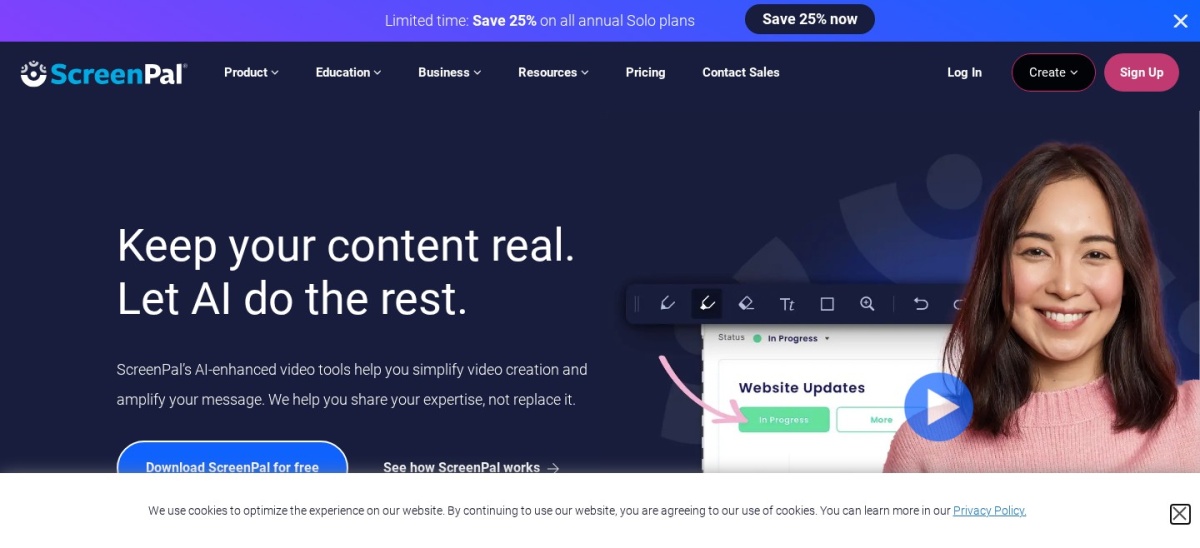
ScreenPal is a screen recorder, video editor and video host in one app, built for teachers and small teams. The free plan covers screen, webcam and audio recording in clips of up to 15 minutes, with a watermark on exports, plus basic editing and unlimited hosting.
The trade off is polish. The interface looks dated next to Loom, and there is no 4K recording, so creators who want a modern look may prefer a pricier tool. Solo Deluxe costs $4 a month billed annually ($48 a year; $3 a month on a holiday sale through 5 December). It suits beginners who want one cheap app for recording, editing and sharing.
What we like
Cheapest paid plan in this list at $48 a year
Full editor included on the paid plan
Unlimited recording and hosting when you pay
Works on Windows, Mac and in the browser
Watch out for
Free recordings stop at 15 minutes and carry a watermark
No 4K recording
Interface looks dated next to Loom
Solo Deluxe adds unlimited recording, the full editor and AI captionsVisit screenpal.com
02
Loom
4.7/5on G2 (2,413 reviews, checked Nov 2026)
Paid from$18/mo
Best for fast sharing
Free plan25 videos, 5-minute recordings
Paid planBusiness, $18/user/mo
Recording qualityUp to 4K on Business
PlatformsWeb, Mac, Windows, iOS
loom.com
Loom homepage, captured Nov 2026.
Loom is a browser and desktop recorder built for quick video messages rather than long edited tutorials. The free Starter plan covers 25 videos with recordings of up to 5 minutes at 720p, screen and webcam recording, system audio and a shareable link for every video.
The trade off is the free cap. Five-minute recordings and 25 videos run out fast if you record lessons, and longer videos need Business at $18 per user a month ($216 a year). It suits anyone who records short explainers, feedback or walkthroughs and wants the link, not a file, to do the sharing.
What we like
Fastest route from recording to a shareable link
Highest G2 rating in this list at 4.7 out of 5
Transcripts and captions in 50+ languages on the free plan
Watch out for
Free plan caps recordings at 5 minutes and 25 videos
Business costs $216 a year per user
Editing is basic next to Camtasia
Business adds unlimited videos, unlimited length and 4K recordingVisit loom.com
03
OBS Studio
4.6/5on G2 (141 reviews, checked Nov 2026)
PriceFree
Best free recorder with no limits
Free planEverything, no paid plan
Recording limitNone
Live streamingYes, built in
PlatformsWindows, Mac, Linux
obsproject.com
OBS Studio homepage, captured Nov 2026.
OBS Studio is a free, open source recorder and live streaming app with no recording limit, watermark or paid plan. It records the screen, webcam and audio in high quality, mixes several sources into scenes, and runs on Windows, Mac and Linux.
The trade off is setup. You build scenes from sources before you record, and the first session takes longer than the one-click tools in this list. It suits beginners who want a free tool they will not outgrow, and who are willing to spend an evening learning it.
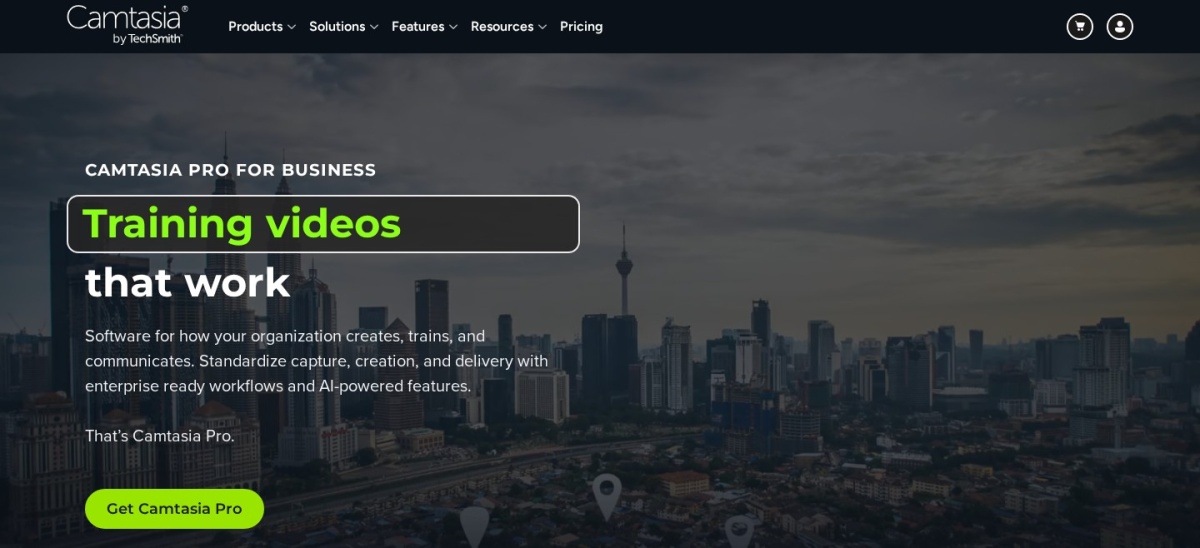
Camtasia is TechSmith's screen recorder and video editor for tutorials, training videos and online courses. It records the screen, webcam and audio, then edits on a timeline with cursor effects, captions, quizzes and SCORM export, and every plan includes Snagit.
The trade off is the watermark. Starter costs $39 a year but exports from the editor carry a watermark, so watermark-free editing starts with Essentials at $179.88 a year. It suits teachers and course creators who record polished lessons every week.
What we like
Strongest built-in editor in this list
Quizzes and SCORM export for courses
Snagit included with every plan
Watch out for
Watermarked exports until the $179.88 Essentials plan
Snagit is TechSmith's capture tool for screenshots, short screen recordings and step-by-step guides. It captures scrolling windows, pulls text out of images, adds arrows and callouts, and records quick videos with webcam overlay.
The trade off is scope. There is no free plan, only a 15-day trial, and Snagit is a capture tool first, not a timeline editor like Camtasia. It suits anyone who documents software, writes how-to guides or answers the same question on video every week.
What we like
Rated 4.7 out of 5 from more than 6,000 G2 reviews
Movavi Screen Recorder homepage, captured Nov 2026.
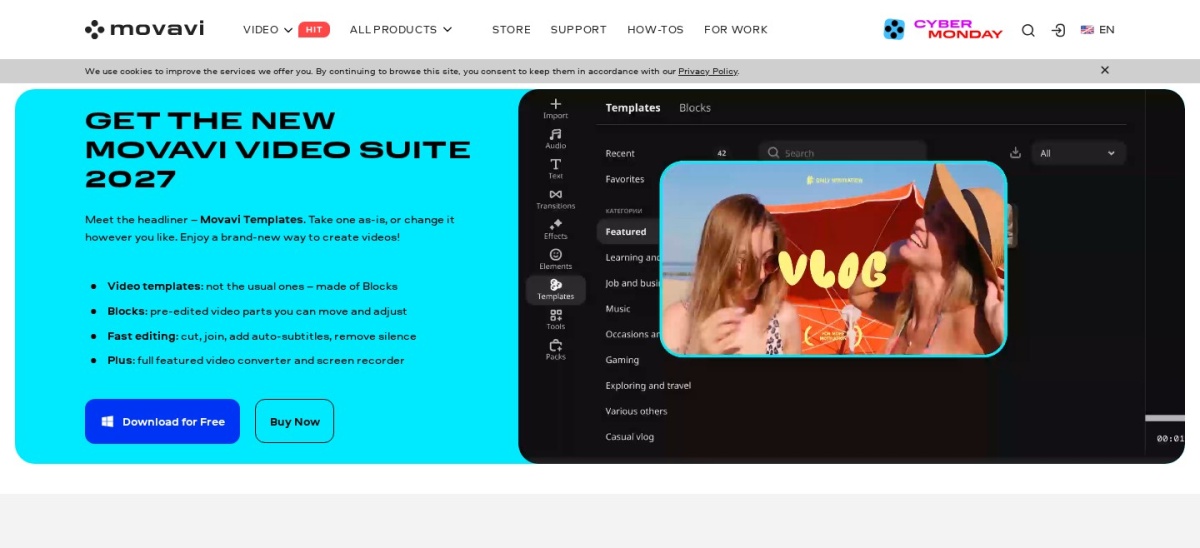
Movavi Screen Recorder is a plain desktop recorder for webinars, lessons and calls on Windows and Mac. It captures the full screen or a region, webcam and audio, draws on screen while recording, and can start and stop on a schedule.
The trade off is editing. Trimming is basic and there is no timeline editor, so polished videos need a second app. The yearly plan costs $44.95, shown on the store against a $64.95 list price. It suits beginners who record webinars or classes at set times.
What we like
Scheduled recording for webinars and classes
Draw on screen and show keystrokes while recording
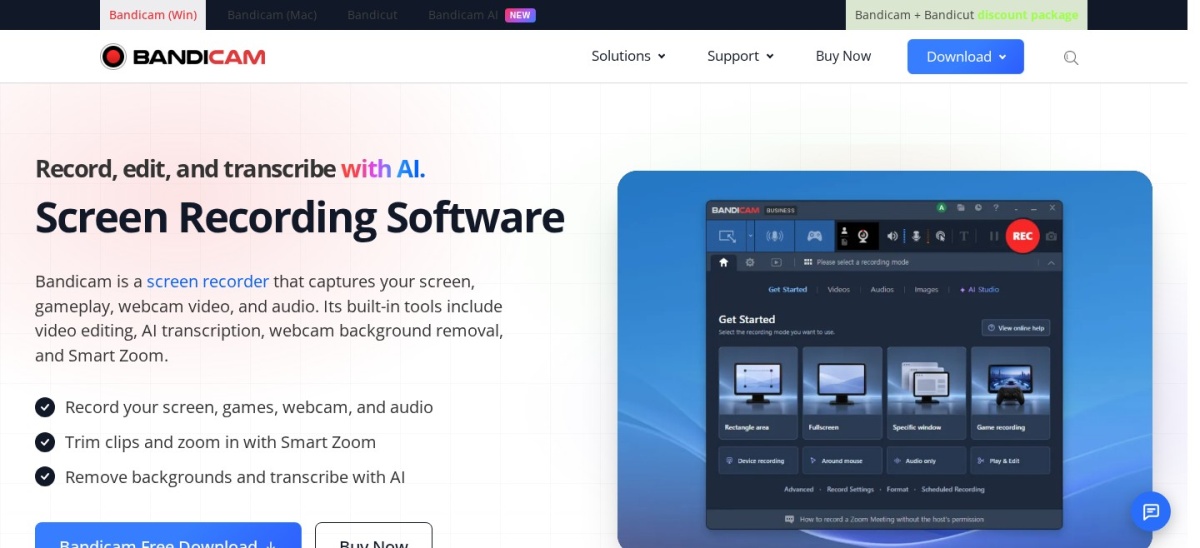
Bandicam is a lightweight Windows recorder for gameplay, tutorials and video calls, built to record at high frame rates without slowing the computer. The free version records screen, webcam and audio with hardware encoding, and the paid plan adds editing tools and AI transcription.
The trade off is reach. Bandicam runs on Windows only, and free recordings stop at 10 minutes with a watermark. The Personal Annual plan costs $36.95 a year. It suits Windows users who record games or long sessions and want smooth, high-frame-rate video.
What we like
Smooth high-frame-rate capture with low system load
Records screen, games, webcam and audio in one app
One-time lifetime licence also available
Watch out for
Windows only, no Mac version
Free recordings stop at 10 minutes with a watermark
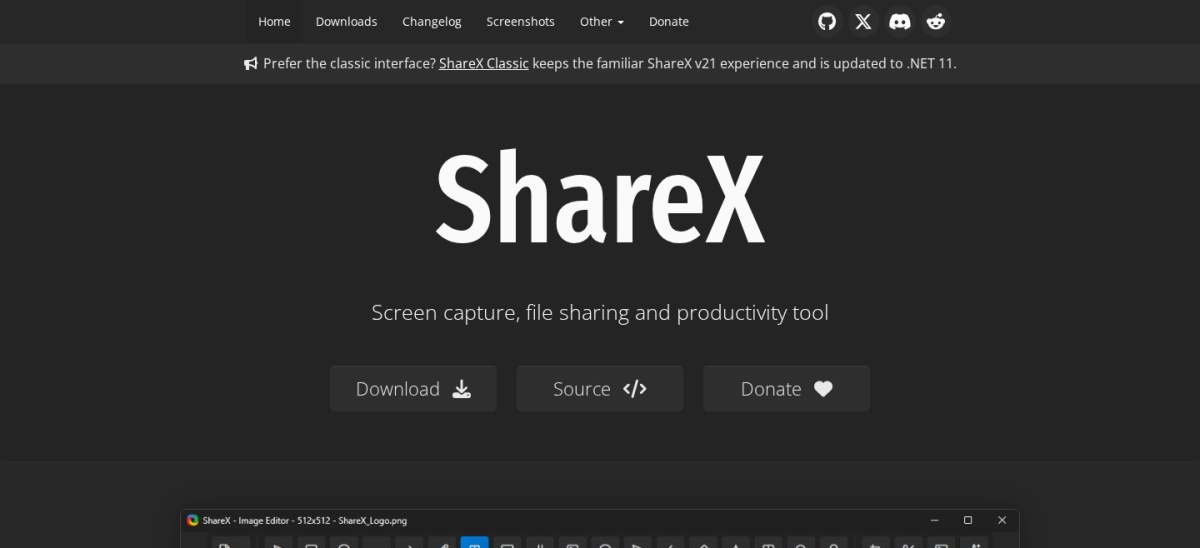
ShareX is a free, open source capture tool for Windows with no account, ads or paid plan. It records the screen, captures regions, windows and scrolling pages, annotates images, and can upload files or shorten links right after capture.
The trade off is polish. The settings are deep and the interface is plain, and audio capture needs an extra setup step, so first-time users should expect some fiddling. It suits Windows users who want a free tool that captures almost anything and stays out of the way.
What we like
Completely free and open source, with no ads
Highest G2 rating in this list at 4.8 out of 5
Captures screenshots, video, GIFs and scrolling pages
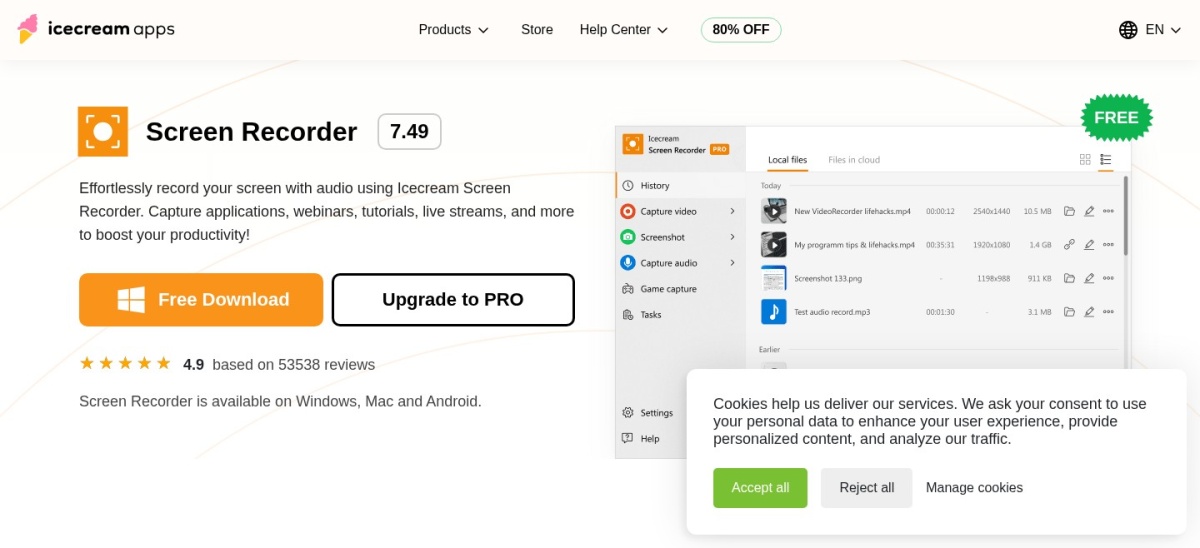
Icecream Screen Recorder homepage, captured Nov 2026.
Icecream Screen Recorder is a simple recorder for Windows, Mac and Android that captures the screen, webcam and audio with light annotation and trimming. The free version covers short clips, and Pro adds scheduled recording, a logo and commercial use.
The trade off is depth. Editing is limited to trimming, and its 4.1 out of 5 G2 rating is the lowest in this list, from only 30 reviews. Pro costs $29.95 a year, or $59.95 once for a lifetime licence. It suits beginners who want the cheapest paid recorder that covers the basics.
Free plans cover short recordings well. ScreenPal, Loom, OBS Studio, Bandicam, Icecream and ShareX all record for free, and OBS Studio and ShareX never add a watermark.
Paid plans mostly remove limits. You get longer recordings, no watermark, scheduled recording and, with Camtasia and ScreenPal, a fuller editor.
If you record once a month, a free plan is usually enough. If you record lessons every week, the $29.95 to $48 a year plans from Icecream, Bandicam or ScreenPal cost less than one month of Loom Business.
How we chose
We started from the screen recorders beginners search for most, then kept the nine with a public rating on G2 or GetApp and a clear free or paid plan.
Prices come from each vendor's pricing page, checked on 26 November 2026. Ratings and review counts come from G2, except Bandicam, which comes from GetApp. Where a vendor shows a sale, the list shows the regular price.
We left out tools with no public rating and tools built only for music production. No vendor paid for a place, and we do not claim to have used these tools ourselves.
How to choose recording software for beginners
Start with how long your recordings run, then check the free limit before you pay.
Check the free recording limit. Record a test clip at your usual length. If ScreenPal's 15 minutes or Loom's 5 minutes cuts you off, you need a paid plan or a free tool with no limit.
Decide how much editing you need. Pick Camtasia or ScreenPal if you trim, caption and polish every video. Pick OBS Studio or ShareX if the raw take is good enough.
Check your computer and your file sizes. Bandicam and ShareX run on Windows only, while ScreenPal, OBS Studio and Icecream also run on Mac. Large recordings also make heavy pages, so see how to resize a video in WordPress before you upload one.
Try the free plan first. Record two or three real videos before paying. A limit you never hit is not worth $48 a year.
FAQ
What is the best recording software for beginners?
ScreenPal is the best pick for most beginners. Its free plan covers 15-minute recordings with basic editing, and Solo Deluxe costs $4 a month billed annually for unlimited recording, the full editor and hosting in one app.
What is the best free recording software?
OBS Studio is the best free option, with no time limit, watermark or paid plan, and it records and live streams. ShareX is the best free choice on Windows for quick captures, GIFs and screenshots, also with no watermark.
Can I record my screen for free without a watermark?
Yes. OBS Studio and ShareX are free and never watermark recordings. ScreenPal, Bandicam and Icecream have free plans, but their free exports carry a watermark until you pay for a plan.
Is Loom good for beginners?
Yes, Loom is one of the easiest tools here, and its free plan covers 25 videos of up to 5 minutes each. It suits short explainers and feedback videos, but lessons longer than 5 minutes need Business at $18 per user a month.
Do I need Camtasia as a beginner?
Only if you edit polished tutorials every week. Camtasia has the strongest editor in this list, but watermark-free exports start with Essentials at $179.88 a year, while Starter at $39 a year still watermarks editor exports.
What is the cheapest paid recording software?
Icecream Screen Recorder is the cheapest yearly plan here at $29.95 a year, with a $59.95 lifetime licence. Bandicam costs $36.95 a year, and ScreenPal Solo Deluxe costs $4 a month billed annually, or $48 a year.
SaaS SEO and WordPress specialist with about 8 years of experience. Rakib compares WordPress plugins, themes, hosting and software using public pricing, documentation and user reviews. See how we rank.