Best Real Estate Development Software in 2026: 9 Tools Compared
WLWPLegible EditorsLast verified 23 Nov 2026How we rank13 min read
★ Short answer
Northspyre is the best real estate development software for most development teams, with budgets, draws and lender reporting in one system. Pick TestFit to test whether a site pencils first, and Procore when a large build needs full construction management.
How we make this list: we compare pricing pages, product documentation and public user reviews, then re-check every price before each update. No product paid for a place. Disclosure.
Northspyre is the best pick for developers who need live budgets, draws and lender reporting in one system.
TestFit is the only tool here with published pricing under $100 a month: Urban Planner at $75 a month.
Procore carries the strongest review record: 4.6 out of 5 from 4,247 G2 reviews.
Five of the nine tools publish no price: Northspyre, Procore, Buildertrend, Dealpath and Juniper Square are all quote-only.
Rabbet is the only draw tool with published prices, but its $15,000 annual minimum matters more than its $375 monthly rate.
Fieldwire is the only free plan here, with Basic free for 5 users and 3 projects.
What real estate development software has to cover
Real estate development software is not one tool. It covers four jobs: testing whether a site pencils, tracking deals, managing budgets and draws, and running construction in the field.
Most teams need two tools, not one. A feasibility tool answers the first question, then a budget tool such as Northspyre or Rabbet carries the project through draws and lender reporting.
Budget control is where developers lose money quietly. The same discipline applies to any budget: fix it early, track every change and report it. Our guide on how to budget for a WordPress website covers that habit of setting a budget before work starts.
Five of the nine tools publish no price at all. They quote by project, volume or fund size, so ask for the minimum contract, the per-user or per-project basis and the implementation time before you compare.
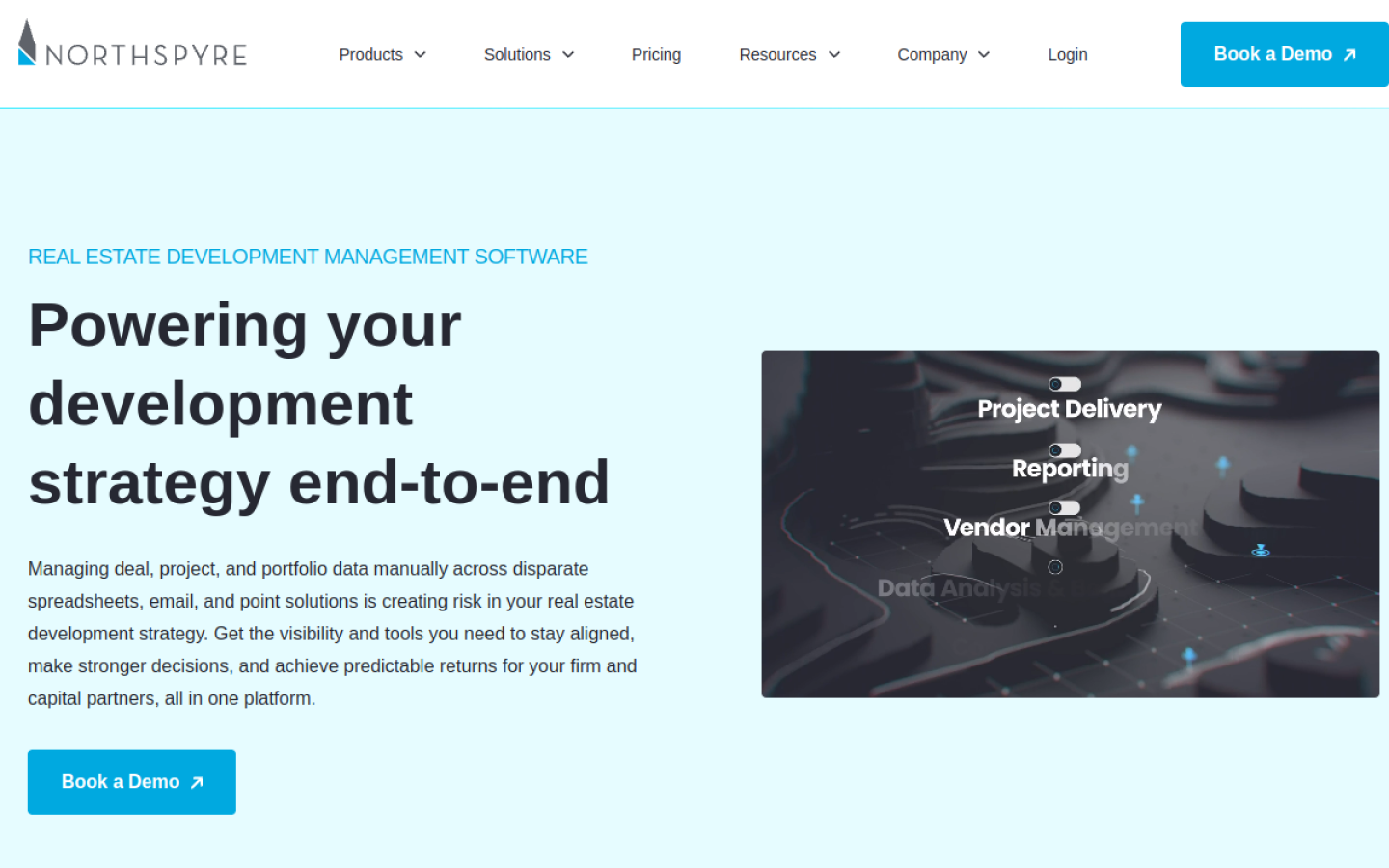
Northspyre is development management software built for the developer's side of the table, not the contractor's. It holds budgets, commitments, invoices, change orders and draw requests in one system, with forecasting and portfolio reporting across every project. Both Pro and Enterprise editions cover unlimited projects.
The trade off is price. Northspyre publishes no price, offers no free trial and sells annual contracts only, so budgeting starts with a demo and a quote. It suits development teams and owners who report to lenders and equity partners and want one set of numbers for every draw.
What we like
Purpose-built for developers, not contractors
Draw packages prepared in minutes for lenders
AI data capture cuts manual entry
Portfolio view across all projects
Watch out for
No published price
No free trial
No field coordination or drawings, so pair it with a construction tool
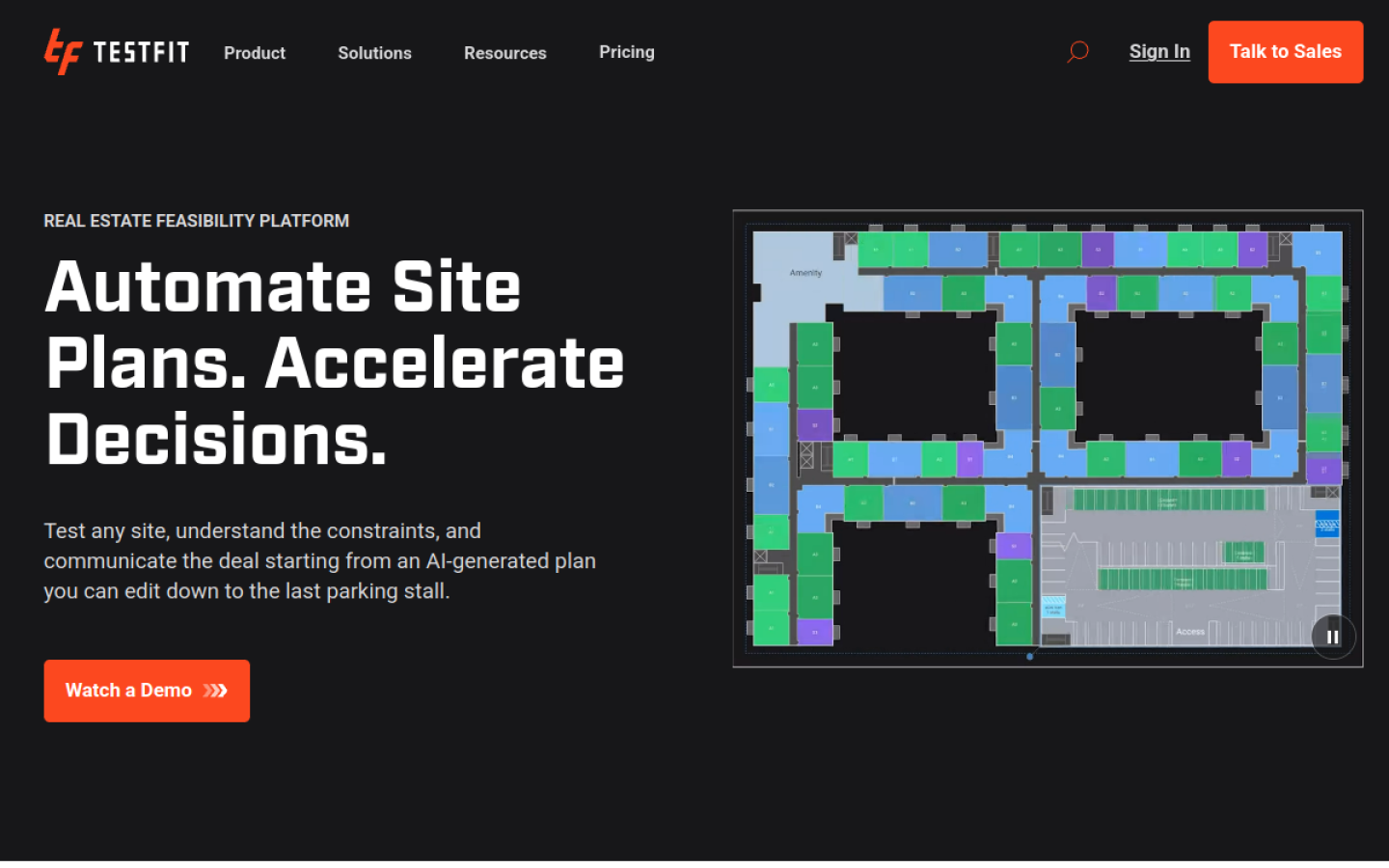
TestFit is a feasibility platform that turns a parcel into site plans, building massing, parking layouts and unit counts in minutes. Urban Planner at $75 a month per user covers 2D and 3D massing, road layouts and a yield estimator, so a deal team can test whether a site pencils before paying for full design.
The trade off is that the best features cost far more. Parking automation sits in Parking Solver at $195 a month, and generative design starts with Site Solver at $15,000 a year. It suits developers and architects who screen many sites and need fast, comparable answers on yield.
What we like
Only tool here with published pricing under $100 a month
Fast massing and yield answers
Pro Forma add-on syncs a live pro forma to the design
Works with Revit, SketchUp and AutoCAD
Watch out for
Generative design needs the $15,000 a year plan
Parking automation costs extra
Small review base at 22 G2 reviews
Site Solver adds generative design and a dedicated managerVisit testfit.io
03
Procore
4.6/5on G2 (4,247 reviews, checked Nov 2026)
PricingCustom/yr
Best for large, complex builds
UsersUnlimited on annual licence
RFIs and submittalsYes
Free trialNo
Paid planQuote, by volume
procore.com
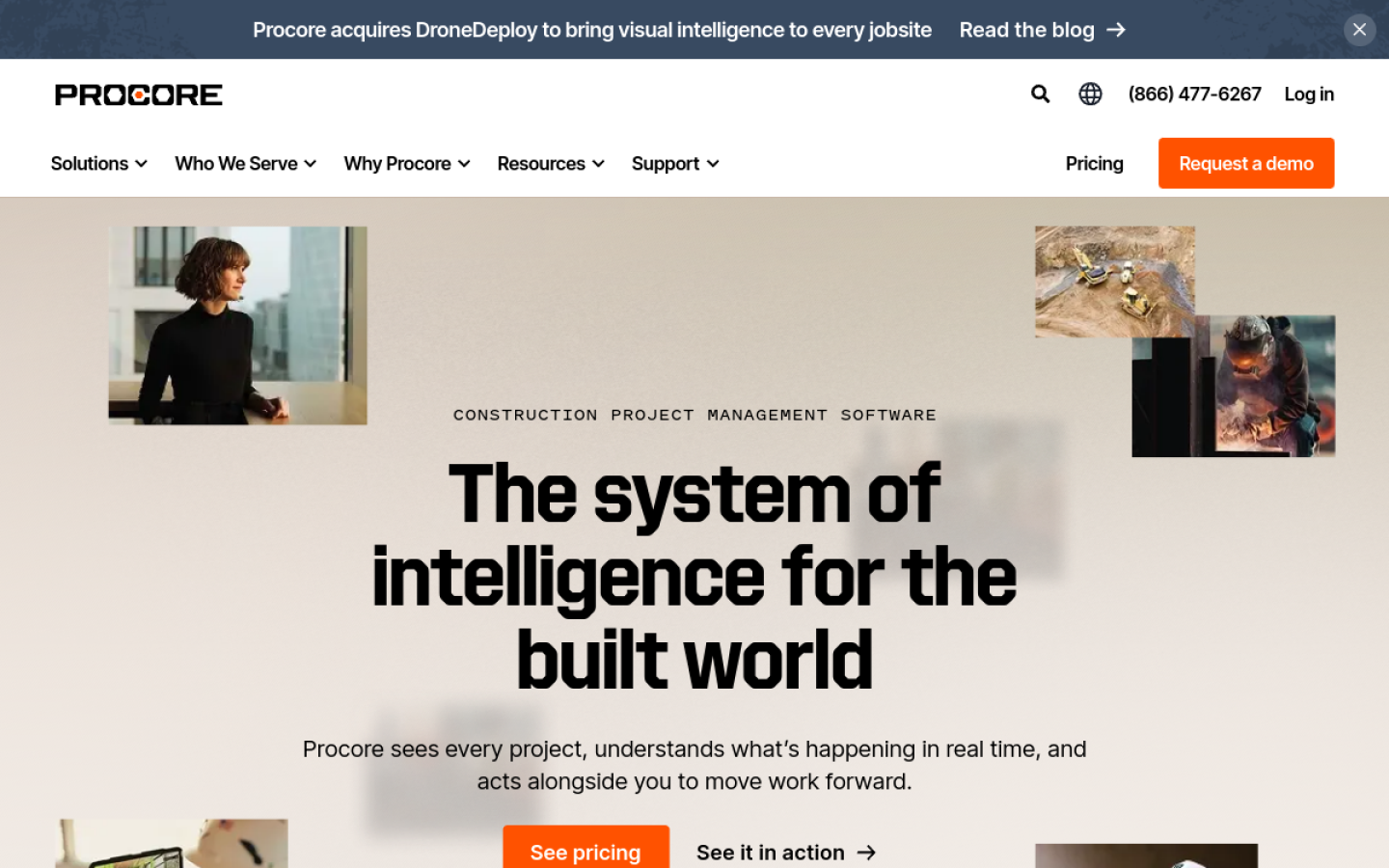
Procore homepage, captured Nov 2026.
Procore is the construction management platform most large developers standardize on. It covers documents, RFIs, submittals, budgets, change events, daily logs, quality and safety in one system, and the annual licence covers unlimited users, so the field crew, the office and the owner work from the same drawings.
The trade off is that Procore is built for builders first. Pricing is quote-only and based on annual construction volume, and smaller teams can find the setup heavy. It suits large developments with many stakeholders where the general contractor is likely already on Procore.
What we like
Strongest review record here at 4.6 out of 5 from 4,247 G2 reviews
One system for documents, budgets and field work
The general contractor is likely already using it
Broad integrations with accounting and design tools
Buildertrend is the all-in-one platform for residential developers and home builders. It covers scheduling, budgets, estimating, selections, client communication and warranty in one subscription, and every plan includes unlimited users and unlimited projects, so clients and trades get their own logins.
The trade off is price transparency. Buildertrend no longer publishes prices and quotes each builder on annual construction volume, so the final cost needs a sales call. It suits residential teams that want one system from sales through warranty.
What we like
Unlimited users and unlimited projects
Strong client portal and selections tools
Scheduling plus budgets in one place
Trusted by more than 20,000 builders, per its homepage
Dealpath is the command center for a real estate investment team. It tracks acquisitions, dispositions and debt deals from sourcing through underwriting, diligence and closing, with a data model built around deals rather than contacts. Its AI Extract reads an offering memorandum and pulls structured data into the pipeline.
The trade off is scale and cost. Pricing is quote-only with a five-user minimum, implementation typically runs 6 to 8 weeks, and there is no free trial. It suits institutional teams whose pipeline is the business, not small deal teams.
Juniper Square is the operations partner for private markets general partners. It covers fundraising, investor relations, fund administration and reporting in one platform, and more than 2,300 GPs run their funds on it, according to its homepage. Investor portals and documents stay organized in one place.
The trade off is price and setup. Juniper Square publishes no price, and G2 reviewers report implementation takes about 3 months on average. It suits GPs managing investors, fundraising and reporting across funds, not single-project developers.
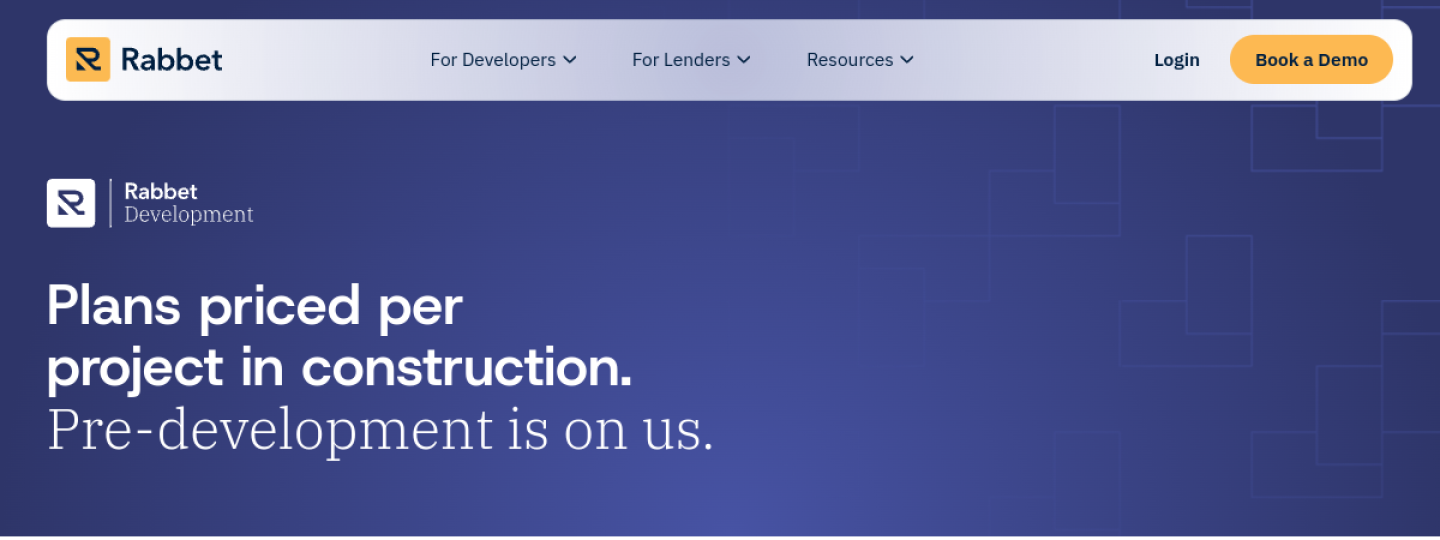
Rabbet Development is construction finance software for owner-developers. It tracks budgets, documents and draws, ingests invoices, lien waivers and inspection reports, and builds lender-ready draw packages. Pre-development projects are free and unlimited, and you only pay for projects in active construction.
The trade off is the minimum. Lite starts at $375 a month per active project, billed annually, but every contract carries a $15,000 annual minimum, so a small developer pays the minimum either way. It suits developers with several projects in construction who answer to lenders.
What we like
Only draw tool here with published prices
Pre-development free and unlimited
Lender-ready draw packages
Integrations with QuickBooks Online and Yardi
Watch out for
$15,000 annual minimum
Per-project pricing adds up fast
No self-serve signup
Small review base at 14 G2 reviews
Standard adds contract management at $595 a month per projectVisit rabbet.com
08
JobTread
4.9/5on G2 (118 reviews, checked Nov 2026)
Starts at$159/mo
Best value for small builders
Entry price$159/mo, billed annually
UsersFirst user included
Free trialNo, 30-day refund
Paid planSingle plan, all features
jobtread.com
JobTread homepage, captured Nov 2026.
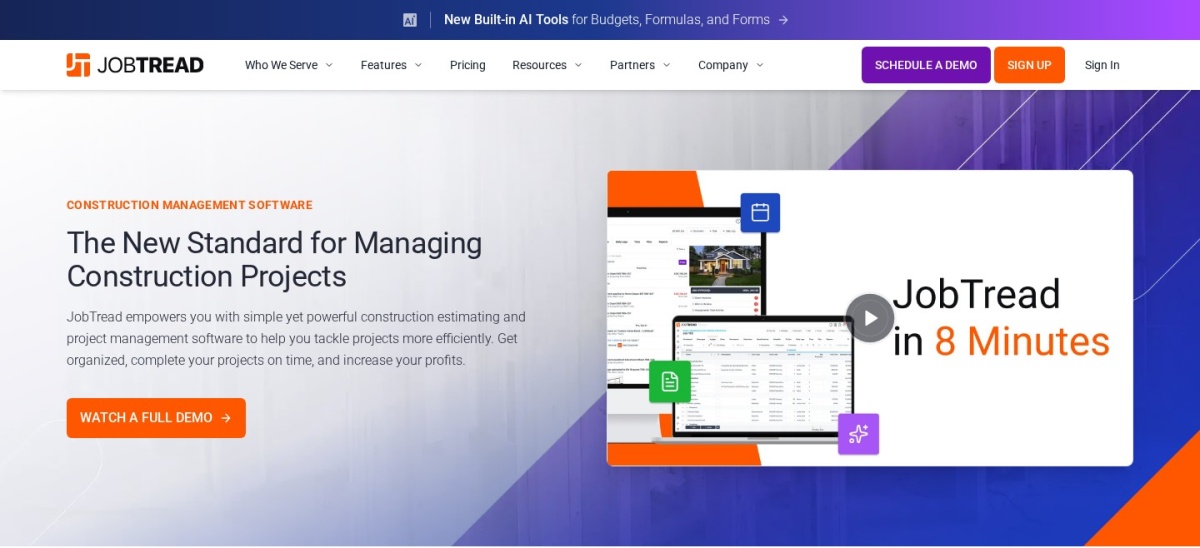
JobTread is construction management software for small builders and remodelers. It covers estimating, budgets, scheduling, invoicing and job costing in one plan, with all features included and no tier-gating. The base fee is $159 a month billed annually and covers the first internal user, with extra users from $16 a month.
The trade off is scope. JobTread is built for smaller residential teams, so it lacks the portfolio reporting and lender workflows of Northspyre or Rabbet. It suits small developers who want clear job budgets and margins without a large platform.
Fieldwire by Hilti is jobsite management software for field teams. Its free Basic plan covers plan viewing, task management, files, photos and checklists for up to 5 users and 3 projects. Paid Pro starts at $39 per user a month billed annually and adds reports, sheet compare and project templates.
The trade off is depth. Budgets, RFIs, submittals and change orders need Business Plus at $89 per user a month, and Fieldwire does not manage development budgets or draws. It suits site supervisors who live on drawings and punch lists.
Five tools in this list quote every deal. That is normal for software sold to developers, but it makes comparison harder.
Ask three questions on the first call: the minimum annual contract, whether pricing is per user, per project or by volume, and how long implementation takes.
Rabbet shows why the minimum matters. Its Lite plan lists at $375 a month per project, yet a developer with one project still pays the $15,000 annual minimum.
Get the seat count and the project count in writing. Northspyre, for example, lists unlimited projects with a spend cap, after which a project needs an upgrade within 30 days.
How we chose
We started from the tools developers and their lenders actually use across feasibility, deal pipeline, budgets and draws, and construction execution, then kept the nine established names with public review records.
Prices come from each vendor's pricing page, checked on 23 November 2026. Ratings and review counts come from G2 on the same day. Where a vendor shows no price, the list shows a custom quote instead of repeating a third-party estimate.
We left out tools with no public review record or no clear development focus. No vendor paid for a place, and we do not claim hands-on testing for this list.
How to choose real estate development software
Start with the job that hurts most, then match the tool to it.
Name the job first. Feasibility is TestFit, the deal pipeline is Dealpath, budgets and draws are Northspyre and Rabbet, capital is Juniper Square, and execution is Procore, Buildertrend, JobTread or Fieldwire.
Count the pricing basis, not just the price. Rabbet charges per project, Fieldwire and JobTread per user, Procore and Buildertrend on construction volume, and Juniper Square on fund size. The same team can pay very different totals.
Ask for the minimum contract in writing. A $375 monthly rate means little beside a $15,000 annual minimum. Ask for the minimum, the term and the implementation time before you compare quotes.
Plan for two tools, not one. Most teams pair a budget tool with a field tool. Northspyre plus Procore or Fieldwire covers the office and the jobsite without forcing one tool to do both jobs.
FAQ
What is the best real estate development software?
Northspyre is the best pick for most development teams. It holds budgets, commitments, invoices and draw requests in one system, with reporting built for lenders and equity partners, and it is rated 4.4 out of 5 on G2.
How much does real estate development software cost?
It ranges from free to quote-only. TestFit starts at $75 a month, JobTread at $159 a month billed annually, and Fieldwire Pro at $39 per user a month. Five tools publish no price, and Rabbet carries a $15,000 annual minimum.
Is there free real estate development software?
Fieldwire has the only free plan in this list. Basic is free for up to 5 users and 3 projects, with plan viewing, tasks, files and checklists. Paid Pro starts at $39 per user a month billed annually.
What is the difference between Northspyre and Procore?
Northspyre serves the developer's side: budgets, draws and lender reporting. Procore serves the contractor's side: documents, RFIs, submittals and field coordination. Many teams use both, with Northspyre tracking the money and Procore running the build.
Do I need separate tools for feasibility and construction?
Usually, yes. TestFit answers whether a site pencils before design starts, while Procore, Buildertrend, JobTread or Fieldwire run the build. No single tool in this list does both jobs well.
Which tool is best for small developers?
JobTread is the best value for small builders, at $159 a month billed annually with all features included and a 4.9 out of 5 G2 rating. Fieldwire is the cheapest way to start, with a free plan for small field teams.