iLovePDF is the best rated PDF merging software for most people, with a free plan that merges files up to 100 MB and Premium at $5 a month billed yearly, rated 4.7 out of 5 on Capterra from 1,794 reviews. Pick Adobe Acrobat Pro for heavy editing, or PDFgear if you want a free desktop app.
How we make this list: we compare pricing pages, product documentation and public user reviews, then re-check every price before each update. No product paid for a place. Disclosure.
iLovePDF leads on ratings and price: 4.7 out of 5 on Capterra from 1,794 reviews, with Premium at $60 a year.
Adobe Acrobat Pro is the full-featured pick, but merging needs the $19.99-a-month Pro plan.
PDFgear merges and edits PDFs free on Windows and Mac, with no paid tier at all.
Smallpdf and Sejda are strong browser options: Smallpdf Pro is $120 a year, and Sejda's annual plan is $63.
Foxit and PDF Expert are paid desktop editors: Foxit is $129.99 a year, and PDF Expert is $79.99 a year for Mac and iOS only.
What to look for in PDF merging software
Merging PDFs sounds simple, but the tools differ in where your files go, how large they can be and what happens after the merge. A browser tool uploads your files to a server, while a desktop app keeps them on your machine.
Free plans are usually capped. iLovePDF caps free merges at 100 MB per file, Sejda allows 3 tasks an hour, and Smallpdf limits free use to 2 tasks a day. Check the cap against the size of the files you merge most.
Paid plans remove those caps and add editing, OCR and signing. Our guide on adding a PDF to WordPress shows what to do with the merged file once it is ready.
If the files are contracts or contain personal data, prefer a desktop app such as PDFgear or PDF Expert, or check the vendor's file-deletion policy before uploading.
4.7/5on Capterra (1,794 reviews, checked Nov 2026)
Paid from$5/mo
Best PDF merging software overall
Free merge limit100 MB per file
Merge toolDrag to reorder
PlatformsWeb, desktop, mobile
Paid planPremium, $60/yr
ilovepdf.com
iLovePDF homepage, captured Nov 2026.
iLovePDF is a browser bundle of more than 30 PDF tools, and its Merge PDF tool is the quickest way to join files in order. The free Basic plan merges files up to 100 MB each, lets you reorder pages by dragging, and needs no install. Premium adds unlimited processing, desktop and mobile apps, and 4 GB files.
The trade off is privacy and limits. Files are uploaded to iLovePDF servers, so confidential contracts are better merged in a desktop app, and the free plan caps processing per task. Premium costs $5 a month billed yearly, or $9 a month billed monthly. It suits anyone who merges PDFs a few times a week and wants no software to install.
4.7/5on Capterra (5,234 reviews, checked Nov 2026)
Paid from$19.99/mo
Best for heavy PDF editing
Free mergeNo, Pro only
Combine FilesYes, in Pro
PlatformsWeb, desktop, mobile
Paid planPro, $19.99/mo
adobe.com
Adobe Acrobat homepage, captured Nov 2026.
Adobe Acrobat is the industry-standard PDF editor, and its Combine Files tool merges PDFs, images and Office files into one document. The free online editor annotates, fills and signs, but merging needs Acrobat Pro. Pro also adds editing, OCR, redaction and e-signatures across desktop, web and mobile.
The trade off is price. Pro costs $19.99 a month on the annual plan billed monthly, which is $239.88 a year, the highest price in this list. Standard is cheaper at $14.99 a month but does not include Combine Files. It suits professionals who edit PDFs daily and want one tool for everything.
What we like
Combine Files merges PDFs, images and Office files
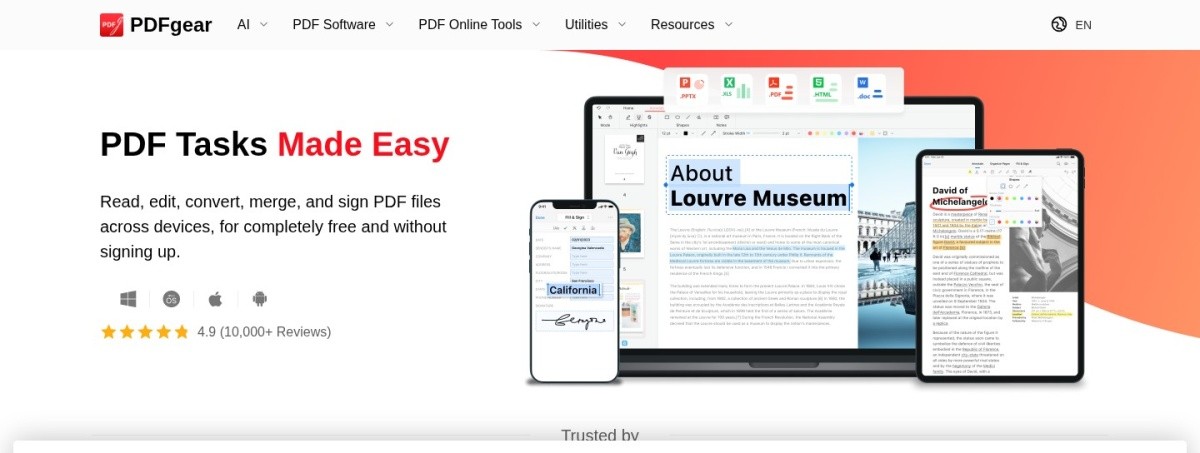
PDFgear is a free desktop PDF editor that merges, edits, converts and signs PDFs with no account and no paywall. Files stay on your machine, which suits contracts and other private documents. It also includes OCR in more than 30 languages and form filling at no cost.
The trade off is support and scale. PDFgear publishes no paid tier, so there is no priority support or admin console for teams, and its community is smaller than Adobe's. It suits individuals and small offices that want a free desktop merger without uploading files anywhere.
Smallpdf is a browser-first PDF toolkit with more than 30 tools, including Merge PDF, compress, convert and e-signing. The free plan covers merging with a daily task limit, and files up to 5 GB on Pro. Its interface is the cleanest in this list, with clear steps from upload to download.
The trade off is the free cap. Free use is limited to 2 tasks a day, so regular merging needs Pro at $10 a month billed yearly, or $15 a month billed monthly. Files are processed on Smallpdf servers. It suits occasional users who want a polished browser tool and already sign documents online.
Sejda is a browser PDF editor with more than 30 tools, and its Merge tool joins files in the order you choose. The free plan needs no signup and handles documents up to 200 pages or 50 MB, with 3 tasks an hour. Paid plans remove the caps and allow files up to 500 MB.
The trade off is volume. Three tasks an hour stops a big batch of merges, and desktop access needs the $63-a-year Desktop+Web Annual plan; the $7.50-a-month Web Monthly plan is web only. It suits people who merge a few files at a time and like a plain, stated limit.
What we like
Free plan needs no signup
Clear published limits: 200 pages, 50 MB, 3 tasks an hour
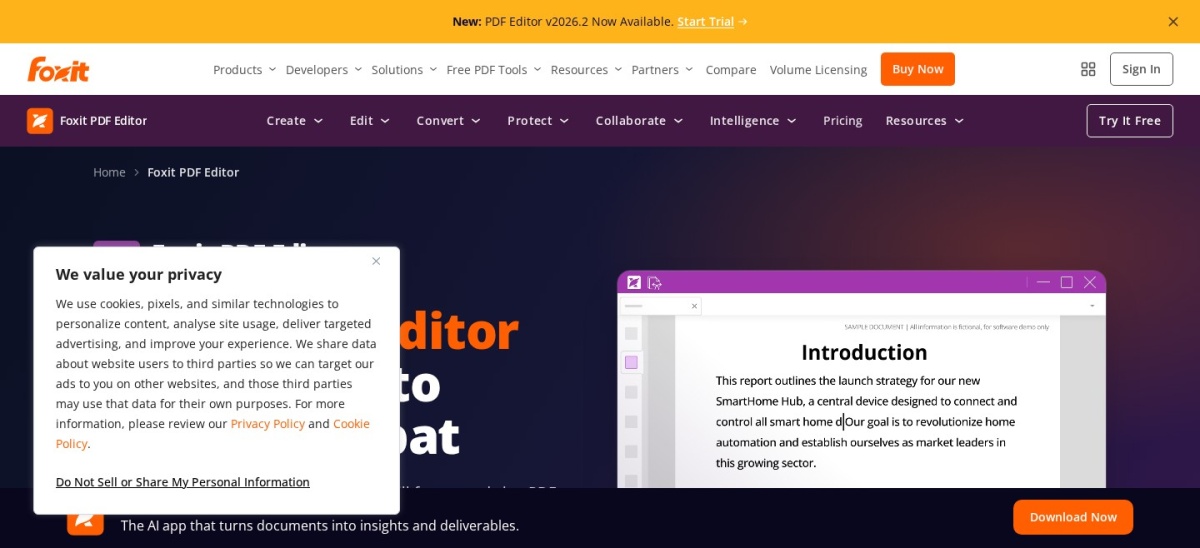
Foxit PDF Editor is a desktop PDF editor positioned as a lower-cost alternative to Acrobat. It merges, edits, converts and signs PDFs, and its interface will feel familiar to Acrobat users. A 14-day free trial of PDF Editor+ needs no credit card, so you can check merging before paying.
The trade off is that there is no free tier at all. The free product is Foxit PDF Reader, which views and annotates but does not merge, so merging starts at $129.99 a year, or $10.99 a month billed monthly. It suits Windows offices that want Acrobat-class editing for less.
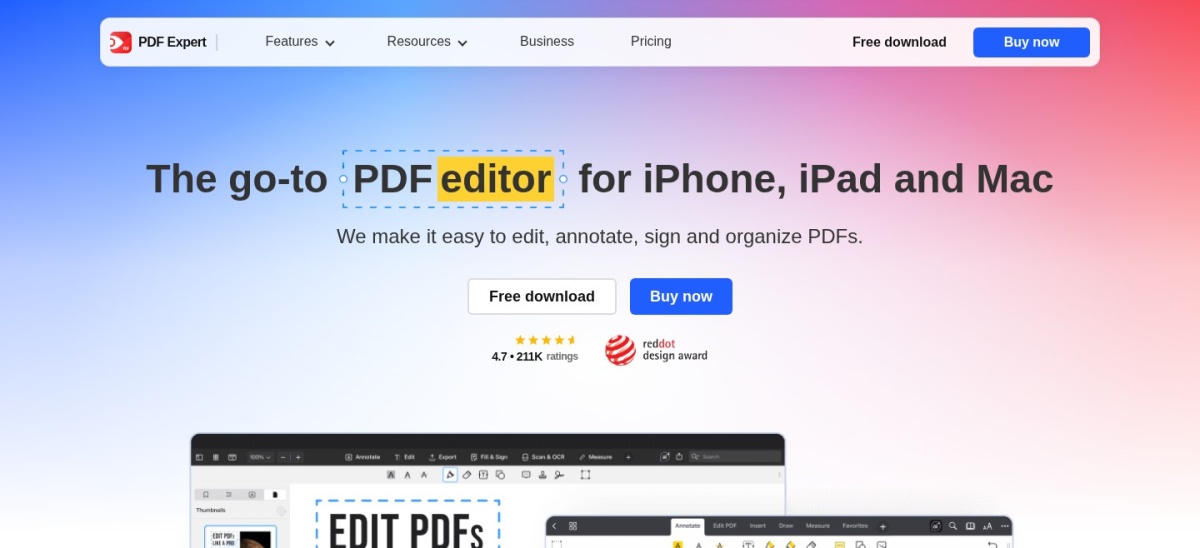
PDF Expert is a Mac and iOS PDF editor with a fast, native interface for merging, annotating and signing. The free download views PDFs and fills forms, while merging and text editing need Premium. Yearly is $79.99, and a Mac-only Lifetime licence costs $139.99 one time.
The trade off is platform. There is no Windows or Android version, so mixed-device offices need another tool, and merging sits behind the paid plan. It suits Mac and iPad owners who merge PDFs often and want a native app instead of a browser upload.
Free merging is real. iLovePDF, Sejda, Smallpdf and PDFgear all merge PDFs without paying, with caps on file size, tasks per hour or tasks per day.
Paid plans mostly remove caps. Premium tiers lift file-size limits, add batch processing and unlock editing, OCR and signing beside the merge tool.
Desktop apps keep files local. If a merger handles contracts, prefer PDFgear or PDF Expert over a browser upload, or check the vendor's deletion policy first.
For a one-off job, use a free plan or a trial. Foxit's 14-day trial and Sejda's $5 week pass cover short projects without a yearly subscription.
How we chose
We started from the PDF tools with the largest public review counts on G2 and Capterra, then kept those with a working merge tool and a published price.
Prices come from each vendor's pricing page, checked on 26 November 2026. Ratings and review counts come from G2 or Capterra on the same day. Where a vendor shows a monthly and a yearly price, the list shows the yearly total.
We left out tools with no public rating, such as PDF24, because this list ranks tools by rating. No vendor paid for a place, and we do not claim to have used these tools ourselves.
How to choose PDF merging software
Start with how often you merge and how private the files are, then pick the cheapest tool that fits.
Count how often you merge. A few files a month fits any free plan. Daily merging needs a paid plan or a free desktop app such as PDFgear.
Check the file-size cap. iLovePDF caps free merges at 100 MB and Sejda at 50 MB. Measure your largest file before you pick a free plan.
Decide where files may go. Browser tools upload files to a server. For contracts, use a desktop app or read the vendor's file-deletion policy first.
Match the platform. PDF Expert is Mac and iOS only, and PDFgear covers Windows, Mac, iOS and Android. See how to add a link to a PDF in WordPress once the merged file is ready.
FAQ
What is the best rated PDF merging software?
iLovePDF is the best rated pick for merging PDFs. It holds 4.7 out of 5 on Capterra from 1,794 reviews, merges files up to 100 MB free, and Premium costs $5 a month billed yearly. Adobe Acrobat Pro is the stronger choice if you also need full editing.
Can I merge PDFs for free?
Yes. iLovePDF merges files up to 100 MB free, Sejda allows 3 tasks an hour, Smallpdf allows 2 tasks a day, and PDFgear merges without any cap or paid tier. Free plans usually limit file size or daily tasks, so check the cap first.
Is it safe to merge PDFs online?
Browser tools upload your files to their servers, then delete them after a set time. For contracts or personal documents, prefer a desktop app such as PDFgear or PDF Expert, which keeps files on your machine.
Does Adobe Acrobat merge PDFs for free?
No. The free Acrobat online editor annotates, fills and signs, but merging needs Acrobat Pro at $19.99 a month on the annual plan. For free merging, iLovePDF, Sejda, Smallpdf or PDFgear are better picks.
What is the cheapest paid PDF merger?
iLovePDF Premium is the cheapest paid plan here at $5 a month billed yearly, which is $60 a year. Sejda's annual plan is next at $63 a year. Both remove free-plan caps and add desktop apps.
Which PDF merger is best for Mac?
PDF Expert is the best pick for Mac and iOS, with a fast native app and a 4.7 out of 5 G2 rating. Yearly Premium is $79.99, and a Mac-only Lifetime licence is $139.99. PDFgear is the free Mac alternative.
Can I merge PDFs without installing software?
Yes. iLovePDF, Smallpdf and Sejda all merge PDFs in the browser with no install. Upload the files, drag them into order, merge, then download the result. Desktop apps such as PDFgear keep the same job offline.
SaaS SEO and WordPress specialist with about 8 years of experience. Rakib compares WordPress plugins, themes, hosting and software using public pricing, documentation and user reviews. See how we rank.