OutSystems is the best rapid application development software for teams that need to ship production apps fast, rated 4.5 out of 5 from more than 1,800 G2 reviews with a free Personal Edition for up to 100 users. Pick AppSheet for the cheapest paid start at $5 a month, or Power Apps if your team already runs on Microsoft 365.
How we make this list: we compare pricing pages, product documentation and public user reviews, then re-check every price before each update. No product paid for a place. Disclosure.
OutSystems is the highest-volume pick: 4.5 out of 5 from more than 1,800 G2 reviews, with a free Personal Edition for up to 100 users.
AppSheet has the highest rating in this list at 4.8 out of 5, and its cheapest paid plan is $5 per user a month.
Mendix no longer lists its old Basic tier on its US pricing page; paid use now starts at Standard, $1,090 a month for one app.
Power Apps Premium costs $20 per user a month and rises to $22 on 1 January 2027, so budget for the change.
Seven of the nine tools have a free plan. Appian and Caspio offer a free trial instead.
Cheapest paid plans run from $60 to $36,300 a year, so compare per-user and flat-fee prices on the same basis.
What rapid application development software does
Rapid application development software lets small teams build working apps with visual builders, ready-made data models and one-click deployment, instead of writing every screen and workflow by hand.
The tools in this list split into two groups. Enterprise platforms such as OutSystems, Mendix and Appian handle complex apps with governance, while AppSheet, Zoho Creator and Bubble suit small teams and single-purpose apps.
Pricing is the hardest part to compare. Some tools charge per user, some charge a flat monthly fee, and some charge per app as well, so check what one licence covers before you compare prices. Our guide on how much a WordPress developer costs shows what custom builds cost by comparison.
Every rating in this list comes from G2, checked on 26 November 2026, and every price comes from the vendor pricing page or G2 vendor-supplied pricing on the same day.
The 9 best rapid application development software tools
01
OutSystems
4.5/5on G2 (1,802 reviews, checked Nov 2026)
Paid from$36,300/yr
Best rapid application development software overall
Free planPersonal Edition, up to 100 users
Paid planDeveloper Cloud, $36,300/yr
Mobile appsYes, web and native
AI buildingYes, AI agents
outsystems.com
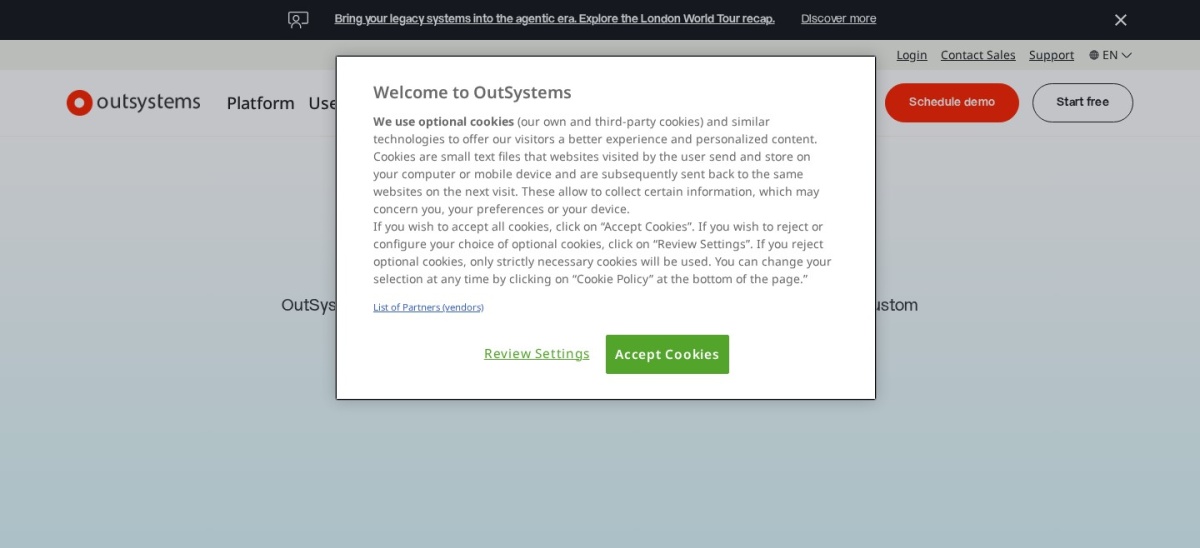
OutSystems homepage, captured Nov 2026.
OutSystems is an enterprise low-code platform for building web and mobile apps with visual modelling, AI agents and built-in deployment. Its free Personal Edition covers up to 100 users, and it holds the largest review base in this list at 4.5 out of 5 from more than 1,800 G2 reviews.
The trade off is price. Paid use starts with Developer Cloud at $36,300 a year, which puts it out of reach for small teams and solo builders. It suits mid-size and large teams that need governed, production-grade apps and can justify the licence cost.
What we like
Largest review base in this list, with 1,800+ G2 reviews
Free Personal Edition for up to 100 users
Strong governance, DevOps automation and AI agents
Builds web and mobile apps on one platform
Watch out for
Paid pricing starts at $36,300 a year
Reviewers often call the licensing model complex
Overkill for a single small app
Paid plans add separate environments, support and DevOps automationVisit outsystems.com
02
Mendix
4.4/5on G2 (417 reviews, checked Nov 2026)
Paid from$1,090/mo
Best for department-wide apps with deployment choice
Free planYes, prototypes and small apps
Paid planStandard, from $1,090/mo
DeploymentCloud, on-premises, Kubernetes
Uptime SLA99.5% on Standard
mendix.com
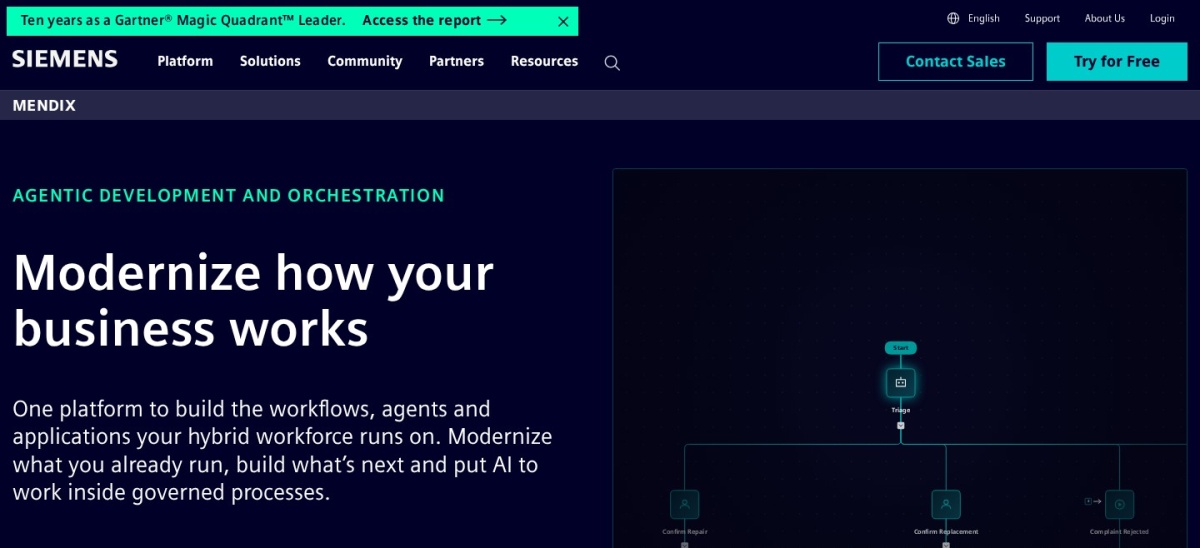
Mendix homepage, captured Nov 2026.
Mendix is a low-code platform from Siemens for building web and mobile apps with visual models, reusable components and AI-assisted development. The free plan covers prototypes and small apps with unlimited users, and it is rated 4.4 out of 5 from 417 G2 reviews.
The trade off is the entry price. The old Basic tier no longer appears on the US pricing page, so paid use starts at Standard from $1,090 a month for one app. It suits teams that build department-wide apps and want deployment choice across cloud and on-premises.
What we like
Free plan with unlimited users for small apps
Runs on Mendix Cloud, Azure, Kubernetes or on-premises
Strong visual modelling with reusable components
Backed by Siemens with a large marketplace
Watch out for
Paid use now starts at $1,090 a month
Cloud resource costs sit outside the licence price
Learning curve for complex logic and microflows
Standard adds uptime guarantees, more environments and supportVisit mendix.com
03
Microsoft Power Apps
4.3/5on G2 (570 reviews, checked Nov 2026)
Paid from$20/mo
Best for teams already on Microsoft 365
Free planDeveloper Plan, non-production
Paid planPremium, $20/user/mo
Data sourceDataverse, 250 MB per user
Mobile appsYes, iOS and Android
powerapps.microsoft.com
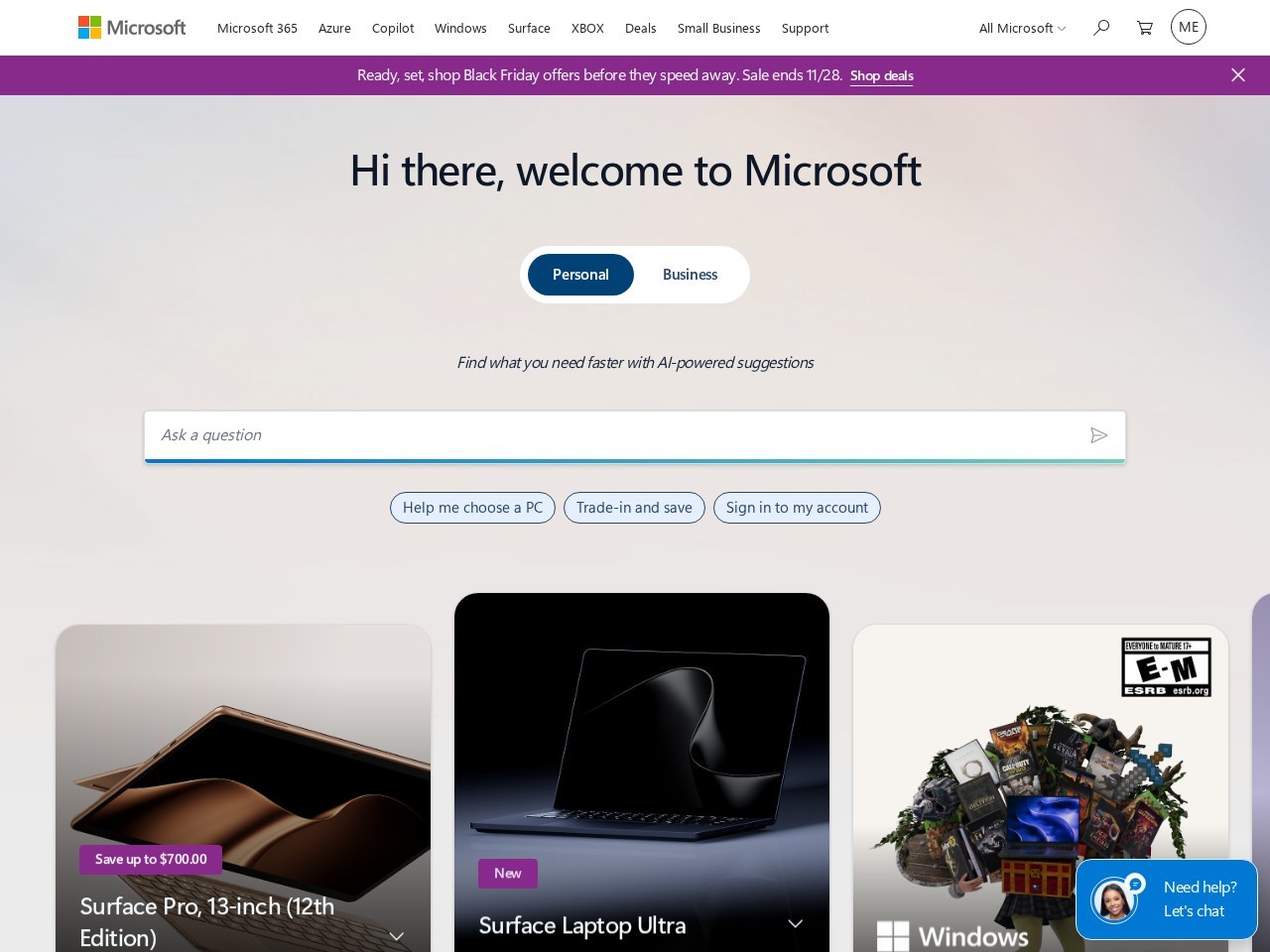
Microsoft Power Apps homepage, captured Nov 2026.
Microsoft Power Apps is a low-code builder for custom business apps that run on Dataverse and connect to Microsoft 365, SharePoint and hundreds of other sources. The free Developer Plan covers building and testing, and it is rated 4.3 out of 5 from 570 G2 reviews.
The trade off is licensing. Premium costs $20 per user a month, and Microsoft has announced a rise to $22 from 1 January 2027, so costs grow with every user you add. It suits teams already on Microsoft 365 that need apps tied to their existing data.
What we like
Deep integration with Microsoft 365 and Dataverse
Free Developer Plan for building and testing
Pay-as-you-go option at $10 per active user per app
Volume price of $12 per user a month at 2,000 seats
Watch out for
Premium rises to $22 per user a month in January 2027
Appian is a process automation platform with low-code app building, AI agents, robotic process automation and document processing in one place. It is rated 4.5 out of 5 from 528 G2 reviews and is a common pick for banks, insurers and government teams.
The trade off is cost and complexity. There is no free plan, only a trial, and the Basic tier lists at $75 per user a month, charged per user, per month, per app. It suits large teams automating case work and approvals across many systems.
What we like
Automation, AI agents and process mining in one platform
Strong fit for regulated industries and government
Rated 4.5 out of 5 from more than 500 G2 reviews
Free trial to evaluate before buying
Watch out for
No free plan, only a trial
Per-user, per-app pricing compounds quickly
Official pricing page lists tiers with no dollar figures
Higher tiers add more automation features and supportVisit appian.com
05
AppSheet
4.8/5on G2 (405 reviews, checked Nov 2026)
Paid from$5/mo
Best for spreadsheet-powered apps on a budget
Free planYes, prototypes, 10 test users
Paid planStarter, $5/user/mo
Data sourceGoogle Sheets, SQL, more
Offline modeYes, on paid plans
appsheet.com
AppSheet homepage, captured Nov 2026.
AppSheet is Google's no-code app builder, which turns spreadsheets and databases into mobile and web apps with forms, maps, barcode scanning and automation. Prototypes are free for up to 10 test users, and it has the highest rating here at 4.8 out of 5 from 405 G2 reviews.
The trade off is depth. It is built for data-driven business apps, so it is a poor fit for public-facing products or rich custom interfaces. Starter costs $5 per user a month. It suits Google Workspace teams that need field, inventory or inspection apps fast.
Retool is a developer-focused builder for internal tools, dashboards and admin panels, with drag-and-drop components plus JavaScript, Python and SQL where needed. The free plan covers up to 5 users, and it is rated 4.6 out of 5 from 380 G2 reviews.
The trade off is the seat model. Team costs $10 per builder a month plus $5 per internal user a month on annual billing, so the bill grows with both makers and viewers. It suits engineering and ops teams that build tools on top of existing databases and APIs.
Zoho Creator is a low-code platform for custom business apps with forms, reports, portals and workflow automation, plus its Deluge scripting language for custom logic. The free edition covers one app, and it is rated 4.3 out of 5 from 164 G2 reviews.
The trade off is scale. Standard costs $8 per user a month on annual billing, which is cheap per seat, but per-user pricing still adds up for large teams. It suits small businesses already using Zoho apps that need custom tools without hiring developers.
What we like
Free edition for one app
Standard is $8 per user a month on annual billing
50+ ready-made app templates
Fits well with the rest of the Zoho suite
Watch out for
Per-user pricing adds up for large teams
Deluge scripting takes time to learn
Portals and custom domains need higher tiers
Professional adds more records, schedules and integrationsVisit zoho.com
08
Bubble
4.4/5on G2 (166 reviews, checked Nov 2026)
Paid from$32/mo
Best for founders shipping a web product
Free planYes, build only
Paid planStarter, $32/mo
Workload units175,000 on Starter
Mobile appsYes, native iOS and Android
bubble.io
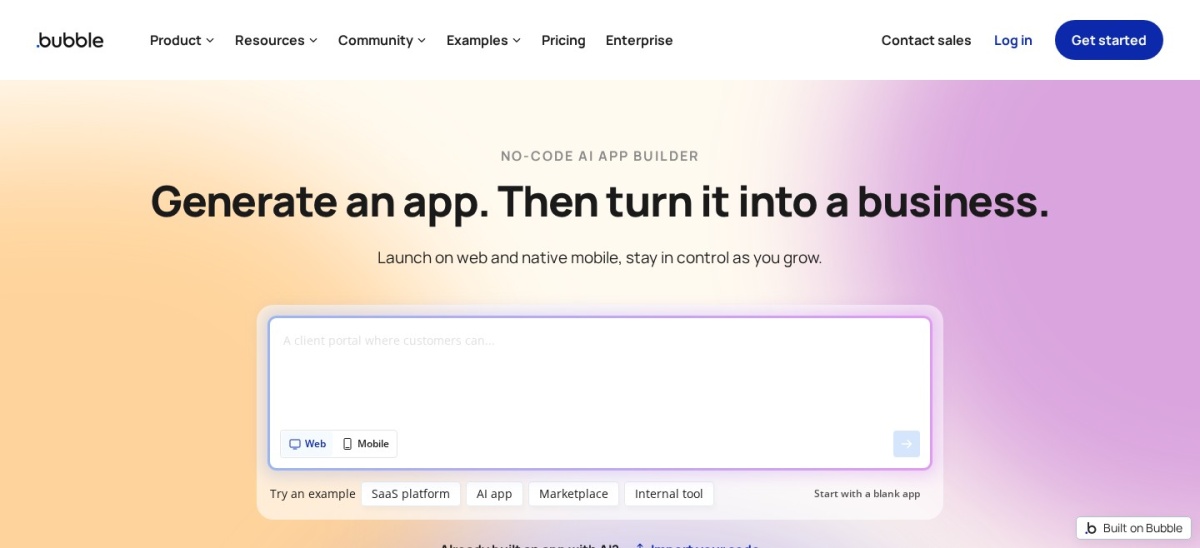
Bubble homepage, captured Nov 2026.
Bubble is a no-code platform for building full web apps with a visual editor, a built-in database, backend workflows and a plugin marketplace. Building is free, and it is rated 4.4 out of 5 from 166 G2 reviews.
The trade off is usage-based pricing. Starter costs $32 a month on annual billing for a web app, with a 175,000 workload-unit allowance, and heavy apps pay more. It suits founders and small teams shipping a product without hiring developers.
What we like
Most complete no-code builder for full web products
Free to build, pay only to launch
Large plugin marketplace and community
Native mobile apps on higher plans
Watch out for
Workload-unit billing is hard to predict
Steep learning curve for complex apps
You cannot export your source code
Growth adds more workload units and version controlVisit bubble.io
09
Caspio
4.5/5on G2 (169 reviews, checked Nov 2026)
Starts at$300/mo
Best for database apps with many users
Free planNo, 14-day trial only
Paid planTeam, $300/mo
App usersUnlimited on every plan
ComplianceHIPAA, SOC 2 Type II, GDPR
caspio.com
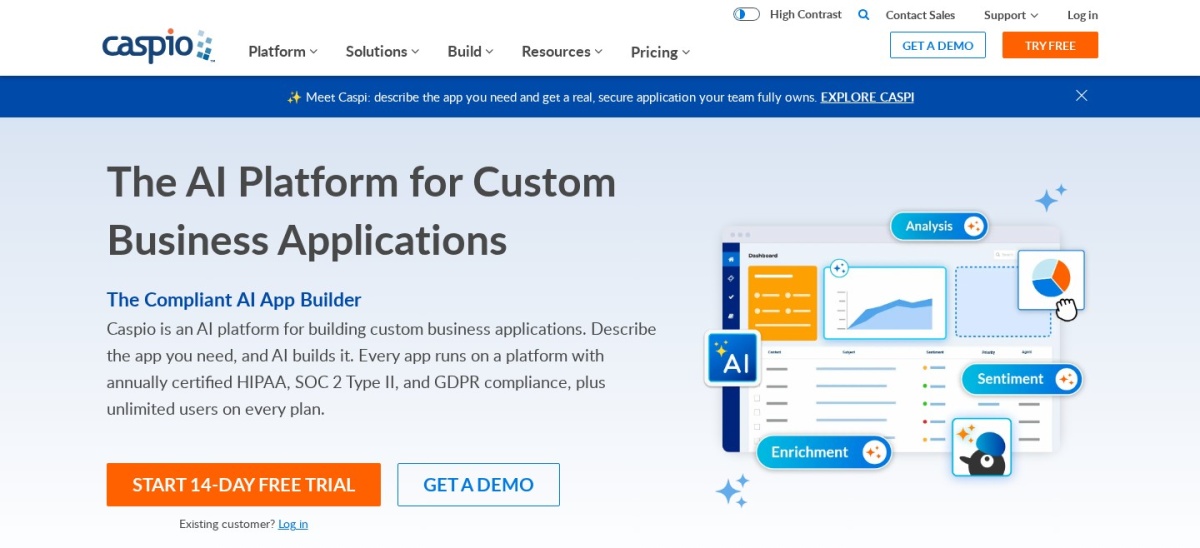
Caspio homepage, captured Nov 2026.
Caspio is a low-code platform for database apps with a visual builder, workflow automation, PDF generation and HIPAA, SOC 2 Type II and GDPR compliance. It charges a flat fee with unlimited app users, and it is rated 4.5 out of 5 from 169 G2 reviews.
The trade off is the entry price. Team costs $300 a month, and there is no free plan, only a 14-day trial. It suits healthcare, nonprofit and operations teams that need database apps for many users without per-seat fees.
What we like
Unlimited app users with no per-seat fees
Strong compliance: HIPAA, SOC 2 Type II, GDPR
Rated 4.5 out of 5 from 169 G2 reviews
10% discount on annual billing
Watch out for
Team starts at $300 a month
No free plan, only a 14-day trial
Add-ons for records, logs and storage cost extra
Business adds unlimited authors and premium featuresVisit caspio.com
Enterprise platforms vs small-team tools
Enterprise platforms such as OutSystems, Mendix and Appian are built for governed apps with many users, audit trails and deployment controls. They cost more, but they cover the full app life cycle from build to run.
Small-team tools such as AppSheet, Zoho Creator and Bubble trade governance for speed and price. They are the right pick when one team needs one app fast and the budget is small.
Retool and Caspio sit in between. Retool fits developer teams building internal tools, while Caspio fits operations teams that need database apps for many users without paying per seat.
How we chose
We started from the low-code and rapid application development tools with the most G2 reviews, then kept nine established platforms that publish prices and cover web and mobile apps.
Prices come from each vendor pricing page, checked on 26 November 2026. Ratings and review counts come from G2 on the same day. Where a vendor shows a sale or an annual-billing discount, the list shows the regular price.
We left out tools with no public price and no public rating. No vendor paid for a place, and we do not claim to have used these tools ourselves.
How to choose rapid application development software
Match the tool to the app you need to ship first, then check the price on that basis.
Count who will use the app. Per-user tools get costly fast with many users; flat-fee tools such as Caspio suit apps with many end users.
Check what the free plan allows. Some free plans cover prototypes only, while OutSystems and Mendix let small teams run real apps without paying.
List the data sources you need. Power Apps fits Microsoft 365 data, AppSheet fits Google Sheets, and Retool fits teams with SQL databases and APIs.
Test the build step before you buy. Build one real screen and one workflow in the free plan or trial, and check how the app handles your data before you commit.
FAQ
What is the best rapid application development software?
OutSystems is the best overall pick. It is rated 4.5 out of 5 from more than 1,800 G2 reviews, covers web and mobile apps with governance and AI agents, and has a free Personal Edition for up to 100 users.
What is the cheapest rapid application development software?
AppSheet is the cheapest paid start at $5 per user a month on the Starter plan, and prototypes are free for up to 10 test users. Zoho Creator follows at $8 per user a month on annual billing.
Is there free rapid application development software?
Yes. Seven of the nine tools in this list have a free plan, including OutSystems, Mendix, Power Apps, AppSheet, Retool, Zoho Creator and Bubble. Appian and Caspio offer a free trial instead.
What is the difference between low-code and rapid application development?
Rapid application development is the approach: build fast with prototypes, visual tools and short feedback loops. Low-code is the tooling that makes it possible, with drag-and-drop builders instead of hand-written code.
Can I build mobile apps with these tools?
Most of them build web and mobile apps. OutSystems, Mendix, Power Apps, AppSheet and Bubble all support native or mobile web apps, while Retool and Caspio focus more on web and internal tools.
Do I need to know how to code?
No for AppSheet, Zoho Creator and Bubble, which are built for non-developers. Retool, OutSystems and Mendix let you add code where needed, which helps for complex logic but is not required to start.
SaaS SEO and WordPress specialist with about 8 years of experience. Rakib compares WordPress plugins, themes, hosting and software using public pricing, documentation and user reviews. See how we rank.