R-Studio is the best RAID recovery software for IT teams: its $49.99 one-time license detects RAID 5 and 6 parameters, rebuilds arrays from member disks, and is rated 4.5 out of 5 on GetApp. Pick UFS Explorer RAID Recovery for NAS layouts from Synology and QNAP, or Disk Drill for a simple RAID 0 or RAID 5 scan.
How we make this list: we compare pricing pages, product documentation and public user reviews, then re-check every price before each update. No product paid for a place. Disclosure.
R-Studio detects RAID 5 and 6 parameters automatically and starts at $49.99 as a one-time license.
UFS Explorer RAID Recovery reads NAS layouts from more than 50 vendors and costs $149.95 once.
Disk Drill is the easiest tool here, at $89 a year, but it suits simple RAID 0 and RAID 5 cases.
Stellar's RAID features sit in the Technician edition at $199 a year, not the $59.99 Standard edition.
DMDE is the cheapest paid option at $20 a year, and its free version recovers up to 4,000 files per folder.
Every tool here lets you scan and preview before paying, so run the free scan first.
What RAID recovery software has to do
A failed RAID array is not a deleted file. The controller, the NAS box or the operating system can no longer present the disks as one volume, so the software must first work out how the array was laid out, then read the files from the rebuilt volume.
The hard part is the layout: disk order, stripe size, start offset and parity rotation. The best tools detect those values automatically; the rest ask you to enter them by hand or use a free helper such as ReclaiMe's RAID Recovery utility.
Never write to the failed array while you decide. Image each member disk first and recover to a separate healthy disk, as our 3-2-1 backup rule guide explains for any storage that holds data you cannot lose.
Price structures split two ways here. Specialist tools sell one-time licenses from $20 to $199.95, while Disk Drill, Stellar, EaseUS and Recoverit charge yearly, so a tool you use once can cost more than a perpetual license.
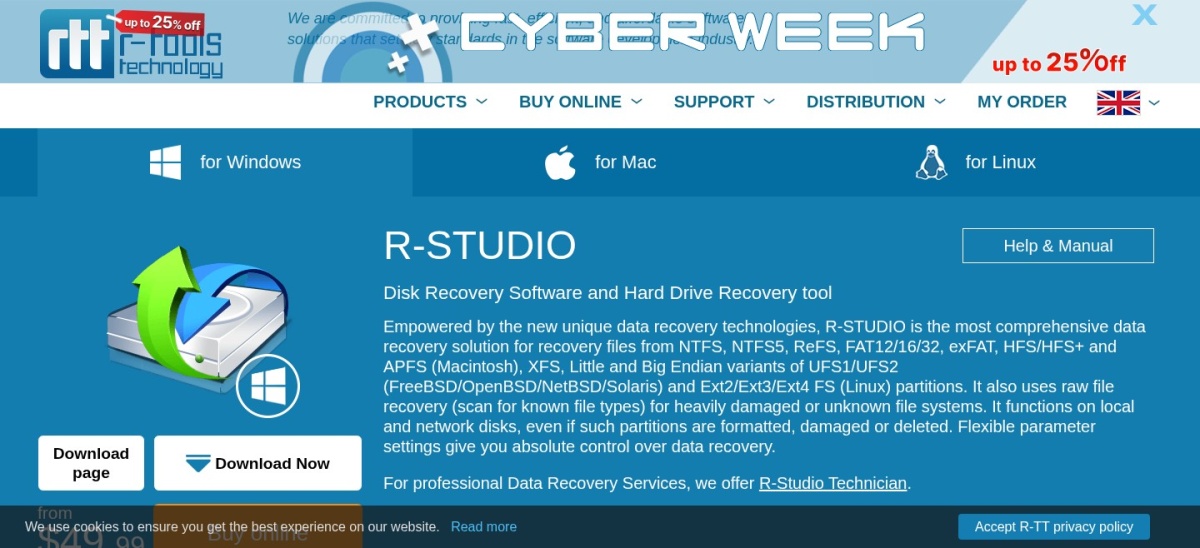
R-Studio is a professional data recovery suite from R-Tools Technology, sold since 2000 for Windows, macOS and Linux. It rebuilds failed arrays as virtual RAIDs from their member disks, detects RAID 5 and 6 parameters automatically, and reads Windows, Mac, Linux and Unix file systems.
The trade off is the interface, which is dense and assumes you know terms such as stripe size and parity rotation. The cheapest FAT license costs $49.99 once but covers FAT volumes only, so most Windows users need the $59.99 NTFS or $79.99 full license. It suits IT staff who handle damaged or unusual arrays.
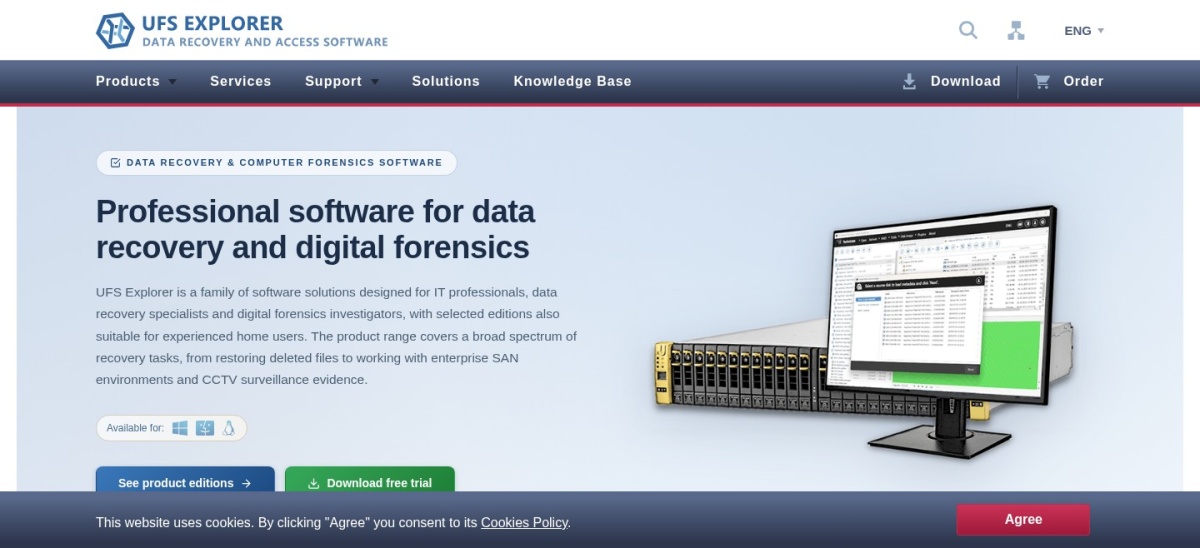
UFS Explorer RAID Recovery homepage, captured Nov 2026.
UFS Explorer RAID Recovery is the RAID edition of SysDev Laboratories' UFS Explorer family, built for IT professionals and recovery specialists. It detects array layouts from Synology, QNAP, Drobo, Buffalo and more than 50 other NAS vendors automatically, and adds a manual RAID Builder when metadata is damaged.
The trade off is price and licensing. The personal license costs $149.95 once but covers one operating system only, so a Windows key does not cover a Linux recovery box. It suits IT generalists who handle one or two NAS recoveries a year and need manual controls as a fallback.
4.4/5on Trustpilot (495 reviews, checked Nov 2026)
Paid from$89/yr
Best RAID recovery for beginners
RAID supportWindows and Linux arrays
Free recovery100 MB on Windows
PlatformsWindows, Mac
License1 user, 3 devices
cleverfiles.com
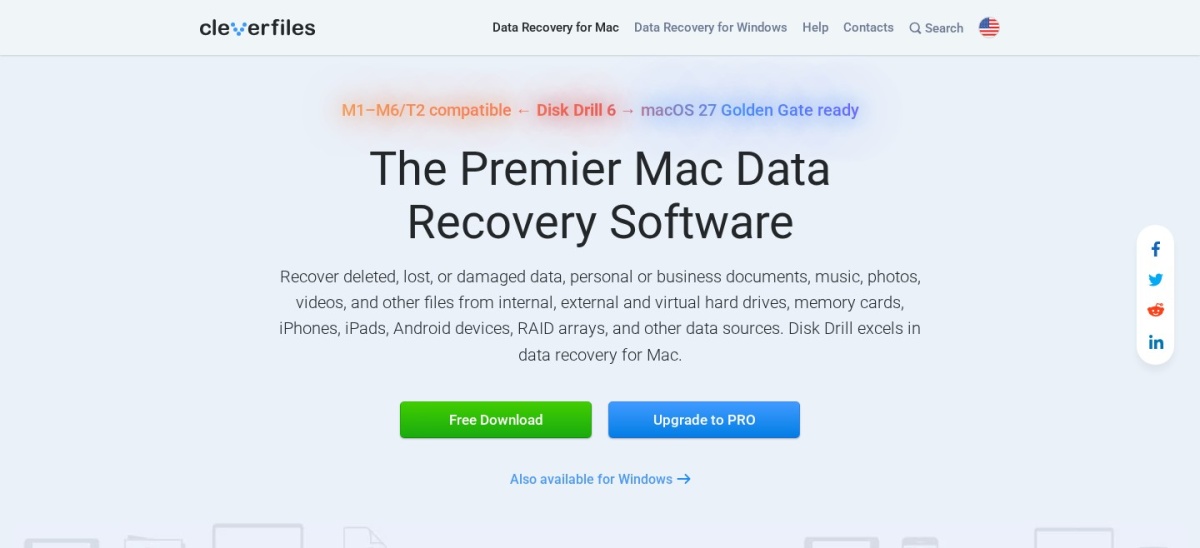
Disk Drill homepage, captured Nov 2026.
Disk Drill is a data recovery app from CleverFiles for Windows and Mac, and the easiest tool in this list to use. It reads Windows and Linux RAID arrays and disk images, assembles simple arrays, and scans with a device list and a scan button instead of parameter grids.
The trade off is depth. Disk Drill handles standard RAID 0 and RAID 5 cases well but lacks the manual reconstruction controls of R-Studio or UFS Explorer, so damaged or unusual layouts need a specialist tool. The regular price is $89 a year, with a $69 sale running on 26 November 2026. It suits small businesses with a simple failed array.
4.8/5on Trustpilot (5,615 reviews, checked Nov 2026)
Paid from$199/yr
Best guided RAID recovery for non-specialists
RAID levels0, 5, 6, SHR, nested
Free recoveryUp to 1 GB
PlatformsWindows, Mac
License1 year, 1 PC
stellarinfo.com
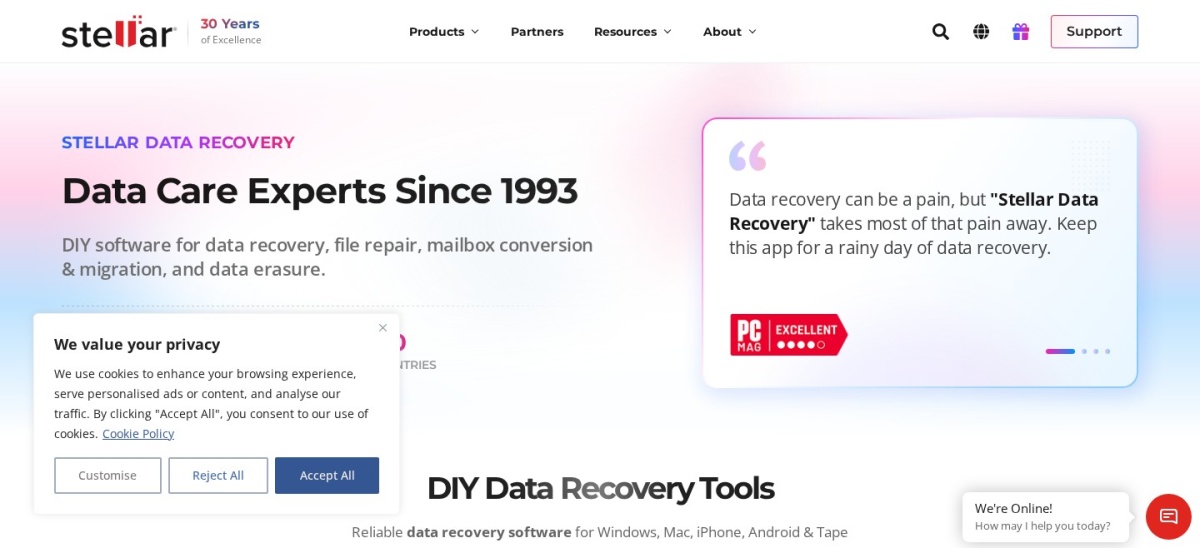
Stellar Data Recovery Technician homepage, captured Nov 2026.
Stellar Data Recovery Technician is a long-established recovery brand from Stellar Information Technology, in business since 1993. Its Technician edition rebuilds RAID 0, 5 and 6 arrays, including Synology Hybrid RAID and nested levels, through a guided workflow that lets you say you do not know the array parameters.
The trade off is the edition split and the price. RAID recovery lives only in Technician, which costs $199 a year on Stellar's RAID buy page against a $499 list price, while the general Windows page showed Technician at $99.99 the same week. It suits non-technical users who want a guided tool and support.
What we like
Guided workflow with no parameter knowledge needed
Free edition recovers up to 1 GB
Rated 4.8 out of 5 on Trustpilot from 5,615 reviews
Watch out for
RAID needs the Technician edition, not Standard
Two Stellar pages show different Technician prices
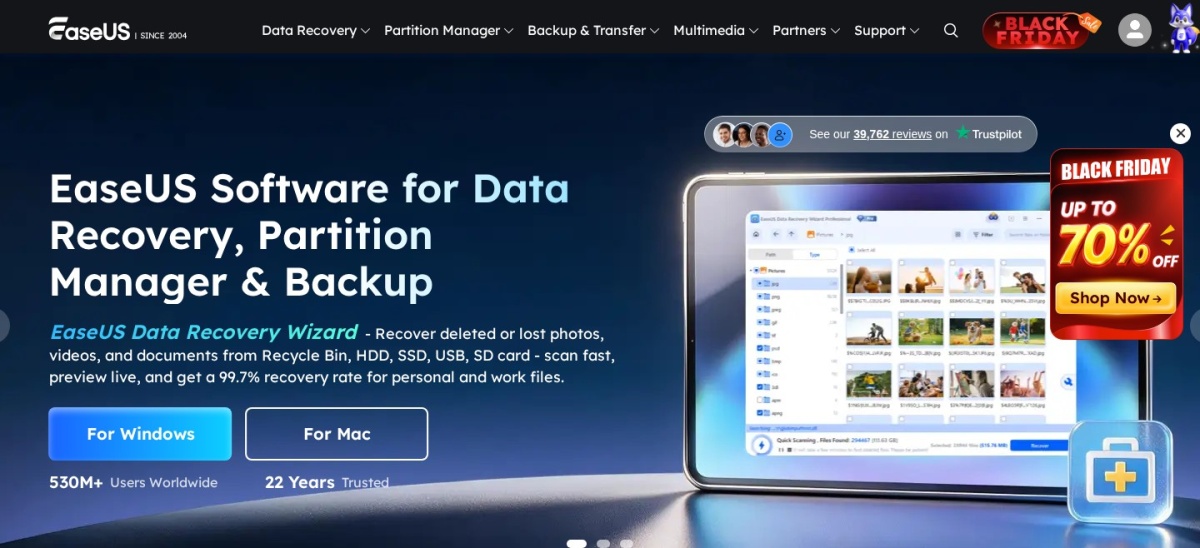
EaseUS Data Recovery Wizard homepage, captured Nov 2026.
EaseUS Data Recovery Wizard is a recovery tool from EaseUS, in business since 2004, and the simplest scan-and-preview flow in this list. You pick a drive, click scan, preview what it finds, and recover, with a free version that restores up to 2 GB.
The trade off is RAID depth. It covers basic NAS systems and mirrored or striped arrays such as RAID 0 and 1, but not deeply damaged RAID 5 or 6 arrays, and there is no RAID rebuild module. Pro costs $99.95 a year for one computer. It suits beginners with a lost volume on a home NAS.
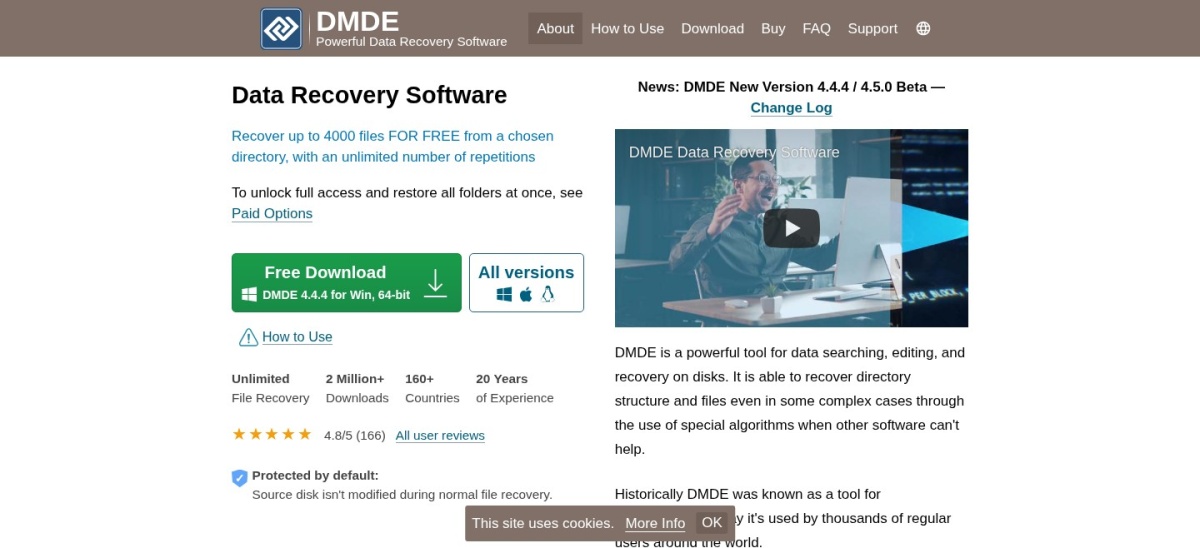
DMDE is a disk editor and data recovery tool from an independent developer, in continuous development since 2006. Its RAID constructor builds virtual RAID 0, 1, 4, 5 and 6 arrays with automatic configuration detection, plus disk imaging, cloning and partition tools.
The trade off is usability. DMDE looks and feels like an engineering tool, and its manual RAID assembly expects you to know the disk order, stripe size and parity pattern. Express costs $20 a year and Standard costs $48 once. It suits technical users who want professional power at the lowest price.
What we like
Free version recovers 4,000 files per folder
Perpetual Standard license for $48
RAID constructor, disk editor and cloning included
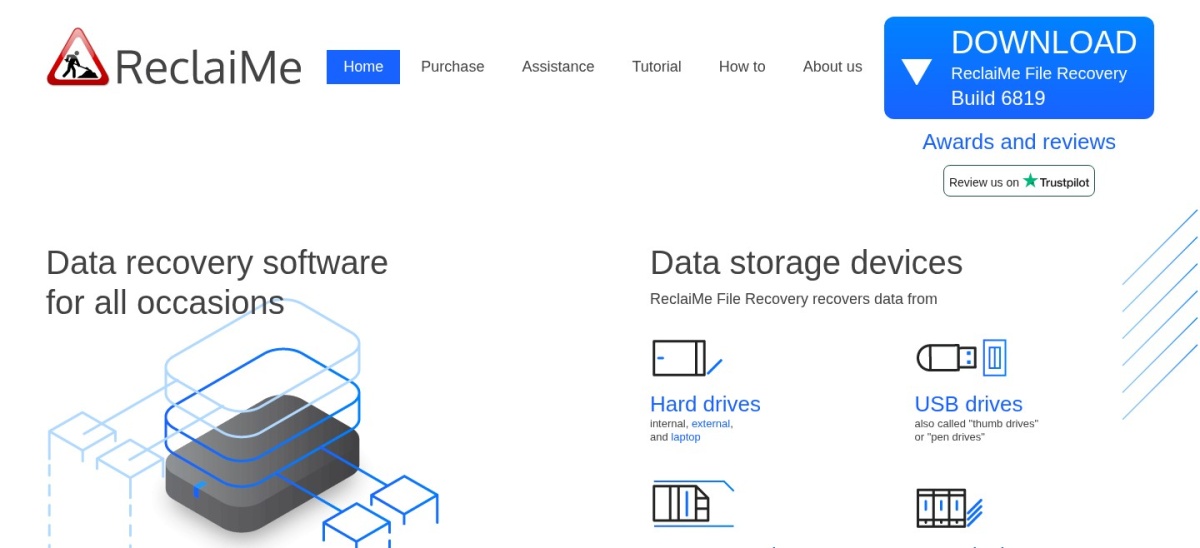
ReclaiMe File Recovery homepage, captured Nov 2026.
ReclaiMe File Recovery is a Windows recovery app built around previewing everything before you pay. The demo scans your storage and shows the files it can recover, and its free RAID Recovery utility finds array parameters such as disk order, block size and parity rotation at no cost.
The trade off is the two-step workflow and the edition split. The free utility finds the layout but cannot save files, and NAS or Linux arrays need the top license at $189.95 once, against $89.95 for the Windows-only Standard license. It suits small businesses that want the least technical path to their files.
Hetman RAID Recovery is a Windows tool from Hetman Software for recovering data from failed RAID arrays, NAS devices and servers. It reads array metadata from the member disks to detect the RAID level, disk order, stripe size and parity layout automatically, with a manual RAID Constructor as a fallback.
The trade off is price and platform. The Home license on the current price list costs $197.95, up from the $77.95 shown on older pages, and the tool runs on Windows only. It suits Windows admins recovering a NAS or server array who want automatic detection with manual controls.
4.7/5on Trustpilot (6,886 reviews, checked Nov 2026)
Paid from$86.99/yr
Best beginner pick for NAS volume recovery
RAID supportNAS volumes, no rebuild
Free recovery100 MB
PlatformsWindows, Mac
License1 year, 2 PCs
recoverit.wondershare.com
Wondershare Recoverit homepage, captured Nov 2026.
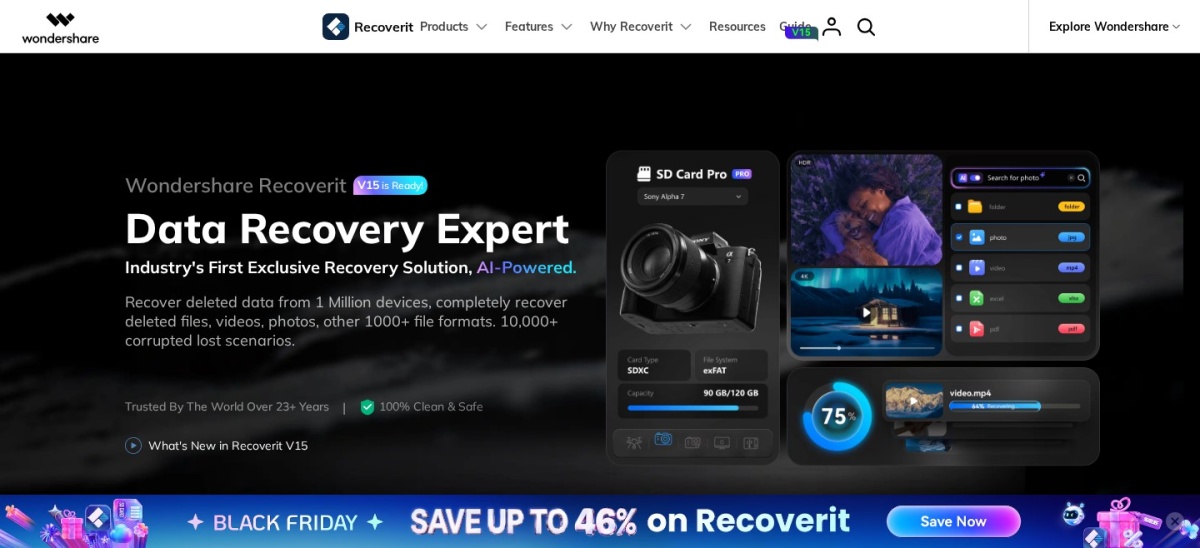
Wondershare Recoverit is a data recovery app from Wondershare for Windows and Mac, and the most beginner-friendly tool in this list. It recovers files from hard drives, memory cards and NAS volumes through a guided scan, with photo and video repair built in.
The trade off is RAID depth. Recoverit has no RAID rebuild or manual array builder, so it suits a readable NAS volume or a simple lost volume rather than a failed array. The annual plan lists at $86.99 a year, and the store showed $46.99 on 13 November 2026. It suits beginners who lost files on a NAS volume.
Free versions and trials in this list scan and preview, and most let you save small files: DMDE recovers up to 4,000 files from one folder per request, Stellar saves up to 1 GB, and EaseUS saves up to 2 GB.
R-Studio's demo only saves files under 1 MB, and UFS Explorer's trial saves files up to 768 KB, so both are checks that your data is visible rather than real recoveries.
ReclaiMe's free RAID Recovery utility is the exception that matters: it finds the array parameters for free, and you only pay when you save files with ReclaiMe File Recovery.
Paying does not guarantee recovery. If the scan cannot see your files, or the member disks have mechanical faults, no license will fix that, and a recovery lab is the next step.
How we chose
We started from the RAID recovery tools that recovery technicians and NAS owners mention most often, then kept the nine that are still sold, support RAID 0, 1, 5 or 6, and publish current prices.
Prices come from each vendor's pricing page, checked on 26 November 2026. Ratings and review counts come from GetApp, Trustpilot, G2, SourceForge and Techjockey on the same day. Where a vendor shows a sale, the list shows the regular price.
We left out tools with no public rating and tools that had been shut down. No vendor paid for a place, and we do not claim to have used these tools ourselves.
How to choose RAID recovery software
Start by imaging the member disks, then match the tool to the failure, not to the price.
Image every member disk first. Copy each disk sector by sector before any rebuild, and recover to a separate healthy disk. A rebuild that writes to the original disks can destroy the metadata another tool needs.
Match the tool to the RAID level. Simple RAID 0 or RAID 1 cases suit Disk Drill or EaseUS. RAID 5, RAID 6 and nested levels need R-Studio, UFS Explorer or DMDE, which rebuild the array themselves.
Check the free scan before paying. Run the scan or trial first and preview the files it finds. If the tool cannot see the array or the file names look wrong, paying will not fix it.
Read the edition limits. Several tools split RAID features across editions: Stellar needs Technician, ReclaiMe needs the top license for NAS file systems, and R-Studio's cheapest license covers FAT volumes only.
FAQ
Can RAID recovery software rebuild a RAID 5 with two failed drives?
Usually not with software alone. RAID 5 survives one failed disk, so two failures leave the parity incomplete and most files unrecoverable. RAID 6 can survive two failures if the remaining disks are readable. If imaging the surviving disks fails, send them to a lab.
Should I rebuild the array in the controller first?
No. Rebuilding or reinitializing in the controller can overwrite the metadata that recovery software needs to reconstruct the array. Image the member disks one by one first, then rebuild a virtual array from the images or the original disks.
Do I need to know my RAID parameters?
Not always. R-Studio and UFS Explorer detect disk order, stripe size and parity rotation automatically for common layouts. When detection fails, DMDE and Hetman let you enter the values by hand, and ReclaiMe's free utility can find them for you.
Will recovery software work on a NAS device?
Often yes, but not by running on the NAS itself. Remove the NAS drives, connect them to a Windows or Linux PC, and run the recovery tool there. Stellar's Toolkit and UFS Explorer Network RAID add NAS-specific modes for Synology, QNAP and Asustor boxes.
How long does RAID recovery take?
Plan for a full day or more on a multi-terabyte array. Imaging each member disk takes hours, the scan takes hours more, and copying the recovered files to a new disk adds further time. Do not rush the imaging step, because it protects the only copy of your data.
Is it safe to keep using the failed array while I decide?
No. Every write to a degraded array risks overwriting data that recovery tools could still read. Power the array down, do not run repairs or rebuilds, and decide on the recovery plan before you power it up again.
SaaS SEO and WordPress specialist with about 8 years of experience. Rakib compares WordPress plugins, themes, hosting and software using public pricing, documentation and user reviews. See how we rank.