Studycast is the best radiology software for most teams, rated 4.9 out of 5 from 71 G2 reviews for its cloud PACS and ultrasound reporting workflow. Pick ProtonPACS for orthopedic and specialty practices at $2 per study, and Medicai for a cloud PACS with published pricing from $249 a month.
How we make this list: we compare pricing pages, product documentation and public user reviews, then re-check every price before each update. No product paid for a place. Disclosure.
Studycast leads on evidence: 4.9 out of 5 from 71 G2 reviews, the largest review base in this list.
ProtonPACS charges $2 per study with a $6,000 yearly minimum, so cost scales with exam volume instead of seats.
Medicai is the clearest on price: Starter is $249 a month for 500 GB of storage with unlimited users.
NovaPACS has the most Capterra reviews here at 53, but no published price, so budgeting needs a quote.
Most enterprise radiology software is quote-only. Only TeleRay, Medicai, ProtonPACS, UltraLinq and Q/ris 3000 publish a starting price.
What radiology software actually covers
Radiology software usually means three things working together: a PACS to store and view images, a RIS to run scheduling, reporting and billing, and a viewer for referring physicians. Some tools cover all three, while others, such as Q/ris 3000, handle the RIS workflow and sit beside a separate PACS.
The big enterprise names dominate satisfaction surveys. Sectra has been named Best in KLAS for large PACS for 13 straight years, yet it publishes no price and has no public G2 or Capterra rating, so it cannot be scored on the same basis as the tools below.
Cloud PACS is where pricing is transparent. Medicai, TeleRay and ProtonPACS publish starting prices, while the enterprise vendors quote per site, per study volume or per module. Patient images are sensitive data, so check access controls and audit trails before price, and our guide on adding two-factor authentication to WordPress shows the same login discipline that applies to any system holding patient data.
Review counts in this niche are small. Even the best-reviewed tools here have fewer than 75 public reviews, so treat a 5.0 from 2 reviews very differently from a 4.9 from 71.
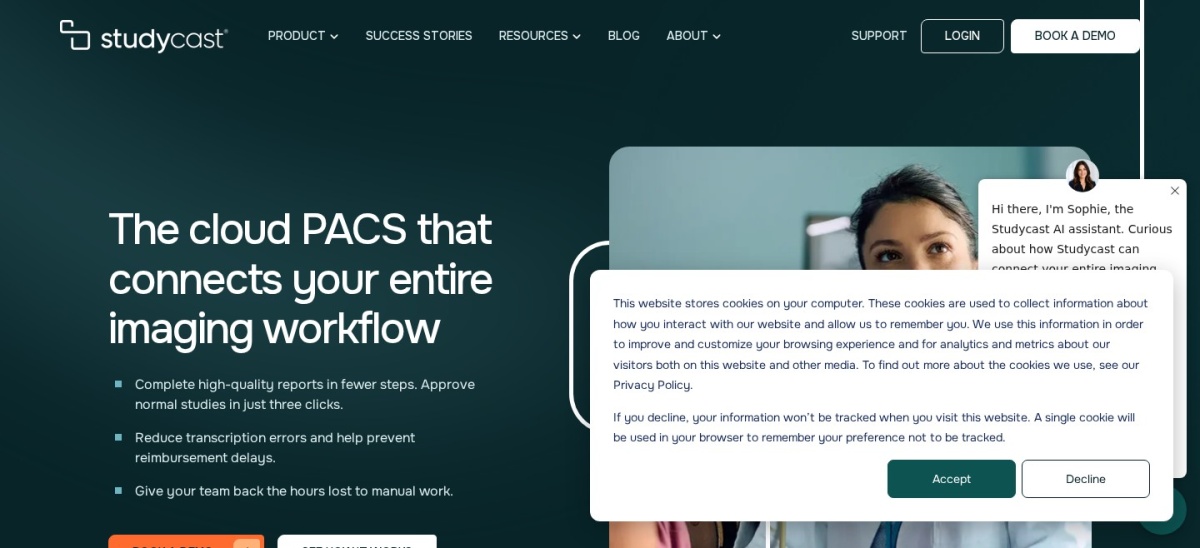
Studycast is a cloud-based PACS and imaging workflow platform from Core Sound Imaging, built around storing, viewing and reporting imaging studies from any web browser. Reviewers use it mainly for echocardiogram worksheets and ultrasound reporting, and G2 lists it as the best-rated alternative to Sectra PACS, at 4.9 out of 5 from 71 reviews.
The trade off is pricing. Studycast publishes no prices and G2 lists no pricing for it, so you need a sales quote before you can budget. It suits ultrasound and echo practices, and multi-site groups that want one cloud workflow for studies, worksheets and reports.
What we like
Highest review count in this list, with 71 G2 reviews
Rated 4.9 out of 5, the joint-highest score here
Cloud access from any browser, with no local server
Structured worksheets speed up echo reporting
Watch out for
No published price, so budgeting needs a quote
Built around ultrasound, so general radiology fit needs checking
Some reviewers note reporting could be more flexible
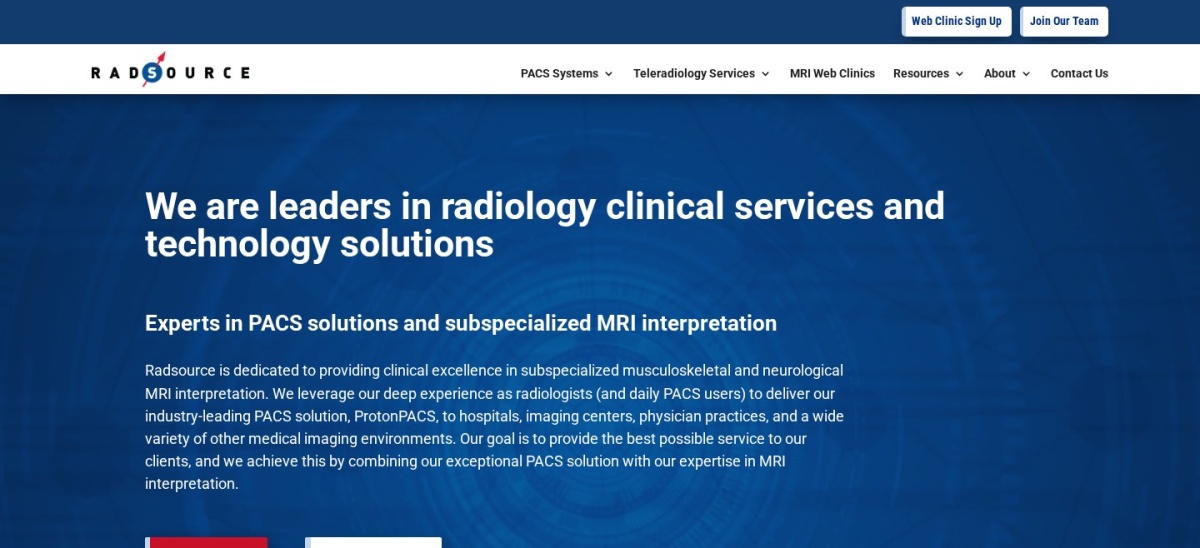
ProtonPACS is a PACS from Radsource built for orthopedic and specialty practices, combining image access, storage and distribution with reporting and HL7 integration to other systems. It runs on a hybrid model with on-premises hardware and cloud hosting, and its diagnostic viewer is Intelerad InteleViewer.
The trade off is the per-study model. Pricing starts at $2 per study with a minimum spend of $6,000 a year, plus an implementation fee from $5,000, so low-volume sites pay the minimum either way. It suits orthopedic groups and imaging centers that prefer operational spending over a capital purchase.
What we like
Rated 4.9 out of 5 from 18 Capterra reviews
Per-study pricing avoids a large capital purchase
HL7 integration included in the platform
Reviewers praise fast turnaround and strong support
Watch out for
$6,000 yearly minimum and $5,000 implementation fee
Per-study costs grow with volume, so model busy months
Aimed at specialty practices, not large hospitals
Starts at $2 per study; $6,000 yearly minimum plus implementationVisit radsource.us
03
Medicai
4.9/5on Capterra (14 reviews, checked Nov 2026)
Starts at$249/mo
Best cloud PACS with published pricing
Free planNo, 14-day trial
Cheapest paidStarter, $249/mo
Starter storage500 GB
User accountsUnlimited
medicai.io
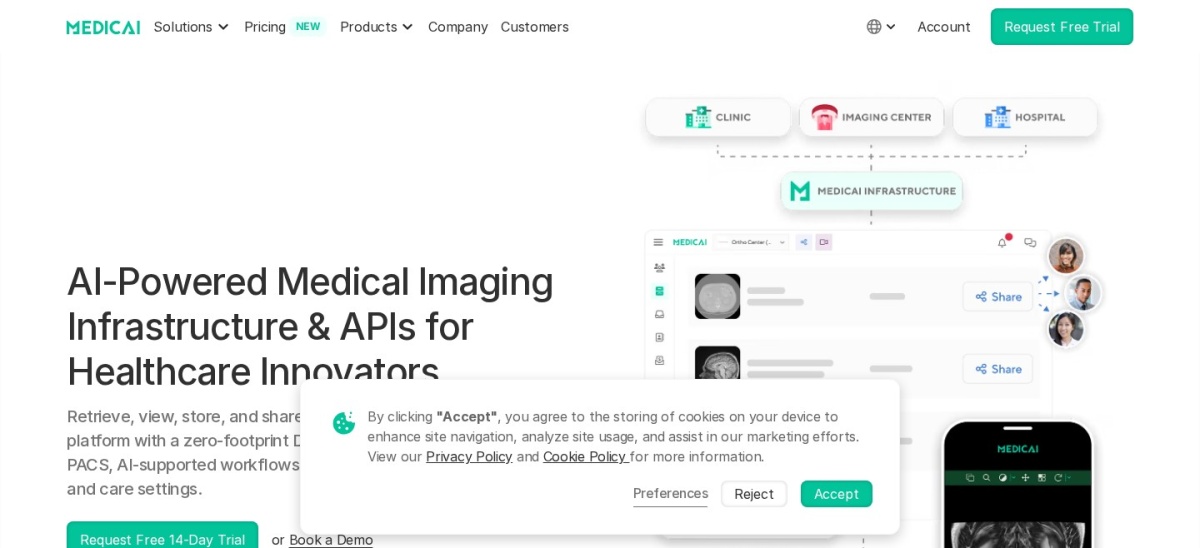
Medicai homepage, captured Nov 2026.
Medicai is a cloud-native PACS on Microsoft Azure that stores, views, shares and manages DICOM studies across multiple locations, with a zero-footprint viewer, structured reporting and AI-assisted reporting. The Starter plan is $249 a month for 500 GB of cloud storage with unlimited user accounts, and yearly billing drops it to $209 a month.
The trade off is connectivity. Starter includes no connected locations, so linking a site through the DICOM Gateway costs $1,000 one-time per location, and Capterra still lists an older $149 a month starting price. It suits small and mid-size practices that want a modern cloud PACS with a price they can budget.
What we like
Rated 4.9 out of 5 from 14 Capterra reviews
Published pricing, rare in this category
Unlimited user accounts on every plan
14-day free trial with no credit card
Watch out for
Starter has no connected locations
DICOM Gateway setup is $1,000 per location
Capterra still shows a stale $149 a month price
Standard is $749 a month for 2 TB and one connected locationVisit medicai.io
04
NovaPACS
4.3/5on Capterra (53 reviews, checked Nov 2026)
PricingCustom/yr
Best for mid-size hospitals and imaging centers
Free planNo, free trial
Cheapest paidQuote only
Reviews53 on Capterra
FitImaging centers and hospitals
novarad.net
NovaPACS homepage, captured Nov 2026.
NovaPACS is Novarad's PACS, designed for fast reading across a broad range of applications, and it pairs with Nova RIS for scheduling and reporting. Capterra lists 53 reviews, more than any other tool in this list, and Novarad pitches it at imaging centers, clinics and hospital radiology departments of any size.
The trade off is price and polish. NovaPACS publishes no price, so every deal is a quote, and reviewers report trouble getting hanging protocols set the way radiologists want them. It suits mid-size hospitals and imaging centers that want an established PACS with strong support.
What we like
Most Capterra reviews in this list, at 53
Pairs with Nova RIS for a full workflow
Reviewers praise responsive customer support
Covers imaging centers through hospital departments
Watch out for
No published price, so budgeting needs a quote
Hanging-protocol setup frustrates some radiologists
Lowest rating in this list at 4.3 out of 5
Paid plans are quote-only; Nova RIS is licensed separatelyVisit novarad.net
05
UltraLinq
4.5/5on Capterra (13 reviews, checked Nov 2026)
Starts at$3,999/once
Best cloud PACS for cardiology practices
Free planNo, free trial
Cheapest paid$3,999 one-time
FocusCardiology and vascular
Reviews13 on Capterra
ultralinq.com
UltraLinq homepage, captured Nov 2026.
UltraLinq is a cloud PACS for physicians and practices to upload, interpret, store and share medical imaging, with structured reporting built for cardiology and vascular care. Capterra lists a starting price of $3,999 on a usage-based, one-time basis, and the vendor states there are no hidden fees or minimum volumes.
The trade off is the pricing model. A one-time starting price is unusual for a cloud PACS, so confirm in writing what ongoing storage and support cost after year one. It suits cardiology and vascular practices, and imaging schools that use it for teaching.
$3,999 is a one-time starting price; confirm yearly costs in writingVisit ultralinq.com
06
TeleRay
5/5on Capterra (2 reviews, checked Nov 2026)
Starts at$80/mo
Best budget pick for small practices
Free planNo, free trial
Cheapest paid$80/mo
Also includesTelehealth consults
ViewerFDA-approved
teleray.com
TeleRay homepage, captured Nov 2026.
TeleRay is a web-based imaging and virtual care platform that combines image sharing with telehealth, so physicians can consult with images on screen from one login. It offers an FDA-approved viewer, real-time ultrasound transmission and unlimited image storage, starting at $80 a month with a free trial.
The trade off is evidence. Its 5.0 Capterra rating rests on only 2 reviews, both from early 2021, and reviewers note scheduling could be better. It suits small practices that want imaging and telehealth together at the lowest starting price in this list.
What we like
Lowest starting price in this list at $80 a month
Imaging and telehealth in one login
FDA-approved viewer
No contract, per the vendor
Watch out for
Rating rests on only 2 reviews from 2021
Scheduling is the weak spot, per reviewers
Telehealth focus may be more than a PACS buyer needs
Paid plans start at $80 a month; confirm storage limits in writingVisit teleray.com
07
Q/ris 3000 Workflow
4.8/5on Capterra (6 reviews, checked Nov 2026)
Starts at$10,000/once
Best RIS workflow to pair with a PACS
Free planNo, free trial
Cheapest paid$10,000 one-time
ModulesBuy only what you need
Works withAny EMR, PACS or HIS
medq.com
Q/ris 3000 Workflow homepage, captured Nov 2026.
Q/ris 3000 Workflow is a RIS from medQ that runs the full radiology workflow: exam ordering, scheduling and registration, dictation, peer review, billing, analytics and teleradiology. It works with any EMR, PACS or HIS, and sites buy only the modules they need.
The trade off is scope. This is a workflow system, not a PACS, so it needs an image archive beside it, and the $10,000 starting price is per feature on a one-time basis. It suits radiology groups that already have a PACS and need scheduling-to-billing workflow fixed.
What we like
Rated 4.8 out of 5 from 6 Capterra reviews
Covers ordering through billing in one system
Modular pricing, so unused modules cost nothing
Reviewers praise flexible scheduling views
Watch out for
Not a PACS, so it needs an archive beside it
$10,000 one-time starting price is per feature
Only 6 public reviews to judge it by
$10,000 is a one-time starting price; modules are priced separatelyVisit medq.com
08
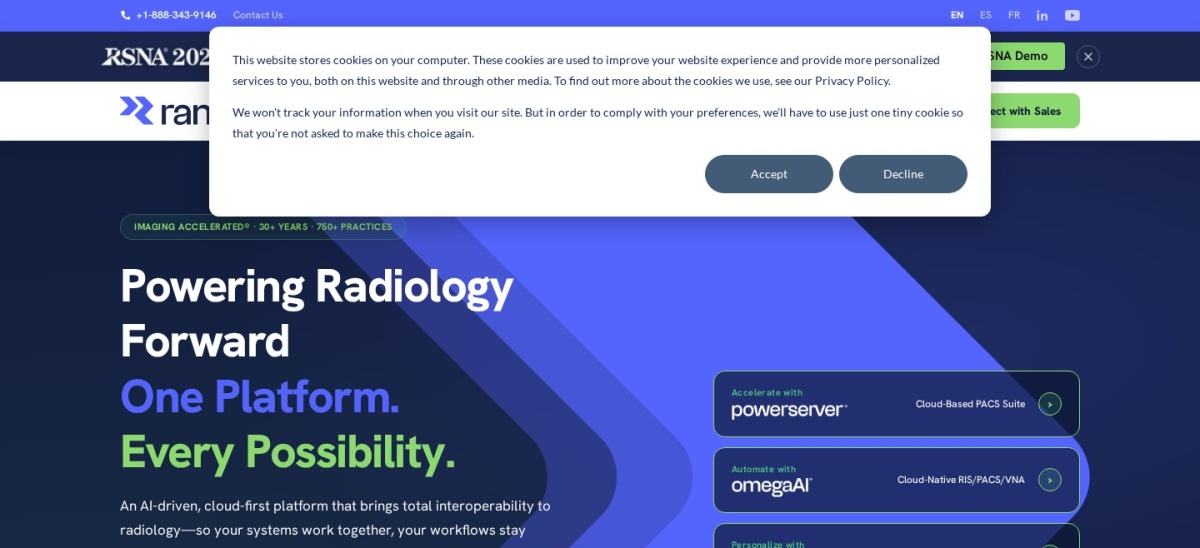
PowerServer PACS
4/5on Capterra (1 reviews, checked Nov 2026)
PricingCustom/yr
Best scalable RIS/PACS on one database
Free planNo, free trial
Cheapest paidQuote only
DatabaseSingle, web-based
LicensesUnlimited users and facilities
ramsoft.com
PowerServer PACS homepage, captured Nov 2026.
PowerServer PACS is RamSoft's RIS/PACS on a single web-based database, built to scale from small imaging centers to hospitals and teleradiology providers. It offers a zero-footprint viewer, unlimited licenses for users, facilities and modalities, and 24/7 support.
The trade off is evidence and price. It has only 1 Capterra review, from 2018, and RamSoft publishes no price, so both the rating and the budget need a direct conversation with the vendor. It suits imaging centers and teleradiology groups that want one database for RIS and PACS.
What we like
Single database for RIS and PACS
Unlimited users, facilities and modalities
24/7 live support
Cloud or hybrid deployment
Watch out for
Only 1 Capterra review, from 2018
No published price, so budgeting needs a quote
That review reports heavy local cache writes
Paid plans are quote-only; ask for a written yearly estimateVisit ramsoft.com
Cloud PACS vs on-premises PACS: which fits your site
Cloud PACS moves storage and viewing off your server room. Medicai, TeleRay and UltraLinq run in the cloud, which suits small practices with no PACS administrator and multi-site groups that share studies.
On-premises PACS keeps images on hardware you control, which suits large hospitals with strict data rules and high study volumes. ProtonPACS uses a hybrid model, with on-premises hardware plus cloud hosting.
The cost shapes differ. Cloud tools charge monthly or per study, while on-premises tools usually mean a capital purchase plus yearly maintenance. Ask every vendor what migration of old studies costs, since that line is often quoted separately.
Whichever model you pick, confirm the viewer works in a browser with no install, and that referring physicians can see studies without a separate login.
How we chose
We started from the PACS and RIS products with public ratings on G2 or Capterra, then kept the established tools buyers most often compare: cloud PACS, specialty PACS and RIS workflow systems.
Ratings and review counts come from G2 and Capterra, checked on 26 November 2026. Prices come from each vendor's own pricing page or vendor-confirmed listings where one exists; where a vendor publishes no price, the list shows Custom. Medicai's official Starter price is $249 a month, while Capterra still lists an older $149 a month.
We left out the big enterprise vendors with no public G2 or Capterra rating, including Sectra, Intelerad, Agfa, Fujifilm and GE HealthCare, and tools with no reviews at all, such as PACScribe and PostDICOM. No vendor paid for a place, and we do not claim to have used these tools ourselves.
How to choose radiology software
Start with your study volume and your team, then match the deployment model to them.
Count your studies and sites first. Per-study pricing suits variable volume, while a flat monthly plan suits steady volume. Multi-site groups need shared worklists and image exchange, not just storage.
Decide cloud or on-premises. Cloud PACS suits small practices with no server room. Large hospitals with strict data rules usually keep images on premises or pick a hybrid model.
Check the viewer and the RIS separately. A fast diagnostic viewer matters to radiologists, while scheduling, dictation and billing matter to the front desk. Some tools cover both, and some need a partner product.
Get migration and support in writing. Ask what moving old studies costs, what the yearly support covers, and what happens to your data if you leave. Quote-only vendors should give a written yearly estimate before you sign.
FAQ
What is the best radiology software?
Studycast is the best pick in this list, rated 4.9 out of 5 from 71 G2 reviews for its cloud PACS and ultrasound reporting workflow. ProtonPACS suits specialty practices at $2 per study, and Medicai suits small practices that want published pricing from $249 a month.
How much does radiology software cost?
Published starting prices here run from $80 a month for TeleRay to $249 a month for Medicai, with ProtonPACS at $2 per study and a $6,000 yearly minimum. UltraLinq starts at $3,999 one-time and Q/ris 3000 at $10,000 one-time, while Studycast, NovaPACS and PowerServer are quote-only.
What is the difference between PACS and RIS?
A PACS stores and displays medical images, while a RIS runs the workflow around them: scheduling, registration, dictation, reporting and billing. Many vendors sell them together, but Q/ris 3000 is a RIS only and needs a PACS beside it.
Why is Sectra not in this list?
Sectra leads satisfaction surveys, with Best in KLAS for large PACS for 13 straight years, but it publishes no price and has no public G2 or Capterra rating. This list scores every tool on the same public ratings and prices, so Sectra could not be ranked on that basis.
Is there free radiology software?
None of the tools in this list offers a free plan. Medicai, NovaPACS, UltraLinq, TeleRay, Q/ris 3000 and PowerServer offer free trials, and open-source viewers exist for viewing only, without the storage, reporting and support a practice needs.
Which radiology software is best for a small clinic?
TeleRay is the cheapest starting point at $80 a month and adds telehealth, while Medicai Starter at $249 a month gives 500 GB of cloud storage with unlimited users. Both are cloud-based, so a small clinic needs no server room or PACS administrator.
SaaS SEO and WordPress specialist with about 8 years of experience. Rakib compares WordPress plugins, themes, hosting and software using public pricing, documentation and user reviews. See how we rank.