PandaDoc is the best quoting software for most teams, with quotes, proposals, e-signatures and payments from $19 per user a month and a 4.7 out of 5 G2 rating from 3,868 reviews. Pick Proposify for interactive pricing tables, or Quotient for simple flat-rate quotes.
How we make this list: we compare pricing pages, product documentation and public user reviews, then re-check every price before each update. No product paid for a place. Disclosure.
PandaDoc leads the list at 4.7 out of 5 on G2 from 3,868 reviews, with quotes, proposals and e-signatures from $19 per user a month.
Proposify now starts at $39 per user a month on its live pricing page, not the $19 still shown on G2.
Qwilr turns quotes into interactive web pages, but Salesforce needs the $75 Scale plan.
Quotient and Nusii charge flat monthly prices of $28 and $29, with no per-user maths.
Better Proposals is the cheapest paid plan here at $13 per user a month billed annually.
QuoteWerks is the only pick built for catalog quoting, priced per concurrent user at $50 a month.
What quoting software should cover
A quote is often the first document a buyer judges you by. A clear price, a simple accept button and a signature box can shorten the gap between interest and payment.
Most quoting tools in this list do three jobs: build the document, track when the buyer opens it, and collect a signature. The differences sit in pricing depth, design polish and CRM links.
Per-user pricing suits teams that grow seat by seat. Flat monthly pricing suits solo sellers, since the bill stays the same as work grows. Our guide on how to quote in WordPress covers the basics for WordPress sites.
Watch the plan limits before you buy. Some cheap plans cap sends, documents or active proposals, and e-signatures or CPQ features often sit on higher tiers.
PandaDoc is a document platform that covers quotes, proposals, contracts, e-signatures and payments in one place. The free eSign plan covers 5 documents a month, while Starter at $19 per user a month adds unlimited documents, templates and themes.
The trade off is that the features most sales teams want sit on Business at $49 per user a month. Starter has no CRM sync, custom branding or approval workflows, so growing teams usually upgrade. It suits small teams that want one tool for quotes and signatures.
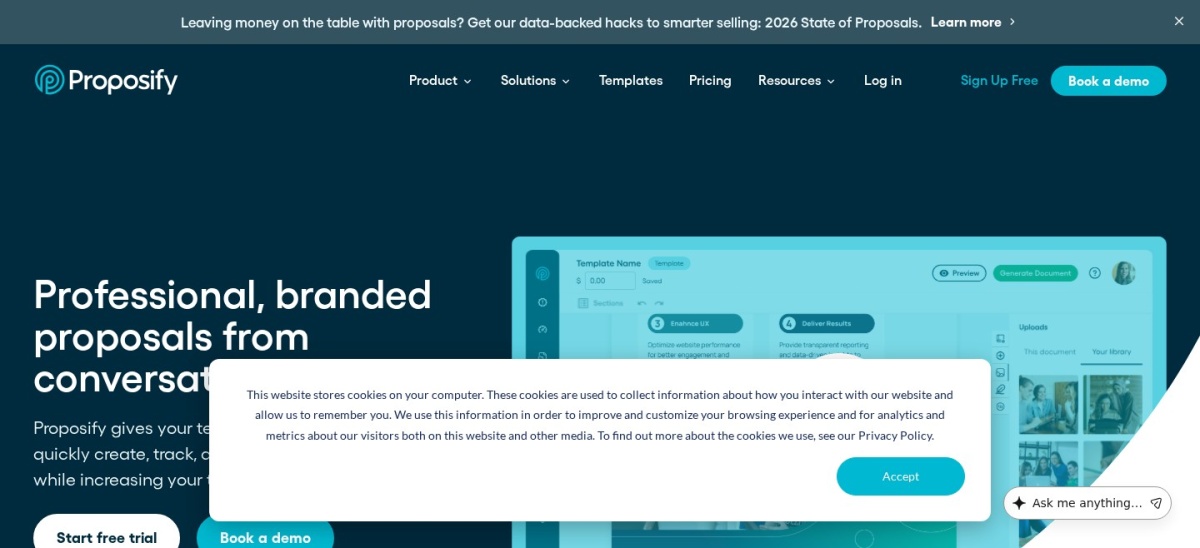
Proposify is a proposal platform built around branded documents with interactive pricing tables. Buyers can change quantities, add optional items and see totals update, then sign online. Build at $39 per user a month includes unlimited documents and signatures, a content library and document analytics.
The trade off is price. G2 still lists an older $19 Basic plan, but the live pricing page starts at $39 per user a month, and approval workflows need the Grow plan. It suits sales teams and agencies that need tight brand control and clear engagement data.
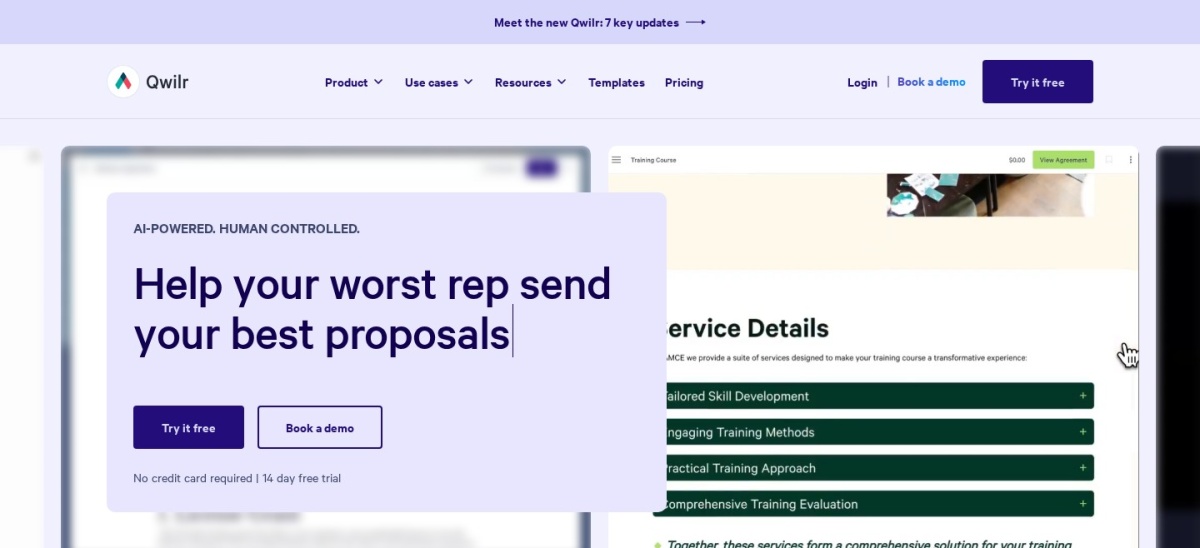
Qwilr is a proposal tool that turns quotes into interactive web pages instead of static PDFs. Pages include quote blocks, an ROI calculator, one-click acceptance, e-signatures and payments through QwilrPay. Starter at $35 per user a month covers e-signatures, analytics and HubSpot, Zoho and Pipedrive links.
The trade off is the step up to Growth and Scale. Custom branding, automations and Microsoft Dynamics start at $55 per user a month, and Salesforce needs Scale at $75. It suits teams that win work with polished, visual proposals.
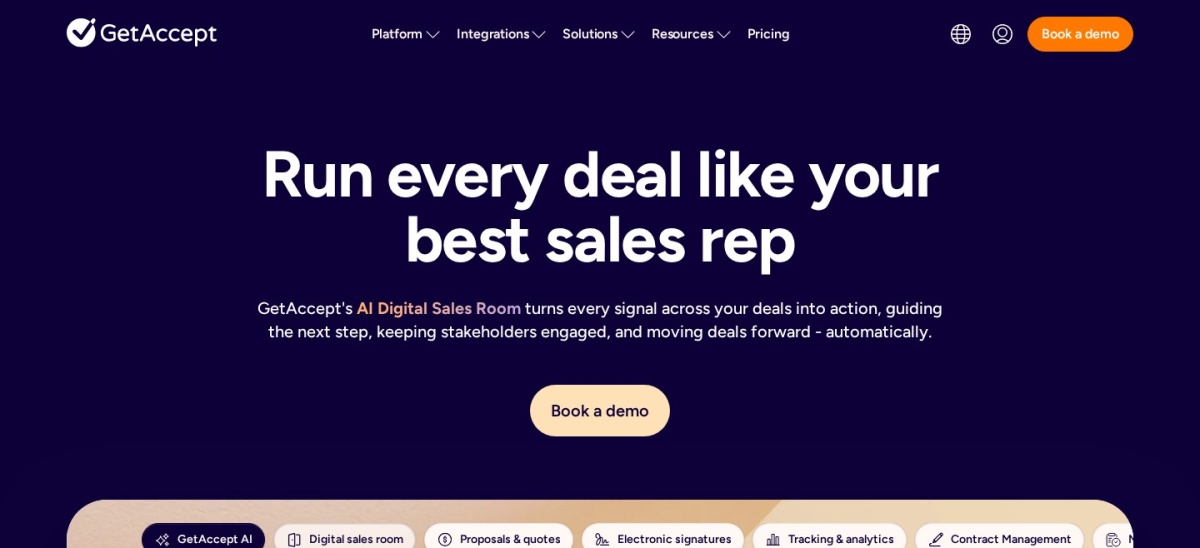
GetAccept is a sales platform that combines proposals, digital sales rooms, e-signatures and video messages. The eSign plan at $25 per user a month covers unlimited e-signatures, templates, contract management and engagement tracking. Deal rooms and mutual action plans arrive on Professional at $49.
The trade off is that quoting depth sits on higher plans. CPQ features are reserved for Enterprise, which is priced by quote, and Professional needs at least 5 users. It suits mid-market sales teams that want proposals, deal rooms and signing in one place.
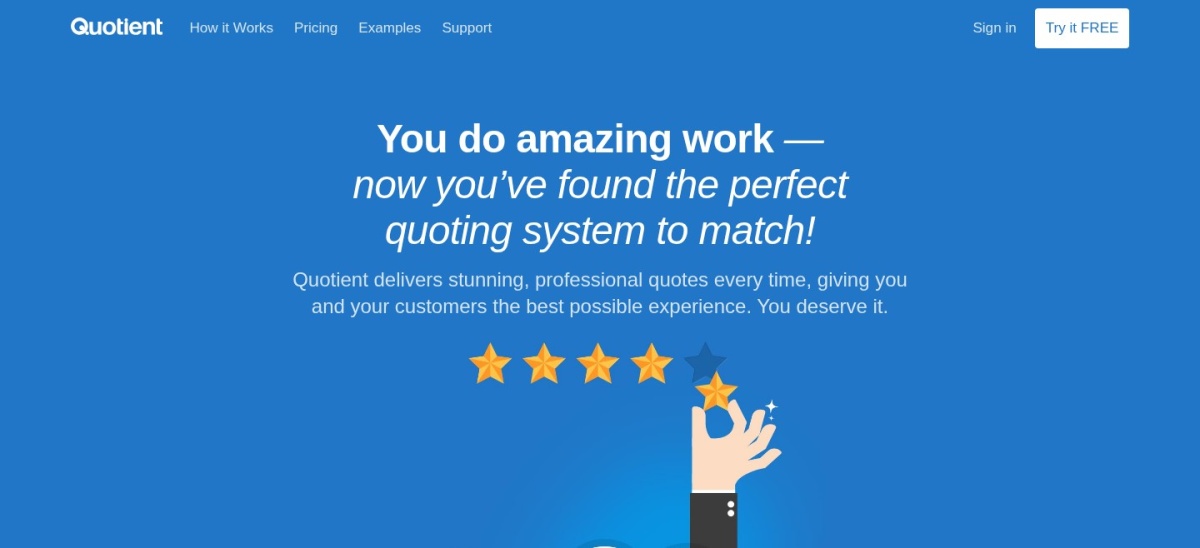
Quotient is a focused quoting tool for freelancers and small service businesses. It builds visual quotes with photos, optional pricing tiers and one-click acceptance, then turns accepted quotes into Xero or QuickBooks invoices. Solo costs $28 a month for one user, with unlimited quotes.
The trade off is depth. There is no CPQ engine, reporting is light and integrations cover Xero, QuickBooks, HubSpot and Zapier only. It suits solo operators and small teams with straightforward pricing who want clean quotes fast.
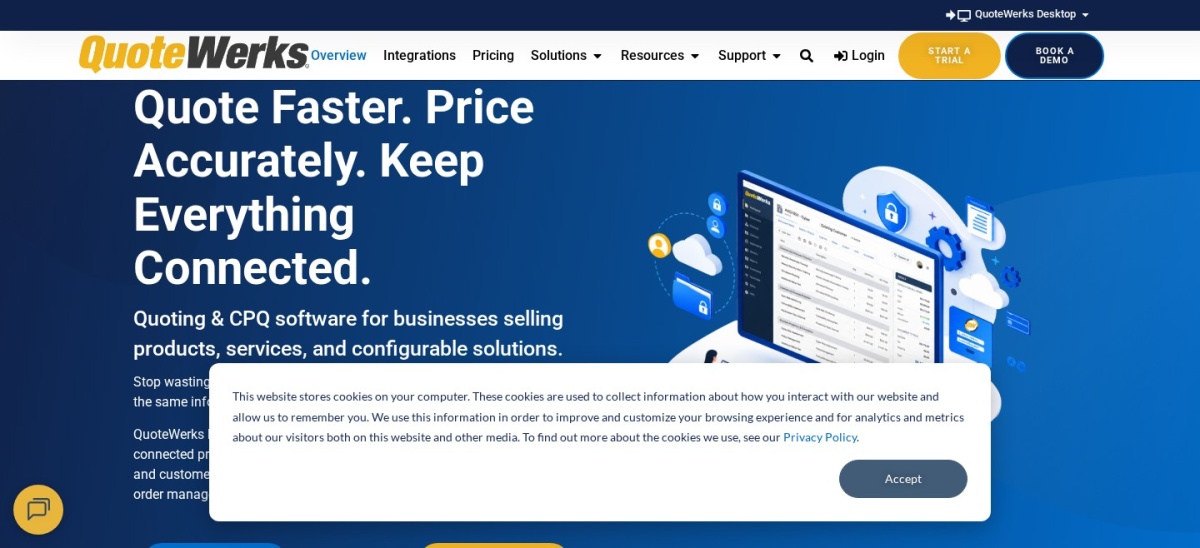
QuoteWerks is a long-running quoting tool for distributors, resellers and B2B sales teams. It connects CRMs, accounting systems and distributor price lists, with a product configurator and reusable templates. Web plans start with Essential at $50 per concurrent user a month, with unlimited quotes and users.
The trade off is the interface and the licence model. It looks more like a spreadsheet than a design tool, and prices are per concurrent user rather than per named seat. It suits B2B teams that quote from large product catalogs with live vendor pricing.
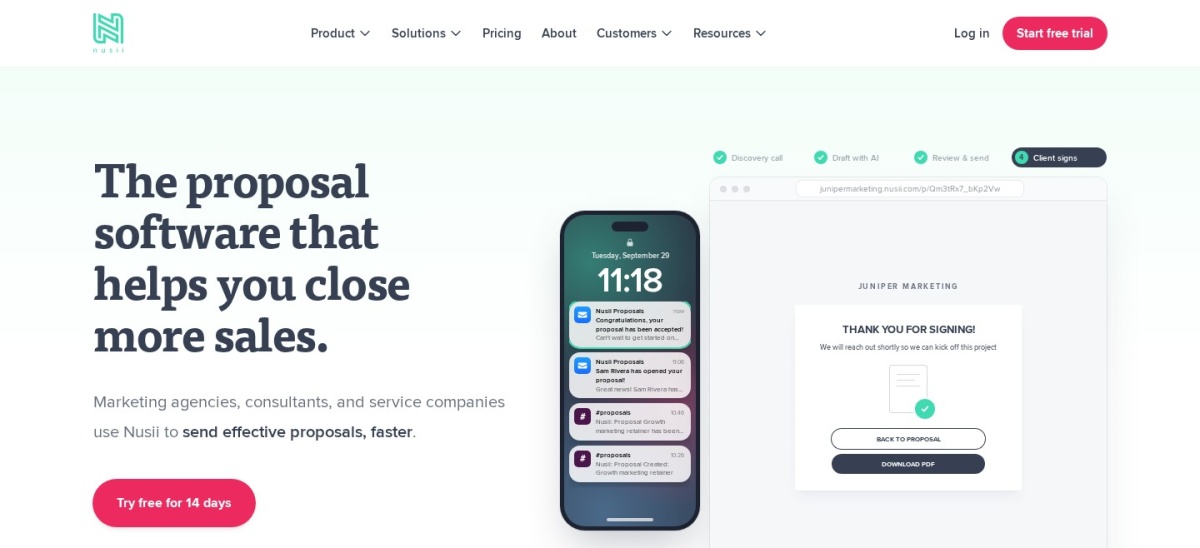
Nusii is a simple proposal tool for freelancers and creative agencies. It offers reusable content blocks, online signing, reminders and payment links, with templates that keep proposals looking consistent. Freelancer costs $29 a month for one user and 5 active proposals.
The trade off is the proposal cap. Freelancer allows only 5 active proposals, and CRM links, payments and reminders need Agency at $49 a month. It suits small creative teams that send a steady flow of simple, good-looking proposals.
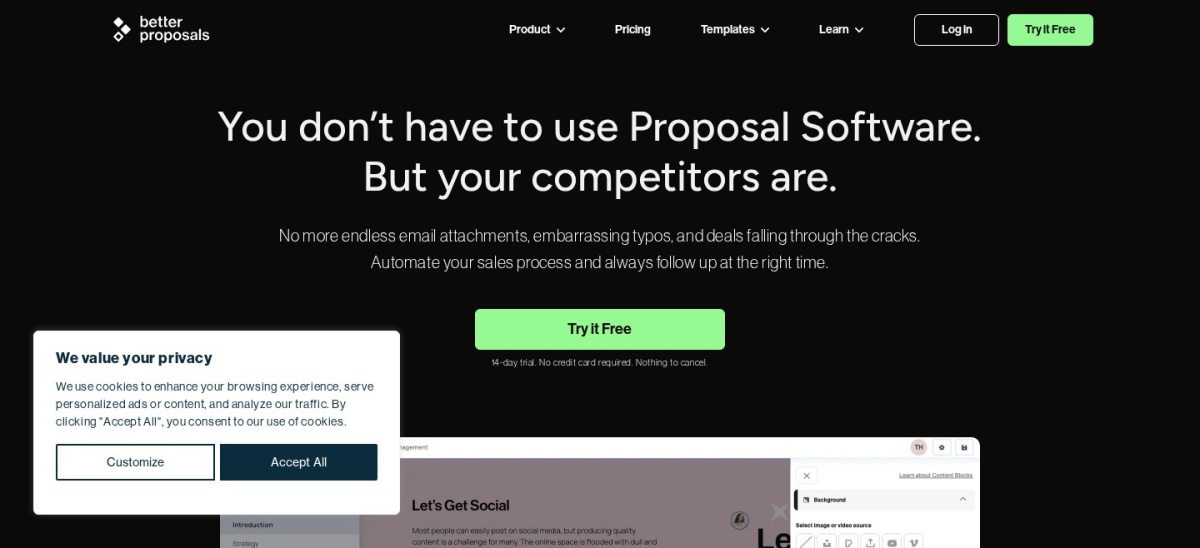
Better Proposals is a low-cost proposal tool for freelancers, agencies and small businesses. It offers templates, interactive pricing tables, digital signatures, payment links and analytics that show which sections a prospect read. Starter costs $13 per user a month billed annually, for one seat and 10 sends a month.
The trade off is volume. Starter caps sends at 10 a month, and a custom domain, CRM links and API access need Premium at $21 per user a month. It suits solo sellers and small agencies that want cheap, professional proposals.
Proposable is a proposal tool for small teams that want to create, deliver, track and e-sign sales documents. It includes templates, pricing tables, engagement tracking and notifications when a prospect opens a proposal. Solo costs $19 per user a month for one user.
The trade off is freshness. G2 reviewers praise its ease of use but note slow updates and occasional downtime. It suits very small teams that want a simple, cheap proposal tool and little else.
Flat-rate tools charge one monthly price no matter how many quotes you send. Quotient at $28 a month and Nusii at $29 a month fit solo sellers who want a bill they can predict.
Per-user tools charge for each seat, so a five-person team pays five times the listed price. PandaDoc Starter at $19 per user a month costs $95 a month for five users.
QuoteWerks sits in between with concurrent-user pricing. You pay $50 a month per user working at the same time, not per named seat, which suits teams where only some reps quote at once.
How we chose
We started from quoting and proposal tools named across 2026 comparison guides, then kept nine with public pricing and a public rating on G2 or Capterra.
Prices come from each vendor's pricing page, checked on 25 November 2026. Ratings and review counts come from G2 on the same day, except QuoteWerks, which uses Capterra. Where a vendor shows a sale, the list shows the regular price.
We left out tools with no public price, such as DealHub, and tools priced in euros, such as Oneflow. No vendor paid for a place, and we do not claim to have used these tools ourselves.
How to choose quoting software
Start with the quote your buyers actually see, then work back to the price and the plan limits.
List what a quote must do. Write down the must-haves: pricing tables, e-signatures, payment links or CRM sync. Skip tools that charge extra for a feature you need every day.
Count the real monthly cost. Multiply per-user prices by seats, and check send or document caps. A $13 plan with a 10-send cap can cost more than a $28 flat plan.
Check the trial with a real quote. Build one of your own quotes during the trial and send it to yourself. Look at how it reads on a phone before you pay.
Confirm the signature is legal. Make sure e-signatures meet the rules where you do business, and check that accepted quotes turn into invoices or CRM records without manual retyping.
FAQ
What is the best quoting software?
PandaDoc is the best quoting software for most teams. It covers quotes, proposals, e-signatures and payments from $19 per user a month, and it is rated 4.7 out of 5 on G2 from 3,868 reviews. Proposify suits teams that need interactive pricing tables.
How much does quoting software cost?
Paid plans in this list run from $13 to $50 per user a month. Better Proposals is cheapest at $13 per user a month billed annually, while QuoteWerks starts at $50 per concurrent user a month. Most teams land between $19 and $39 per user a month.
Is there free quoting software?
There is no full free quoting tool in this list. PandaDoc has a free eSign plan that covers 5 documents a month, and most other tools offer a 14-day free trial. A free plan that only signs documents is not a quoting tool.
What is the difference between quoting software and CPQ?
Quoting software builds, sends and tracks quotes and collects signatures. CPQ adds product configuration, pricing rules and approval flows for complex catalogs. Most small teams do not need CPQ, and QuoteWerks covers catalog quoting without full CPQ.
Do these tools include e-signatures?
Most do. PandaDoc, Proposify, Qwilr, GetAccept, Nusii, Better Proposals and Proposable all include e-signatures on their entry paid plans. QuoteWerks needs the $78 Balanced plan, and Quotient uses one-click acceptance instead of a signature.
Which quoting software is best for freelancers?
Quotient at $28 a month flat is the simplest pick for freelancers, with unlimited quotes and one-click acceptance. Better Proposals at $13 per user a month billed annually is cheaper, but Starter caps sends at 10 a month.
SaaS SEO and WordPress specialist with about 8 years of experience. Rakib compares WordPress plugins, themes, hosting and software using public pricing, documentation and user reviews. See how we rank.