PandaDoc is the best quotation software for most teams, with quotes, pricing tables, e-signatures and payments from $19 per user a month and a 4.7 out of 5 G2 rating. Pick QuoteWerks for IT reselling, or Better Proposals if you want the lowest price.
How we make this list: we compare pricing pages, product documentation and public user reviews, then re-check every price before each update. No product paid for a place. Disclosure.
PandaDoc is the best all-round pick: quotes, e-signatures and payments from $19 per user a month, rated 4.7 out of 5 on G2.
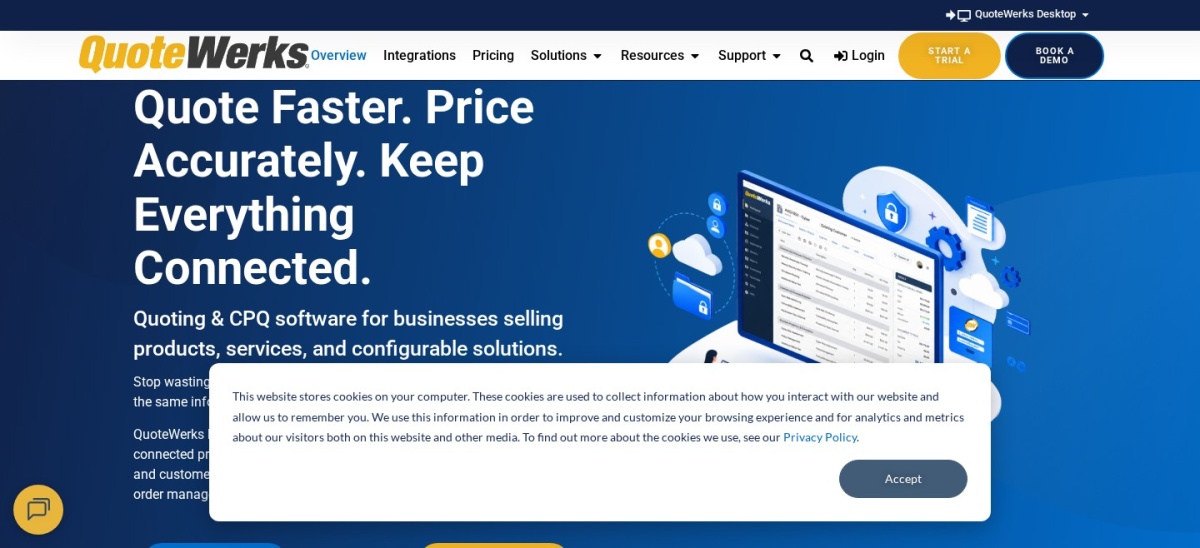
QuoteWerks is the cheapest entry at $15 per user a month, built for IT resellers quoting from distributor price books.
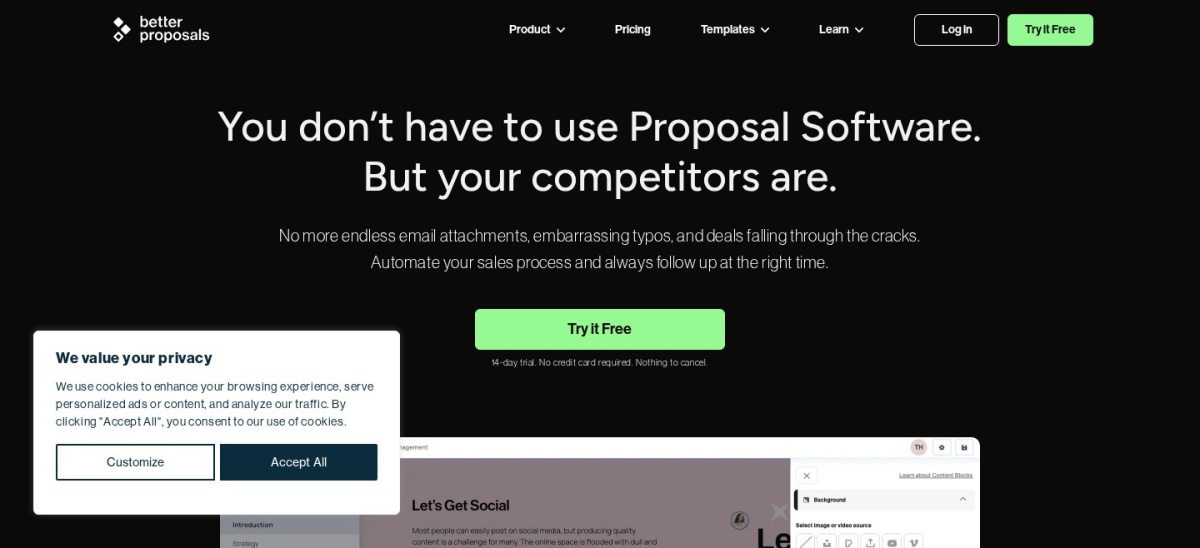
Better Proposals is the budget pick at $13 a month flat, with 10 sends a month on Starter.
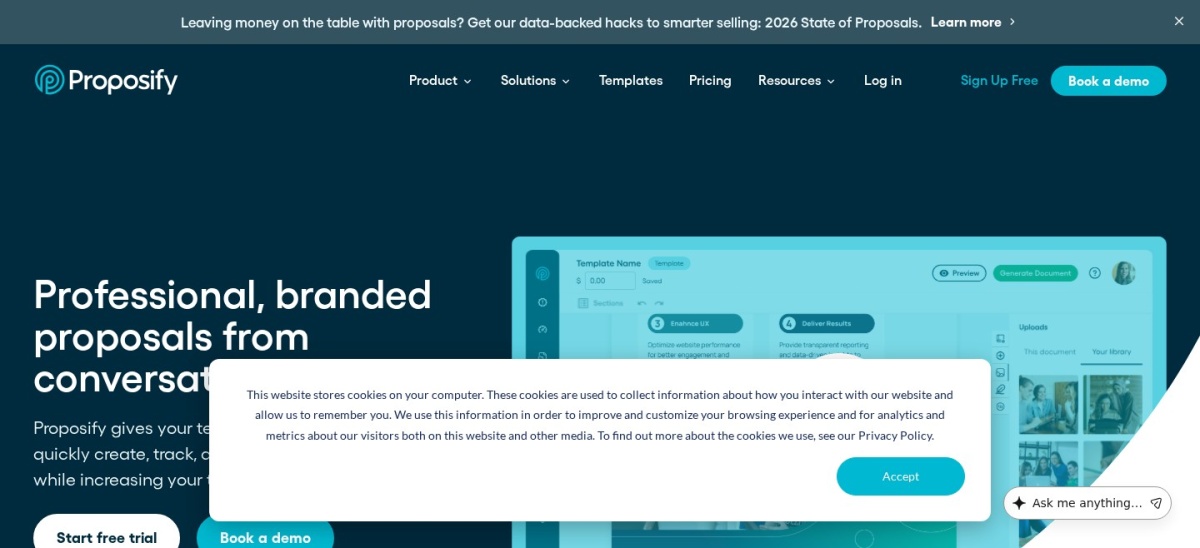
Proposify is the dearest entry at $39 per user a month, but its locked templates stop reps changing prices.
Every tool here includes e-signatures; deal rooms and approval workflows cost more on every list.
What quotation software should do
A quotation is the document a buyer says yes to, so it has to be clear, priced right and easy to sign. The tools in this list all build quotes with pricing tables, send them as a link and collect a signature without a printed form.
Look for pricing tables the buyer can adjust, e-signatures, and a record of who opened the quote. Our guide on how to quote in WordPress covers the same basics for WordPress sites.
Price is mostly per user per month, from $13 to $39 on the entry plans in this list, and most tools charge more for CRM integrations and approval workflows. A free plan or trial is worth using first, since the editor is where you will spend your time.
If you quote configurable products or distributor price books, a CPQ tool such as QuoteWerks fits better than a proposal designer. For most service businesses, a proposal tool with e-signatures covers the whole job.
PandaDoc is a document platform that covers the whole quote: templates, pricing tables, e-signatures and payments in one flow. The free plan covers e-signatures for up to 5 documents a month, while Starter at $19 per user a month adds unlimited documents and templates.
The trade off is that CRM integrations, approval workflows and the content library wait for the Business plan at $49 per user a month. It suits sales teams that send quotes every day and want signing and payment in the same document.
What we like
Free e-sign plan with 5 documents a month
Quotes, signatures and payments in one tool
Largest review base in this list, 3,495 G2 reviews
QuoteWerks is quoting software built for IT resellers, MSPs and VARs who quote hardware and software from distributor price books. Standard at $15 per user a month includes real-time distributor pricing, product bundles and e-signature capture, with integrations for more than 100 CRM and accounting tools.
The trade off is that it is Windows desktop software with a dated interface, and the entry plan covers quoting only. It suits resellers who price from distributor catalogues every day and want concurrent licences shared across the team.
What we like
Lowest entry price in this list at $15 a user a month
Proposify is a proposal platform for agencies and sales teams that need every quote to look on-brand. Build at $39 per user a month includes a content library, document analytics, e-signatures and Stripe payments, with templates that lock pricing and terms so reps cannot change them.
The trade off is price. Approval workflows and the API wait for Grow at $780 per user a year, and the Build plan costs more than PandaDoc or Qwilr for the same seat. It suits teams of five or more where one wrong price in a quote costs real money.
What we like
Locked templates keep pricing and terms consistent
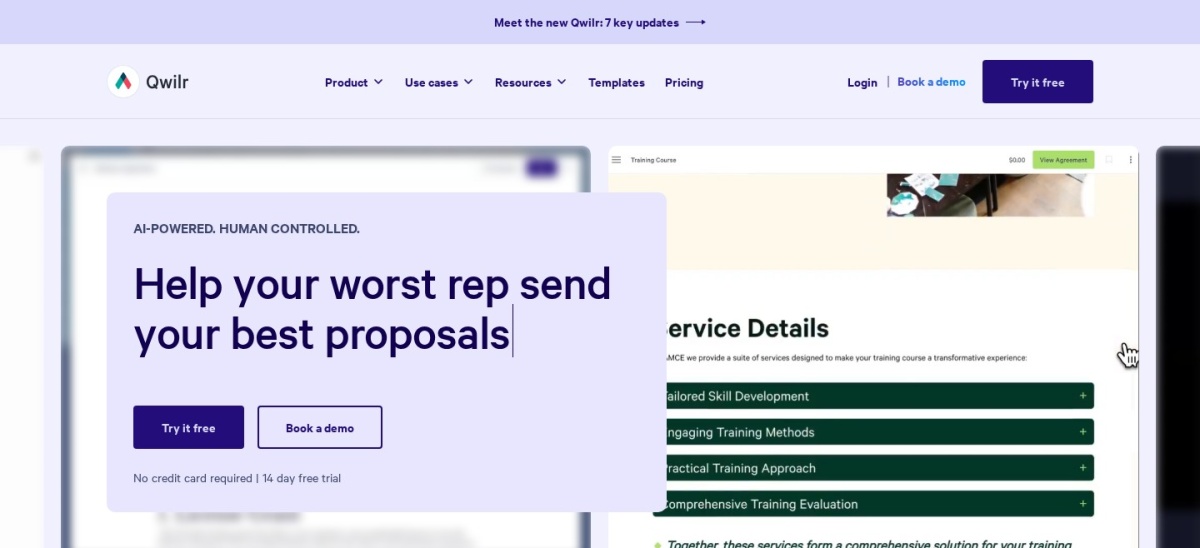
Qwilr is a proposal tool that sends quotes as interactive web pages instead of PDF files. Business at $35 per user a month includes dynamic pricing tables buyers can adjust, e-signatures, payments through QwilrPay and page analytics, with HubSpot, Pipedrive and Zoho integrations.
The trade off is that Salesforce integration and team permissions wait for Enterprise at $59 per user a month, with a 10-user minimum. It suits teams whose proposal presentation wins deals and who want buyers to build their own package on the page.
What we like
Quotes buyers can adjust on the page
E-signatures and payments built in
Clean analytics on what buyers viewed
Fast to set up, with a 14-day trial
Watch out for
Salesforce integration needs Enterprise
Enterprise has a 10-user minimum
No free plan
Enterprise adds Salesforce, team permissions and supportVisit qwilr.com
05
Better Proposals
4.3/5on G2 (51 reviews, checked Nov 2026)
Starts at$13/mo
Best budget pick for freelancers
Cheapest paid planStarter, $13/mo
Sends per month10 on Starter
E-signaturesIncluded
PaymentsStripe, GoCardless, PayPal
betterproposals.io
Better Proposals homepage, captured Nov 2026.
Better Proposals is a simple proposal tool for freelancers and small teams who want a quote sent fast. Starter at $13 a month covers 10 sends a month, e-signatures, basic analytics and payments through Stripe, GoCardless or PayPal, with a 14-day free trial and no card required.
The trade off is scale. Starter covers one user and 10 sends a month, so busy teams need Premium at $21 a month for 50 sends, and content locking waits for Enterprise. It suits solo sellers who send a few polished quotes a month and want the lowest price.
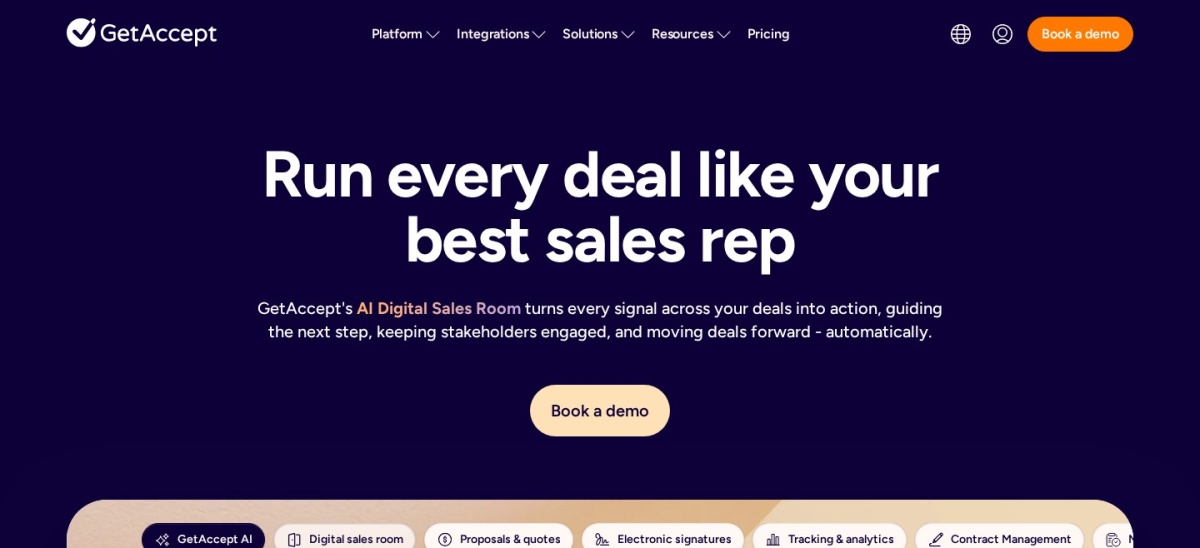
GetAccept is a digital sales room that puts the proposal, e-signatures, video messages and live chat in one shared space for each deal. The eSign plan at $25 per user a month covers unlimited signatures, templates, automated reminders and contract management, with a free trial to start.
The trade off is that the useful parts cost more. Deal rooms, mutual action plans and CRM integrations wait for Professional at $49 per user a month, with a 5-user minimum, and CPQ is Enterprise only. It suits B2B teams closing deals with five or more stakeholders.
What we like
Shows which stakeholder opened what
Video messages and live chat inside the deal
Unlimited e-signatures on the entry plan
Strong HubSpot and Salesforce integrations on Professional
Watch out for
Deal rooms need the $49 Professional plan
Professional has a 5-user minimum
No free plan, only a trial
Professional adds deal rooms, AI features and CRM integrationsVisit getaccept.com
07
Nusii
4.7/5on G2 (26 reviews, checked Nov 2026)
Starts at$29/mo
Best simple quotes for agencies
Cheapest paid planFreelancer, $29/mo
Active proposals5 on Freelancer
E-signaturesIncluded
Users included1 on Freelancer
nusii.com
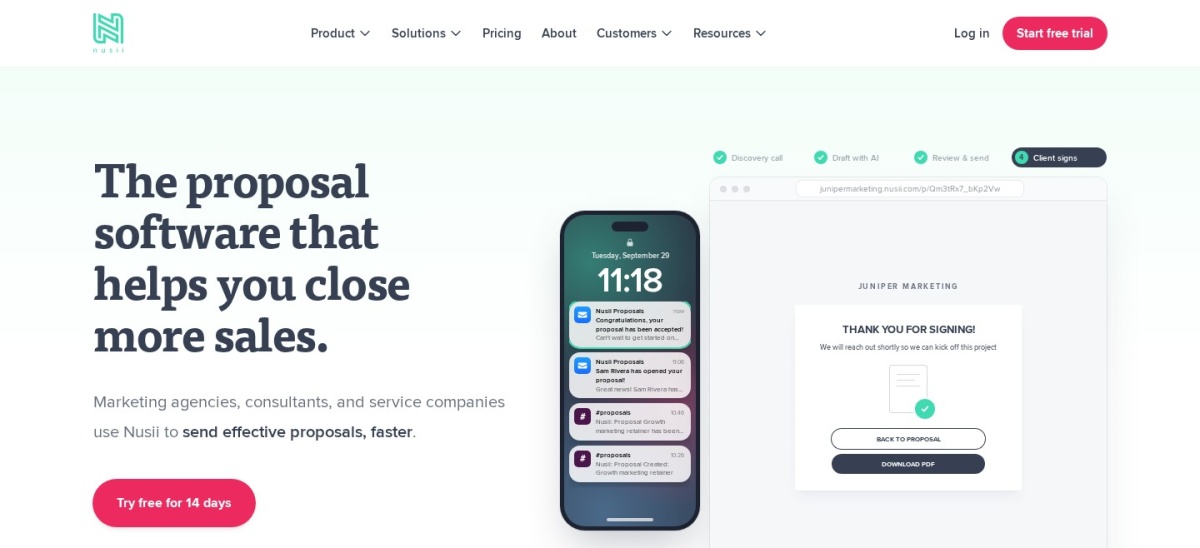
Nusii homepage, captured Nov 2026.
Nusii is a focused proposal tool for freelancers, agencies and consultants who send client proposals every week. Freelancer at $29 a month covers 5 active proposals, e-signatures and Zapier, with a clean editor that keeps proposals short and easy to send.
The trade off is that $29 a month buys one user and 5 active proposals, so growing teams move to Agency at $49 a month for 3 users. It suits small agencies that want simple, good-looking proposals without a big platform to manage.
What we like
Flat monthly price, not per user
Simple editor built for agencies
E-signatures included on every plan
Rated 4.7 out of 5 on G2
Watch out for
Only 26 G2 reviews, the smallest base here
Freelancer covers 1 user and 5 proposals
Fewer integrations than the bigger platforms
Agency adds more users, proposals and CRM integrationsVisit nusii.com
Free vs paid: what you give up
Only PandaDoc has a free plan in this list, and it covers e-signatures for 5 documents a month. The rest offer a 14-day trial, then a paid plan.
Paid plans mostly add volume and control. You get more sends, more templates, CRM integrations and approval workflows as the price rises.
If you send one or two quotes a month, the cheapest paid plan is enough. If five people send quotes every day, budget for the plan with approvals and a shared content library.
How we chose
We started from the quotation and proposal tools with the most G2 reviews and published pricing, then kept the seven with a clear quote workflow and a price a buyer can check.
Prices come from each vendor's pricing page, checked on 25 November 2026. Ratings and review counts come from G2 on the same day. Where a vendor shows a sale, the list shows the regular price.
We left out tools with no published price, such as DealHub, and tools built for a single niche. No vendor paid for a place, and we do not claim to have used these tools ourselves.
How to choose quotation software
Start with how many quotes you send and who approves them, then match the plan to that volume.
Count your quotes per month. A freelancer sending 5 quotes a month fits the cheapest plan. A team sending 50 needs sends, templates and approvals.
Check what your CRM already does. HubSpot, Salesforce and Pipedrive all build quotes inside the CRM, so you may not need a separate tool at all.
Try the editor before you pay. Build one real quote in the trial, send it to yourself and sign it. If the pricing table is awkward, the tool will slow every deal.
Price the second year, not the first. Entry plans are cheap, but CRM integrations and approvals sit on higher tiers. Work out the cost for your whole team before you commit.
FAQ
What is the best quotation software?
PandaDoc is the best quotation software for most teams. Its Starter plan costs $19 per user a month and covers quotes, pricing tables, e-signatures and payments, and it is rated 4.7 out of 5 from 3,495 G2 reviews.
What is the cheapest quotation software?
Better Proposals is the cheapest in this list at $13 a month on Starter, with 10 sends a month and e-signatures included. QuoteWerks is next at $15 per user a month, and PandaDoc has a free e-sign plan for 5 documents a month.
Do I need separate proposal software if I use a CRM?
Not always. HubSpot, Salesforce and Pipedrive build quotes inside the CRM, which suits teams that already live there. A separate tool is worth it when you need branded proposals, buyer analytics or approval workflows your CRM does not offer.
What is the difference between quotation software and CPQ?
Quotation software builds the quote document, adds e-signatures and tracks the buyer. CPQ configures complex products, applies pricing rules and discounts, and suits sellers with catalogues or distributor price books, such as QuoteWerks buyers.
Can buyers sign a quote online?
Yes. Every tool in this list includes e-signatures, so a buyer can sign on the quote page without printing anything. PandaDoc, Qwilr and GetAccept also take payment on the same page, so signing and paying happen in one step.
Is there free quotation software?
PandaDoc has a free e-sign plan that covers 5 documents a month. The other tools in this list offer a 14-day free trial instead of a free plan, so you can build and send real quotes before paying.
SaaS SEO and WordPress specialist with about 8 years of experience. Rakib compares WordPress plugins, themes, hosting and software using public pricing, documentation and user reviews. See how we rank.