Waitwhile is the best queue management software for most teams, with a free plan for 1 location and 50 visits a month, a 4.8 out of 5 G2 rating from 352 reviews, and paid plans from $31 a month. Pick WaitWell for the cheapest paid plan at $29 a month, or Qminder for multi-location networks.
How we make this list: we compare pricing pages, product documentation and public user reviews, then re-check every price before each update. No product paid for a place. Disclosure.
Waitwhile is the only tool here with a usable free plan: 1 location and 50 visits a month, with paid plans from $31 a month.
WaitWell is the cheapest paid start at $29 a month, with an AI wait-time estimator on its Starter plan.
Qminder charges $869 a month or $9,468 a year, but covers unlimited locations, visitors and service lines.
Three enterprise tools publish no price at all: QLess, Qmatic and Wavetec all sell by custom quote.
Qtrac costs $531 a month per location, so a 10-branch network pays over $5,300 a month before add-ons.
G2 ratings run from 4.8 for Waitwhile and Wavetec down to 3.9 for Qmatic, the lowest in this list.
What queue management software should cover
A queue system replaces the physical line. Customers join from a phone, kiosk or website, then wait where they like until a text or screen call brings them forward.
Look for virtual queuing first, then SMS or WhatsApp alerts, appointment booking and a display for the waiting room. Our guide on adding appointment booking to WordPress shows how bookings and walk-ins can share one calendar.
Pricing splits the market in two. Self-serve tools publish monthly prices from $29, while enterprise platforms sell by quote and often add kiosks, printers and signage.
Check the billing unit before comparing prices. Some tools charge per location, some per user and some per visit, so the cheapest headline price is not always the cheapest for your volume.
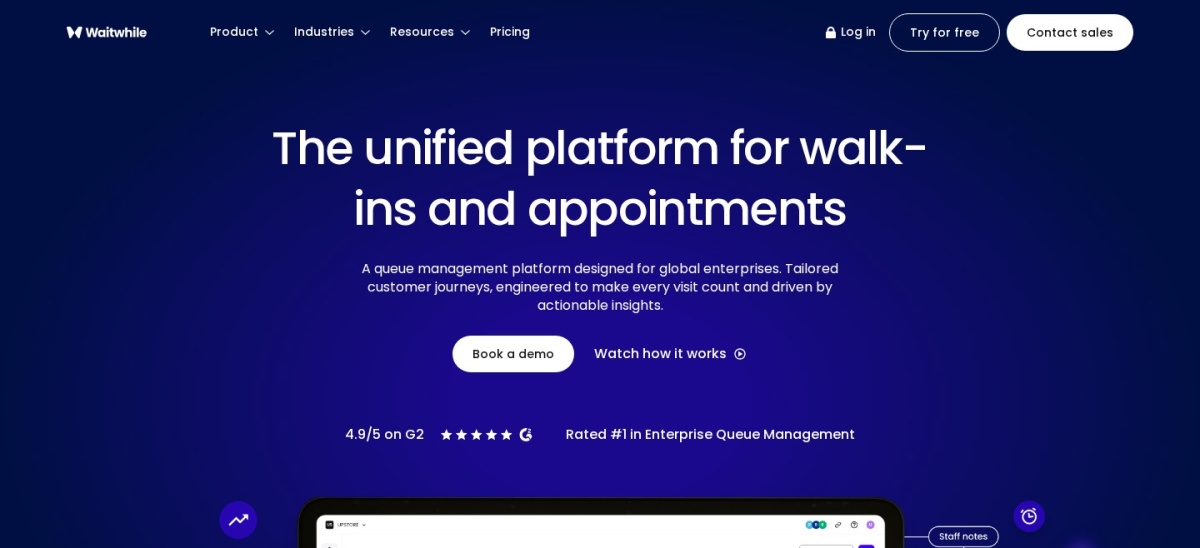
Waitwhile is a cloud queue and appointment platform that turns walk-ins into a virtual waitlist with text updates. The free plan covers 1 location and 50 visits a month, and paid plans add more locations, visits and messaging. It is rated 4.8 out of 5 on G2 from 352 reviews.
The trade off is price as you grow. Starter costs $31 a month, and the API, webhooks and synced waitlist need the $55 Business plan, so costs climb with locations and visits. It suits small shops, clinics and restaurants that want a free start and simple setup.
What we like
Free plan covers 1 location and 50 visits a month
Highest review count in this list at 352 G2 reviews
Waitlist and bookings share one line with LineSync
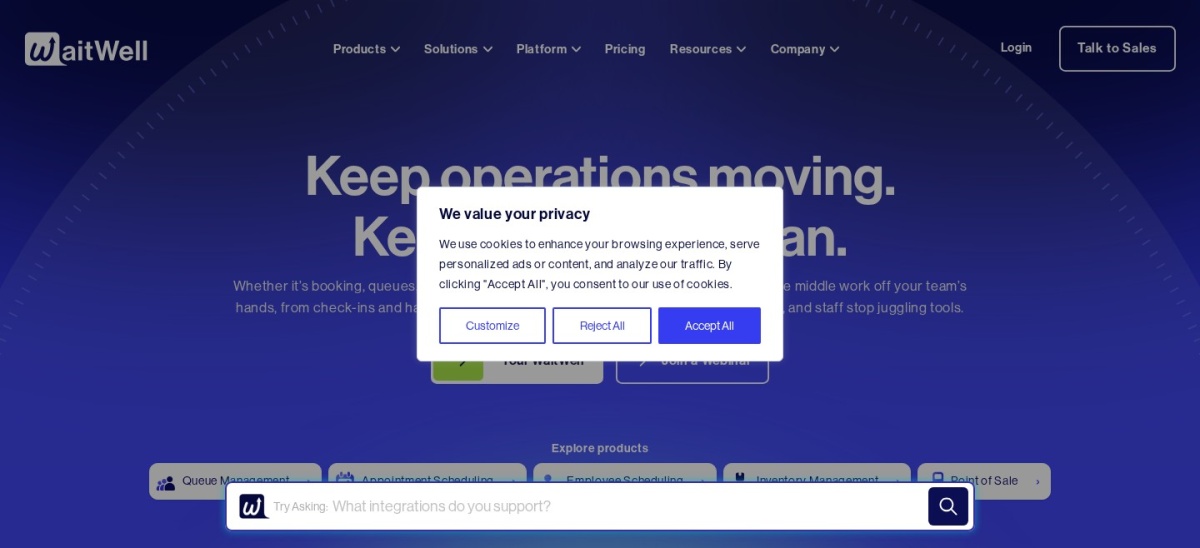
WaitWell is a queue and booking platform built for walk-in services such as clinics, campuses and government offices. Starter costs $29 a month for 1 location, 1 virtual queue and an AI wait-time estimator, with 100 notifications a month. It is rated 4.7 out of 5 on G2 from 102 reviews.
The trade off is scale. There is no free plan, and unlimited locations, extra queues and 250 notifications need the $55 Basic plan. It suits single-location teams that want low cost and AI wait-time estimates without enterprise pricing.
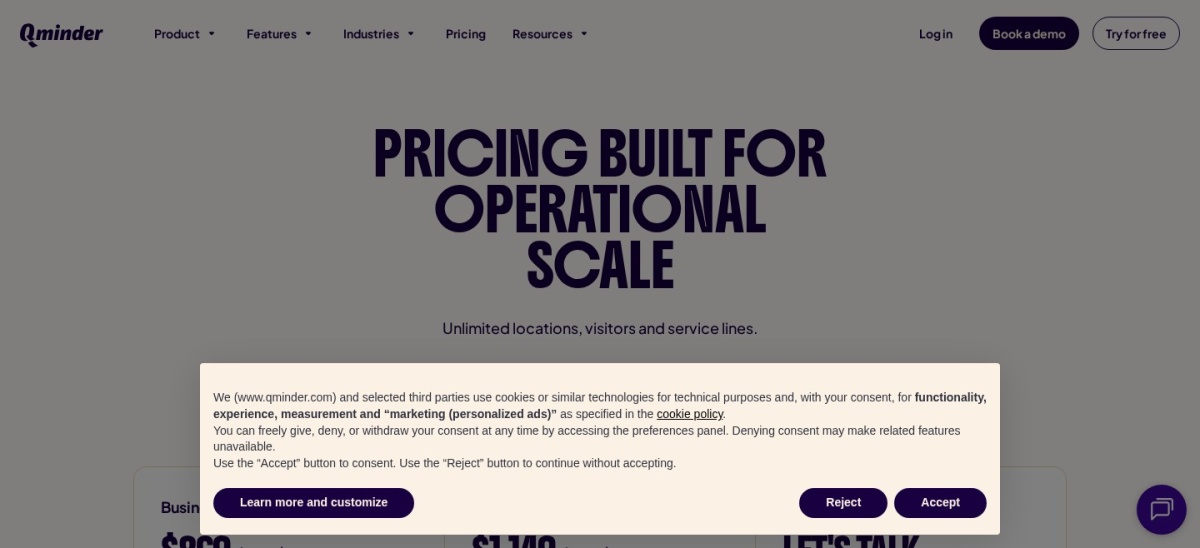
Qminder is a frontline platform that manages check-in, queues, appointments and service analytics across locations. Business costs $869 a month billed monthly, or $9,468 a year billed annually, for 25 users with unlimited locations, visitors and service lines. It is rated 4.6 out of 5 on G2 from 248 reviews.
The trade off is price. There is no free plan and no low-cost tier, so a single small shop pays enterprise money for features it may not need. It suits retail chains, campuses and service networks that run many locations from one dashboard.
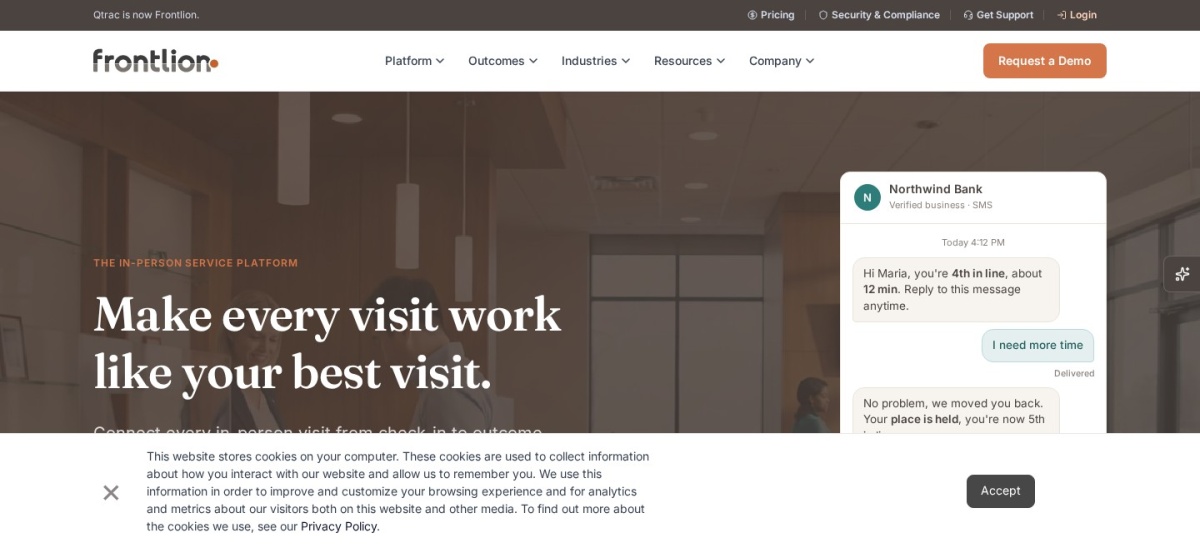
Qtrac is a virtual queuing and appointment scheduling platform from Lavi Industries, now sold as Frontlion, built for banks, retailers and healthcare networks. Waitlist Starter starts at $531 a month per location, with Queuing Professional at $648. It is rated 4.7 out of 5 on G2 from 45 reviews.
The trade off is cost and setup. Per-location pricing adds up fast across a branch network, and G2 data puts implementation at about 3 months. It suits enterprises that want kiosks, ticket hardware and deep reporting in one system.
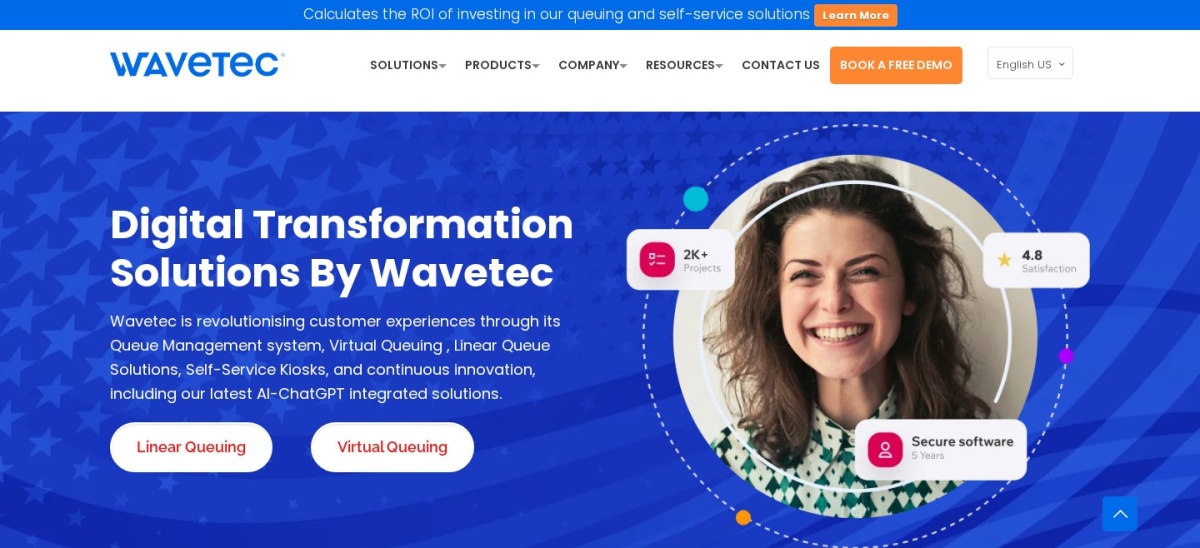
Wavetec is an enterprise queue platform used by banks, healthcare providers and retailers, with virtual queuing, WhatsApp messaging, self-service kiosks and digital signage. It reports more than 20,000 installations worldwide and is rated 4.8 out of 5 on G2 from 32 reviews.
The trade off is price and setup. Pricing is by custom quote only, and G2 data puts implementation at about 3 months, so small teams get neither a price nor a quick start. It suits large banks and hospital networks that need hardware, signage and multi-branch reporting.
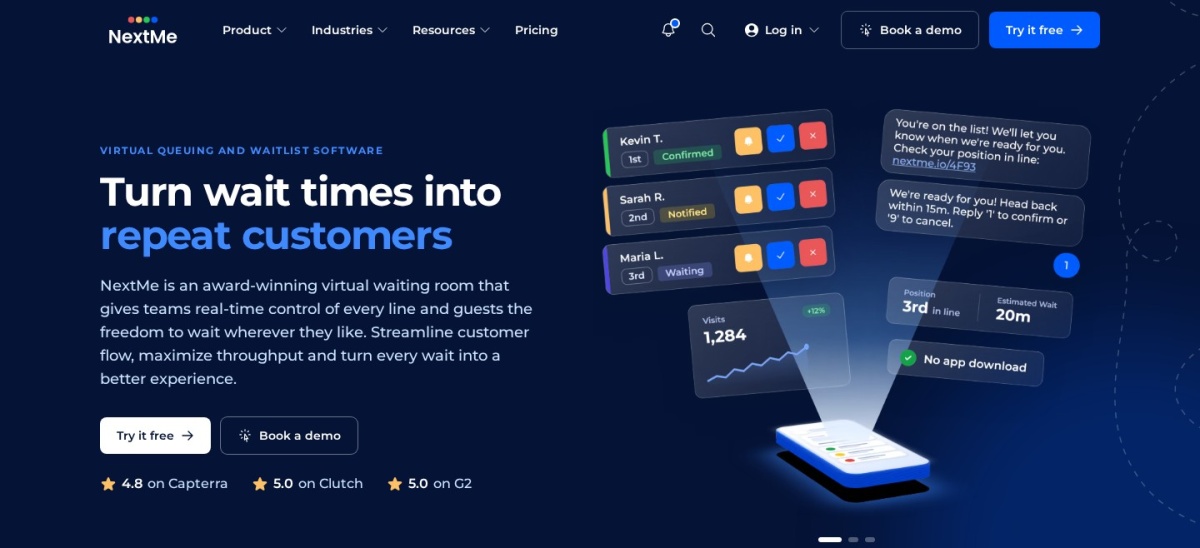
NextMe is a virtual waiting room that lets guests join by QR code or link and watch their place in line, with no app to download. The free plan includes 100 texts a month, and Starter costs $59.99 a month with 3,000 texts and a branded waiting room. It is rated 4.8 out of 5 on Capterra from 20 reviews.
The trade off is focus. NextMe is built around waitlists and events rather than multi-service routing, and paid plans are priced per location. It suits restaurants, clinics and event teams that want guests to wait happily elsewhere.
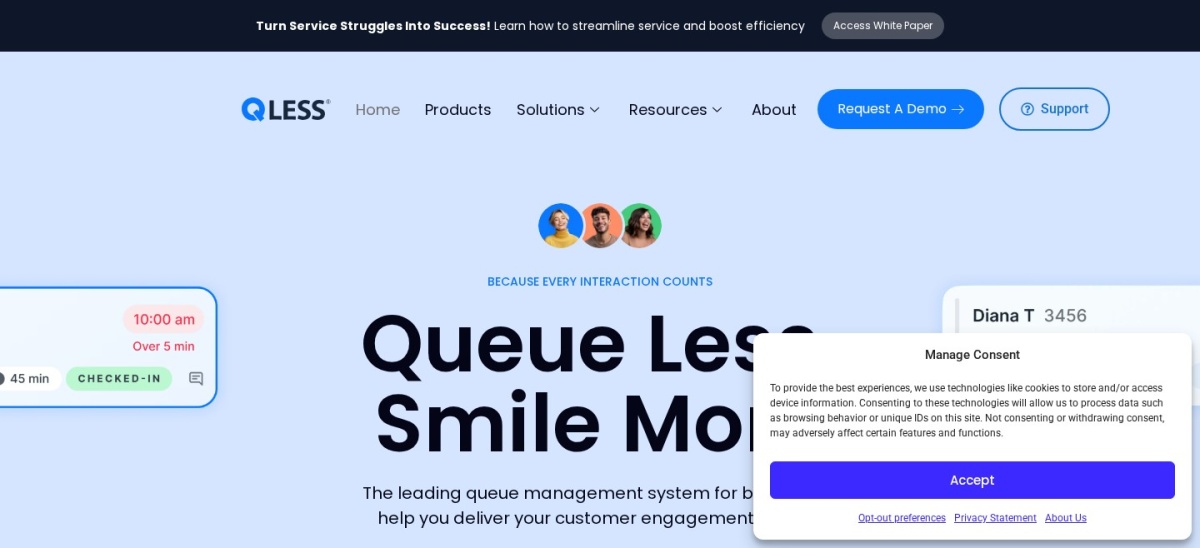
QLess is a cloud queue and appointment platform for government agencies, universities, healthcare and multi-location services. Customers join a virtual queue online, wait where they like and get text alerts or a callback when their turn comes. It is rated 4.3 out of 5 on G2 from 23 reviews.
The trade off is transparency. QLess publishes no prices and sells through demos and quotes, so budgeting needs a sales call first. It suits public-sector teams that need walk-ins, appointments and callbacks in one system.
What we like
Walk-ins, appointments, callbacks and virtual visits in one place
Qmatic is one of the oldest names in queue management, pairing its Experience Cloud software with ticket printers, kiosks and signage for banks, healthcare and public agencies. Its subscription is priced by the customers served each month, plus options. It is rated 3.9 out of 5 on G2 from 25 reviews.
The trade off is cost and complexity. Hardware, setup and support add to the bill, and reviewers report slow setup and difficult navigation in the configuration module. It suits large enterprises that want one journey platform across many sites.
Only two tools here have a free plan. Waitwhile gives 1 location and 50 visits a month, while NextMe gives 100 texts a month, and both are enough to test a real queue.
Paid plans mostly add volume and control. You get more locations, visits and texts, plus branding, analytics and API access on higher tiers.
Enterprise tools skip self-serve pricing entirely. QLess, Qmatic and Wavetec sell by quote, and hardware, setup and SMS fees sit outside the headline price, so ask for the full quote in writing.
For a single shop or clinic, a $29 to $60 monthly plan usually covers the queue. For a branch network, the per-location maths matters more than the headline price.
How we chose
We started from the queue management tools with published G2 or Capterra ratings, then kept those with a clear queue product for walk-in service locations.
Prices come from each vendor's pricing page or published G2 pricing data, checked on 25 November 2026. Ratings and review counts come from G2 or Capterra on the same day. Where a vendor shows a sale, the list shows the regular price.
We left out tools with no public rating and tools that only manage online traffic queues. No vendor paid for a place, and we do not claim to have used these tools ourselves.
How to choose queue management software
Start with how your customers arrive, then match the billing unit to your volume.
Count your locations and visits. A single shop with 200 visits a month fits a $29 plan, while a 10-branch network needs per-location maths before any demo.
Pick the billing unit that fits. Per-location pricing suits fixed branches, per-user pricing suits staffed desks, and per-visit pricing suits seasonal peaks.
Check the alerts your customers read. SMS works almost everywhere, while WhatsApp suits some audiences and email alone is too slow for a live queue.
Ask for the full quote in writing. Enterprise tools add hardware, setup and SMS fees, so get kiosks, signage and message costs on the quote before signing.
FAQ
What is the best queue management software?
Waitwhile is the best queue management software for most teams. Its free plan covers 1 location and 50 visits a month, paid plans start at $31 a month, and it holds a 4.8 out of 5 G2 rating from 352 reviews, the largest review base in this list.
How much does queue management software cost?
Published prices run from $29 a month for WaitWell Starter to $869 a month for Qminder Business, with NextMe at $59.99 and Qtrac at $531 a month per location. QLess, Qmatic and Wavetec publish no prices and sell by custom quote.
Is there free queue management software?
Yes, two tools here have free plans. Waitwhile is free for 1 location and 50 visits a month, and NextMe is free with 100 texts a month. Both are real plans rather than trials, but visit and text caps mean busy locations outgrow them fast.
Do I need hardware like kiosks or ticket printers?
No, not for cloud tools. Waitwhile, WaitWell and NextMe run on phones and browsers with no hardware at all. Kiosks, ticket printers and signage come with enterprise platforms such as Qmatic, Qtrac and Wavetec, and they add cost and setup time.
What is the difference between a queue system and appointment scheduling?
A queue system manages walk-ins who arrive without a booking, in first-come order or by service type. Appointment scheduling books set times in advance. Most tools here do both, letting booked visitors join the same line as walk-ins.
Can customers join a queue without downloading an app?
Yes. Most tools here let customers join by QR code, web link or text message, with no app to install. Staff then manage the queue from a browser, tablet or phone, and customers get text updates as their turn approaches.
Which queue tool is best for a bank or hospital?
Wavetec, Qmatic and Qtrac are the enterprise picks for banks and hospitals, with kiosks, signage and multi-branch reporting. Expect custom quotes and setup measured in months rather than days, and ask for the full hardware and SMS costs in writing.
SaaS SEO and WordPress specialist with about 8 years of experience. Rakib compares WordPress plugins, themes, hosting and software using public pricing, documentation and user reviews. See how we rank.