NVivo is the best qualitative coding software for most researchers, rated 4.0 out of 5 on G2 from 143 reviews, with deep coding, queries and mixed-methods tools. Pick ATLAS.ti for AI-assisted coding, MAXQDA for mixed methods, or Delve if you want simple browser-based coding.
How we make this list: we compare pricing pages, product documentation and public user reviews, then re-check every price before each update. No product paid for a place. Disclosure.
NVivo is the research standard, rated 4.0/5 on G2 from 143 reviews, and its student licence starts at $130 a year.
ATLAS.ti has the highest G2 rating of the big three at 4.7/5, with AI coding built in.
MAXQDA is the cheapest of the big three for students at $105 a year, and the only one still independently owned.
Dedoose charges only for months you log in, from $12.95 a month for students.
Delve is the highest-rated tool here at 4.9/5 on Capterra from 205 reviews, and the simplest to learn.
Quirkos is the cheapest paid option at $5 a month, with a $69 lifetime offline licence for students.
What qualitative coding software should cover
Qualitative coding software helps researchers tag interview transcripts, documents, audio and video, then find patterns across the coded material.
The classic tools are desktop programs built for academic research: NVivo, ATLAS.ti and MAXQDA. They handle large projects, complex queries and mixed-methods data, but they cost more and take longer to learn.
Browser-based tools such as Dedoose, Delve, Dovetail and Condens trade some depth for collaboration and a gentler learning curve. If your data starts as survey responses, our guide on creating a contact form in WordPress shows one way to collect it.
Prices in this list are the cheapest published plan for each tool, usually a student rate, so academic and commercial licences cost more. Where a vendor is running a sale, the list still shows the regular price.
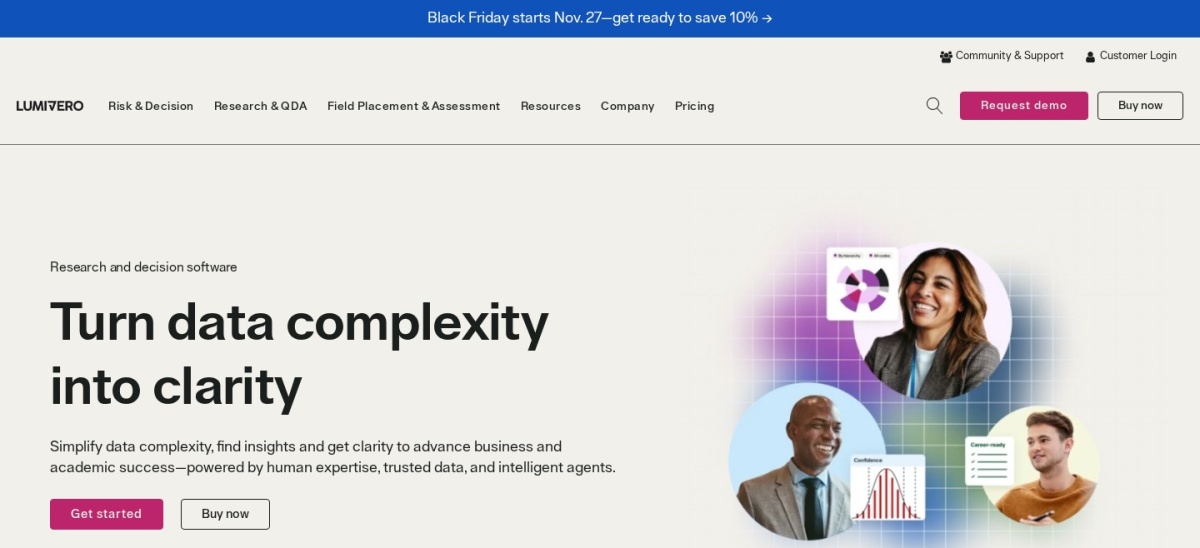
NVivo is the long-standing standard for qualitative coding in academic research, owned by Lumivero. It codes text, audio, video, images and survey data, with matrix coding, framework analysis and queries that cross-tabulate codes against cases, plus SPSS import for mixed-methods work.
The trade off is price and complexity. The cheapest published licence is the $130-a-year student subscription, while academic licences cost $520 a year and commercial licences $1,005, and the AI Assistant costs $250 a year extra. It suits researchers and institutions running large, long-term projects.
What we like
Deepest coding, query and visualisation tools in this list
Strong mixed-methods support with SPSS import
Widely used, so methods help and training are easy to find
Watch out for
Lowest G2 rating of the big three at 4.0/5
AI help and collaboration cost extra as add-ons
Takes longer to learn than browser-based tools
Paid licences add the AI Assistant, transcription and Collaboration CloudVisit lumivero.com
02
ATLAS.ti
4.7/5on G2 (60 reviews, checked Nov 2026)
Starts at$130/yr
Best for AI-assisted coding
Data typesText, audio, images, video
AI codingBuilt in, GPT-based
PlatformsWindows, Mac, web
Free trial5 active days
atlasti.com
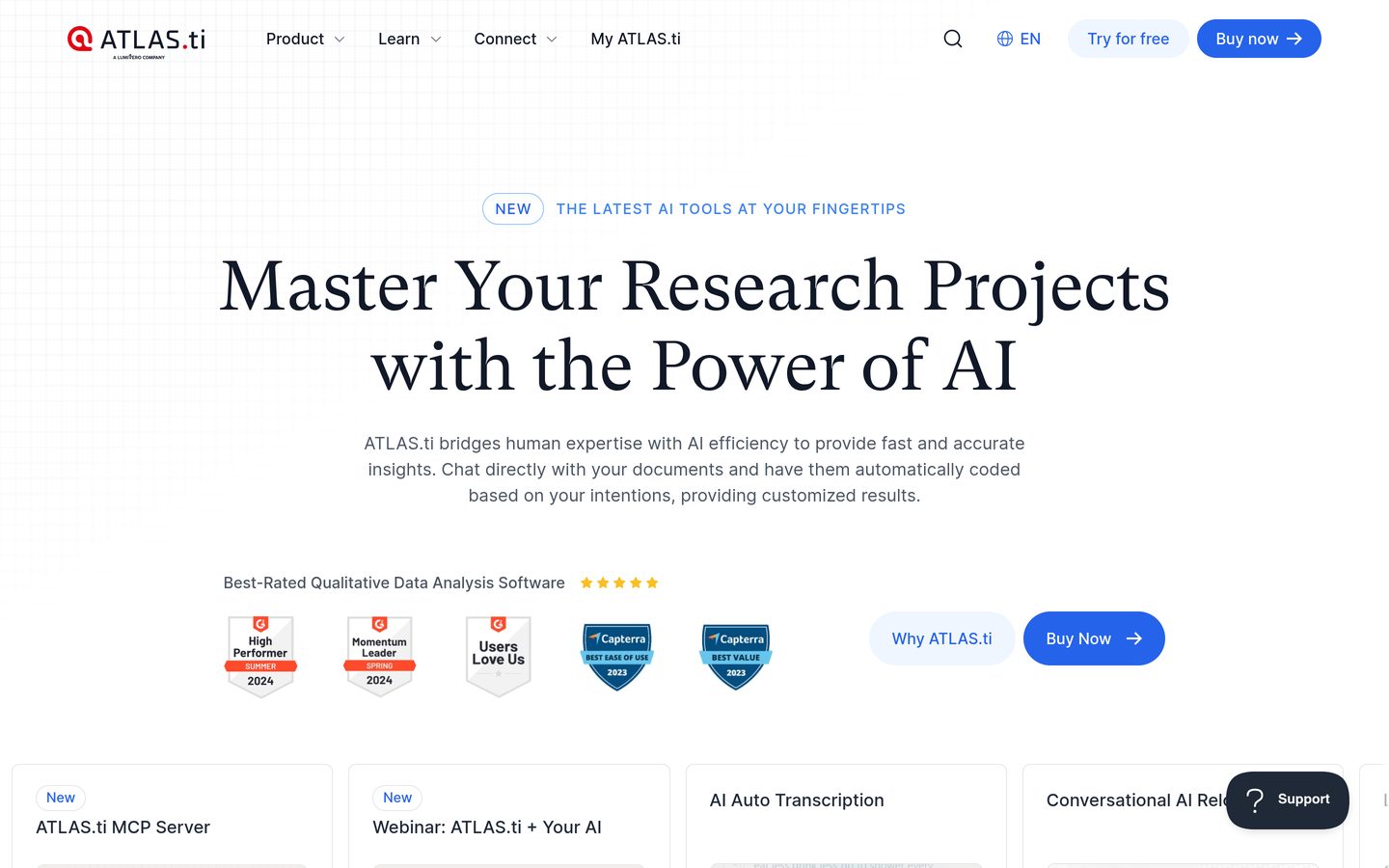
ATLAS.ti homepage, captured Nov 2026.
ATLAS.ti is a desktop and web coding tool that has served qualitative researchers since the early days of the field, and it is now owned by Lumivero alongside NVivo. It codes text, audio, images, video and geodata, and its AI coding suggests codes, reads sentiment and spots named entities across documents.
The trade off is that the cheapest published licence is the $130-a-year student plan, while an educational seat costs $387 a year and a commercial seat $722. It suits researchers who want strong AI help and visual network views of their codes.
What we like
Highest G2 rating of the big three at 4.7/5
AI coding, sentiment analysis and entity spotting built in
One licence covers Windows, Mac and web
Watch out for
Cheapest plans are web-only and exclude the desktop apps
Commercial seat at $722 a year is the priciest here per seat
Now owned by the same company as NVivo
Paid plans add desktop apps, transcription and AI codingVisit atlasti.com
03
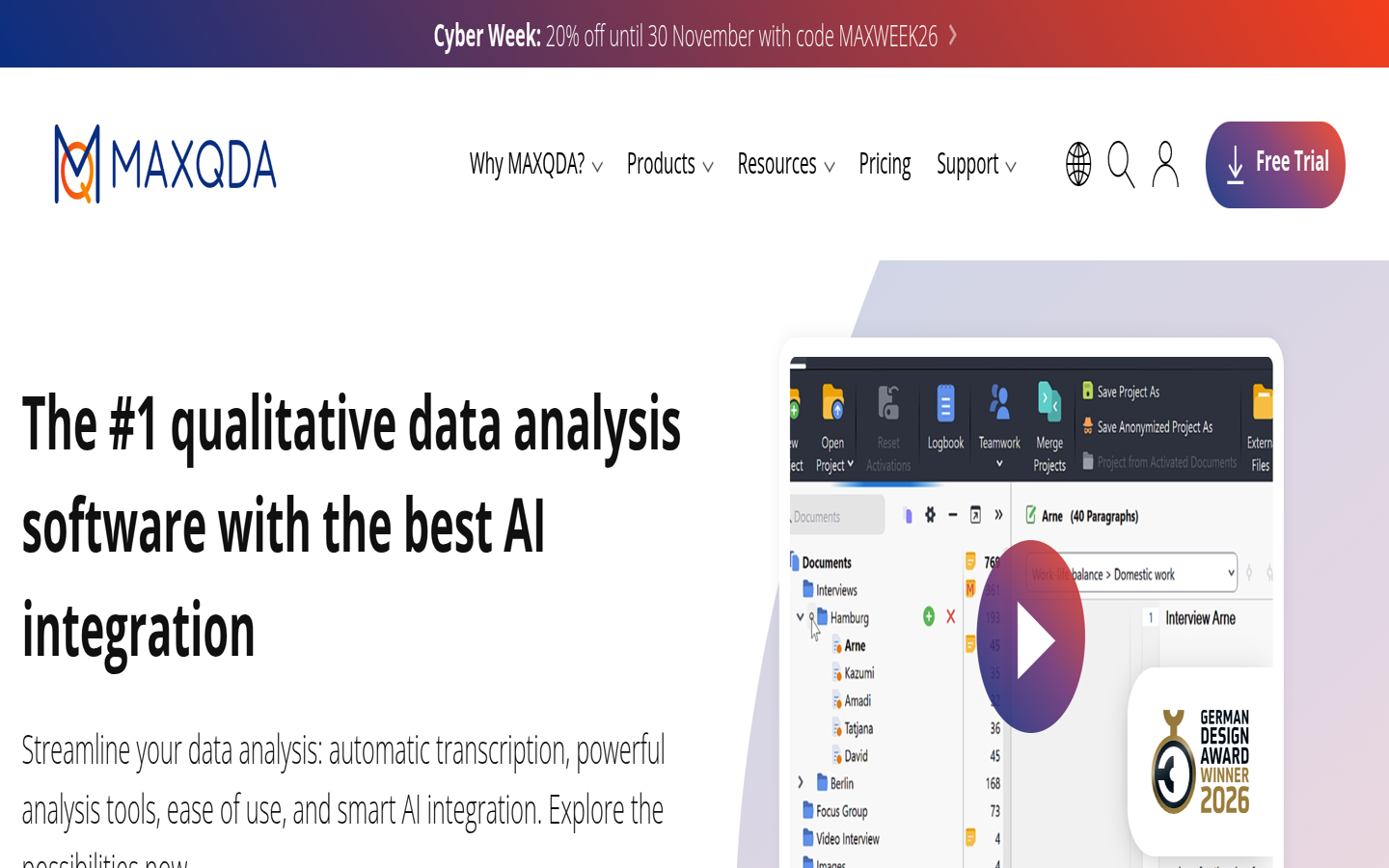
MAXQDA
4.5/5on G2 (38 reviews, checked Nov 2026)
Starts at$105/yr
Best for mixed-methods research
Data typesText, audio, video, surveys
AI AssistFree tier; Premium $132/yr
PlatformsWindows, Mac
Free trial14 days
maxqda.com
MAXQDA homepage, captured Nov 2026.
MAXQDA is a mixed-methods coding tool from VERBI in Germany, the only one of the big three still independently owned. It codes text, audio, video and survey data in one project, with visual tools such as code matrices and concept maps, and an optional Analytics Pro add-on for statistics.
The trade off is that exact prices appear only in the shop checkout, and the cheapest published licence is the $105-a-year student plan, with academic licences at $278 a year. A Cyber Week sale runs until 30 November; the list shows the regular price. It suits mixed-methods teams who want statistics beside their coding.
What we like
Cheapest student licence of the big three at $105 a year
Identical experience on Windows and Mac
AI Assist can run a local model so data stays on your machine
Dedoose is a browser-based tool for qualitative and mixed-methods research, built for teams who code together. It handles text, audio, video, images and survey data, with charts for coded data, inter-rater checks and real-time collaboration, and nothing to install.
The trade off is that you pay per active month, so a year of steady use costs $155.40 for students or $215.40 for individuals, and audio and video storage carries extra fees. It suits teams with burst-style projects who want to pay only for the months they log in.
What we like
Pay only for the months you log in
Real-time collaboration with no software to install
Strong mixed-methods charts and inter-rater checks
Watch out for
Lowest rating in this list at 3.7/5 on G2 from 14 reviews
Interface looks dated beside newer browser tools
Audio and video storage costs extra
All plans include every feature; groups pay less per userVisit dedoose.com
05
Delve
4.9/5on Capterra (205 reviews, checked Nov 2026)
Starts at$18/mo
Best for simple browser-based coding
Runs onWeb browser
AI helpSuggested codes, memos
View-only seatsFree
Free trial14 days
delvetool.com
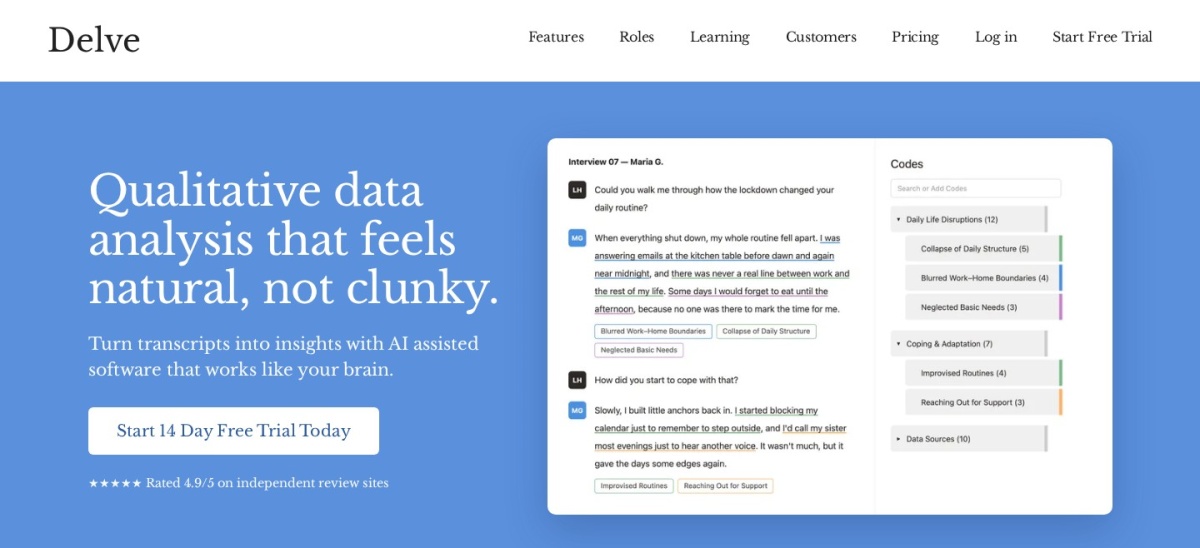
Delve homepage, captured Nov 2026.
Delve is a browser-based coding tool built for students and small teams doing thematic analysis. You upload transcripts, build a codebook, tag passages and generate themes, with optional AI help for suggested codes and memos, and view-only collaborators are free.
The trade off is depth. Delve covers the core coding workflow well but lacks the advanced queries and mixed-methods statistics of NVivo or MAXQDA, and the standard plan costs $50 a month. It suits dissertation students and first-time researchers who want to start coding fast.
What we like
Highest rating in this list at 4.9/5 on Capterra from 205 reviews
Simplest workflow here, with a free methods course included
View-only collaborators cost nothing
Watch out for
No advanced queries or mixed-methods statistics
Standard plan at $50 a month is steep for what it covers
Built for thematic analysis, not large multi-method projects
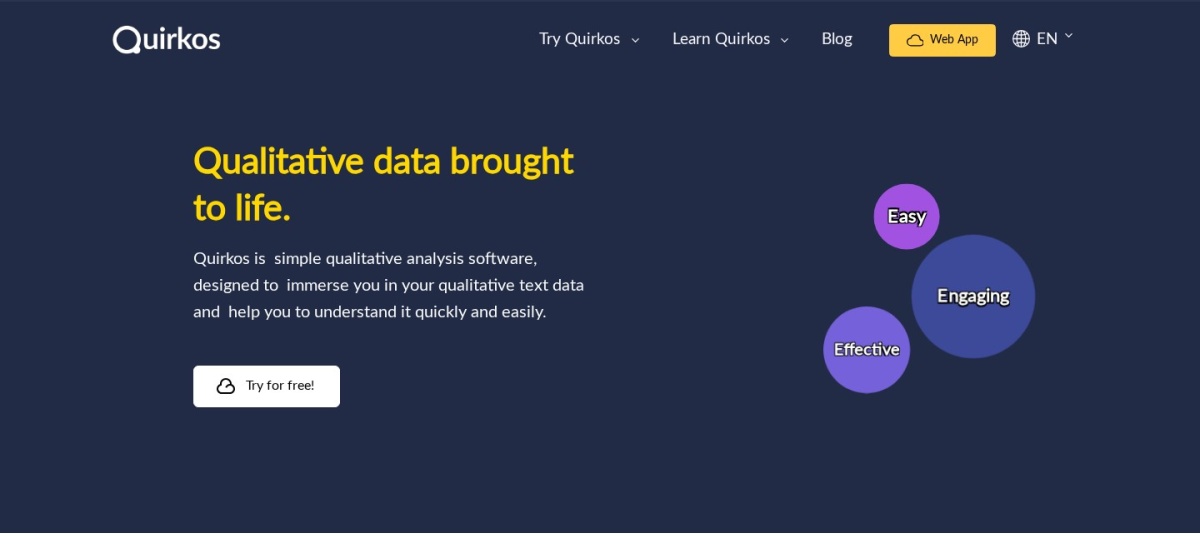
Quirkos is a visual coding tool from Edinburgh that shows codes as coloured bubbles that grow as you add quotes to them. It codes text documents on Windows, Mac, Linux and the web, with live collaboration in Quirkos Cloud and project import from NVivo, MAXQDA and ATLAS.ti.
The trade off is scope. Quirkos handles text well but has no built-in AI analysis by design, and audio or video needs a separate transcription service from $12 a month. It suits beginners and small budgets: cloud plans start at $5 a month for students.
What we like
Cheapest paid option here at $5 a month for students
$69 lifetime offline licence for students, transferable
Bubble view makes code frequency easy to see at a glance
Dovetail is a research repository and analysis tool for product and UX teams. It stores interviews, transcripts and clips in one searchable hub, with tagging, AI summaries and insight boards that link findings back to the evidence they came from.
The trade off is price as teams grow. The free plan covers the basics, but the Professional plan costs $29 per user a month, and workspace-wide tags and SSO sit in the Enterprise tier. It suits UX teams who analyse user interviews every week.
What we like
Free plan with transcription and tagging included
Searchable hub keeps past research easy to reuse
Strong AI summaries linked back to source evidence
Watch out for
Key features such as workspace-wide tags need Enterprise
Reviewers report steady price rises and moved features
More a research repository than a pure coding tool
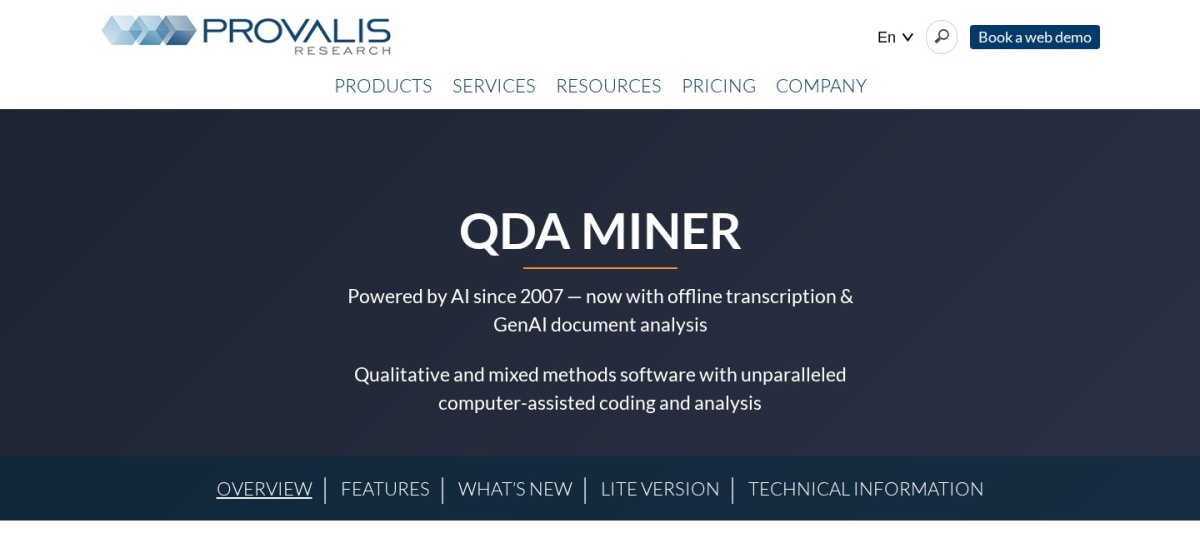
QDA Miner is a desktop coding tool from Provalis Research in Montreal, and the most quantitative tool in this list. It pairs with WordStat for content analysis and SimStat for statistics, and ships inter-rater agreement checks, code co-occurrence analysis and GIS mapping.
The trade off is the interface, which feels traditional beside newer browser tools, and the price jumps sharply outside academia: $310 a year for academics against $1,600 for commercial users. It suits survey researchers and content analysts; QDA Miner Lite is free.
What we like
Deepest code co-occurrence and text-mining tools here
QDA Miner Lite is free and genuinely useful
Direct imports from SurveyMonkey and Qualtrics
Watch out for
Windows only, with a traditional interface
Commercial licence at $1,600 a year is far above academic
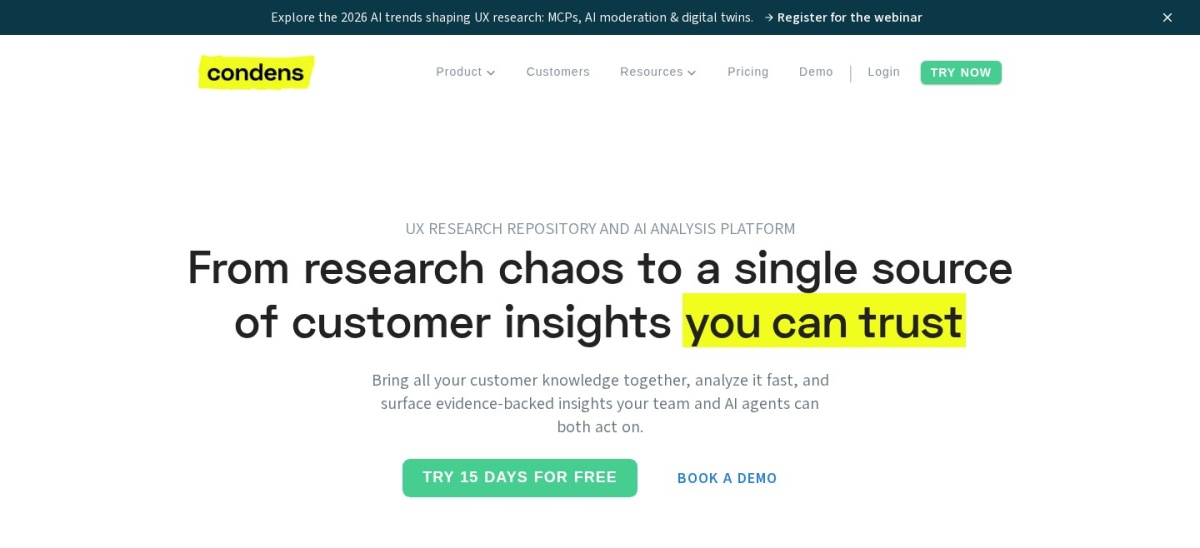
Condens is a UX research repository with analysis tools for product teams. It transcribes interviews automatically, tags and clusters findings with AI help, and keeps every insight searchable in one place, with a whiteboard for affinity mapping.
The trade off is scale. The Lite plan costs $15 a month but includes only one contributor, and the next tier, Business, starts at $500 a month. It suits small UX teams who want a shared, searchable home for their research.
What we like
Unlimited automated transcription on every plan
Cheaper than Dovetail for a small team repository
Rated 4.8/5 on G2 from 104 reviews
Watch out for
Lite includes only one contributor; more cost $15 each
Free options are real but limited. QDA Miner Lite codes text for free, Dovetail has a free plan, and every paid tool here offers a free trial of 14 or 15 days, or 30 days for Dedoose.
Free plans mostly give up depth and scale. You get basic coding and tagging, but advanced queries, statistics, AI help and team features sit behind paid plans.
If your project is a single thesis, a free tool plus a trial may be enough. Our guide on exporting and importing WordPress content shows the same export-first habit that matters here: keep your codebook in a format you can keep.
For a team coding interviews every week, the first year of a paid plan often costs less than the hours lost to a tool that cannot keep up.
How we chose
We started from the established qualitative coding tools used in academic and UX research, then kept those with a public rating on G2 or Capterra and a published price.
Prices come from each vendor's pricing page or shop, checked on 26 November 2026. Ratings and review counts come from G2 and Capterra on the same day. Where a vendor shows a sale, the list shows the regular price.
We left out tools with no public rating anywhere, including the free open-source tool Taguette. No vendor paid for a place, and we do not claim to have used these tools ourselves.
How to choose qualitative coding software
Start with your data and your team, then match the tool to the project.
Count your sources and coders. A solo thesis with 20 interviews needs far less than a team coding hundreds of transcripts. Browser tools suit teams; desktop tools suit large single projects.
Check what your institution already pays for. Many universities hold site licences for NVivo or ATLAS.ti, which can remove the cost question entirely.
Try the trial before you commit. Every paid tool here offers a free trial. Code a few real transcripts in it before you buy a year-long licence.
Plan how you will export your work. Make sure you can export your codebook and coded extracts in a format you can keep, such as CSV or a standard exchange file.
FAQ
What is the best qualitative coding software?
NVivo is the best pick for most researchers. It is the long-standing academic standard for coding, with deep queries and mixed-methods tools, and it is rated 4.0 out of 5 on G2 from 143 reviews.
Is there a free qualitative coding tool?
Yes. QDA Miner Lite is free and codes text properly, and Dovetail has a free plan with transcription and tagging. Taguette is also free and open source, but it has no public rating, so it is not in this list.
How much does NVivo cost?
The cheapest published NVivo licence is the $130-a-year student subscription. Academic licences cost $520 a year and commercial licences $1,005, and the AI Assistant costs $250 a year extra. Many universities hold site licences.
What is the difference between NVivo and ATLAS.ti?
Both are now owned by Lumivero. NVivo leads on mixed-methods work and SPSS integration, while ATLAS.ti leads on AI-assisted coding, sentiment analysis and visual networks of codes. ATLAS.ti is also rated higher on G2, at 4.7 out of 5.
Can I code interviews in a browser?
Yes. Dedoose, Delve, Dovetail and Condens all run in the browser with nothing to install. They suit teams who code together, while desktop tools such as NVivo and MAXQDA suit large single projects.
Do these tools transcribe interviews?
Some do. Dovetail and Condens include transcription, Delve and Quirkos charge for it separately, and NVivo and MAXQDA sell it as a paid add-on. Dedoose and QDA Miner do not list transcription as a core feature.
SaaS SEO and WordPress specialist with about 8 years of experience. Rakib compares WordPress plugins, themes, hosting and software using public pricing, documentation and user reviews. See how we rank.