NVivo is the best QDA software for most researchers, rated 4.0/5 on G2 from 147 reviews, with desktop apps for Windows and Mac from $130 a year for students. Pick ATLAS.ti for the highest-rated experience at 4.7/5, MAXQDA for mixed-methods work, and Quirkos for the cheapest start at $5 a month.
How we make this list: we compare pricing pages, product documentation and public user reviews, then re-check every price before each update. No product paid for a place. Disclosure.
NVivo is the standard pick: the most taught QDA package, rated 4.0/5 on G2 from 147 reviews, from $130 a year for students.
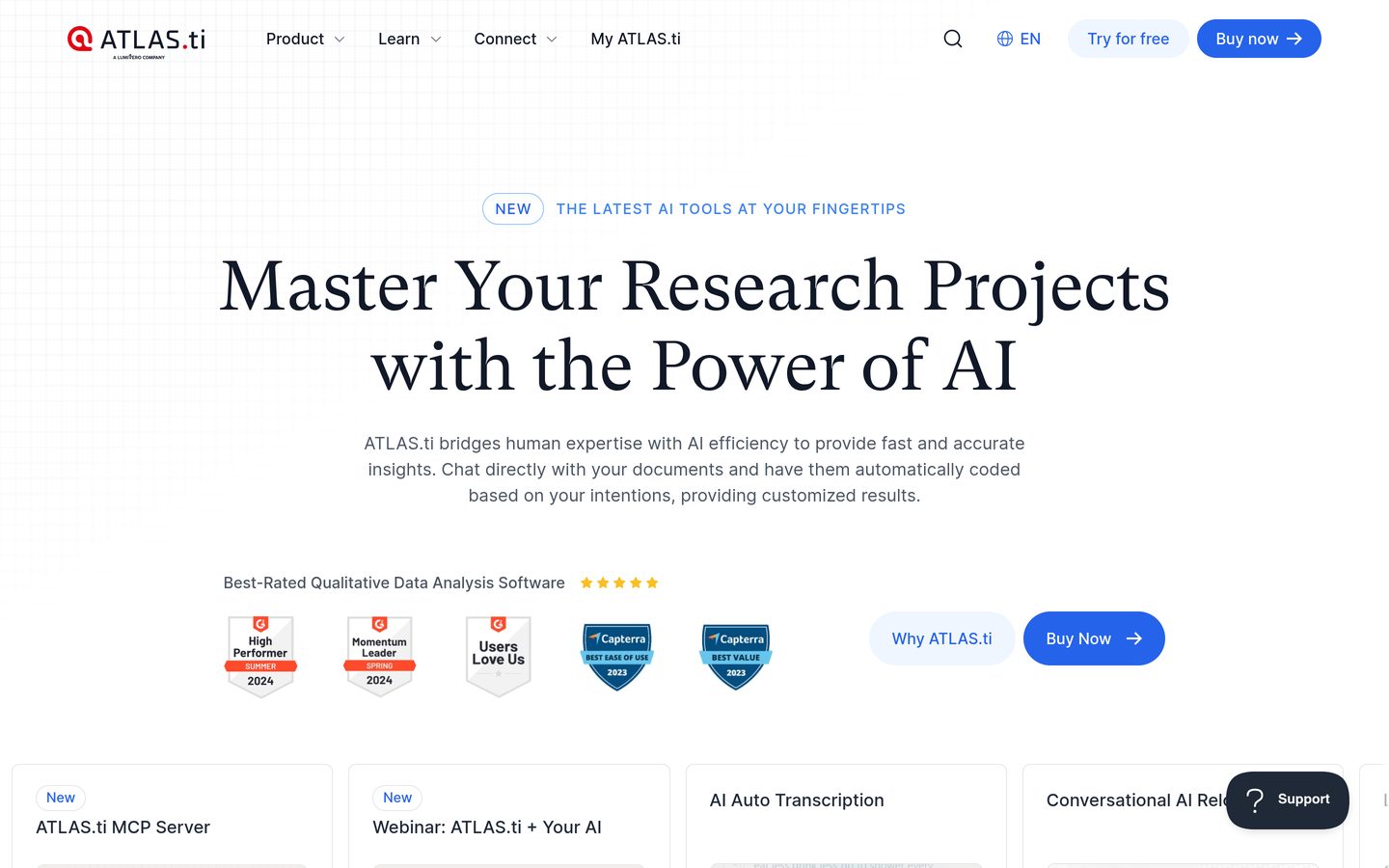
ATLAS.ti has the highest G2 rating here at 4.7/5 from 60 reviews, with desktop, Mac and web in one $130-a-year student licence.
MAXQDA is the mixed-methods pick, with coding plus statistics, from $105 a year for students and $278 for academics.
Dedoose and Delve are the cheapest web options: Dedoose from $12.95 an active month, Delve from $18 a month for education.
Quirkos is the cheapest paid start at $5 a month, and QDA Miner Lite and Dovetail's free plan cost nothing to try.
What QDA software does, and what to look for
QDA software, also called CAQDAS, helps researchers organise messy material: interview transcripts, focus-group notes, documents, audio and video, and code it into themes they can compare and report.
The core job is the same in every tool here: highlight a passage, attach a code, then retrieve every passage with that code. The tools differ in what surrounds that job: AI suggestions, statistics, team coding, transcription and multimedia support.
Good coding starts before you open the software, with clear research questions and a plan for the material you will collect. Our guide on how to do keyword research for a WordPress blog shows the same plan-first habit applied to research.
Price is the other big split. Student licences start at $5 a month, while a full academic licence for NVivo is $520 a year, so check whether your university already holds a site licence before you buy.
Desktop tools win on depth and offline work; web tools win on team coding and starting fast. Pick the side that matches how your project actually runs.
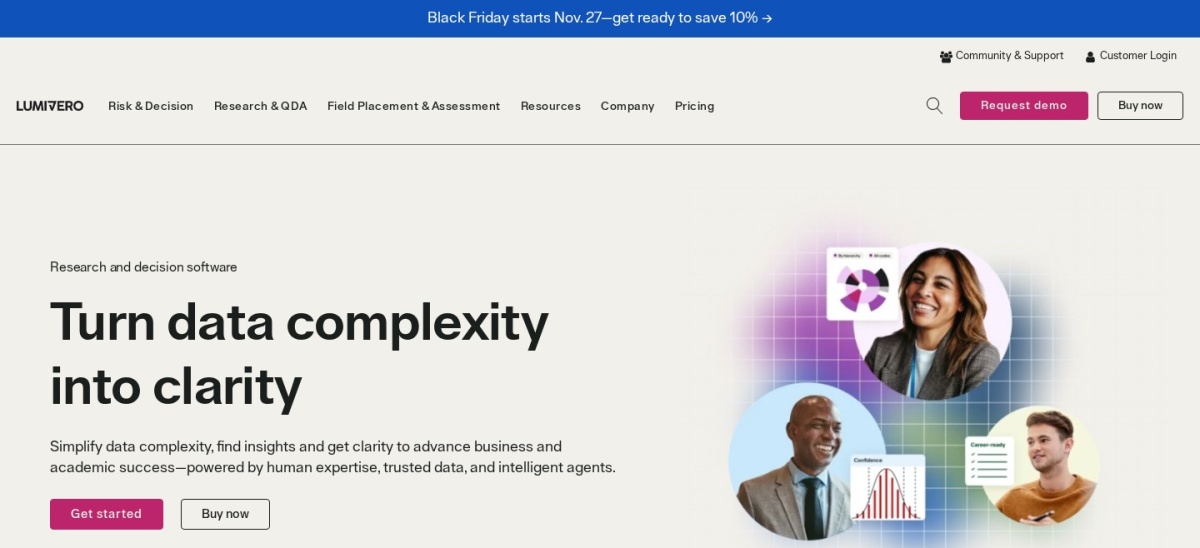
NVivo is the most widely taught qualitative data analysis package, from Lumivero, for coding interviews, documents, audio, video and survey data on Windows and Mac. NVivo 15 adds AI summaries and suggested codes, and a 14-day trial lets you try the full desktop app before paying.
The trade off is price and add-ons. The student desktop licence costs $130 a year, while an academic licence is $520, and AI features, transcription and team collaboration cost extra. It suits researchers who want the standard tool their university or team already knows.
What we like
Most widely taught, so help and training are easy to find
ATLAS.ti is a qualitative data analysis package for Windows, Mac and the web, with one licence covering all three. It codes text, PDFs, images, audio, video and survey data, and its AI coding, summaries and document chat speed up the first pass through a large set of transcripts.
The trade off is the trial. You get five active days of full use inside a 20-day window, then the app drops to a limited viewer until you pay. The student licence is $130 a year and an educational seat is $387. It suits researchers who move between desktop and browser.
What we like
One licence covers Windows, Mac and web
AI coding, summaries and document chat
Highest G2 rating in this list at 4.7/5
Strong network visualisations
Watch out for
Trial is only 5 active days
Team and commercial seats cost much more than student licences
Prices rose after the Lumivero acquisition
Paid licences remove the trial limits on documents, codes and exportsVisit atlasti.com
03
MAXQDA
4.5/5on G2 (38 reviews, checked Nov 2026)
Starts at$105/yr
Best mixed-methods QDA tool
PlatformWindows, macOS
Free trial14 days
AI AssistFree tier included
Paid planStudent, $105/yr
maxqda.com
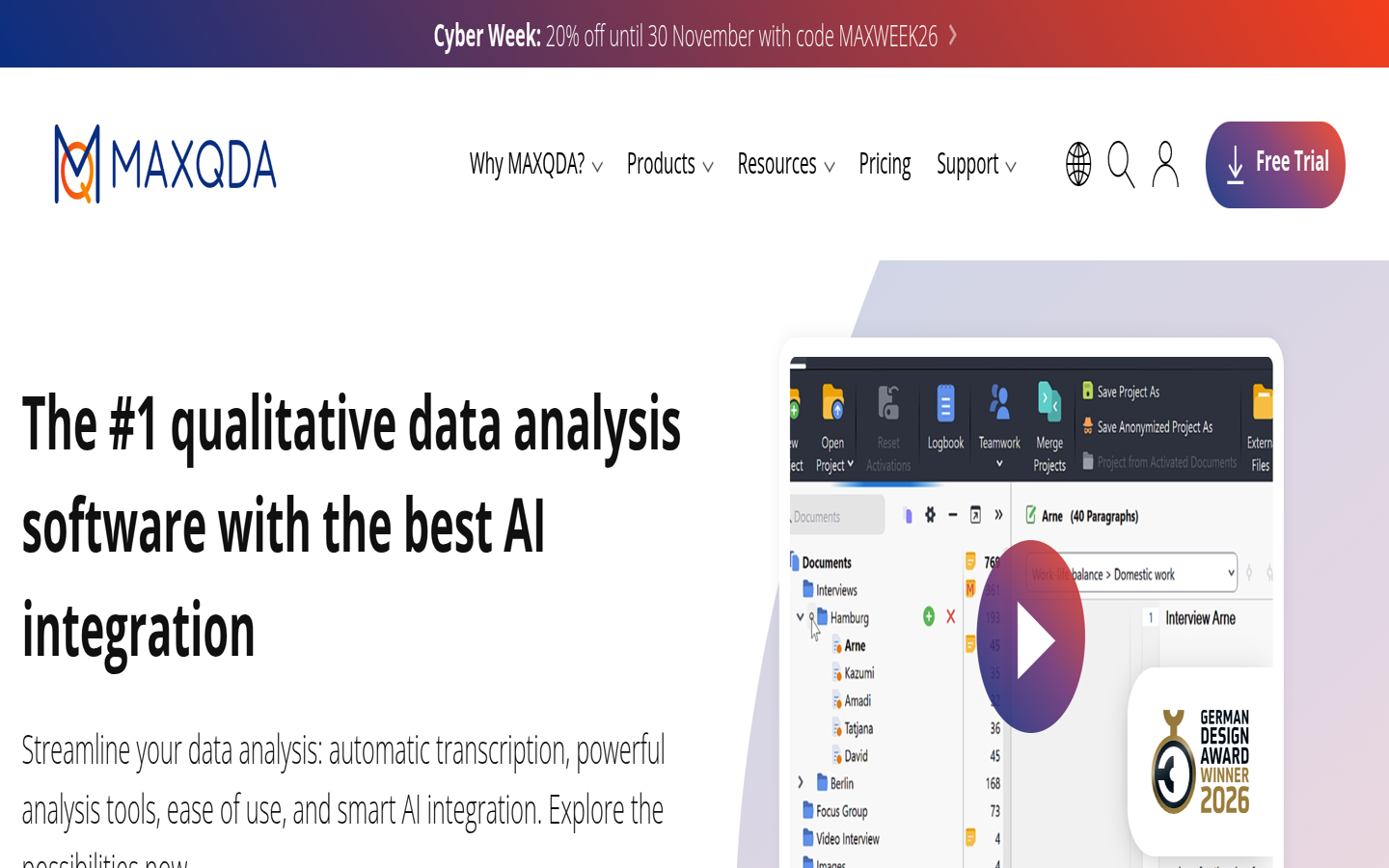
MAXQDA homepage, captured Nov 2026.
MAXQDA is a mixed-methods analysis package from VERBI for Windows and Mac, covering coding, memos, visual maps and survey data in one project file. AI Assist suggests codes and summaries, with a free tier included, and Analytics Pro adds statistics for researchers who also need frequencies and crosstabs.
The trade off is that the extras add up. The student licence is $105 a year and an academic licence is $278, while Analytics Pro, AI Assist Premium and TeamCloud are separate paid add-ons. It suits academic teams that want coding and basic statistics without a second statistics package.
What we like
Same app on Windows and Mac
AI Assist free tier included
Analytics Pro adds statistics in the same app
Publishes its full price list
Watch out for
Analytics Pro, AI Premium and TeamCloud cost extra
14-day trial is short for a deep tool
No monthly billing option
Analytics Pro adds statistics and text analysis for $317 a yearVisit maxqda.com
04
Dedoose
3.7/5on G2 (14 reviews, checked Nov 2026)
Starts at$12.95/mo
Best cloud QDA for teams
PlatformWeb browser
Free trial30 days
BillingPer active month
Paid planStudent, $12.95/mo
dedoose.com
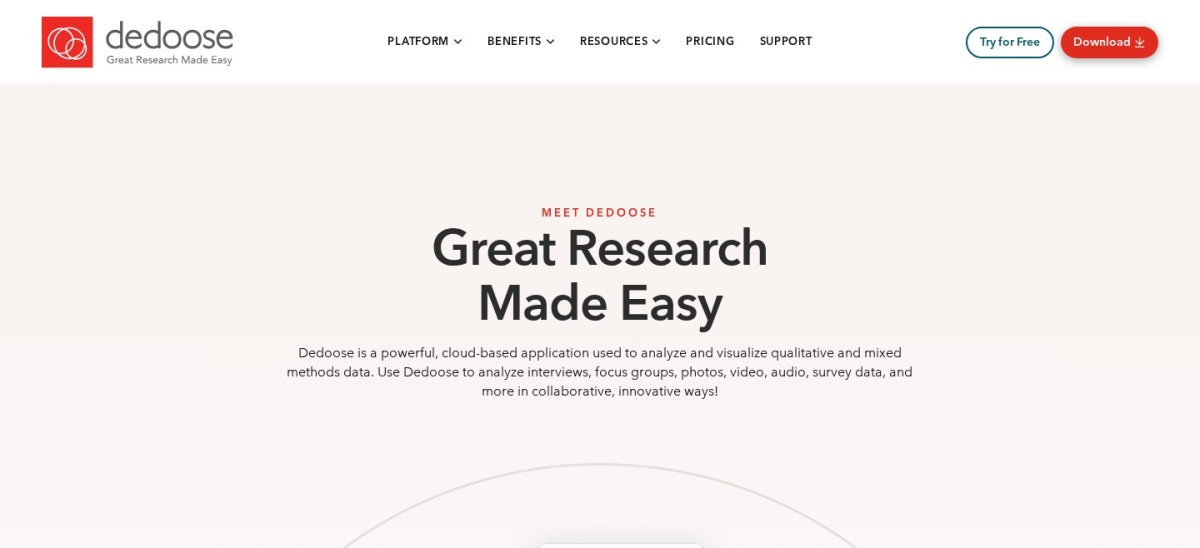
Dedoose homepage, captured Nov 2026.
Dedoose is a browser-based tool for qualitative and mixed-methods research, built for teams who code together without installing desktop software. It handles text, audio, video, images and survey data, links codes to demographic descriptors, and shows results in interactive charts.
The trade off is depth and looks. Dedoose covers the core coding workflow well but has fewer advanced query and visualisation tools than the desktop suites, and its interface shows its age. You pay only for months you log in, from $12.95 a month for students. It suits budget teams on mixed-methods projects.
What we like
Pay only for months you log in
Real-time team coding in the browser
Mixes qualitative codes with survey and demographic data
30-day free trial
Watch out for
Lowest G2 rating in this list at 3.7/5
Interface looks dated
Fewer advanced query tools than desktop suites
Annual prepay covers 12 months for $215.40 for individualsVisit dedoose.com
05
Delve
4.9/5on Capterra (205 reviews, checked Nov 2026)
Starts at$18/mo
Best simple QDA for students
PlatformWeb browser
Free trial14 days
AI helpCodes and memos
Paid planEducation, $18/mo
delvetool.com
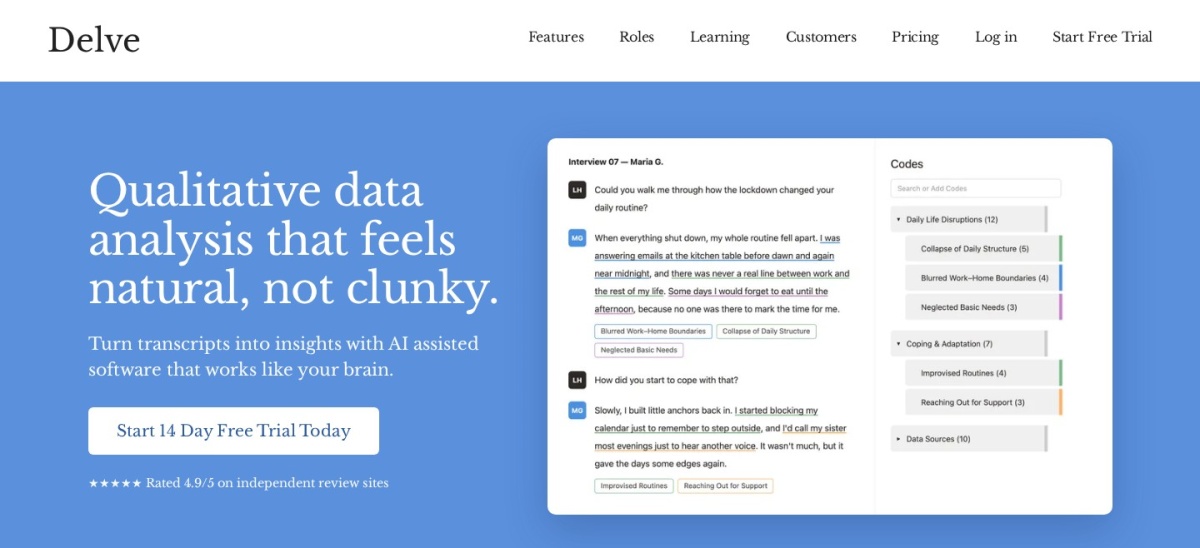
Delve homepage, captured Nov 2026.
Delve is a web-based qualitative coding tool built for students and first-time researchers, with guides that teach thematic analysis as you work. You upload transcripts, highlight passages, build a codebook and check agreement between coders, with optional AI help for codes and memos.
The trade off is scope. Delve keeps the workflow simple on purpose, so it lacks the deep queries, framework matrices and multimedia tools of the desktop suites. Education pricing is $18 a month or $200 a year, and view-only collaborators are free. It suits dissertations and small team projects.
Dovetail is a customer insights hub for UX and product research teams, with transcription, tagging and AI analysis of interviews, calls and support tickets in the browser. Notes, highlights and clips stay searchable in one shared workspace, and a limited free plan lets small teams start without paying.
The trade off is fit. Dovetail is built for product research, not classic academic coding, so it lacks the codebooks, framework matrices and inter-rater tools of the desktop QDA suites. Professional costs $29 per user a month. It suits UX teams that analyse customer interviews every week.
What we like
Limited free plan included
Strong AI analysis of interviews and calls
Searchable shared workspace for whole teams
Transcription built in
Watch out for
Built for product research, not academic coding
Key features like workspace-wide tags need Enterprise
Per-user pricing adds up fast for large teams
Professional unlocks the full workspace for $29 a user a monthVisit dovetail.com
07
Quirkos
4.6/5on Capterra (11 reviews, checked Nov 2026)
Starts at$5/mo
Best visual QDA for beginners
PlatformWindows, macOS, Linux, web
Free trial14 days
AI codingNo, by design
Paid planCloud Student, $5/mo
quirkos.com
Quirkos homepage, captured Nov 2026.
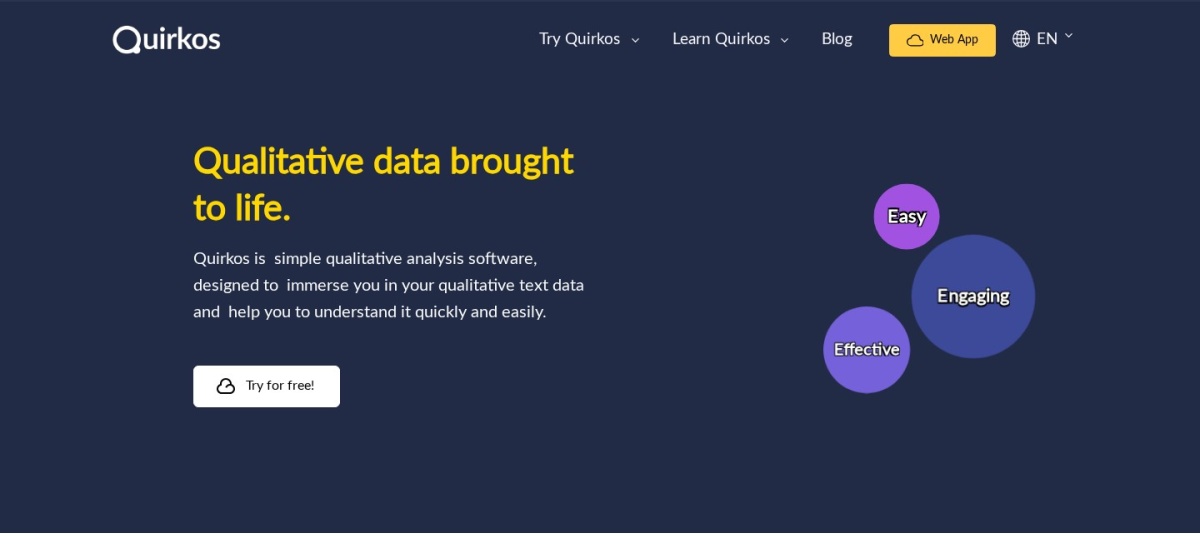
Quirkos is a visual qualitative analysis tool for Windows, Mac, Linux and the web, built around coloured bubbles that grow as themes gain coded passages. You drag text onto a bubble to code it, and the bubble view makes the shape of a small project clear at a glance.
The trade off is scale and AI. Quirkos has no AI coding by design, and large projects with hundreds of documents are harder to manage than in NVivo or MAXQDA. Cloud plans start at $5 a month for students, with a one-time offline licence also available. It suits beginners and small studies on a tight budget.
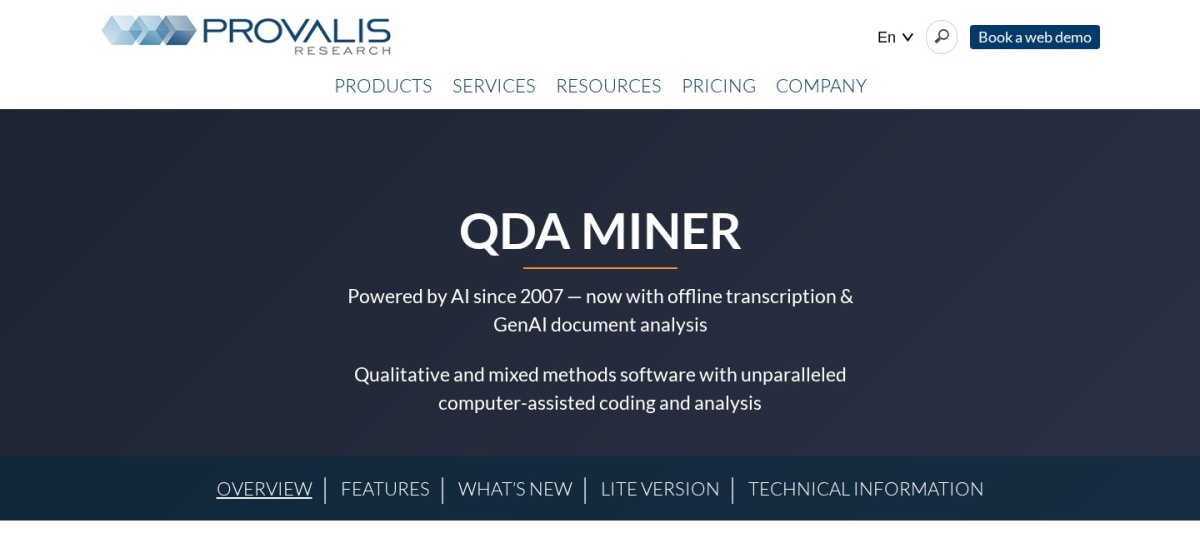
QDA Miner is a Windows tool from Provalis Research that pairs qualitative coding with statistics, GIS mapping and text mining. It codes documents and images, checks agreement between coders, and links with WordStat for content analysis and SimStat for statistics in the ProSuite bundle.
The trade off is platform and price transparency. QDA Miner runs on Windows only, and the full version is a $310-a-year academic subscription, with commercial licences at $1,600. A free Lite version covers basic coding. It suits mixed-methods analysts who want statistics beside their coding.
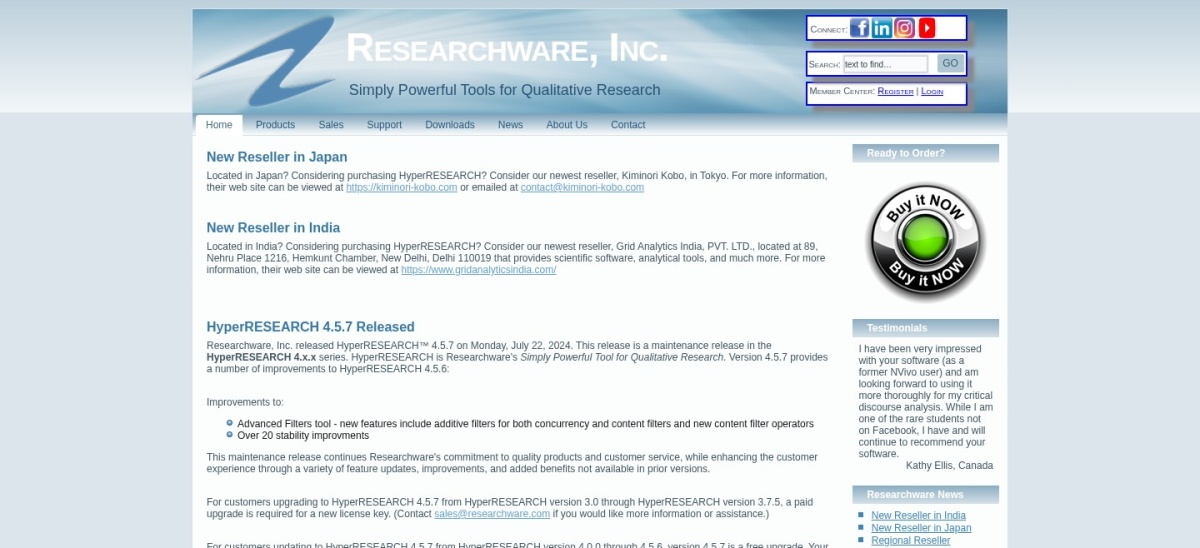
HyperRESEARCH is a long-running qualitative analysis tool from ResearchWare, in development since 1991, for coding text and multimedia on Windows and Mac. It sells perpetual licences with no yearly fee, and version 4.5.7 added filters and more than 20 smaller improvements.
The trade off is a thin public record. HyperRESEARCH has only 2 reviews on Capterra, both 5 out of 5, so there is far less independent feedback than for the bigger tools, and its website and interface look dated. The student licence is $199 once. It suits solo researchers who want to buy once and keep the tool.
What we like
One-time perpetual licence, no yearly fee
In development since 1991
Simple coding workflow
Volume discounts up to 30% for 15 or more licences
Watch out for
Only 2 Capterra reviews, so feedback is thin
Dated website and interface
Fewer AI and collaboration features than newer tools
Desktop tools such as NVivo, ATLAS.ti, MAXQDA and QDA Miner keep your project file on your own computer, which suits sensitive interview data and offline work.
Web tools such as Dedoose, Delve and Dovetail let a team code the same project at once with nothing to install, but your data lives on the vendor's servers.
Quirkos and ATLAS.ti cover both sides: Quirkos sells a desktop licence and a cloud plan, and ATLAS.ti includes desktop and web in one licence.
How we chose
We started from the QDA tools most often recommended for academic and UX research, then kept nine with published prices and a public rating on G2 or Capterra.
Prices come from each vendor's pricing page or shop, checked on 26 November 2026, and show the cheapest paid plan, which is usually a student licence; academic and commercial licences cost more. Ratings and review counts come from G2 or Capterra on the same day. Where a vendor shows a sale, the list shows the regular price.
We left out Taguette, the best-known free QDA tool, because it has no public rating on G2, Capterra or Trustpilot. No vendor paid for a place, and we do not claim to have used these tools ourselves.
How to choose QDA software
Start with your data and your team, then match the tool to the project.
List the material you will code. Text-only interview transcripts suit any tool here, while audio, video and images need a desktop suite or Dovetail.
Count the coders. Solo work suits a desktop licence, while two or more coders need real-time collaboration, which Dedoose, Delve and Dovetail build in.
Check what your university already pays for. Many universities hold site licences for NVivo, ATLAS.ti or MAXQDA, so ask your library before spending your own money.
Try the trial on your own data. Import a real transcript, code ten passages and export the results before you commit to a year-long licence.
FAQ
What is the best QDA software?
NVivo is the best QDA software for most researchers. It is the most widely taught package, rated 4.0 out of 5 on G2 from 147 reviews, with desktop apps for Windows and Mac. Students can start at $130 a year, while an academic licence costs $520 a year.
What is the cheapest QDA software?
Quirkos is the cheapest paid start at $5 a month for students on its cloud plan, and QDA Miner Lite and Dovetail both offer free versions. Taguette is free and open source, but it has no public rating, so it is not ranked in this list.
Is there free QDA software?
Yes. QDA Miner Lite is free for basic coding on Windows, Dovetail has a limited free plan, and Taguette is free and open source. Free tools cover highlighting and tagging well, but they lack the AI help, statistics and team tools of the paid suites.
Do I need NVivo, ATLAS.ti or MAXQDA?
Not always. The big three suit large projects, mixed-methods work and teams that need deep queries and statistics. For a dissertation or a small study, Delve, Dedoose or Quirkos cover the same core coding workflow for much less money.
What is the difference between NVivo and ATLAS.ti?
NVivo is the most widely taught QDA package and the standard in many universities, while ATLAS.ti is rated higher on G2 at 4.7 out of 5 from 60 reviews. ATLAS.ti includes desktop, Mac and web in one licence; NVivo sells its AI cloud product separately.
Can QDA software transcribe interviews?
Some can. NVivo sells transcription as a $499-a-year add-on for 50 hours, MAXQDA sells transcription hours separately, and Dovetail includes transcription in its paid plans. Delve and Dedoose focus on coding transcripts you already have.
SaaS SEO and WordPress specialist with about 8 years of experience. Rakib compares WordPress plugins, themes, hosting and software using public pricing, documentation and user reviews. See how we rank.