OneSignal is the best push notification software for developers, with a free plan covering unlimited mobile push for up to 1,000 monthly active users and a 4.7/5 G2 rating from 1,258 reviews. Pick Firebase Cloud Messaging for free push at any volume, or SuprSend for code-first workflows across nine channels.
How we make this list: we compare pricing pages, product documentation and public user reviews, then re-check every price before each update. No product paid for a place. Disclosure.
OneSignal leads with a 4.7/5 G2 rating from 1,258 reviews and a free plan up to 1,000 monthly active users.
Firebase Cloud Messaging charges nothing for push at any volume, but you build templates, retries and preferences yourself.
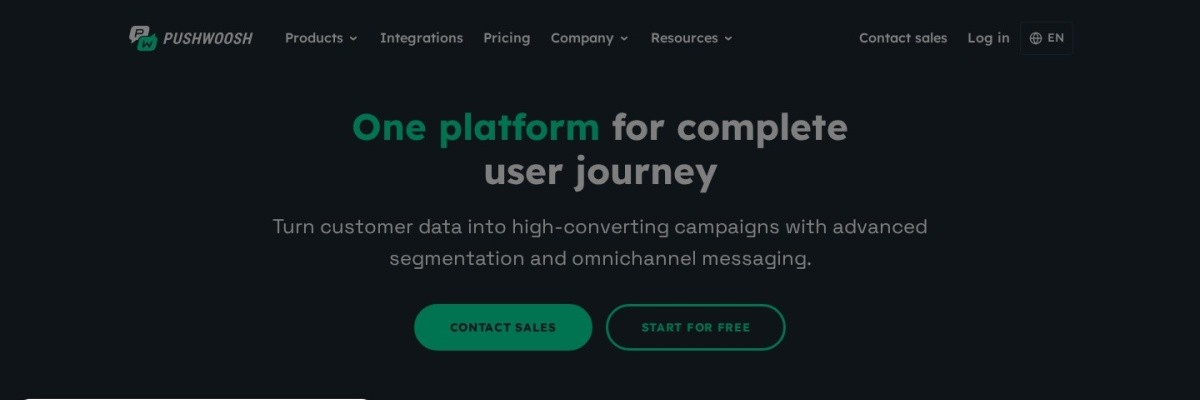
Pushwoosh is the cheapest paid push option here at $7 per 1,000 monthly active users for push only.
SuprSend has the highest G2 rating on this list at 4.8/5 from 129 reviews, with 10,000 free notifications a month.
Knock and MagicBell both jump to about $250 a month for their first paid plan, so they fit funded teams, not side projects.
What developers should look for in push software
Push notifications look simple from the outside: your server calls an API and a phone lights up. The real work is token management, retries, delivery tracking and user preferences, and that is where these tools differ most.
A push-only API such as Pusher Beams or Firebase Cloud Messaging keeps the bill low and the integration thin. You own the logic, the templates and the retry code, which suits teams that already have a backend to hold it.
Notification infrastructure such as Novu, Courier, Knock and SuprSend adds workflows, templates, an in-app inbox and channel fallback on top of push. That costs more per month but removes a whole service your team would otherwise build and maintain.
Check the billing unit before you compare prices. Some tools charge per monthly active user, some per message sent and some per workflow run, so the same app can cost $7 a month on one tool and $250 on another. Our guide on using the WordPress REST API shows the same API-first thinking applied to WordPress.
Free plans matter more here than in most categories. Seven of the nine tools on this list send real push traffic for free, so start on a free plan and only pay once your audience outgrows it.
The 9 best push notification software tools for developers
01
OneSignal
4.7/5on G2 (1,258 reviews, checked Nov 2026)
Paid from$19/mo
Best push notification software overall
Free pushUp to 1,000 MAU
Free emails10,000 sends/mo
Paid planGrowth, from $19/mo
PlatformsiOS, Android, web
onesignal.com
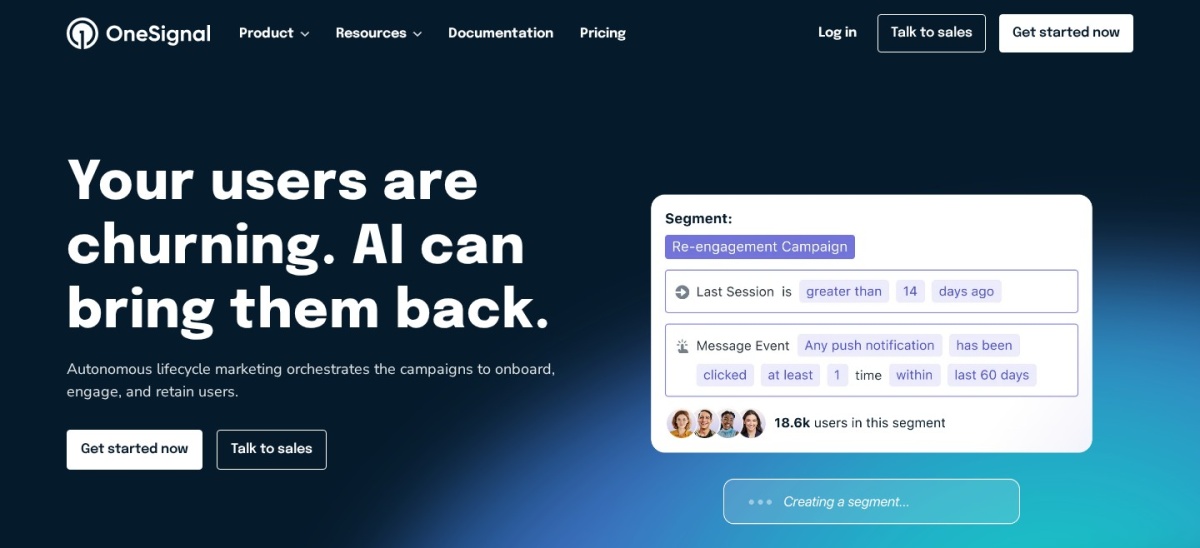
OneSignal homepage, captured Nov 2026.
OneSignal is a customer engagement platform built around mobile push, web push, in-app messages, email and SMS. The free plan includes unlimited mobile push and in-app messages for up to 1,000 monthly active users, 10,000 email sends a month, 3 active journeys and an API with SDKs for iOS, Android and web.
The trade off is usage billing. Growth starts at $19 a month, then adds $0.012 per monthly active user for mobile push and $0.004 per web push subscriber, so the bill grows with the audience. It suits small apps and sites that want push plus in-app messages without an enterprise contract.
What we like
Highest review count here: 4.7/5 from 1,258 G2 reviews
Free plan covers unlimited mobile push up to 1,000 MAU
Journeys, A/B testing and segmentation included
Watch out for
Per-user usage fees make costs hard to forecast at scale
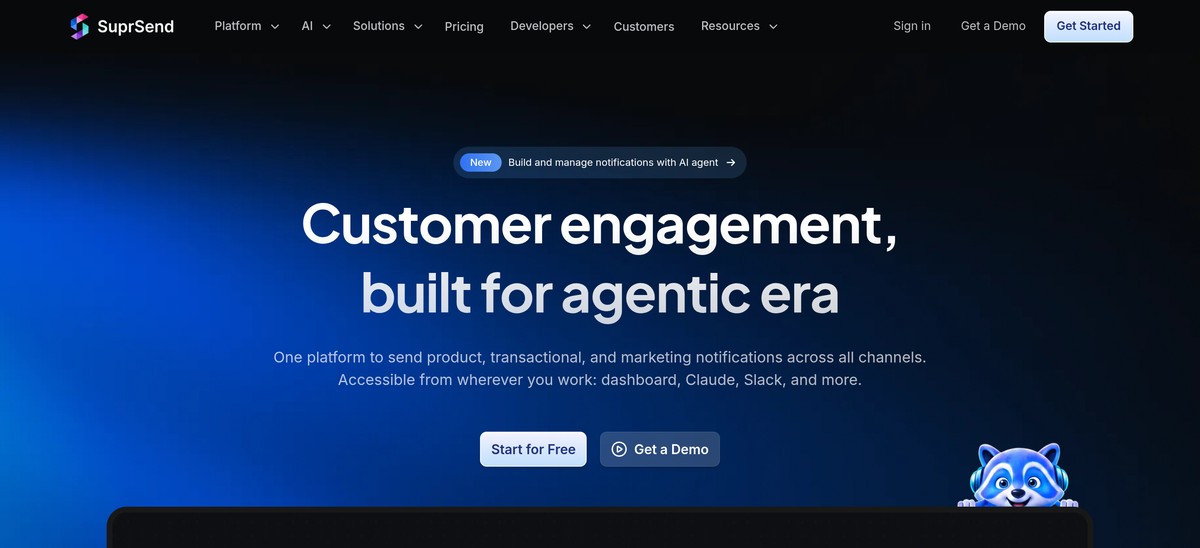
SuprSend is a notification engine that runs transactional, product and engagement messages across nine channels, including mobile push, web push, email, SMS and in-app, from one workflow. The free plan covers 10,000 notifications a month with unlimited channels and team members, plus an in-app inbox, an MCP server and a CLI.
The trade off is price. Essentials costs $100 a month billed annually for 50,000 notifications, then $2 per 1,000 extra, and email still goes out through a provider you connect. It suits engineering teams that want workflows, preferences and fallback in code rather than in a marketing dashboard.
What we like
Highest G2 rating on this list at 4.8/5
Workflows, inbox and templates managed by API and CLI
Per-user push analytics with fallback to other channels
Watch out for
Essentials at $100/mo is steep for a small app
No built-in email sending; you connect a provider
User preferences need the $250/mo Business plan
Essentials adds 50,000 notifications, i18n and timezone sendingVisit suprsend.com
03
Firebase Cloud Messaging
4.5/5on G2 (307 reviews, checked Nov 2026)
PriceFree
Best free push option for developers
Free pushFree at any volume
Paid push planNone, no charge
PlatformsAndroid, iOS, web
Send quota600,000 msgs/min
firebase.google.com
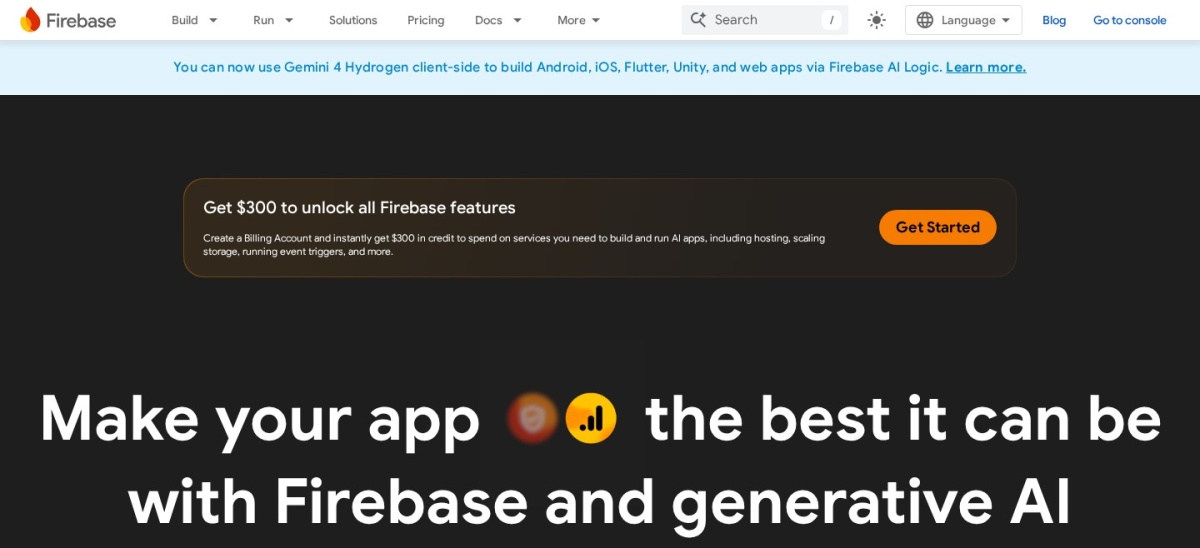
Firebase Cloud Messaging homepage, captured Nov 2026.
Firebase Cloud Messaging is the push delivery service behind most Android push, and it also sends to iOS and the web. Sending is free at any volume on both Firebase plans, with a published quota of 600,000 messages a minute per project, topics with server-side fanout, and console campaigns with audiences and A/B tests.
The trade off is that it is transport only. There are no templates, workflows, in-app feed, user preferences or digests, so your server stores device registrations and writes retries. It suits teams that only need push and are happy to own the logic around it.
What we like
Free at any volume, with no billing account needed
Pushwoosh is an omnichannel push platform with SDKs for mobile, web and Unity, plus email, SMS and WhatsApp on the same bill. Projects are free up to 1,000 monthly active users with unlimited push and in-app messages, segmentation, A/B testing and API access, and the full feature set is available on every plan.
The trade off is per-user billing. Push only costs $7 per 1,000 monthly active users, and the omnichannel plan costs $13, so the bill rises in a straight line with the audience. It suits apps past 1,000 users that want predictable per-user pricing without an enterprise contract.
What we like
Cheapest paid push on this list at $7 per 1,000 MAU
No feature gating: every plan gets the full toolset
Free up to 1,000 MAU with unlimited push sends
Watch out for
Push-only $7 rate is a limited offer, locked for 24 months
Smaller developer community than OneSignal or Firebase
Per-MAU billing grows with the audience, not the sends
Omnichannel at $13 per 1,000 MAU adds email, SMS and WhatsAppVisit pushwoosh.com
05
Novu
4.6/5on G2 (22 reviews, checked Nov 2026)
Paid from$30/mo
Best open-source notification infrastructure
Free runs10,000/mo
Paid planPro, from $30/mo
WorkflowsCode-first, TypeScript
Self-hostYes, open source
novu.co
Novu homepage, captured Nov 2026.
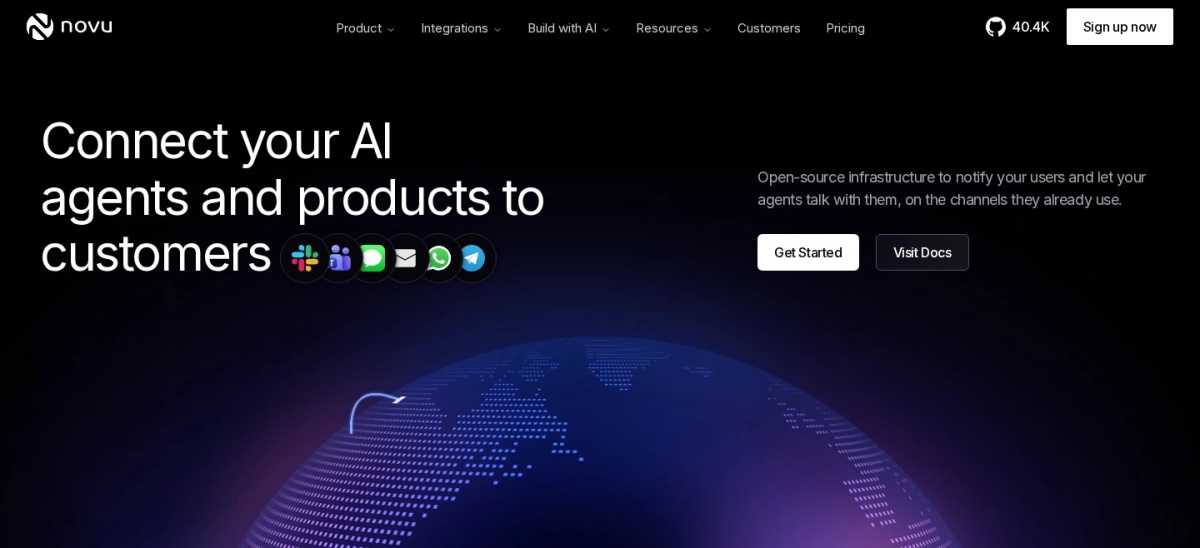
Novu is open-source notification infrastructure that sends push, in-app, email, SMS and chat messages from one API, with workflows written in TypeScript. The free cloud plan covers 10,000 workflow runs a month across all channels, and the core is MIT licensed, so teams can self-host it instead of paying for the cloud.
The trade off is that Novu is orchestration, not delivery. You still connect a provider such as SendGrid for email or Twilio for SMS, and the jump from Pro at $30 a month to Team at $250 is steep. It suits developer-led teams that want notification logic in the repo.
What we like
Open source core you can self-host for free
One API for push, in-app, email, SMS and chat
Prebuilt Inbox and Preferences components
Watch out for
You still pay separate delivery providers
Free plan keeps only 24 hours of activity history
Team plan at $250/mo is a steep jump from Pro
Pro adds 30,000 runs, 7-day retention and no Novu brandingVisit novu.co
06
Pusher Beams
4.3/5on G2 (11 reviews, checked Nov 2026)
Paid from$29/mo
Best simple push-only API
Free subscribersUp to 1,000
Paid planStartup, $29/mo
PlatformsiOS, Android, web
Delivery trackingWebhooks
pusher.com
Pusher Beams homepage, captured Nov 2026.
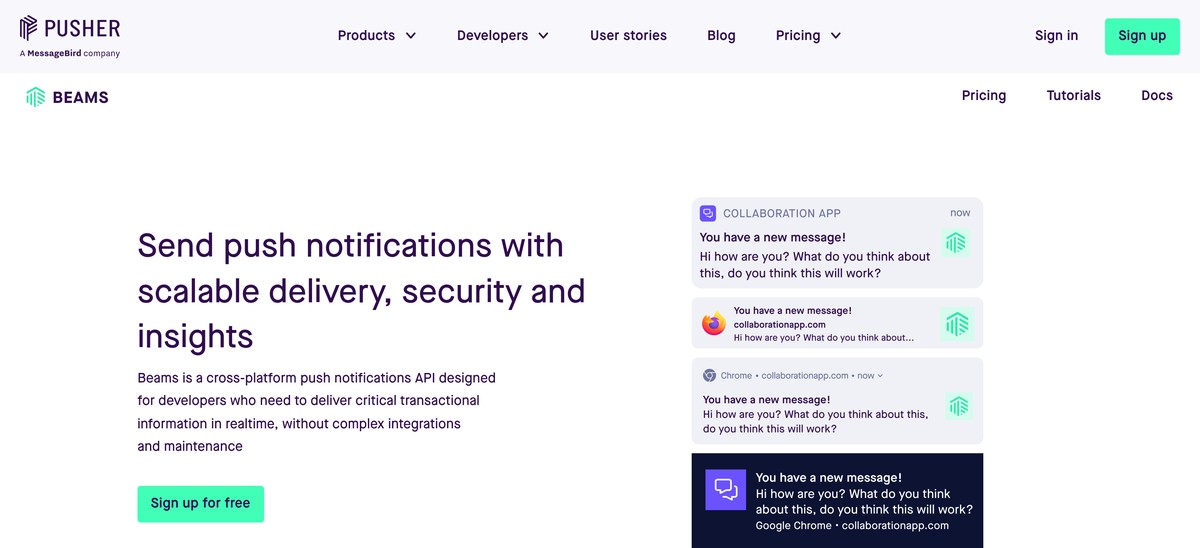
Pusher Beams is a cross-platform push notification API for iOS, Android and web, with native client and server SDKs, topic-based targeting and delivery tracking through webhooks. The free Sandbox plan covers up to 1,000 subscribers, and paid tiers are flat self-serve plans by subscriber count, starting at $29 a month for up to 10,000 subscribers.
The trade off is scope. Beams does push only, with no in-app messaging, journeys or rules-based segmentation, and it is now a small team inside Bird. It suits developers who want a thin, predictable push API and nothing else.
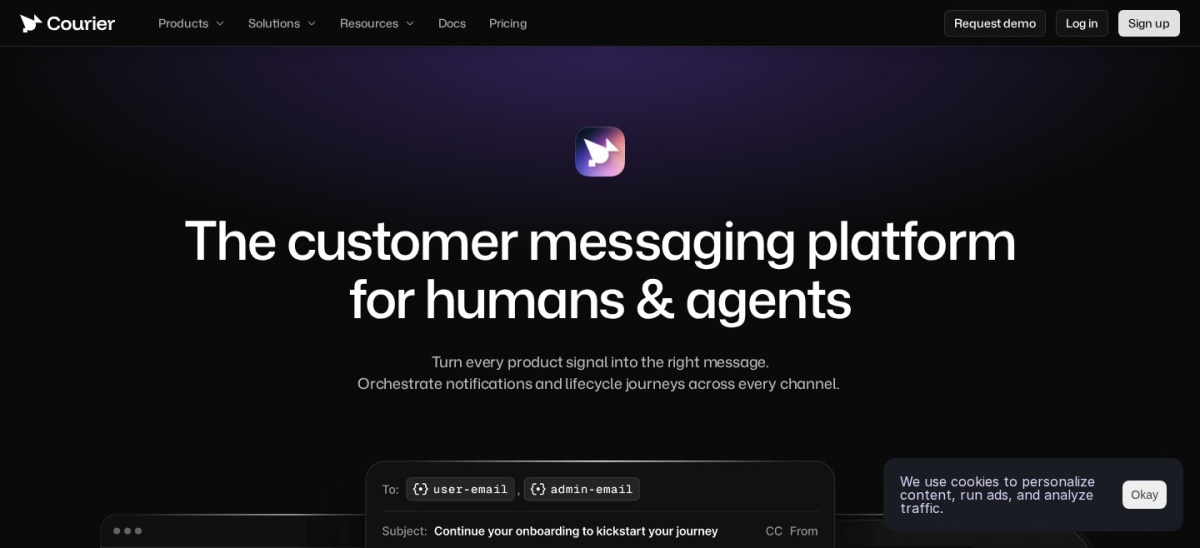
Courier is a notification API that lets developers design and send messages through email, Slack, SMS, push and in-app channels from one API, with a visual template designer, journeys and broadcasts. The free Developer plan includes 10,000 sends a month, all channels, unlimited templates and team members, and the MCP server and CLI.
The trade off is the pay-as-you-go bill. Business charges $0.005 for every send, including the first 10,000, so 50,000 sends a month costs $250, and delivery providers may bill separately. It suits teams that send product messages across several channels from one template set.
What we like
One send counts once even across several channels
Generous free plan: 10,000 sends a month
Visual template designer plus API, CLI and MCP server
Watch out for
No flat monthly plan; every send costs $0.005
Paid billing restarts from the first send, not after 10,000
Delivery providers may bill separately
Business is pay-as-you-go; Enterprise adds volume pricingVisit courier.com
08
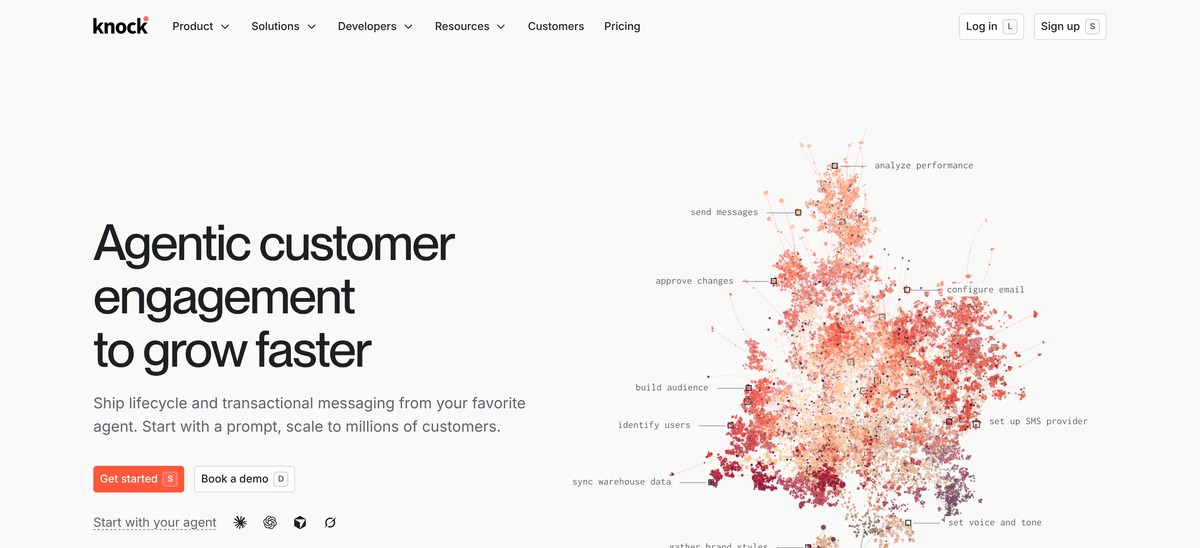
Knock
4.6/5on G2 (149 reviews, checked Nov 2026)
Paid from$250/mo
Best for developer-controlled workflows
Free messages10,000/mo
Paid planStarter, $250/mo
Starter messages50,000/mo
GuidesIn-app guides included
knock.app
Knock homepage, captured Nov 2026.
Knock is notification infrastructure that lets product teams build event-triggered messaging across email, push, SMS and in-app channels from one workflow. The free Developer plan includes up to 10,000 messages, 500 guide recipients, unlimited workflows, broadcasts and team members each month, with no card required.
The trade off is the jump to paid. Starter costs $250 a month and includes 50,000 messages and 2,500 guide recipients, with $0.005 per message after that, and delivery providers bill separately. It suits funded product teams that want workflows in code and version control.
What we like
Clean API and workflow builder praised by developers
Workflows version-controlled like code
In-app guides and feeds in the same platform
Watch out for
Starter at $250/mo is a steep jump from free
Email goes through a provider you connect and pay
Key governance features sit behind Enterprise
Starter adds branding removal, previews and priority supportVisit knock.app
09
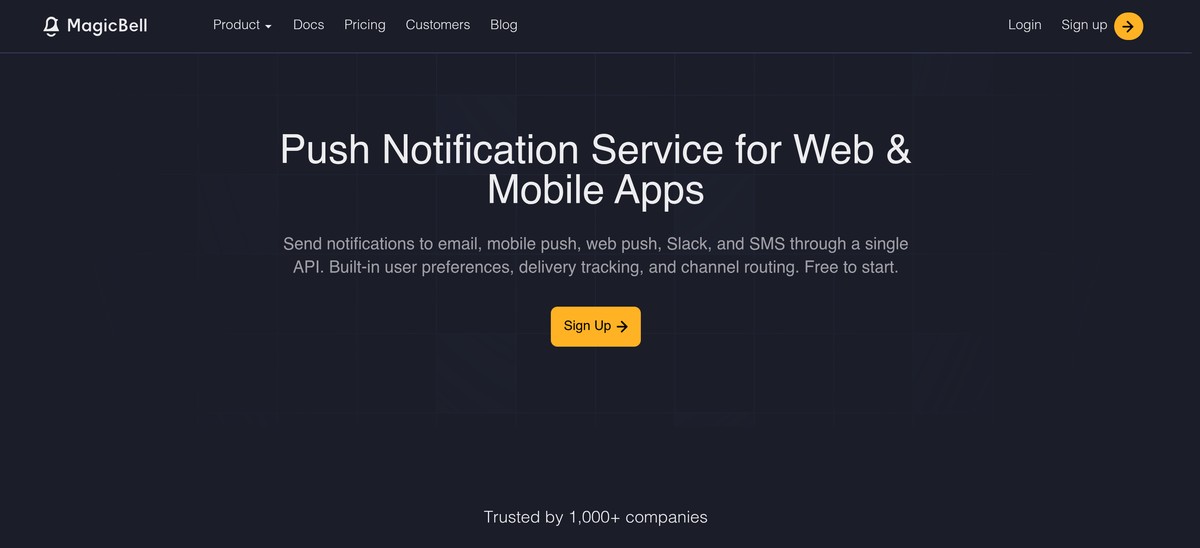
MagicBell
5/5on G2 (7 reviews, checked Nov 2026)
Paid from$249/mo
Best for a drop-in notification inbox
Free deliveries1,000/mo
Paid planStartup, $249/mo
Startup deliveries50,000/mo
InboxDrop-in React inbox
magicbell.com
MagicBell homepage, captured Nov 2026.
MagicBell is a notification service built around a drop-in in-app inbox for React and other frameworks, plus a delivery API across email, push, SMS and Slack. The free Builder plan includes 1,000 deliveries a month and 1 project, with all integrations, unlimited users and team members, and no card required.
The trade off is the paid step. Startup costs $249 a month for 50,000 deliveries and 5 projects, with extra deliveries at $0.0025 each and extra projects at $99 each. It suits a small team that wants a notification bell live fast without building an inbox.
What we like
Drop-in inbox components for four frameworks
Every feature is available on the free plan
Cheapest overage here at $2.50 per 1,000 deliveries
Push-only tools send the message and stop. Firebase Cloud Messaging, Pusher Beams and Pushwoosh fit this shape: a thin API, a low bill and full control over the logic in your own backend.
Infrastructure tools add the layer around the send. Novu, Courier, Knock, SuprSend and MagicBell give you templates, workflows, an inbox, preferences and delivery logs, so product and support teams can change messages without a deploy.
The price gap follows the scope. Push-only tools on this list start free or at $7 to $29 a month, while infrastructure tools start at $30 to $250 a month for their first paid plan.
Pick push-only when push is the only channel and your backend already owns user state. Pick infrastructure when the same event must reach users by push, email and in-app, with preferences and an audit trail.
How we chose
We started from the push notification tools developers name most often in API and SDK documentation, then kept the nine with public pricing, a free plan or free tier, and a public user rating.
Prices come from each vendor's pricing page, checked on 26 November 2026. Ratings and review counts come from G2 on the same day, except Firebase Cloud Messaging, whose G2 figure comes from a SuprSend comparison page. Where a vendor shows a sale, the list shows the regular price.
We left out tools with no public price, such as Airship and Braze, and tools with no public rating. No vendor paid for a place, and we do not claim to have used these tools ourselves.
How to choose push notification software for developers
Start with the channels you must send, then check the billing unit against your real volume.
List the channels you need. If you only need push, a push-only API is cheaper and simpler. If the same event must also reach email and in-app, pick infrastructure.
Check the billing unit. Per-user, per-send and per-workflow-run pricing give very different bills at the same volume. Price your real monthly numbers on two or three tools.
Test the free plan with a real send. Send to a test device on iOS, Android and web, and check token refresh, delivery receipts and what happens when a token expires.
Check who owns preferences and retries. Decide whether your backend or the vendor stores opt-outs, quiet hours and retry logic, and pick the tool that matches that choice.
FAQ
What is the best push notification software for developers?
OneSignal is the best pick for most developers. Its free plan covers unlimited mobile push for up to 1,000 monthly active users, it is rated 4.7 out of 5 on G2 from 1,258 reviews, and it adds email, SMS and in-app messages on the same platform.
Is Firebase Cloud Messaging really free?
Yes. Firebase Cloud Messaging charges nothing for sending on either Firebase plan, at any volume, with a published quota of 600,000 messages a minute per project. You still build templates, retries and preferences yourself, since it is push transport only.
What is the cheapest push notification software?
Pushwoosh is the cheapest paid option on this list at $7 per 1,000 monthly active users for push only, after a free tier up to 1,000 users. Firebase Cloud Messaging is free at any volume, and OneSignal is free up to 1,000 monthly active users.
Do I need a push service or notification infrastructure?
Use a push service when push is your only channel and your backend already owns user state and retry logic. Use notification infrastructure when the same event must reach push, email and in-app, with templates, preferences and delivery logs in one place.
How are push notification tools priced?
It varies by tool. OneSignal and Pushwoosh charge per monthly active user, Courier and Knock charge per message sent, Novu charges per workflow run, and SuprSend charges per notification per channel. Always price your real monthly volume before choosing.
Can I switch push providers later?
Yes, but it takes work. You must move device tokens, re-register users on the new provider, and rebuild templates and segments. Keep tokens and user preferences in your own database so a switch does not mean starting from zero.
SaaS SEO and WordPress specialist with about 8 years of experience. Rakib compares WordPress plugins, themes, hosting and software using public pricing, documentation and user reviews. See how we rank.