WLWPLegible EditorsLast verified 22 Nov 2026How we rank12 min read
★ Short answer
Fieldwire is the best punch list app for most construction teams, offering a free plan for 5 users, 3 projects, and 100 sheets. PlanRadar is better for drawing-linked defect tracking and subcontractor coordination, while Site Audit Pro offers photo-based punch reports through a $12.90 one-time app purchase.
How we make this list: we compare pricing pages, product documentation and public user reviews, then re-check every price before each update. No product paid for a place. Disclosure.
Fieldwire Free supports 5 users, 3 projects, and 100 sheets; Pro starts at $39 per user monthly billed annually and has a 4.5/5 G2 rating from 592 reviews.
PlanRadar Basic costs $32 monthly for one user, with 10 digital plans and unlimited projects; G2 rates it 4.5/5 from 72 reviews.
Site Audit Pro costs $12.90 once on the App Store and has a 4.8/5 rating from approximately 11,000 ratings.
Bluebeam Basics costs $260 per user yearly, while Core costs $330 and adds advanced markups and hosted collaboration; its G2 rating is 4.6/5 from 500 reviews.
Contractor Foreman Basic costs $49 monthly with annual billing for one user, while Standard supports up to 3 users at $105 monthly.
FastField Core starts at $24 per seat monthly with annual billing and supports unlimited mobile forms, offline collection, and customized reports.
What a good punch list app should include
A punch list records incomplete work, defects, and corrections that must be resolved before a construction project can be closed out. A useful app replaces scattered notes, photographs, spreadsheets, and messages with an organized record of outstanding items.
The most important feature is issue tracking. Each item should identify the problem, its location, the responsible contractor, its status, and supporting photographs. Due dates and completion evidence make follow-up easier.
Drawing integration is particularly valuable on larger projects. Pinning defects directly to floor plans helps subcontractors locate work without interpreting lengthy descriptions or searching through separate documents.
Mobile access matters because most inspections happen on site. Look for offline capture, photo annotation, reliable synchronization, and simple ways to assign or update work when connectivity returns.
Finally, evaluate reporting and closeout. Exportable PDF reports, filtered issue lists, completion photographs, and documented sign-offs help project managers demonstrate that outstanding work has been addressed.
Fieldwire is a construction field management app that connects punch items, drawings, photographs, checklists, and team assignments. Its free Basic plan supports 5 users, 3 projects, and 100 sheets, allowing smaller crews to organize defects and follow their resolution directly from construction plans.
The trade off is that the free plan excludes advanced reports, exports, and custom task statuses. Pro costs $39 per user monthly with annual billing and adds those capabilities alongside unlimited projects and sheets. It suits general contractors, superintendents, and subcontractors managing drawing-based punch lists across active jobsites.
What we like
Punch items can be linked to construction drawings
Free plan supports small construction teams
Photo attachments and task assignments
Mobile access for field personnel
Pro includes reports and custom task statuses
Watch out for
Free plan limits projects and sheets
Professional reports require Pro
Advanced forms and integrations require Business
Per-user pricing increases with team size
Pro adds reports, exports, custom statuses, templates, and unlimited projectsVisit fieldwire.com
02
PlanRadar
4.5/5on G2 (72 reviews, checked Nov 2026)
Starts at$32/mo
Best for construction defect tracking and subcontractor coordination
Basic$32/month
Basic users1
Digital plans10 on Basic
Starter$107/user/month
planradar.com
PlanRadar homepage, captured Nov 2026.
PlanRadar is a construction documentation platform for recording defects, assigning corrective work, and tracking project progress against digital plans. Its Basic plan costs $32 monthly and includes one licensed user, 10 digital plans, unlimited projects, unlimited exports, and access for subcontractors and watchers.
The trade off is that Basic supports only one licensed user and offers limited reporting customization. Starter costs $107 per user monthly and increases the plan allowance to 30 per user, while Pro costs $159 and adds advanced capture and reporting features. It suits consultants and contractors managing formal inspection records.
What we like
Defects can be associated with digital plans
Unlimited projects on Basic
Subcontractor and watcher access
Mobile site documentation
Exportable inspection and defect records
Watch out for
Basic is limited to one licensed user
Advanced report templates require higher plans
Higher-tier subscriptions are comparatively expensive
Complex workflows may require additional configuration
Starter expands team capacity and plan allowances; Pro adds advanced templates and reportingVisit planradar.com
03
Site Audit Pro
4.8/5on App Store (11,000 reviews, checked Nov 2026)
Starts at$12.90 one-time
Best affordable punch list app for photo reports
Base app$12.90 one-time
App Store rating4.8/5
Report designs8
Cloud serviceOptional subscription
siteauditpro.com
Site Audit Pro homepage, captured Nov 2026.
Site Audit Pro is a mobile inspection and punch list app for recording defects, assigning responsibility, annotating photographs, and generating professional reports. Its base app costs $12.90 once on the App Store and includes customizable PDF and CSV reporting, project organization, and 8 report designs.
The trade off is that cloud synchronization, browser access, multiple images per issue, due dates, and completion tracking require an optional subscription. The base purchase remains usable for report generation without Cloud. It suits independent inspectors, supervisors, and small contractors who mainly need documented site observations.
What we like
Low one-time purchase price
Photo annotation for documenting defects
Customizable PDF and CSV reports
Company branding and signatures
Well-established App Store review history
Watch out for
Cloud collaboration costs extra
Advanced completion tracking requires Cloud
Less suitable for complex drawing-linked coordination
Not a complete construction management platform
Optional Cloud adds synchronization, web access, due dates, and completion trackingVisit siteauditpro.com
04
Bluebeam
4.6/5on G2 (500 reviews, checked Nov 2026)
Starts at$260/yr
Best for PDF-based punch lists and drawing reviews
Basics$260/user/year
Core$330/user/year
Complete$440/user/year
AccessDesktop, web and mobile
bluebeam.com
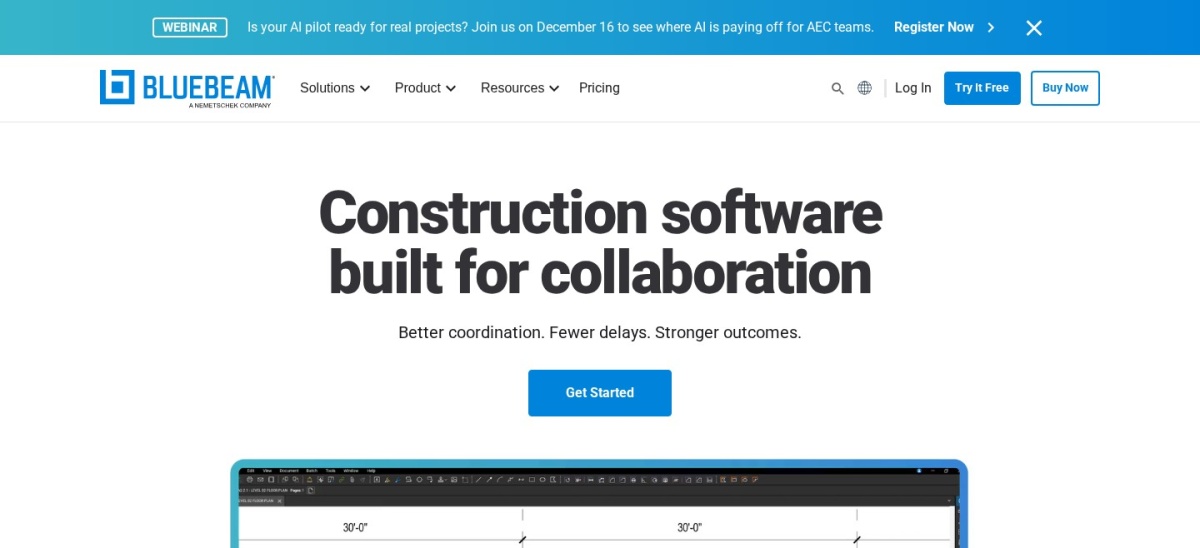
Bluebeam homepage, captured Nov 2026.
Bluebeam is a construction document review platform used to mark up drawings, identify defects, and coordinate corrections. Its Basics plan costs $260 per user annually and includes PDF creation, editing, basic measurements, annotations, and participation in existing Studio collaborations.
The trade off is that Basics cannot host Studio Sessions or Projects, and advanced measurements and drawing comparisons require Core at $330 annually. Complete costs $440 and adds advanced markup reporting and automation. It suits architects, engineers, and construction teams that already manage punch observations through PDF drawings.
What we like
Detailed PDF markup and annotation tools
Works with construction drawing packages
Desktop, web, and mobile access
Core supports hosted Studio collaboration
Advanced markup summaries available on higher plans
Watch out for
Basics cannot host Studio collaborations
Dedicated punch assignment workflows are less central
Advanced markup reporting requires Complete
Desktop Revu is Windows-based
Core adds Studio hosting and advanced measurements; Complete adds markup reporting automationVisit bluebeam.com
05
Contractor Foreman
4.5/5on G2 (387 reviews, checked Nov 2026)
Starts at$49/mo
Best for punch lists within construction project management
Basic$49/month, annual billing
Basic users1
Standard$105/month, annual billing
Standard usersUp to 3
contractorforeman.com
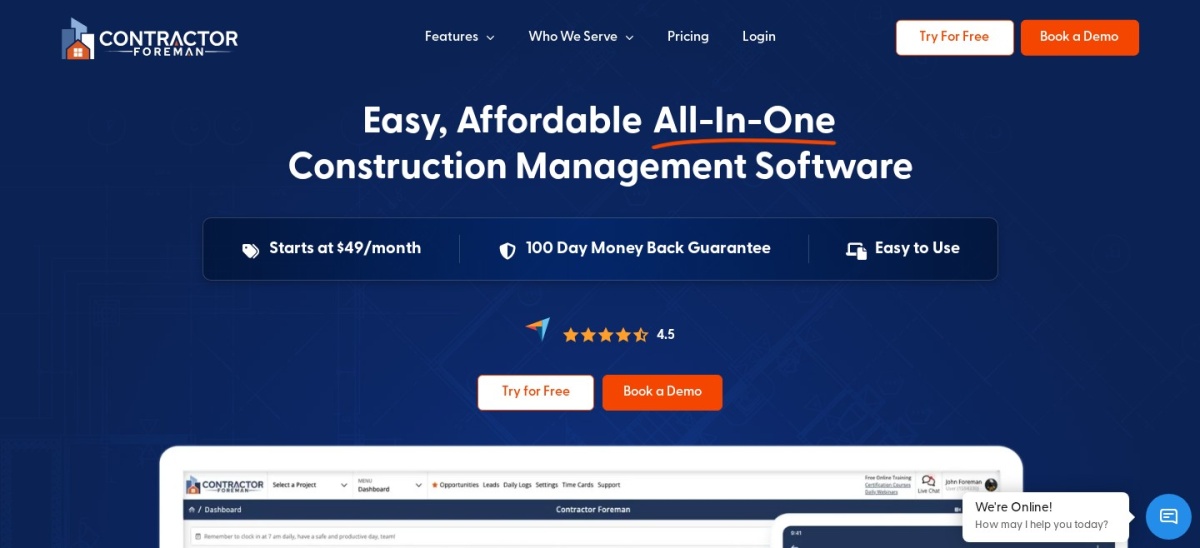
Contractor Foreman homepage, captured Nov 2026.
Contractor Foreman is construction management software combining project records, punch lists, inspections, schedules, and financial workflows. Its Basic subscription costs $49 monthly with annual billing and provides access for one user, while Standard costs $105 monthly and expands capacity to 3 users.
The trade off is that entry pricing applies to annual subscriptions, and larger teams need more expensive tiers. Standard costs $139 monthly without annual billing, while the single-user Basic plan is annual-only. It suits contractors who want defect tracking connected to scheduling, project documentation, and broader construction operations.
What we like
Dedicated punch list functionality
Connects closeout work with project management
Inspection and document management features
Supports broader contractor workflows
Offers annual plans with defined user allowances
Watch out for
Basic supports only one user
Larger teams require higher subscriptions
More features to configure than a standalone punch app
Annual commitment required for Basic
Standard expands user access; higher plans add broader contractor management capacityVisit contractorforeman.com
06
FastField
4.6/5on G2 (133 reviews, checked Nov 2026)
Starts at$24/mo
Best for customizable punch inspections and offline forms
Core annual billing$24/seat/month
Core monthly billing$30/seat/month
Mobile formsUnlimited
Pro annual billing$36/seat/month
fastfieldforms.com
FastField homepage, captured Nov 2026.
FastField is a mobile forms platform for creating construction inspections, defect checklists, and customized punch reports. Its Core plan costs $24 per seat monthly with annual billing and includes unlimited mobile forms, offline data capture, photograph and signature collection, customizable reports, and standard workflow automation.
The trade off is that FastField requires teams to configure their own punch list processes rather than providing a specialized construction closeout system. Monthly billing costs $30 per seat, while Pro starts at $36 monthly with annual billing and adds scheduling and advanced workflows. It suits inspectors needing adaptable field documentation.
What we like
Unlimited mobile forms
Offline photograph and signature collection
Customizable inspection templates
PDF reporting and workflow automation
Useful across multiple inspection processes
Watch out for
Not a dedicated construction punch list platform
Drawing-based issue pinning is not a core capability
Advanced scheduling requires Pro
Custom workflows require initial setup
Pro adds task scheduling, advanced automation, more data tables, and API connectivityVisit fastfieldforms.com
07
Smartsheet
4.4/5on G2 (23,292 reviews, checked Nov 2026)
Starts at$12/mo
Best for spreadsheet-style punch list tracking
Pro monthly billing$12/member/month
Pro annual billing$9/member/month
Pro members1–10
Pro automation250/month
smartsheet.com
Smartsheet homepage, captured Nov 2026.
Smartsheet is a collaborative work management platform that can organize punch list items in shared tables, forms, boards, and reports. Its Pro plan costs $12 per member monthly, or $9 with annual billing, and includes unlimited sheets, forms, reports, and 250 automations monthly.
The trade off is that Smartsheet is not a purpose-built punch list app with native drawing-linked defect pins. Teams must configure their issue fields, assignments, and closeout processes. It suits construction administrators who prefer spreadsheet-style tracking and need flexible reports across multiple projects.
What we like
Familiar spreadsheet-style issue tracking
Customizable forms and reports
Unlimited free contributors on Pro
Multiple project views
Automation for reminders and status updates
Watch out for
No dedicated drawing-based punch item workflow
Requires configuration for construction closeout
Less convenient for on-site photo annotation
Advanced enterprise controls cost extra
Business adds broader automation, workload tools, and advanced collaboration capabilitiesVisit smartsheet.com
How to manage a construction punch list with an app
Begin by creating a project and organizing the relevant drawings, locations, or inspection areas. Establish consistent naming for floors, rooms, trades, and work categories before the walkthrough.
During the inspection, record each defect separately. Include a clear description, the exact location, supporting photographs, responsible contractor, and priority. Drawing pins or annotated images help avoid misunderstandings.
Assign each outstanding item and agree on a completion deadline. Subcontractors should update their own assigned work where the software permits, with photographs or notes demonstrating the correction.
Review completed items before closing them. A contractor marking a task finished does not necessarily mean that the inspector or owner has accepted the work.
At handover, export a final report showing resolved items and any documented exceptions. Keep the closeout record available for warranty discussions, subsequent inspections, and project documentation.
How much does a punch list app cost?
Punch list app costs vary because dedicated mobile inspection applications and full construction management platforms serve different needs. A standalone reporting tool may have a small upfront purchase price, while collaborative construction software typically charges subscriptions.
Site Audit Pro costs $12.90 once for its base mobile application. Fieldwire provides a free plan with defined user, project, and sheet limits, while its Pro subscription starts at $39 per user monthly with annual billing.
PlanRadar Basic costs $32 monthly for one user, and Contractor Foreman Basic costs $49 monthly under annual billing. Bluebeam Basics costs $260 per user annually.
General-purpose field documentation software offers alternatives. FastField Core costs $24 per seat monthly with annual billing, while Smartsheet Pro costs $12 per member monthly at its regular monthly rate.
Estimate the number of inspectors, subcontractors, active projects, and reports before comparing prices. A low entry fee can become less attractive when more licenses, cloud synchronization, custom reports, or advanced workflows are required.
How we chose
We researched established construction field management, punch list, inspection, drawing markup, and project tracking applications. We prioritized products that can record outstanding work, attach evidence, assign responsibility, or produce documented closeout reports.
Official pricing and public ratings were checked on 22 Nov 2026 using vendor pages, G2, and the App Store. We compared published entry prices, free allowances, report capabilities, collaboration limits, and mobile field workflows. Annual billing conditions and additional paid features are identified where relevant.
We excluded quote-only platforms, applications with insufficient public review evidence, and products without a confirmable entry price. General-purpose tools are included only where configurable inspection or issue-tracking workflows make them relevant. No vendor paid for a place, and we do not claim testing for this list.
How to choose the best punch list app
Identify how your team records defects, assigns corrections, and verifies completed work before comparing applications.
Match the app to your project size. A simple reporting application may be enough for an independent inspector, while a general contractor needs shared task assignments and status visibility. Confirm the number of users, active projects, drawings, and external collaborators supported by the selected plan.
Check how issues are captured on site. Look for photographs, annotations, clear location fields, priorities, due dates, and offline access. Drawing-linked pins are especially useful when inspectors must identify defects across large construction projects.
Evaluate assignment and verification workflows. Confirm whether subcontractors can receive items, update progress, attach completion evidence, and request verification. Separate contractor completion from inspector acceptance so unresolved work does not disappear from the closeout record.
Compare reporting and total subscription cost. Check PDF exports, branding, status filters, audit history, and final handover reports. Calculate the cost of licenses, reporting upgrades, cloud features, and additional projects before committing to a subscription.
FAQ
What is the best punch list app in 2026?
Fieldwire is our top choice for most construction teams because it combines drawing-linked tasks, photographs, mobile access, and a free plan supporting 5 users. PlanRadar is suited to structured defect tracking, while Site Audit Pro is an affordable option for creating photo-based inspection reports.
Is there a free punch list app?
Yes. Fieldwire provides a free Basic plan supporting 5 users, 3 projects, and 100 sheets. It includes plans, tasks, files, photographs, and checklists. Advanced exports, custom statuses, and expanded project capacity require a paid subscription.
What is a punch list in construction?
A punch list is a record of incomplete, defective, or unacceptable work that must be addressed before project closeout. Items commonly include damaged finishes, missing fixtures, incomplete installations, and other corrections identified during inspections or final walkthroughs.
Can a punch list app work without internet access?
Some construction field applications support offline work, allowing inspectors to record issues and photographs on site and synchronize later. Fieldwire and FastField provide mobile field workflows, but offline availability and synchronization behavior should be confirmed for the relevant plan and device.
Can punch list apps assign tasks to subcontractors?
Yes. Collaborative applications such as Fieldwire and PlanRadar can connect defect records to responsible parties and support progress tracking. This helps subcontractors identify outstanding work and report corrections. Check whether external collaborators need paid licenses before choosing a platform.
Which punch list app is best for small contractors?
Site Audit Pro is useful for small contractors who mainly need photographic defect records and professional reports. Fieldwire offers a free entry plan for collaborative construction tasks, while Contractor Foreman is relevant when punch lists must be managed alongside broader construction projects.
Can punch list software generate PDF reports?
Yes. Site Audit Pro includes customizable PDF reporting in its base application, while Fieldwire Pro adds reports and exports. PlanRadar and Bluebeam also support construction documentation and exports. Compare report formatting, filters, signatures, and project-level summaries before purchasing.
What is the difference between a punch list and an inspection checklist?
An inspection checklist identifies the conditions or requirements that must be reviewed. A punch list records specific defects and incomplete work discovered during those reviews. Inspection results can generate punch items, which remain open until corrections are completed and accepted.
How much does punch list software cost?
Prices range from a $12.90 one-time purchase for Site Audit Pro to recurring construction management subscriptions. Fieldwire Pro starts at $39 per user monthly with annual billing, while PlanRadar Basic costs $32 monthly. Costs depend on user access, project capacity, reporting, and collaboration requirements.