OpenGov is the best public works software for most agencies, with its Cartegraph-powered asset platform rated 4.6 out of 5 on Capterra covering work orders, GIS assets and capital planning in one cloud system. Trimble Unity Maintain suits Esri-based teams, while eWorkOrders offers flat-rate pricing with unlimited users.
How we make this list: we compare pricing pages, product documentation and public user reviews, then re-check every price before each update. No product paid for a place. Disclosure.
OpenGov leads with the broadest platform: budgeting, permitting and Cartegraph-powered asset management in one cloud system, rated 4.6 out of 5 on Capterra.
Trimble Unity Maintain is the GIS-first pick, but it is rated 3.9 out of 5 on G2 and the on-premises Cityworks version is being sunset.
Brightly Asset Essentials has the largest review base here at 240 G2 reviews and a 4.2 out of 5 rating.
Seven of the nine tools are quote-only, so budget for a sales process and ask for per-user or per-asset terms in writing.
eWorkOrders is the only tool with a published flat price: Starter at $380 a month with unlimited users.
What public works software should cover
Public works departments manage streets, water, sewer, stormwater, signs, fleet and facilities. The software has to track each asset, schedule its maintenance and record what crews did, where and at what cost.
Work orders are the core. A resident reports a pothole or a broken sign, the request becomes a work order, a crew closes it in the field and the cost lands against the right asset.
GIS matters more here than in most software categories. When work orders attach to map features, crews see the asset, its history and its location in one view instead of hunting through spreadsheets.
Capital planning separates the full asset platforms from simple work-order tools. Condition scores and multi-year funding scenarios help a department argue for pavement or pipe budgets with real numbers.
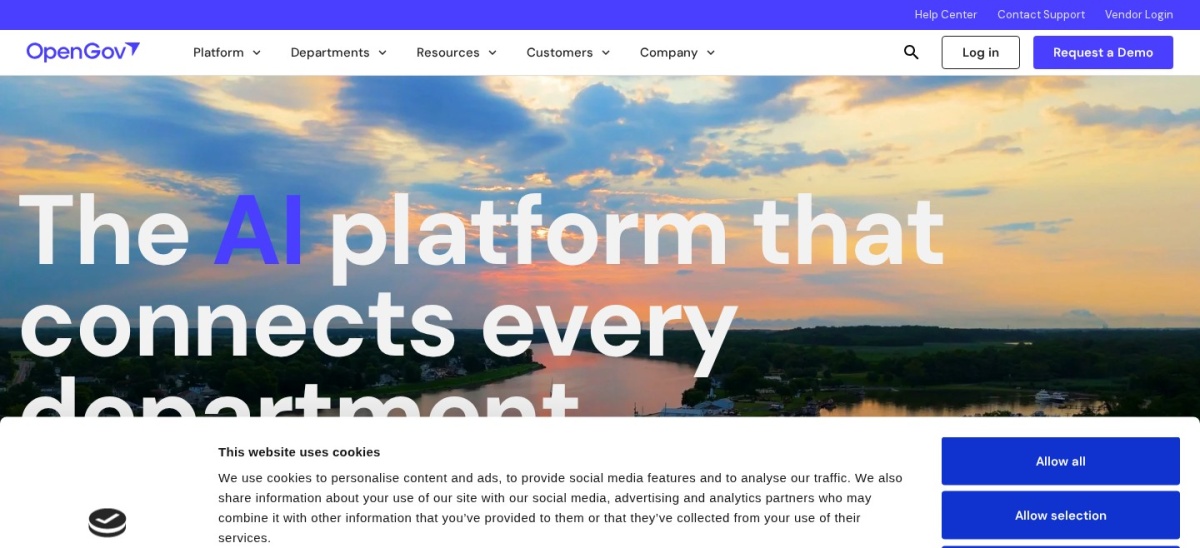
OpenGov is a cloud platform for local government that now covers budgeting, capital planning, permitting and asset management in one system. Its acquisition of Cartegraph added work orders, condition scoring and GIS-based asset tracking, and it is rated 4.6 out of 5 on Capterra from 28 reviews.
The trade off is breadth and price. Pricing is quote-only and sized for cities and counties, and some modules are stronger than others as the Cartegraph integration settles. It suits agencies planning a multi-year move to one vendor rather than a department buying a single work-order tool.
What we like
Budgeting, permitting and assets from one vendor
Cartegraph depth in work orders and condition scoring
Trimble Unity Maintain homepage, captured Nov 2026.
Trimble Unity Maintain is the cloud successor to Cityworks, built directly on Esri ArcGIS. Work orders, inspections and service requests attach to GIS features, so a crew sees the asset, its history and its location in one view. It is rated 3.9 out of 5 on G2 from 14 reviews.
The trade off is the transition. The on-premises Cityworks version is being sunset, so new purchases go to the cloud platform and existing customers face a migration. It suits agencies already invested in Esri that want the map to be the system of record.
What we like
Deep Esri ArcGIS integration
Work orders tied directly to map assets
Pavement management and predictive analytics included in the platform
Watch out for
Lowest rating in this list at 3.9 out of 5
On-premises Cityworks is being sunset
Needs a separate Esri ArcGIS licence
Confirm migration terms if you run on-premises Cityworks todayVisit cityworks.com
03
Brightly Asset Essentials
4.2/5on G2 (240 reviews, checked Nov 2026)
PricingCustom/yr
Best proven maintenance system
Free planNo, demo available
Entry paid planQuote only
Preventive maintenanceYes, scheduled PM
InventoryYes, parts tracking
brightlysoftware.com
Brightly Asset Essentials homepage, captured Nov 2026.
Brightly Asset Essentials is a long-running maintenance system for public agencies, schools and facilities teams, formerly known as Dude Solutions. It handles work orders, preventive maintenance schedules, asset histories and parts inventory, and it holds a 4.2 out of 5 rating on G2 from 240 reviews, the largest review base in this list.
The trade off is age and price. Reviewers note some screens feel dated next to newer cloud tools, and pricing is quote-only by user count and modules. It suits agencies that want a proven system with a large peer community to learn from.
What we like
Mature work order and preventive maintenance workflows
Largest review base in this list at 240 G2 reviews
Infor EAM is an enterprise asset management platform for utilities, transit agencies, airports and large facilities portfolios. It covers the full asset lifecycle from procurement through preventive maintenance, reliability analysis and decommissioning, with compliance reporting for regulated work. It is rated 4.3 out of 5 on G2 from 80 reviews.
The trade off is scale. Implementations are long and consulting-heavy, and pricing is quote-only, so small agencies should look elsewhere. It suits large organisations where asset failure has serious consequences and strict reporting duties.
What we like
Deep asset lifecycle, reliability and compliance tools
eWorkOrders is a cloud maintenance platform for work orders, preventive maintenance and asset tracking. Its Starter plan costs $380 a month with unlimited users, so adding technicians does not raise the licence count, and it holds a 4.9 out of 5 Capterra rating from 121 reviews, the highest in this list.
The trade off is the small review base and GIS depth. The 4.9 rating rests on 121 reviews, far fewer than the leaders, and GIS is an Enterprise add-on rather than core. It suits small public works departments that want predictable flat-rate pricing.
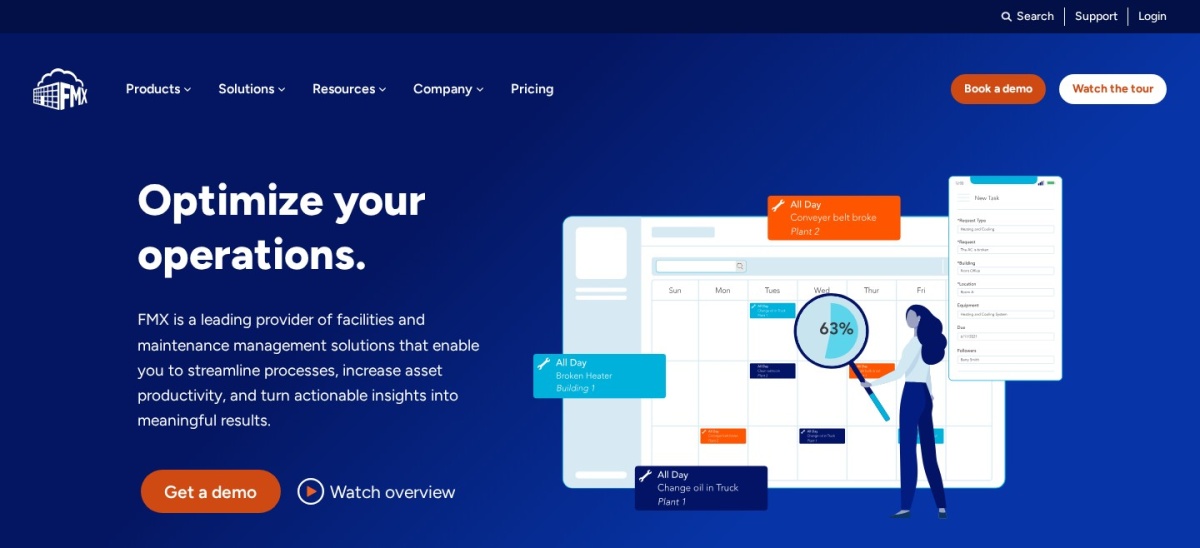
FMX is a cloud maintenance platform for work orders, preventive maintenance, asset tracking, inventory, fleet and capital planning. It covers multi-building and multi-site teams with scheduling and space management beside maintenance, and it is rated 4.7 out of 5 on Capterra from 426 reviews.
The trade off is focus and price. FMX is strongest in facilities and education rather than heavy road and utility work, and every plan is quoted. It suits municipalities managing buildings, parks, fleet and community spaces together.
What we like
Maintenance, fleet and capital planning in one system
Strong multi-site and scheduling coverage
Rated 4.7 out of 5 from 426 reviews
Community event bookings beside maintenance
Watch out for
No published price; every plan is quoted
Strongest in facilities, not heavy public works
No permanent free plan
Quotes cover work orders, PM, assets, inventory and fleetVisit gofmx.com
07
GovPilot
4.6/5on Capterra (76 reviews, checked Nov 2026)
Starts at$3,000/yr
Best for small municipalities
Free planNo, demo available
Entry paid plan$3,000/yr starting
Modules125+ municipal workflows
Pricing basisPopulation and modules
govpilot.com
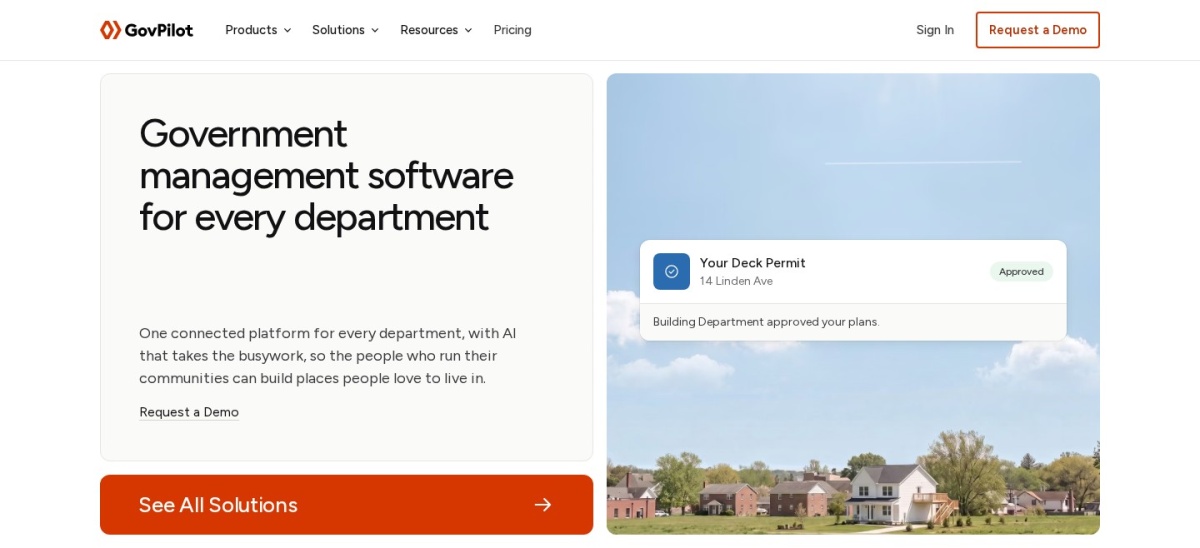
GovPilot homepage, captured Nov 2026.
GovPilot is a cloud platform for local government with more than 125 configurable modules, from permits and code enforcement to public works and citizen requests. It puts departments on one shared view of parcels, assets and workflows, and it is rated 4.6 out of 5 on Capterra from 76 reviews.
The trade off is depth. GovPilot is a workflow platform first, so its asset management is lighter than a dedicated EAM system, and pricing follows population and module count. It suits small and mid-size municipalities digitising many departments at once.
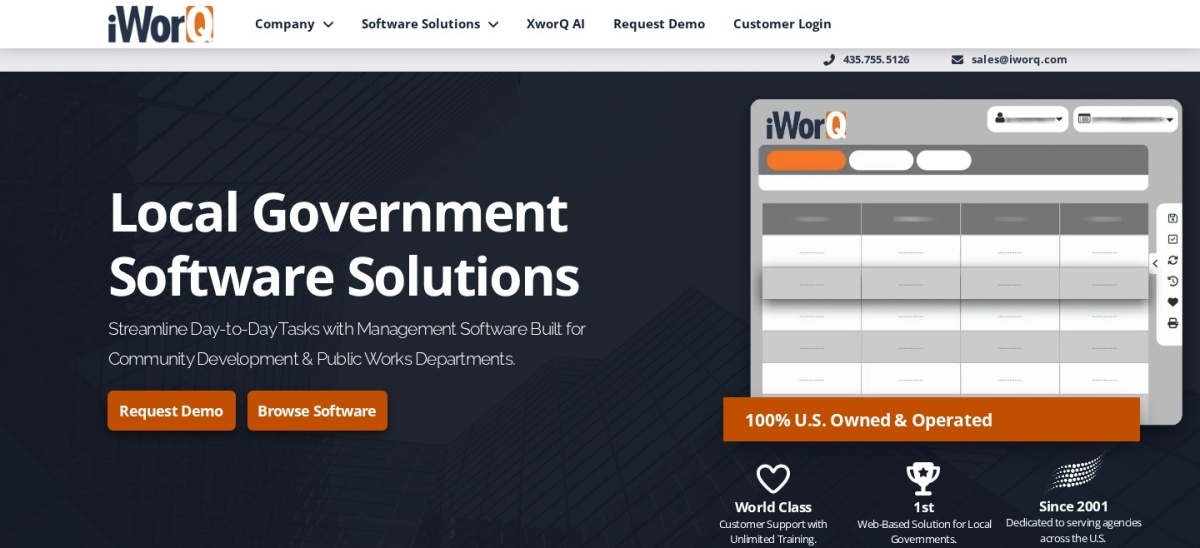
iWorQ is built for the small city or county that needs to get off paper without an enterprise project. Its public works applications cover work orders, asset management, citizen requests and fleet, with flat annual pricing, no per-seat fees and unlimited training and support. It is rated 4.1 out of 5 on Capterra from 9 reviews.
The trade off is depth and evidence. Third-party listings put entry pricing near $995 a year, but the vendor does not publish prices, and the 4.1 rating rests on only 9 reviews. It suits small agencies that want simple work tracking and cost capture.
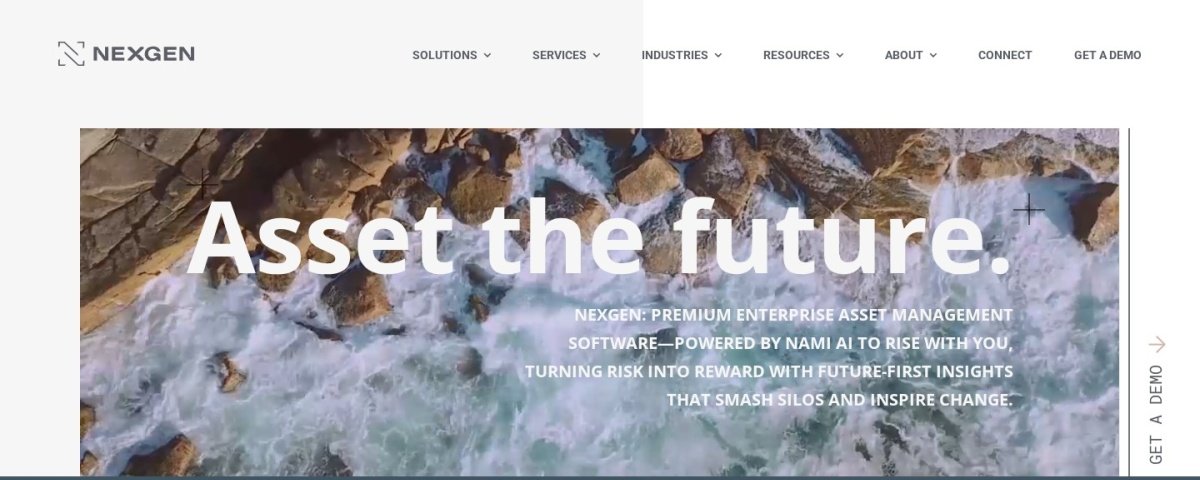
NEXGEN is a configurable enterprise asset management platform for public works, utilities and facilities teams. It covers assets, work orders, preventive maintenance and capital planning, with GIS integration and mobile apps for field crews. It is rated 4.0 out of 5 on Capterra from 6 reviews.
The trade off is scale and evidence. NEXGEN is a smaller vendor with a thin review base, so unusual requirements may need vendor professional services. It suits mid-size agencies that want real EAM configurability without enterprise overhead.
What we like
Configurable workflows for public works and utilities
Seven of the nine tools in this list do not publish prices. That is normal in this category: enterprise asset platforms are priced by users, modules, assets and implementation scope.
Ask every vendor for the same written breakdown: licence, implementation, data migration, GIS setup, training and annual support. Without it, two quotes cannot be compared.
The two published prices here are useful anchors. eWorkOrders starts at $380 a month with unlimited users, and Capterra lists GovPilot from $3,000 a year.
Small agencies should also ask about contract length and price rises at renewal. A low first-year quote that doubles in year two is a common surprise in government procurement.
How we chose
We started from the public works and asset management tools most often shortlisted by municipalities, then kept those with a public G2 or Capterra rating and a clear public works fit.
Prices come from each vendor's pricing page or public listing, checked on 26 November 2026. Ratings and review counts come from G2 or Capterra on the same day. Where a vendor shows a sale, the list shows the regular price.
We left out tools with no public rating and niche point tools that cover only one public works job. No vendor paid for a place, and we do not claim to have used these tools ourselves.
How to choose public works software
Start with how your agency already tracks assets, then match the tool to that reality.
Map where your asset data lives today. If it lives in Esri ArcGIS, a GIS-native tool like Trimble Unity Maintain fits best. If it lives in spreadsheets, a simpler tool like iWorQ gets you running faster.
List the departments that will use it. One department needs a work-order tool. Several departments sharing requests, permits and assets need a platform like OpenGov or GovPilot.
Ask for a written quote with the same scope. Give every vendor the same user count, modules and migration needs, and ask for licence, implementation and support as separate lines.
Demo it with your own data. Ask the vendor to load a sample of your assets and run a real work order through it, from resident report to crew close-out.
FAQ
What is the best public works software?
OpenGov is the best pick for most agencies. Its Cartegraph-powered asset management covers work orders, GIS assets and capital planning in one cloud system, and it is rated 4.6 out of 5 on Capterra.
How much does public works software cost?
Most enterprise tools are quote-only, so there is no standard price. Published anchors are eWorkOrders at $380 a month with unlimited users and GovPilot from $3,000 a year on Capterra. Always ask for licence, implementation and support as separate lines.
What is the best public works software for small towns?
iWorQ and GovPilot fit small agencies best. iWorQ charges flat annual pricing with no per-seat fees, while GovPilot covers 125+ municipal workflows and prices by population and module count.
Do I need GIS to use public works software?
No, but GIS makes it far more useful. Tools like Trimble Unity Maintain and OpenGov attach work orders to map features, so crews see the asset and its history in one view. Simpler tools work without GIS.
What is the difference between CMMS and EAM software?
A CMMS handles day-to-day maintenance: work orders, preventive maintenance and parts. EAM adds the full asset lifecycle, condition scoring and capital planning. Large agencies usually need EAM; small departments often do fine with a CMMS.
Is Cityworks still available?
Cityworks is being replaced by Trimble Unity Maintain, its cloud successor. The on-premises Cityworks version is being sunset, so new purchases go to Unity Maintain and existing customers should confirm migration terms with Trimble.
SaaS SEO and WordPress specialist with about 8 years of experience. Rakib compares WordPress plugins, themes, hosting and software using public pricing, documentation and user reviews. See how we rank.