PandaDoc is the best proposal writing software for most teams, combining templates, pricing tables, e-signatures and tracking from $19 a user a month with a 4.7 out of 5 rating from more than 3,800 G2 reviews. Pick Qwilr for the most polished interactive pages, or Prospero for the lowest-priced freelancer plan.
How we make this list: we compare pricing pages, product documentation and public user reviews, then re-check every price before each update. No product paid for a place. Disclosure.
PandaDoc leads with the widest feature set: templates, pricing tables, e-signatures, payments and tracking from $19 a user a month.
Proposify and Qwilr both score 4.6 out of 5 on G2, but Proposify now starts at $39 a user a month while Qwilr starts at $35.
Prospero is the cheapest paid plan in this list at $12 a user a month billed yearly, and it holds a 4.8 out of 5 Capterra rating from 135 reviews.
GetAccept is the only tool here built around a digital sales room, with its eSign plan at $25 a user a month.
Only PandaDoc offers a free plan. Every other tool starts with a free trial, and paid plans run from $12 to $39 a user a month.
What proposal writing software should do
A proposal tool should turn a quote into a document a client can read, accept and sign without a chain of email attachments. Templates, pricing tables and e-signatures are the core of that job.
Tracking matters as much as writing. Knowing when a client opens a proposal, and which sections they read, tells you when to follow up and what to change.
Payment collection is the other gap to check. Some tools take a deposit inside the proposal, while others stop at the signature and leave invoicing to another tool. Our guide on what a payment gateway is explains the fees that apply when you do collect payment online.
Prices in this list are per user per month on annual billing, taken from vendor pricing pages and G2 listings checked on 25 November 2026. Monthly billing costs more for most tools here.
PandaDoc is a document platform that covers proposals, quotes, contracts and e-signatures in one place. The free eSign plan covers basic signing, while the $19 a user a month Starter plan adds unlimited documents, templates, a content library and forms.
The trade off is that the features most sales teams want sit on the $49 a user a month Business plan, including CRM integrations, approval workflows and pricing tables. A $9 a user a month Launch tier also exists for low-volume signing. It suits sales teams that want one tool from first draft to signed deal.
What we like
Widest feature set in this list
Free eSign plan for basic signing
Strong CRM integrations on Business
Document tracking and payments built in
Watch out for
Key sales features need the $49 plan
Per-user pricing adds up for larger teams
Business adds CRM integrations, approvals and pricing tablesVisit pandadoc.com
02
Proposify
4.6/5on G2 (1,148 reviews, checked Nov 2026)
Starts at$39/mo
Best for branded proposals at scale
Free planNo, 14-day trial
Templates75+ templates
E-signaturesYes
Paid planBuild, $39/user/mo
proposify.com
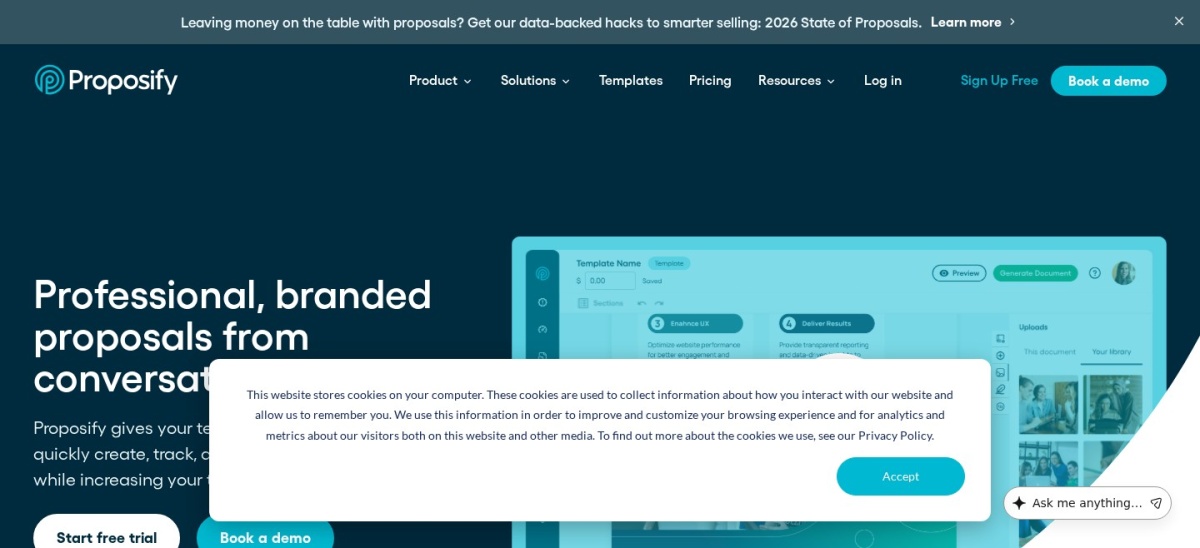
Proposify homepage, captured Nov 2026.
Proposify is a dedicated proposal tool built around branded templates, a shared content library and page-level analytics. The Build plan costs $39 a user a month billed yearly and includes unlimited documents and signatures, e-signatures, Stripe payments and CRM integrations.
The trade off is price. Proposify raised its entry price during 2026, and approval workflows, roles and API access need the $65 a user a month Grow plan. It suits agencies and sales teams that send proposals every week and need consistent branding.
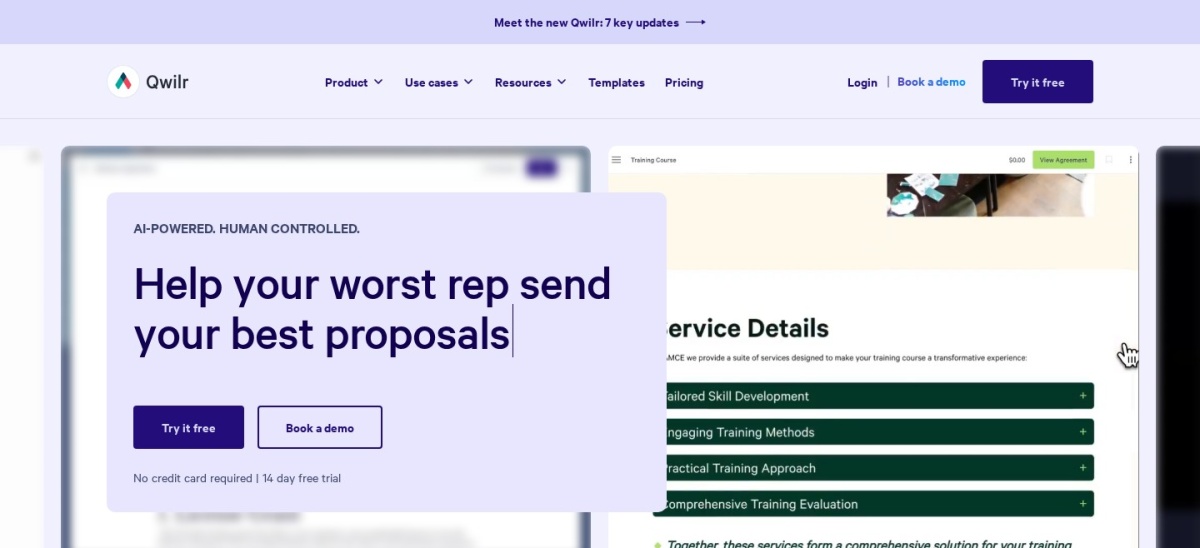
Qwilr is a proposal tool that turns quotes into interactive web pages instead of static PDFs, with pricing blocks clients can adjust and accept online. The Business plan costs $35 a user a month billed yearly and includes e-signatures, analytics, an ROI calculator and HubSpot integration.
The trade off is the jump to Enterprise. Salesforce integration, white labelling, custom fonts and a custom domain need Enterprise at $59 a user a month with a 10-user minimum. It suits agencies and consultants whose proposals need to look as good as their work.
What we like
Most polished interactive proposals here
Clients can adjust pricing and accept online
Built-in e-signatures and analytics
HubSpot integration on the Business plan
Watch out for
Salesforce and white labelling need Enterprise
Enterprise has a 10-user minimum
Analytics history is limited to 120 days on Business
Enterprise adds Salesforce, white labelling and custom fontsVisit qwilr.com
04
GetAccept
4.6/5on G2 (1,317 reviews, checked Nov 2026)
Starts at$25/mo
Best for digital sales rooms
Free planNo, free trial
Digital sales roomYes, Professional plan
E-signaturesYes, unlimited on eSign
Paid planeSign, $25/user/mo
getaccept.com
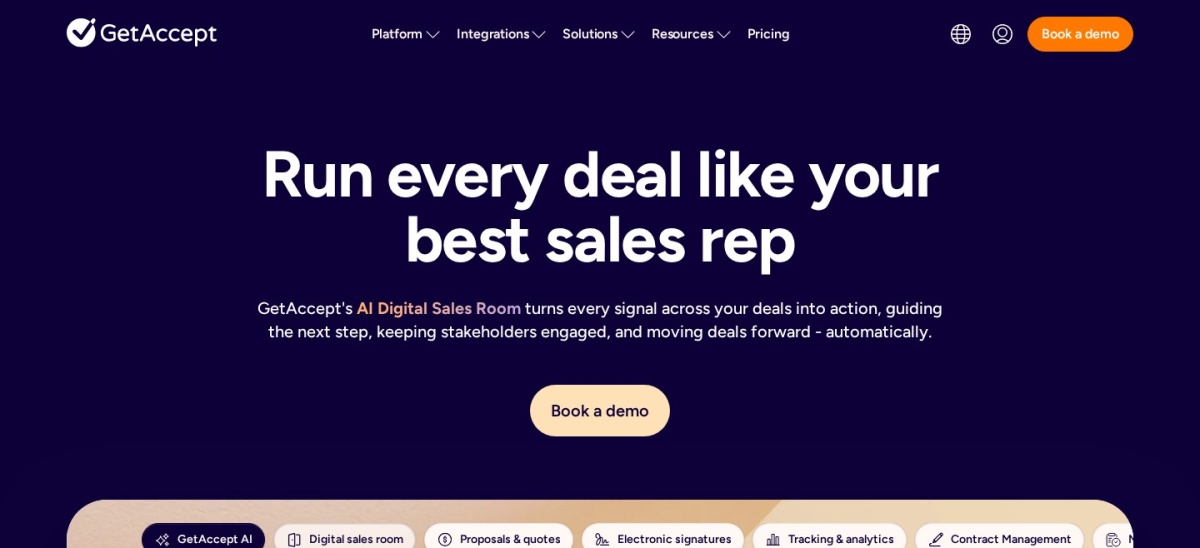
GetAccept homepage, captured Nov 2026.
GetAccept is a sales platform that combines proposals, e-signatures and a digital sales room where buyers can review documents, chat and sign in one place. The eSign plan costs $25 a user a month and covers unlimited signatures, templates, reminders and chat.
The trade off is that the full deal-room experience needs the Professional plan at $49 a user a month, billed yearly with a 5-user minimum. It suits mid-market sales teams that manage several stakeholders on each deal.
What we like
Digital sales room keeps buyers in one place
Unlimited e-signatures from $25 a user a month
Strong engagement tracking and video messages
Rated 4.6 out of 5 from 1,300+ G2 reviews
Watch out for
Deal rooms need Professional with a 5-user minimum
12-month agreements on paid plans
Enterprise pricing is not published
Professional adds deal rooms, AI features and CRM integrationsVisit getaccept.com
05
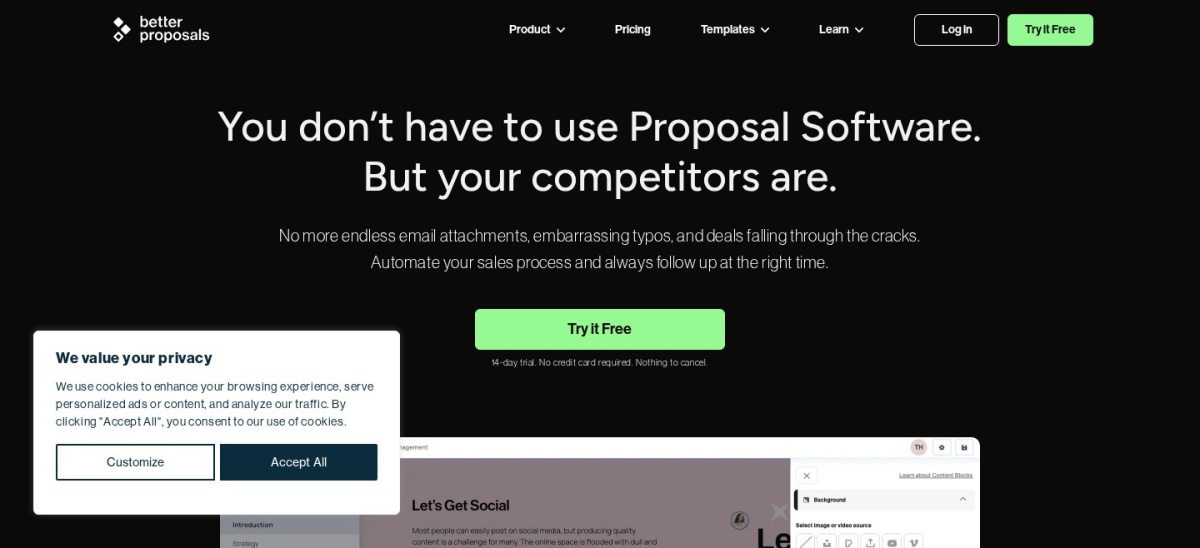
Better Proposals
4.8/5on Capterra (165 reviews, checked Nov 2026)
Starts at$13/mo
Best for freelancers who want speed
Free planNo, free trial
Templates250+ templates
E-signaturesYes
Paid planStarter, $13/user/mo
betterproposals.io
Better Proposals homepage, captured Nov 2026.
Better Proposals is a focused proposal tool for freelancers and small teams, built around more than 250 templates and a simple editor. The Starter plan costs $13 a user a month billed yearly, or $19 billed monthly, and covers 1 seat, 10 sends a month, e-signatures and interactive pricing tables.
The trade off is volume. Sending more than 10 proposals a month needs the Premium plan at $21 a user a month billed yearly, which raises the limit to 50 sends. It suits solo operators who want a clean proposal out the same day.
What we like
Lowest-priced full proposal tool for solo users after Prospero
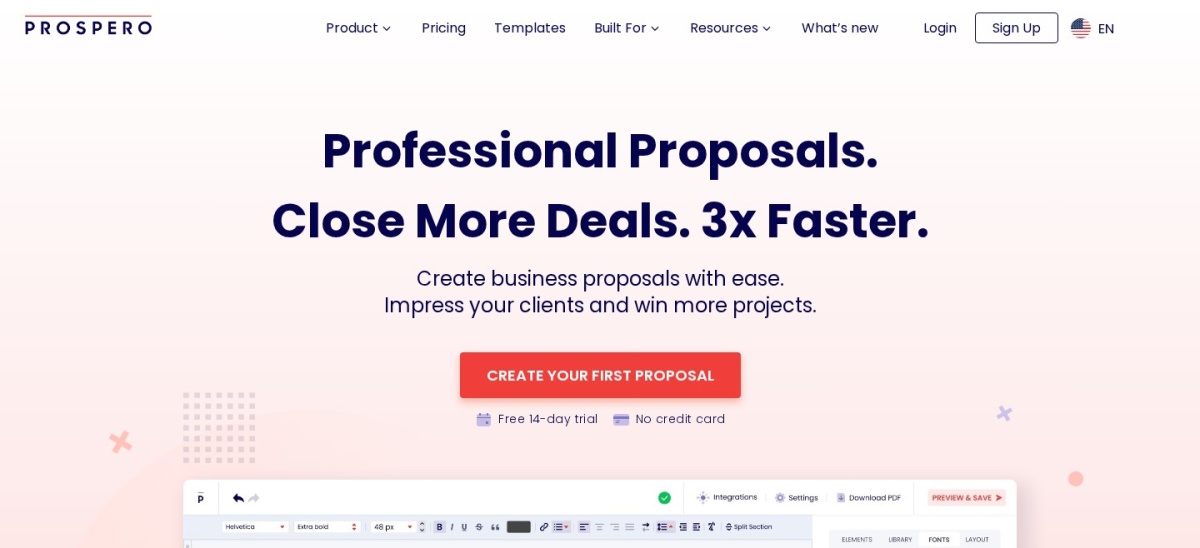
Prospero is a proposal-only tool for freelancers and small agencies, with more than 100 templates, proposal analytics and e-signatures. It costs $19 a month billed monthly, or $12 a month billed yearly, with unlimited proposals included on the single plan.
The trade off is scope. There is no CRM, no invoicing and no team workflow beyond the basics, so growing teams will outgrow it. It suits freelancers who want the cheapest way to send tracked, signed proposals.
What we like
Cheapest paid plan in this list
Unlimited proposals on one simple plan
Rated 4.8 out of 5 on Capterra from 135 reviews
Proposal analytics show opens and time spent
Watch out for
No CRM or invoicing features
Small G2 base at 4.8 from only 8 reviews
Limited team and approval features
One plan covers everything; there is no higher tier to upgrade toVisit goprospero.com
07
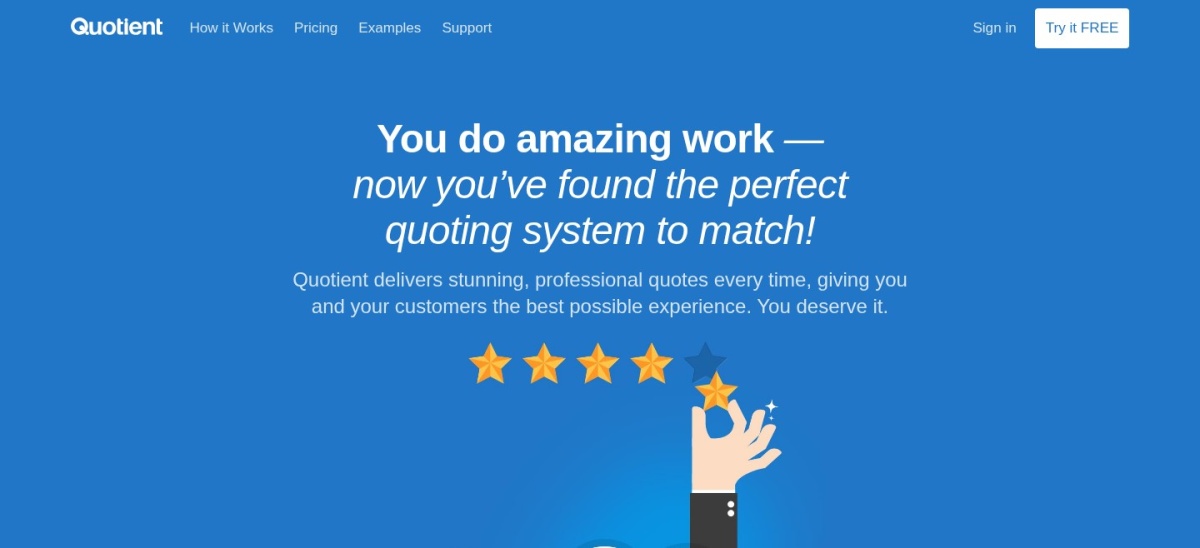
Quotient
4.8/5on Capterra (135 reviews, checked Nov 2026)
Starts at$28/mo
Best for quotes that become invoices
Free planNo, free trial
Accounting syncXero and QuickBooks
Optional itemsYes, buyer-selectable
Paid planSolo, $28/mo
quotientapp.com
Quotient homepage, captured Nov 2026.
Quotient is a quoting tool for small businesses that turns accepted quotes into invoices in Xero or QuickBooks Online without retyping. The Solo plan costs $28 a month for one user, and the Team plan costs $48 a month for 2 to 5 users.
The trade off is narrow scope. There is no Salesforce integration, no digital sales room and no AI drafting, and accounting sync is the main reason to choose it. It suits service businesses that already run Xero or QuickBooks and want quotes to flow into billing.
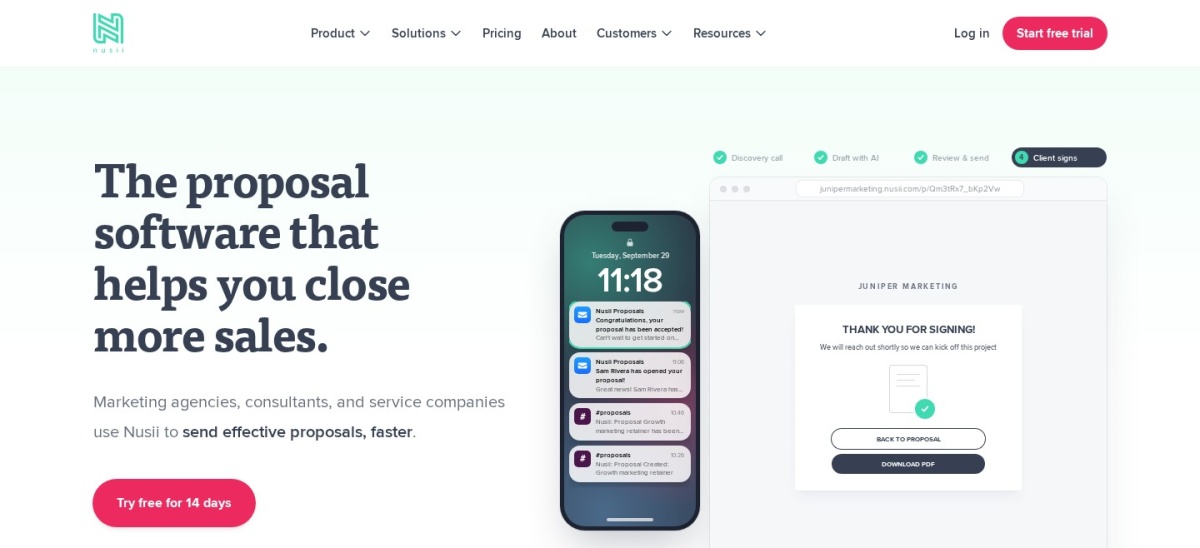
Nusii is a simple proposal tool for creative agencies and consultants, with templates, tracking, e-signatures and automatic reminders. The Freelancer plan costs $29 a month for one user and up to 5 active proposals at a time.
The trade off is the active-proposal limit. The Agency plan at $49 a month covers 3 users and 20 active proposals, so busy teams pay more to keep more proposals open. It suits small agencies that want flat-rate pricing instead of per-user billing.
What we like
Flat-rate pricing, not per user
Rated 4.8 out of 5 on Capterra from 48 reviews
Automatic reminders and proposal tracking
Very easy to learn, with little setup
Watch out for
Freelancer plan allows only 5 active proposals
CRM integrations need the Agency plan
Small G2 base at 4.5 from 24 reviews
Agency plan adds 3 users, 20 active proposals and CRM integrationsVisit nusii.com
09
HoneyBook
4.4/5on G2 (253 reviews, checked Nov 2026)
Starts at$29/mo
Best for proposals plus client management
Free planNo, free trial
Smart FilesProposal, contract, invoice
PaymentsYes, card and bank
Paid planStarter, $29/mo
honeybook.com
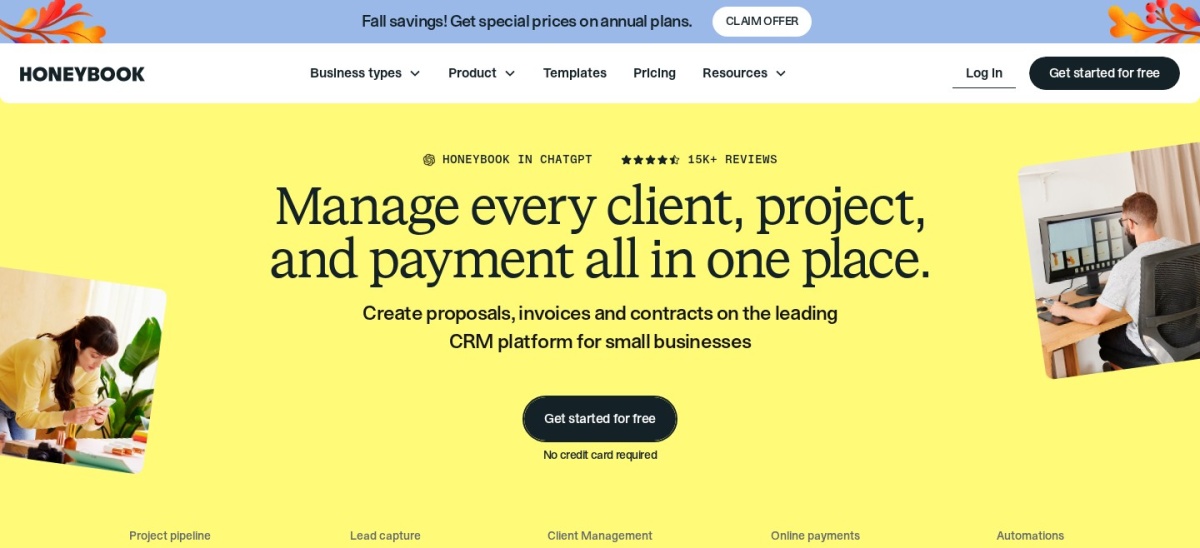
HoneyBook homepage, captured Nov 2026.
HoneyBook is client-management software for service businesses that combines proposals, contracts, invoices and payments in one file per client. The Starter plan costs $29 a month billed yearly, or $36 billed monthly, and includes unlimited clients and projects, templates and a client portal.
The trade off is that it is a full client platform, not a focused proposal tool, and payment processing adds card fees from 2.7% plus 10 cents. It suits photographers, event planners and consultants who want booking, signing and payment in one flow.
What we like
Smart Files combine proposal, contract and invoice
Count your sends first. Several tools in this list limit monthly sends on the entry plan, so a freelancer sending 15 proposals a month pays more than the headline price suggests.
Check the per-user maths. A $19 a user plan costs $95 a month for a team of five, while Nusii charges a flat $49 a month for three users on its Agency plan.
Confirm what happens after the signature. If the tool does not collect payment, you still need an invoice step, and our guide on handing over a WordPress site to a client shows the same handover thinking applied to client work.
Use the trial to send a real proposal. A template that looks good in a demo can still be slow to edit when your own pricing and terms are in it.
How we chose
We started from the proposal tools with the most G2 and Capterra reviews, then kept those with published pricing and a clear proposal workflow.
Prices come from vendor pricing pages and G2 pricing listings, checked on 25 November 2026. Ratings and review counts come from G2 or Capterra on the same day. Where a vendor shows a sale, the list shows the regular price.
We left out generic document and e-signature tools with no proposal templates, and tools with no published price. No vendor paid for a place, and we do not claim to have used these tools ourselves.
How to choose proposal writing software
Start with how many proposals you send each month, then match the plan to that volume.
Count your monthly sends. Entry plans cap sends at 5 to 10 a month. If you send more, budget for the next tier up before you compare features.
Decide what the client should do next. If you need a signature only, a simple tool is enough. If you need a deposit too, pick a tool with payments built in.
Check the tools you already pay for. Your CRM or accounting tool may already cover proposals. Quotient, for example, is worth it mainly if you use Xero or QuickBooks.
Send one real proposal on the trial. Use your own branding, pricing and terms. If editing takes longer than writing the proposal in a document, the tool is not saving time.
FAQ
What is the best proposal writing software?
PandaDoc is the best pick for most teams. It covers templates, pricing tables, e-signatures, payments and tracking from $19 a user a month, and it holds a 4.7 out of 5 rating from more than 3,800 G2 reviews.
What is the cheapest proposal software?
Prospero is the cheapest paid plan in this list at $12 a user a month billed yearly, with unlimited proposals included. Better Proposals is next at $13 a user a month billed yearly on its Starter plan.
Is there free proposal writing software?
Only PandaDoc in this list has a free plan, and it covers e-signing only, not full proposals. Every other tool offers a free trial, usually 14 days, before the paid plan starts.
Do these tools include e-signatures?
Yes, all nine tools include e-signatures on their paid plans. PandaDoc, Proposify, Qwilr, GetAccept, Better Proposals, Prospero, Nusii and HoneyBook all cover signing, and Quotient lets clients accept quotes online.
Which proposal tool is best for freelancers?
Prospero and Better Proposals are the best freelancer picks. Prospero costs $12 a month billed yearly with unlimited proposals, while Better Proposals costs $13 a month billed yearly with 250+ templates.
Can clients pay inside a proposal?
It depends on the tool. PandaDoc, Proposify and HoneyBook collect payments inside the proposal, while Qwilr takes payment through QwilrPay. Bid-style tools such as Quotient hand payment to your accounting tool instead.
SaaS SEO and WordPress specialist with about 8 years of experience. Rakib compares WordPress plugins, themes, hosting and software using public pricing, documentation and user reviews. See how we rank.