For most teams, the best project portfolio management software is monday.com, rated 4.7 out of 5 on G2 from 17,985 reviews, with paid plans from $9 a user a month. Pick Smartsheet for spreadsheet-style portfolio tracking, or ClickUp for the deepest feature set at $12 a user a month.
How we make this list: we compare pricing pages, product documentation and public user reviews, then re-check every price before each update. No product paid for a place. Disclosure.
monday.com leads at 4.7 out of 5 on G2 from 17,985 reviews, but full portfolio views need the quote-only Enterprise plan.
Smartsheet and ClickUp are the feature-rich middle: Smartsheet at $9 a user a month, ClickUp at $12 regular.
Celoxis is the only tool here built as a dedicated PPM platform, with portfolio management on its $10 Core plan.
Asana puts portfolios and goals on its $24.99 Advanced plan, more than double the $10.99 Starter price.
Zoho Projects has the cheapest paid plan at $4 a user a month, but portfolios need Enterprise at $9.
What project portfolio management software should cover
A project portfolio management tool looks across all your projects at once. It shows which projects are on track, where people are overloaded and which work is worth funding next.
The core pieces are a portfolio dashboard, resource and capacity views, and some way to track budgets against actuals. Gantt charts and timelines matter, but they are project views, not portfolio views.
Most tools in this list keep the portfolio layer on a higher plan. Managing many projects at once is closer to managing many sites at once than to running a single project, so check which plan holds the portfolio view before you buy.
Prices below are per user per month billed annually, in US dollars. Enterprise suites that publish no prices, such as Planview and Adobe Workfront, are left out.
The 9 best project portfolio management software tools
01
monday.com
4.7/5on G2 (17,985 reviews, checked Nov 2026)
Paid from$9/mo
Best project portfolio management software overall
Portfolio viewsEnterprise plan
Free planYes, up to 2 seats
Gantt & timelineStandard and up
Paid planBasic, $9/user/mo
monday.com
monday.com homepage, captured Nov 2026.
monday.com is a visual work platform built on boards, with timeline, Gantt and dashboard views across projects. The free plan covers up to 2 seats and 3 boards, and paid plans start at $9 a seat a month billed annually on Basic, rising to $19 on Pro.
The trade off is that portfolio management, resource management and capacity planning sit on the quote-only Enterprise plan. It suits teams that want one visual platform across departments and can grow into the enterprise tier later.
What we like
Highest G2 rating in this list at 4.7 out of 5
Portfolio health snapshots across initiatives
Free plan for trying the board layout
More than 150 integrations listed by the vendor
Watch out for
Portfolio and resource views need Enterprise
Seats sell in fixed groups, not one by one
Enterprise price is only available by quote
Enterprise adds portfolios, capacity planning and SAML SSOVisit monday.com
02
Smartsheet
4.4/5on G2 (23,326 reviews, checked Nov 2026)
Starts at$9/mo
Best for spreadsheet-style portfolio tracking
Free planNo, 30-day trial
Gantt chartsYes, on Pro
DashboardsYes, on Pro
Paid planPro, $9/user/mo
smartsheet.com
Smartsheet homepage, captured Nov 2026.
Smartsheet is a spreadsheet-style work platform where projects live as rows in a grid, with Gantt charts, card views and dashboards built on top. The Pro plan costs $9 a user a month billed annually and covers 1 to 10 members, with unlimited free contributors.
The trade off is that portfolio rollups, resource management and advanced reporting need the Business plan at $19 a user a month or higher. It suits teams that already plan in spreadsheets and want that layout with shared dashboards.
ClickUp is an all-in-one workspace that combines tasks, docs, goals, calendars and chat in one place. The Free Forever plan covers unlimited tasks and members, and the Core plan lists at $12 a user a month billed annually, currently $9 on sale.
The trade off is that resource management, timesheets and advanced dashboards need the Business plan at $25 a user a month. It suits teams that want one tool to replace several and can live with a steeper learning curve.
Asana is a work platform that links tasks to projects, portfolios and company goals in one view. The free Personal plan covers up to 10 teammates, and Starter costs $10.99 a user a month billed annually, with timeline and Gantt views included.
The trade off is that portfolios, goals and workload views need the Advanced plan at $24.99 a user a month. It suits teams that plan around goals and want a clean portfolio view once they pay for Advanced.
Wrike is a work management platform with Gantt charts, workload views, time tracking and approvals. The free plan covers unlimited users, and the Team plan costs $10 a user a month billed annually for teams of 2 to 15 people.
The trade off is the step up past 15 users, when the whole team moves to Business at $25 a user a month. It suits mid-size teams that need workload planning and proofing without an enterprise suite.
What we like
Free plan with unlimited users
Workload and capacity views
Proofing and approvals on Business
Watch out for
Team plan stops at 15 users
Portfolio reporting needs Pinnacle or Apex
Top tiers are quote-only
Business adds resource management and time trackingVisit wrike.com
06
Celoxis
4.6/5on G2 (773 reviews, checked Nov 2026)
Starts at$10/mo
Best dedicated PPM tool for PMOs
Free planNo, 14-day trial
Portfolio managementYes, on Core
Project financialsProfessional plan
Paid planCore, $10/user/mo
celoxis.com
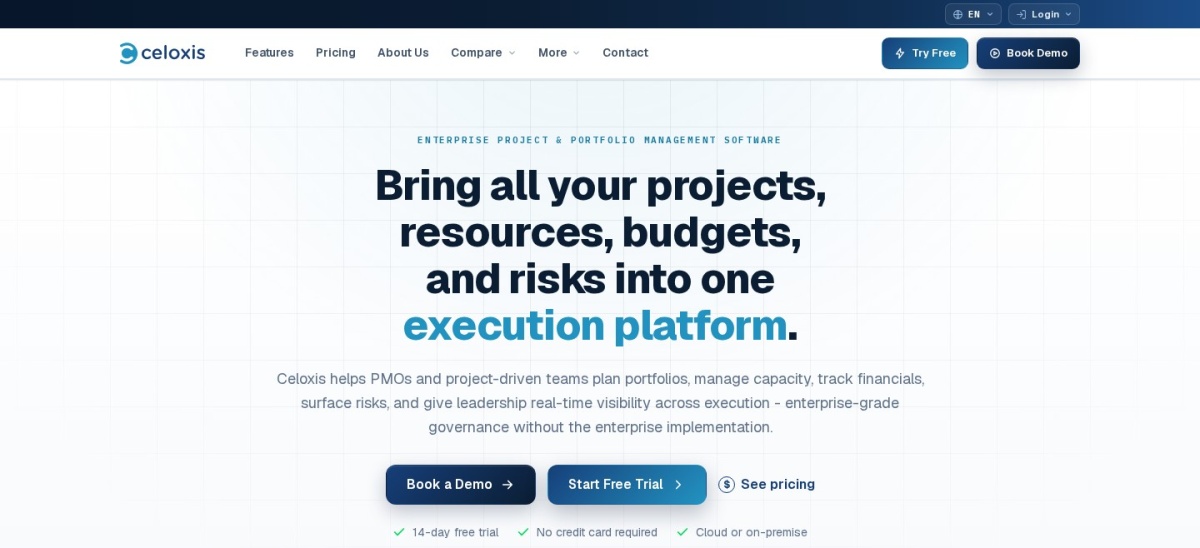
Celoxis homepage, captured Nov 2026.
Celoxis is a dedicated project portfolio management platform with Gantt charts, resource planning, budgets and risk tracking built in. The Core plan costs $10 a user a month and includes portfolio management, advanced scheduling and analytics.
The trade off is that there is no free plan, only a 14-day trial, and project financials and intake need the $35 Professional plan. It suits PMOs that want a purpose-built PPM tool without enterprise-suite pricing.
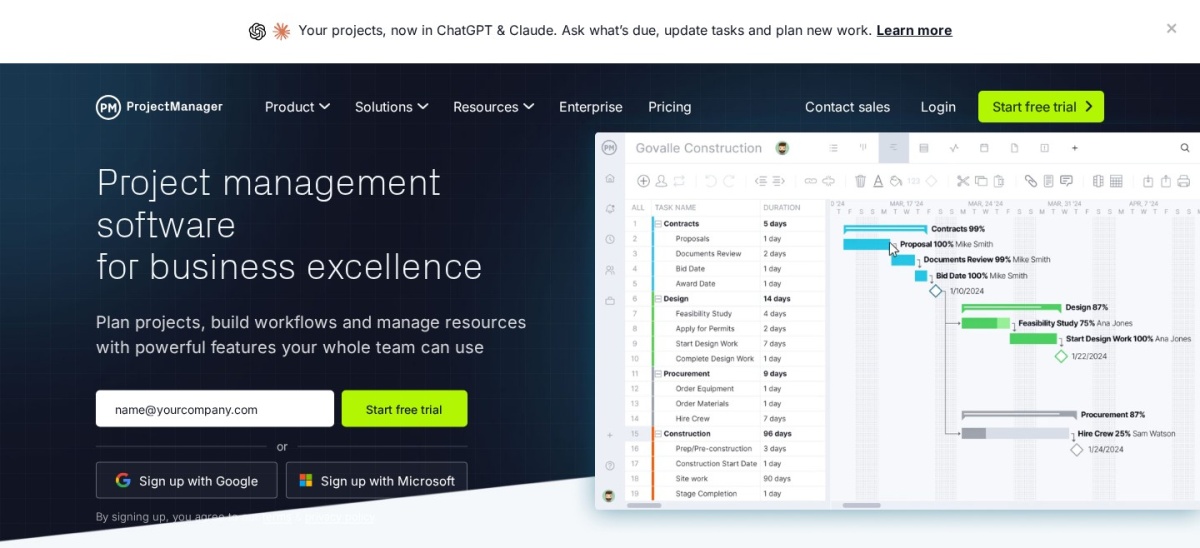
ProjectManager is a Gantt-first project tool with task lists, Kanban boards, dashboards and workload views. The Team plan costs $15 a user a month billed annually and covers Gantt charts, Kanban and up to 20 projects.
The trade off is that portfolio views, budgeting and timesheets need the Business plan at $28 a user a month. It suits teams that plan mainly in Gantt charts and want a simple portfolio rollup.
Teamwork.com is a professional services platform that runs client projects, time tracking, budgets and invoicing in one place. The free plan covers up to 5 users and 5 projects, and Basics costs $9.99 a user a month billed annually.
The trade off is that workload planning, capacity views and retainers need the Accelerate plan at $24.99 a user a month. It suits agencies and consultancies that bill by the hour and track margins per project.
What we like
Portfolio health on the cheapest paid plan
Billable time tracking included
Free plan for up to 5 users
Watch out for
Capacity planning needs Accelerate
Built for client work, less so for internal PMOs
Plan names changed in 2026, older reviews quote retired names
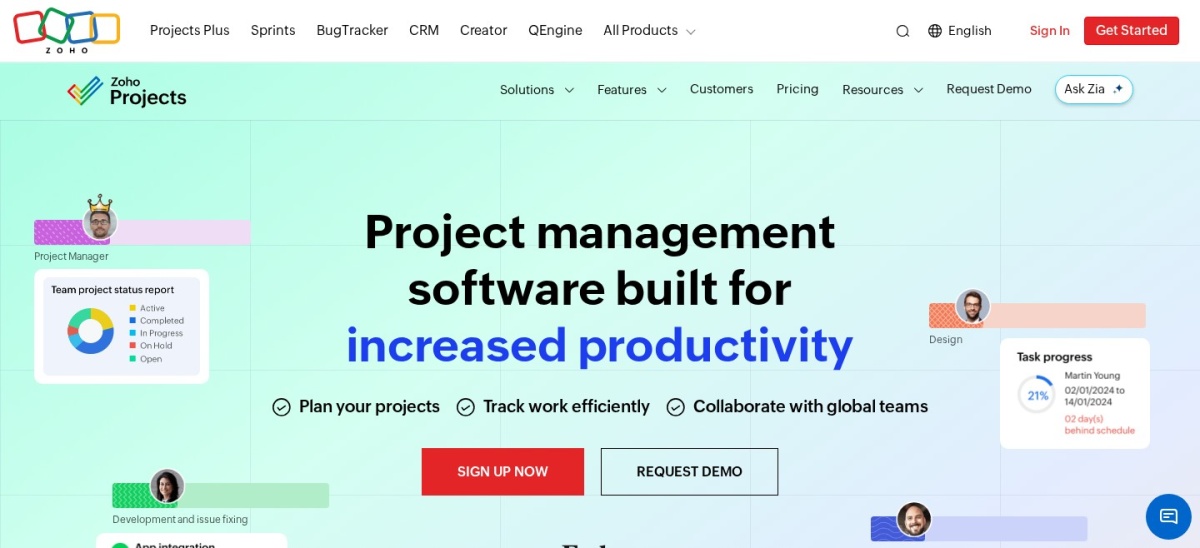
Zoho Projects is a low-cost project tool with Gantt charts, time tracking, budgets and task automation. The free plan covers up to 5 users and 3 projects, and Premium costs $4 a user a month billed annually.
The trade off is that portfolios, critical path and single sign-on need the Enterprise plan at $9 a user a month. It suits small teams that want the lowest paid price and already use other Zoho apps.
If you run fewer than five projects, a general project tool with a dashboard is usually enough. monday.com, ClickUp or Asana will cover it.
Past ten concurrent projects, or with shared staff across projects, a dedicated PPM tool earns its place. Celoxis and ProjectManager are built for that shape of work.
The deciding question is who needs the portfolio view. If only a PMO lead needs it, one higher-tier seat may be enough; if every manager needs it, the per-user price decides.
How we chose
We started from the best-known project portfolio management tools with published prices and a public review record on G2, then kept nine that cover the range from budget picks to dedicated PPM platforms.
Prices come from each vendor's pricing page, checked on 26 November 2026. Ratings and review counts come from G2 on the same day. Where a vendor shows a sale, the list shows the regular price.
We left out enterprise PPM suites that publish no prices, including Planview, Adobe Workfront and Kantata. No vendor paid for a place, and we do not claim to have used these tools ourselves.
How to choose project portfolio management software
Start with how many projects you run at once, then check which plan holds the portfolio view.
Count your concurrent projects. Under five, a general tool with dashboards is enough. Past ten, look at the dedicated PPM tools in this list.
Check which plan holds the portfolio view. In most tools here it is not the cheapest plan. Asana needs Advanced, monday.com needs Enterprise, and Smartsheet needs Business.
Test resource views with real staff. Load your actual team and their assignments. A tool that cannot show who is overloaded will not help you plan capacity.
Compare the yearly cost per user. A $4 plan and a $15 plan differ by $132 a user a year. Multiply by your team size before you commit.
FAQ
What is the best project portfolio management software?
monday.com is the best pick for most teams. It is rated 4.7 out of 5 on G2 from 17,985 reviews, and paid plans start at $9 a user a month billed annually. The one gap is that full portfolio views need the quote-only Enterprise plan.
What is the cheapest project portfolio management software?
Zoho Projects has the cheapest paid plan in this list at $4 a user a month billed annually, with a free plan for up to 5 users. Its portfolio views need the $9 Enterprise plan, so check that before you buy.
Do I need a dedicated PPM tool?
Not always. If you run fewer than five projects, monday.com, ClickUp or Asana will cover you with dashboards. Past ten concurrent projects, or with staff shared across projects, a dedicated tool such as Celoxis or ProjectManager is worth the switch.
What is the difference between project management and portfolio management software?
Project management software runs one project: tasks, dates and owners. Portfolio management software looks across all projects at once, showing health, capacity and budgets so leaders can decide what to fund, pause or stop.
Is there free project portfolio management software?
Yes. monday.com, ClickUp, Asana, Wrike, Teamwork.com and Zoho Projects all have free plans. Free plans cover task and project views, but portfolio dashboards, resource planning and advanced reporting are paid features in every tool here.
Which PPM tool is best for a PMO?
Celoxis is the strongest PMO pick here. It is a dedicated PPM platform with portfolio management, resource planning, budgets and risk tracking, starting at $10 a user a month, and it is rated 4.6 out of 5 on G2.
SaaS SEO and WordPress specialist with about 8 years of experience. Rakib compares WordPress plugins, themes, hosting and software using public pricing, documentation and user reviews. See how we rank.