Frame.io is the best project management software for video production for most teams. Its Pro plan costs $15 per member a month and adds frame-accurate comments, version stacks and Premiere Pro panels, while monday.com suits teams that want visual boards across a whole slate.
How we make this list: we compare pricing pages, product documentation and public user reviews, then re-check every price before each update. No product paid for a place. Disclosure.
Frame.io is the only tool here built for video review: frame-accurate comments, version stacks and Premiere Pro panels, with a free plan for 2 members.
monday.com has the highest G2 rating in this list at 4.7 out of 5 from 17,940 reviews, and its Basic plan costs $9 per seat a month.
ClickUp is the cheapest all-rounder on paper, but budget on the regular $12 a month, not the $9 sale price shown on its pricing page.
StudioBinder and ftrack are the only video-native planners here, but both are pricey: $29 a month and $25 per user a month, and ftrack has no free plan.
Every tool except ftrack has a free plan, so a small crew can start without paying and upgrade when the slate grows.
What video production needs from project software
A video project moves through more stages than most work: script, shoot, edit, review, approval and delivery. Each stage has different people, files and deadlines, so the tool has to track all of them without losing the cut.
Review is where video tools differ most from generic project software. Frame-accurate comments, version stacks and a clear approved cut matter more than another Kanban view, and only a few tools in this list are built for that job.
Scheduling matters too. Shoot days, edit lock dates and delivery deadlines all sit on a calendar, so look for timeline and Gantt views plus dependencies that show what slips when one task moves.
The 9 best project management software tools for video production
01
Frame.io
4.5/5on G2 (273 reviews, checked Nov 2026)
Paid from$15/mo
Best for video review and client approval
Free planYes, 2 members
Storage on Pro2 TB included
Review commentsFrame-accurate
Paid planPro, $15/member/mo
frame.io
Frame.io homepage, captured Nov 2026.
Frame.io is a video review and approval platform from Adobe, built around sharing cuts and collecting time-stamped feedback. The free plan covers 2 members, 2 GB of storage and 2 projects, and reviewers who only comment through a share link are free. Pro adds unlimited projects, 2 TB of storage, custom-branded shares and version stacks.
The trade off is that Frame.io is a review tool first, not a full project planner. It has no Gantt charts or workload views, so most teams pair it with a board tool such as monday.com or Asana. It suits editors, producers and agencies whose main pain is getting a cut approved.
What we like
Frame-accurate comments pinned to the exact moment
Version stacks keep every cut in order
Premiere Pro and After Effects panels built in
Clients review for free through share links
Watch out for
No Gantt charts or workload planning
Pro caps at 5 members, then Team costs $25 each
Team adds restricted projects and internal commentsVisit frame.io
02
monday.com
4.7/5on G2 (17,940 reviews, checked Nov 2026)
Paid from$9/mo
Best all-round board for video teams
Free planYes, up to 2 seats
Timeline and GanttStandard plan and up
Automations250/mo on Standard
Paid planBasic, $9/seat/mo
monday.com
monday.com homepage, captured Nov 2026.
monday.com is a board-based work platform that video teams use to plan shoots, track edits and manage deliveries in one view. The free plan covers up to 2 seats with 3 boards and 3 docs, and paid plans add unlimited items, viewers and file columns for scripts and storyboards. Boards switch between Kanban, timeline, calendar and Gantt views.
The trade off is that the cheapest paid plan is light. Basic at $9 per seat a month has no timeline or Gantt view and no automations, so teams that need scheduling views must move to Standard at $12 per seat a month. It suits visual teams that want flexible boards first and scheduling views second.
ClickUp is an all-in-one workspace that joins tasks, docs, goals, chat and time tracking under one roof. The free plan includes unlimited tasks, docs, Kanban boards and calendar views, and Core adds unlimited storage, Gantt charts, custom fields and 1,000 automations a month.
The trade off is the price on the page. ClickUp shows Core at $9 a month, but the regular price is $12 per user a month billed yearly, so budget on the higher figure. It suits small video teams that want one tool to replace several and do not mind a long settings list.
What we like
Gantt charts and time tracking on paid plans
Free plan has no task limit
Goals, docs and chat in the same workspace
Watch out for
Regular Core price is $12, not the $9 shown on sale
Asana is a work management platform built around tasks, owners and dates, which fits video teams running several shoots at once. The free Personal plan covers up to 2 users, and Starter adds timeline and Gantt views, dashboards, forms and unlimited automations. Advanced adds portfolios, goals, workload views and approvals with proofing.
The trade off is seat blocks. Above 5 users Asana sells seats in blocks, so a team of 6 pays for 10 seats, and native time tracking waits for Advanced at $24.99 a month. It suits teams that plan to deadlines and want one timeline per production.
What we like
Timeline and Gantt views on Starter
Unlimited free guests from Starter
Approvals and proofing on Advanced
Watch out for
Seats sold in blocks above 5 users
No native time tracking on Starter
Portfolios need Advanced at $24.99
Advanced adds portfolios, goals and time trackingVisit asana.com
05
Wrike
4.2/5on G2 (4,553 reviews, checked Nov 2026)
Paid from$10/mo
Best for larger teams and workload planning
Free planYes, 200 active tasks
Gantt chartsTeam plan and up
Automations50 actions/seat/mo
Paid planTeam, $10/user/mo
wrike.com
Wrike homepage, captured Nov 2026.
Wrike is a work management platform with Gantt charts, dashboards and workload views for teams that run many productions at once. The free plan covers unlimited users with 200 active tasks, and Team adds interactive Gantt charts, a shareable dashboard and basic AI tools for 2 to 15 users.
The trade off is the jump past 15 users. Team stops at 15 seats, so a growing crew moves to Business at $25 per user a month, and time tracking is not on Team at all. It suits mid-size teams that plan on Gantt charts and want workload views.
What we like
Interactive Gantt charts on Team
Workload views on Business
Free plan has no user limit
Watch out for
Team stops at 15 users, then the price jumps to $25
No time tracking on the Team plan
Business adds time tracking and resource managementVisit wrike.com
06
Teamwork
4.4/5on G2 (1,223 reviews, checked Nov 2026)
Paid from$10.99/mo
Best for client work and billable time
Free planYes, up to 5 users
Time trackingDeliver plan and up
Client usersUnlimited, free
Paid planDeliver, $10.99/user/mo
teamwork.com
Teamwork homepage, captured Nov 2026.
Teamwork is a project tool built for agencies and client-facing teams that bill hours and track budgets. The free plan covers up to 5 users, and Deliver adds automations, intake forms, project health reports and time tracking for a 3-user minimum. Client users are free, so producers and clients can follow a project without a paid seat.
The trade off is the tier jump. Grow costs $19.99 per user a month and adds workload, capacity and budgeting reports, so teams that need those views pay nearly twice as much. It suits video agencies that invoice by the hour and want time against budget in the same tool.
What we like
Unlimited free client users
Time tracking and budgets from Deliver
Project health reports built in
Watch out for
Grow costs nearly twice Deliver for budgeting views
Notion is a workspace that joins docs, wikis, databases and boards, so scripts, briefs and shot lists can live beside the task list. The free plan covers the core features for small teams, and Plus adds unlimited blocks for teams, unlimited file uploads, 30-day page history and charts. Guests are never billed, so clients and freelancers can view pages for free.
The trade off is that Notion is a blank page first and a project tool second. There is no built-in Gantt chart or time tracking, so teams that need scheduling views must build them from databases or pair Notion with another tool. It suits small crews that plan in documents and want one home for everything.
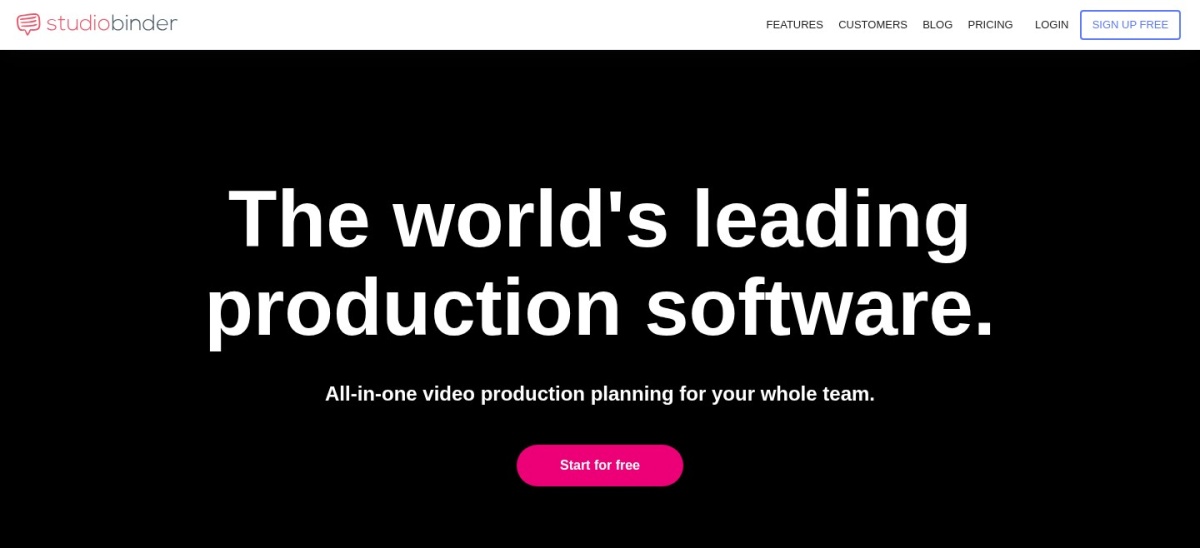
StudioBinder is a production management suite that runs a shoot from script to call sheet in the browser. The free plan covers 1 project with 10 shots, storyboards, tasks and docs, and Starter adds 10 projects, 50 GB of storage and a full screenplay editor. Script breakdowns, stripboards, shot lists and call sheets all live in one place.
The trade off is price and scope. Starter costs $29 a month for one user, extra users cost $25 a month each, and there is no video review or approval workflow, so post-production needs another tool. It suits scripted shoots where the call sheet is the main job.
What we like
Script breakdown, stripboard and call sheets in one tool
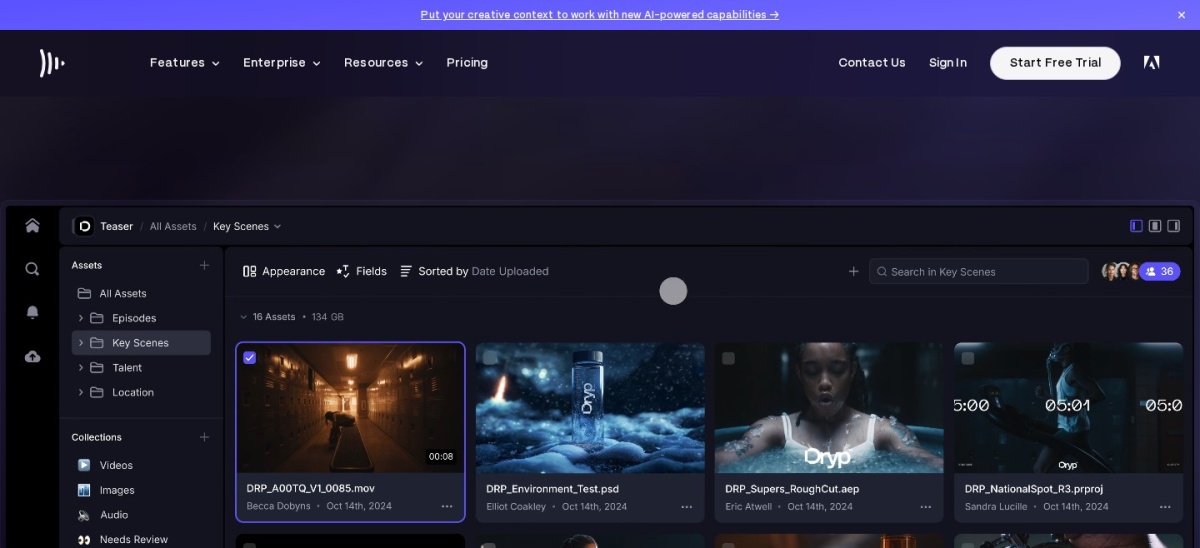
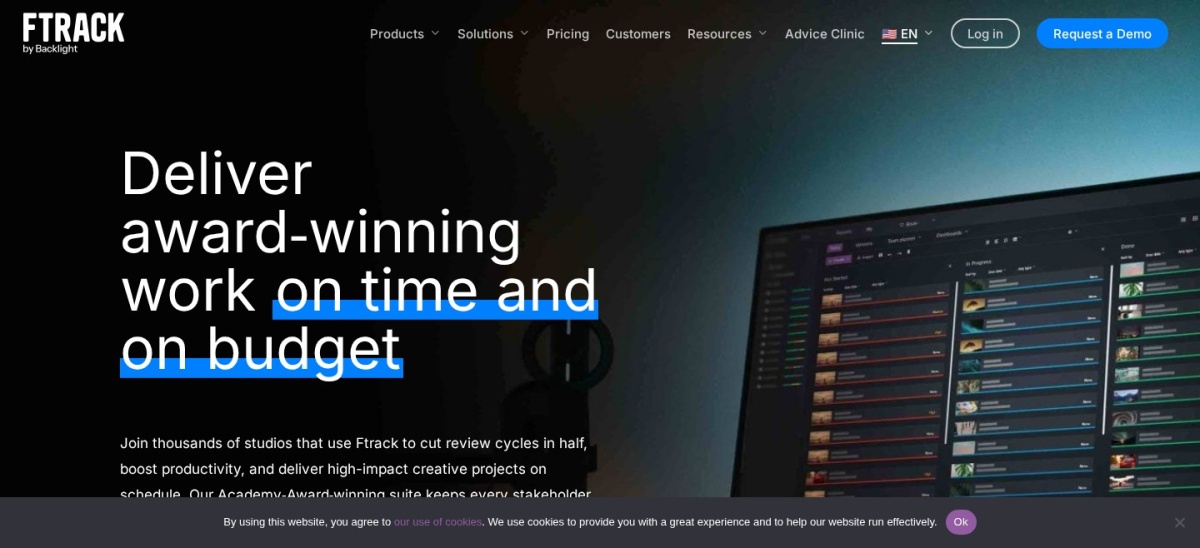
ftrack Studio is a production tracker built for VFX and animation studios, with shot and asset management, task tracking and scheduling. Studio costs $25 per user a month on annual billing and adds planning, scheduling, tracking, project reports, API access and 250 GB of storage. Its review tools let clients comment on versions in the browser.
The trade off is cost and setup. There is no free plan, only a 14-day Studio trial, and the cheaper Review plan at $10 a month covers media review only, not planning or tracking. It suits studios that track hundreds of shots across artists and need pipeline integrations.
What we like
Built for shot-level VFX and animation tracking
API access for pipeline integrations
Review and tracking in one platform
Watch out for
No free plan, only a 14-day trial
Review plan at $10 has no planning or tracking
Overkill for small shoots
Studio adds planning, scheduling and tracking over ReviewVisit ftrack.com
Review tools vs project boards: pick by your bottleneck
If approvals are the bottleneck, start with a review tool. Frame.io and ftrack Review exist to get a cut approved, and a board tool cannot replace frame-accurate comments.
If scheduling is the bottleneck, start with a board tool. monday.com, Asana and Wrike show who is doing what and when, and most of them have a free plan to try first.
Most video teams end up with both. A common setup is Frame.io for review plus monday.com for the schedule, which costs $24 a month per person before any sale.
How we chose
We started from the tools video teams actually use: review platforms such as Frame.io and ftrack, pre-production suites such as StudioBinder, and general project tools with video templates and timeline views.
Prices come from each vendor's pricing page, checked on 26 November 2026. Ratings and review counts come from G2 on the same day. Where a vendor shows a sale, the list shows the regular price.
We left out tools with no published price and tools built only for stills or audio. No vendor paid for a place, and we do not claim to have used these tools ourselves.
How to choose project management software for video production
Start with the stage that hurts most, then check the price for your whole crew.
Name the bottleneck first. If approvals stall, you need a review tool. If shoot days clash, you need a board with timeline views.
Count the seats you will pay for. Most tools charge per user, and clients or guests are often free. Check who counts as a paid seat before you budget.
Check the free plan limits. A free plan that caps projects or storage can force an upgrade mid-shoot. See how many active projects your slate needs.
Try the review flow with a real cut. Upload a rough cut, invite a client and see how comments land. If the flow is awkward on day one, it will not get better.
FAQ
What is the best project management software for video production?
Frame.io is the best pick for most video teams. Its Pro plan costs $15 per member a month and covers frame-accurate review, version stacks and Premiere Pro panels, with clients reviewing for free through share links.
Is Frame.io enough on its own for managing a video project?
For review and approval, yes. For scheduling, budgets and workload it is not: it has no Gantt charts or time tracking. Most teams pair it with a board tool such as monday.com or Asana for the schedule.
Which free plan is best for a small video crew?
monday.com and Notion have the most useful free plans for small crews, with boards, docs and enough room to run a few projects. Frame.io's free plan covers 2 members and 2 projects, which fits a freelancer and one client.
How much does project management software for video production cost?
Paid plans in this list run from $9 per user a month for monday.com Basic to $29 a month for StudioBinder Starter. A five-person crew pays roughly $45 to $150 a month on the cheapest paid plans.
Do I need a video-specific tool, or will Asana work?
Asana works well for schedules, owners and deadlines, and its Starter plan adds timeline and Gantt views. It has no frame-accurate review, so you will still need a review step, whether that is Frame.io, ftrack or a shared drive with comments.
What is the best tool for pre-production planning?
StudioBinder is the strongest pre-production pick in this list. It covers screenwriting, script breakdowns, stripboards, shot lists, storyboards and call sheets in one place, starting with a free plan for one project.
SaaS SEO and WordPress specialist with about 8 years of experience. Rakib compares WordPress plugins, themes, hosting and software using public pricing, documentation and user reviews. See how we rank.