Microsoft PowerPoint is the best professional slideshow software for most people, with native PowerPoint files, full offline desktop apps and a 4.6 out of 5 G2 rating. Pick Canva for fast designed decks and Google Slides for free real-time collaboration.
How we make this list: we compare pricing pages, product documentation and public user reviews, then re-check every price before each update. No product paid for a place. Disclosure.
PowerPoint is the strongest all-round pick: native .pptx files, full desktop apps and a 4.6 out of 5 G2 rating from 4,404 reviews.
Canva is the fastest route to a designed deck, with 250,000+ free templates and Pro at $144 a year.
Google Slides and Keynote are free and cover most personal and team decks, though both have fewer design controls than PowerPoint.
Prezi and Beautiful.ai suit specific jobs: Prezi for live talks on a zooming canvas, Beautiful.ai for fast on-brand decks.
Paid plans run from $30 a year for Zoho Show Professional to $174 a year for Beautiful.ai Pro.
What makes slideshow software professional
A professional slideshow tool has to do more than hold text on a slide. It needs clean exports, reliable fonts, charts that stay readable on a projector and a presenter view that keeps notes out of sight.
Start with the file format your audience uses. If clients and colleagues send .pptx files, PowerPoint or a tool with clean PowerPoint export saves rework on every deck.
Check the export before you pay. Some free plans let you build a deck but charge to download it, and our guide on adding a PDF to WordPress shows how often a PDF export is the version people actually share.
Offline access matters more than it looks. A browser-only tool is fine in the office, but a desktop app keeps a keynote running when the venue Wi-Fi fails.
Microsoft PowerPoint is the standard slideshow app for business decks, and it opens, edits and saves native .pptx files with no conversion. The free web version covers basic editing with 5 GB of OneDrive storage, while Microsoft 365 Personal at $99.99 a year adds the desktop apps, 1 TB of storage and Copilot features.
The trade off is price. The desktop apps need a Microsoft 365 subscription, so occasional presenters pay for a full office suite to get the best version. It suits anyone who shares decks with PowerPoint users and needs full control over fonts, charts and animations.
Canva is a browser-based design tool with a large library of presentation templates, stock photos and graphics. The free plan includes more than 250,000 templates and 5 GB of storage, and Pro at $144 a year adds 3.6 million templates, 141 million premium assets and 100 GB of storage.
The trade off is depth. Canva is fast for designed decks but has fewer chart, animation and presenter controls than PowerPoint. It suits marketers and small teams who need a polished deck quickly without learning a desktop app.
What we like
Huge template and stock library
Generous free plan for personal decks
Easy drag-and-drop editor for non-designers
Watch out for
Fewer chart and animation controls than PowerPoint
Brand controls need the Pro plan
Pro adds 3.6 million templates and 100 GB of storageVisit canva.com
03
Google Slides
4.6/5on Capterra (6,495 reviews, checked Nov 2026)
Paid from$7/mo
Best free slideshow tool for teams
Free planYes, 15 GB shared
Real-time editingYes
Offline modeYes, with Chrome
Paid planWorkspace Starter, $7/mo
google.com
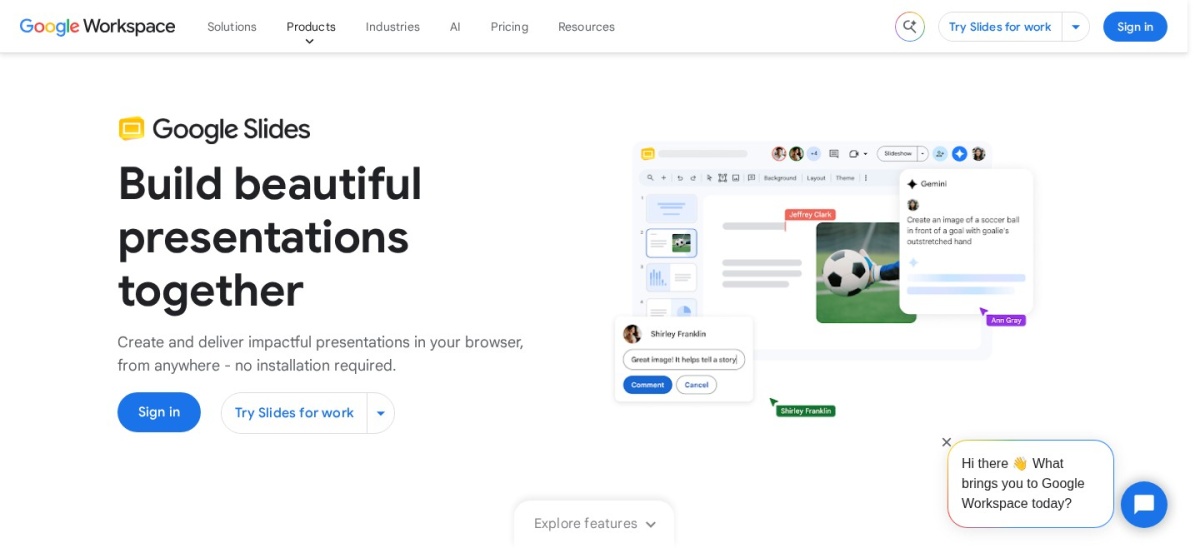
Google Slides homepage, captured Nov 2026.
Google Slides is a free browser-based slideshow tool that lives in Google Drive and saves every change as you type. It is free with any Google account with 15 GB of shared storage, and Workspace Business Starter at $7 per user a month adds business email and 30 GB of pooled storage per user.
The trade off is design range. Slides has fewer templates, animations and chart options than PowerPoint or Canva, and offline editing needs Chrome. It suits teams who edit the same deck together and want comments, version history and simple sharing.
What we like
Free with any Google account
Best real-time collaboration in this list
Opens and exports PowerPoint files
Watch out for
Fewer templates and animations than rivals
Offline editing needs Chrome
Workspace Starter adds business email and 30 GB per userVisit google.com
04
Keynote
4.4/5on G2 (530 reviews, checked Nov 2026)
PriceFree
Best free slideshow app for Apple users
Free planYes, no paid plan
Works onMac, iPad, iPhone, web
ExportsPowerPoint, PDF
Paid planNone, free
apple.com
Keynote homepage, captured Nov 2026.
Keynote is Apple's free presentation app for Mac, iPad and iPhone, and it also runs in a browser through iCloud. It is free with no paid plan, and its templates, transitions and Magic Move animations produce clean, polished decks with little effort.
The trade off is compatibility. Keynote files need exporting to PowerPoint or PDF for non-Apple users, and some formatting can shift in the conversion. It suits Apple users who present from a Mac or iPad and want a free app with strong animation.
Visme is a browser-based design tool for presentations, infographics and reports, with more than 10,000 templates and a large asset library. The free Basic plan covers design work but cannot download projects, and Starter at $12.25 a month billed annually adds JPG, PNG and PDF downloads and 1 GB of storage.
The trade off is that the free plan is a preview, not a working tool, since finished decks stay locked until you pay. It suits marketers and consultants who build data-heavy decks and branded reports as well as slides.
What we like
Strong infographics and data charts
Large template library for reports and decks
Brand kit and interactive elements on paid plans
Watch out for
Free plan cannot download finished decks
Monthly billing costs far more than annual
Starter adds downloads and removes the watermarkVisit visme.co
06
Prezi
4.2/5on G2 (5,723 reviews, checked Nov 2026)
Paid from$7/mo
Best for live talks on a zooming canvas
Free planYes, public decks
AI credits on Standard500/mo
Unlimited AIPlus, $19/mo
Paid planStandard, $84/yr
prezi.com
Prezi homepage, captured Nov 2026.
Prezi is a presentation tool built around a zooming canvas instead of flat slides, so presenters move between topics on one large surface. The free Basic plan includes 500 AI credits a month with public decks, and Standard at $7 a month billed annually adds privacy controls and unlimited projects.
The trade off is the learning curve. The canvas format takes time to plan well, and motion flattens when a deck is exported to PowerPoint. It suits teachers, trainers and sales teams who give live talks where the audience steers the order.
What we like
Distinctive zooming format for live talks
Unlimited AI generation on the Plus plan
Free plan with 500 AI credits a month
Watch out for
Steep learning curve for new users
Motion is lost in PowerPoint exports
Plus adds unlimited AI, PDF export and offline accessVisit prezi.com
07
Beautiful.ai
4.6/5on G2 (196 reviews, checked Nov 2026)
Starts at$14.50/mo
Best for fast on-brand decks
Free planNo, 14-day trial
Smart SlidesYes
PowerPoint exportYes, on Pro
Paid planPro, $174/yr
beautiful.ai
Beautiful.ai homepage, captured Nov 2026.
Beautiful.ai is a cloud presentation tool whose Smart Slides reformat layouts, spacing and charts automatically as you edit. It has no free plan, only a 14-day trial, and Pro at $14.50 a month billed annually adds unlimited AI generation, custom branding and PowerPoint import and export.
The trade off is control. The layout rules keep decks tidy but limit freeform design, and the trial needs a card and renews automatically. It suits consultants and founders who present often and want clean, on-brand decks fast.
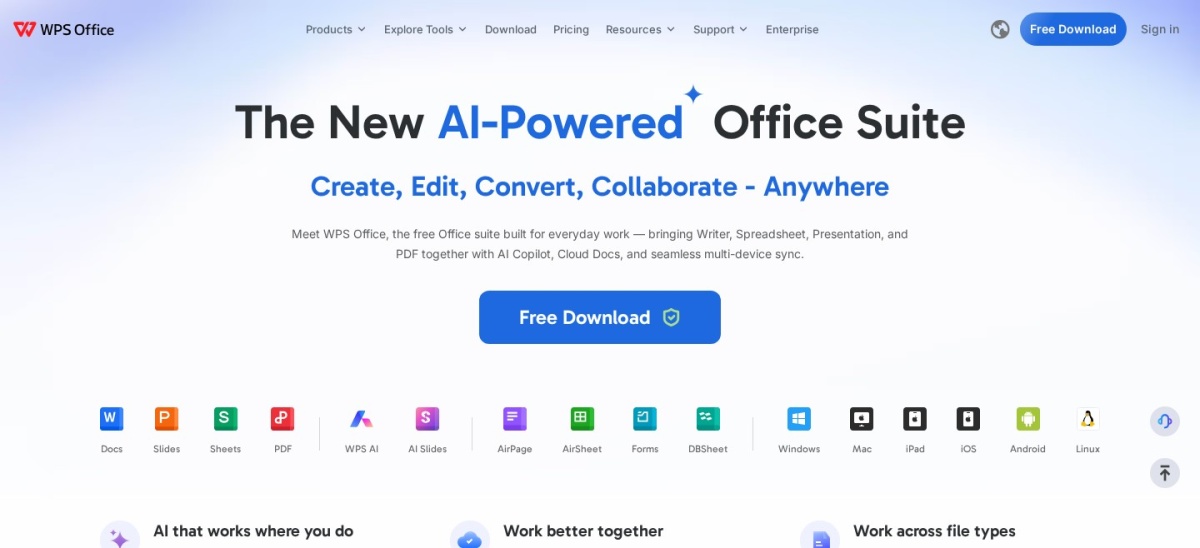
WPS Presentation is a desktop and mobile slideshow app that opens and saves PowerPoint files and runs on Windows, Mac, Linux, Android and iOS. The free version includes 1 GB of cloud storage and support for 47 file formats, and Pro+ at $69.99 a year removes ads and adds 20 GB of storage and AI tools.
The trade off is ads. The free version shows ads and pop-ups that distract during editing, and some advanced features need the paid plan. It suits people who move between devices, swap PowerPoint files often and want a light offline app.
What we like
Light app that opens PowerPoint files well
Runs on desktop, mobile and the web
Cheaper than Microsoft 365 Personal
Watch out for
Free version shows ads and pop-ups
Some advanced features need Pro+
Pro+ removes ads and adds 20 GB and AI toolsVisit wps.com
09
Zoho Show
4.4/5on G2 (63 reviews, checked Nov 2026)
Paid from$2.50/mo
Best budget slideshow tool for Zoho users
Free planYes, unlimited storage
Upload limit500 MB free
Templates100+
Paid planProfessional, $30/yr
zoho.com
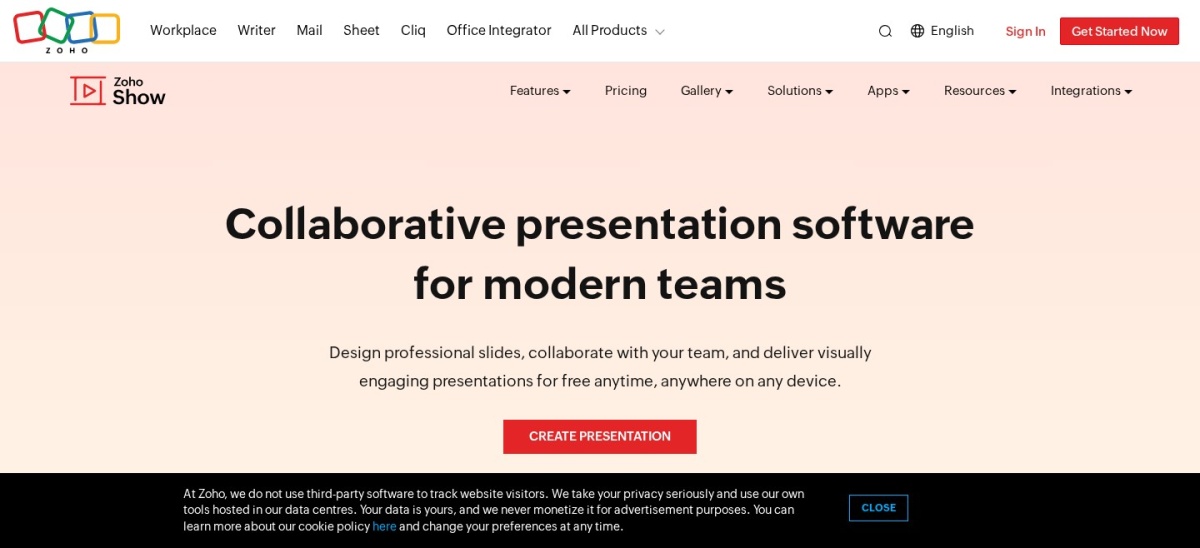
Zoho Show homepage, captured Nov 2026.
Zoho Show is a free browser-based presentation app with more than 100 templates, real-time collaboration and unlimited cloud storage for individuals. The free plan allows uploads up to 500 MB, and the Professional plan at $2.50 per user a month billed annually adds 1 TB of team storage and a brand library.
The trade off is that there is no desktop app, so presenting offline depends on the browser and a connection. It suits teams already using Zoho apps who want a capable slide editor for very little money.
What we like
Free for individuals with unlimited storage
Cheapest paid plan in this list at $30 a year
Good fit for teams already on Zoho
Watch out for
No desktop app for offline presenting
Fewer templates than Canva or Visme
Professional adds 1 TB of team storage and a brand libraryVisit zoho.com
Free vs paid: what you give up
Free plans cover the basics well. Google Slides, Keynote and Zoho Show are free for individuals, and PowerPoint and Canva both have useful free versions.
Paid plans mostly add exports and storage. Downloading finished decks, removing watermarks and raising upload limits sit behind the paywall on Visme, Prezi and WPS Presentation.
The cheapest paid plan here is Zoho Show Professional at $30 a year, and the dearest is Beautiful.ai Pro at $174 a year. Most tools in this list cost under $150 a year.
If you present every week, the annual plan is usually the better buy. Monthly billing costs far more on Visme at $29 a month against $12.25 on the annual plan.
How we chose
We started from the best-known presentation and slideshow tools with public ratings on G2 or Capterra, then kept the nine with a useful free plan or a clear paid tier for professional use.
Prices come from each vendor's pricing page, checked on 26 November 2026. Ratings and review counts come from G2 and Capterra on the same day. Where a vendor shows a sale, the list shows the regular price.
We left out tools with no public rating and tools built only for video slideshows. No vendor paid for a place, and we do not claim to have used these tools ourselves.
How to choose professional slideshow software
Start with where your decks will be shown, then match the tool to the audience.
Check the file format first. If your audience expects .pptx files, pick PowerPoint or a tool with clean PowerPoint export. Converting a finished deck often breaks fonts and charts.
Decide how you present. Live talks suit Prezi and Keynote, with motion and presenter views. Shared decks that others edit suit Google Slides and Zoho Show.
Test the export on the free plan. Build one real deck and download it before paying. Visme and Prezi limit downloads or privacy on free plans, so check that first.
Compare the yearly price, not the monthly one. Annual billing cuts the cost sharply on most tools here. See the price ladder above before choosing a plan.
FAQ
What is the best professional slideshow software?
Microsoft PowerPoint is the best pick for most people. It edits native .pptx files with no conversion, includes full desktop apps with Microsoft 365 Personal at $99.99 a year, and is rated 4.6 out of 5 on G2 from 4,404 reviews.
Is there free professional slideshow software?
Yes. Google Slides, Keynote and Zoho Show are free for individuals, and PowerPoint and Canva both have free versions. The free plans cover most personal decks, though downloads, privacy or advanced features often need a paid plan.
Can I use these tools offline?
PowerPoint, Keynote and WPS Presentation have desktop apps that work offline. Google Slides needs Chrome for offline editing, and Visme, Zoho Show and Beautiful.ai are browser tools that need a connection for most features.
Which slideshow software is best for live talks?
Prezi is the strongest pick for live talks, because its zooming canvas lets you move between topics in any order the audience wants. Keynote is a good second choice, with smooth transitions and a clean presenter view on Mac and iPad.
Do these tools export to PowerPoint?
Most do. PowerPoint, Google Slides, Keynote, Canva, Visme, Beautiful.ai and WPS Presentation all export or save .pptx files. Prezi exports to PDF, but its zooming motion flattens when a deck is converted to PowerPoint.
How much does professional slideshow software cost?
Free plans cover Google Slides, Keynote and Zoho Show. Paid plans in this list run from $30 a year for Zoho Show Professional to $174 a year for Beautiful.ai Pro, and most tools cost under $150 a year on annual billing.
SaaS SEO and WordPress specialist with about 8 years of experience. Rakib compares WordPress plugins, themes, hosting and software using public pricing, documentation and user reviews. See how we rank.