KeyShot is the best product rendering software for most teams, turning CAD files into studio-quality images fast at $1,299 a year. Pick Blender for a free full 3D suite, or V-Ray for the deepest control inside 3ds Max, Maya and Rhino.
How we make this list: we compare pricing pages, product documentation and public user reviews, then re-check every price before each update. No product paid for a place. Disclosure.
KeyShot is the fastest route from CAD to a studio shot, at $1,299 a year for the Professional plan.
Blender costs nothing and includes two renderers, the Cycles path tracer and the Eevee real-time renderer.
V-Ray and Corona share the Chaos Cosmos asset library, while V-Ray adds GPU rendering and more host apps.
D5 Render is the cheapest real-time option with a free plan, at $360 a year for Pro.
Redshift is the cheapest paid renderer here at $289 a year, but it needs a strong graphics card.
Chaos is running a 20% sale on V-Ray, Corona and Enscape as this list was checked; the prices shown are regular prices.
What to look for in product rendering software
Product rendering turns a 3D model into a photograph-style image for a store page, a pitch deck or a trade show. The best tools make materials, studio lighting and cameras easy to set up, so a designer can go from CAD file to finished shot in an afternoon.
Start with your source files. If your models live in CAD software such as SolidWorks or Rhino, KeyShot reads them directly. If you model in 3ds Max, Maya or Cinema 4D, a plugin renderer such as V-Ray, Corona or Redshift fits better.
Speed matters as much as quality. Real-time tools such as D5 Render and Enscape show the image as you work, while offline renderers such as V-Ray and Corona take longer per frame but give finer control over light and materials. Our guide on optimizing images for WordPress shows how to keep those large renders fast on a product page.
Price ranges from free to $1,299 a year in this list. Blender costs nothing, Redshift is the cheapest paid option at $289 a year, and KeyShot is the most expensive at $1,299 a year. Match the tool to the volume of images you need, not to the longest feature list.
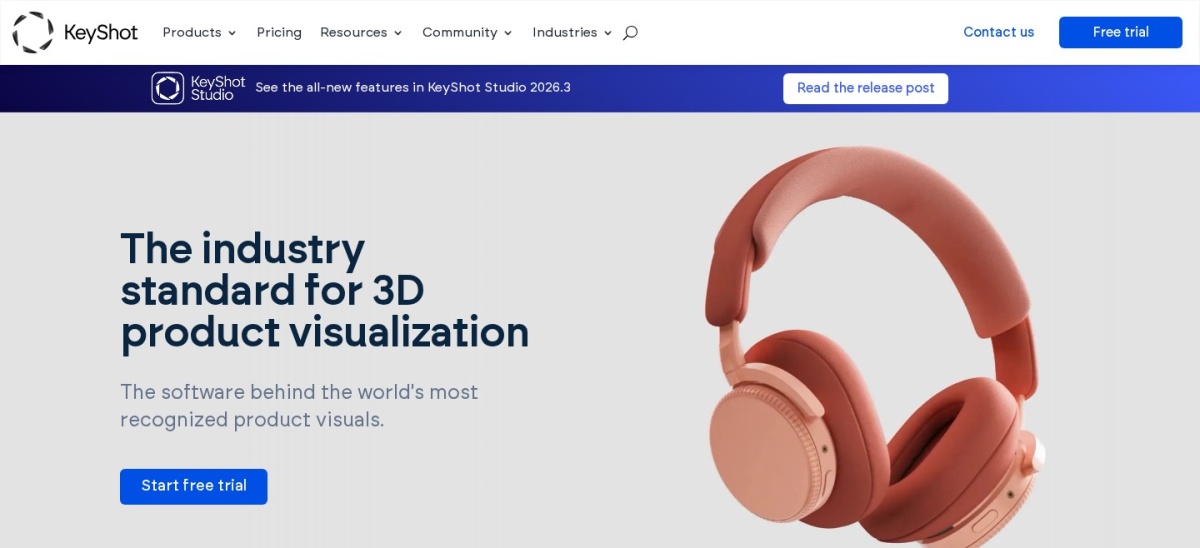
KeyShot is a standalone renderer built for product visualization. You import a CAD or 3D model, drag materials and HDRI lighting onto it, and the real-time viewport shows the finished look as you work. Studio Professional costs $1,299 a year per user and includes the full material library, animation tools and network rendering options.
The trade off is price. At $1,299 a year it is the most expensive tool in this list, and animation, VR and web viewing cost extra as add-ons. It suits product designers, engineers and marketing teams who need consistent studio shots from CAD files every week.
Blender is a free, open-source 3D creation suite that covers modeling, sculpting, UV work, animation and rendering in one download. It ships with the Cycles path tracer and the Eevee real-time renderer, runs on Windows, macOS and Linux, and its GPL licence allows commercial use with no seat limit.
The trade off is support and setup. Help comes from the community and documentation rather than a vendor support desk, and product shots need more manual lighting work than KeyShot. It suits freelancers, students and small studios that want a full pipeline without a licence bill.
V-Ray is Chaos's photorealistic renderer and a plugin for 3ds Max, Maya, Cinema 4D, Rhino, SketchUp, Revit, Houdini and Unreal. Solo costs $540 a year and includes the V-Ray engine, up to 15,000 Chaos Cosmos assets and 100 Chaos AI credits a month, with both CPU and GPU rendering.
The trade off is learning curve and cost of the host. V-Ray rewards study with deep control over materials, light and render passes, but you also need a licence for the host app. It suits studios that already work in a supported 3D app and want the most control over final stills.
What we like
Deep control over light and materials
Works in 8+ host apps
CPU and GPU rendering
Large Cosmos asset library
Watch out for
Steep learning curve
Needs a paid host app
No free plan
Premium adds more assets and credits at $778.80/yrVisit chaos.com
04
Corona Renderer
4.7/5on G2 (118 reviews, checked Nov 2026)
Starts at$414/yr
Best simple photoreal renderer
PriceSolo, $414/yr
RenderingCPU only
Hosts3ds Max, Cinema 4D
Trial30 days free
chaos.com
Corona Renderer homepage, captured Nov 2026.
Corona Renderer is Chaos's simpler photoreal engine for 3ds Max and Cinema 4D. It gives realistic results with far fewer settings than V-Ray, and its LightMix tool lets you change light levels after the render. Solo costs $414 a year and includes up to 15,000 Cosmos assets and a 30-day free trial.
The trade off is scope. Corona runs on the CPU only and supports just two host apps, so GPU owners and users of other hosts should look elsewhere. It suits archviz artists and product visualizers who want clean interior and studio light with little tuning.
D5 Render is a real-time ray tracer for product and architectural stills, with a live link to SketchUp, Rhino, Revit and other 3D tools. The free Community plan covers non-commercial work, and Pro costs $360 a year billed annually, adding commercial use, 16,000+ assets, frame sequences and VR output.
The trade off is hardware and platform. D5 Render runs on Windows only and needs a dedicated NVIDIA graphics card, so Mac users and weak laptops are out. It suits Windows artists who want to show a client the finished image while they are still changing the scene.
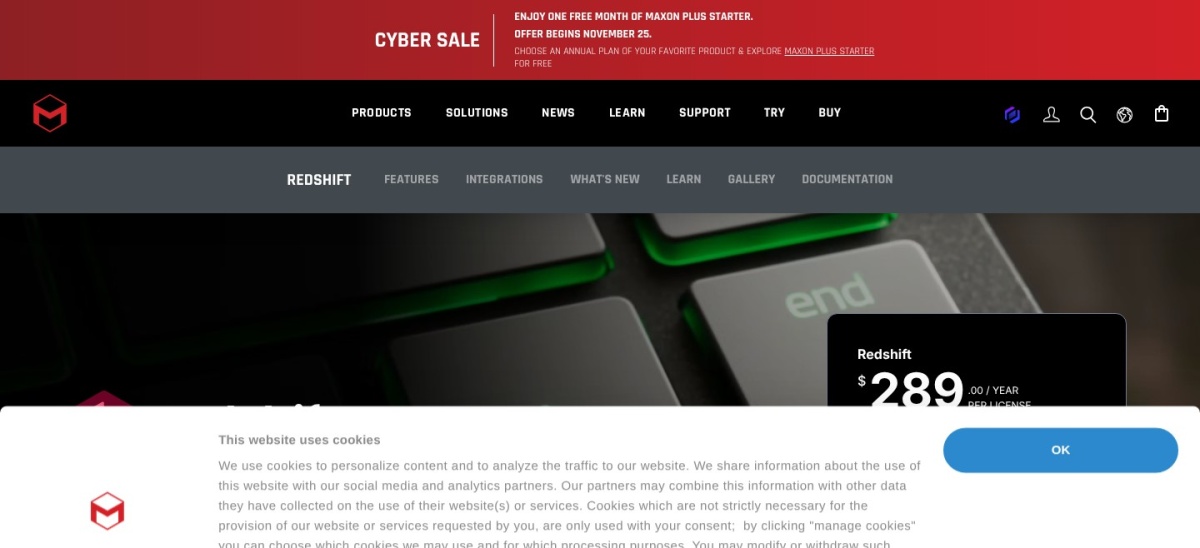
Redshift is Maxon's biased GPU renderer, built for speed on final frames. It trades a little physical accuracy for fast renders, and one licence covers up to 8 GPUs on a single computer. A standalone licence costs $289 a year, or $49 a month billed monthly, and it is included with every Cinema 4D subscription.
The trade off is hardware and learning curve. Redshift needs a capable graphics card, and its node-based materials take time to learn. It suits motion designers and small studios rendering animation and product shots on strong GPUs.
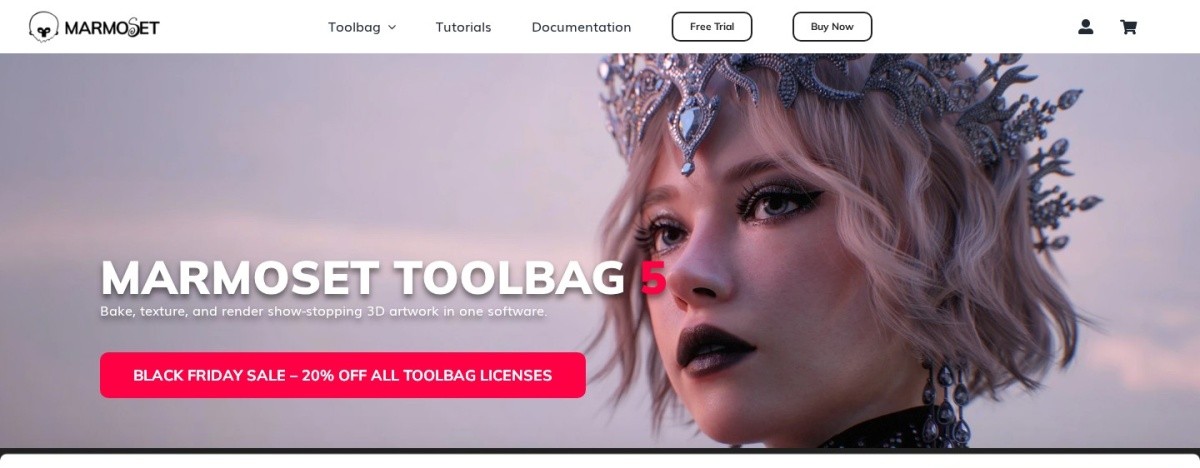
Marmoset Toolbag is a real-time presentation tool for 3D products and game assets, combining texture baking, 3D painting and PBR rendering in one app. The individual subscription costs $18.99 a month, a perpetual licence costs $399, and a 30-day free trial is included.
The trade off is scope. Toolbag presents finished models rather than modeling them, and its perpetual licence covers only 5.x updates. It suits artists who need quick turntable renders and portfolio shots of products and props.
Enscape is a real-time renderer that plugs into Revit, SketchUp, Rhino, Archicad and Vectorworks, so you design and render in the same window. Solo costs $574.80 a year billed annually, and every change to the model shows in the render at once, which makes client meetings fast.
The trade off is depth. Enscape is built for quick, good-looking walkthroughs rather than the fine material control of V-Ray or Corona, and it needs a strong GPU. It suits teams that present product and interior concepts live and want renders without leaving their CAD tool.
What we like
Renders inside your CAD tool
Instant live feedback
Easy to learn
Strong G2 rating from 456 reviews
Watch out for
Less material control than V-Ray
Needs a strong GPU
Highest real-time price here
Premium adds AI tools, collaboration and more assetsVisit chaos.com
Free vs paid: what you give up
Free plans cover learning and personal work. Blender is free for any use, D5 Render has a free Community plan for non-commercial work, and the rest offer trials only.
Paid plans mostly add commercial use and speed. D5 Render Pro unlocks paid work, Redshift adds GPU scale, and KeyShot adds the material library and animation tools.
If you sell images every week, a paid plan pays for itself in saved hours. Our portfolio guide shows how to present those renders to clients.
How we chose
We started from the renderers most often recommended for product work, then kept the eight with a public rating and a published price.
Prices come from each vendor's pricing page, checked on 26 November 2026. Ratings and review counts come from G2 on the same day. Where a vendor shows a sale, the list shows the regular price.
We left out tools that bill only in euros and tools with no public rating. No vendor paid for a place, and we do not claim to have used these tools ourselves.
How to choose product rendering software
Start with your source files, then match the renderer to how you present the work.
Check where your models live. CAD files point to KeyShot, while 3ds Max, Maya and Cinema 4D point to V-Ray, Corona or Redshift.
Decide between real-time and offline. D5 Render, Enscape and Toolbag show the image as you work. V-Ray and Corona render slower but give finer control.
Test the free options first. Blender costs nothing and D5 Render has a free Community plan, so you can learn the workflow before paying.
Check your graphics card. D5 Render, Redshift and Enscape need a strong GPU. Corona runs on processor power alone, while KeyShot works on CPU or GPU.
FAQ
What is the best product rendering software?
KeyShot is the best pick for most product work. It turns CAD files into studio-quality images fast, is rated 4.5 out of 5 on G2, and costs $1,299 a year for the Professional plan.
What is the best free product rendering software?
Blender is the best free option. It is a full 3D suite with two renderers, Cycles and Eevee, it is free for commercial use, and it is rated 4.6 out of 5 on G2 from 319 reviews.
Is KeyShot worth $1,299 a year?
It is worth it if you render products every week. The drag-and-drop materials and direct CAD import save hours per shot. If you render rarely, Blender or D5 Render Pro at $360 a year will cover you.
Can I render products on a Mac?
Yes. Blender, KeyShot and Marmoset Toolbag all run on macOS. D5 Render is Windows only, and Redshift and Enscape need a strong graphics card, so check your Mac's specs first.
Do I need a powerful graphics card?
It depends on the tool. D5 Render, Redshift and Enscape need a strong GPU to run at all. Corona renders on the CPU only, and KeyShot and Blender work on CPU or GPU.
What is the cheapest paid product renderer?
Redshift is the cheapest paid option in this list at $289 a year per licence. Marmoset Toolbag is cheaper per month at $18.99, which works out to about $228 a year.
SaaS SEO and WordPress specialist with about 8 years of experience. Rakib compares WordPress plugins, themes, hosting and software using public pricing, documentation and user reviews. See how we rank.