WLWPLegible EditorsLast verified 23 Nov 2026How we rank13 min read
★ Short answer
monday.com is the best PPM software for most teams, with boards, dashboards and automations from $9 a user a month and a 4.7 out of 5 G2 rating. Pick Smartsheet for spreadsheet-style portfolios, Asana for goals and portfolios, and Zoho Projects if budget matters most.
How we make this list: we compare pricing pages, product documentation and public user reviews, then re-check every price before each update. No product paid for a place. Disclosure.
monday.com leads on rating at 4.7 out of 5 on G2, with paid plans from $9 a user a month.
Smartsheet is the strongest spreadsheet-style option, rated 4.4 out of 5 from more than 22,000 G2 reviews.
Asana and Wrike put portfolios on paid tiers: Advanced at $24.99 and Business at $25 a user a month.
Celoxis is the only dedicated PPM suite here with a published price ladder, from $10 to $45 a user a month.
Zoho Projects is the cheapest paid plan in the list at $4 a user a month, with a free plan for up to 5 users.
What PPM software should cover
Project portfolio management, or PPM, is the layer above single projects. It answers which projects to fund, who has capacity to do them, and whether the whole portfolio is on track.
A good PPM tool shows every project in one view, with health, dates and owners. It should also track capacity, so a new project does not land on a team that is already full.
Most tools in this list charge per user per month, and the portfolio features often sit on a higher tier. Check which tier holds portfolios before you compare headline prices.
monday.com is a board-based work platform where each project is a board with items, owners and dates, plus timeline, Gantt and dashboard views. The free plan covers up to 2 seats and 3 boards, and paid plans start at $9 a seat a month billed annually on Basic.
The trade off is price at the top. Portfolio and resource views need the Enterprise plan, which is quoted, so a team that wants full PPM pays more than the $9 headline. It suits visual teams that manage projects on boards and can wait on portfolio views.
What we like
Highest G2 rating here, 4.7 out of 5
Free plan for up to 2 seats
Timeline and Gantt views from Standard
250 automation actions a month on Standard
Watch out for
Portfolio and resource views need Enterprise
Paid plans start at 3 seats
Per-seat cost climbs fast on big teams
Enterprise adds portfolios, capacity planning and advanced permissionsVisit monday.com
02
Smartsheet
4.4/5on G2 (22,712 reviews, checked Nov 2026)
Starts at$9/mo
Best for spreadsheet-style portfolios
Cheapest paid planPro, $9/member/mo
Free planNo, 30-day trial
Gantt chartsYes, on Pro
Member capPro: 1–10 members
smartsheet.com
Smartsheet homepage, captured Nov 2026.
Smartsheet is a grid-based work platform that looks like a spreadsheet but adds Gantt charts, dashboards, reports and automations. The Pro plan costs $9 a member a month billed annually and covers 1 to 10 members, with 20 GB of attachment storage and 250 automations a month.
The trade off is the member cap. Pro stops at 10 members, and Business at $19 a member a month is the next step, more than double the price. It suits teams that already plan in sheets and want portfolio-style reports without learning a new layout.
What we like
Familiar grid layout for spreadsheet users
Most G2 reviews here, over 22,000
Gantt charts and dashboards on Pro
Unlimited free contributors
Watch out for
No free plan, only a 30-day trial
Pro caps at 10 members
Business costs more than double Pro
Business adds workload tracking, 1 TB storage and unlimited automationsVisit smartsheet.com
03
Asana
4.4/5on G2 (13,867 reviews, checked Nov 2026)
Paid from$10.99/mo
Best for goals and portfolios
Cheapest paid planStarter, $10.99/user/mo
Free planUp to 2 users
PortfoliosAdvanced, $24.99/mo
Gantt & timelineStarter and up
asana.com
Asana homepage, captured Nov 2026.
Asana is a work management tool with list, board, timeline and Gantt views, plus dashboards and forms. The free Personal plan covers up to 2 users, and Starter costs $10.99 a user a month billed annually, adding timeline and Gantt views, custom fields and unlimited automations.
The trade off is that portfolios, goals and workload planning sit on Advanced at $24.99 a user a month, more than double Starter. It suits teams that want to tie daily tasks to goals and track several projects in one portfolio view.
What we like
Portfolios and goals on Advanced
Free plan for up to 2 users
Unlimited automations on Starter
Unlimited free guests
Watch out for
Portfolios cost $24.99 a user a month
Seats sell in blocks above 5 users
No resource management on Starter
Advanced adds portfolios, goals, workload and time trackingVisit asana.com
04
Wrike
4.2/5on G2 (4,530 reviews, checked Nov 2026)
Paid from$10/mo
Best for structured team delivery
Cheapest paid planTeam, $10/user/mo
Free planYes
Portfolio managementBusiness, $25/mo
Team size capTeam: 2–15 users
wrike.com
Wrike homepage, captured Nov 2026.
Wrike is a work delivery platform with Gantt charts, dashboards, custom fields and request forms. The free plan covers basic task work, and Team costs $10 a user a month billed annually for 2 to 15 users, adding interactive Gantt charts and shareable dashboards.
The trade off is the step to Business. Portfolio management, resource management and time tracking cost $25 a user a month, and seats sell in blocks of 5. It suits teams that run structured delivery with approvals and need proofing built in.
What we like
Interactive Gantt charts on Team
Free plan for small teams
Proofing and approvals on Business
Portfolio and resource views on Business
Watch out for
Business costs 2.5 times Team
Seats sell in blocks of 5
Team stops at 15 users
Business adds portfolio views, time tracking and resource managementVisit wrike.com
05
ClickUp
4.6/5on G2 (13,734 reviews, checked Nov 2026)
Paid from$9/mo
Best value all-rounder
Cheapest paid planCore, $9/user/mo
Free planYes
PortfoliosGoals and portfolios
Automations1,000/mo on Core
clickup.com
ClickUp homepage, captured Nov 2026.
ClickUp is an all-in-one workspace with tasks, docs, goals, whiteboards and chat in one place. The free plan covers core task work, and Core costs $9 a user a month billed annually, adding unlimited storage, Gantt charts, custom fields and 1,000 automations a month.
The trade off is the November 2026 rebuild. Core replaced the old $7 Unlimited plan, and Business rose to $17 a user a month, so older price guides understate the cost. It suits teams that want docs, goals and portfolios in one tool at a low entry price.
What we like
Low entry price with a free plan
Docs, goals and chat included
1,000 automations a month on Core
Rated 4.6 out of 5 on G2
Watch out for
Prices rose in November 2026
Business is $17, up from $12
Wide feature set takes time to set up
Business adds resource management, 10,000 automations and Google SSOVisit clickup.com
06
Celoxis
4.6/5on G2 (740 reviews, checked Nov 2026)
Starts at$10/mo
Best dedicated PPM for mid-size PMOs
Cheapest paid planCore, $10/user/mo
Free planNo, 14-day trial
Portfolio dashboardsYes, from Core
Minimum users5 full-access users
celoxis.com
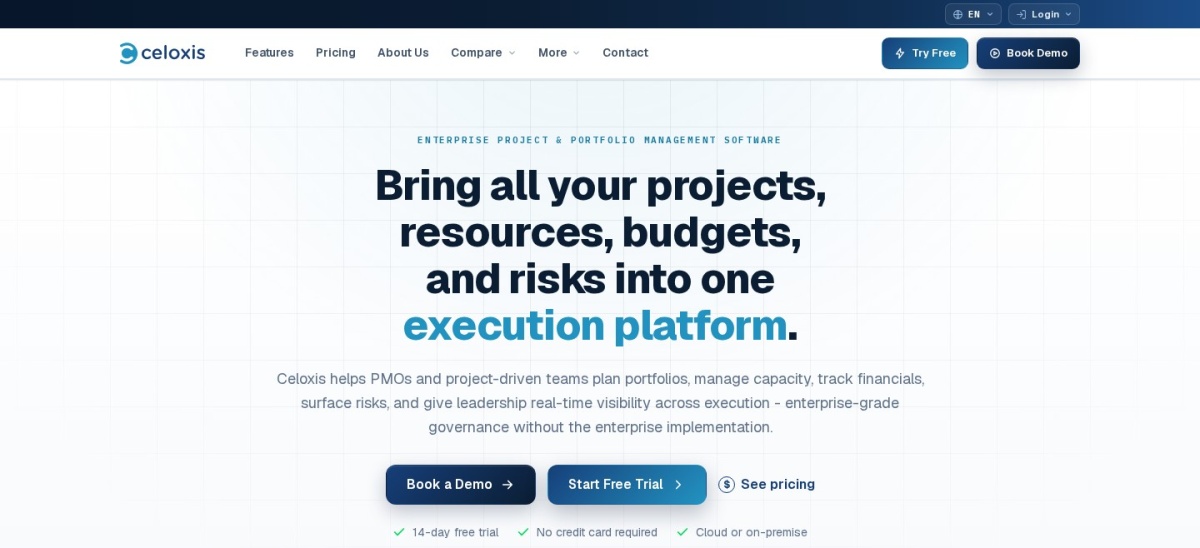
Celoxis homepage, captured Nov 2026.
Celoxis is a dedicated PPM suite for PMOs, with Gantt charts, portfolio dashboards, capacity planning and project financials. Core costs $10 a user a month billed annually, with a 5-user minimum, and includes portfolio visibility, baselines and templates.
The trade off is the lack of a free plan. There is a 14-day trial, and capacity planning depth grows on Essentials at $25 and Professional at $35 a user a month. It suits mid-size PMOs that want intake, capacity and portfolio reports on a published price ladder.
What we like
True PPM: intake, capacity and financials
Portfolio dashboards from Core
Published prices, no quote needed
Rated 4.6 out of 5 on G2
Watch out for
No free plan, trial only
5-user minimum on paid plans
Smaller review base than the big names
Essentials adds capacity planning, timesheets and job rolesVisit celoxis.com
07
Microsoft Project
4/5on G2 (1,627 reviews, checked Nov 2026)
Starts at$10/mo
Best for Microsoft 365 teams
Cheapest paid planPlan 1, $10/user/mo
Free planNo, 1-month trial
Desktop clientPlan 3, $30/mo
Resource managementPlan 3 and up
microsoft.com
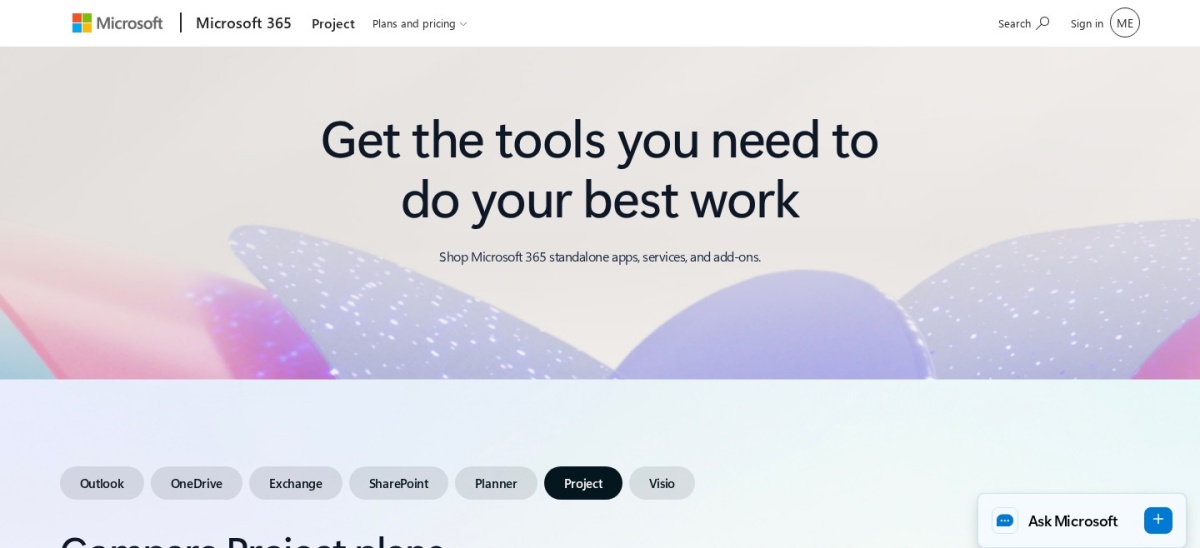
Microsoft Project homepage, captured Nov 2026.
Microsoft Project is the classic scheduling tool, now sold as Planner Plan 1 and Planner and Project Plan 3 inside Microsoft 365. Plan 1 costs $10 a user a month on annual billing and covers web planning with Gantt charts, dependencies and timesheets.
The trade off is the desktop gap. The Project desktop client, resource management and baselines need Plan 3 at $30 a user a month, and the desktop app runs on Windows only. It suits organisations already on Microsoft 365 that need deep scheduling and cost tracking.
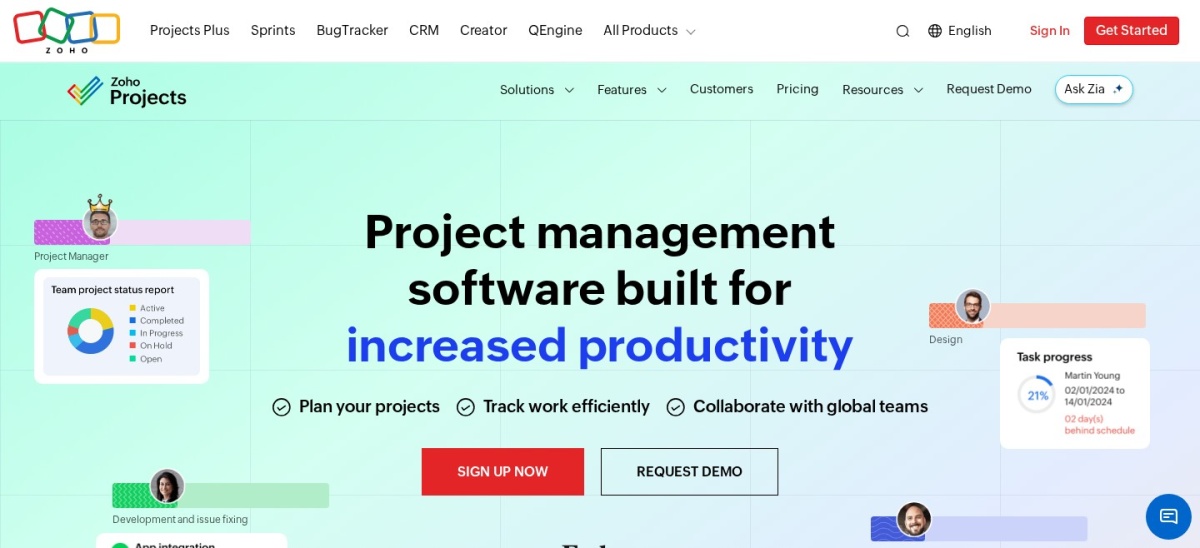
Zoho Projects is a low-cost project tool with Gantt charts, timesheets, budgeting and task automation. The free plan covers up to 5 users and 3 projects, and Premium costs $4 a user a month billed annually, adding unlimited projects, time tracking and blueprints.
The trade off is that portfolio dashboards, critical path and SSO sit on Enterprise at $9 a user a month, double the Premium price. It suits small teams that want solid project tracking for very little money, especially inside the Zoho suite.
What we like
Cheapest paid plan here at $4 a month
Free plan for up to 5 users
Time tracking and budgeting on Premium
Portfolio dashboards on Enterprise
Watch out for
Portfolio views need Enterprise
Smaller review base, 562 G2 reviews
Price not confirmed on the vendor page
Enterprise adds portfolio dashboards, critical path and SSOVisit zoho.com
09
Teamwork.com
4.4/5on G2 (1,215 reviews, checked Nov 2026)
Paid from$9.99/mo
Best for client work and billing
Cheapest paid planBasics, $9.99/user/mo
Free plan5 projects, 5 users
Capacity planningAccelerate, $24.99/mo
Client billingInvoicing on Accelerate
teamwork.com
Teamwork.com homepage, captured Nov 2026.
Teamwork.com is a client-work platform with projects, tasks, time tracking and billing in one place. The free plan covers 5 projects and 5 users, and Basics costs $9.99 a user a month billed yearly, covering up to 300 projects.
The trade off is capacity planning, which sits on Accelerate at $24.99 a user a month, along with invoicing. It suits agencies and service teams that bill clients by the hour and want project profit in the same tool.
On monday.com, Asana and Wrike, portfolio views are not in the cheapest paid plan. monday.com keeps them on Enterprise, Asana on Advanced at $24.99 a user a month, and Wrike on Business at $25.
Celoxis and Zoho Projects are the exceptions. Celoxis shows portfolio dashboards from its $10 Core plan, and Zoho Projects adds them on Enterprise at $9 a user a month.
If portfolio views are the reason you are buying, price the tier that has them, not the cheapest tier on the page.
How we chose
We started from the established PPM and work management tools with public G2 ratings, then kept the nine with published prices and a portfolio, capacity or resource view.
Prices come from each vendor's pricing page or, where noted, from G2 pricing data, checked on 23 November 2026. Ratings and review counts come from G2 on the same day. Where a vendor shows a sale, the list shows the regular price.
We left out Planview AdaptiveWork and Adobe Workfront because neither publishes prices, so no fair price comparison was possible. No vendor paid for a place, and we do not claim hands-on testing for this list.
How to choose PPM software
Start with the portfolio question, then check the tier that answers it.
Count the projects, not the tasks. PPM pays off when you run several projects at once. If you only track one project, a lighter task tool costs less.
Check which tier holds portfolio views. On most tools here, portfolios cost more than the entry plan. Price the tier you need, such as Asana Advanced or Wrike Business.
Test capacity planning with real allocations. Load a few people across two projects and see whether overloads show up. Teams juggling many sites face the same problem our guide on managing multiple WordPress sites covers for site work.
Add up seats before you buy. Per-user pricing climbs fast, and some tools sell seats in blocks. Multiply the tier price by every person who needs to edit plans.
FAQ
What is the best PPM software?
monday.com is the best PPM software for most teams. It is rated 4.7 out of 5 on G2, paid plans start at $9 a user a month, and boards, dashboards and automations cover most portfolio needs, though true portfolio views need Enterprise.
What is the difference between PPM and project management software?
Project management software tracks one project: its tasks, dates and owners. PPM software sits above that and tracks the whole portfolio, so leaders can compare projects, check capacity and decide what to fund, pause or stop.
Which PPM tool is cheapest?
Zoho Projects is the cheapest here. Its Premium plan costs $4 a user a month billed annually, and the free plan covers up to 5 users and 3 projects. Portfolio dashboards need Enterprise at $9 a user a month.
Do I need portfolio views?
Only if you run several projects at once. A single project team can manage with Gantt charts and dashboards. Portfolio views pay off when leaders must compare health, dates and capacity across many projects.
Can I use a free plan for PPM?
Only in part. monday.com, Asana, Wrike, ClickUp, Zoho Projects and Teamwork.com all have free plans, but none of them includes full portfolio views for free. Expect to pay for the tier that holds portfolios.
Why are Planview and Workfront not in this list?
Neither vendor publishes prices, so we could not compare them fairly with tools that do. Both are quote-only enterprise suites aimed at large PMOs, and their cost only emerges from a sales conversation.