Canva is the best poster making software for most people, with the widest template library, 1TB of storage on Pro at $120 a year, and a 4.7 out of 5 G2 rating from 7,660 reviews. Pick PosterMyWall for print-ready poster and flyer sizes, and Adobe Express for quick branded posters with Adobe Stock assets.
How we make this list: we compare pricing pages, product documentation and public user reviews, then re-check every price before each update. No product paid for a place. Disclosure.
Canva leads with the widest template library, 1TB of storage on Pro at $120 a year, and a 4.7 out of 5 G2 rating from 7,660 reviews.
PosterMyWall is the only poster-first tool here, with more than 3.3 million templates in standard print sizes.
Fotor Pro is the cheapest paid plan at $39.99 a year, and PicMonkey Basic is next at $72 a year.
VistaCreate Pro covers up to 10 seats for one $120 a year price, the best team value in this list.
Venngage and Piktochart cap free plans at 5 designs or visuals, so regular users need a paid plan.
PicMonkey has no free plan, only a 7-day trial, and downloads stay disabled during the trial.
What to look for in poster making software
A poster has one job: to be read from a distance. Big type, one clear message and a single call to action matter more than clever effects.
Start with size. A poster for a noticeboard needs a standard print size and a high-resolution file, while a poster shared online needs the right pixel size for each feed.
Templates save the most time. Look for poster templates in the size you print, a way to save your logo and colors, and export in PDF for print or PNG for screens. Our guide on adding a logo in WordPress covers the same brand-kit idea for a site.
Free plans work for one-off posters, but most add watermarks or block high-resolution downloads. If you print posters every week, a paid plan near $40 to $120 a year pays for itself in clean exports.
Canva is an online design tool with a large library of poster templates in standard print sizes, plus text, photo and shape tools that need no design training. The free plan covers everyday posters, and Pro at $120 a year adds premium templates, 1TB of storage, Magic Resize and a background remover.
The trade off is that the best templates and stock photos sit behind Pro, so free users hit locked assets often. It suits small businesses, teachers and event organizers who make posters every week and want one tool for print and social sizes.
What we like
Huge poster template library in print sizes
Free plan covers most everyday posters
Magic Resize adapts a poster to social sizes
1TB of storage on Pro
Watch out for
Premium templates and photos need Pro
Monthly billing costs $15, more than the yearly rate
Pro adds premium assets, 1TB storage and Magic ResizeVisit canva.com
02
PosterMyWall
4.7/5on G2 (71 reviews, checked Nov 2026)
Paid from$13/mo
Best for print-ready posters and flyers
Free planYes, watermarked downloads
Poster templates3.3M+ templates
Print sizesYes, standard poster sizes
Paid planPremium, $13/mo
postermywall.com
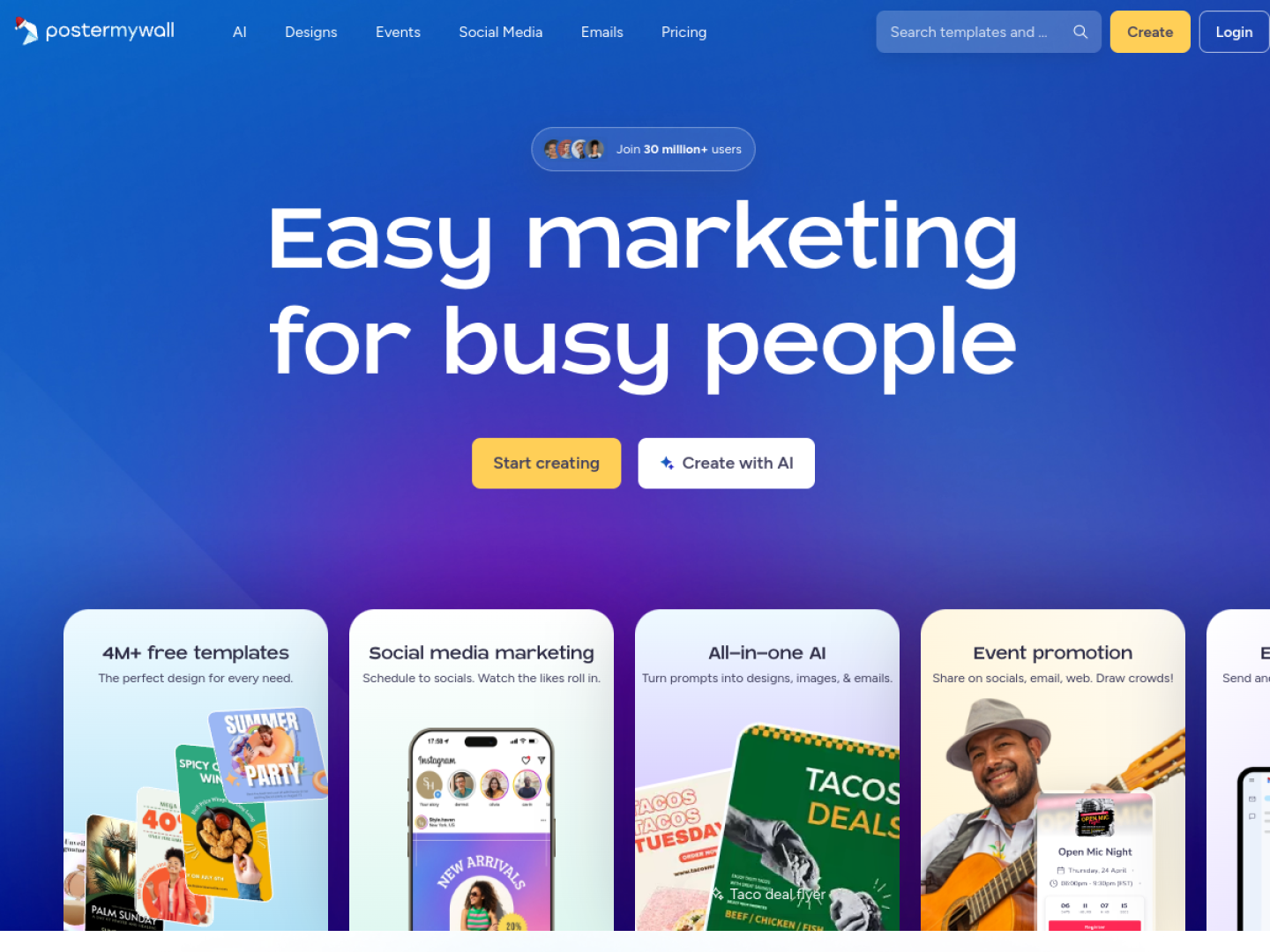
PosterMyWall homepage, captured Nov 2026.
PosterMyWall is a poster-first design tool built for flyers, posters, menus and event graphics, with more than 3.3 million templates in standard print sizes. The free plan gives access to the template library, and Premium at $13 a month removes watermarks and unlocks high-resolution downloads, AI tools and a Brand Kit.
The trade off is price and polish. Premium costs $156 a year at the monthly rate, and the editor feels busier than Canva. It suits restaurants, churches, schools and local businesses that print posters and flyers every week.
What we like
Built for posters, flyers and menus
More than 3.3 million templates
Email campaigns and digital signage in one account
Adobe Express is Adobe's template-led design tool for posters, flyers and social graphics. The free plan includes more than 100,000 templates, over 1 million stock assets, 5GB of storage and 25 AI credits a month, while Premium at $9.99 a month adds 200M+ stock assets, 30,000+ fonts, 100GB of storage and brand kits.
The trade off is the watermark on free exports and locked premium templates, which push regular users to Premium at $119.88 a year. It suits people already in the Adobe ecosystem who want fast, on-brand posters without opening a desktop app.
VistaCreate is a template-led design tool for posters, ads and social graphics, with a free Starter plan for one seat. Pro costs $120 a year and covers up to 10 seats, with more than 200,000 templates, 170M+ stock assets, unlimited Brand Kits, unlimited storage and a background remover.
The trade off is scope. Pro covers at most 10 seats, and the free plan limits AI image and text tools to Pro. It suits small teams that share one poster budget and want brand kits without paying per seat.
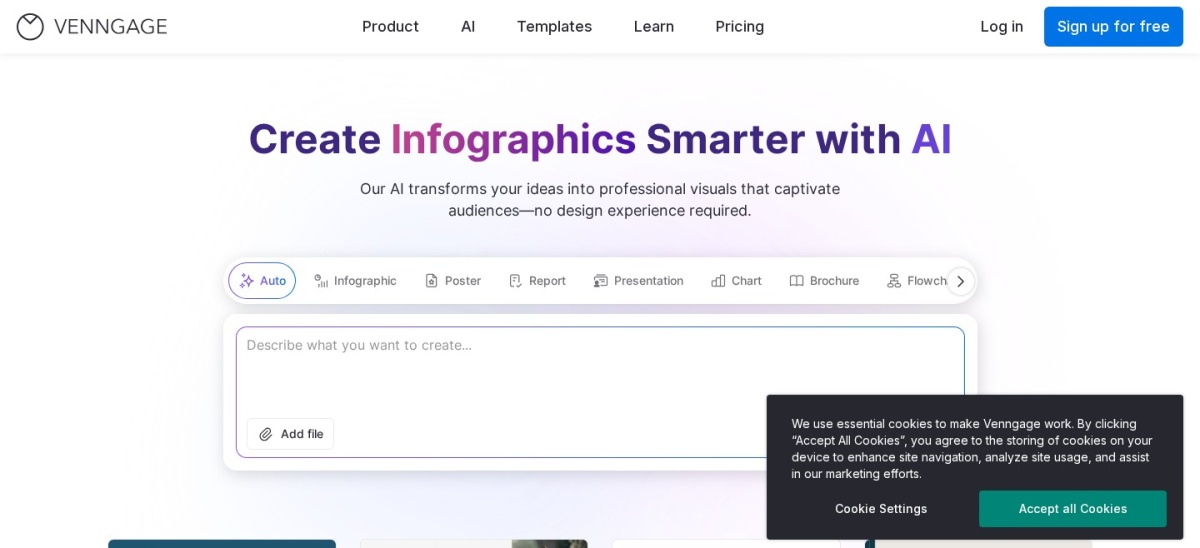
Venngage is a design tool for infographics, reports and posters that carry charts, maps and data. The free plan allows 5 designs and 5 image uploads with public sharing only, while Premium at $10 a month billed annually unlocks unlimited designs, 50 image uploads, premium templates and PNG downloads.
The trade off is that the free plan has no downloads, so it works as a trial rather than a working plan. It suits educators, non-profits and marketers who turn data into posters, reports and handouts.
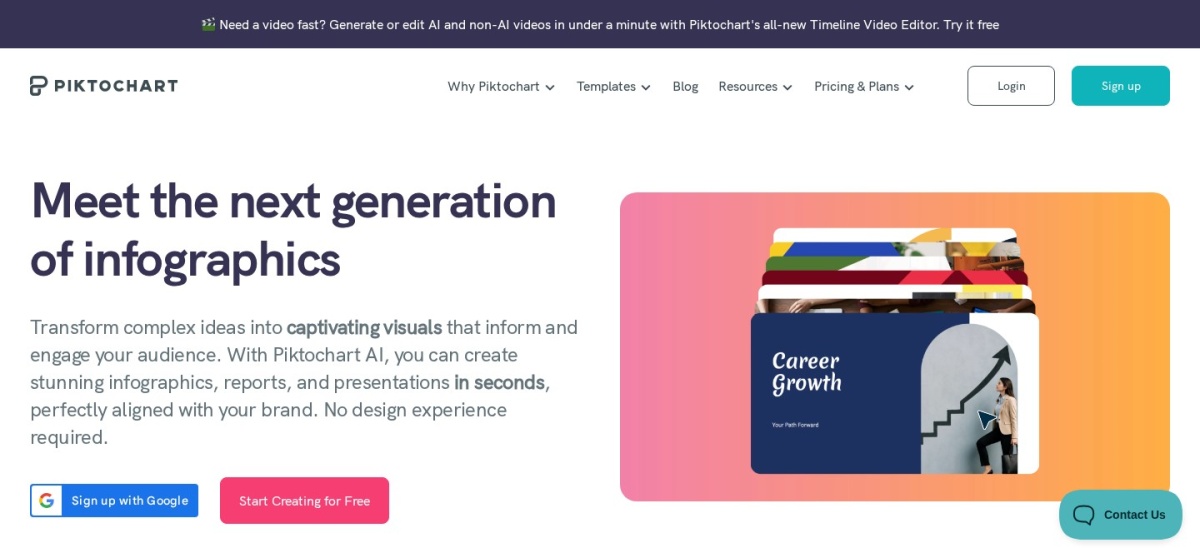
Piktochart is a visual tool for infographics, reports and posters, with templates that turn figures into charts. The free plan allows 5 active visuals, 100MB of storage and 2 downloads, while Pro at $10 a month billed annually adds unlimited visuals, HD and PDF exports, 100GB of storage and PowerPoint export.
The trade off is the tight free plan. Five visuals and two downloads run out fast, so regular users need Pro at $120 a year. It suits marketers and HR teams who make data posters, reports and presentations from the same account.
Snappa is a small, fast design tool for posters, social graphics and thumbnails, with preset canvas sizes and stock photos. The free plan allows 3 downloads a month, and Pro at $10 a month billed annually adds unlimited downloads, with every template and stock photo included on all plans.
The trade off is output. Snappa exports JPG and PNG only, with no PDF, vector or video, so print shops that need PDF files must look elsewhere. It suits people who want a poster finished in minutes and only share it online.
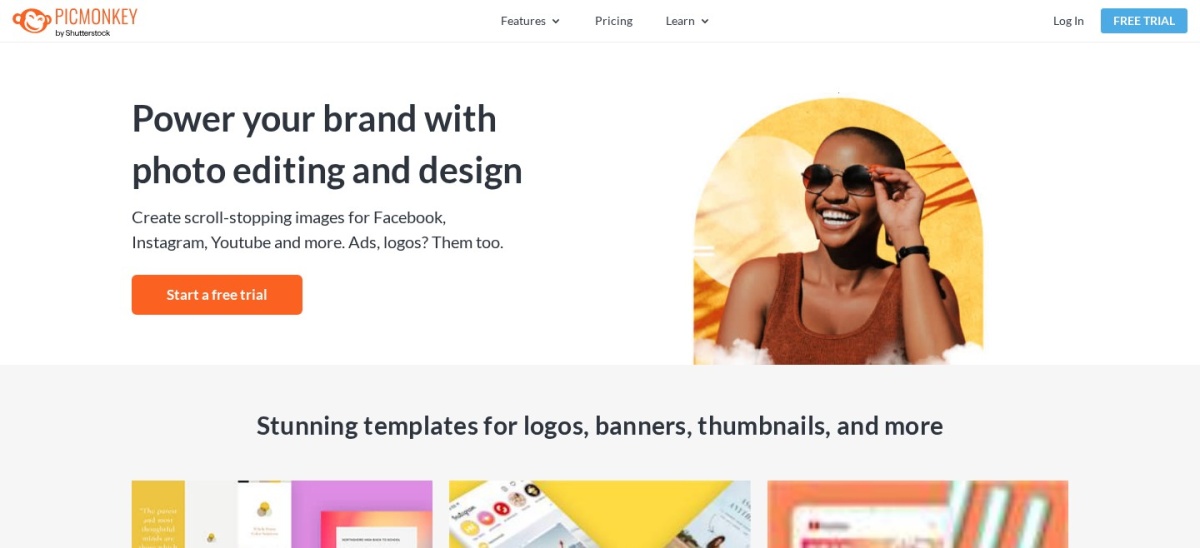
PicMonkey is a browser photo editor and design tool from Shutterstock, with poster templates, text tools and touch-up features. There is no free plan, only a 7-day trial, and Basic at $72 a year adds 1GB of storage, full editing tools and JPG and PNG export.
The trade off is that exports need a paid plan, and downloads are disabled during the trial. Pro at $120 a year adds a background remover, Smart Resize, a Brand Kit and PDF export. It suits small sellers who start posters from their own photos.
Fotor is an online photo editor and design tool with poster templates, AI enhancement and background removal. The free plan is ad-supported with watermarked exports, while Pro at $39.99 a year removes watermarks, adds HD exports, 100 AI credits a month, batch editing and 2GB of storage.
The trade off is that AI features run on credits, so heavy use needs a higher tier, and the template library is smaller than Canva. It suits casual makers who want cheap HD poster exports from their own photos.
Free plans cover the basics well. Most include poster templates, text tools and basic exports.
Paid plans mostly add clean exports and brand control. You get watermark-free downloads, high-resolution files, brand kits and background removal.
If you print posters, check the export format first. PDF is the usual print format, and only some tools in this list export it on paid plans.
For a shop or venue that prints posters every week, the cheapest paid plan here is Fotor Pro at $39.99 a year. Our guide on optimizing images for WordPress explains how file size and format affect quality.
How we chose
We started from the poster tools that appear most often in design round-ups and review sites, then kept those with a working free plan or trial and a public price.
Prices come from each vendor's pricing page and review-site pricing data, checked on 26 November 2026. Ratings and review counts come from G2 on the same day. Where a vendor shows a sale, the list shows the regular price.
We left out desktop-only tools with no free plan or trial, and tools without a public rating. No vendor paid for a place, and we do not claim to have used these tools ourselves.
How to choose poster making software
Start with where the poster will be seen, then pick the tool that fits that size and budget.
Decide print or screen first. A printed poster needs a standard print size and a PDF or high-resolution PNG. A screen poster needs the right pixel size for the feed where it will appear.
Check the free plan limits. Count the downloads, check for watermarks and see whether high-resolution export needs a paid plan before you design anything.
Test the template library. Search for your exact use, such as a sale poster or event flyer, and check that the templates match your size and style.
Compare the yearly price. Monthly billing often costs far more than the yearly rate. Fotor Pro is $39.99 a year, while most others sit near $120 a year.
FAQ
What is the best poster making software?
Canva is the best poster making software for most people. It has the widest template library, a free plan that covers everyday posters, and Pro at $120 a year with 1TB of storage, Magic Resize and a background remover. It is rated 4.7 out of 5 on G2 from 7,660 reviews.
Can I make a poster for free?
Yes. Canva, Adobe Express, VistaCreate, Venngage, Piktochart, Snappa, Fotor and PosterMyWall all have free plans. Most add watermarks or limit high-resolution downloads, so check the export rules before you print. PicMonkey is the exception, with a trial instead of a free plan.
What size should a poster be?
It depends on where it will be seen. Common print sizes are A3 and A2, and US sizes include 18 by 24 inches and 24 by 36 inches. For screens, use the pixel size of the feed where the poster will appear, and export at high resolution.
Which poster software is best for printing?
PosterMyWall is the most print-focused tool here, with templates in standard print sizes and high-resolution downloads on Premium. Canva Pro also works well for print, with PDF export and 1TB of storage for your files.
Is there poster software without a watermark?
Yes, but only on paid plans. Fotor Pro at $39.99 a year is the cheapest way to remove watermarks in this list, and Canva Pro, PosterMyWall Premium and Adobe Express Premium also remove them. Free plans from most tools watermark exports.
Do I need design skills to make a poster?
No. Every tool in this list uses templates and drag-and-drop editing, so you can start from a finished layout and change the text, colors and photos. Pick a template close to your message, then keep the type large and the message short.
SaaS SEO and WordPress specialist with about 8 years of experience. Rakib compares WordPress plugins, themes, hosting and software using public pricing, documentation and user reviews. See how we rank.