Retouch4me is the best portrait retouching software for most photographers, with AI plugins for skin, teeth and eyes inside Photoshop and a 4.8 out of 5 Trustpilot score from 617 reviews. Pick ImagenAI to retouch whole shoots in your own style, or Evoto for the cheapest high-volume batch retouching at $89 a year.
How we make this list: we compare pricing pages, product documentation and public user reviews, then re-check every price before each update. No product paid for a place. Disclosure.
Retouch4me leads on Trustpilot at 4.8 out of 5 from 617 reviews, with task-specific plugins from $145 one-time.
ImagenAI learns your editing style and retouches whole shoots from $0.05 a photo, plus a $7 monthly base fee.
Evoto is the cheapest high-volume option: $89 a year for 800 credits, about $0.11 a credit.
Aftershoot charges a flat $20 a month for unlimited batch retouching, with no per-photo meter.
PortraitPro is the only dedicated face retoucher here, but its Trustpilot score is 2.0 out of 5 from 11 reviews.
Lightroom and Photoshop remain the manual fallback: the deepest control, but no AI batch retouching built in.
What portrait retouching software should do
Portrait retouching is the slowest part of a portrait workflow. Skin, eyes, teeth and backgrounds each need attention, and a 400-image wedding gallery can take days by hand.
AI retouching tools split into two kinds. Batch tools such as Evoto, ImagenAI and Aftershoot apply one look across a whole shoot, while plugins and face specialists such as Retouch4me and PortraitPro give you control over a single face.
Price is the hardest part to compare. Some tools charge per photo, some charge a flat monthly fee, and some sell a one-time licence, so the cheapest headline is rarely the cheapest year. Several tools in this list are on Black Friday sale right now, and the list shows regular prices.
Most portrait photographers show their work on a WordPress site, so it pays to know whether the platform suits a photography business. Our guide on whether WordPress is good for photographers covers portfolios, client galleries and image handling.
Ratings need care too. Trustpilot and G2 scores in this list come from very different sample sizes, from 11 reviews to more than 13,000, so a high score on few reviews means less than the same score on thousands.
4.8/5on Trustpilot (617 reviews, checked Nov 2026)
Paid from$145/once
Best portrait retouching plugins overall
Plugins15 AI plugins for skin, eyes, teeth and more
Works inPhotoshop, Lightroom, Capture One
Free start2 free plugins, 20-retouch trial pack
PlansStart from $169/yr, plugins from $145
retouch4.me
Retouch4me homepage, captured Nov 2026.
Retouch4me is a set of AI plugins that retouch skin, teeth, eyes, stray hairs, fabric and dust inside Photoshop, Lightroom or Capture One. Each plugin does one job, so you buy only the retouching you need, with single plugins from $145 as a one-time purchase and a Start subscription at $169 a year for 2,400 retouches.
The trade off is the credit system. Subscription retouches cost one credit each, and unused credits only roll over while the subscription stays active, so light users can pay for retouches they never use. It suits working portrait photographers who already live in Photoshop and want fast, natural-looking retouching.
What we like
Task-specific plugins, buy only what you need
4.8 out of 5 on Trustpilot from 617 reviews
Runs locally inside Photoshop and Lightroom
Perpetual plugin licences with free updates
Watch out for
Subscription credits expire if you cancel
No full photo editor, needs Photoshop or Lightroom
4.7/5on Trustpilot (1,267 reviews, checked Nov 2026)
Starts at$7/mo
Best for retouching in your own style
PricingPay-as-you-go from $0.05 a photo
Free start1,000 free edits, no card needed
Style learningPersonal AI Profile from past edits
RetouchingSmooth Skin $0.01, Face Retouch in beta
imagen-ai.com
ImagenAI homepage, captured Nov 2026.
ImagenAI is a cloud retouching service that studies your past Lightroom edits and builds a Personal AI Profile that recreates your colour, tone and style across new galleries. It also culls, crops, masks and smooths skin, with pay-as-you-go pricing from $0.05 a photo plus a $7 monthly base fee.
The trade off is the meter. You pay per exported photo, so a 3,000-image wedding season adds up, and the AI needs enough of your past edits to learn from before it matches your style. It suits wedding and portrait pros who want consistent edits in their own look without hiring a retoucher.
4.1/5on Trustpilot (408 reviews, checked Nov 2026)
Starts at$89/yr
Best value for high-volume retouching
CreditsStarter: 800 credits a year
Free start7-day trial, 50 free credits
RetouchingSkin, blemishes, body, backgrounds
DevicesDesktop, iPad, mobile and web
evoto.ai
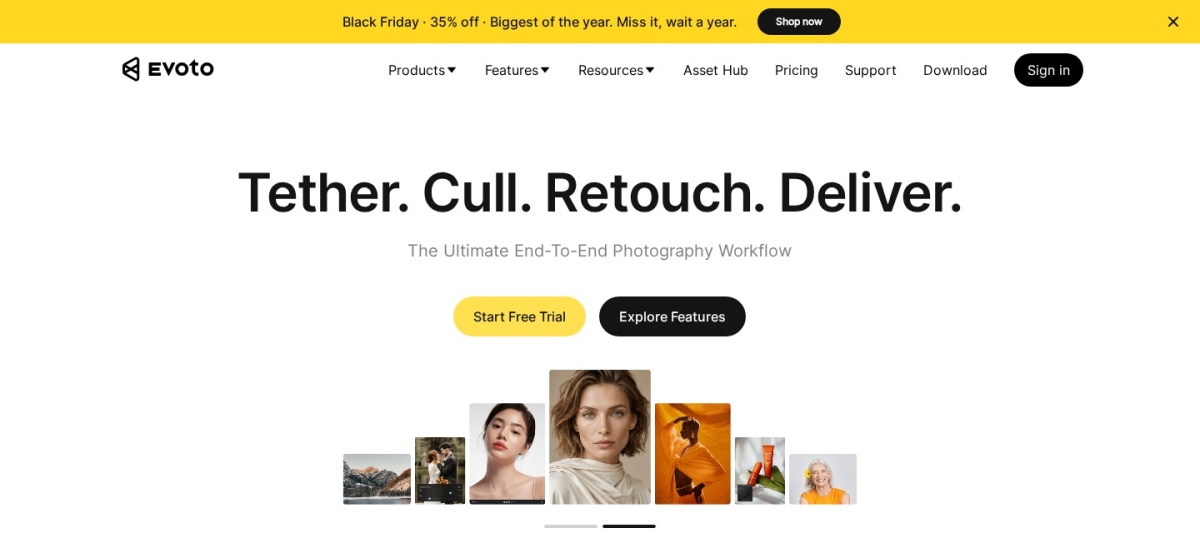
Evoto AI homepage, captured Nov 2026.
Evoto AI is a batch retouching app for photographers facing hundreds of portraits at once. It retouches skin, blemishes, body shape and backgrounds with AI presets you can tune and sync across a whole set, and the Starter plan costs $89 a year for 800 credits, about $0.11 a credit.
The trade off is credit maths. Heavier edits can cost more than one credit per photo, so a big shoot can burn through a plan faster than the headline price suggests. It suits high-volume portrait and wedding photographers who want predictable per-photo costs and a 7-day trial first.
What we like
Cheapest entry price in this list
Batch presets sync across a whole shoot
7-day trial plus 50 free credits
Desktop, iPad and web apps
Watch out for
Advanced tools cost extra credits
Credit packs expire after a year
Trustpilot score of 4.1 trails most rivals here
First year is $58 on sale; regular price is $89 a yearVisit evoto.ai
04
Aftershoot
4.8/5on Trustpilot (1,808 reviews, checked Nov 2026)
Starts at$20/mo
Best flat-rate batch retouching
RetouchingSkin, teeth, stray hairs, glare
PricingFlat $20/mo, unlimited photos
Free start30-day trial, no card needed
RunsLocally on your computer, offline
aftershoot.com
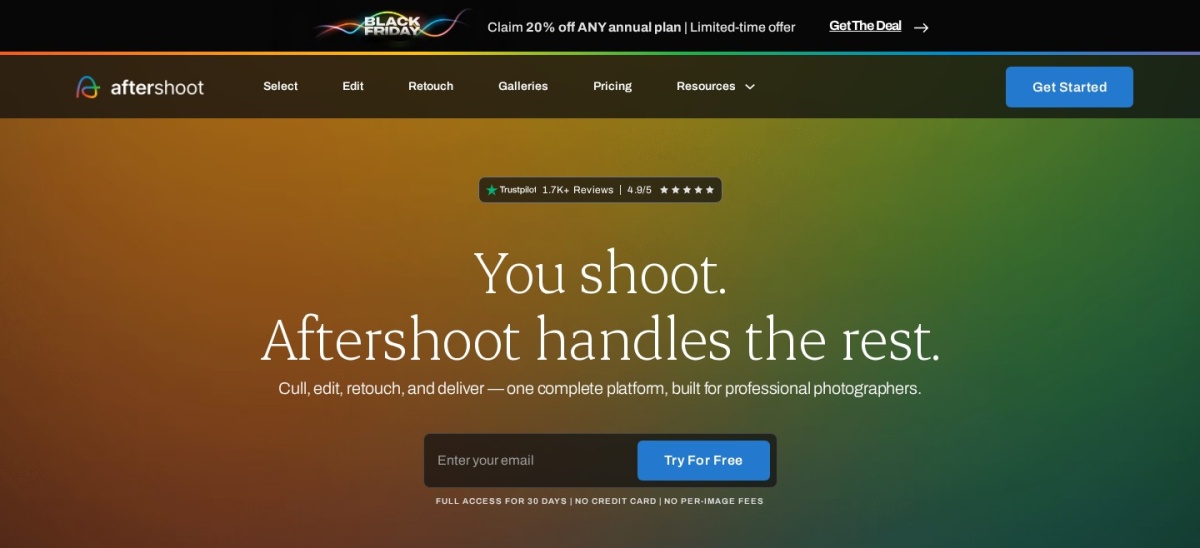
Aftershoot homepage, captured Nov 2026.
Aftershoot is a desktop app that culls, edits and retouches whole galleries without uploading a file. Its Retouch module handles skin, teeth, stray hairs, glare and cloth wrinkles in batches, for a flat $20 a month billed yearly with unlimited photos and no per-image fees.
The trade off is that retouching is one module among three. Culling costs $10 a month and editing $30, so the full workflow is $45 a month as Complete, and the retouching tools are newer than Evoto's or Retouch4me's. It suits photographers who want one offline app from cull to delivery.
Luminar Neo is an AI photo editor from Skylum with portrait tools built in: SkinAI smooths skin while keeping texture, FaceAI refines features and light, and BodyAI and background blur cover the rest. The Desktop Only licence is a one-time purchase with a regular price of $417.
The trade off is the fine print. Generative tools and the asset library run for a year, then need a Luminar Prime subscription, and the current $99 sale price is far below the $417 regular price. It suits photographers who want strong portrait AI without another monthly subscription.
Adobe Lightroom is where most professional portrait workflows live. Its masking tools now pick out people and faces for skin smoothing and background blur, and the catalog, presets and cloud sync around the edit are the best in this list. The Lightroom plan costs $11.99 a month billed yearly with 1TB of storage.
The trade off is depth. Built-in retouching is basic next to dedicated tools, so serious skin work still means Photoshop or a plugin, and the subscription never ends. It suits photographers who want one app for organizing, editing and delivering portraits.
What we like
Best catalog and organization here
Huge preset and plugin ecosystem
Cloud sync across desktop and mobile
4.6 out of 5 on G2 from 3,299 reviews
Watch out for
Built-in retouching is basic
Subscription only, no perpetual licence
Photography plan with Photoshop costs $19.99 a month
Photography plan at $19.99/mo adds Photoshop and 1TBVisit adobe.com
07
Adobe Photoshop
4.6/5on G2 (13,426 reviews, checked Nov 2026)
Starts at$22.99/mo
Best for maximum manual control
RetouchingFrequency separation, dodge and burn
AI toolsNeural filters, Generative Fill
Free start7-day free trial
FilesLayers, masks, 16-bit TIFF and PSD
adobe.com
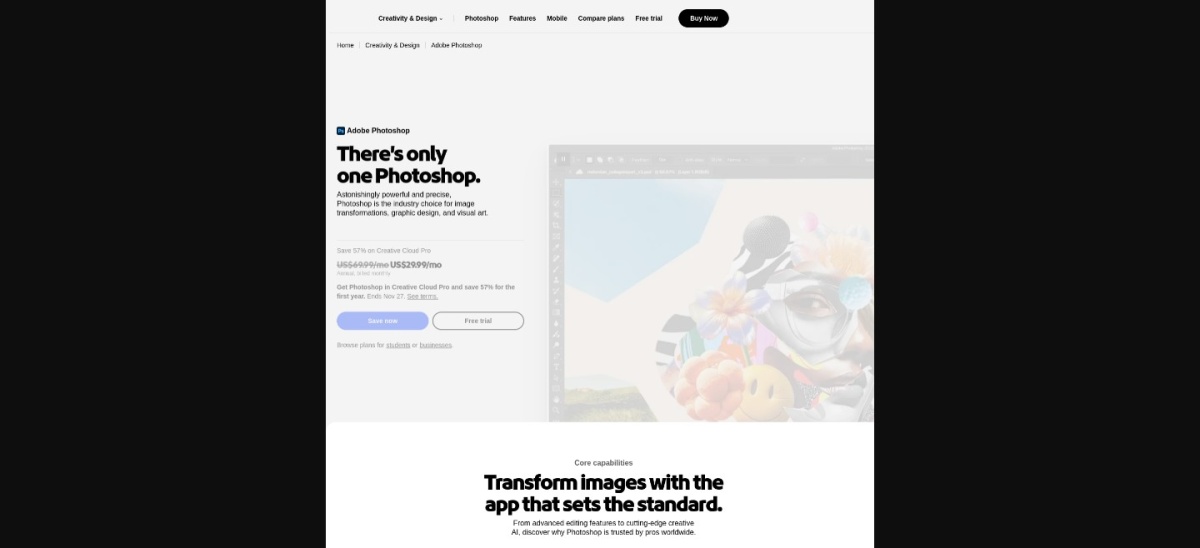
Adobe Photoshop homepage, captured Nov 2026.
Adobe Photoshop is the ceiling of what portrait retouching can be. Frequency separation, dodge and burn, advanced masking and compositing give a skilled retoucher control no AI tool matches, and neural filters and Generative Fill add speed. The single-app plan costs $22.99 a month billed yearly.
The trade off is time and money. Photoshop rewards skill and punishes dabblers, and it is slow for batch work across hundreds of portraits. It suits hero images, beauty work and album covers, while batch tools handle the rest of the gallery.
What we like
Unmatched manual retouching depth
Neural filters and Generative Fill
The industry standard clients expect
4.6 out of 5 on G2 from 13,426 reviews
Watch out for
Steep learning curve
Subscription pricing, no one-time licence
Slow for batch retouching
Photography plan at $19.99/mo pairs it with LightroomVisit adobe.com
08
DxO PhotoLab
4.4/5on Capterra (14 reviews, checked Nov 2026)
Starts at$159.99/once
Best RAW quality for portraits
Noise reductionDeepPRIME AI denoising
OpticsLab-measured lens corrections
LicencePerpetual, no subscription
Free start30-day free trial
dxo.com
DxO PhotoLab homepage, captured Nov 2026.
DxO PhotoLab is a RAW editor built around image quality first. Its DeepPRIME denoising and lab-measured lens corrections are rated ahead of Adobe's by reviewers, and version 10 adds depth-aware masking and AI selections of people and faces. Essential costs $159.99 as a one-time licence.
The trade off is that it is a RAW developer first and a retoucher second. Skin retouching and face-aware tools exist but are thinner than PortraitPro or Luminar, so buy it for image quality at the RAW stage and retouch elsewhere if faces are your focus.
What we like
Best denoising and lens corrections here
Perpetual licence, no subscription
30-day free trial
Depth masks and per-person AI masks in v10
Watch out for
Portrait tools are thinner than rivals
Only 14 Capterra reviews behind the rating
Major upgrades cost extra
Elite at $249.99 adds DeepPRIME and more local toolsVisit dxo.com
09
PortraitPro
2/5on Trustpilot (11 reviews, checked Nov 2026)
Starts at$131.90/once
Best dedicated face-retouching controls
Face toolsClearSkin 5, makeup, relighting
BatchStudio Max adds batch processing
EditionsStandard, Studio, Studio Max
Free startFree trial available
anthropics.com
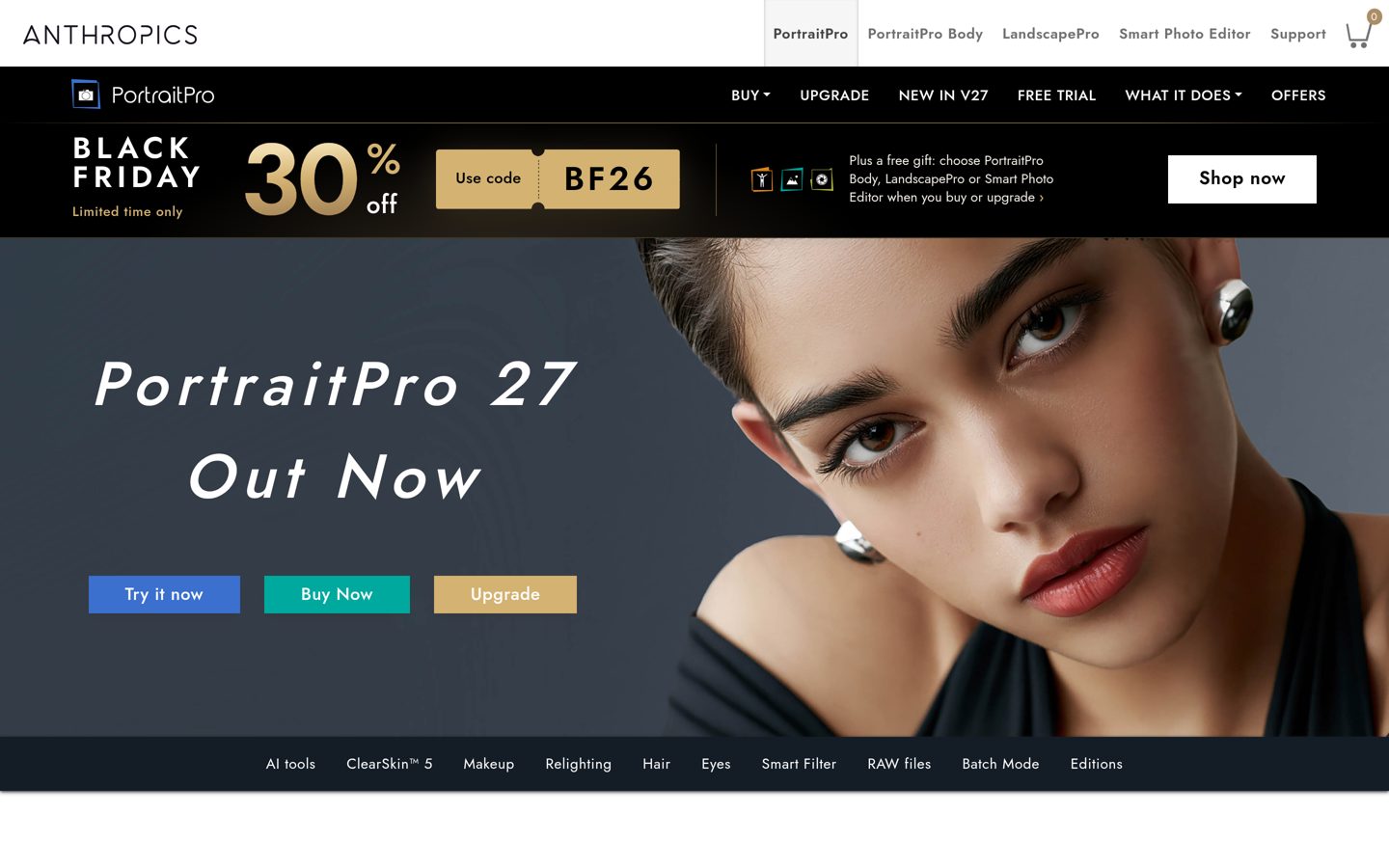
PortraitPro homepage, captured Nov 2026.
PortraitPro is the most focused face retoucher in this list, now at version 27. It detects faces, age and gender, then smooths skin with ClearSkin 5, adds digital makeup, recolours hair, enhances eyes and relights the face, all with sliders for full manual control.
The trade off is trust. Its Trustpilot score is 2.0 out of 5 from 11 reviews, the lowest in this list, and the price shown here is the version 24 regular price of $131.90, since the version 27 store price was not confirmed. It suits retouchers who want granular control over faces and nothing else.
AI batch tools win on speed. They apply skin smoothing, blemish removal and colour to hundreds of faces at once, which is why wedding and event photographers use them.
Manual tools win on control. Photoshop, Retouch4me plugins and PortraitPro let you shape one face exactly, which is what beauty and editorial work needs.
Most working photographers use both. Batch AI clears the gallery, then Photoshop handles the hero images that clients will look at closely.
The risk with AI is sameness. Strong presets can make every face look alike, so check a full gallery before you deliver, not just the first ten images.
How we chose
We started from the portrait retouching tools photographers actually name in reviews and round-ups, then kept nine that cover AI batch retouching, plugins, face specialists and full editors.
Prices come from each vendor's pricing page, checked on 26 November 2026. Ratings and review counts come from G2, Capterra or Trustpilot on the same day. Where a vendor shows a sale, the list shows the regular price.
We left out tools with no public numeric rating on G2, Capterra or Trustpilot. No vendor paid for a place, and we do not claim to have used these tools ourselves.
How to choose portrait retouching software
Start with how many portraits you retouch in a month, then match the billing model to that volume.
Count your monthly volume. Under 100 portraits a month, a one-time licence or a small credit plan costs least. Over 500, a flat-rate or per-photo plan decides the bill.
Decide batch or hero work. Batch tools clear whole galleries fast. If you retouch a few hero images deeply, Photoshop or Retouch4me plugins give more control.
Check the free start. Most tools here offer a trial or free credits. Run 20 real client photos through before you pay, and compare the same faces across tools.
Read the billing fine print. Credit packs can expire, sale prices rise at renewal, and some AI features lapse after a year. Check what the second year costs, not just the first.
FAQ
What is the best portrait retouching software?
Retouch4me is the best pick for most photographers. Its AI plugins handle skin, teeth, eyes and colour inside Photoshop, and it holds a 4.8 out of 5 Trustpilot score from 617 reviews. ImagenAI suits whole shoots in your own style, and Evoto suits high-volume batch work.
How much does portrait retouching software cost?
Entry prices in this list run from $7 a month for ImagenAI's pay-as-you-go base fee to $417 for a Luminar Neo one-time licence. Evoto's $89 a year Starter plan is the cheapest full retouching subscription, while Photoshop costs $22.99 a month.
Is AI portrait retouching as good as manual retouching?
AI is faster across a whole gallery but weaker on a single hero image. Batch tools apply one look to hundreds of faces, while Photoshop and Retouch4me plugins give the control beauty and editorial work needs. Most pros use both.
Can I retouch portraits without a subscription?
Yes. Retouch4me sells plugins from $145 one-time, Luminar Neo costs $417 as a one-time licence, DxO PhotoLab costs $159.99 once, and PortraitPro is a one-time purchase too. Watch for AI features that lapse after a year.
Do these tools work with Lightroom?
Most do. Retouch4me plugins, Luminar Neo and Aftershoot all work with Lightroom or as plugins inside it, and ImagenAI is built around Lightroom Classic. Lightroom itself handles cataloguing, presets and masking for portraits.
Which portrait retouching software is best for weddings?
ImagenAI and Evoto suit weddings best. ImagenAI learns your style and applies it to whole galleries, while Evoto batch-retouches hundreds of portraits for $89 a year. Aftershoot adds culling and editing in one flat-rate app.
SaaS SEO and WordPress specialist with about 8 years of experience. Rakib compares WordPress plugins, themes, hosting and software using public pricing, documentation and user reviews. See how we rank.