Adobe Lightroom is the best portrait editing software for most photographers, at $11.99 a month with portrait presets, masking and cloud sync, rated 4.6 out of 5 by 3,403 G2 reviewers. Pick Luminar Neo for AI portrait tools without a subscription, or Evoto AI for batch retouching at $89 a year.
How we make this list: we compare pricing pages, product documentation and public user reviews, then re-check every price before each update. No product paid for a place. Disclosure.
Lightroom is the default portrait workflow at $11.99 a month, rated 4.6 out of 5 by 3,403 G2 reviewers.
Luminar Neo packs the strongest portrait AI into a one-time purchase, but its regular price is $417.
Evoto AI at $89 a year and ImagenAI from $7 a month suit high-volume portrait and wedding work.
Capture One costs $26.25 a month after its 2026 price rise, and still leads for tethered studio portraits.
PortraitPro is the only dedicated face retoucher here, but its Trustpilot score is 2.0 out of 5 from 11 reviews.
What portrait editing software should do
Portrait editing has two jobs. The first is grading the whole gallery: exposure, color, white balance and cropping across hundreds of similar frames. The second is retouching faces: skin, eyes, teeth, hair and background blur on the selects.
Most photographers need both, which is why the list mixes full editors with batch AI tools. A general editor such as Lightroom or Photoshop handles the gallery and the hero shots, while Evoto AI and ImagenAI clear the backlog of similar portraits.
Watch how the AI treats skin. The better tools smooth blemishes while keeping texture, and let you dial every effect back. Over-smoothing is the fastest way to make a portrait look artificial.
Check the billing model before you commit. Subscriptions suit steady work, one-time licences suit buyers who hate monthly bills, and per-photo pricing suits seasonal volume. Our guide on sizing images for WordPress covers the export step once your edit is done.
Adobe Lightroom is where most professional portrait workflows live. The Develop module handles exposure, color and local adjustments, masking tools cover skin smoothing and background blur, and portrait presets speed up the first pass. The Lightroom plan costs $11.99 a month billed yearly with 1 TB of cloud storage and a 7-day trial.
The trade off is depth. Built-in retouching stays basic next to Photoshop or a dedicated face tool, and the plan is subscription only. It suits photographers who edit whole galleries and want catalogs, sync and presets in one place.
Adobe Photoshop is the ceiling for portrait retouching. Frequency separation, dodge and burn, advanced masking and compositing give full control over every pixel, and neural filters plus Generative Fill speed up the routine steps. The plan costs $22.99 a month billed yearly and includes 25 monthly generative credits.
The trade off is time and price. Photoshop rewards skill and punishes dabblers, and it is the wrong tool for 400 wedding portraits. It suits hero images, beauty work and album covers, with Lightroom or Capture One handling the gallery.
Luminar Neo is the strongest portrait AI you can buy once. SkinAI smooths skin while keeping texture, FaceAI refines facial features and lighting, and Portrait Bokeh blurs backgrounds, all with a few sliders. The Desktop Only licence lists at $417, though the site showed it at $99 in a Black Friday sale on 26 November 2026.
The trade off is the fine print. Generative tools work for one year from purchase, then need a renewal, and the catalog lags Lightroom on large shoots. It suits photographers who want fast AI portraits and no monthly bill.
What we like
Strongest one-click portrait AI here
One-time licence for the core editor
Works as a Lightroom and Photoshop plug-in
Watch out for
Regular price of $417 is the highest one-time cost here
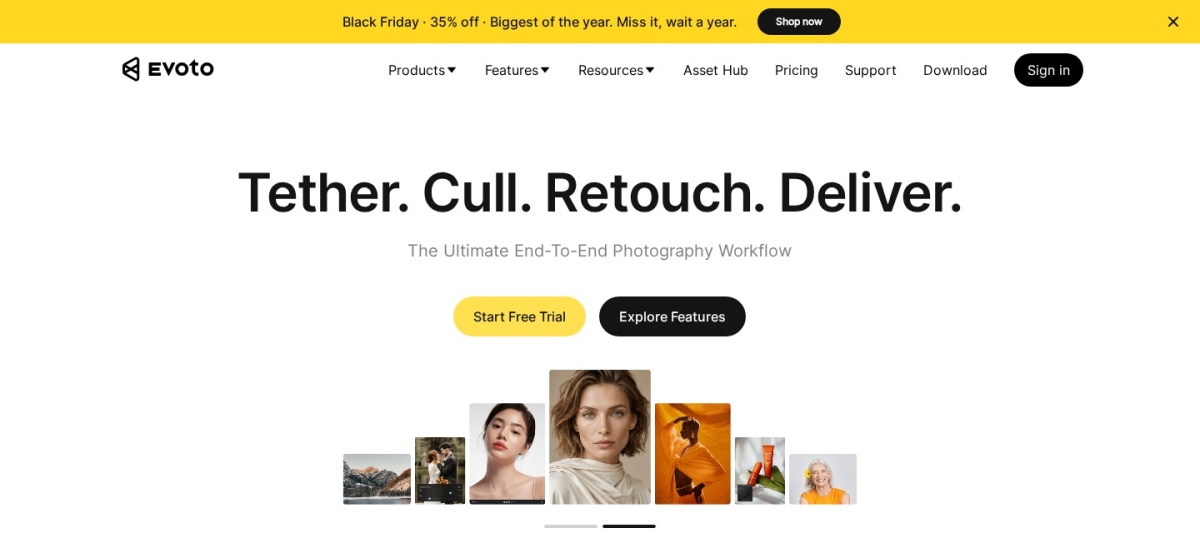
Evoto AI is built for the photographer facing a 500-portrait backlog. It batch-retouches skin, blemishes, body shape and backgrounds, with AI presets you can tune and sync across a whole set. The Starter plan costs $89 a year for 800 credits, about $0.11 per export, with a 7-day trial and 50 free credits.
The trade off is the credit system. Heavier edits burn credits faster than the headline math suggests, and the 5.0 Capterra rating rests on only 10 reviews. It suits wedding and portrait pros with predictable volume.
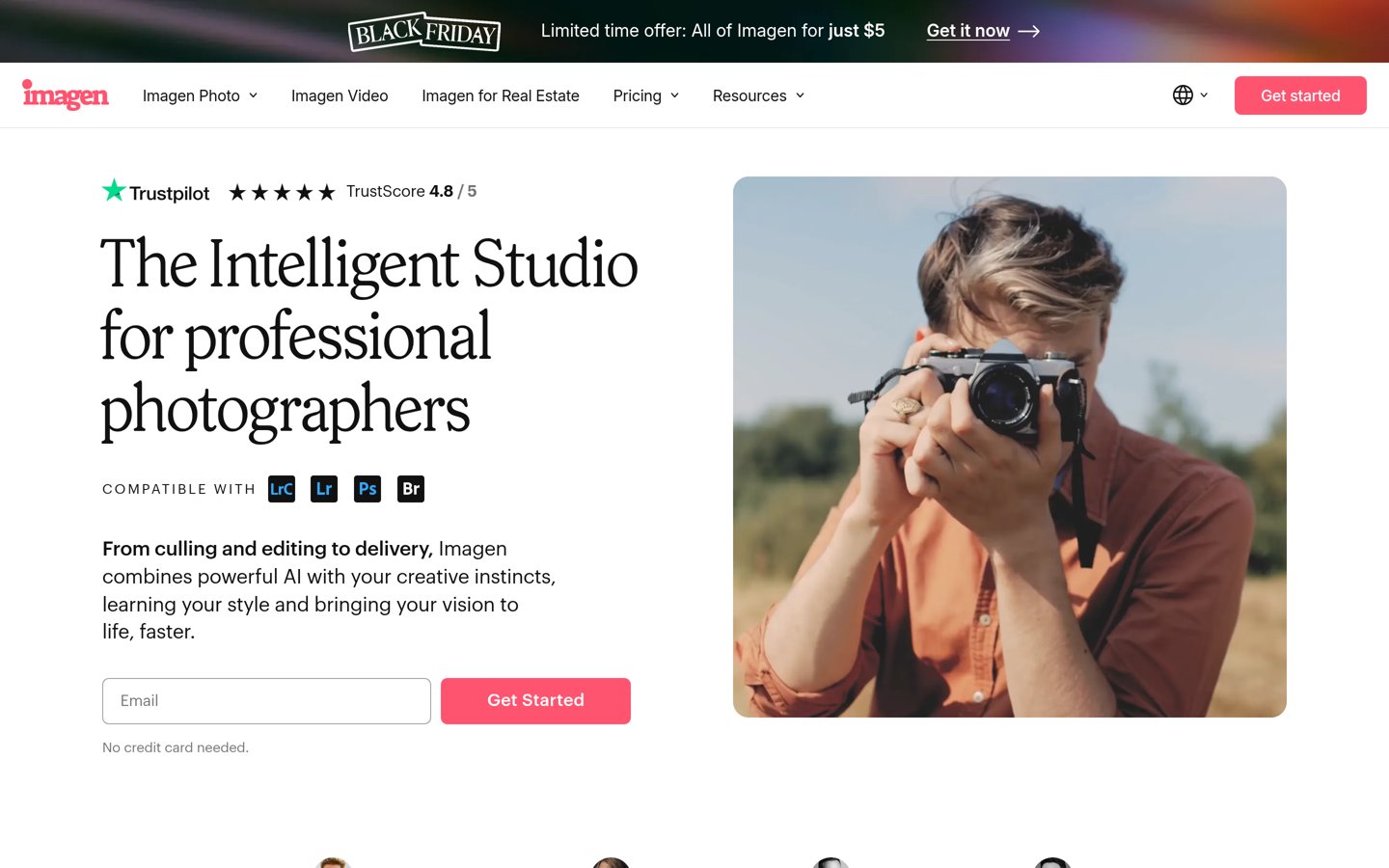
ImagenAI learns your editing style instead of applying generic looks. It studies your past Lightroom edits and builds a Personal AI Profile that recreates your color and tone choices across new galleries, with culling built in. Pay-as-you-go costs $0.05 per photo with a $7 a month minimum, and signup includes 1,000 free photos.
The trade off is dependence. It only works inside Lightroom Classic, it needs a solid base of past edits to learn from, and processing runs in the cloud. It suits wedding and portrait pros with a consistent style and big galleries.
Capture One is the studio choice for portraits. Tethered shooting puts each frame on a large screen seconds after the shutter, and the Color Editor gives finer control over skin tones than Lightroom. Pro costs $26.25 a month billed yearly, up from $18 earlier in 2026, with a $508 perpetual licence also sold.
The trade off is price and patience. It is the priciest subscription here, and its portrait retouching is less automated than Luminar Neo or Evoto AI. It suits studio and fashion shooters who bill for tethered sessions.
DxO PhotoLab 10 is the image-quality pick for portraits shot in poor light. Its DeepPRIME noise reduction recovers clean detail from high-ISO files, and its lens corrections use lab measurements of specific camera and lens combinations. The Essential edition lists at $159.99, with the shop showing $134.99 on 26 November 2026.
The trade off is scope and editions. DeepPRIME XD needs the Elite edition at $249.99, and portrait tools are thinner than Luminar Neo or PortraitPro. It suits photographers who want the cleanest RAW files, then retouch elsewhere.
What we like
Best noise reduction in this list
Lab-measured lens corrections
Perpetual licence, 30-day free trial
Watch out for
DeepPRIME XD needs the $249.99 Elite edition
Portrait-specific tools are thinner than rivals
Elite adds DeepPRIME XD and Fujifilm X-Trans supportVisit dxo.com
08
ON1 Photo RAW
4.1/5on Trustpilot (3,227 reviews, checked Nov 2026)
Starts at$99.99/once
Best all-in-one editor you buy once
Price$99.99 once
Portrait AIYes, built in
Computers2
Trial30 days
on1.com
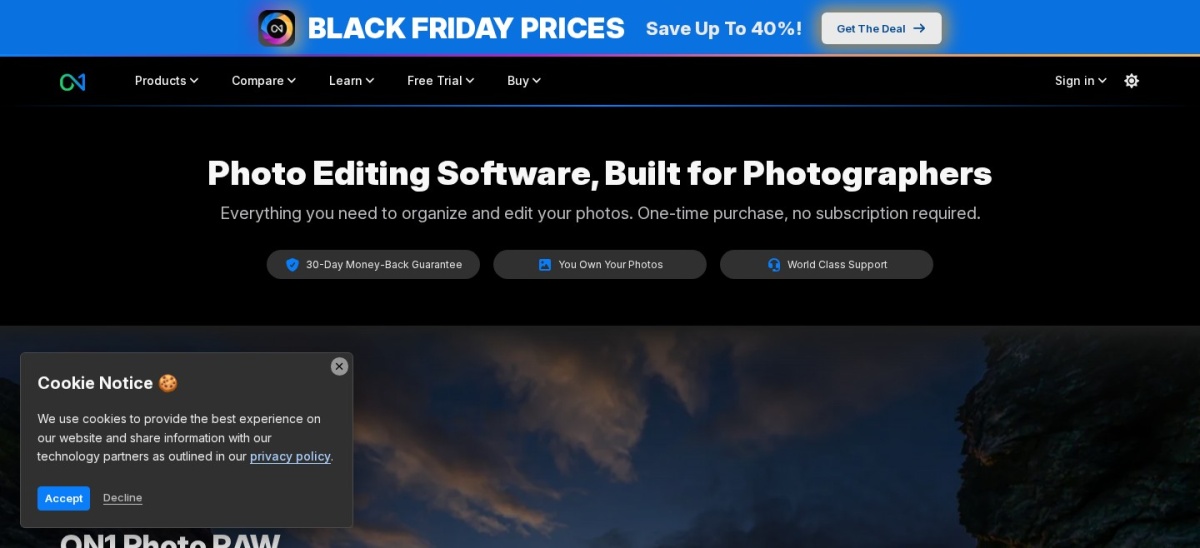
ON1 Photo RAW homepage, captured Nov 2026.
ON1 Photo RAW 2027 is the closest single-app Lightroom replacement you can buy once. It browses folders without forcing an import, develops RAW files, and adds layers, effects, AI masking, NoNoise AI and Portrait AI in the same app, on up to 2 computers. The licence costs $99.99 once, with a 30-day trial.
The trade off is polish. The interface packs in a lot, and some users report slow exports and stability issues on large libraries. It suits photographers who want one app for the whole portrait workflow at a single payment.
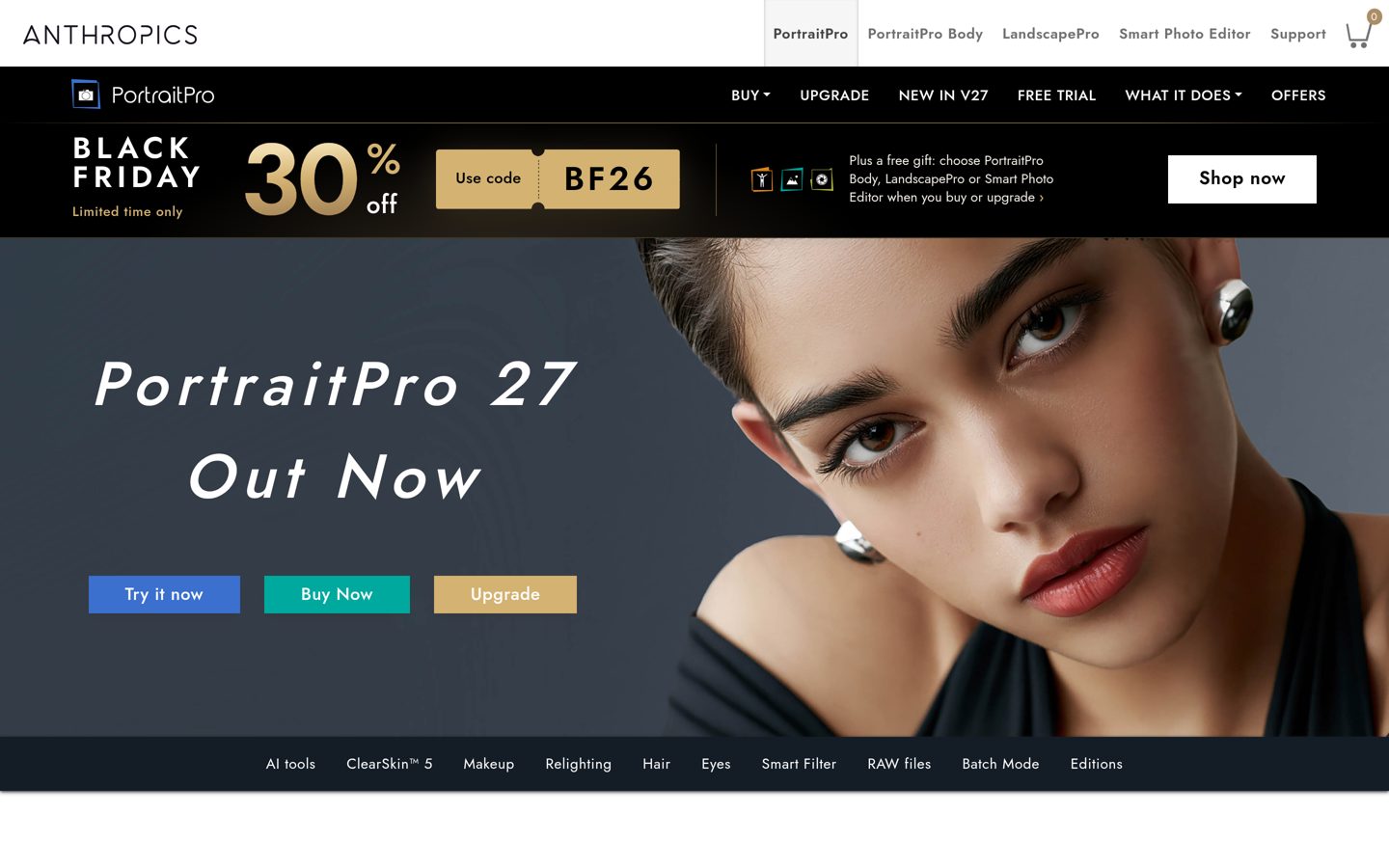
PortraitPro 27, released on 27 October 2026, is the only dedicated face retoucher here. It detects faces automatically and gives slider control over skin smoothing, eyes, makeup, hair, relighting and face shape, with ClearSkin keeping texture. The Standard edition lists at $159.90, shown at $79.95 in a sale on 26 November 2026.
The trade off is narrow scope and a weak review record. It does faces only, so you still need another editor, and Trustpilot reviewers rate it 2.0 out of 5 from only 11 reviews. It suits retouchers who want manual control over every face.
Adobe tools are subscription only. Lightroom costs $11.99 a month and Photoshop $22.99 a month, both billed yearly, and the price never stops. That buys every update and cloud sync, but the editor stops working if you cancel.
One-time licences suit buyers who hate monthly bills. ON1 Photo RAW costs $99.99 once, DxO PhotoLab Essential $159.99 once, PortraitPro $159.90 once and Luminar Neo $417 once at its regular price. Each covers the version you bought, not the next one.
Per-photo pricing fits seasonal volume. ImagenAI charges $0.05 per photo with a $7 a month minimum, and Evoto AI sells credits, with the $89 a year Starter plan covering 800 exports. Estimate with your real annual image count before committing.
Read the fine print on every one-time deal. Luminar Neo generative tools run for one year, Capture One perpetual licences gain no support for cameras released after the version you bought, and DxO PhotoLab upgrades cost extra.
How we chose
We started from established portrait editors and general photo editors with portrait tools, then kept nine with a public rating on G2, Capterra or Trustpilot and a published price.
Prices come from each vendor's pricing page, checked on 26 November 2026. Ratings and review counts come from G2, Capterra or Trustpilot on the same day. Where a vendor shows a sale, the list shows the regular price.
We left out Aperty, which shut down on 4 November 2026, and tools with no public rating. No vendor paid for a place, and we do not claim to have used these tools ourselves.
How to choose portrait editing software
Start with the volume and depth of portraits you actually edit, then match the billing model to it.
Decide batch AI or manual retouching. Pick Evoto AI or ImagenAI when whole galleries need the same flattering finish, and Photoshop or PortraitPro when single faces need detailed work.
Match the billing model to your volume. Subscriptions suit steady professionals, one-time licences suit occasional shooters, and per-photo pricing suits seasonal wedding work.
Check RAW support and your camera. Confirm your camera model is supported before you pay, since Capture One perpetual licences and DxO PhotoLab upgrades can leave newer cameras out.
Try the trial on your own portraits. Most tools here offer a free trial of 7 to 30 days, so edit your own photos and check skin texture and export quality before paying.
FAQ
What is the best portrait editing software?
Adobe Lightroom is the best pick for most photographers, at $11.99 a month with portrait presets, masking and cloud sync, rated 4.6 out of 5 by 3,403 G2 reviewers. Luminar Neo is the best one-time purchase, and Evoto AI is the best batch retoucher.
Which portrait editor is best without a subscription?
Luminar Neo has the strongest portrait AI you can buy once, though its regular price is $417. ON1 Photo RAW is the cheaper all-in-one at $99.99 once, with Portrait AI, layers and RAW editing in a single app.
Is AI retouching good enough for paying clients?
For standard portrait, wedding and family work, yes, with a human review pass. Current tools handle skin, blemishes, eyes and teeth convincingly. For beauty and fashion work, human retouchers still lead and AI handles the prep.
How much does portrait editing software cost?
Prices run from $7 a month for ImagenAI pay-as-you-go to $417 once for Luminar Neo at its regular price. Subscriptions cost $11.99 to $26.25 a month, while ON1 Photo RAW and PortraitPro cost about $100 to $160 once.
Can Luminar Neo replace Lightroom?
For routine portrait edits, mostly yes, since SkinAI, FaceAI and RAW editing cover the common jobs. Lightroom still leads on catalogs, presets and cloud sync, so photographers with large libraries usually keep it.
What is the cheapest way to retouch lots of portraits?
ImagenAI at $0.05 per photo with a $7 a month minimum is the cheapest for low volume, and Evoto AI at $89 a year for 800 credits suits steadier work. Both beat a monthly subscription if your volume is seasonal.
SaaS SEO and WordPress specialist with about 8 years of experience. Rakib compares WordPress plugins, themes, hosting and software using public pricing, documentation and user reviews. See how we rank.