Riverside is the best podcast recording software for most beginners, recording each guest locally in up to 4K video and 48kHz audio and rated 4.8 out of 5 on G2, with Pro at $24 a month billed yearly. Pick Audacity for a free editor, or Descript to edit audio by deleting words from a transcript.
How we make this list: we compare pricing pages, product documentation and public user reviews, then re-check every price before each update. No product paid for a place. Disclosure.
Riverside leads on recording quality: local 4K video and 48kHz audio per guest, rated 4.8 out of 5 on G2 from 1,757 reviews.
Audacity and GarageBand cost nothing and cover solo recording and editing, but neither records remote guests.
Descript edits audio by editing a transcript, and its Hobbyist plan costs $16 a month billed yearly.
Podcastle, now called Async, is the cheapest paid start at $11.99 a month billed yearly, with AI cleanup included.
Zencastr's free plan is the most generous for remote recording, with up to 6 guests and unlimited separate tracks, but paid plans are now quote-only.
Alitu costs the most at $38 a month, and its G2 rating rests on only 2 reviews.
What a beginner needs from podcast recording software
A beginner podcast setup needs two things: a clean recording and a simple way to fix mistakes. The tools below cover both, from browser studios that record remote guests to free editors for solo shows.
Remote recording matters most if you interview guests. Riverside, Podcastle, Zencastr and Cleanfeed record each person on a separate track, so one bad connection does not ruin the whole episode.
If you record alone at one microphone, a free editor is enough to start. Our guide on adding a podcast to WordPress explains what happens after the recording is done.
Price is the other split. Six tools in this list have a free plan, and the cheapest paid plans start at $11.99 a month. Paid plans mostly add recording hours, 4K video and AI cleanup.
The 9 best podcast recording software tools for beginners
01
Riverside
4.8/5on G2 (1,757 reviews, checked Nov 2026)
Starts at$24/mo
Best podcast recording software overall
Separate tracks15 hrs/mo downloads
Video qualityUp to 4K
Audio quality48kHz WAV
Paid planPro, $24/mo
riverside.com
Riverside homepage, captured Nov 2026.
Riverside is a browser-based studio that records each guest locally on their own device, then uploads the separate tracks. Pro records up to 4K video and 48kHz WAV audio, with 15 hours of separate-track downloads a month, AI Magic Clips, transcripts and podcast hosting for one show.
The trade off is price and the download cap. Pro costs $24 a month billed yearly ($29 month to month), and the free option is now a 14-day trial rather than a permanent free plan. It suits beginners who interview guests and want clean audio without learning an editor first.
What we like
Local recording keeps quality high on weak connections
Separate audio and video track per guest
AI clips and transcripts included on Pro
No software to install for guests
Watch out for
No permanent free plan, only a 14-day trial
Separate-track downloads capped at 15 hours a month on Pro
Descript is an audio and video editor that lets you edit a recording by editing its transcript: delete a sentence and the matching audio goes with it. The free plan includes 1 media hour a month with 720p watermarked exports, and Hobbyist adds 10 media hours, 400 AI credits a month, Studio Sound and 1080p exports.
The trade off is the credit system. AI tools such as Studio Sound and filler-word removal spend credits, and Hobbyist costs $16 a month billed yearly ($24 month to month). It suits beginners who dread timeline editing and would rather fix a show by fixing its words.
What we like
Text-based editing is the easiest to learn here
Studio Sound cleans up noisy recordings
Free plan needs no card to try
Watch out for
AI features run on monthly credits that can run out
Reviewers report long files can feel slow
Recording is basic next to Riverside's remote studio
Audacity is a free, open-source audio editor and recorder for Windows, macOS and Linux, with more than 100 million downloads since 2000. It records multiple tracks, cuts and mixes audio, removes background noise and exports WAV, MP3 and FLAC files.
The trade off is the learning curve and the missing pieces. There is no remote guest recording, no built-in hosting and no AI cleanup, so you handle publishing elsewhere. It suits solo beginners on any computer who want a free editor that does the basics well.
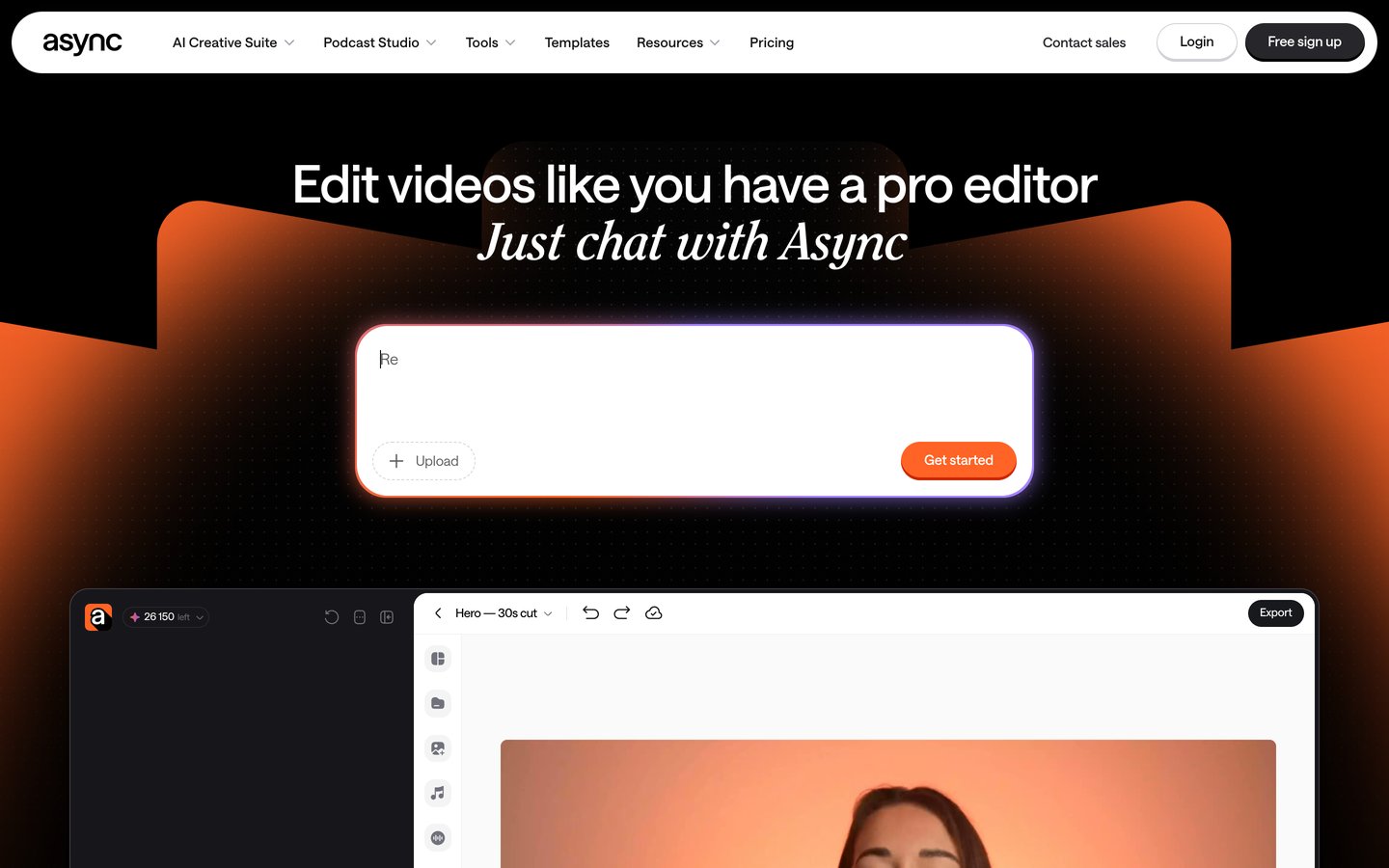
Podcastle is a browser-based podcast studio that records remote guests, cleans audio with Magic Dust and edits on a multitrack timeline. The free plan includes 1 hour of remote recording in total, and Essentials adds 2 hours of remote multitrack recording a month, 450 AI credits and watermark-free Full HD exports.
The trade off is the new name and the metered hours. Podcastle rebranded as Async in early 2026, and recording hours are capped at 2 a month on Essentials, with 4K video starting on Pro at $23.99 a month billed yearly. It suits beginners who want recording, cleanup and AI voices in one tab.
What we like
Cheapest paid plan in this list
Magic Dust cleanup and 1,000+ AI voices
Records up to 10 people remotely
Watch out for
Only 2 remote recording hours a month on Essentials
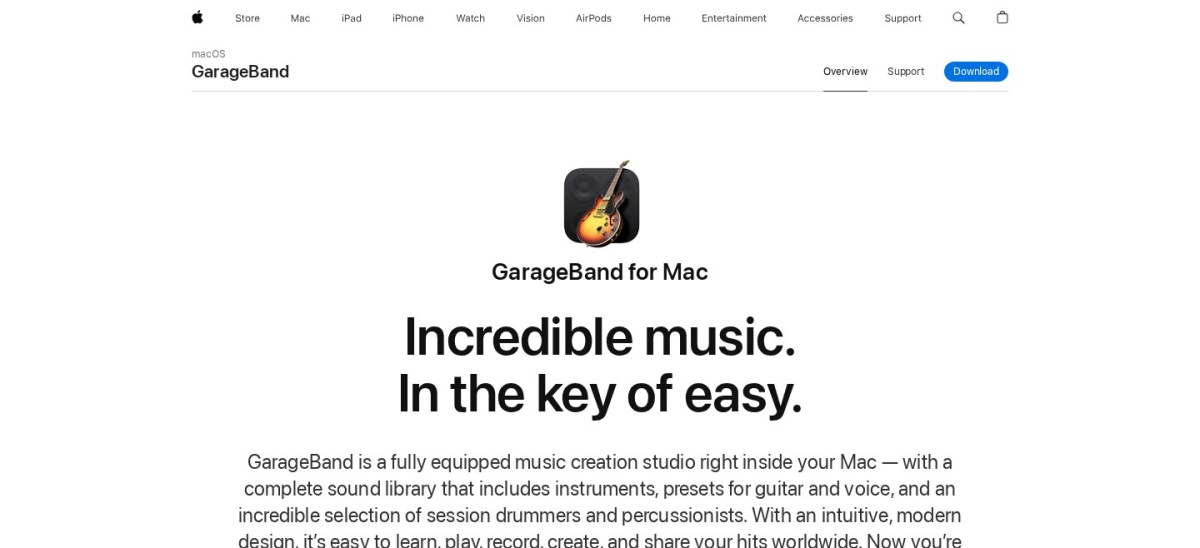
GarageBand is Apple's free music and podcast studio, included with every Mac, iPhone and iPad. It records multiple tracks, offers software instruments, loops and voice presets, and exports audio you can publish anywhere.
The trade off is the platform lock-in. There is no Windows version, no remote guest recording and no full mixing controls, so video podcasters and Windows users need another tool. It suits Mac beginners who want a polished free recorder that grows into Logic Pro.
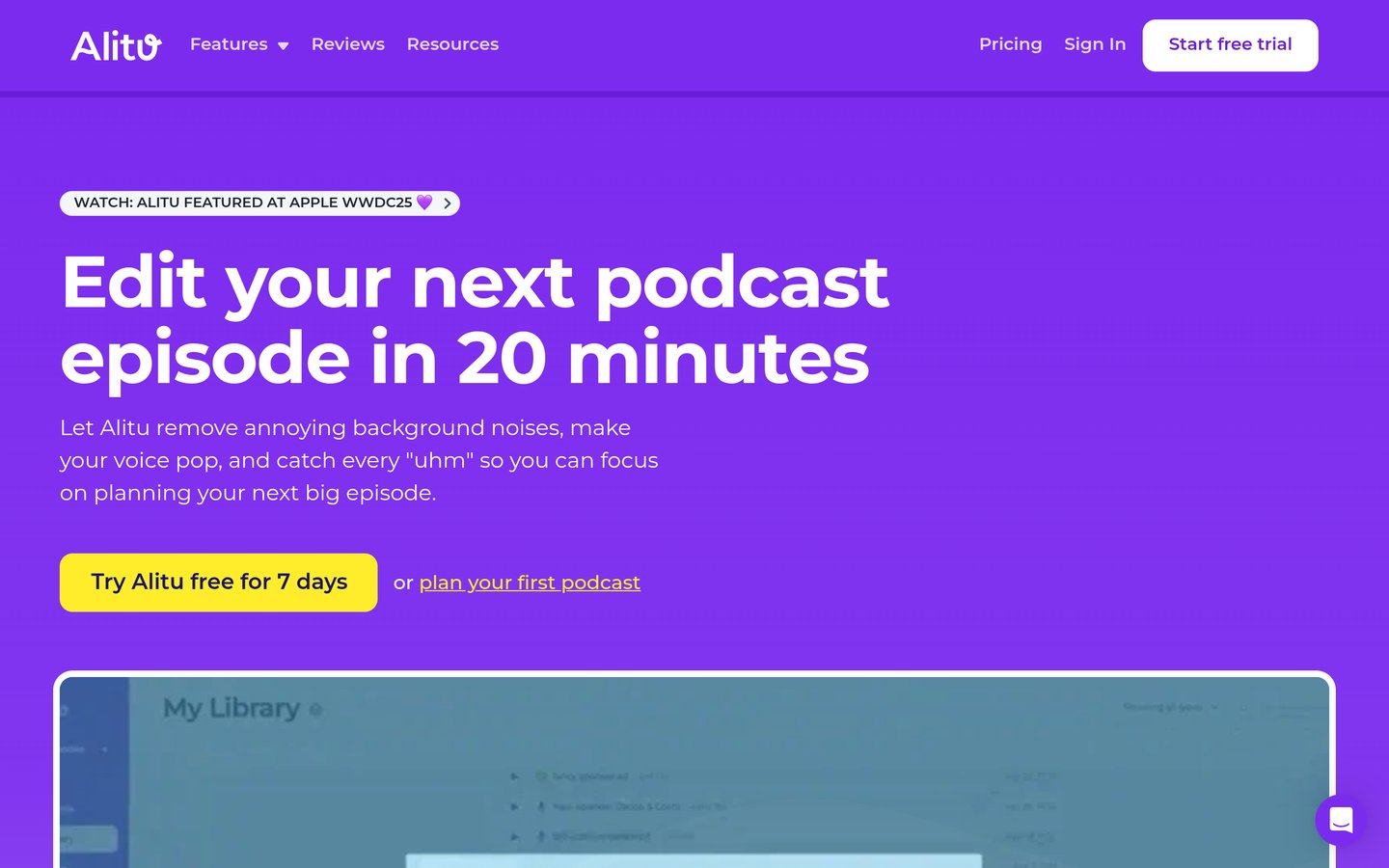
Alitu is a browser-based podcast maker that records calls, removes background noise, levels the audio and builds the episode in one guided workflow. Its single plan includes transcripts in 17 languages, AI show notes and hosting for up to 1,000 downloads a month.
The trade off is price. Alitu costs $38 a month, or $20.58 a month billed yearly at the current sale price, which makes it the most expensive flat rate in this list, and there is no permanent free plan. It suits beginners who want the editing done for them and will pay to skip the learning curve.
Adobe Audition is a professional audio workstation for recording, mixing, editing and restoring audio on Windows and macOS. It pairs a multitrack timeline with waveform and spectral views, plus noise reduction, de-clicking and loudness tools aimed at broadcast and podcast work.
The trade off is cost and complexity. Audition costs $22.99 a month on an annual plan billed monthly, with a 7-day free trial and no free plan, and its depth can overwhelm a first-time podcaster. It suits beginners who already use Adobe tools and want room to grow into professional editing.
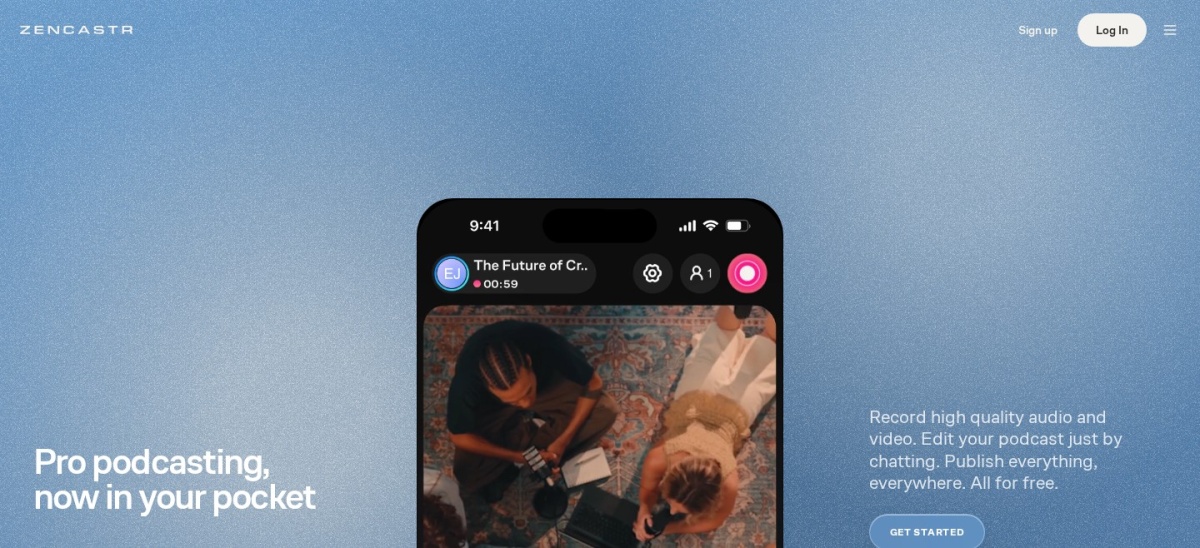
Zencastr is a browser-based studio that records remote guests on separate tracks in up to 4K video and 48kHz WAV audio. Its free Vibecastr plan covers up to 6 participants, unlimited separate-track recording, unlimited transcription and hosting for up to 5 shows.
The trade off is the missing middle. Zencastr retired its paid tiers in October 2026, so there is no self-serve paid plan to grow into, only a custom Enterprise quote. It suits beginners who want a generous free remote studio and do not need a paid upgrade yet.
What we like
Most generous free plan for remote recording
Up to 6 guests with separate tracks
Unlimited transcription in 11 languages
Watch out for
No self-serve paid plan since October 2026
Lowest G2 rating in this list at 3.7 out of 5
Small review sample: only 30 G2 reviews
Enterprise is custom-priced; the free plan covers most beginnersVisit zencastr.com
09
Cleanfeed
4.4/5on G2 (4 reviews, checked Nov 2026)
Paid from$12/mo
Best for audio-only remote interviews
PricePro from $12/mo
Free guestsUp to 2
Pro guestsUp to 32
AudioStereo multitrack on Pro
cleanfeed.net
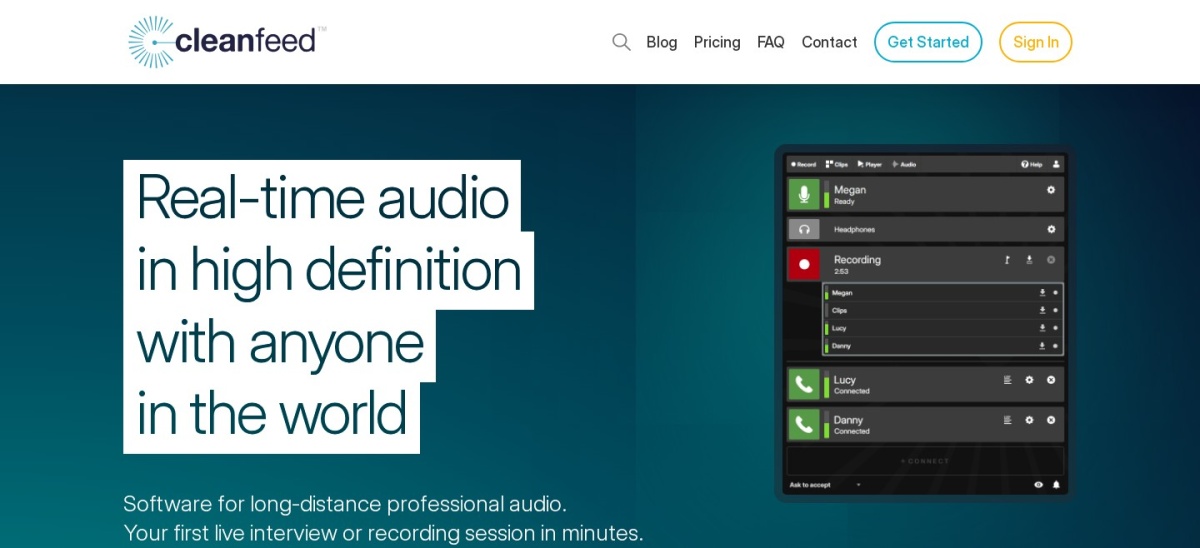
Cleanfeed homepage, captured Nov 2026.
Cleanfeed is a browser-based studio for live, high-quality remote audio, built for broadcasters before podcasters. Its free Lite plan allows unlimited recording time for up to 2 guests in mono, including for commercial use, and Pro adds multitrack recording, stereo audio and audio repair.
The trade off is that it is audio only. There is no video recording below the $2,500-a-year Cinema plan and no editing or hosting, so you edit the WAV files elsewhere. It suits beginners with audio-only interview shows who care most about how the recording sounds.
Free plans cover the basics well. Audacity, GarageBand and Zencastr record and edit at no cost, and Descript, Podcastle and Cleanfeed all offer a free tier.
Paid plans mostly add hours and polish. You get more recording time, 4K video, AI cleanup and hosting, as in Riverside Pro at $24 a month billed yearly.
Start free and pay only when a limit bites. If you run out of Descript media hours or Podcastle recording hours every month, that is the moment a paid plan earns its keep.
Video changes the maths. Our guide on uploading videos to WordPress explains the file sizes a video show creates once you start publishing episodes.
How we chose
We started from the podcast recording tools most often named in 2026 roundups, then kept nine with a live product, a published price and a verifiable rating on G2.
Prices come from each vendor's pricing page, checked on 26 November 2026. Ratings and review counts come from G2 on the same day. Where a vendor shows a sale, the list shows the regular price.
We left out tools with no verifiable rating on G2, Capterra or Trustpilot. No vendor paid for a place, and we do not claim to have used these tools ourselves.
How to choose podcast recording software as a beginner
Start with how you record, then pick the simplest tool that covers it.
Decide solo or with guests. Solo hosts can start free with Audacity or GarageBand. Interview shows need a remote studio such as Riverside, Zencastr or Cleanfeed.
Check the free plan limits first. Count your episodes and their length against the free recording hours. Podcastle allows 1 hour in total on its free plan, while Zencastr has no hour cap.
Pick one editor and learn it. Two editors split your time and your files. Choose Descript for text editing, Audacity for free waveform editing or Alitu for automatic cleanup.
Record a short test episode. A 10-minute test shows whether your microphone, room and guest links work before you commit to a paid plan. See how to add a podcast to WordPress once the test sounds right.
FAQ
What is the best podcast recording software for beginners?
Riverside is the best pick for most beginners. It records each guest locally in up to 4K video and 48kHz audio, so a weak connection does not ruin the sound, and it is rated 4.8 out of 5 on G2. Pro costs $24 a month billed yearly.
Can I record a podcast for free?
Yes. Audacity and GarageBand are completely free, and Zencastr, Descript, Podcastle and Cleanfeed all offer free plans. Free plans cap recording hours or features, so check the limits against how often you publish before you commit to one.
Do I need video for my podcast?
No, audio alone is enough to start, and Cleanfeed and Audacity are audio-only tools. Video helps if you publish clips on social media or YouTube, in which case Riverside, Descript, Podcastle or Zencastr record video as well.
What is the cheapest podcast recording software?
Audacity and GarageBand cost nothing, and Zencastr's free plan covers remote recording for up to 6 guests. Among paid plans, Podcastle Essentials is the cheapest at $11.99 a month billed yearly, followed by Cleanfeed Pro at $12 a month.
Is Descript good for beginners?
Yes, Descript is one of the easiest editors for beginners because you edit audio by editing a transcript. Its free plan includes 1 media hour a month, and Hobbyist costs $16 a month billed yearly. AI tools run on monthly credits, so heavy users may need the Creator plan.
Can I record remote guests for free?
Yes. Zencastr's free plan records up to 6 guests on separate tracks with no hour cap, and Cleanfeed Lite records up to 2 guests free. Riverside now offers a 14-day trial instead of a free plan, so start with Zencastr if you need a permanent free option.
SaaS SEO and WordPress specialist with about 8 years of experience. Rakib compares WordPress plugins, themes, hosting and software using public pricing, documentation and user reviews. See how we rank.