Best Plumbing Service Software in 2026: 9 Tools Compared
WLWPLegible EditorsLast verified 23 Nov 2026How we rank10 min read
★ Short answer
Jobber is the best plumbing service software for most shops, starting at $29 a month billed annually with a 4.6 rating on G2 from 509 reviews. Housecall Pro suits residential teams, and ServiceTitan fits large multi-truck operations.
How we make this list: we compare pricing pages, product documentation and public user reviews, then re-check every price before each update. No product paid for a place. Disclosure.
Jobber starts at $29 a month billed annually, the cheapest entry plan with a full feature set.
ServiceM8 is the only tool with a free plan, covering 1 user and 30 jobs a month.
ServiceTitan and FieldEdge publish no prices, so both need a custom quote.
FieldPulse has the highest G2 rating at 4.7 from 358 reviews, but charges $60 a month per extra user.
Published paid plans run from $29 to $220 a month, with custom quotes above that for the enterprise tools.
What plumbing service software should cover
Plumbing work is a mix of emergency calls, booked installs and repeat maintenance, so the software has to handle all three. A good tool books the job, sends the tech with the right details, and turns the finished work into an invoice before the van leaves.
Price structure matters more than the headline price. Some tools charge per user, some per company, and ServiceM8 charges per job, so a five-person crew can pay very different amounts for the same shortlist.
Getting paid on site is where these tools earn their keep. Most include card payments and invoicing, and our guide on WooPayments vs Stripe compares two common ways to take those payments online.
Ratings in this list come from G2, checked on 23 November 2026. Prices come from each vendor's pricing page where published, and quote-only tools are marked as such.
Jobber is the field service platform most small plumbing shops start with, and it covers the full job from first call to final payment. Core at $29 a month billed annually includes scheduling, quoting, invoicing, online payments and a client hub for one user, with a 14-day free trial and no free plan.
The trade off is that the bill grows with the team. Extra users cost $29 a month each, and automated reminders, QuickBooks Online sync and two-way texting start on Connect at $99 a month billed annually. It suits solo plumbers and small crews who want one simple system.
What we like
Cheapest entry plan in this list at $29 a month
Largest review base here, 509 G2 reviews
Covers quoting, scheduling, invoicing and payments in one place
Watch out for
Extra users cost $29 a month each
Automations and QuickBooks sync need Connect or higher
Housecall Pro is the all-in-one platform for residential home service, built around scheduling, dispatch, estimates and invoicing. Basic at $59 a month billed annually covers one user with online booking, a price book, job costing and review management, and every plan includes a free mobile app.
The trade off is the upsell path. GPS tracking, flat-rate pricing and QuickBooks Online sync start on Essentials at $149 a month billed annually, and the page offers 50% off the first 3 months, so budget on the regular price. It suits growing shops that want marketing and dispatch in one place.
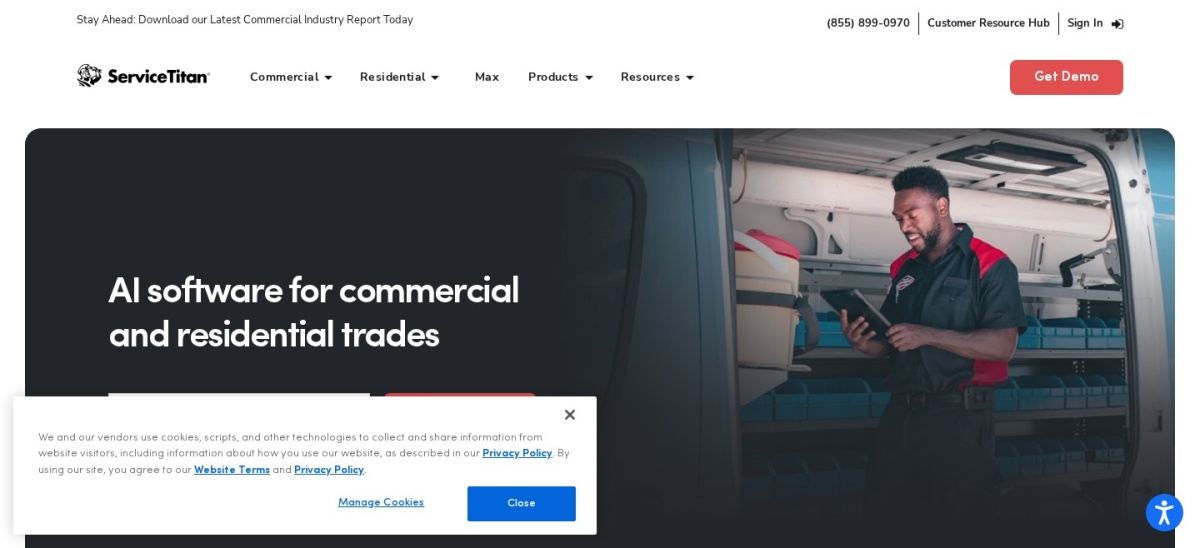
ServiceTitan is the platform for large plumbing operations, with scheduling, dispatching, call booking, invoicing, a price book and reporting on its Core plan. It adds payroll, commission tracking, memberships and mobile estimates, and its higher tiers add AI tools for demand, field work and office automation.
The trade off is price and setup. ServiceTitan publishes no prices, so every quote is custom, and implementation is a project rather than a sign-up. It suits multi-truck shops that can use its reporting depth and AI features to cover the cost.
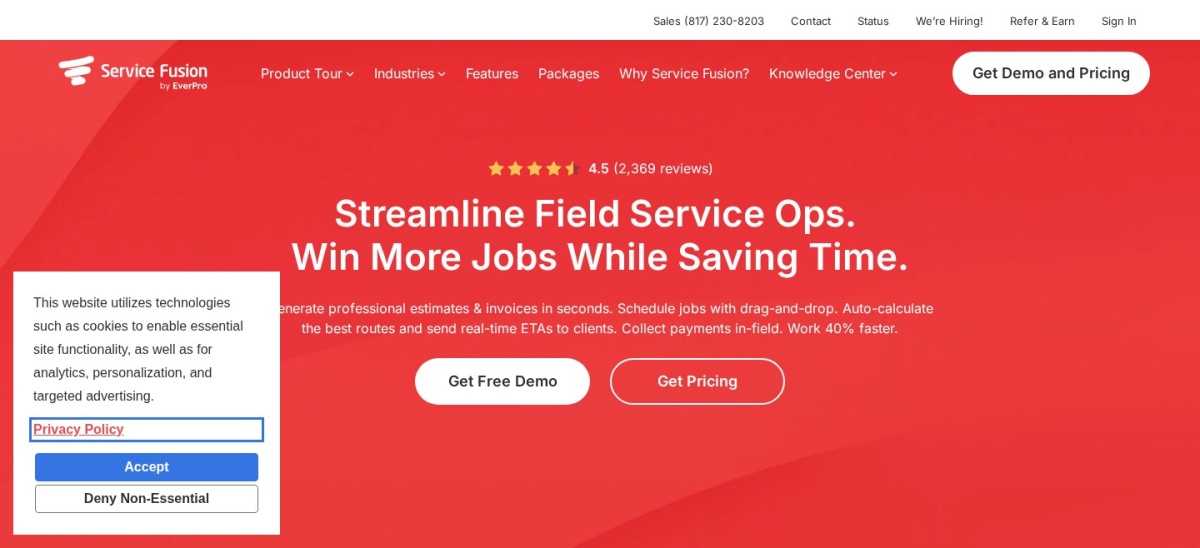
Service Fusion is a flat-rate platform that charges per company, not per user, so the price stays the same as the crew grows. Starter at $220 a month billed annually includes unlimited users, scheduling and dispatch, estimates, invoicing, QuickBooks sync and project management.
The trade off is that the extras are add-ons. Job costing, inventory management, job photos and GPS fleet tracking cost extra on Starter, and there is no free trial, only a demo. It suits mid-size shops with big crews that want one flat bill.
What we like
Flat rate with unlimited users
QuickBooks Online and Desktop sync
Job costing and inventory on Plus
Watch out for
No free trial, demo only
GPS tracking and job costing are add-ons on Starter
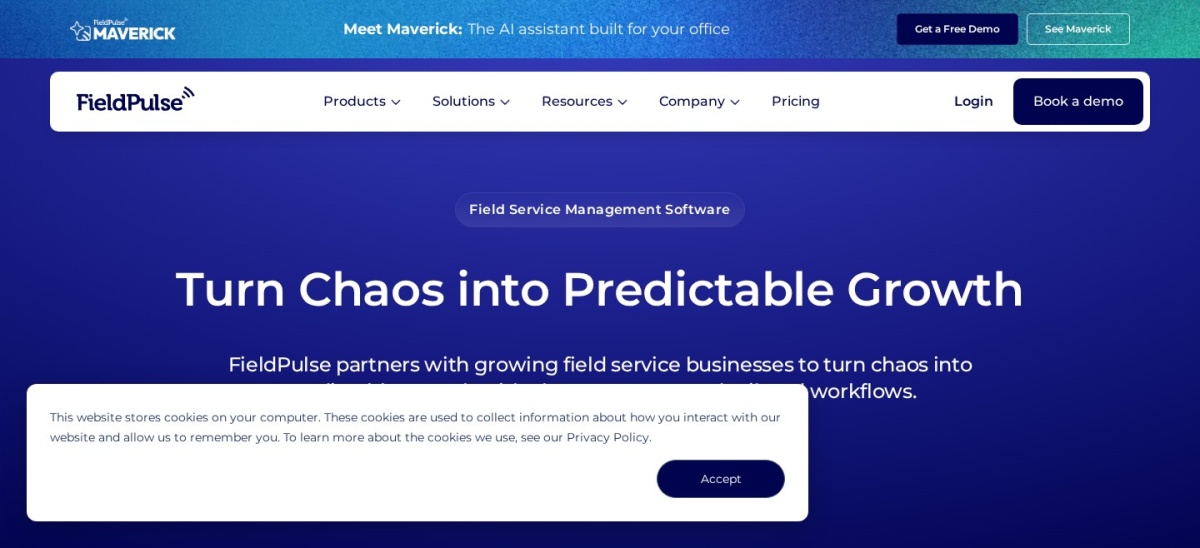
FieldPulse is a per-user platform for shops that want deep control over their workflows, with scheduling, work orders, estimates and invoicing. Essentials at $99 a month covers the first user, with a flat-rate price book, QuickBooks sync, inventory and an offline mode for the field.
The trade off is the seat bill. Each extra user costs $60 a month, so a five-person crew pays far more than on a flat-rate plan, and the Pro tier is now quote-only. It suits small crews that need inventory and custom workflows enough to pay per seat.
ServiceM8 is the only tool here with a free plan, and it charges by jobs rather than by people. The free plan covers one user and 30 new jobs a month, while Starter at $29 a month lifts that to 50 jobs with unlimited users, scheduling, quoting, invoicing and AI helpers.
The trade off is the job cap. A busy shop that passes 50 new jobs a month must move to Growing at $79, and its G2 rating of 3.8 from only 16 reviews is the thinnest in this list. It suits solo plumbers and small crews with steady, modest job volume.
Kickserv is a low-cost flat-rate option that packs five users into its cheapest plan. Start at $48 a month billed annually covers five users with scheduling, dispatch, estimates, invoicing, automated email and text reminders, time tracking and QuickBooks Online, plus a 30-day free trial.
The trade off is depth. Dispatch mapping and GPS check-ins start on Run at $119 a month, and QuickBooks Desktop sync is a $50 a month add-on. It suits small teams that want a cheap, simple system and do not need advanced dispatch tools.
FieldEdge is a per-user platform for small to mid-size contractors, with a dispatch board, a flat-rate price book and tight QuickBooks sync. It covers scheduling, service agreements, equipment tracking and invoicing, and its mobile app is built for technicians working in the field all day.
The trade off is that pricing is quote-only. User reports put it near $100 a month per office user and $125 per technician, with setup reported at $500 to $2,000, so get a written quote first. It suits shops that live in QuickBooks and want a capable dispatcher.
mHelpDesk is a simple work-order platform for small crews that want the basics done well. Pro at $169 a month covers three users with scheduling, work orders, invoicing and QuickBooks sync, plus an offline mode for jobs in basements and other dead zones.
The trade off is the ceiling. There is no GPS tracking, no customer portal and no service-agreement tools, and the next tier jumps to $249 a month for eight users. It suits small shops that need offline access and little else.
Only ServiceM8 has a real free plan, with one user and 30 new jobs a month. The rest offer a free trial instead, from 14 days at Jobber and Housecall Pro to 30 days at Kickserv.
Free trials are the honest way to compare these tools. Book a few real jobs, send an invoice and check the mobile app on a weak signal before you pay.
Paid plans mostly add users, automation and integrations. Job costing, GPS tracking and QuickBooks sync are the features most often held back for higher tiers.
How we chose
We started from the field service platforms plumbers actually use, then kept nine with published prices or a clear quote process and a real review base on G2.
Prices come from each vendor's pricing page, checked on 23 November 2026. Ratings come from G2 on the same day. Where a vendor shows a sale, the list shows the regular price.
We left out tools with no usable review base and tools aimed only at general contractors. No vendor paid for a place, and we do not claim hands-on testing for this list.
How to choose plumbing service software
Start with your crew size and how you bill, then check the trial on real jobs.
Count the seats you actually need. Per-user tools get expensive fast past five people, while flat-rate plans like Service Fusion and Kickserv stay the same as you hire.
Check the price book and invoicing. Plumbing quotes need flat-rate pricing and parts lists. Make sure your pick handles both before you commit.
Run the trial on real jobs. Book, dispatch, invoice and take a payment during the trial, and test the mobile app where the signal is weak.
Ask for the full quote in writing. For quote-only tools, get the per-user rate, setup fee and contract length in writing before you sign.
FAQ
What is the best plumbing service software?
Jobber is the best pick for most plumbing shops. It starts at $29 a month billed annually, covers scheduling, quoting, invoicing and payments, and holds a 4.6 rating on G2 from 509 reviews.
How much does plumbing service software cost?
Published entry prices run from $29 a month for Jobber and ServiceM8 to $220 a month for Service Fusion. ServiceTitan and FieldEdge publish no prices and quote per business, so their cost depends on crew size and setup.
Is there free plumbing service software?
ServiceM8 is the only tool here with a free plan, covering one user and 30 new jobs a month. The others offer free trials instead, from 14 days at Jobber and Housecall Pro to 30 days at Kickserv.
Do I need QuickBooks with plumbing software?
Not always, but most shops use it. Jobber, Housecall Pro, Service Fusion, FieldPulse, FieldEdge and mHelpDesk all sync with QuickBooks, though some only include the sync on higher plans.
What is the best software for a solo plumber?
Jobber Core or ServiceM8 Starter both cost $29 a month, and ServiceM8 also has a free plan for up to 30 jobs a month. Pick Jobber for the wider feature set and ServiceM8 if your job volume stays low.
Does plumbing software work offline?
Some tools do. FieldPulse and mHelpDesk both offer an offline mode for jobs in basements and other dead zones, while most others need a signal to update the schedule and invoices.