Expensify is the best platform to automate expense reports for most teams, with SmartScan receipt capture, Collect at $5 per user a month, and a 4.5 out of 5 rating from 5,664 G2 reviews. Pick Ramp for free card-led spend control, or Zoho Expense for the lowest paid plan at $3 per user a month.
How we make this list: we compare pricing pages, product documentation and public user reviews, then re-check every price before each update. No product paid for a place. Disclosure.
Expensify leads on receipt capture: SmartScan reads photos and emailed receipts, and Collect is $5 per user a month with unlimited scans.
Ramp and Brex both rate 4.8 out of 5 on G2, the highest in this list, and both start free with their own corporate cards.
Zoho Expense has the lowest paid plan at $3 per user a month, with a free plan for up to 3 users.
Navan gives the first 5 expensing users free, then charges $15 per user a month, and suits teams that also book travel.
SAP Concur is the enterprise pick at $7 a month on a usage basis, but its 4.0 rating is the lowest here.
What expense report automation should do
An expense report used to mean a pile of paper receipts and a spreadsheet at month end. A good platform removes that work: it reads the receipt, codes the spend, routes it to the right approver and sends it to your accounting software.
Receipt capture is the first thing to check. The best tools read a photo or a forwarded email and fill in the amount, date and vendor, so staff only check the result instead of typing it in.
Approvals and policy rules come next. A platform should flag out-of-policy spend before it is approved, not after the money is gone. Our guide on creating an invoice in WooCommerce shows the same idea on the sales side: record the document once and let the software carry it.
Price is the last filter, not the first. Most tools in this list charge per user per month, from $0 to $15, while Concur charges on a usage basis and Pleo charges per user with a 3-user minimum. Add up the cost at your real headcount before you pick.
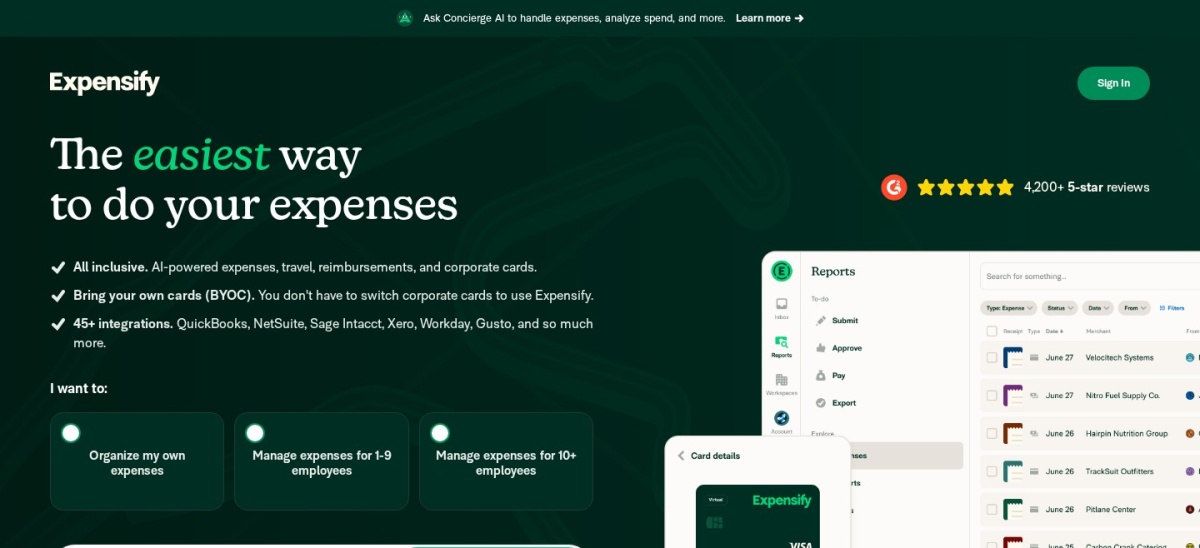
Expensify is an expense management app built around SmartScan, which reads a receipt photo or a forwarded email and turns it into a coded expense. The free Submit plan covers one user with receipt scanning, mileage tracking and expense reports, while Collect at $5 per user a month adds unlimited SmartScans, reimbursements and QuickBooks and Xero sync.
The trade off is price creep for larger teams. Control, with multi-level approvals and NetSuite and Sage Intacct sync, costs $18 per user a month on an annual plan, or $36 pay-per-use, though the Expensify Card can cut it to $9. It suits small teams that want fast capture and simple approvals without a new card program.
What we like
SmartScan reads photos and emailed receipts
Free plan for one user; Collect is $5 per user a month
Works with the cards you already have
Syncs with QuickBooks Online, Xero and NetSuite
Watch out for
Control jumps to $18 per user a month on annual billing
Collect bills for every member, even with no expenses that month
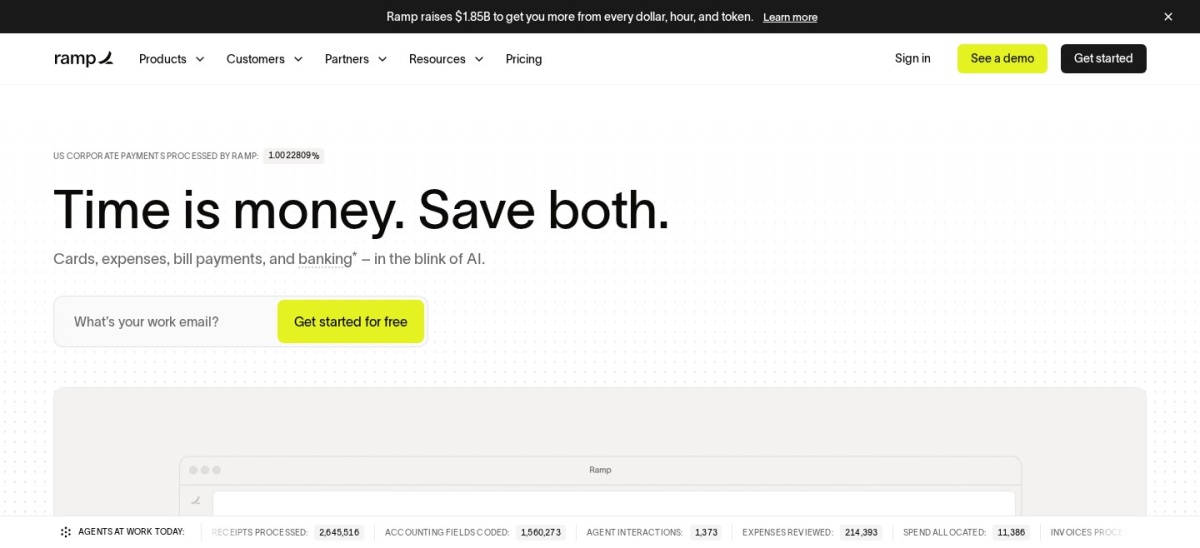
Ramp is a finance platform that pairs corporate cards with expense automation. Receipts are matched to card spend as it happens, expenses are coded by rules you set, and the free plan covers cards, expense reports and QuickBooks and Xero sync with no per-user fee.
The trade off is the card. Ramp works best when spend runs through Ramp cards, and the Plus plan at $15 per user a month adds a platform fee on top. It suits growing teams that will switch cards to get approvals and budgets in one place.
What we like
Free plan with no per-user fee
Receipts matched to card spend automatically
Highest G2 rating in this list at 4.8 out of 5
Strong approval and budget controls
Watch out for
Best features assume you use Ramp cards
Plus adds a platform fee besides the $15 per user
US-focused, with limited options outside the US
Plus adds NetSuite, Sage Intacct and approval workflowsVisit ramp.com
03
Brex
4.8/5on G2 (1,616 reviews, checked Nov 2026)
Paid from$12/user/mo
Best free base plan for growing teams
Receipt captureAuto from card spend
Free planYes, Essentials
Cheapest paidPremium, $12/user/mo
Accounting syncQuickBooks, NetSuite
brex.com
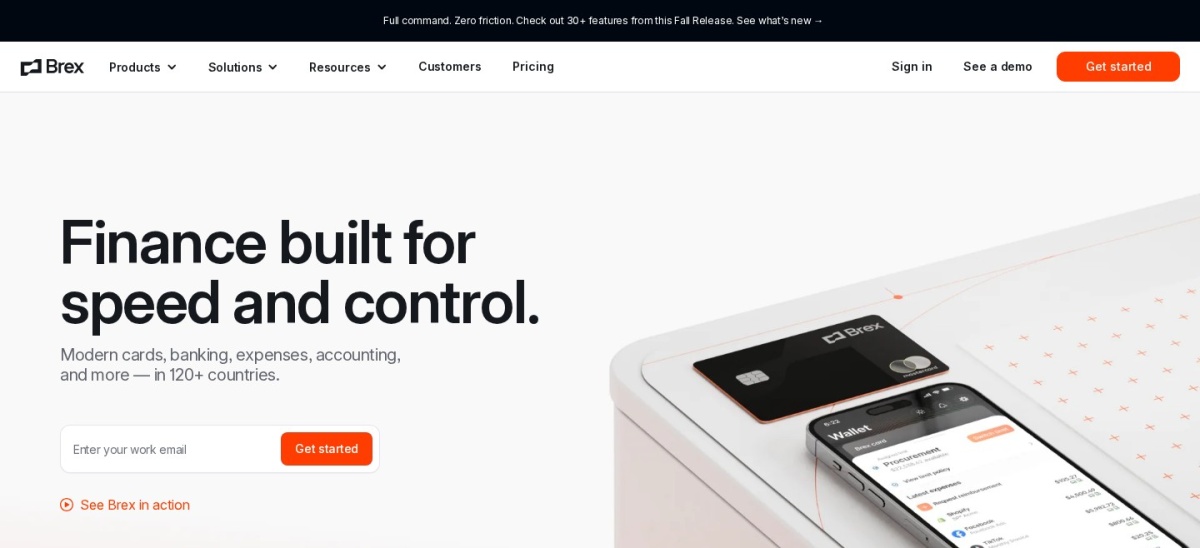
Brex homepage, captured Nov 2026.
Brex is a corporate card and spend platform with expense reports built in. The free Essentials plan covers cards, bill pay, reimbursements and accounting sync, while receipt capture and approvals run from the card transaction, so staff rarely type in an expense.
The trade off is control depth on the free plan. Custom expense policies, live budgets and advanced integrations need Premium at $12 per user a month. It suits startups and mid-size teams that want cards, travel and expenses on one free base plan.
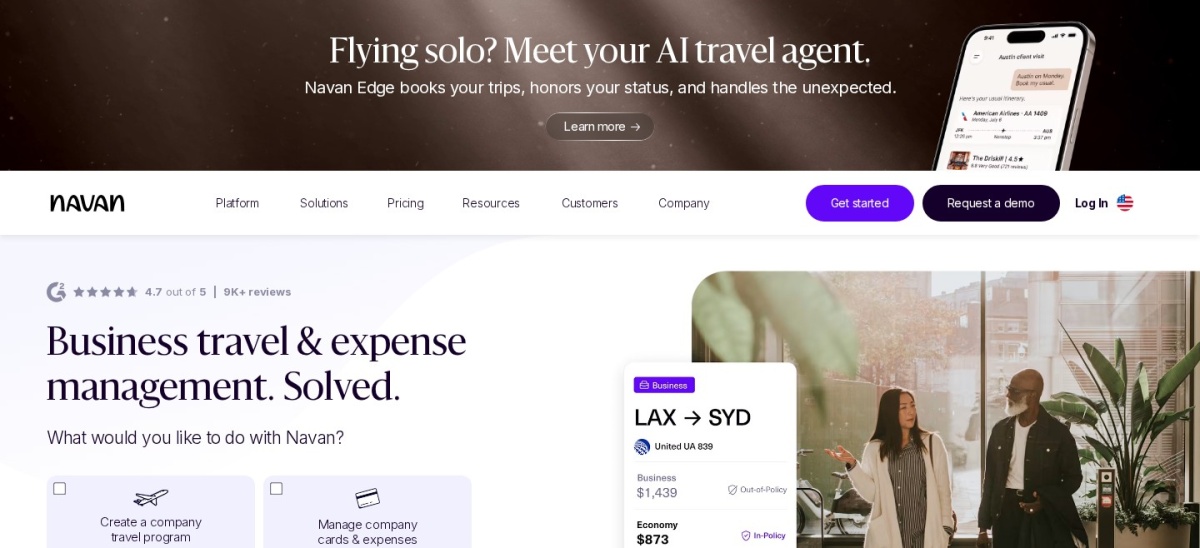
Navan is a travel and expense platform that pairs booking with expense reports. Trips, cards and receipts sit in one place, the first 5 monthly expensing users are free, and expense costs $15 per user a month after that, with receipt scanning and reimbursements included.
The trade off is that expense is the second act. Navan started as a travel tool, and teams that never book travel pay for booking features they will not use. It suits companies where travel is the largest expense category.
What we like
Travel and expense in one platform
First 5 expensing users free
9,704 G2 reviews, the largest sample here
24/7 support on the Business plan
Watch out for
Expense costs $15 per user a month after 5 free users
Travel prices can run higher than booking direct
Enterprise plan is quote-only
Business covers travel and expense up to 300 staffVisit navan.com
05
Zoho Expense
4.5/5on G2 (1,609 reviews, checked Nov 2026)
Paid from$3/user/mo
Best low-cost expense automation
Receipt captureAutoscan, 20 free
Free planYes, up to 3 users
Cheapest paidStandard, $3/user/mo
Accounting syncZoho Books, QuickBooks
zoho.com
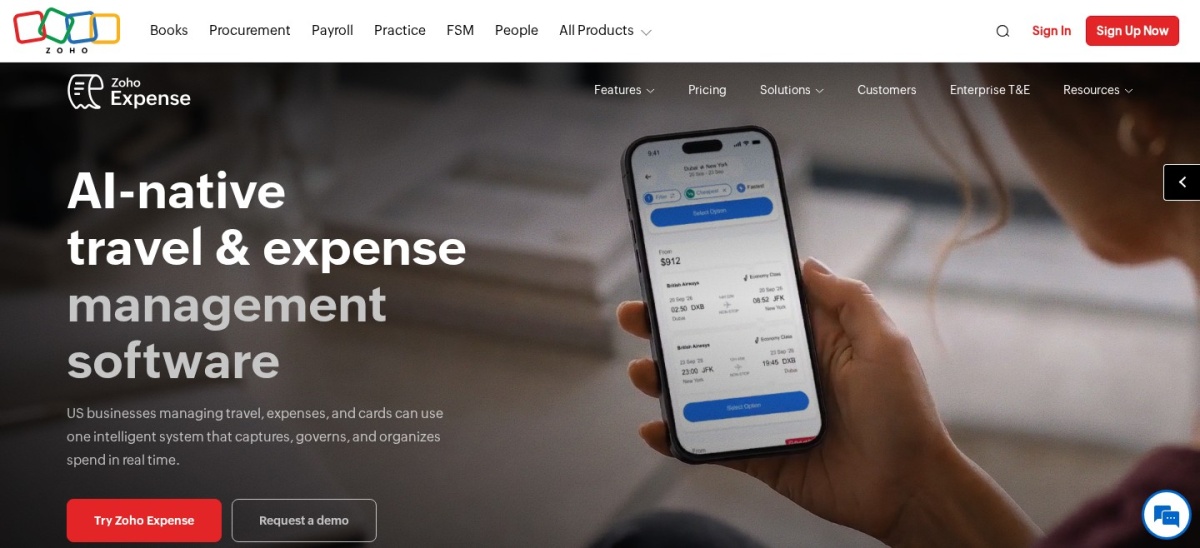
Zoho Expense homepage, captured Nov 2026.
Zoho Expense is a standalone expense tool that automates reports, approvals and mileage without forcing a card switch. The free plan covers up to 3 users with receipt autoscans and mileage tracking, and Standard at $3 per user a month adds corporate card reconciliation and multi-level approvals.
The trade off is scale. The free plan caps autoscans at 20, and travel requests and per diem automation need Premium at $5 per user a month. It suits small teams and Zoho Books users that want the lowest paid price in this list.
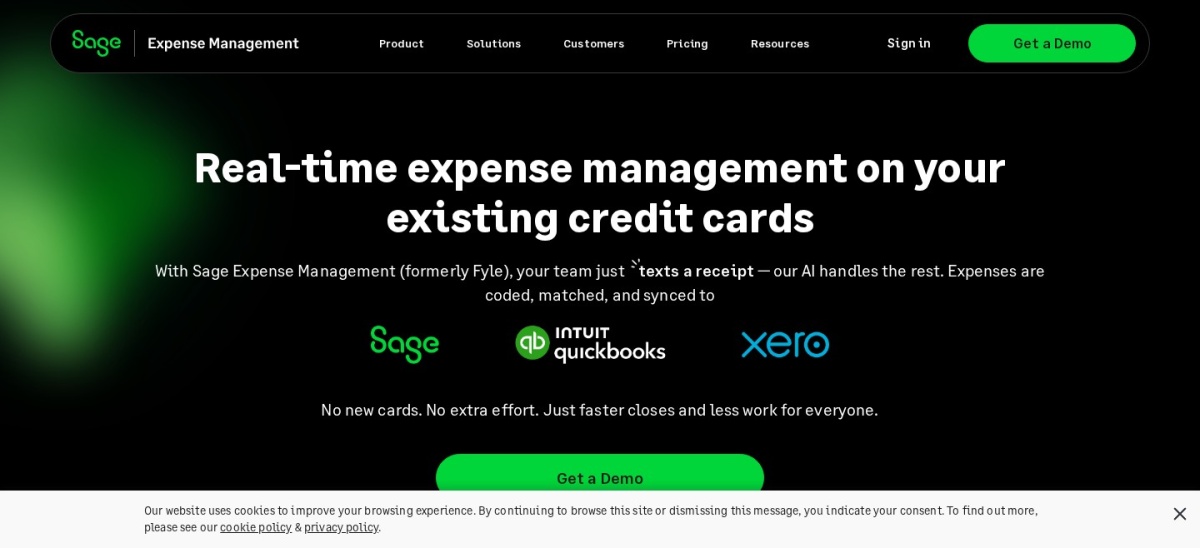
Sage Expense Management homepage, captured Nov 2026.
Sage Expense Management, formerly Fyle, automates expense reports around the cards and accounts you already use. Staff text or email a receipt photo and the expense is coded in real time, with two-way sync to QuickBooks, Xero, NetSuite and Sage Intacct.
The trade off is the entry price. Growth starts at $11.99 per active user a month on annual billing, with a 5-user minimum, and there is no free plan. It suits finance teams that want card-free automation with strong accounting sync.
Pleo is a spend platform that pairs company cards with automated expense reports. Staff pay with a physical or virtual Mastercard, snap the receipt at the till, and finance sees the coded expense at once, with approvals and limits set per employee.
The trade off is price and reach. Build costs $12 per user a month on annual billing, or $14 month to month, with a 3-user minimum, and the US version is lighter than the European one, with no direct reimbursements. It suits European teams that live on company cards.
BILL Spend & Expense is a free card and expense platform with budgets, virtual cards and AI receipt matching. There is no per-user fee, so adding employees costs nothing in software, and it syncs with QuickBooks, NetSuite, Sage Intacct and Xero.
The trade off is scope. The free plan centres on BILL cards and budgets, and deeper AP and AR automation sits in paid BILL plans from $49 per user a month. It suits small businesses that want full expense automation for $0 in software fees.
What we like
Free with no per-user fees
Budgets and virtual cards included
AI receipt matching and approvals
Rated 4.5 out of 5 from 2,261 G2 reviews
Watch out for
Works best with BILL cards and credit lines
AP and AR automation costs extra
Reimbursement workflows are thinner than Expensify
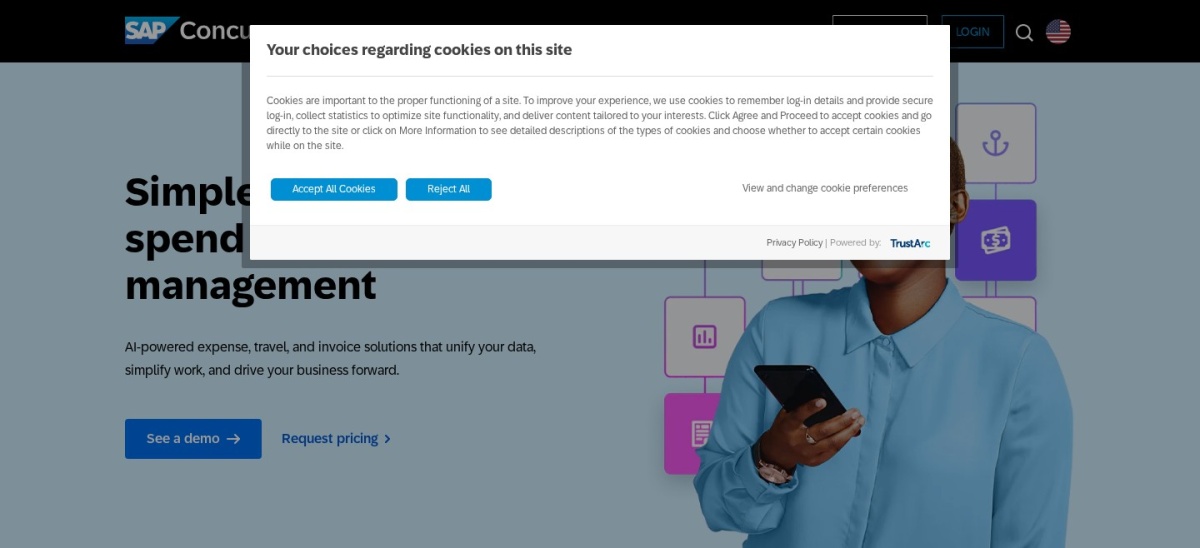
SAP Concur is the enterprise standard for travel and expense automation. It reads receipts, applies policy rules, routes approvals and handles mileage and per diem, with deep ERP integrations and reporting for large, global teams.
The trade off is cost and complexity. Base starts at $7 a month on a usage basis, setup takes longer than the smaller tools here, and its 4.0 G2 rating is the lowest in this list. It suits large companies with complex travel and compliance needs.
Card-led tools such as Ramp, Brex, BILL and Pleo automate the most, because the receipt is matched to a card transaction the moment it happens. The catch is that you move your spending to their cards.
Card-free tools such as Expensify, Zoho Expense and Sage Expense Management work with the cards you already carry. They automate capture, coding and approvals, but they cannot control spend before it happens.
Pick the card route if you are setting up spend controls from scratch. Pick the card-free route if your team already has cards it likes and you only want the paperwork gone.
How we chose
We started from the expense management tools with the largest G2 review counts and published US pricing, then kept the nine that automate receipt capture, approvals and reporting.
Prices come from each vendor's pricing page and G2 pricing data, checked on 26 November 2026. Ratings and review counts come from G2 on the same day. Where a vendor shows a sale or a card discount, the list shows the regular price.
We left out quote-only tools such as Spendesk and Airbase, because readers cannot compare a price the vendor does not publish. No vendor paid for a place, and we do not claim to have used these tools ourselves.
How to choose an expense report platform
Start with how your team already pays, then match the tool to that habit.
Work out whether you want a new card. Ramp, Brex, BILL and Pleo centre on their own corporate cards. If you want to keep your current cards, pick a card-free tool such as Expensify, Zoho Expense or Fyle.
Count the people who submit expenses. Most tools charge per user per month, so a $15 plan costs $180 a year for each submitter. Free plans and per-report pricing change the maths for occasional spenders.
Check the accounting sync you need. QuickBooks and Xero sync is common, but NetSuite and Sage Intacct usually need a higher plan. Confirm your system is on the plan you would buy.
Run a short trial with real receipts. Ask a few staff to submit real expenses for two weeks and watch how many need fixing by hand. The tool with the fewest corrections wins.
FAQ
What is the best platform to automate expense reports?
Expensify is the best pick for most teams. SmartScan reads receipts in seconds, Collect costs $5 per user a month, and it is rated 4.5 out of 5 from 5,664 G2 reviews. Ramp is the better choice if you want free card-led spend control instead.
Can I automate expense reports without a corporate card?
Yes. Expensify, Zoho Expense and Sage Expense Management work with the cards you already carry and still automate receipt capture, coding and approvals. Card-led tools such as Ramp and Brex automate more, but only if you switch your spending to their cards.
How much does expense report software cost?
Paid plans in this list run from $3 to $15 per user a month, with BILL Spend & Expense free and SAP Concur from $7 on a usage basis. Most teams pay between $36 and $180 per user a year, plus any card or platform fees the vendor adds.
Do these tools sync with QuickBooks and Xero?
Yes, all nine sync with QuickBooks or Xero on at least one plan. NetSuite and Sage Intacct sync usually needs a higher plan, such as Expensify Control or Ramp Plus, so check the plan you would buy before you commit.
What is the cheapest way to automate expense reports?
BILL Spend & Expense is free, with no per-user fee, and Zoho Expense is the cheapest paid option at $3 per user a month. Both automate receipt capture and approvals, but BILL works best with its own cards and Zoho caps free autoscans at 20.
Is SAP Concur worth it for a small business?
Usually not. Concur suits large teams with complex travel, multi-entity spend and strict compliance rules. Small teams get the same core automation from Expensify at $5 per user a month or Zoho Expense at $3, with far simpler setup.
SaaS SEO and WordPress specialist with about 8 years of experience. Rakib compares WordPress plugins, themes, hosting and software using public pricing, documentation and user reviews. See how we rank.