Best Platform for Portfolio Website in 2026: 9 Tools Compared
WLWPLegible EditorsLast verified 23 Nov 2026How we rank12 min read
★ Short answer
Squarespace is the best platform for a portfolio website for most people, with design-led templates and a 14-day trial at $19 a month billed yearly. Pick Pixpa at $5.40 a month for client galleries and a zero-commission store, or WordPress.com Personal at $4 a month if budget matters most.
How we make this list: we compare pricing pages, product documentation and public user reviews, then re-check every price before each update. No product paid for a place. Disclosure.
Squarespace is the top pick at $19 a month billed yearly, rated 4.4/5 on G2 from 1,137 reviews.
WordPress.com Personal is the cheapest paid plan at $4 a month billed yearly, and Pixpa Basic is $5.40 a month.
Pixpa is the only pick with client galleries and a zero-commission store on its cheapest plan.
Format and SmugMug are built for photographers, but SmugMug's cheapest plan costs $20 a month.
Cargo's G2 rating rests on only 2 reviews and Format's on 24, so treat those two scores with care.
What a portfolio platform should cover
A portfolio site has one job: make the work look good and make it easy to hire you. That means large images, fast loading and a layout that stays out of the way.
Start with templates and image limits. A builder with strong portfolio templates saves hours, and a cap of 70 images, as on Format Basic, fills up fast if you shoot a lot.
A custom domain matters once the site is public. Every paid plan here lets you use your own domain, and our guide on how much a domain name costs shows what to expect after the free first year.
If you sell prints or take bookings, check the selling rules before you buy. Some builders charge a fee on every sale, and some keep print sales on a higher plan.
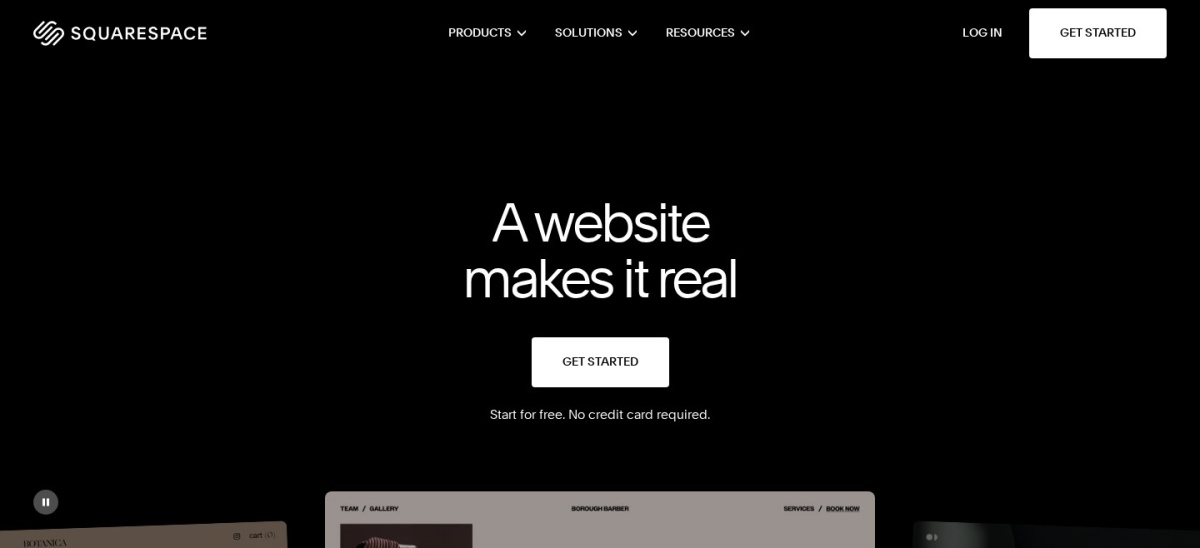
Squarespace is a design-led website builder with some of the best-looking portfolio templates in this list. Every plan includes hosting, unlimited bandwidth, built-in SEO tools and a free custom domain for the first year on annual billing. A 14-day trial needs no card, and the Basic plan at $19 a month billed yearly lets you sell work with a 2% transaction fee.
The trade off is price and flexibility. There is no free plan, Basic costs more than most rivals here, and the editor gives you less control than Webflow or Framer. It suits photographers, designers and studios who want a polished portfolio live fast without touching code.
What we like
Strongest portfolio templates in this list
Free custom domain for the first year on annual plans
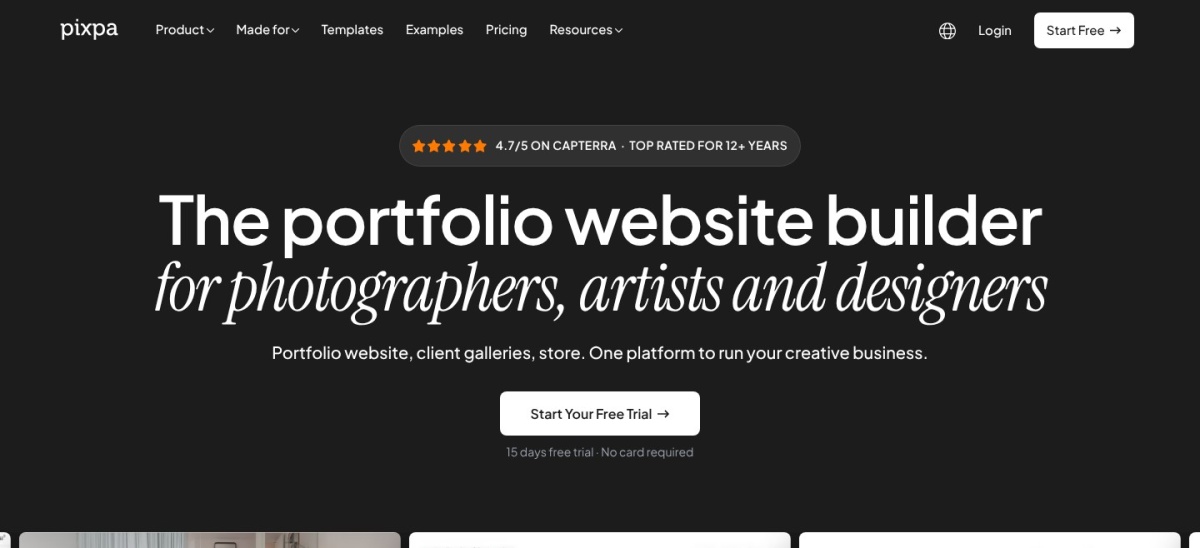
Pixpa is a portfolio builder made for photographers, artists and designers who also sell their work. The Basic plan at $5.40 a month billed yearly includes 200+ templates, client galleries, a blog and a store with 0% commission on sales. Support is 24/7 live chat with a real person, and a 15-day trial needs no card.
The trade off is the Basic plan's caps. It allows 10 pages, 200 images and 3 store products, so a large portfolio or shop needs the Creator plan at $9 a month. It suits working creatives who want a portfolio, proofing galleries and a store on one subscription.
What we like
Cheapest full portfolio, gallery and store bundle here
0% commission on sales on every plan
Client galleries included from the cheapest plan
24/7 live chat with a real person
Watch out for
Basic caps at 10 pages and 200 images
Only 3 store products on Basic
Smaller template and app ecosystem than Wix
Creator at $9 a month lifts the page and image capsVisit pixpa.com
03
Wix
4.2/5on G2 (1,889 reviews, checked Nov 2026)
Paid from$17/mo
Best free starting point
Free planYes, with Wix ads
Storage2 GB on Light
Templates2,000+
Paid planLight, $17/mo
wix.com
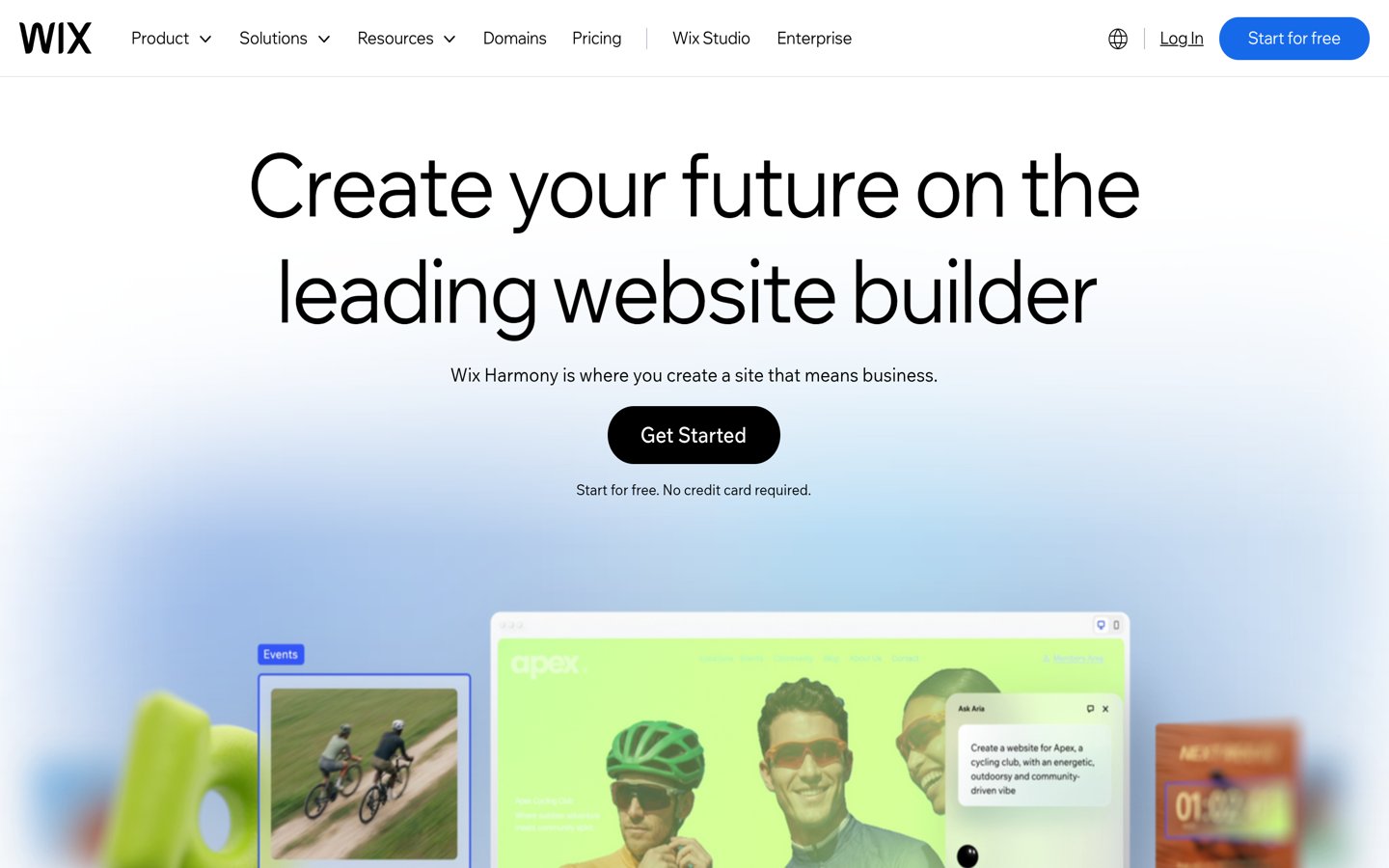
Wix homepage, captured Nov 2026.
Wix is the most flexible builder here, with a free plan and more than 2,000 templates to start from. The free plan runs on a Wix subdomain with Wix ads, while Light at $17 a month billed yearly adds a custom domain, removes the ads and includes 2 GB of storage and 2 collaborators.
The trade off is selling. Light has no ecommerce, so you need Core at $29 a month to take payments, and you cannot switch templates after you build. It suits beginners who want a free way to start and a low-cost upgrade path when the portfolio is ready.
What we like
Free plan to build and publish a draft
Largest template library in this list
Drag-and-drop editor with AI setup help
Wide app market for bookings and forms
Watch out for
Light has no ecommerce at all
Cannot switch templates after building
Costs add up once apps and extras are included
Core at $29 a month adds payments and 50 GB of storageVisit wix.com
04
Webflow
4.4/5on G2 (1,850 reviews, checked Nov 2026)
Paid from$14/mo
Best design control
Free planYes, Starter
CMSFrom $23/mo plan
Pages150 on Basic
Paid planBasic, $14/mo
webflow.com
Webflow homepage, captured Nov 2026.
Webflow is a visual builder that gives designers CSS-level control without writing code, and it outputs clean, fast sites. The free Starter plan lets you build on a webflow.io subdomain, and Basic at $14 a month billed yearly adds a custom domain, 150 static pages and 10 GB of bandwidth.
The trade off is the learning curve. Webflow takes longer to learn than Squarespace or Wix, and a real CMS needs the $23 a month plan, with team seats billed separately. It suits designers and studios who want full control over every layout detail.
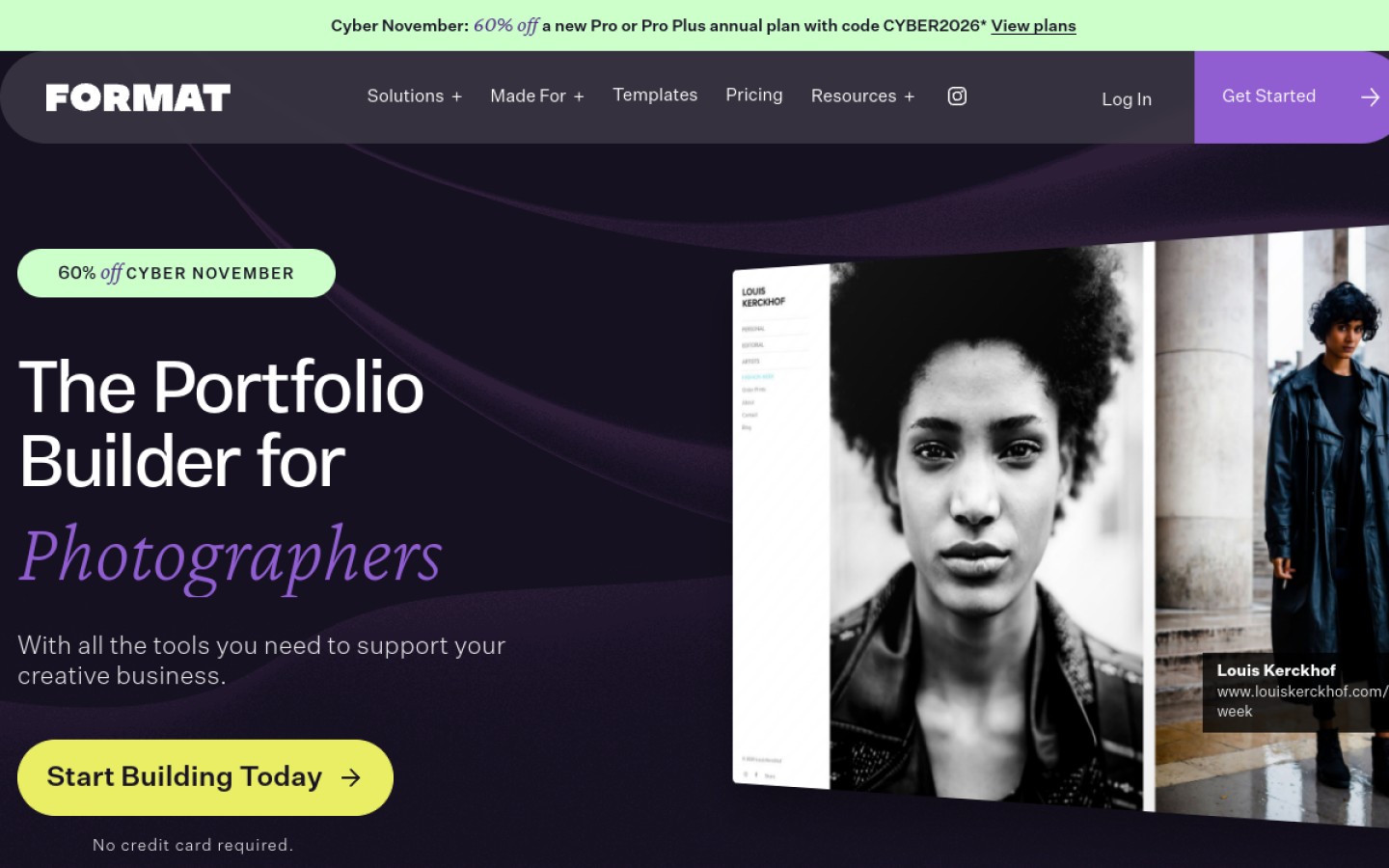
Format is a portfolio builder made for photographers, with templates built around image work rather than business layouts. The Basic plan at $10 a month billed yearly covers 10 pages and 70 high-resolution images, plus client galleries, Lightroom integration and a free custom domain for the first year.
The trade off is the caps. Seventy images fill up fast, and the next step is Pro at $17 a month, with a 60% off first-year offer running at the time of writing. It suits photographers who want proofing galleries and a clean, photo-first site.
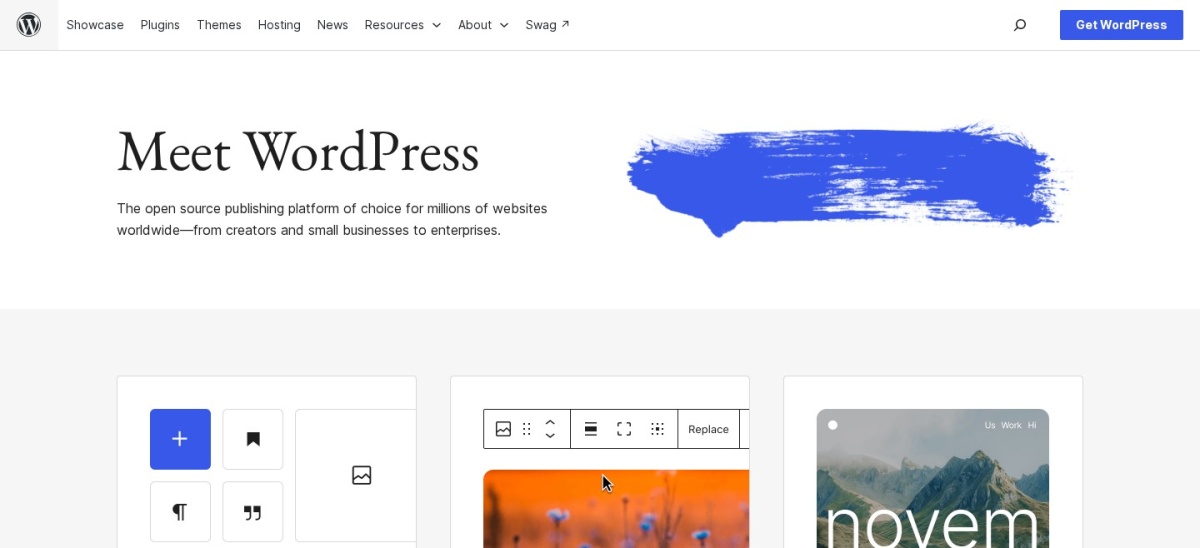
WordPress.com is the hosted version of WordPress, and its Personal plan is the cheapest paid plan in this list at $4 a month billed yearly. It includes a custom domain free for the first year, no visitor ads, 6 GB of storage and installs from more than 60,000 plugins. A free plan runs on a wordpress.com subdomain.
The trade off is renewal and depth. Personal renews at $5 a month, and real-time backups, staging and priority support wait for Business at $25 a month. It suits anyone who wants the cheapest start and the largest plugin and theme ecosystem behind their portfolio.
What we like
Cheapest paid plan in this list
Largest plugin and theme ecosystem
Free plan for a draft site
Managed hosting with SSL and CDN included
Watch out for
Personal renews at $5 a month
Backups and staging need Business at $25 a month
Portfolio templates are less polished than Squarespace
Framer is a design-first builder with a Figma-like canvas, smooth animations and an AI design agent that drafts pages from a prompt. The free plan publishes one site on a framer.site subdomain, and Mini at $5 a month adds a custom domain and 1,000 page views a month.
The trade off is scale. Mini's 1,000 monthly views suit a quiet portfolio only, and CMS collections need Pro at $30 a month. It suits designers who want a fast, modern portfolio and are happy to keep the content mostly static.
What we like
Fast to build a polished, animated site
Figma-like canvas designers already know
Free plan publishes a real site
Custom domain from only $5 a month
Watch out for
Mini caps at 1,000 page views a month
CMS collections need Pro at $30 a month
Weak for blogs and large content sites
Basic at $15 a month adds password protection and more editorsVisit framer.com
08
Cargo
4.3/5on G2 (2 reviews, checked Nov 2026)
Starts at$14/mo
Best art-directed layouts
Free planFree for students
SitesUnlimited, one price
Custom domain1 included
Paid planSite Builder, $14/mo
cargo.site
Cargo homepage, captured Nov 2026.
Cargo is a minimalist builder for artists, designers and architects, known for editorial, type-led layouts that do not look like templates. One Site Builder plan at $14 a month billed yearly covers one or many public sites, with real-time multi-user editing and one free custom domain connection.
The trade off is scope. There is no blog-first CMS or team tier, and its G2 rating rests on only 2 reviews. It suits solo creatives who want the portfolio itself to look like a piece of design work.
What we like
Most distinctive, editorial layouts here
One price covers many public sites
Real-time multi-user editing included
Flat pricing with no tiers to climb
Watch out for
G2 rating rests on only 2 reviews
No blog-first CMS for regular writing
Commerce is a separate paid add-on
Commerce is a separate add-on from $5.50 a month billed yearlyVisit cargo.site
09
SmugMug
4.2/5on G2 (40 reviews, checked Nov 2026)
Starts at$20/mo
Best for photographers who sell prints
Free planNo, 14-day trial
Photo storageUnlimited
Print salesFrom $23.50/mo
Paid planDirect, $20/mo
smugmug.com
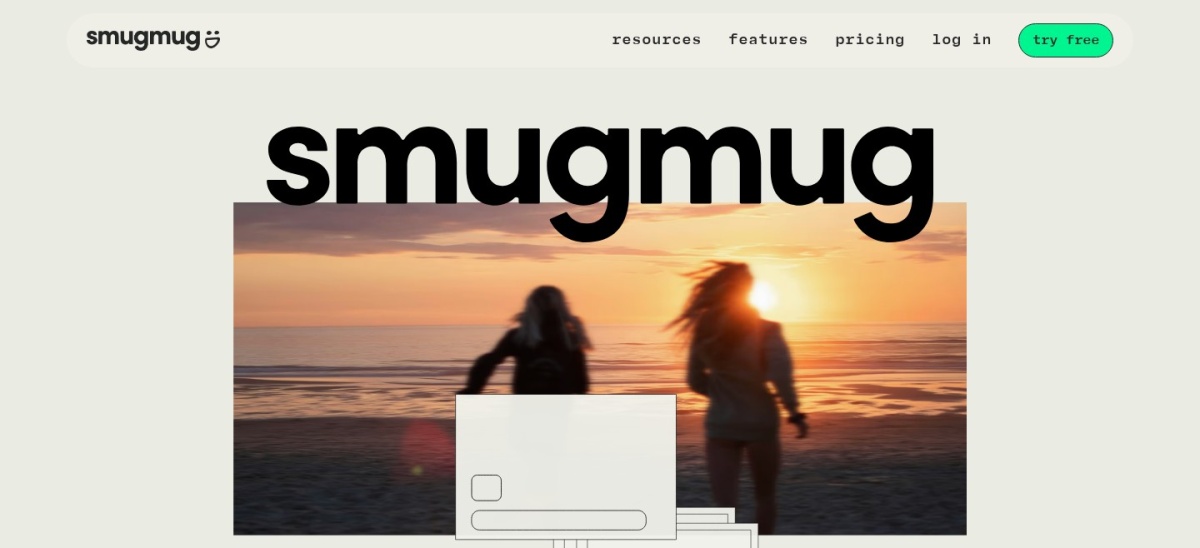
SmugMug homepage, captured Nov 2026.
SmugMug is a photo platform with unlimited storage, portfolio templates, private client galleries and Lightroom integration. The Direct plan at $20 a month billed yearly includes privacy controls, digital delivery and 24/7 support, and a 14-day trial needs no card.
The trade off is cost and selling. Direct is the priciest entry plan here, and print and download sales need Portfolio at $23.50 a month, with RAW storage as a paid extra. It suits photographers who need unlimited storage and a print shop on the same account.
What we like
Unlimited photo storage on every plan
Print lab fulfilment built in
Private client galleries and proofing
Lightroom integration for uploads
Watch out for
Priciest entry plan in this list
Print sales need Portfolio at $23.50 a month
RAW storage costs extra
Portfolio at $23.50 a month adds print and download salesVisit smugmug.com
Free vs paid: what you give up
Free plans are fine for a draft. Wix, Webflow, WordPress.com and Framer all let you publish free, but the site carries the builder's branding or a subdomain.
Paid plans remove the branding and add a custom domain. The cheapest paid plans here cost $4 to $5.40 a month billed yearly, from WordPress.com and Pixpa.
Selling is where free stops. Print sales, a store or client proofing usually need a paid plan, and on Squarespace the cheapest plan still takes a 2% cut of store sales.
If the portfolio earns you work, the first year of a paid plan usually costs less than one missed enquiry.
How we chose
We started from the portfolio builders that appear most often in buyer guides and review sites, then kept nine established platforms with a published price and a public rating.
Prices come from each vendor's pricing page, checked on 23 November 2026, and show the cheapest paid plan billed yearly. Ratings come from G2 or Capterra on the same day. Where a vendor shows a sale, the list shows the regular price.
We left out builders without a clear portfolio focus or a published price. No vendor paid for a place, and we do not claim hands-on testing for this list.
How to choose a platform for your portfolio website
Pick the plan that fits the work you show, not the one with the most features.
Count your images first. A 70-image cap suits a tight edit, not a full archive. If you shoot often, pick a plan with unlimited images or room to grow.
Check the domain and branding. A free plan is fine for a draft, but a portfolio you send to clients should run on your own domain without builder branding.
Decide if you need to sell. Print sales, downloads and bookings sit on higher plans with some builders. See which plan unlocks selling before you commit.
Try the free plan or trial before you pay. Build one real gallery page first. If the editor fights you on the first page, it will fight you on every page after it.
FAQ
What is the best platform for a portfolio website?
Squarespace is the best pick for most people. Its templates are the strongest in this list, it includes hosting and a free custom domain for the first year, and it costs $19 a month billed yearly with a 14-day trial.
What is the cheapest platform for a portfolio website?
WordPress.com Personal at $4 a month billed yearly, or $48 a year. Pixpa Basic is next at $5.40 a month, and Framer Mini costs $5 a month. All three need a paid plan for a custom domain without ads.
Can I build a portfolio website for free?
Yes. Wix, Webflow, WordPress.com and Framer all have free plans. The catch is branding: free sites run on a builder subdomain and show the builder's ads or badge, so most people upgrade before sharing the link widely.
Which portfolio platform is best for photographers?
Format and SmugMug are built for photographers, with client galleries and proofing. Pixpa is the cheaper middle ground, with galleries and a zero-commission store from $5.40 a month. SmugMug suits photographers who also sell prints.
Do I need a blog on my portfolio site?
Not always, but it helps. A blog gives search engines fresh pages and shows how you think, not just what you shot. Webflow, WordPress.com and Pixpa include a blog, while Cargo and Framer are weaker for regular writing.
Can I sell prints from my portfolio website?
Yes, on most of these. Pixpa charges 0% commission on every plan, Squarespace takes 2% on Basic, and SmugMug needs Portfolio at $23.50 a month for print sales. Check the fee and the plan before you list work for sale.